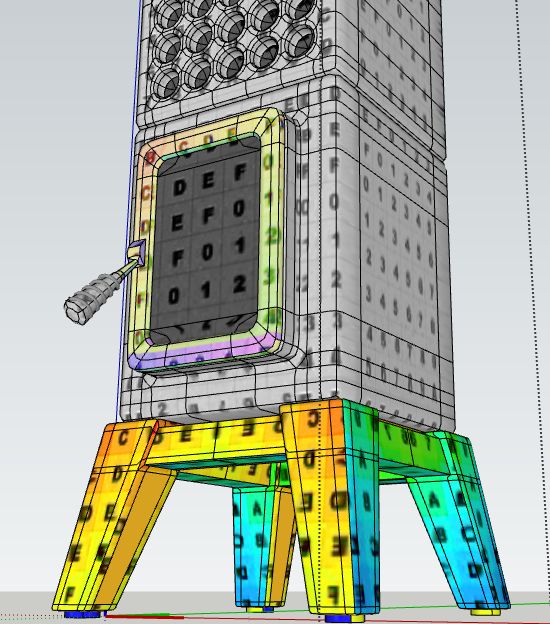
What you're seeing there is beyond SketchUp 's native possibilities. It's commonly used in games though. Have a look here: https://www.youtube.com/watch?v=x9Sz7ygEniI
I never used Vray so can't say if it supports something like that.
What you're seeing there is beyond SketchUp 's native possibilities. It's commonly used in games though. Have a look here: https://www.youtube.com/watch?v=x9Sz7ygEniI
I never used Vray so can't say if it supports something like that.
@thomthom said:
I see the issue now. It's when you offset only one edge.
.. I also noticed another issue, if you pick an edge at the end of your selection the offset is missing an edge...
Both true. Glad you could reproduce the issue. I'm a bit confused nobody has noticed this before. The offset tool itself could be quite useful.
Maybe the new interactive booleans by FLuid could do the trick?
http://www.fluidinteractive.com/products/sketchup-extensions/bool/
@thomthom said:
Hmm... have you submitted the reports? Did you include your name/email other info?
Also, what version of Internet Explorer do you have installed? The error reporting dialog looks odd.
I have submitted only a very few (user name Max). Sometimes it caused an oops-loop and I didn't report those either.
I'm running win7 x64 on my desktop with IE11.0.9600.18449
@thomthom said:
Hmm.... I cannot reproduce on this one either. Can you do a video capture to show your steps?
Here you go - shocking isn't it? I'm thinking I'm wasting your time. There must be something wrong at my end. Although it is strange; only TTlib2, QFT, Selection toys installed (all fresh from SketchUcation tools & TTlib2 from Extension warehouse). SU-pro 16.1.1449 64 bit.
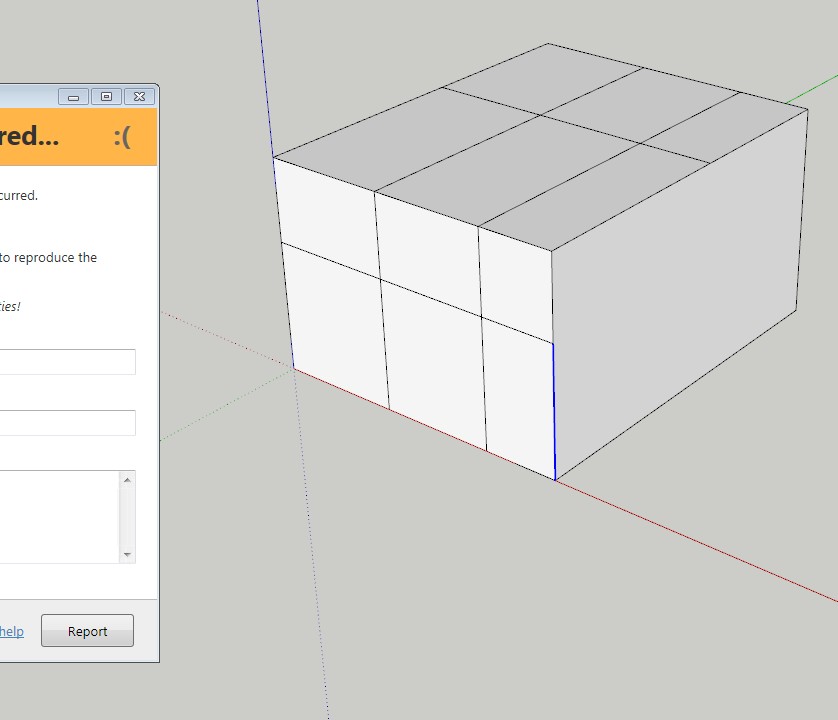
Edit + pic: it also crashes after adding a few loops and at some point it doesn't detect the loop anymore (blue line) and...ooops
I'm using
QFC 0.12.0
TTlib 2.10.6
I attached a file. The shape doesn't really matter though - sometimes it crashes on me on a simple box...
Edit 10-10-2016: just cleaned my plugin directory. Installed TT_lib2, QFT, Selectiontoys and tested again. Same crashes so I would suspect no clashing plugins.
@thomthom said:
Got a sample model? Screenshot?
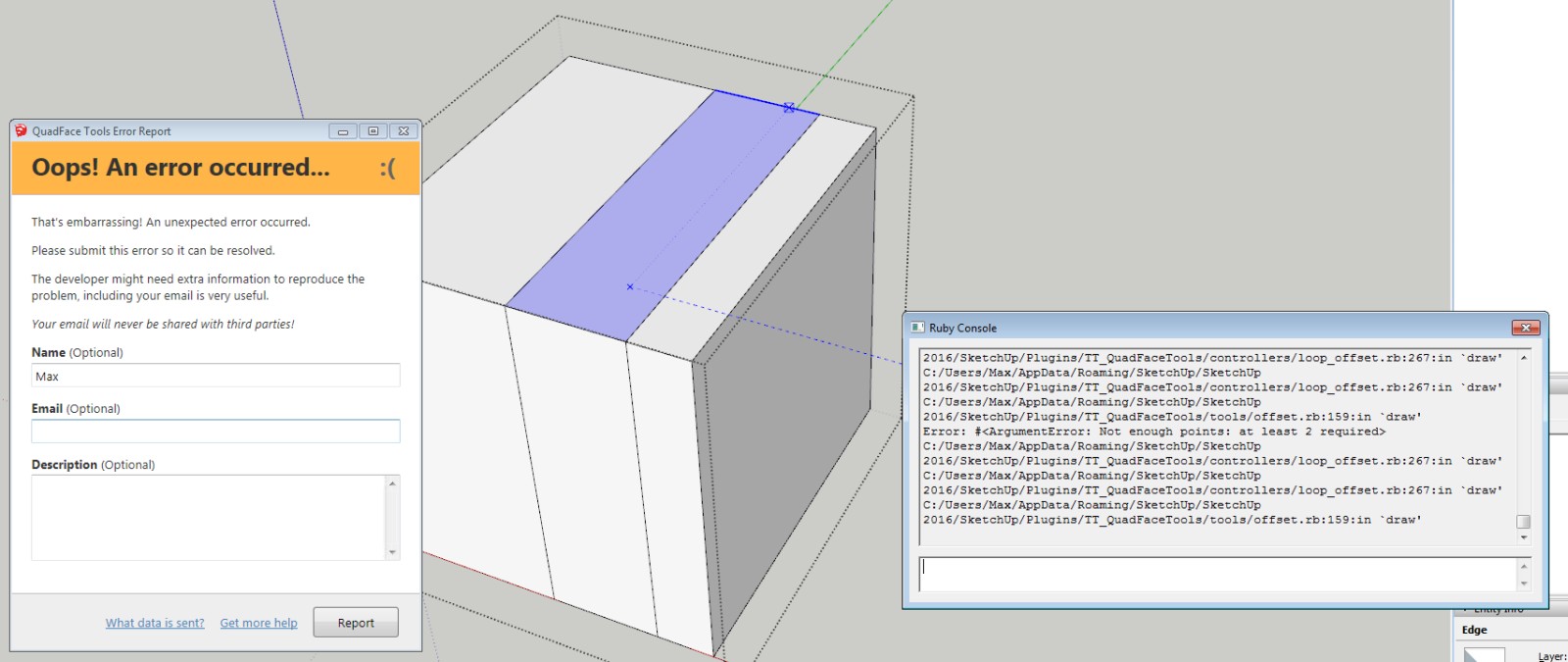
Just a simple box and there we go again. If nobody else has problems I guess its a clash with other plugins. I will try to do a clean install for all my plugins soon.
@pbacot: if you have an Nvidia gfx card, open the Nvidia control panel (in Windows system settings - no idea where on OSX) and look for the program list. Make sure SketchUp is on the list
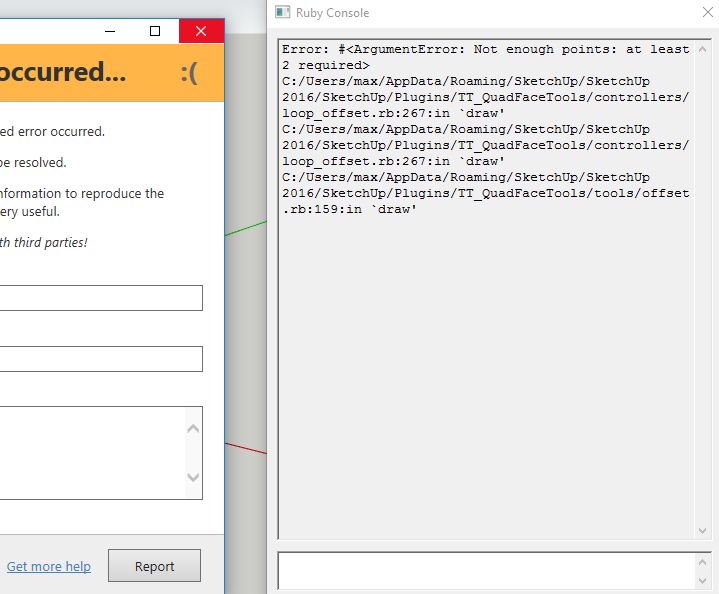
Anyone uses OffsetLoop? Whats the best way to use it? I'm getting mostly crashes / bugreport Oops-loops with 0.12.
@Jql Very interesting. I never added layout to Nvidia's gpu program list. I only used SketchUp in the list. Does it really need to be on the list? Any special settings to change in regarding to layout?
Much appreciated Hieru, I like the Quad Police. Your changes seem very logical. Thanks.
Wish: a universal toggle all SubD on/off (selected maybe) as right click option would be welcome. If you have an assembly of several subD's this is nice to have.
@hieru said:
On the topic of UV mapping, I suspect that my left-hand control mesh might be the better approach for mapping. Hopefully someone who knows more about UV unwrapping will be able to confirm or refute this.
I was thinking about the mapping as well. there is some stretching visible so need to fix those. Its lots of fun. Artisan experience from few years ago helps a lot - its knife tool as well.
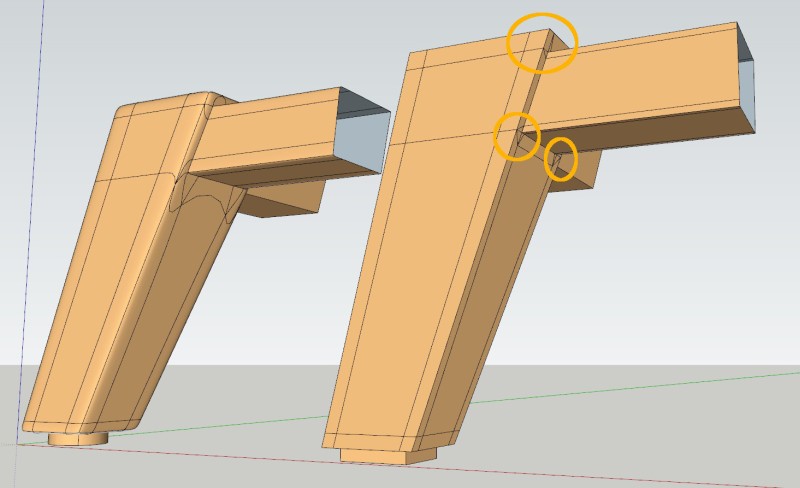
If I could ask the experts; I'm totally new to subD. Trying it out for making furniture.
Started making the frame for a Stack Stove Cubi. Whats the best strategy for the indicated areas? The easy way is to just continue the lines from the horizontal frame onto the leg. But I'm trying to keep the polycount as low as possible as well.
Any suggestions?
I think I would start:
Start with massing everything and refine from there.
Maybe Curviloft could be an option as well. Easy to transform contour lines to terrain, quads for uv mapping, easy to control complexity. It all depends on the typology of the terrain.
I'm trying to think about a software that did stick a fork in it...and survived.
My guess would be; the moment they stop developing, stop adding features the current market (and always changing market) needs, some competitor will come by and blow them out of the water.
Adding new API options to enable/help developers create new features would be welcome.
@penaten said:
Looks like over a years worth of non activity. Any further progress? Looks like a very useful concept. Is it downloadable?
I stopped development in feb 2015 (see my 'edit' in the original post). Maybe at some point I will pick it up again (with the help of a proper coder) - it was my first ruby plugin and needs a complete overhaul. At that point it would be a payed plugin so the current code is not downloadable.
V8 is free for any use whatsoever - no commercial restrictions.