sketchucation logo sketchucation
    • Login
    1. Home
    2. Gus R
    3. Posts
    Oops, your profile's looking a bit empty! To help us tailor your experience, please fill in key details like your SketchUp version, skill level, operating system, and more. Update and save your info on your profile page today!
    ⚠️ Important | Libfredo 15.6b introduces important bugfixes for Fredo's Extensions Update
    Offline
    • Profile
    • Following 1
    • Followers 2
    • Topics 144
    • Posts 1,060
    • Groups 2

    Posts

    Recent Best Controversial
    • RE: SketchUp 2013 ;)

      @krisidious said:

      @jpalm32 said:

      @notareal said:

      @bbrown said:

      http://www.sketchup.com/products/sketchup-pro/new-in-2013

      Sounds like "Zoom In More" is the thing for me... cannot remember how often I have been frustrated with the broken zoom. But if trimble will now release a new version yearly (as paid upgrade), maybe I'll wait the next one that actually offers more than some bug fixes. Sure, LayOut did get a proper update (or so it sounds), but I never use it... and with sketchucation plugin store, I hardly find Extension Warehouse interesting.

      Not much here for free users, user that don't use layout or improvements. IMO
      Think this is a new platform to start separating free & pro.

      I think the new toolbar system and the overall program development in the background of the software are all you get with Make and you can't use it for Professional use, a huge mistake in my opinion.

      Ironically it was the free and open source Ruby programming language that helped increase Sketchup's usefulness and popularity. Imagine if you will if Yukihiro Matsumoto had decided to allow people to use his Ruby programming language with a footnote of "not for commercial use." Where would Sketchup be today? It was the free and open access of Ruby and Ruby developers that provided their work for free to the Sketchup community and continue to this day. It is their work that makes Sketchup and while there are many "payware" addons the majority and the most popular of these are free and those come with no limitations as to their use.
      posted in SketchUp Discussions
      Gus RG
      Gus R
    • RE: Model created by SU 8 can't be open by SU 2013. HELP my work

      @rich o brien said:

      Weirdly I got a Bugsplat trying to open once. From then on no splats but no opening

      Same here. Went from a Bugsplat to an APPCRASH.

      posted in SketchUp Discussions
      Gus RG
      Gus R
    • RE: Model created by SU 8 can't be open by SU 2013. HELP my work

      @rich o brien said:

      That's a good spot Gus.

      Thanks. Might be an indication of a bug in SU 2013 since SU 8 can open it. Here's the crash details:

      @unknownuser said:

      Problem signature:

      Problem Event Name: APPCRASH
      Application Name: SketchUp.exe
      Application Version: 13.0.3689.0
      Application Timestamp: 51964b2d
      Fault Module Name: StackHash_b9d6
      Fault Module Version: 6.1.7601.17725
      Fault Module Timestamp: 4ec49b8f
      Exception Code: c0000374
      Exception Offset: 000ce6c3
      OS Version: 6.1.7601.2.1.0.256.48
      Locale ID: 1033
      Additional Information 1: b9d6
      Additional Information 2: b9d6161d49a531dbba8acddf4e877bbc
      Additional Information 3: d16a
      Additional Information 4: d16a6c6f9c7f85174618fc849b571870

      posted in SketchUp Discussions
      Gus RG
      Gus R
    • RE: SketchUp 2013 ;)

      I should go back an add the note "not for commercial use" to any components I uploaded to Sketchucation. I miss Google's ownership of Sketchup already.

      posted in SketchUp Discussions
      Gus RG
      Gus R
    • RE: SketchUp 2013 ;)

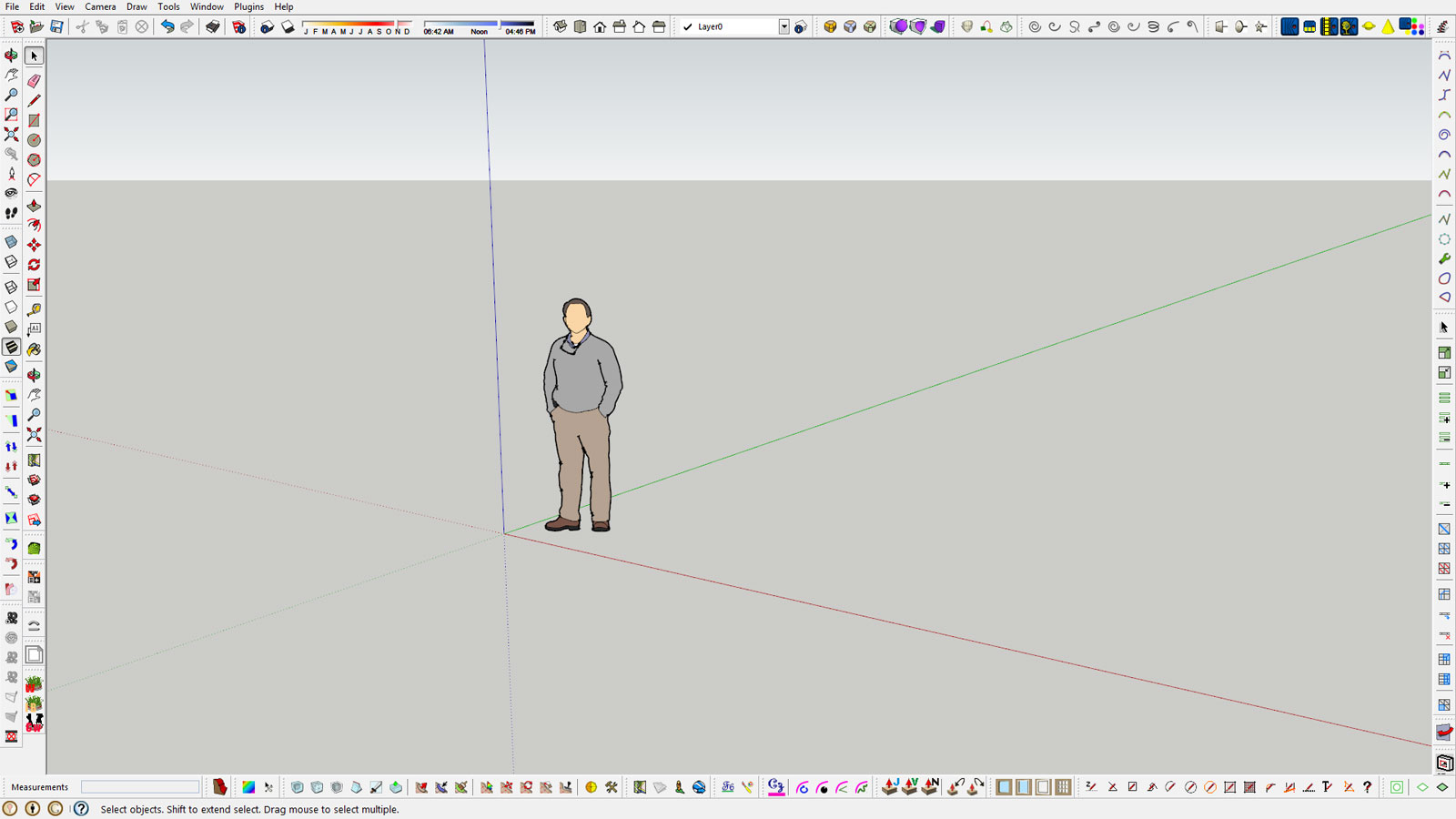
      Installed Sketchup Maker. Everything looks good so far. Copied and pasted the plugins folder from SU 8 and had to remove some demo rendering folders and rubies. Soap Bubble is not ready yet for this version. Profile Builder works but I can't see the previews. The SU Pro features are tempting me for a future purchase. Another thing is that the toolbars sit firmly in place and there's no need to save toolbar positions. This is a fullscreen screen shot.

      Sketchup-Maker.jpg

      posted in SketchUp Discussions
      Gus RG
      Gus R
    • RE: Sketchup Crashing frequently

      @dave r said:

      Something like this? http://youtu.be/XK4kedPI0us

      No crash here. Temporarily disable the Vray plugin and see if it works. There have been complaints of vRay causing issues.

      This couldn't be the same Amit I already 'know' could it?

      I was able to reproduce the bug splat here. Disabled Vray and it's back to normal. I assume this has already been reported.

      posted in SketchUp Discussions
      Gus RG
      Gus R
    • RE: Vray 1.6 open beta

      Update. Misread an email and apparently I was approved for beta testing. So far so good and it loads up better than the previous version.

      posted in V-Ray
      Gus RG
      Gus R
    • RE: Vray 1.6 open beta

      @thomthom said:

      @cadfather said:

      Hi Devin, sorry to bug you with this here, but i'm totally confused on this beta thing and had no reply at all from CG. is there a place to download this beta or only if you are accepted? and how do i get accepted if i can't get through to them? 😕 thanks for any help!

      Go to the ChaosGroup website - login (or create an account if you don't have one) and follow the links to apply for the beta from this page: http://www.chaosgroup.com/en/2/vrayforsketchup_beta.html

      I did that on the 15th and received an automated response that included, "Our team is processing your application and you will soon receive confirmation to download the Beta builds." Never heard back from them. I have already downloaded the beta install.

      posted in V-Ray
      Gus RG
      Gus R
    • RE: Adjustable Screws

      @dave r said:


      http://farm4.staticflickr.com/3715/8755714124_a72f3d50f7_z.jpg

      When I have to insert details such as wood screws in my projects, I use some adjustable components I've created.

      Nice work and thanks for the tutorial.

      posted in Woodworking
      Gus RG
      Gus R
    • RE: Vray 1.6 open beta

      Do we have to be selected as a beta tester or do we simply download and install the beta version and are automatically considered a beta tester? I was expecting a confirmation email.

      posted in V-Ray
      Gus RG
      Gus R
    • RE: Vray VfSTextureCache During Rendering

      @dkendig said:

      or we could fix the problem... sign up for the beta, try it out, if the issue persists, report the bug, and we'll fix it. Beta is the best time to handle situations like this, so please, help us help you.

      Fixing it would be optimal. Signed up for beta the minute I saw it reported here at Sketchucation.

      posted in V-Ray
      Gus RG
      Gus R
    • RE: Vray VfSTextureCache During Rendering

      @rich o brien said:

      Did Thom triangulation also cause multiple textures?

      Did you render it in Thea to see what was exported in terms of textures?

      Thom's triangulation did not cause any multiple textures. Just ran a quick test of Thea and it did not cause multiple textures on a simple render of the neck with a SketchUV box map and the string with a SketchUV tube map. No multiple textures. Tested Vray again with the tube mapped string and it crashed the render. Thea will cache what's in the scene while Vray will cache everything in the model.

      posted in V-Ray
      Gus RG
      Gus R
    • RE: Vray VfSTextureCache During Rendering

      @rich o brien said:

      SU quads are not quads they are 2 tris. hence thomthoms quadface convention.

      triangulating in SU is a neccesity. stop thinking removing geometry makes things lighter. it introduces problems for other apps i find.

      try unwrapping an n-gon in Blender to see what i mean.

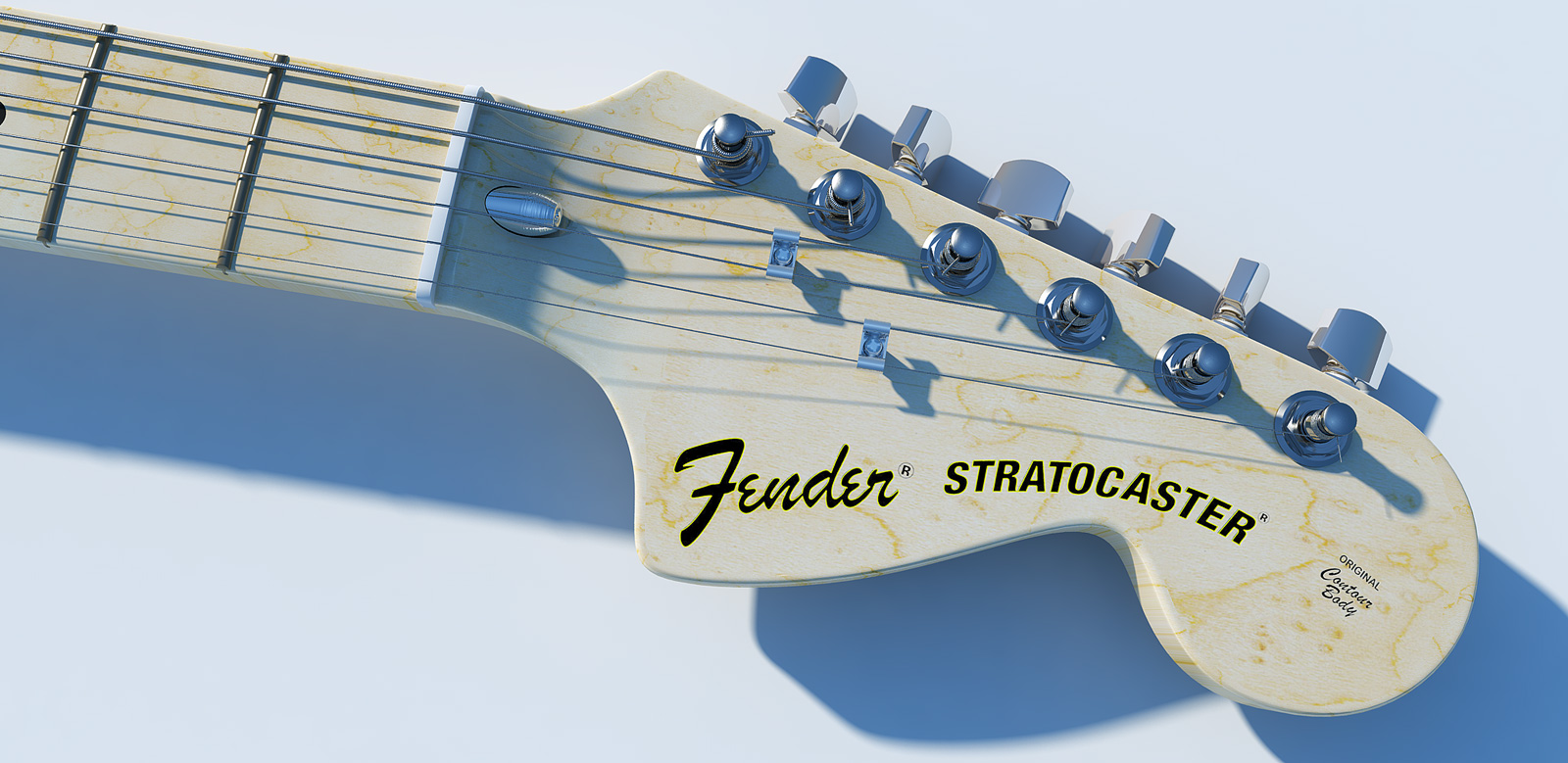
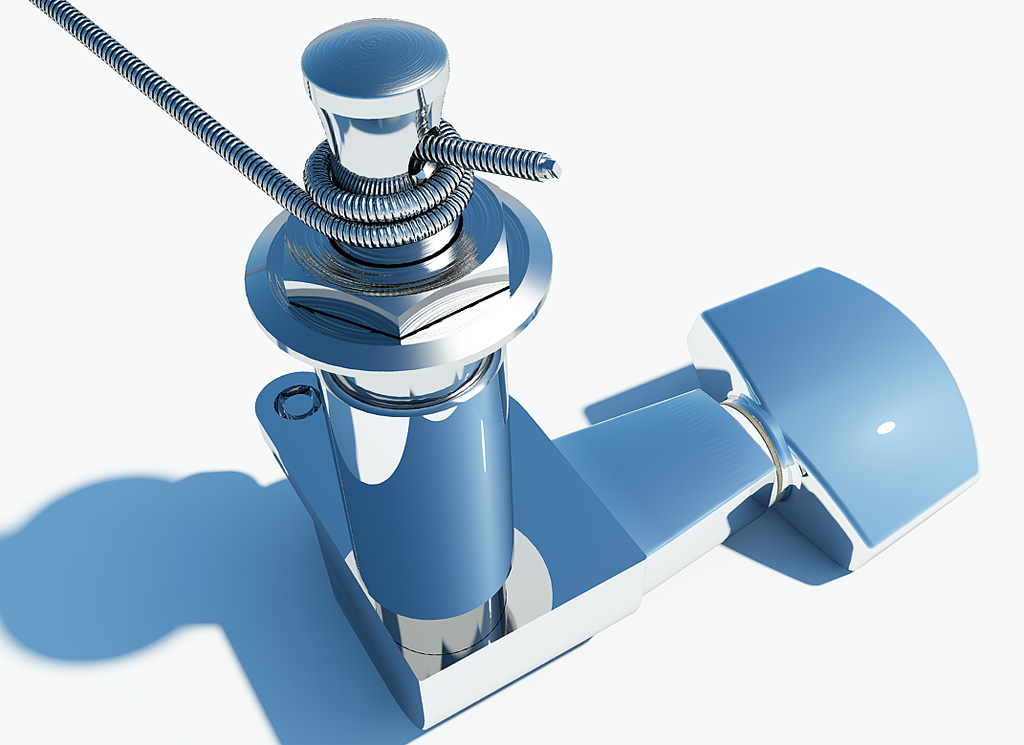
      Last night I was attempting to render the scene below and I had to pull the plug on the rendering after it reached over 6,300 cached textures. Apparently, the SketchUV triangulating of the tube (guitar strings) did not work. So, I un-triangulated and re-triangulated using Thomthom's QuadfaceTools

      Strat-Headstock-Vray.jpg.

      This is the new rendering with generic SU mapping on the neck which still doesn't work at all angles. However, with all the readjustments for Vray and SketchUV it went from over 6,300 texture images down to 11. This rendering (2048 x 997) took less than 30 minutes which is blazingly fast.

      posted in V-Ray
      Gus RG
      Gus R
    • Free Residential Windows and Doors

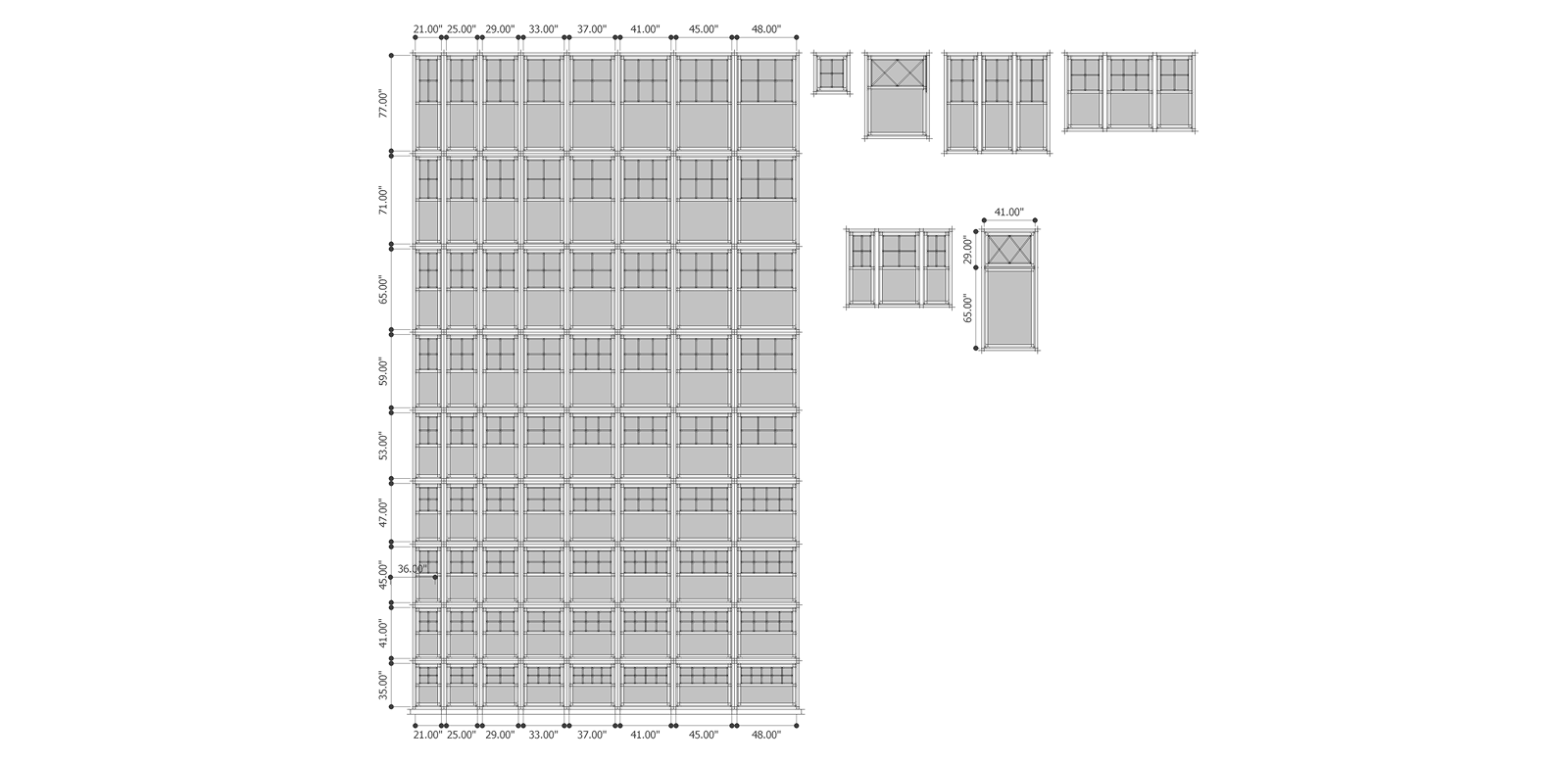
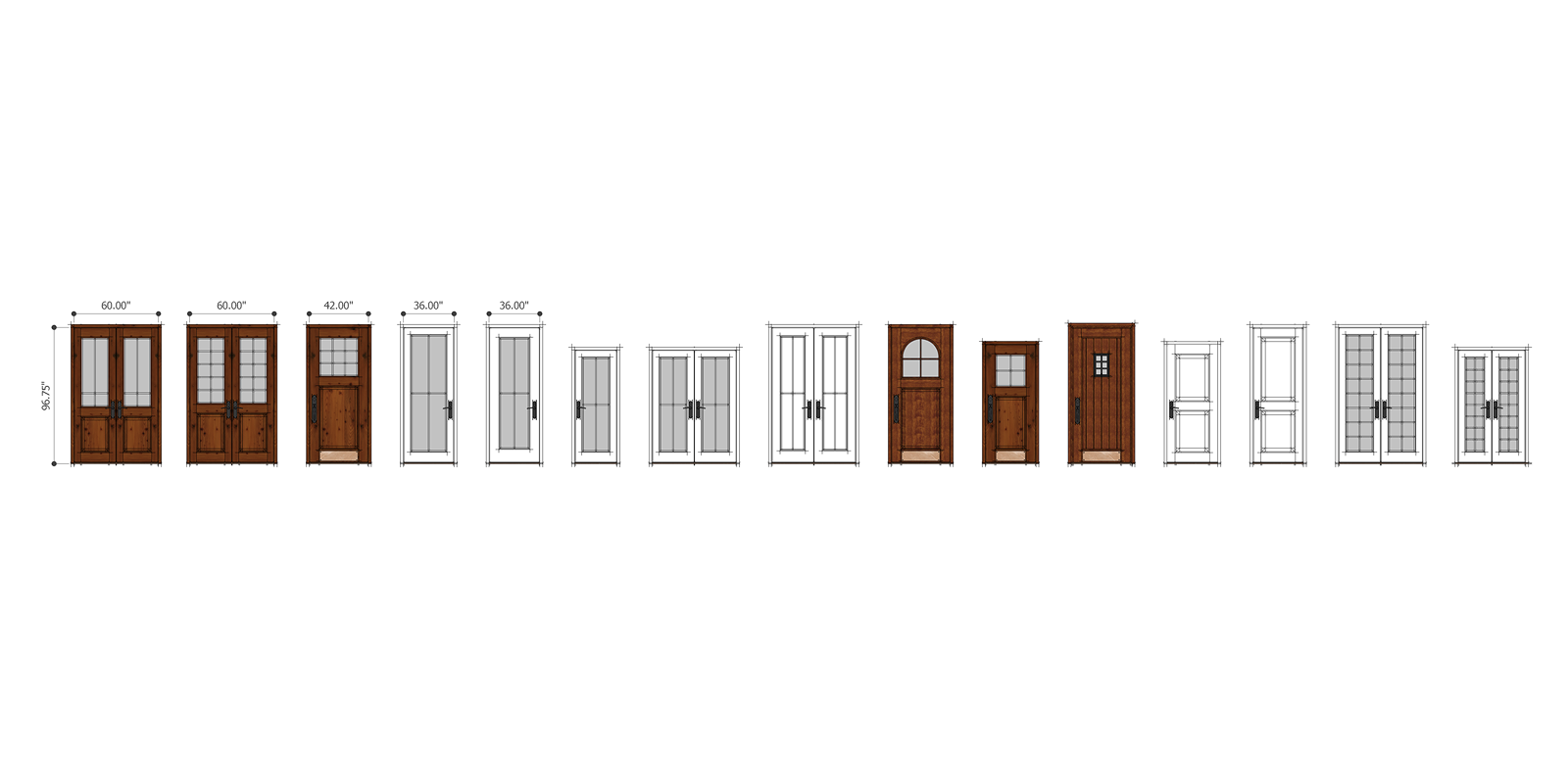
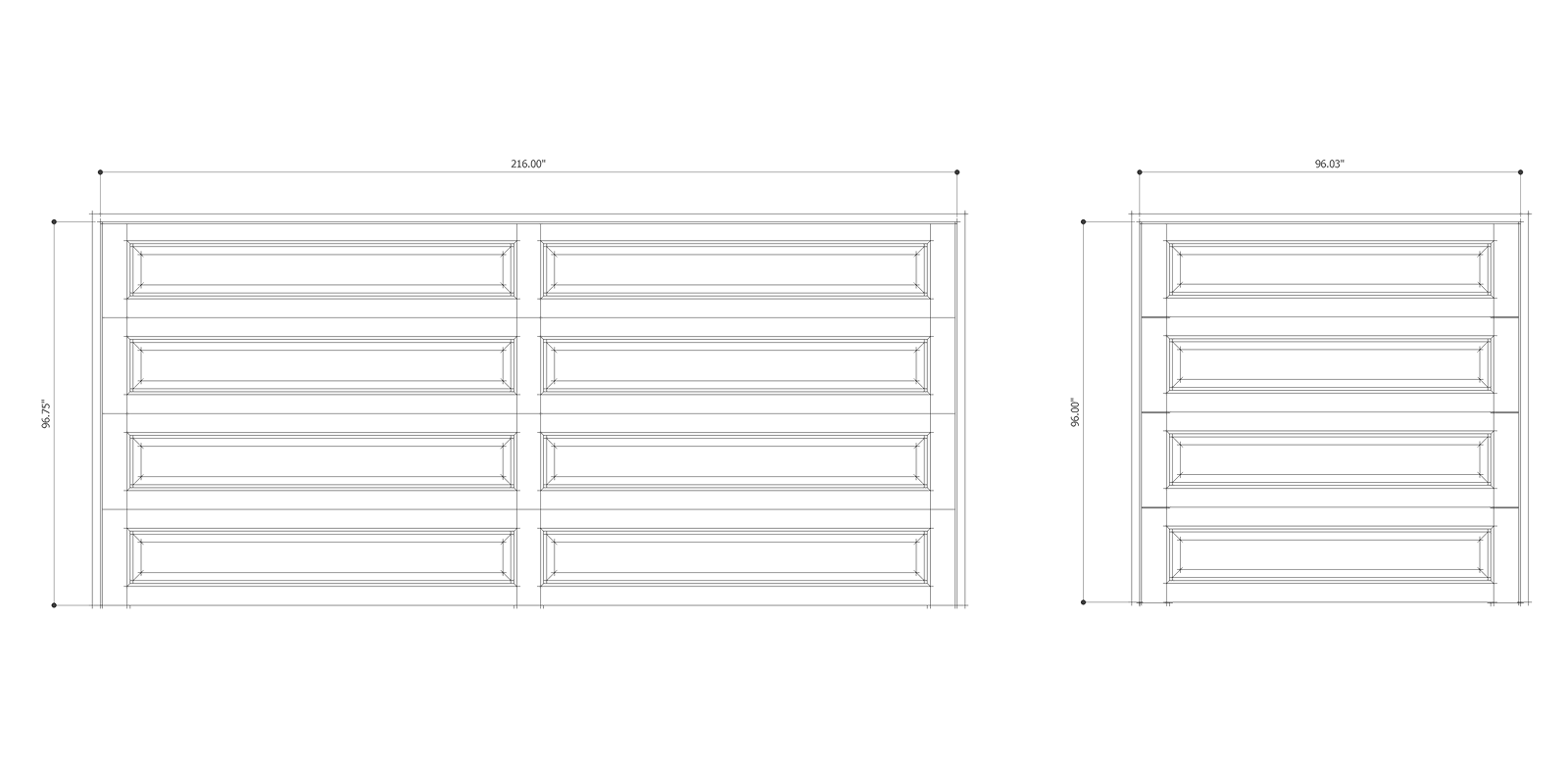
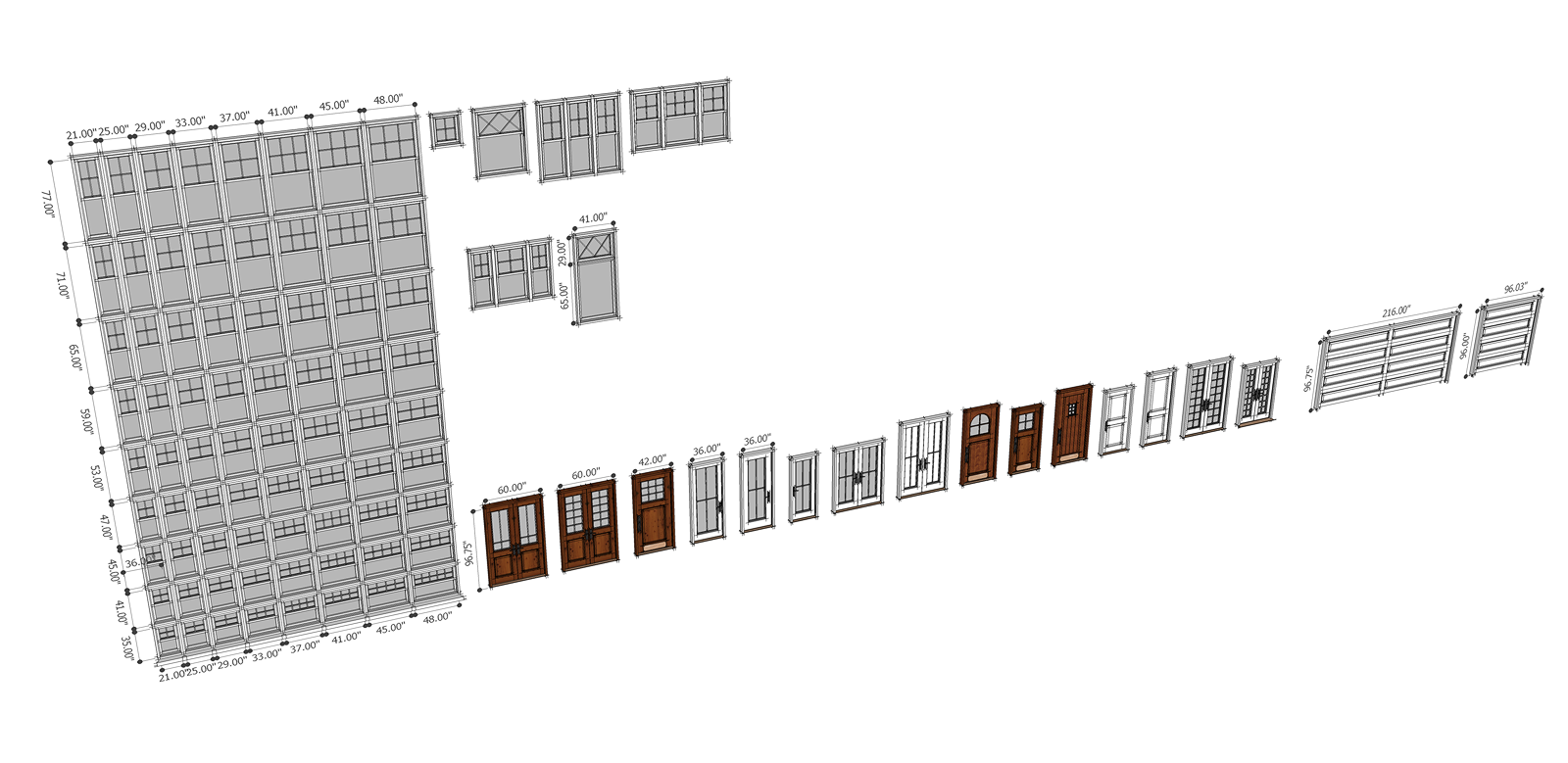
      Some residential windows, door, and a couple of garage doors. Mostly in a Craftsman style with 2 inch brick moulding which can easily be turned off. These are not cut out components. I have others in my model collection but had this SU drawing as my main source. All modeling by myself. If you need change the mullions (divided lights) get Tomot's [Plugin] Window Tools 1.1.

      Residential Windows and Doors0001.png
      Residential Windows and Doors0002.png
      Residential Windows and Doors0003.png
      Residential Windows and Doors0004.png
      Residential Windows and Doors.zip

      posted in SketchUp Components sketchup
      Gus RG
      Gus R
    • RE: Vray VfSTextureCache During Rendering

      @rich o brien said:

      Thea suffered from this a few years ago but Tomasz fixed it.

      Have you tried Thea Gus?

      Though vray1.6 may hve fixed this issue.

      I have the Thea demo loaded up and my be testing that soon. I'm already pretty familiar with Kerkythea. It appears that triangulating the tube will prevent that and results in a single image cache. I'll see what happens if I triangulate the neck. Of course we're literally looking at doubling the amount of a rather large increase in faces and vectors.

      posted in V-Ray
      Gus RG
      Gus R
    • RE: Vray VfSTextureCache During Rendering

      Answering my own question here but I just ran a test and it's caused by SketchUV's box mapping. I also tested a tube map and it does the same thing. I haven't tested the other mappings. A straight application of an SU material or a Vray Vismat will on result in the single associated bit map. 435 cached images for a three arc tube mapping alone.

      posted in V-Ray
      Gus RG
      Gus R
    • Vray VfSTextureCache During Rendering

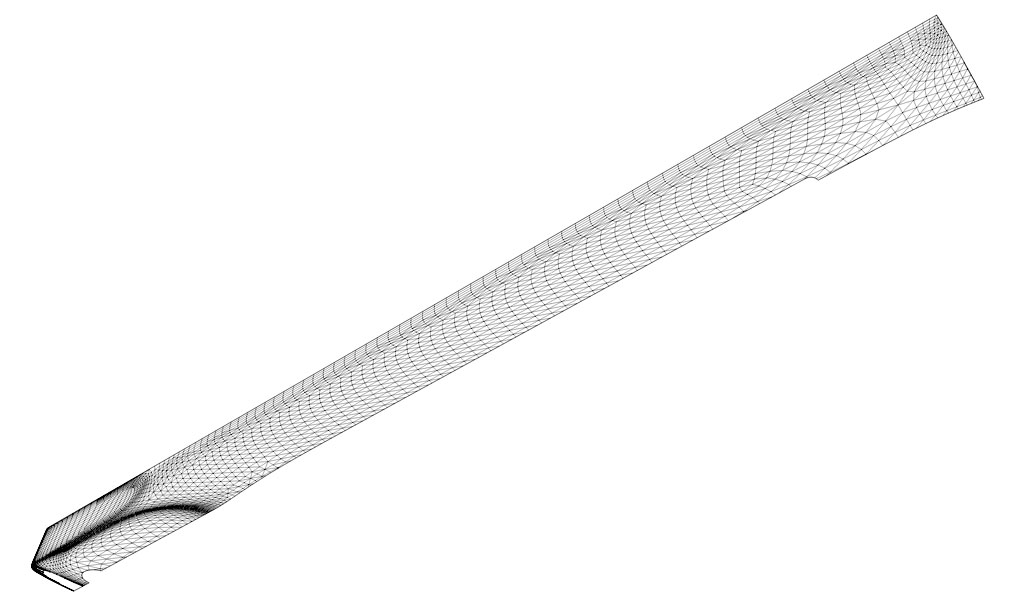
      Started doing some test rendering for my Vray guitar rendering and noticed that during that time it generates 100s-1000s of cached images under ...temp/VfSTextureCache. Some of these images are 1 x 1 pixels. This was on a 1/4 section of the guitar neck which was created with Artisan and contains thousands of faces. Is this common? It just went up to 1,076 images before it crashed the renderer.

      Neck-Piece.jpg

      posted in V-Ray render plugins extensions
      Gus RG
      Gus R
    • RE: Guitar String Bump Mapping Attempt

      @rspierenburg said:

      One thing I did notice on your original model is that you had your bump and displacement set to 1.5, keep in mind this is inches, I reduced mine down to .1 to avoid the black lines you see in yours. Just try it and see.

      That seems to be the key. Wasn't happy with the black lines. I removed all white from the bump map and dropped the bump down to 0.1. Some of the other bump maps on this rendering are well below 1. The model I'm working on is 10x scale.

      Vray-Low-E-String-Render.jpg

      The new bump map I worked with.

      string-bump3.jpg

      posted in V-Ray
      Gus RG
      Gus R
    • RE: Guitar String Bump Mapping Attempt

      @rspierenburg said:

      Here is my try at it.

      [attachment=2:18jtul6j]<!-- ia2 -->Low E Wound String.jpg<!-- ia2 -->[/attachment:18jtul6j]

      Here is the SKP file

      [attachment=1:18jtul6j]<!-- ia1 -->Low E Wound String.skp<!-- ia1 -->[/attachment:18jtul6j]

      What I did was add a second diffused layer with a copy of the Bump map to allow you to see the direction/scale of the bumps. On that same diffused layer I added a TexAColor of pure white to the transparency slot so it would show up in sketchup but not be rendered. I then was able to use the UV Map that you had to map the string material properly. I then used the Sketchup texture editor to adjust the scale of the string texture to look better.

      Let me know what you think.

      Rob

      OK, I got it now. The second diffuse layer goes over the original defuse layer. This I learned from Nomeradona's tutorial, Basic VRAY SketchUp Tutorial Series.

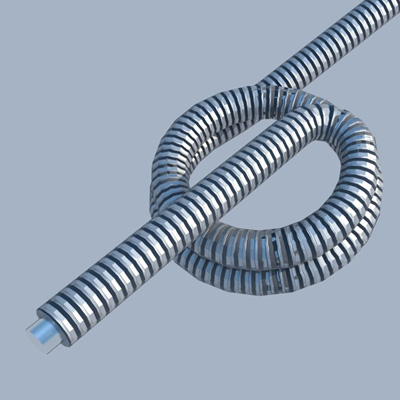
      [attachment=0:18jtul6j]<!-- ia0 -->Vray Low E String.jpg<!-- ia0 -->[/attachment:18jtul6j]

      Summarized:

      1. Imported silver_matte.vismat to the string.
      2. Attached the bump jpg to maps layer using TexBitmap.
      3. Created a second defuse layer and dragged it over the main defuse layer.
      4. Attached same bump jpg to second defuse layer using TexBitmap.
      5. Added white to TexAColor for the transparency.
      6. Adjust texture mapping.

      Thanks Rob.


      Vray Low E String.jpg

      posted in V-Ray
      Gus RG
      Gus R
    • RE: Guitar String Bump Mapping Attempt

      @rspierenburg said:

      Here is my try at it.

      [attachment=1:13j7bmps]<!-- ia1 -->Low E Wound String.jpg<!-- ia1 -->[/attachment:13j7bmps]

      Here is the SKP file

      [attachment=0:13j7bmps]<!-- ia0 -->Low E Wound String.skp<!-- ia0 -->[/attachment:13j7bmps]

      What I did was add a second diffused layer with a copy of the Bump map to allow you to see the direction/scale of the bumps. On that same diffused layer I added a TexAColor of pure white to the transparency slot so it would show up in sketchup but not be rendered. I then was able to use the UV Map that you had to map the string material properly. I then used the Sketchup texture editor to adjust the scale of the string texture to look better.

      Let me know what you think.

      Rob

      Thanks Rob. Tried what you described but I can't get the required results. Would it be possible for you to upload the vismat file for the material?

      posted in V-Ray
      Gus RG
      Gus R
    • 1 / 1