
sketchucation logo sketchucation
    • Login
    1. Home
    2. cmeed
    3. Posts
    Oops, your profile's looking a bit empty! To help us tailor your experience, please fill in key details like your SketchUp version, skill level, operating system, and more. Update and save your info on your profile page today!
    ⚠️ Important | Libfredo 15.6b introduces important bugfixes for Fredo's Extensions Update
    Offline
    • Profile
    • Following 0
    • Followers 0
    • Topics 58
    • Posts 300
    • Groups 1

    Posts

    Recent Best Controversial
    • RE: [Plugin] LordOfTheToolbars - v2.9c - 20 Dec 24

      Hi Fredo
      Thank you for all the time you put into these plugins! legend!!

      I've attached a little video of my problem with Palette line breaks, copying of icons and deleting them

      I'd guess this is not expected behaviour? or Have i go this completely wrong....

      All I'm trying to do is create a few rows of plugins, I also am attempting to move them about to suit my needs.
      posted in Plugins
      cmeedC
      cmeed
    • RE: [Plugin] LordOfTheToolbars - v2.9c - 20 Dec 24

      Hi Fredo,
      An amazing plugin - truly a game changer for Plugin reliant Su users! especially helpful on my laptop

      I got a suggestion and an issue.

      My suggestion is - could the palettes appear with the use of a shortcut then disappear when a plugin has been hit. with an option for the Palette to appear where the cursor is and in a user defined locations.

      My issue
      I'm having trouble altering my palettes. Icons/separators double up when I move them, with these ghost icons/separators I can't right click on them. Ive done al ot of combinations of holding shift / control but the its seems the same what ever combo i use....

      go here for a video of what i mean and then - of all things a crash!!
      https://www.dropbox.com/s/2rzj2dadzplgqxd/2021-11-10_21-58-55.mp4?dl=0

      Cheers
      Chris

      posted in Plugins
      cmeedC
      cmeed
    • RE: [Plugin] Material Browser - v1.1.1 - 15 Nov 2025

      I downloaded again - the latest update from the SketchUcation PluginStore and this time its worked. It definitely didn't come in the first time. I'm up and running now ! whoop whoop

      So I've opened it for 30 second and i' already asking about features!!!
      Could we have the ability to group materials together in folders and see these folders in material browser? this was a great help in flex tools

      Material Question
      on a side note - do you know why i can't have more than 1 material with the same settings but different names? so
      Floor_Black (0,0,0)
      &
      Curtain_Black(0,0,0)

      or how different these colours need to be to recognised as different from each other....
      So,

      Floor_Black (0,5,0)
      &
      Curtain_Black(0,0,0)

      posted in Plugins
      cmeedC
      cmeed
    • RE: [Plugin] Material Browser - v1.1.1 - 15 Nov 2025

      This looks very interesting! I've downloaded the Plugin, although its not working - it looks like i need those extra ruby script java 'things' - I've been attempting to keep a library of textures with names, i can use again and again in my Lumion workflow so this looks promising and i would love to try.

      The native material window is ok, like the component window is also but now i use 'Component finder' from flextools as my main window - its fantastic, will your Material Browser be similar?

      I have no idea what to do with extra additions needed to make this work - it would be better to keep it simple with the downloads (unless i'm missing something)

      Cheers
      Chris

      posted in Plugins
      cmeedC
      cmeed
    • RE: Retaining Tags when importing Components

      @dave r said:

      @cmeed said:

      Is it just the top level Tag of the component thats not remembered?

      Yes. The top level component tags the active tag when it is inserted into the model space.

      Ahhhh! got it. thank you dave - You Ok? how are you?

      posted in SketchUp Discussions
      cmeedC
      cmeed
    • Retaining Tags when importing Components

      Hi All,

      I'm enjoying the new Tag Folder system and have found it very useful and helpful.

      Now i'm using it more in my work flow I have an issue or has it always been this way.

      If I save a component the layer I've assigned to it doesn't get remembered. so when I import the same component it goes directly onto "Untagged", all the groups within the component retain their previously assigned tags.

      Is it just the top level Tag of the component thats not remembered?

      Cheers in Advanced

      Chris

      posted in SketchUp Discussions sketchup
      cmeedC
      cmeed
    • RE: Changing Line colour using the Tags in Layout 2020

      Hi Dave.... So I think i know where the problem is - its the nesting of my grp/comps - I don't know how to fix it but i took some geometry and placed it on a new layer no nesting no group and it worked as expected....

      So question is ... what the hell have i done? too many grps/comps nested and on different layers?

      I was trying to use Condoc system but I think its not for me. Hence you see theres massive nesting going on and on multiple layers.

      How should i Structure this? I got myself into a right pickle!!

      c

      posted in LayOut Discussions
      cmeedC
      cmeed
    • RE: Changing Line colour using the Tags in Layout 2020

      PM'ed you

      I'll send over files on your reply ... cheers
      C

      posted in LayOut Discussions
      cmeedC
      cmeed
    • Changing Line colour using the Tags in Layout 2020

      Hello Everyone,

      I can't change the line colour of a tag. I know how but they won't change.

      I have a studio plan which I've been happily changing colours on.
      I bring in another model and this one doesn't change at all. in the side window/tray sketchup model section the Tag changes colour and linewidth also. It doesn't show in the viewport.

      before i post anything further can I ask if there's any reason why? the new model has quite a few nested groups/comps. (saying that though - i took some geometry out and placed it further up the chain and it still didn't change)

      Cheers
      C

      posted in LayOut Discussions layout
      cmeedC
      cmeed
    • RE: Orbit Not ROLL

      Ha !!
      I know what i did - as this wasn't happening in other models - i cut and paste into another clean scene.

      It came in on its side - I'd Altered the Axes just before saving (obviously in a rush) Blue wasn't vertical. Hence when the model looked right in the viewport i was orbiting around the blue axex which was at a crazy angle !!!! NumbNuts!

      I'll leave this here for people who may do this in the future and prevent them 1hr of frustration -

      thank you for the speedy response BOX

      Cheers
      C

      posted in SketchUp Discussions
      cmeedC
      cmeed
    • Orbit Not ROLL

      My Middle mouse button has suddenly altered its purpose in life. I have and always have used it to orbit. Now it rolls. I press shift and it Pans. But Orbit not rolls as well? It feels like I've toggled something.

      Can any one help?

      posted in SketchUp Discussions sketchup
      cmeedC
      cmeed
    • RE: [Plugin][$] Vertex Tools

      this has probably been asked before - can I move the gizmo and have it snap to a point? in 10 years of questions I think this has been asked.... 'negative' will be the answer.

      maybe i need to ask why cant it?

      cheers
      c

      posted in Plugins
      cmeedC
      cmeed
    • RE: [Plugin][$] Vertex Tools

      Love this - a fantastic update..

      Loving the vertex slide. question - Can we copy the vertexes along the edge?
      the cursor changes, adds plus and minus with the addition of shift. I assume there isn't a copy function? (yet?)

      Fantastic Extension - Professional in every way - I feel spoilt.

      Cheers
      Chris

      posted in Plugins
      cmeedC
      cmeed
    • Plugins - Load as You Go ?

      Hi All,
      I have a lot of plugins, I therefore have a little wait time when Sketchup Loads. And in this little window of think time I pondered an idea.

      The wait is due to the loading of the plugins (...and how big the model is). I realize you can, with the help of the sketchucation plugin store, disable plugins, and this would speed up the startup process. But as I embark on each unique project I never know what extensions or plugins I will need and I'd still like to have access to them.

      So I was wondering if 'the plugin store' could disable plugins as a default but keep the plugin icons arranged as they are - this speeds up load time - but when you click on the icon for your chosen plugin that plugin then loads there and then - a small wait there and then?

      I'm unaware the sketchucation store disable plugins works like this. It would enable your plugins to stay in there location too.

      I often have to open a few big models at the same time to show clients so opening 5 in a row is laborious and clients get bored! ha ha

      Cheers
      C

      posted in Plugins
      cmeedC
      cmeed
    • Line Thickness Plugin

      Hello All -
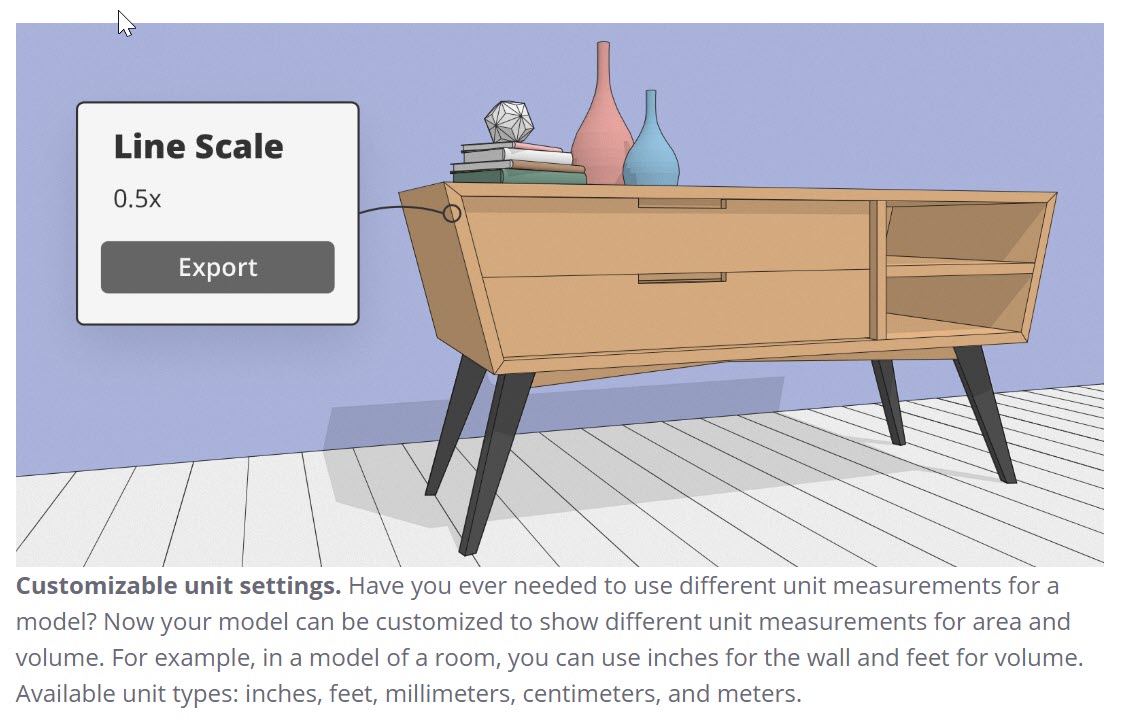
      Is there a Plugin yet that takes advantage of the line thickness multiplier ? I'd like to mass export all my scenes with a fine line weight but my current plugin - Smustard scene Exporter - although fantastic, does not have this function (Obvs, its old)

      or is there a way other than exporting 1 by 1?

      Cheers
      All
      C


      2019-10-05_17-42-58.jpg

      posted in Plugins
      cmeedC
      cmeed
    • RE: 'Quick access' Windows 10 Sketchup 2019

      just to bring this to a conclusion - uninstalled re-installed and now everything working just fine - thank you Dave R - laptop is happy

      posted in SketchUp Discussions
      cmeedC
      cmeed
    • RE: [Plugin] LookAt

      HI Pixero!
      I can confirm its all working as it should!!
      Fantastic

      Would you permit a little feedback? maybe there could be a further addition to the process - the pull down menu is fine - could there be an extra function after it (or replace it with) - an arrow button that rotates the grp/comp? this degates repeating the process if one gets the axis wrong (or bad modeling in my case)

      anyway Thanks again for a very useful plugin!!

      Cheers
      Chris

      posted in Plugins
      cmeedC
      cmeed
    • RE: [Plugin] LookAt

      I'm at my computer tomorrow and will check it out.
      From your last post it looks you you had a very productive half an hour

      posted in Plugins
      cmeedC
      cmeed
    • RE: [Plugin] LookAt

      @pixero said:

      @cmeed
      Could you upload the scene so I can see why it isn’t working for you.

      here you go ..... The file had to be watered down as it was a bit too large for sketchucation, LOOK At it still doesn't work for me

      Thanks for taking a look!
      c


      190809_pixero_01.skp

      posted in Plugins
      cmeedC
      cmeed
    • RE: [Plugin] LookAt

      Will do.

      posted in Plugins
      cmeedC
      cmeed
    • 1 / 1