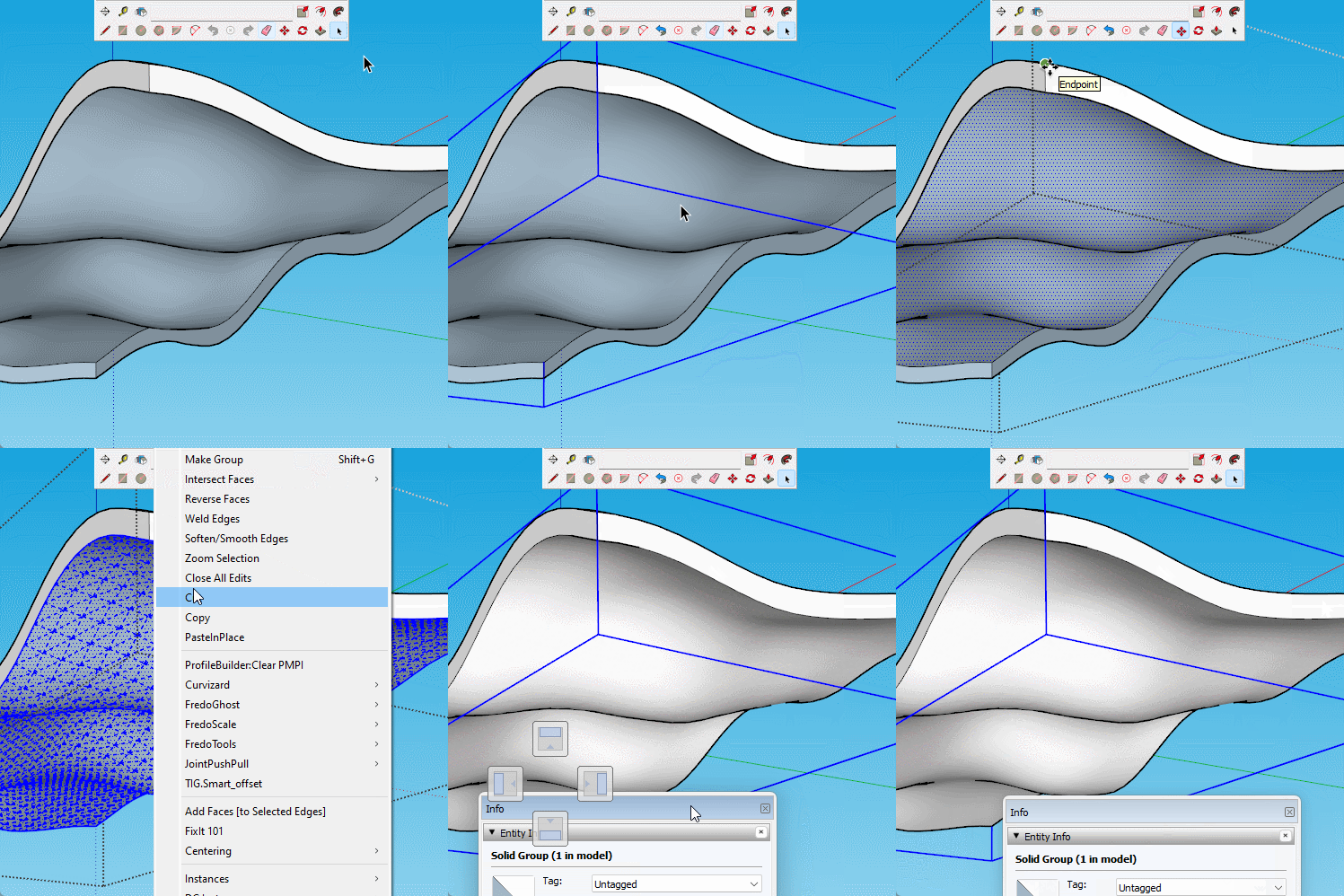
Firstly your group is double wrapped, so explode it to remove one layer of grouping.
Then the object has no bottom face, so open the group for editing and copy the top face down and reverse it.
 Offline
Firstly your group is double wrapped, so explode it to remove one layer of grouping.
Then the object has no bottom face, so open the group for editing and copy the top face down and reverse it.
The export dialog has a button 'Options' which allows you to change the output.
This even lets you model in meters and export in mm, thus avoiding any tiny face issues.
You could just adjust the stl export settings to work with your printer.
This is what I mean about breaking it up.
This section on its own has just over 10000 segments in the border, so it is borderline. I deliberately didn't weld the whole border.

I never know where I'm headed, just make it up as I go.
And keep in mind that you should make some 'cuts' through the tree. In other words create gaps in the outer edge of the tree, break it into several 'trees' so that you don't have one continuous border edge that ends up with a huge number of segments. When I first looked at it the whole thing contained over 330,000 segments. It would be highly likely that the border edge would contain more than 10,000 and 10,000 is a finite limit. Sketchup will shutdown without a bugsplat if you attempt to manipulate a continuous edge of over 10,000.
Cleanup Contours is one of the options in Curvizard. I always misspell it.
https://sketchucation.com/pluginstore?pln=Curvizard
It looks like it will eventually get there. It is too many segments but Curvisard Cleanup seems to be working.
You would need to work through it in sections...
Hmm just crashed while I was writing this. I have two others running though.
Ideally a an import with less segments would work better.
You appear to trying to share the app.
Just go to the model in the warehouse and copy the address in the top bar and paste that.
Upload to dropbox or similar and paste a link in a reply.
Or even 3d warehouse.
Fredo's Curvisard might help reduce the count, or Fredo tools/ remove lonely vertices.
If you want to add the model I will look.
It would be helpful to be able to see the actual model, but my guess would be too many segments. Sketchup has a limit at which it fails, one segment under is fine. But it could also be ever so slightly out of plane causing it to splat when it tries to make a face, or it could be tiny edges...
From your description I can replicate your issue. This is basically caused by sandbox making a rather messy mesh.
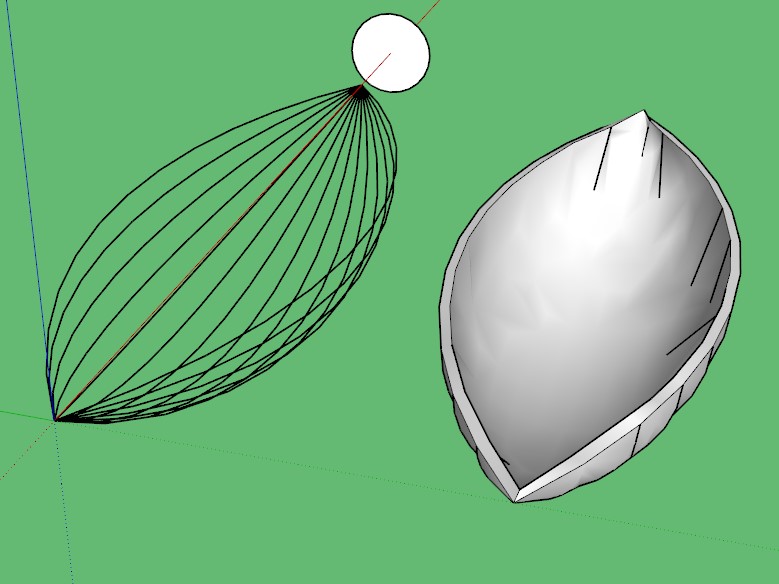
A better option would be follow me, I'm assuming that all your arcs are the same, that's how they look in your screenshot.
Here you can see I rotate the circle by half a segment so that when cut to a semicircle the end segments are perpendicular to the shape you want to create. This allows you to use offset to create a profile for your path.

Cheers Rich.
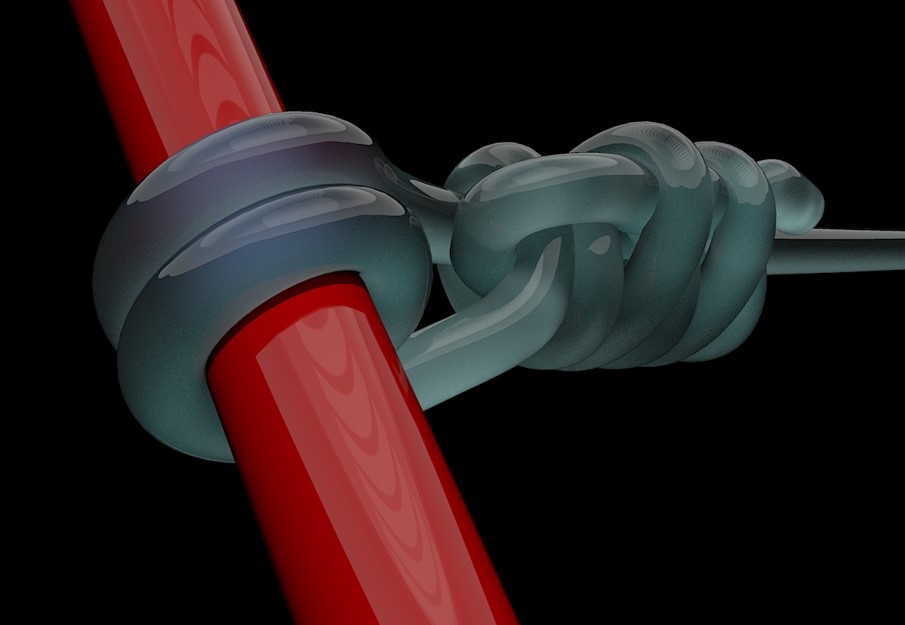
I remember being stunned by someone doing a knot way back when I was learning, so I like playing with them from time to time.
I liked the idea of using subd for it to make it a bit more 'loose' rather than the perfectly straight ones done with perfect curves and lines.
Renders nicely too.
That's about 312mb over the forum limit.
That is a ridiculously large file for one vase.
You could upload it to dropbox or similar and post a link to it here, someone may look at it. It is too big for me to download on my limited internet.
Perhaps a screenshot to begin with would give us some idea of what you are dealing with.
There are a variety of options, waiting being one of them, but without seeing the stl it would be guessing.

