sketchucation logo sketchucation
    • Login
    Oops, your profile's looking a bit empty! To help us tailor your experience, please fill in key details like your SketchUp version, skill level, operating system, and more. Update and save your info on your profile page today!
    ⚠️ Important | Libfredo 15.6a introduces important bugfixes for Fredo's Extensions Update

    Sketchucation Tools 5.0.4
    Scheduled Pinned Locked Moved Extensions & Applications Discussions
    129 Posts 21 Posters 12.7k Views 20 Watching
    Loading More Posts
    • Oldest to Newest
    • Newest to Oldest
    • Most Votes
    Reply
    • Reply as topic
    Log in to reply
    This topic has been deleted. Only users with topic management privileges can see it.
    • S Offline
      slbaumgartner @fredo6
      last edited by

      @fredo6

      I reinstalled Fredo6_Tools to get a spin. Took it back out and relaunched without spin. This is the trace log from the previous session

      LibFredo6Trace_26_1760445486517.txt

      Another strange effect of note: in the log viewer window, when I export TXT, that worked and a popup opened asking if I want to open the file. I clicked YES, and SketchUp went into a spin! This seems the same as how the Plugin Store window hangs...

      fredo6F 1 Reply Last reply Reply Quote 1
      • Mike AmosM Offline
        Mike Amos
        last edited by

        A condition on sale from google to trimble was a couple (Five?) years maintaining Sketchup with a free version. V17 was the last.

        Absentia mortis praesentiam vitae probat, vita autem est argumentum constantiae.

        1 Reply Last reply Reply Quote 1
        • J Offline
          jackybe67 @TIG
          last edited by

          @TIG

          Thank You !!

          1 Reply Last reply Reply Quote 0
          • fredo6F Offline
            fredo6 @slbaumgartner
            last edited by fredo6

            @slbaumgartner

            More and more puzzling. There seems to be something corrupted in the way Sketchup handles external files, including Ruby script files.

            In the trace file, I see that you have just LibFredo6, other of my plugins installed. The trace indicates that their startup sequences did perform well. So, the crash occurs after the plugins are loaded.

            S 1 Reply Last reply Reply Quote 0
            • Z Offline
              zsolarewicz @Rich O Brien
              last edited by

              @Rich-O-Brien said in Sketchucation Tools 5.0.3:

              @zsolarewicz said in Sketchucation Tools 5.0.3:

              Btw where Sketchucation 5.0.3 is to be found?

              Link Preview Image
              Sketchucation Tools | SketchUcation

              3D SketchUp Community for Design and Engineering Professionals.

              favicon

              (sketchucation.com)

              Thx a lot, I meant: for download but 1st post just points to that w/out a version number though.
              Btw v 5.0.3 stiil DOES NOT work with SKP 2017.

              cheers,

              1 Reply Last reply Reply Quote 0
              • S Offline
                slbaumgartner @fredo6
                last edited by

                @fredo6

                I'm pretty sure I tried with nothing but your extensions in the Plugins folder, otherwise this would raise the possibility of a conflict with something that loads after them. I'll try that again tomorrow just to make sure.

                Several times, after force quitting a spin, I have had to try multiple times before SketchUp will launch cleanly again. That makes me wonder if some aspect of state is being saved in a corrupted way that disrupts SketchUp. But diagnosing that is above my pay grade.

                fredo6F 1 Reply Last reply Reply Quote 0
                • fredo6F Offline
                  fredo6 @slbaumgartner
                  last edited by TIG

                  @slbaumgartner

                  By chance, do you use the new graphic engine? If so, can you try with the classic engine.

                  1 Reply Last reply Reply Quote 0
                  • S Offline
                    slbaumgartner
                    last edited by

                    Yes, I use the new graphics engine. For whatever reason, this morning SketchUp is launching without spin with all fredo6 extensions and all su_ extensions active. So right now, changing to the old graphics wouldn't prove anything. The whack-a-mole on this is getting very annoying!

                    1 Reply Last reply Reply Quote 0
                    • Mike AmosM Offline
                      Mike Amos
                      last edited by

                      A lot of the issues I have with V2024 have been cured by moving to V2026, lots of random crashes and bugsplats.
                      Even the cleanup tool is better behaved.

                      Absentia mortis praesentiam vitae probat, vita autem est argumentum constantiae.

                      1 Reply Last reply Reply Quote 0
                      • S Offline
                        slbaumgartner
                        last edited by

                        @fredo6
                        More and more puzzling. There seems to be something corrupted in the way Sketchup handles external files, including Ruby script files.

                        In the trace file, I see that you have just LibFredo6, other of my plugins installed. The trace indicates that their startup sequences did perform well. So, the crash occurs after the plugins are loaded.

                        In another forum, Dan Rathbun pointed out that the onExtensionsLoaded method of AppObserver is called right after the extensions are loaded. I found several extensions that have a derived AppObserver class. I'm not sure how to determine if any of them may be to blame or may be somehow interacting with Fredo_Tools.

                        1 Reply Last reply Reply Quote 0
                        • W Offline
                          Wantao
                          last edited by

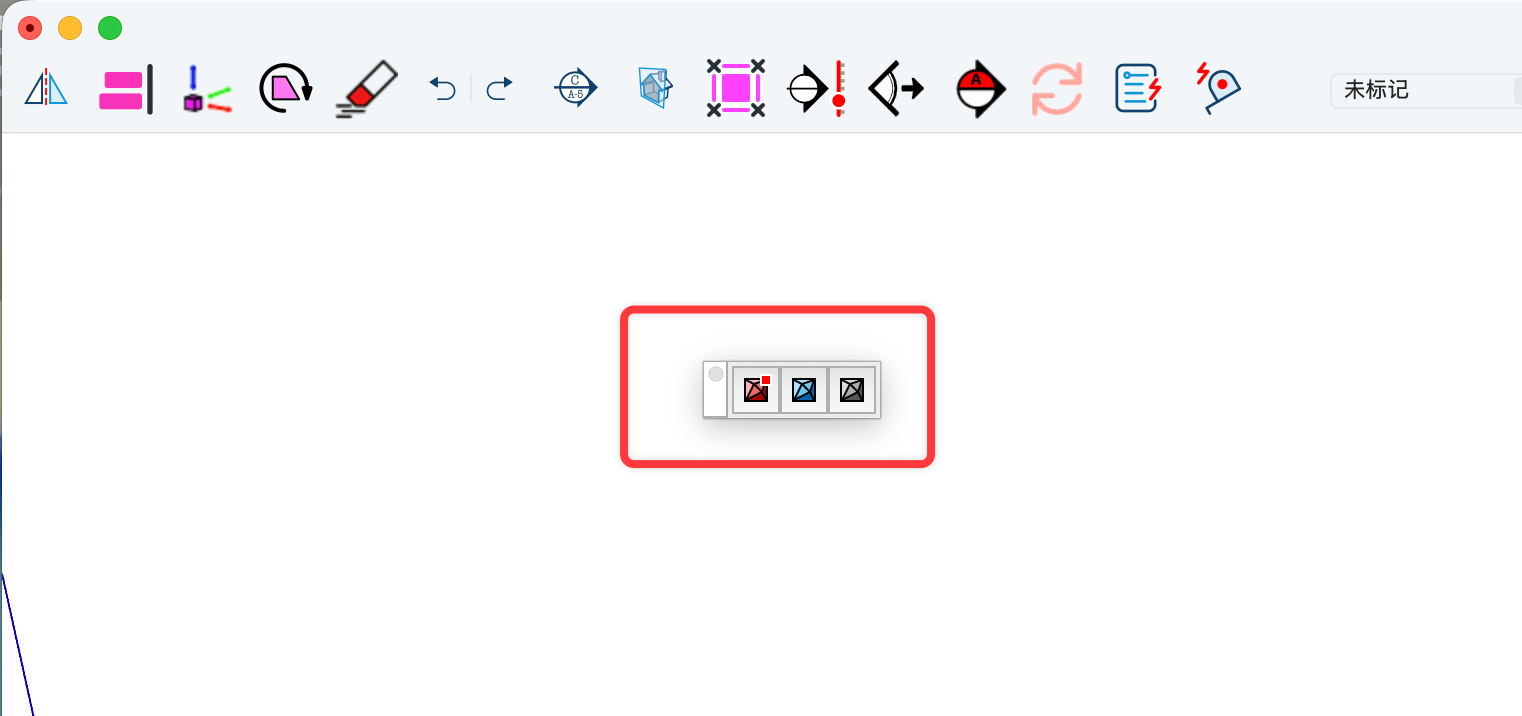
                          After upgrading SketchUcationTools to version 5.0.3, the Extension Store toolbar keeps appearing in the same spot every time I launch the software—even after I close it. Is there a way to fix this?

                          ![alt text](image url)![alt text](image url)

                          1 Reply Last reply Reply Quote 0
                          • W Offline
                            Wantao
                            last edited by

                            7274243d249a553ff4f0e699ee7e23fb.png

                            After upgrading SketchUcationTools to version 5.0.3, the Extension Store toolbar keeps appearing in the same spot every time I launch the software—even after I close it. Is there a way to fix this?

                            TIGT 1 Reply Last reply Reply Quote 0
                            • TIGT Offline
                              TIG Moderator @Wantao
                              last edited by TIG

                              @Wantao
                              The red dot on the toolbar button shows shows that updates are available.
                              If updates are available then the toolbar shows up by default even if you have closed it previously. This is to ensure you see the availability.
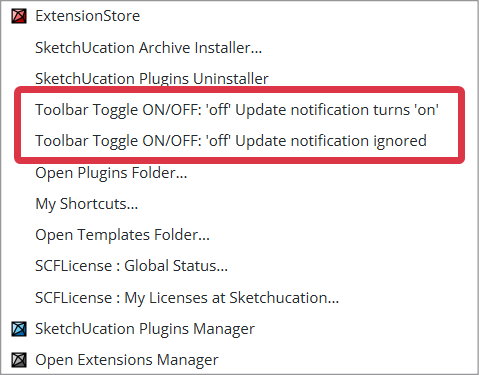
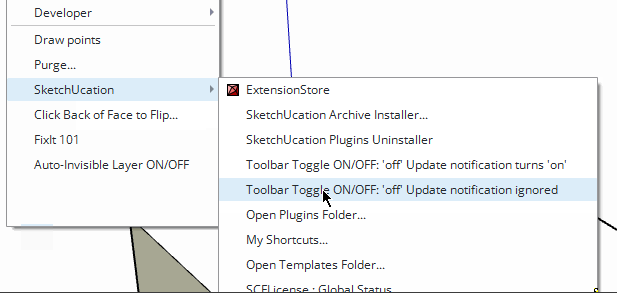
                              However there are two options in the Extensions > SketchUcation submenu, covering the toolbar close/open status. The first is the same as opening/closing the toolbar manually with the update-availability auto-opening it later if appropriate, but the second one let's you close it and then ignore update alerts, it you choose that you need to manually check for updates by opening the toolbar or ExtensionStore dialog.
                              SubMenu.png

                              TIG

                              1 Reply Last reply Reply Quote 0
                              • Mike AmosM Offline
                                Mike Amos
                                last edited by

                                Moving all toolbars in a new project (No model) and saving as a template usually works for me New tools, new template.

                                Absentia mortis praesentiam vitae probat, vita autem est argumentum constantiae.

                                1 Reply Last reply Reply Quote 0
                                • RTCoolR Offline
                                  RTCool
                                  last edited by

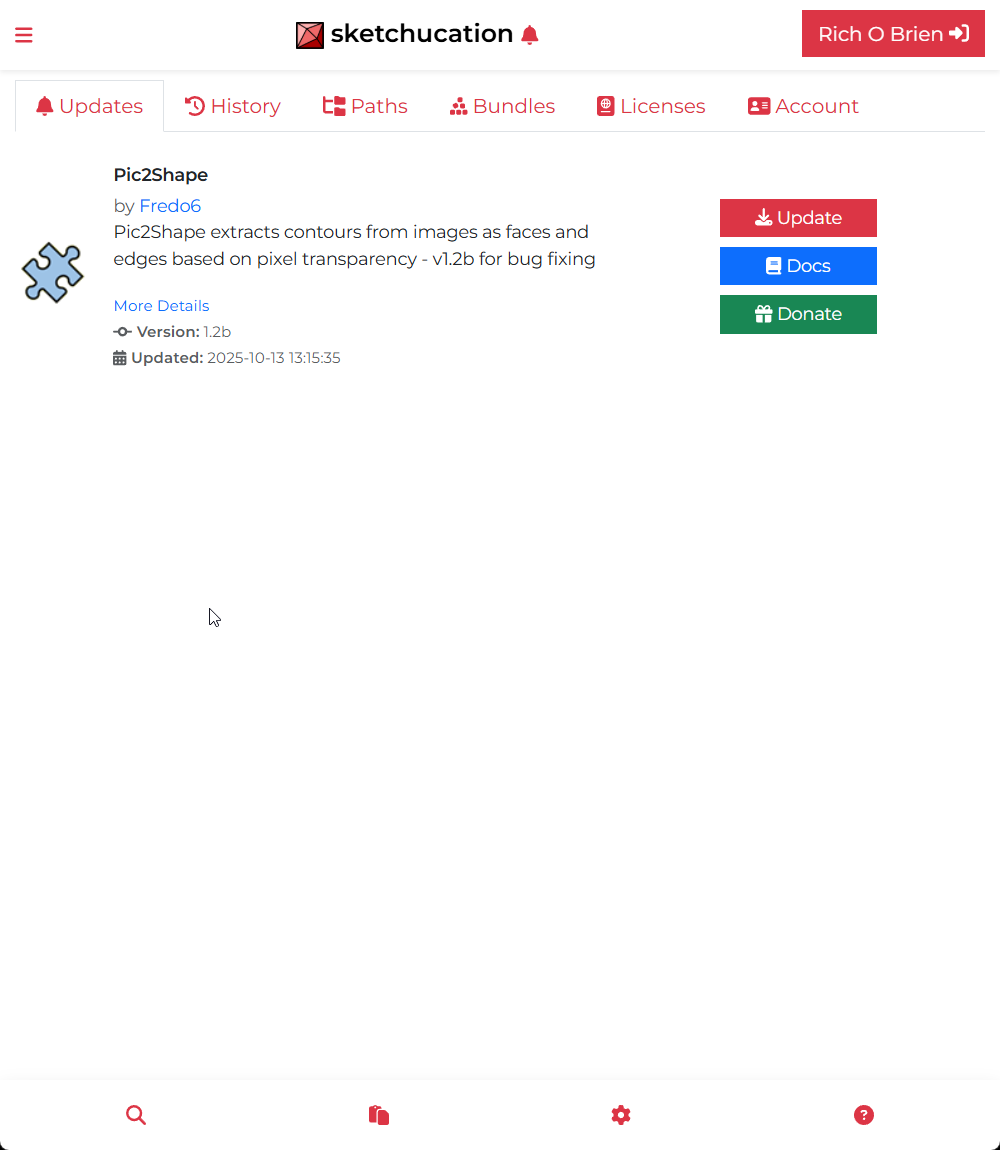
                                  I'm using SketchUcation Store 5.0.3 in SU 2026 and it seems flaky. It reports that everything in my library needs updating even though that's not correct. Also, clicking on Settings gets me this Update list. What's it supposed to look like when you click Settings?

                                  Rich O BrienR 1 Reply Last reply Reply Quote 0
                                  • Rich O BrienR Offline
                                    Rich O Brien Moderator @RTCool
                                    last edited by

                                    @RTCool said in Sketchucation Tools 5.0.3:

                                    What's it supposed to look like when you click Settings?

                                    You should see a tabbed UI with various headings.
                                    25fb6056-6a6e-44a7-b6c1-e9ad09808336-image.png

                                    Download the free D'oh Book for SketchUp 📖

                                    1 Reply Last reply Reply Quote 0
                                    • RTCoolR Offline
                                      RTCool
                                      last edited by

                                      It occurred to me afterward that's what you're supposed to see. I guess getting used to the new interface, I was confused by two methods of arriving at that tab: clicking the bell for notifications of updates as well as the being the first tab under settings.

                                      I was having trouble with the thing hanging when I would try updating anything, but that seems to be working now. Maybe I just tell it to update all these plugins it thinks need updating and it will remember all this correctly going forward.

                                      1 Reply Last reply Reply Quote 0
                                      • Rich O BrienR Offline
                                        Rich O Brien Moderator
                                        last edited by

                                        Sketchucation Tools 5.0.4 released
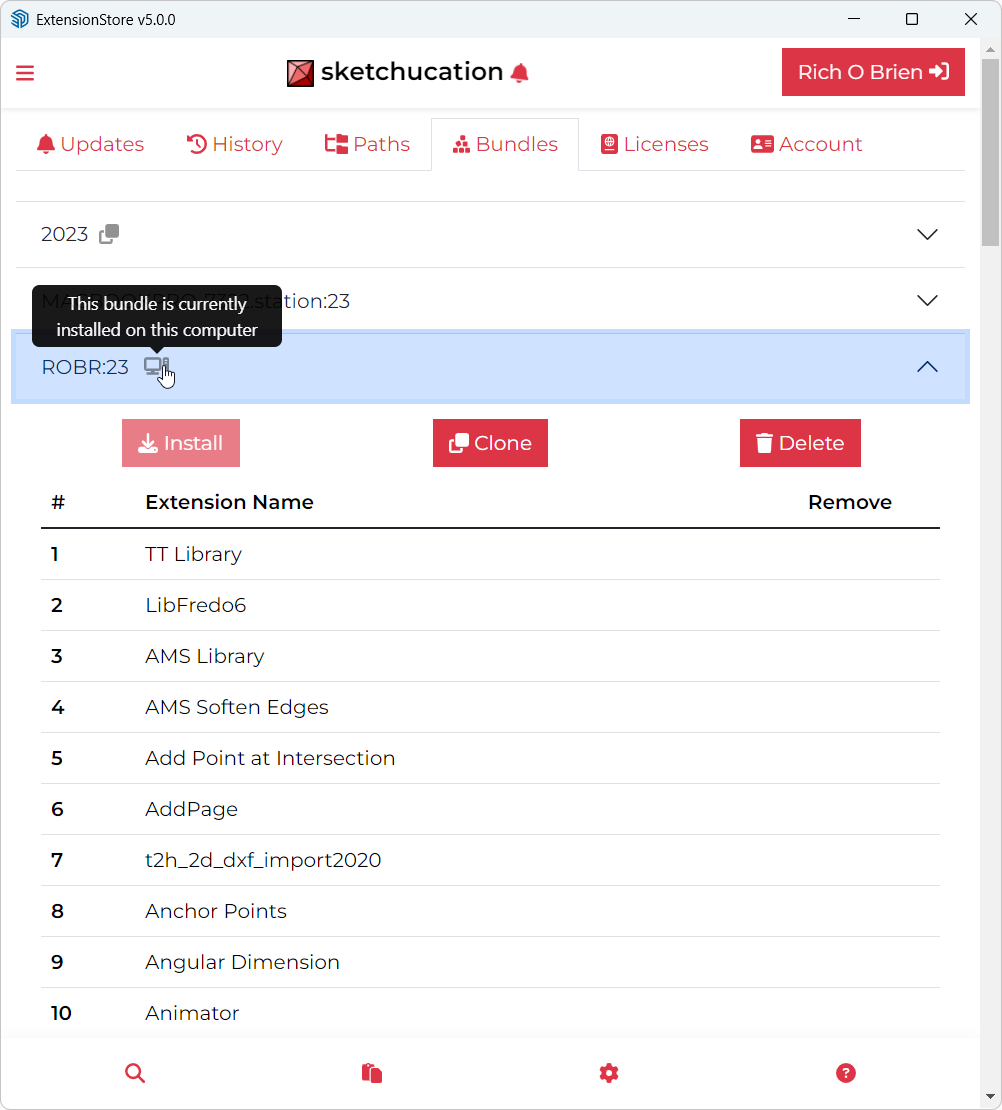
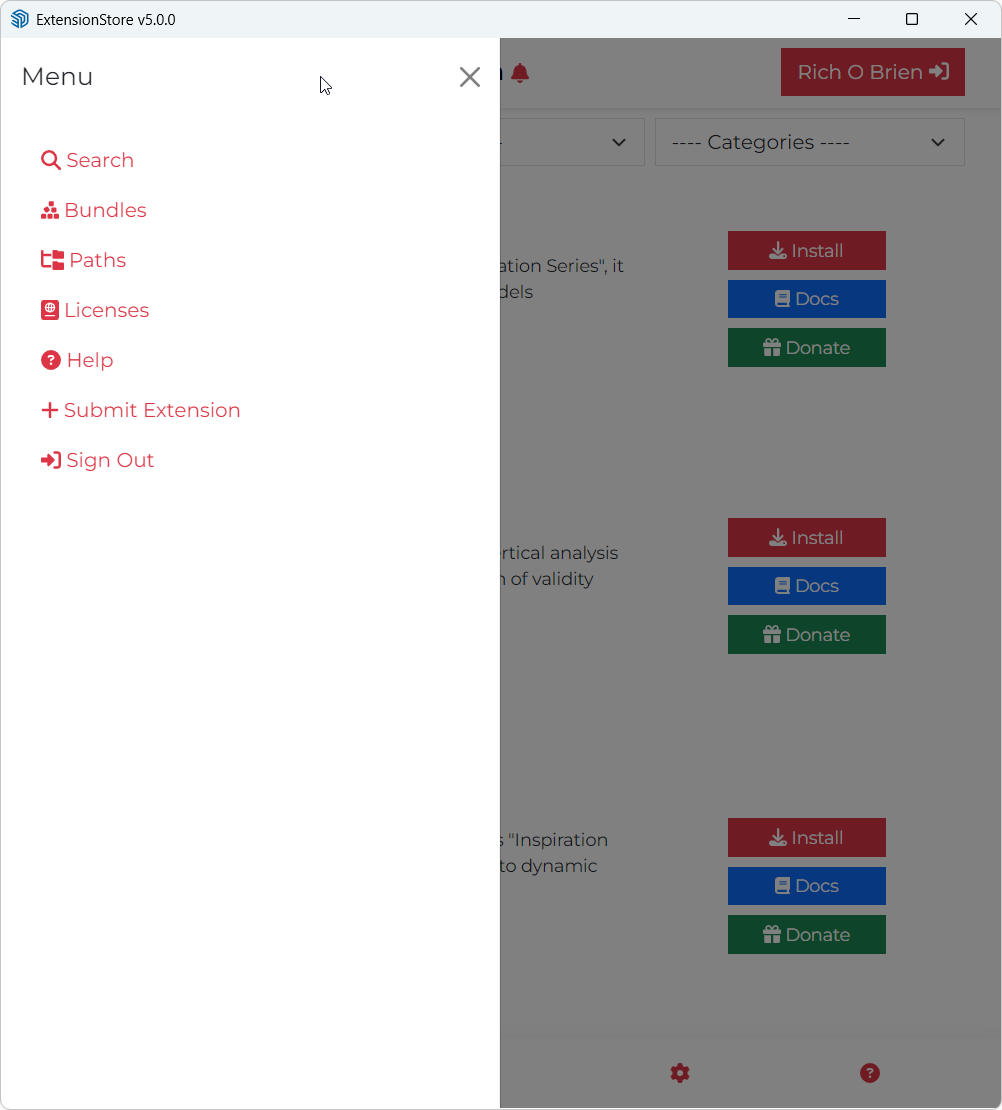
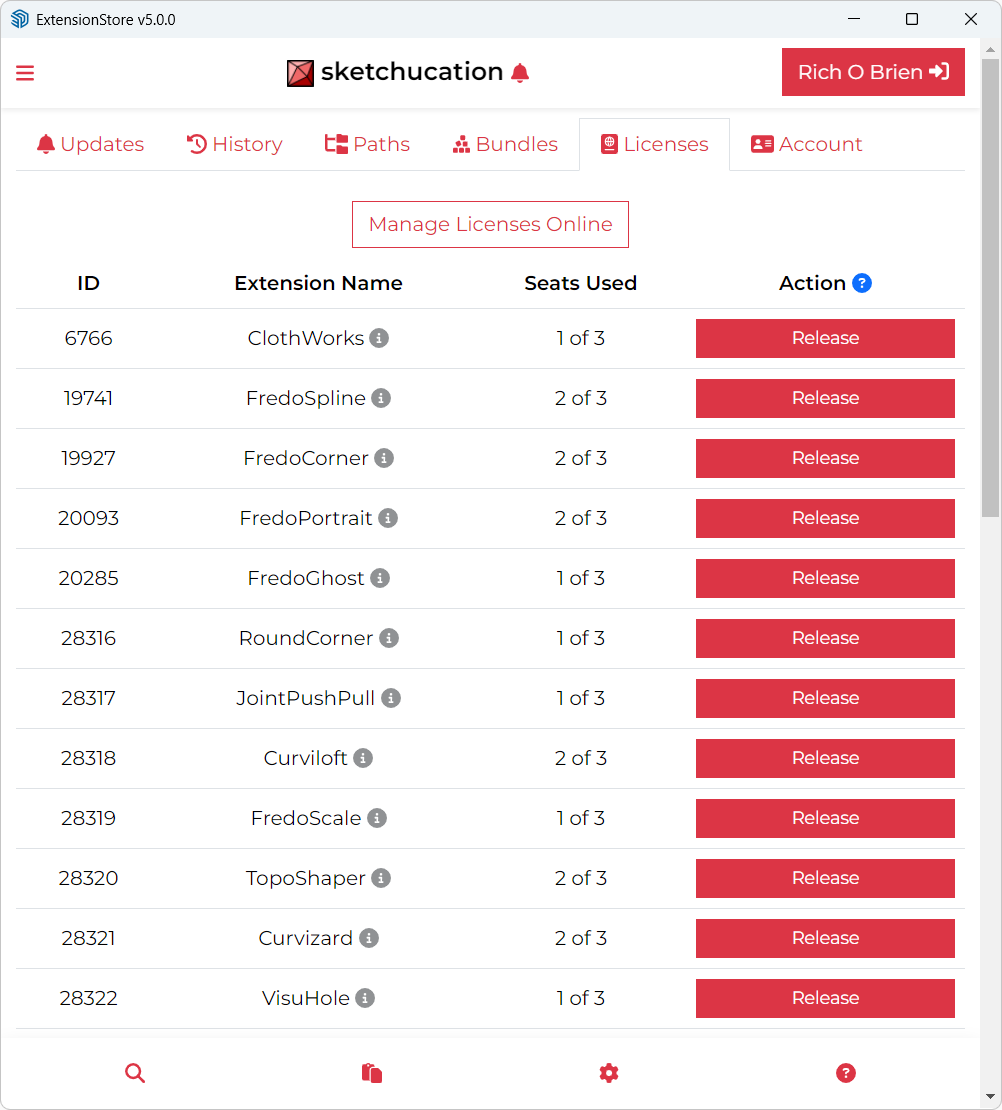
                                        Bugfixing and improvements to toolbar toggling and update notifications.

                                        Download the free D'oh Book for SketchUp 📖

                                        1 Reply Last reply Reply Quote 1
                                        • 1
                                        • 2
                                        • 3
                                        • 4
                                        • 5
                                        • 6
                                        • 7
                                        • 3 / 7
                                        • First post
                                          Last post
                                        Buy SketchPlus
                                        Buy SUbD
                                        Buy WrapR
                                        Buy eBook
                                        Buy Modelur
                                        Buy Vertex Tools
                                        Buy SketchCuisine
                                        Buy FormFonts

                                        Advertisement