Rayscaper New Releases
-
That's great, thank you! It's excellent to be able to see the information at the end of the render. I've started the next part of my animation project. In HD mode.
-
@Krass Make sure to share those stunning result!
-
@pixelcruncher Is it now possible to display the materials of the sets if they are painted on the outside without the need to paint the surfaces on the inside?
Have liquids been added to the materials list and Specular maps? I would appreciate it if you could attach images of updated Apti elements.
-
@pixelcruncher Is it now possible to display the materials of the sets if they are painted on the outside without the need to paint the surfaces on the inside?
I'm not sure which bug you are referring to here. Painting materials on containers was already supported in Rayscaper before.
Have liquids been added to the materials list and Specular maps? I would appreciate it if you could attach images of updated Apti elements.
No, the liquid material and specular maps are not part of this release. Maybe, if you provide some examples of materials that are hard to recreate, I can help you identify workarounds.
Regards,
Thomas -
Hey everyone. This is my first animation with Rayscaper, but I'm having trouble getting the frame rate right in Premiere Pro for editing. Any tips? It's at 30 frames per second, though...
Krass
-

@Krass Wow, that's very impressive! Thanks for sharing, this made my weekend.
I can't help you with Premiere Pro, but does it have temporal denoise? I wonder if that would help with the flicker caused by the noise.
Do you mind if I share your video link around? This is great marketing for Rayscaper.
Regards,
Thomas -
Very impressive video.

Wish I could afford Premiere Pro.
-
Thanks, everyone, and thanks Pixelcruncher. Now I should do a film school course and learn editing: you'll notice that the fruit (exotic, since they're the cheapest in 3D) appeared as if by magic. It's a perfect example of a jump cut.
I'm also going to try the same edit with DaVinci Resolve, which has a free version, but I haven't installed it yet. To see if I can get a decent export. Pixelcruncher, I'll look into temporal denoising; I'm not familiar with it. Probably in Premiere, yes.
-
@pixelcruncher I will try that spatial temporal Denoiser ! Yes you can share this master piece !
-
@Krass You are one of those who are skilled at using things accurately.
-
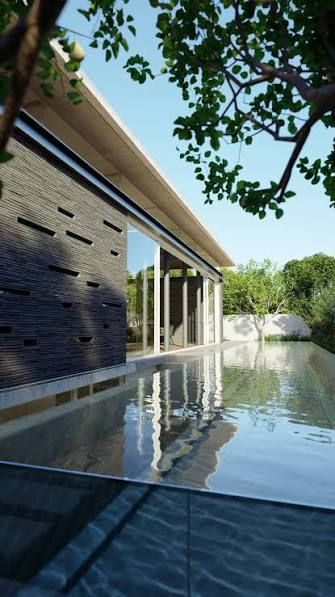
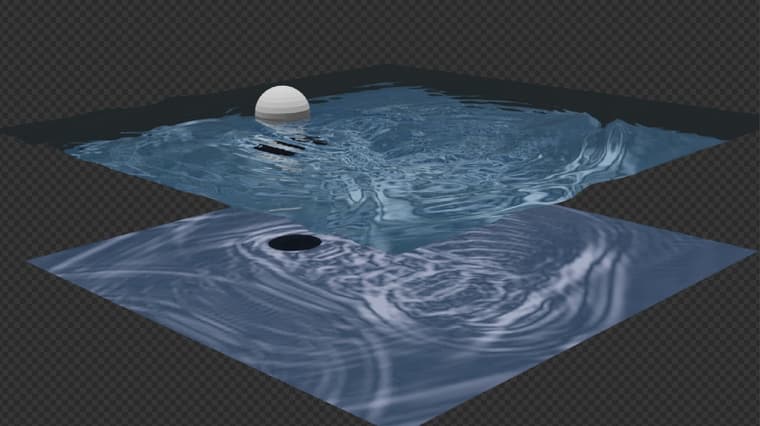
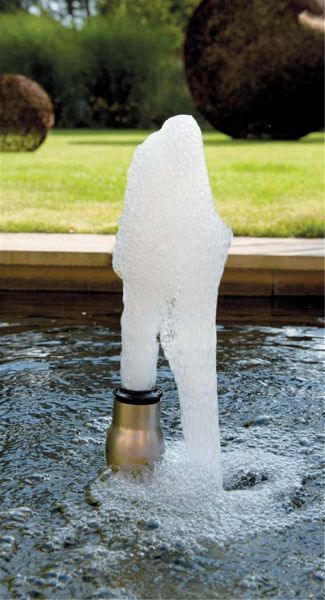
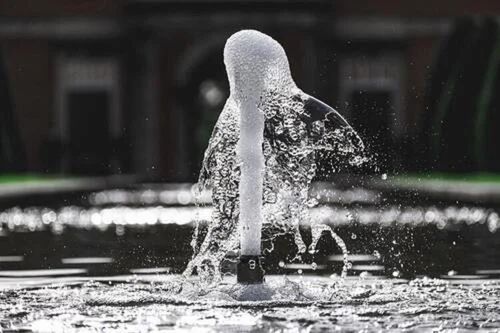
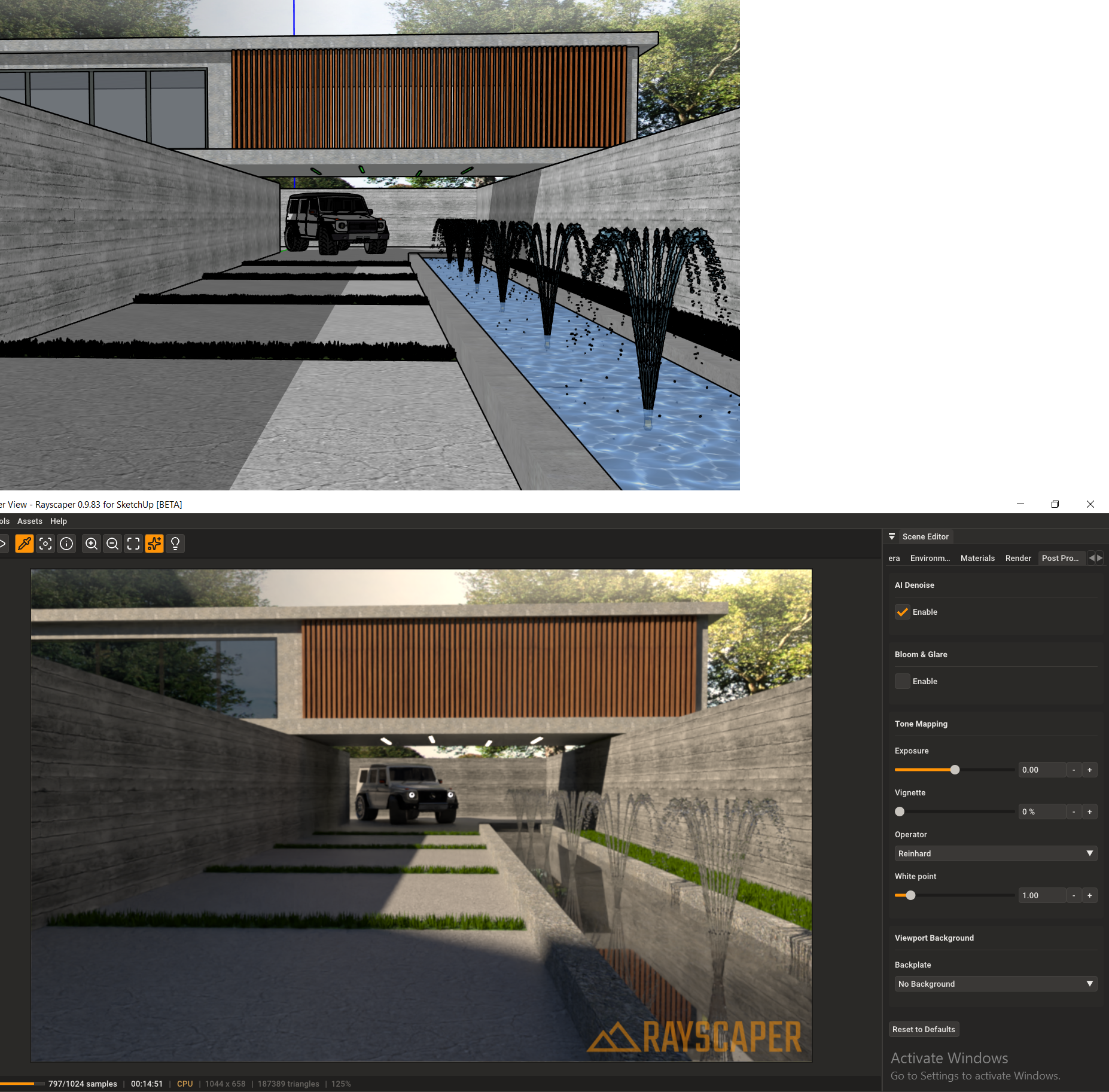
Water samples
-
Could you please provide me with settings for clear water with a caustic sheen and caustic
-
Hello, it seems you did not had any normal map for your water...below the fountain... You can find many on the web. You will get nice réflection. You could randomly resize the fountain flow for more réalism. There must be a way to produce fake caustics in rayscaper, let us take on this challenge !
-
@Alattab I haven't found the time yet to do the water material. You will have to work around it by using a caustic pattern from the internet.
-
Hey, Rayscaper users!
Rayscaper 0.9.85 Beta is available. You can get it via:
- The SketchUcation store.
- Direct download: Rayscaper_Win_0.9.85_Beta.rbz.
I recommend upgrading to the latest version.
What Changed?
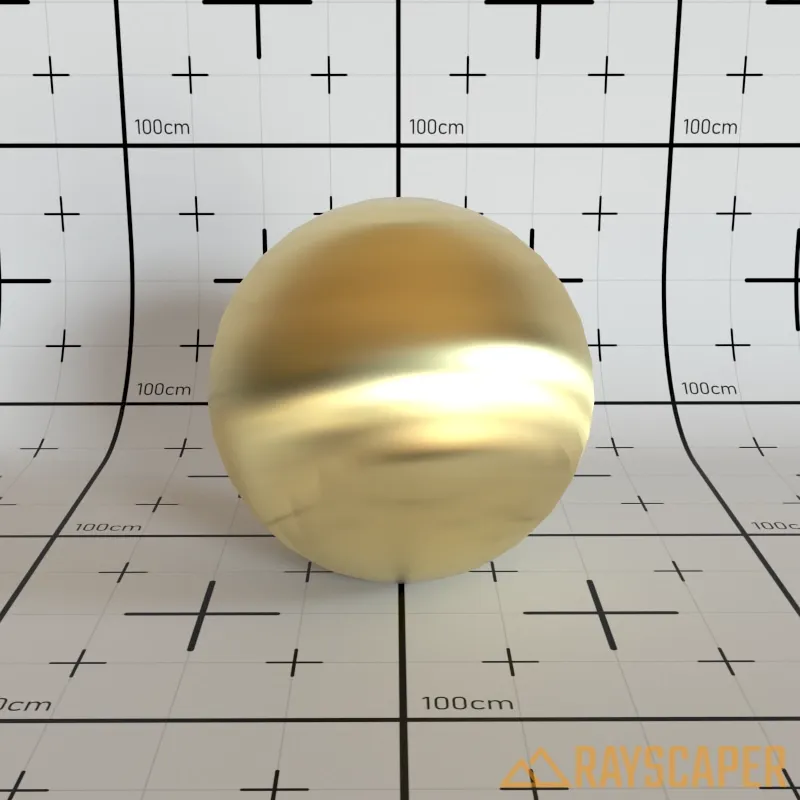
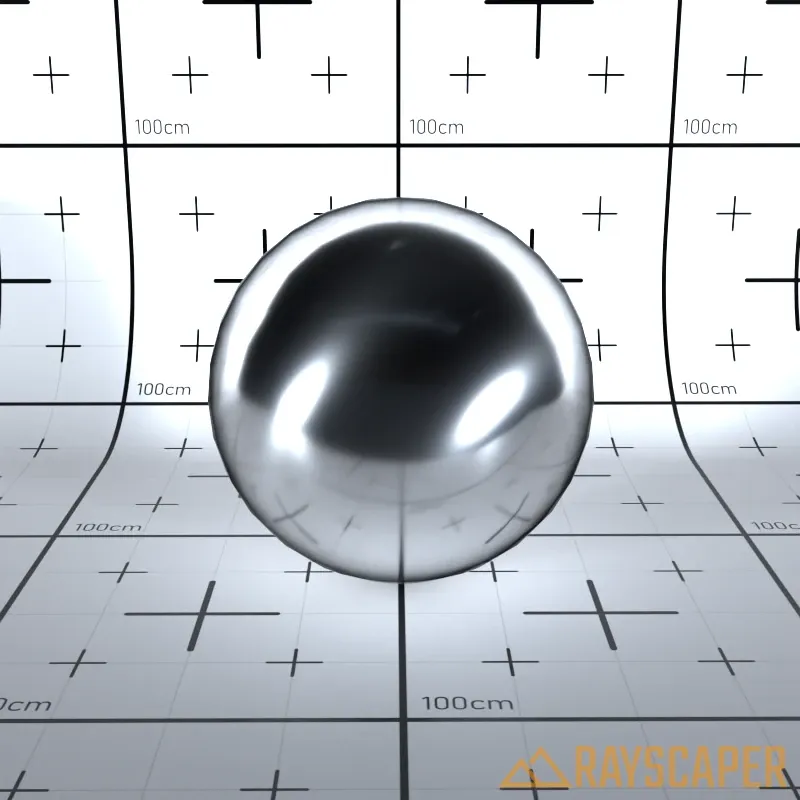
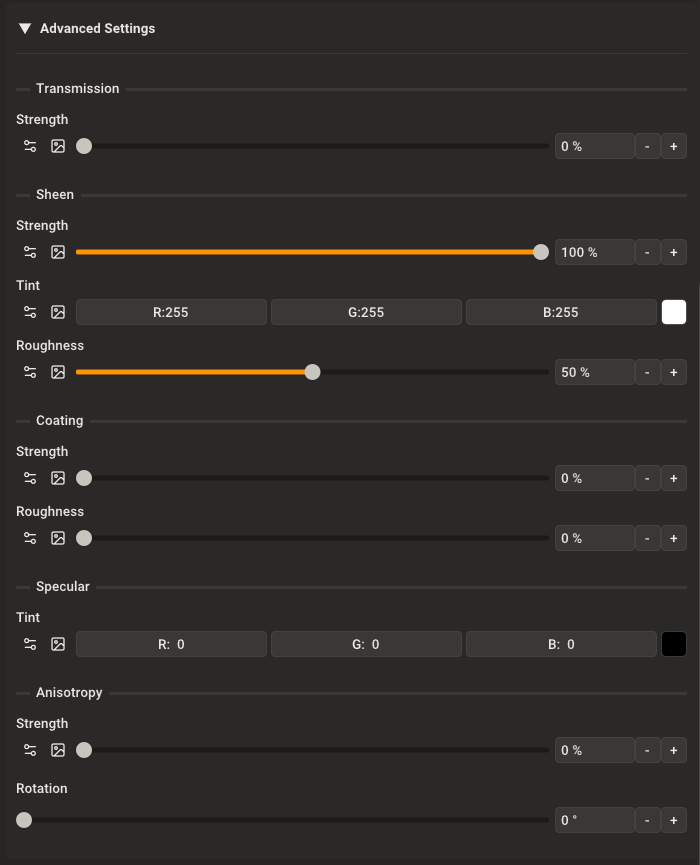
- Add anisotropy support for metal materials. You can now create brushed metal effects by controlling the direction and amount of anisotropy in metallic surfaces.
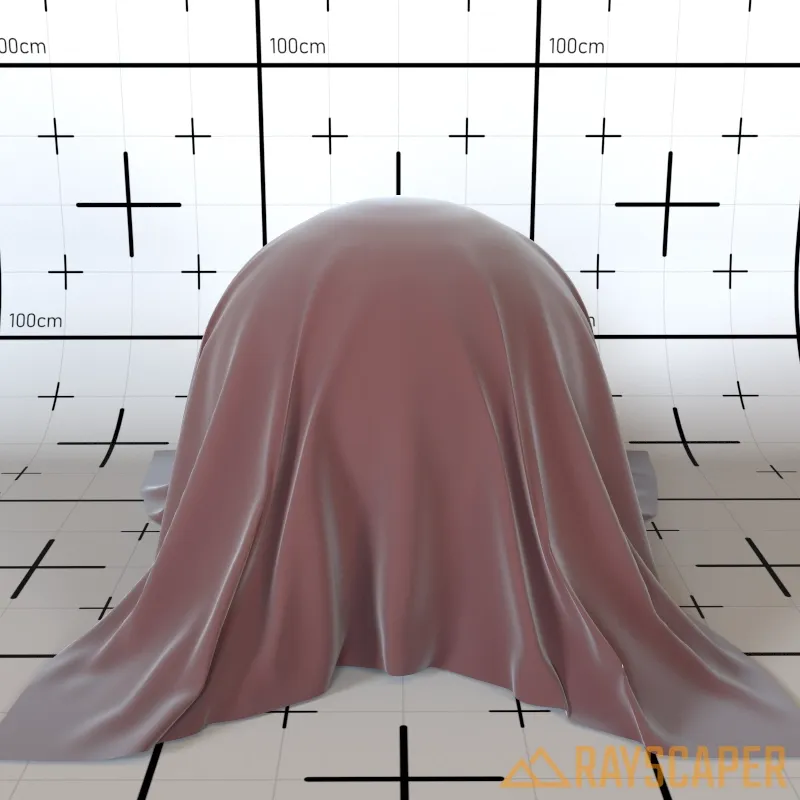
- Add sheen roughness control to PBR materials. This gives you finer control over fabric-like reflections on surfaces.
-
Add 'Reload All Materials from SketchUp' option to the Tools menu. This makes it easy to refresh all materials after making changes in SketchUp without restarting Rayscaper.
-
Add a Reset button to the material editor toolbar. Quickly restore a material to its default settings with a single click.

- Improve PBR material editor with better-organized advanced settings using subgroup headers for easier navigation.
- Fix normal maps not automatically enabling when loading a normal map image.
Help Me Build the Community
If you like Rayscaper, please share your renders (final or work-in-progress, it doesn't matter)! This is motivating and helps me showcase its capabilities to new users.
Follow me on X.
Happy Rendering!
Thomas -
C'est extra ! merci!
Dear Pixelcruncher,
if it's possible in a future version to change the number of pixels in height or width and have the other dimension update accordingly, that would be great. Image resolution scaling by homothety... I don't think that's the case; RS offers "double or half". -
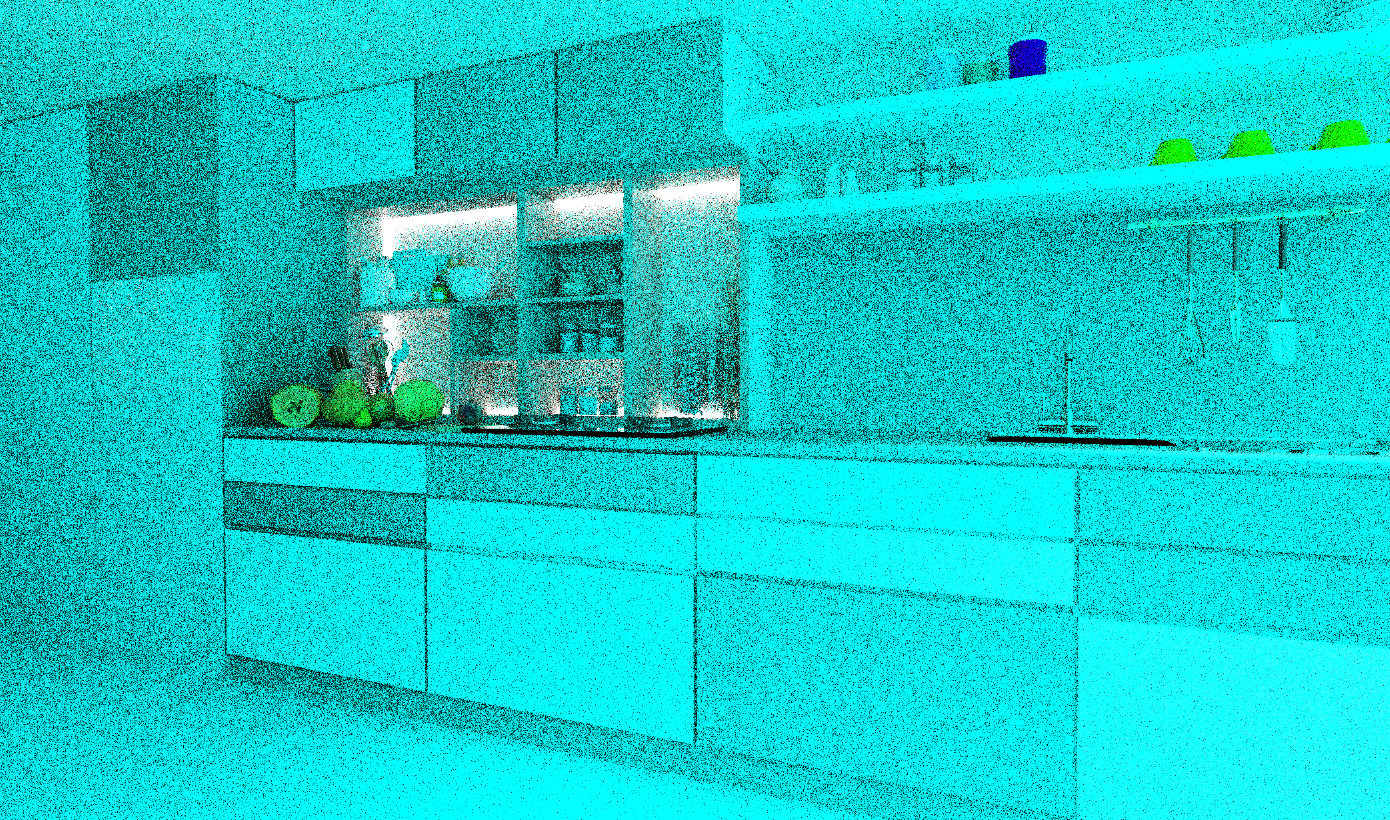
When I move a project, I end up with blue renders... probably an asset path issue? Or maybe it's version 9.85?
-
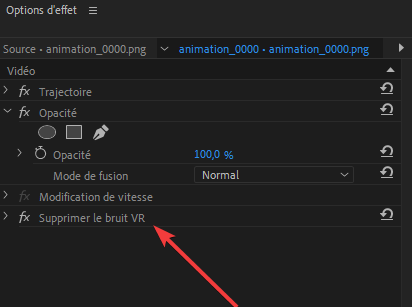
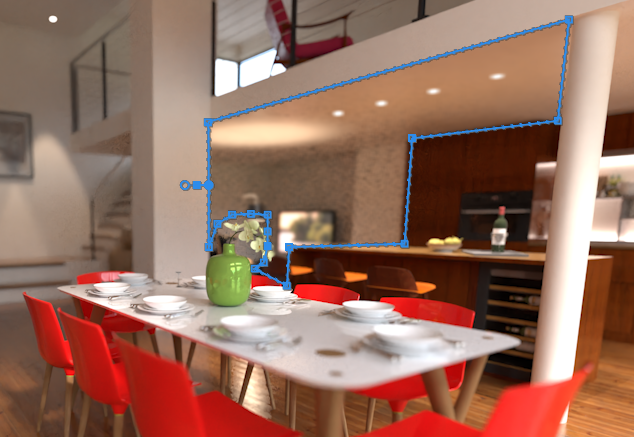
Yes, I was able to reduce the noise with a mask to which I applied a denoiser effect, but is that the denoiser you're thinking of? It's better anyway.
-
This post is deleted! -
@Krass Yes, according to the docs, that should be the one.


Hello! It looks like you're interested in this conversation, but you don't have an account yet.
Getting fed up of having to scroll through the same posts each visit? When you register for an account, you'll always come back to exactly where you were before, and choose to be notified of new replies (either via email, or push notification). You'll also be able to save bookmarks and upvote posts to show your appreciation to other community members.
With your input, this post could be even better 💗
Register Login


Advertisement