sketchucation logo sketchucation
    • 登入
    Oops, your profile's looking a bit empty! To help us tailor your experience, please fill in key details like your SketchUp version, skill level, operating system, and more. Update and save your info on your profile page today!
    🔌 Smart Spline | Fluid way to handle splines for furniture design and complex structures. Download

    [Plugin][$] S4u_Transformer

    已排程 已置頂 已鎖定 已移動 Plugins
    28 貼文 12 Posters 19.2k 瀏覽 12 Watching
    正在載入更多貼文
    • 從舊到新
    • 從新到舊
    • 最多點贊
    回覆
    • 在新貼文中回覆
    登入後回覆
    此主題已被刪除。只有擁有主題管理權限的使用者可以查看。
    • BoxB 離線
      Box
      最後由 編輯

      It's a great plugin but it has the annoying persistent toolbar problem. Could you look at adjusting it for your next update.

      @tig said:

      If an author has made his tool's loading code 'unfriendly' it will always open its toolbar, even if you last exited with that toolbar closed...
      For example if a plugin has the overly simple code:
      tb.show
      Which always opens the toolbar, irrespective of your wishes !
      To open a toolbar only if the user previously exited with it open [OR it's the first time it's used, e.g. a new installation] the loader code needs adjusting to read something like:
      tb.show **if tb.get_last_state.abs == 1** # TB_VISIBLE/NEVER
      Which is the code used by the SketchUcation toolbar...

      1 條回覆 最後回覆 回覆 引用 0
      • StinkieS 離線
        Stinkie
        最後由 編輯

        Wow. 👍

        1 條回覆 最後回覆 回覆 引用 0
        • hdpvH 離線
          hdpv
          最後由 編輯

          @box said:

          It's a great plugin but it has the annoying persistent toolbar problem. Could you look at adjusting it for your next update.

          @tig said:

          If an author has made his tool's loading code 'unfriendly' it will always open its toolbar, even if you last exited with that toolbar closed...
          For example if a plugin has the overly simple code:
          tb.show
          Which always opens the toolbar, irrespective of your wishes !
          To open a toolbar only if the user previously exited with it open [OR it's the first time it's used, e.g. a new installation] the loader code needs adjusting to read something like:
          tb.show **if tb.get_last_state.abs == 1** # TB_VISIBLE/NEVER
          Which is the code used by the SketchUcation toolbar...

          maybe on Mac,on Win is no problem
          I fix for next update,

          Suforyou
          http://www.sketchupforyou.com

          1 條回覆 最後回覆 回覆 引用 0
          • BoxB 離線
            Box
            最後由 編輯

            I don't have a mac.

            1 條回覆 最後回覆 回覆 引用 0
            • hdpvH 離線
              hdpv
              最後由 編輯

              i don't know this error,but this code is OK
              "tb.show if tb.get_last_state.abs == 1"

              Suforyou
              http://www.sketchupforyou.com

              1 條回覆 最後回覆 回覆 引用 0
              • BoxB 離線
                Box
                最後由 編輯

                I know nothing about coding so I gave you a quote from Tig when the issue came up before.
                I just wanted to point out that your Plugin's toolbar was always popping up whether open or closed previously. I've just installed and tested your Slice plugin and it doesn't do it, so that suggest there is a difference in the code.

                I don't mean this as a criticism, simply a bug fix.

                1 條回覆 最後回覆 回覆 引用 0
                • hdpvH 離線
                  hdpv
                  最後由 編輯

                  no difference in the code.I use Sketchup 2014,win64
                  this bug fix is no expect. 😄

                  Suforyou
                  http://www.sketchupforyou.com

                  1 條回覆 最後回覆 回覆 引用 0
                  • HornOxxH 離線
                    HornOxx
                    最後由 編輯

                    hi HDPV,
                    first thank you for this great tool!
                    I have used it for some time and it worked great so far, but since a few days I get the message
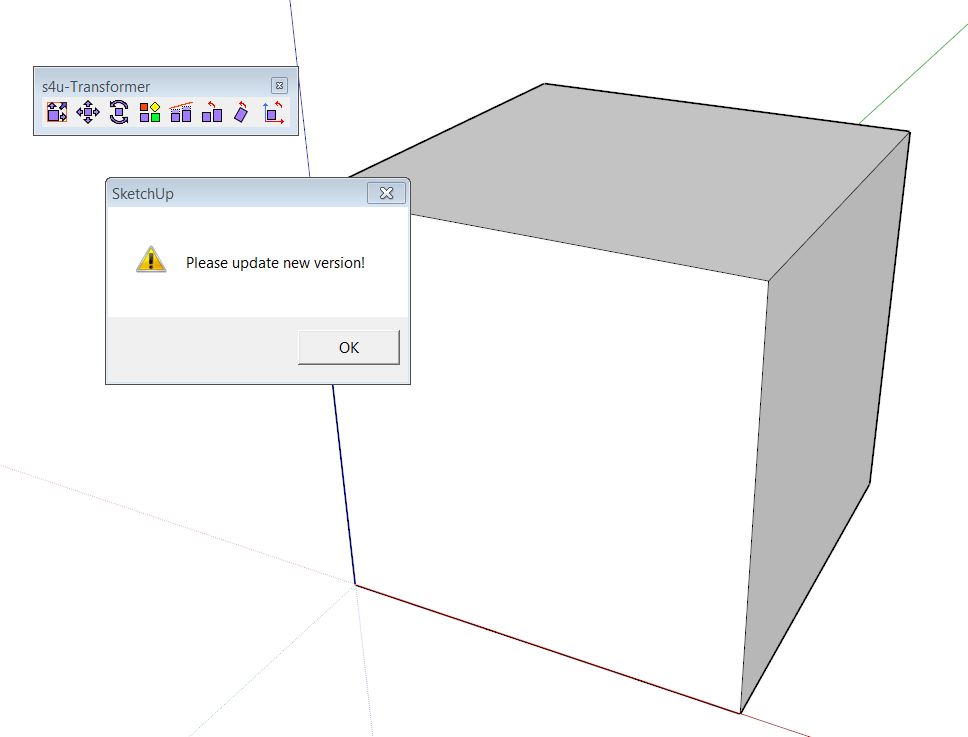
                    that I should do an update as soon as I use the plugin (please see screenshot). This is the only plugin that causes this error by now.
                    I run SketchUp 2013 Pro and SketchUp 8 Free on Win7 64bit. I get this message on both versions.

                    any help is appreciated - thank you


                    Update New Version.JPG

                    never trust a skinny cook

                    1 條回覆 最後回覆 回覆 引用 0
                    • hdpvH 離線
                      hdpv
                      最後由 編輯

                      Sorry HornOxx, This trial is expired.

                      Suforyou
                      http://www.sketchupforyou.com

                      1 條回覆 最後回覆 回覆 引用 0
                      • Dave RD 離線
                        Dave R
                        最後由 編輯

                        @hdpv said:

                        Sorry HornOxx, This trial is expired.

                        Could you change the wording in the message? That message doesn't indicate at all that the trial period has expired and that the user needs to pay up or discontinue the plugin. Perhaps you could change the message to something like, "Thank you for trying S4u_Transformer. The trial period has ended. Please go to [your website] to purchase the a license."

                        Etaoin Shrdlu

                        %

                        (THERE'S NO PLACE LIKE)

                        G28 X0.0 Y0.0 Z0.0

                        M30

                        %

                        1 條回覆 最後回覆 回覆 引用 0
                        • HornOxxH 離線
                          HornOxx
                          最後由 編輯

                          Sorry - how embarrassing to me!! 😉 I didn´t even notice that this is a purchase-plugin.

                          Regards to All

                          never trust a skinny cook

                          1 條回覆 最後回覆 回覆 引用 0
                          • hdpvH 離線
                            hdpv
                            最後由 編輯

                            Thanks Dave!

                            Suforyou
                            http://www.sketchupforyou.com

                            1 條回覆 最後回覆 回覆 引用 0
                            • B 離線
                              Berserk
                              最後由 編輯

                              This is incredible

                              1 條回覆 最後回覆 回覆 引用 0
                              • P 離線
                                pipinek
                                最後由 編輯

                                To the Author (S4U).

                                Should it be any discount, upgrade price for the v1 users?
                                If yes how can one apply it?

                                1 條回覆 最後回覆 回覆 引用 0
                                • hdpvH 離線
                                  hdpv
                                  最後由 編輯

                                  Hi
                                  Now,the update is free.
                                  Mail to me if you purchased it.

                                  Suforyou
                                  http://www.sketchupforyou.com

                                  1 條回覆 最後回覆 回覆 引用 0
                                  • R 離線
                                    rv1974
                                    最後由 編輯

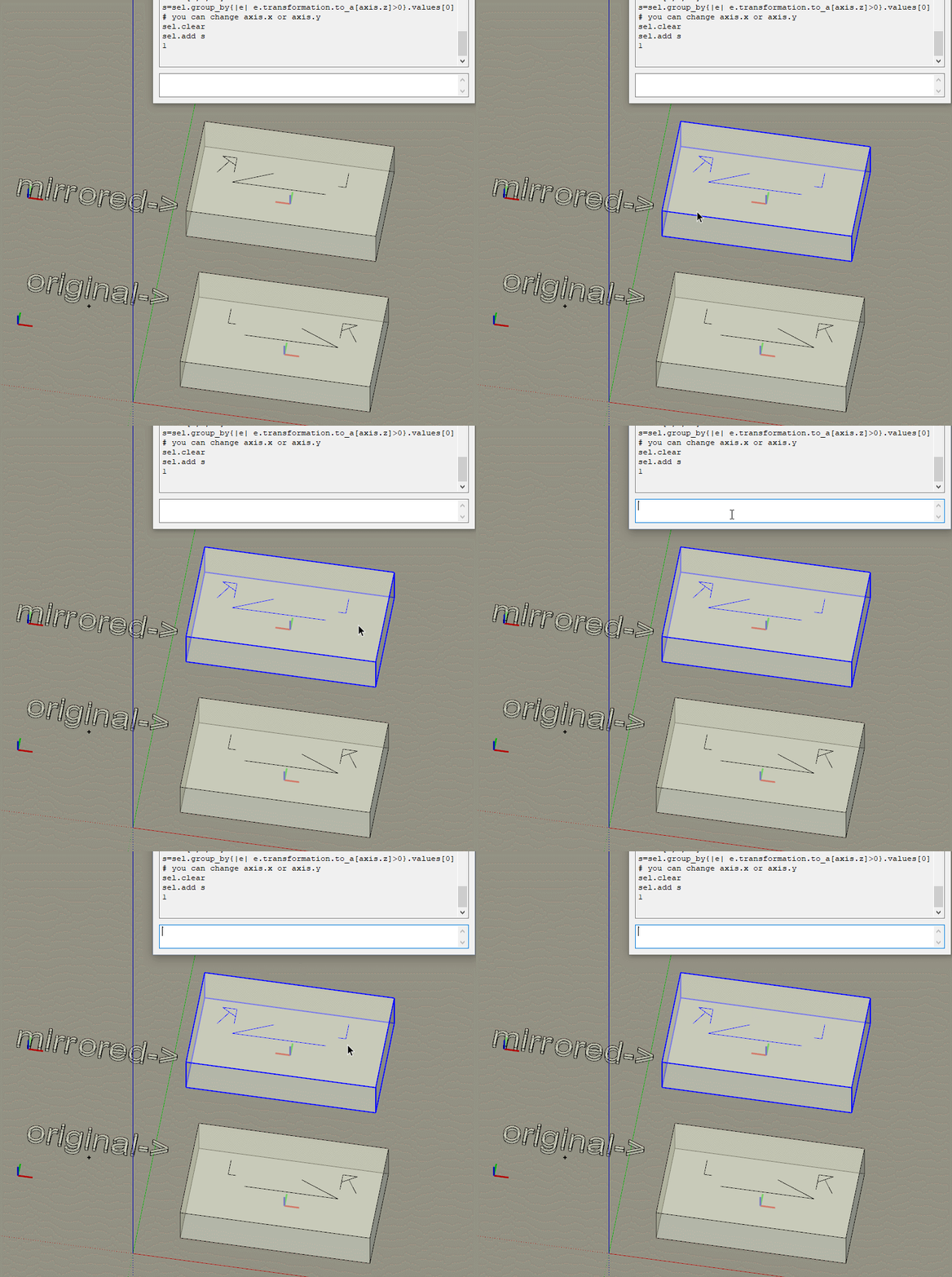
                                    Hdpv, Say I have multiple components, some of them have scale -1 (=mirrored) on some axis, some do not. Is there way to take onlythose with scale -1 and flip it to 1?
                                    Thank you

                                    1 條回覆 最後回覆 回覆 引用 0
                                    • hdpvH 離線
                                      hdpv
                                      最後由 編輯

                                      Hi rv1974!
                                      s4u Transformer can't do it.
                                      You try this code:
                                      sel=Sketchup.active_model.selection
                                      axis=[0,5,10]
                                      s=sel.group_by{|e| e.transformation.to_a[axis.z]>0}.values[0] # you can change axis.x or axis.y
                                      sel.clear
                                      sel.add s

                                      Suforyou
                                      http://www.sketchupforyou.com

                                      1 條回覆 最後回覆 回覆 引用 0
                                      • R 離線
                                        rv1974
                                        最後由 編輯

                                        Hdpv thanks for reply!
                                        I tried the code- nothing happens. what am I doing wrong?

                                        Error: #<TypeError: wrong argument type (expected Sketchup::Entity or Array of Sketchup::Entity)>
                                        <main>:4:in add' <main>:4:in <main>'
                                        SketchUp:1:in `eval'


                                        GIF 04-11-2019 10-54-58.gif

                                        1 條回覆 最後回覆 回覆 引用 0
                                        • hdpvH 離線
                                          hdpv
                                          最後由 編輯

                                          First,You select all components.

                                          Suforyou
                                          http://www.sketchupforyou.com

                                          1 條回覆 最後回覆 回覆 引用 0
                                          • R 離線
                                            rv1974
                                            最後由 編輯

                                            IDK I select all and ... no magic happens
                                            Sometimes I have no reply in Ruby console, sometimes diffrent errors.
                                            In any case nothing flips to original

                                            sel=Sketchup.active_model.selection
                                            axis=[0,5,10]
                                            s=sel.group_by{|e| e.transformation.to_a[axis.z]>0}.values[0] # you can change axis.x or axis.y
                                            sel.clear
                                            sel.add s
                                            Error: #<TypeError: wrong argument type (expected Sketchup::Entity or Array of Sketchup::Entity)>
                                            <main>:4:in add' <main>:4:in <main>'
                                            SketchUp:1:in `eval'

                                            or

                                            Error: #<TypeError: wrong argument type (expected Sketchup::Entity or Array of Sketchup::Entity)>
                                            <main>:4:in add' <main>:4:in <main>'
                                            SketchUp:1:in eval' Error: #<SyntaxError: <main>: syntax error, unexpected ':', expecting end-of-input Error: #<TypeError: wrong argument ... ^> SketchUp:1:in eval'


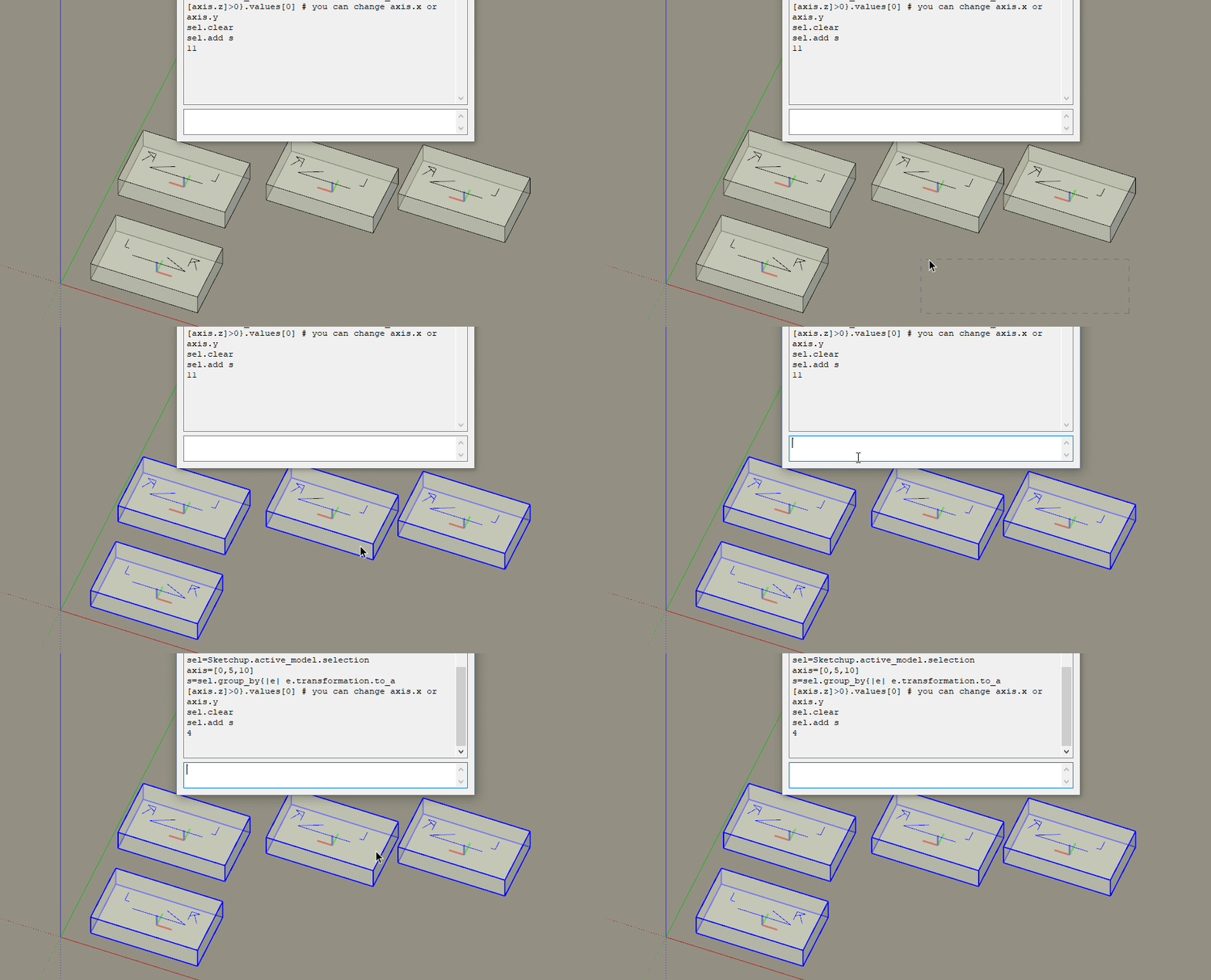
                                            GIF 05-11-2019 15-46-56.gif


                                            axes.skp

                                            1 條回覆 最後回覆 回覆 引用 0
                                            • 1
                                            • 2
                                            • 1 / 2
                                            • 第一個貼文
                                              最後的貼文
                                            Buy SketchPlus
                                            Buy SUbD
                                            Buy WrapR
                                            Buy eBook
                                            Buy Modelur
                                            Buy Vertex Tools
                                            Buy SketchCuisine
                                            Buy FormFonts

                                            Advertisement