sketchucation logo sketchucation
    • 登入
    Oops, your profile's looking a bit empty! To help us tailor your experience, please fill in key details like your SketchUp version, skill level, operating system, and more. Update and save your info on your profile page today!
    🔌 Smart Spline | Fluid way to handle splines for furniture design and complex structures. Download

    Sketchup 2013 issues

    已排程 已置頂 已鎖定 已移動 SketchUp Discussions
    sketchup
    208 貼文 53 Posters 25.0k 瀏覽 53 Watching
    正在載入更多貼文
    • 從舊到新
    • 從新到舊
    • 最多點贊
    回覆
    • 在新貼文中回覆
    登入後回覆
    此主題已被刪除。只有擁有主題管理權限的使用者可以查看。
    • KrisidiousK 離線
      Krisidious
      最後由 編輯

      @box said:

      I can't for the life of me find how to turn off the "Welcome to sketchup" screen. It opens every time even if I already have SU open and will only go away by clicking, Start using.....
      Is this nagware that only goes away with Pro, or am I even more stupid than usual?

      should be a check box to turn it off right in the window itself... at the bottom.

      By: Kristoff Rand
      Home DesignerUnique House Plans

      1 條回覆 最後回覆 回覆 引用 0
      • BoxB 離線
        Box
        最後由 編輯

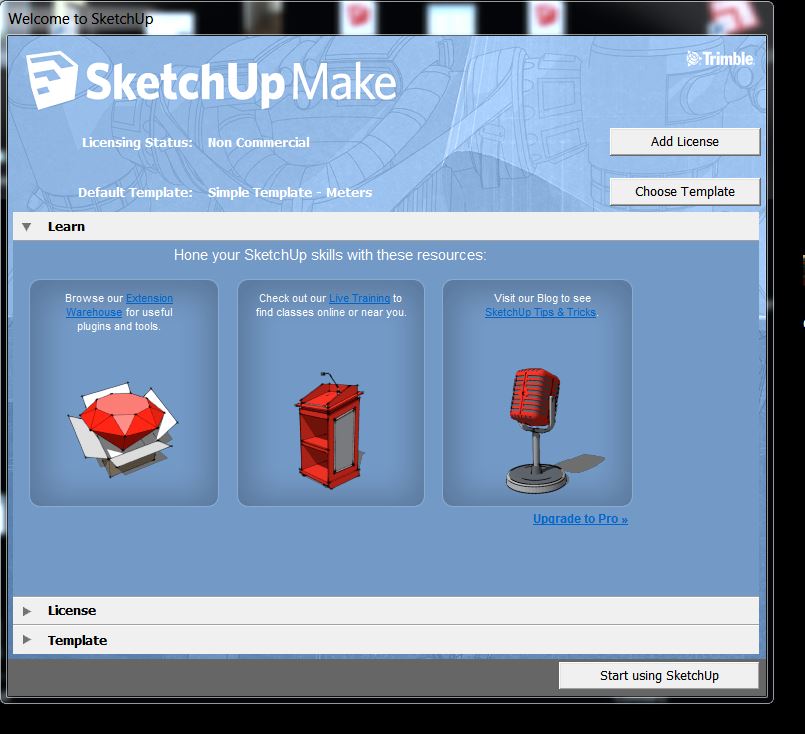
        That was the first place I looked, but no.

        If you are telling me it does exist then I need to adjust my resolution again to find it.

        Nope.JPG

        1 條回覆 最後回覆 回覆 引用 0
        • BoxB 離線
          Box
          最後由 編輯

          So are you saying Kristoff, that in the pro version it doesn't nag you each time.

          1 條回覆 最後回覆 回覆 引用 0
          • KrisidiousK 離線
            Krisidious
            最後由 編輯

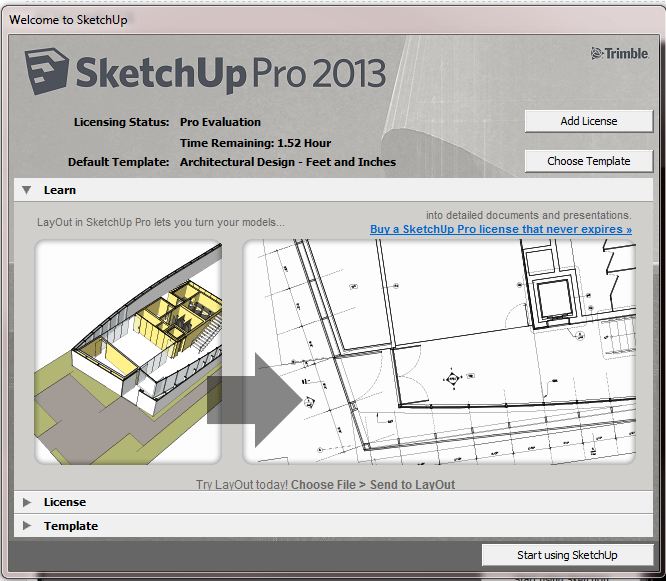
            No, I'm saying it does. maybe it's because I'm still in evaluation?CaptureSUintro.JPG

            By: Kristoff Rand
            Home DesignerUnique House Plans

            1 條回覆 最後回覆 回覆 引用 0
            • KrisidiousK 離線
              Krisidious
              最後由 編輯

              You're right, mine is not there either...

              By: Kristoff Rand
              Home DesignerUnique House Plans

              1 條回覆 最後回覆 回覆 引用 0
              • BoxB 離線
                Box
                最後由 編輯

                Ah Ok, so either it's annoying everyone that is using 13 or you and I are equally "Challenged"

                1 條回覆 最後回覆 回覆 引用 0
                • KrisidiousK 離線
                  Krisidious
                  最後由 編輯

                  I've looked through preferences and found nothing.

                  By: Kristoff Rand
                  Home DesignerUnique House Plans

                  1 條回覆 最後回覆 回覆 引用 0
                  • thomthomT 離線
                    thomthom
                    最後由 編輯

                    @penguin2 said:

                    Loaded the following from EW:-
                    'Selection Toys'
                    'Edge Tools2'

                    http://sketchucation.com/forums/viewtopic.php?f=11&t=32055#p476358

                    Thomas Thomassen — SketchUp Monkey & Coding addict
                    List of my plugins and link to the CookieWare fund

                    1 條回覆 最後回覆 回覆 引用 0
                    • Dan RathbunD 離線
                      Dan Rathbun
                      最後由 編輯

                      @box said:

                      Is this nagware that only goes away with Pro, or am I even more stupid than usual?

                      No you are not any dumber than usual. 😛

                      Yes the check box has been removed for the 2013 Make edition, and only appears in the Pro edition.

                      An omission from the "What's New" list... 😒

                      I'm not here much anymore.

                      1 條回覆 最後回覆 回覆 引用 0
                      • G 離線
                        Garry K
                        最後由 編輯

                        Does anyone know of a registry entry that would disable the Nag screen?

                        I have a ruby script that I run at startup that draws a complete kitchen.

                        Version 7 - 17 seconds
                        Version 8 - 19 seconds
                        Version 2013 - 52 seconds

                        For what ever reason Version 8's graphics have less jaggies than Version 7 or Version 2013.

                        So - I'm not impressed.

                        1 條回覆 最後回覆 回覆 引用 0
                        • TIGT 離線
                          TIG Moderator
                          最後由 編輯

                          @garry k said:

                          Does anyone know of a registry entry that would disable the Nag screen?

                          I have a ruby script that I run at startup that draws a complete kitchen.

                          Version 7 - 17 seconds
                          Version 8 - 19 seconds
                          Version 2013 - 52 seconds

                          For what ever reason Version 8's graphics have less jaggies than Version 7 or Version 2013.

                          So - I'm not impressed.
                          The nag [aka 'welcome'] screen 'show' setting is hard-coded into 'Make', it simply ignores the existing registry entry that is set 0/1 for 'Pro' by the check-box...
                          So don't waste your time trying to circumvent it 😒

                          TIG

                          1 條回覆 最後回覆 回覆 引用 0
                          • thomthomT 離線
                            thomthom
                            最後由 編輯

                            @garry k said:

                            Version 7 - 17 seconds
                            Version 8 - 19 seconds
                            Version 2013 - 52 seconds

                            Interesting. Is the operation wrapped in model.start_operation? And is the disable_ui argument set to true?

                            Thomas Thomassen — SketchUp Monkey & Coding addict
                            List of my plugins and link to the CookieWare fund

                            1 條回覆 最後回覆 回覆 引用 0
                            • G 離線
                              Garry K
                              最後由 編輯

                              I am not using model.start_operation.

                              1 條回覆 最後回覆 回覆 引用 0
                              • thomthomT 離線
                                thomthom
                                最後由 編輯

                                See if it makes a difference if you wrap it up into one operation - and use the disable_ui argument.

                                Thomas Thomassen — SketchUp Monkey & Coding addict
                                List of my plugins and link to the CookieWare fund

                                1 條回覆 最後回覆 回覆 引用 0
                                • G 離線
                                  Garry K
                                  最後由 編輯

                                  I added in the code as you suggested.

                                  model.start_operation( "gkware", true )

                                  did all the work

                                  model.commit_operation

                                  Version 8 increased its time from 19 seconds to 90 seconds
                                  Version 2013 increased its time from 52 seconds to 64 seconds

                                  So - for those who are using start / commit then 2013 is faster. But for me - it's quite a bit slower.

                                  1 條回覆 最後回覆 回覆 引用 0
                                  • thomthomT 離線
                                    thomthom
                                    最後由 編輯

                                    That is bizzare. I've never seen disable_ui make things slower. It's always been faster as it prevented the UI from updating while the operation ran.

                                    Thomas Thomassen — SketchUp Monkey & Coding addict
                                    List of my plugins and link to the CookieWare fund

                                    1 條回覆 最後回覆 回覆 引用 0
                                    • G 離線
                                      Garry K
                                      最後由 編輯

                                      When running code without the disable_ui I have to make certain that the Outliner is not visible - otherwise it is really slow.

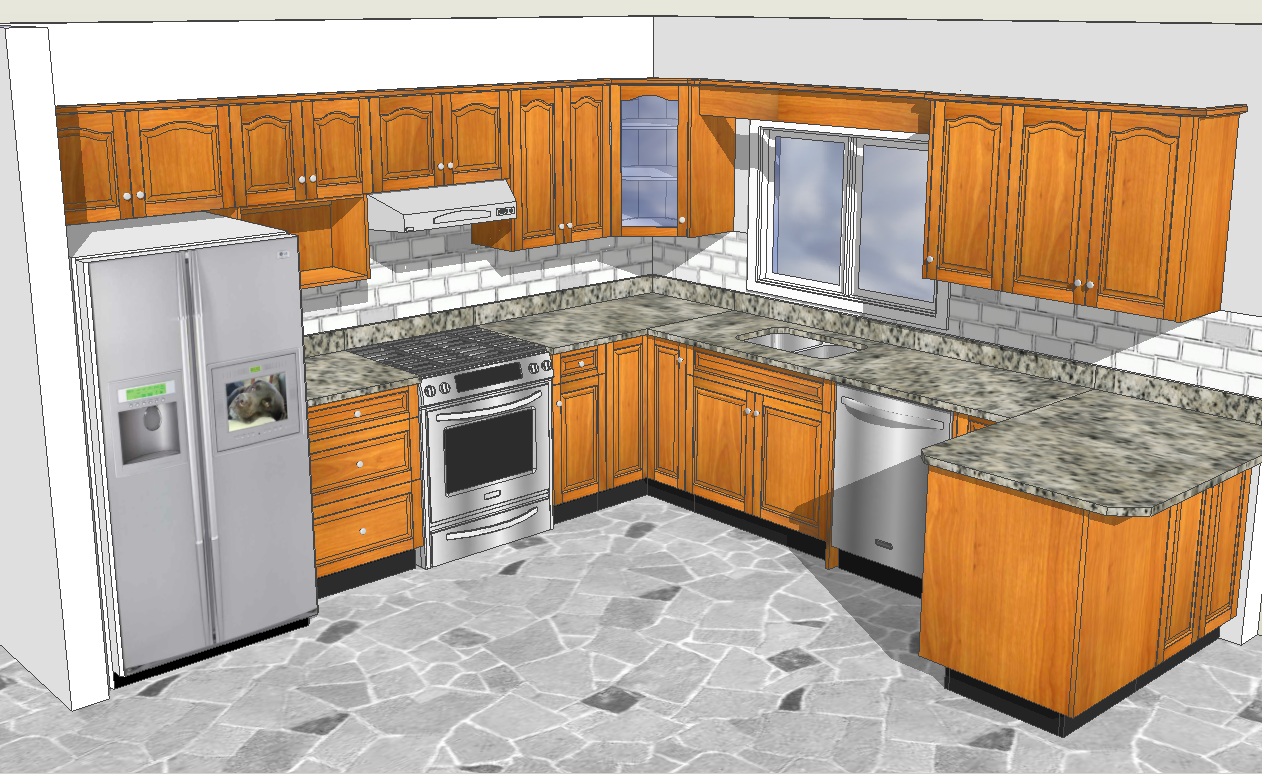
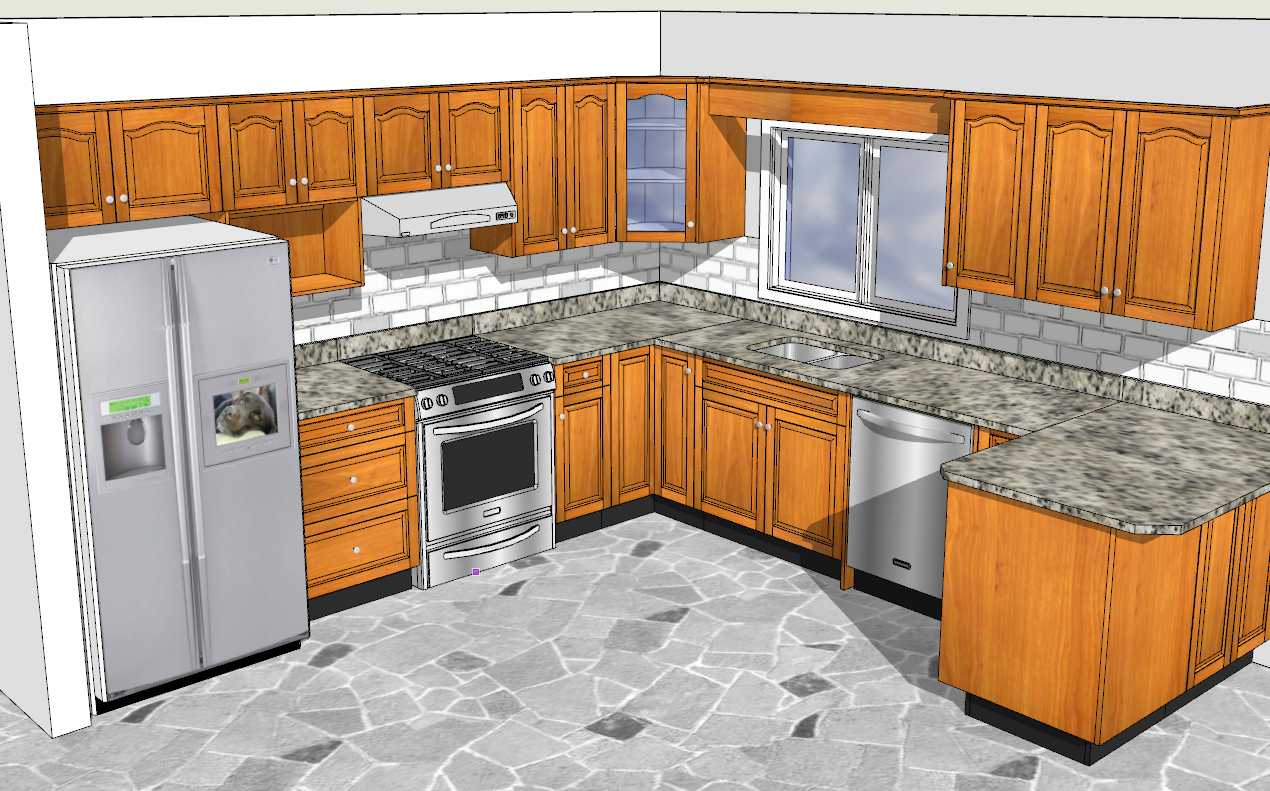
                                      Here are 2 images of a kitchen. One in Sketchup 8 and the other in Sketchup 2013

                                      Sketchup 8


                                      Sketchup 2013

                                      1 條回覆 最後回覆 回覆 引用 0
                                      • thomthomT 離線
                                        thomthom
                                        最後由 編輯

                                        For the images - the edge appear more jagged because you haven't exported with anti-aliasing.

                                        Thomas Thomassen — SketchUp Monkey & Coding addict
                                        List of my plugins and link to the CookieWare fund

                                        1 條回覆 最後回覆 回覆 引用 0
                                        • G 離線
                                          Garry K
                                          最後由 編輯

                                          These aren't exported - I used a snipping tool to grab exactly what I see on screen.

                                          If you click on the images and compare them - Sketchup 8 is giving me better graphics.

                                          1 條回覆 最後回覆 回覆 引用 0
                                          • G 離線
                                            Garry K
                                            最後由 編輯

                                            I figured it out - I had to play around with the OpenGL settings. Sketchup 2013 defaulted to 15 0x antialias whereas Sketchup 8 was using 40 4x.

                                            Now they are both rendering the same.

                                            1 條回覆 最後回覆 回覆 引用 0
                                            • 1
                                            • 2
                                            • 3
                                            • 4
                                            • 5
                                            • 6
                                            • 7
                                            • 10
                                            • 11
                                            • 5 / 11
                                            • 第一個貼文
                                              最後的貼文
                                            Buy SketchPlus
                                            Buy SUbD
                                            Buy WrapR
                                            Buy eBook
                                            Buy Modelur
                                            Buy Vertex Tools
                                            Buy SketchCuisine
                                            Buy FormFonts

                                            Advertisement