sketchucation logo sketchucation
    • 登入
    Oops, your profile's looking a bit empty! To help us tailor your experience, please fill in key details like your SketchUp version, skill level, operating system, and more. Update and save your info on your profile page today!
    🔌 Smart Spline | Fluid way to handle splines for furniture design and complex structures. Download

    Show Me Your SketchUp

    已排程 已置頂 已鎖定 已移動 SketchUp Discussions
    sketchup
    114 貼文 74 Posters 57.6k 瀏覽 74 Watching
    正在載入更多貼文
    • 從舊到新
    • 從新到舊
    • 最多點贊
    回覆
    • 在新貼文中回覆
    登入後回覆
    此主題已被刪除。只有擁有主題管理權限的使用者可以查看。
    • Rich O BrienR 離線
      Rich O Brien Moderator
      最後由 編輯

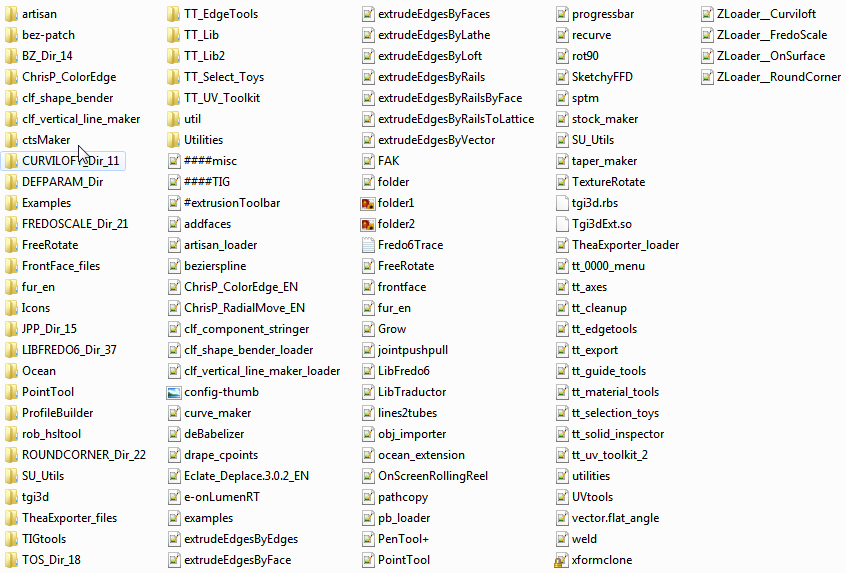
      SU_PLUGINS.png

      Download the free D'oh Book for SketchUp 📖

      1 條回覆 最後回覆 回覆 引用 0
      • boofredlayB 離線
        boofredlay
        最後由 編輯

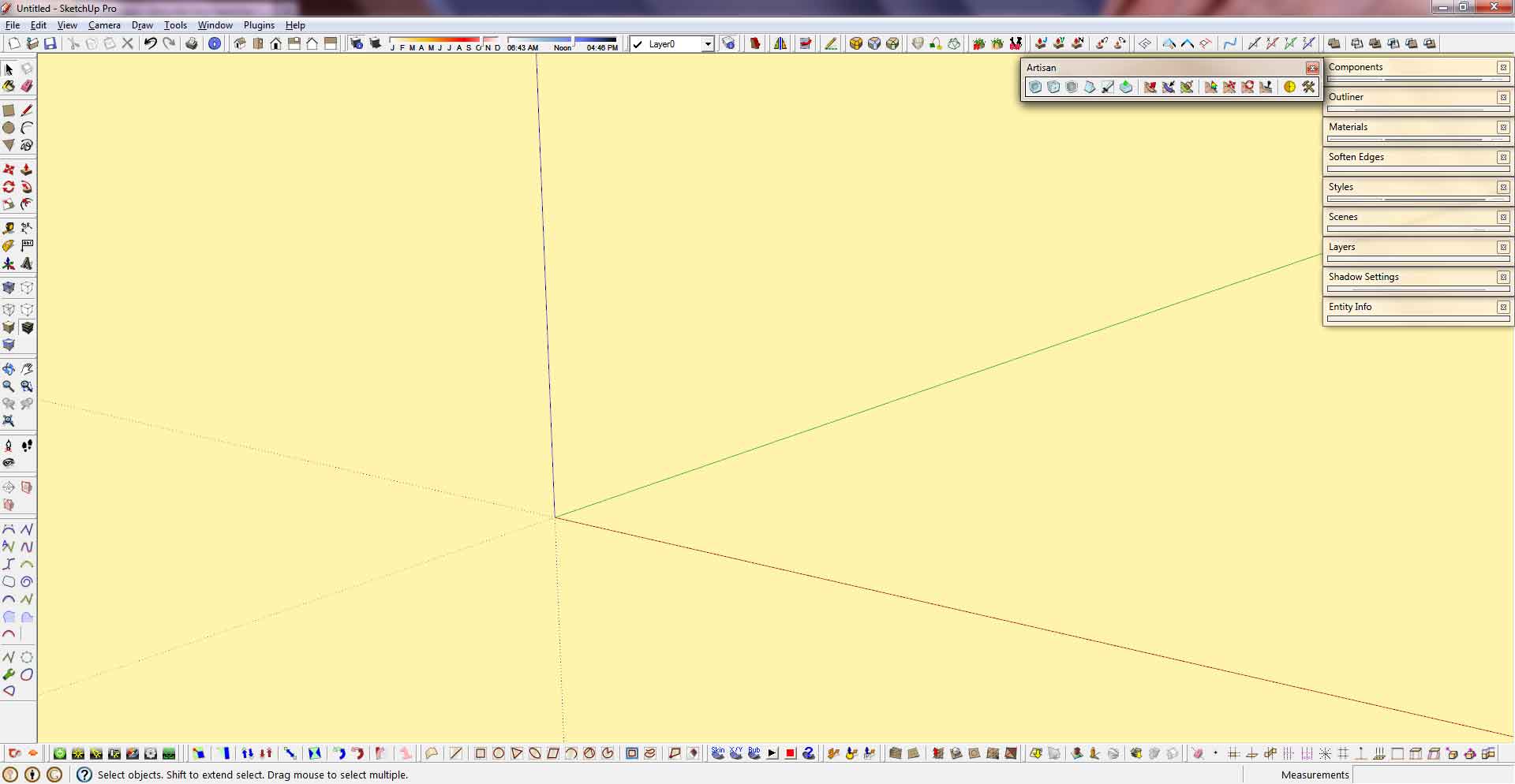
        06032011Workspace.jpg
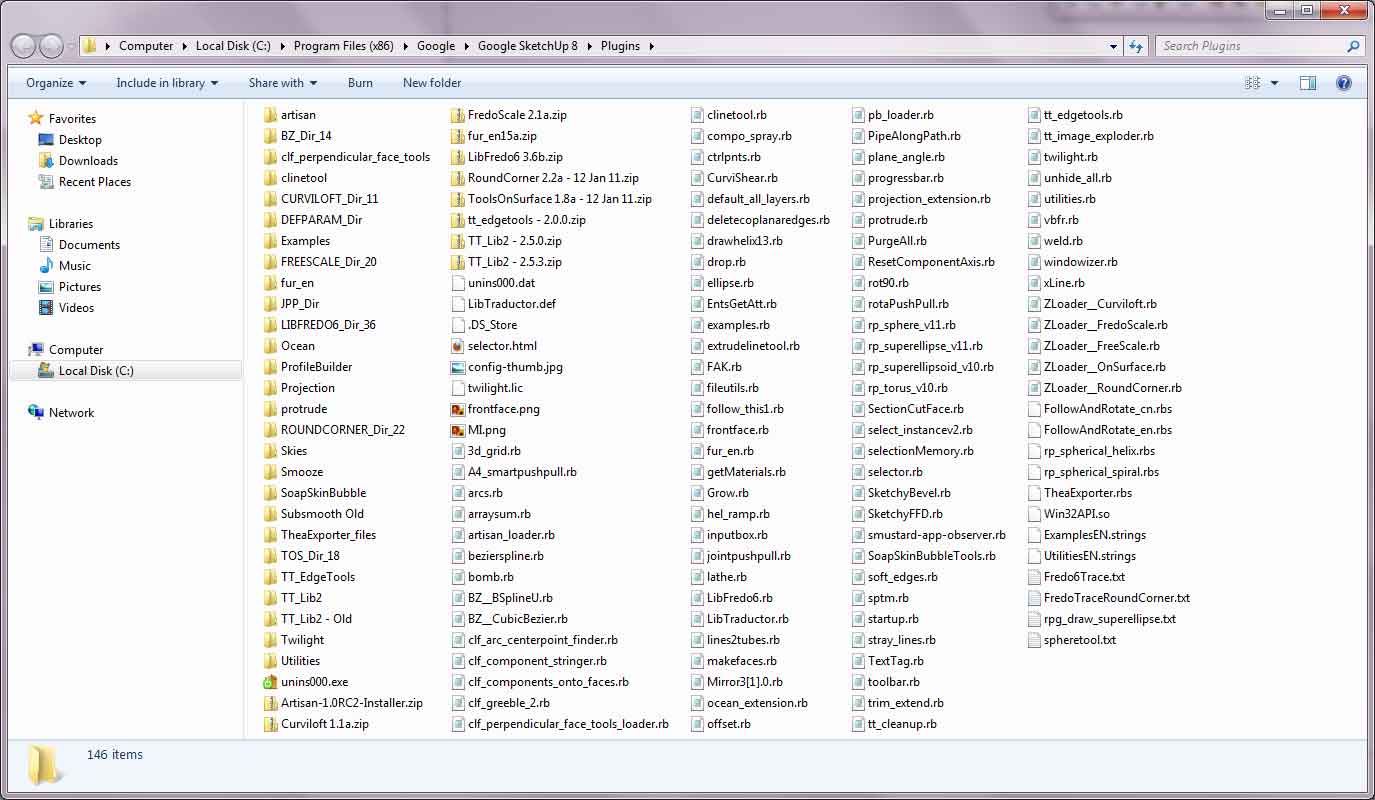
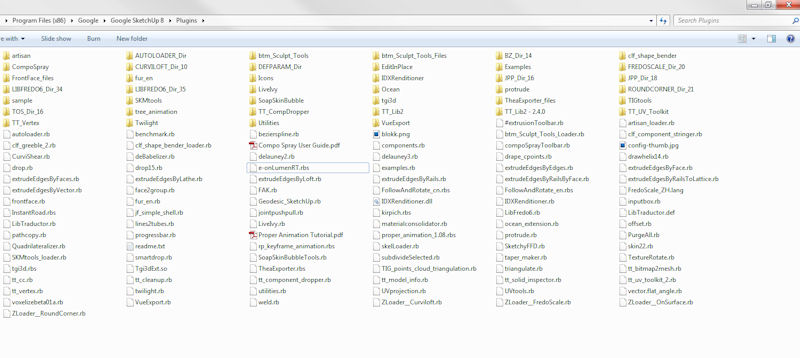
        06032011Plugins.jpg

        http://www.coroflot.com/boofredlay

        1 條回覆 最後回覆 回覆 引用 0
        • soloS 離線
          solo
          最後由 編輯

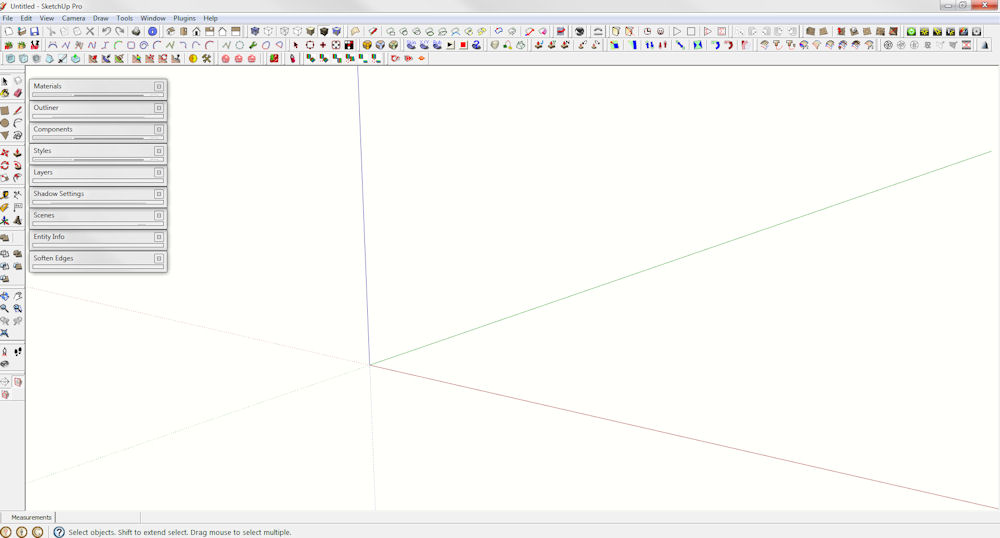
          workspace.jpg

          plugin folder.jpg

          http://www.solos-art.com

          If you see a toilet in your dreams do not use it.

          1 條回覆 最後回覆 回覆 引用 0
          • Dave RD 離線
            Dave R
            最後由 編輯

            I've got a 26" monitor and keep the window somewhat reduced in width. The inspectors are out of the drawing space to the right.
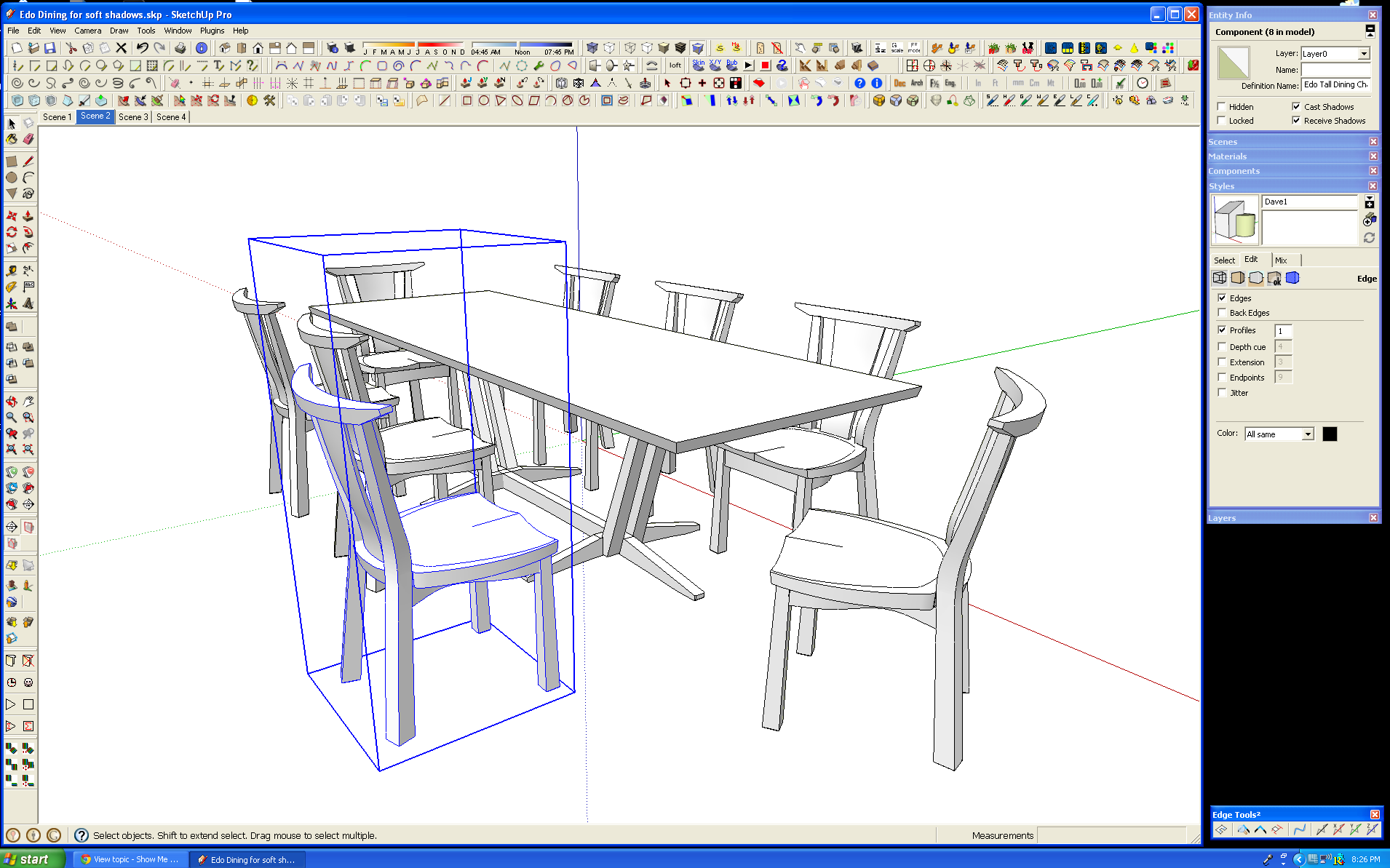
            Screen.png

            Ruby.png

            Etaoin Shrdlu

            %

            (THERE'S NO PLACE LIKE)

            G28 X0.0 Y0.0 Z0.0

            M30

            %

            1 條回覆 最後回覆 回覆 引用 0
            • JpacJ 離線
              Jpac
              最後由 編輯

              SUscreen.jpg
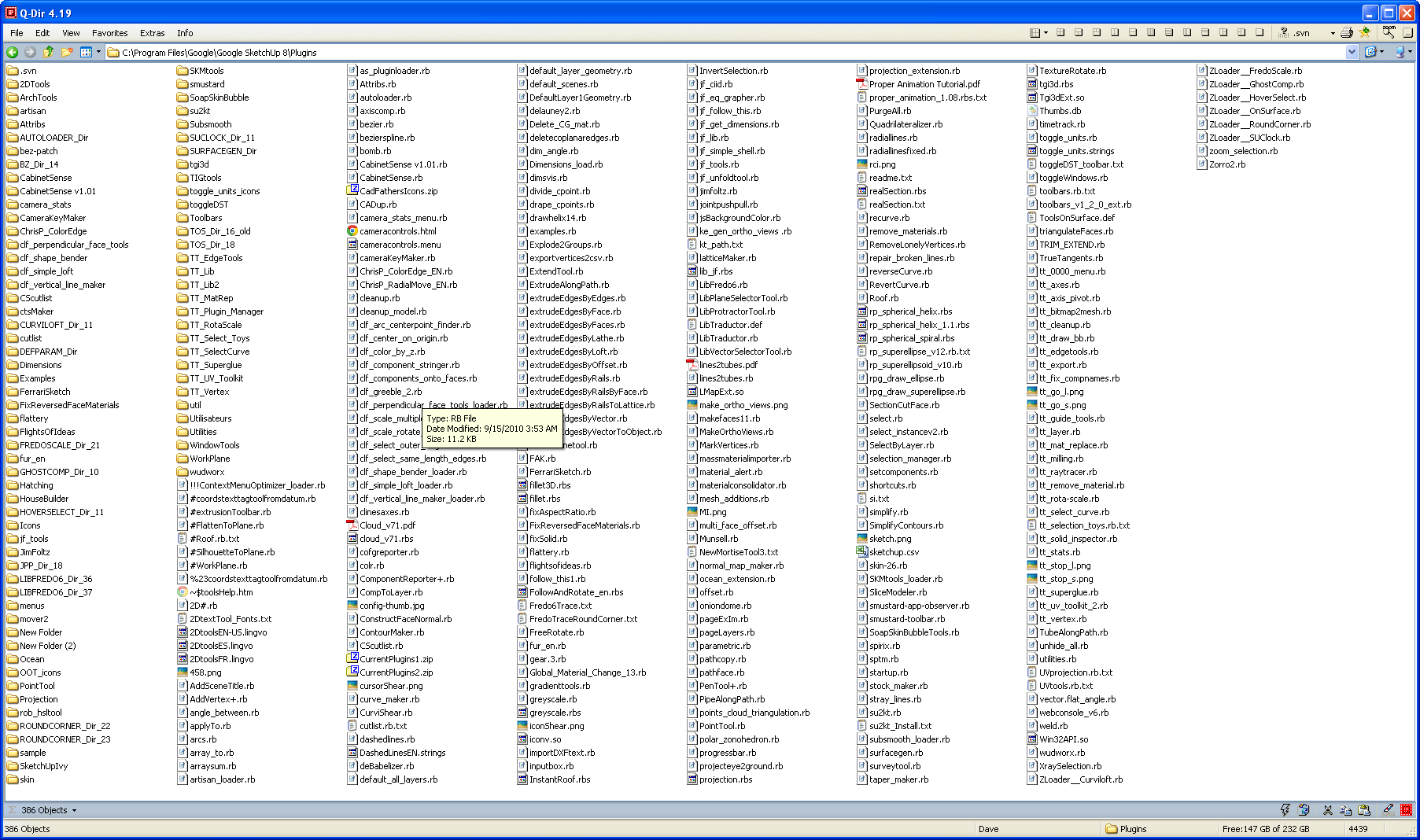
              SUfilestructure.jpg

              http://sketchup4sitedesign.wordpress.com/

              1 條回覆 最後回覆 回覆 引用 0
              • wind-borneW 離線
                wind-borne
                最後由 編輯

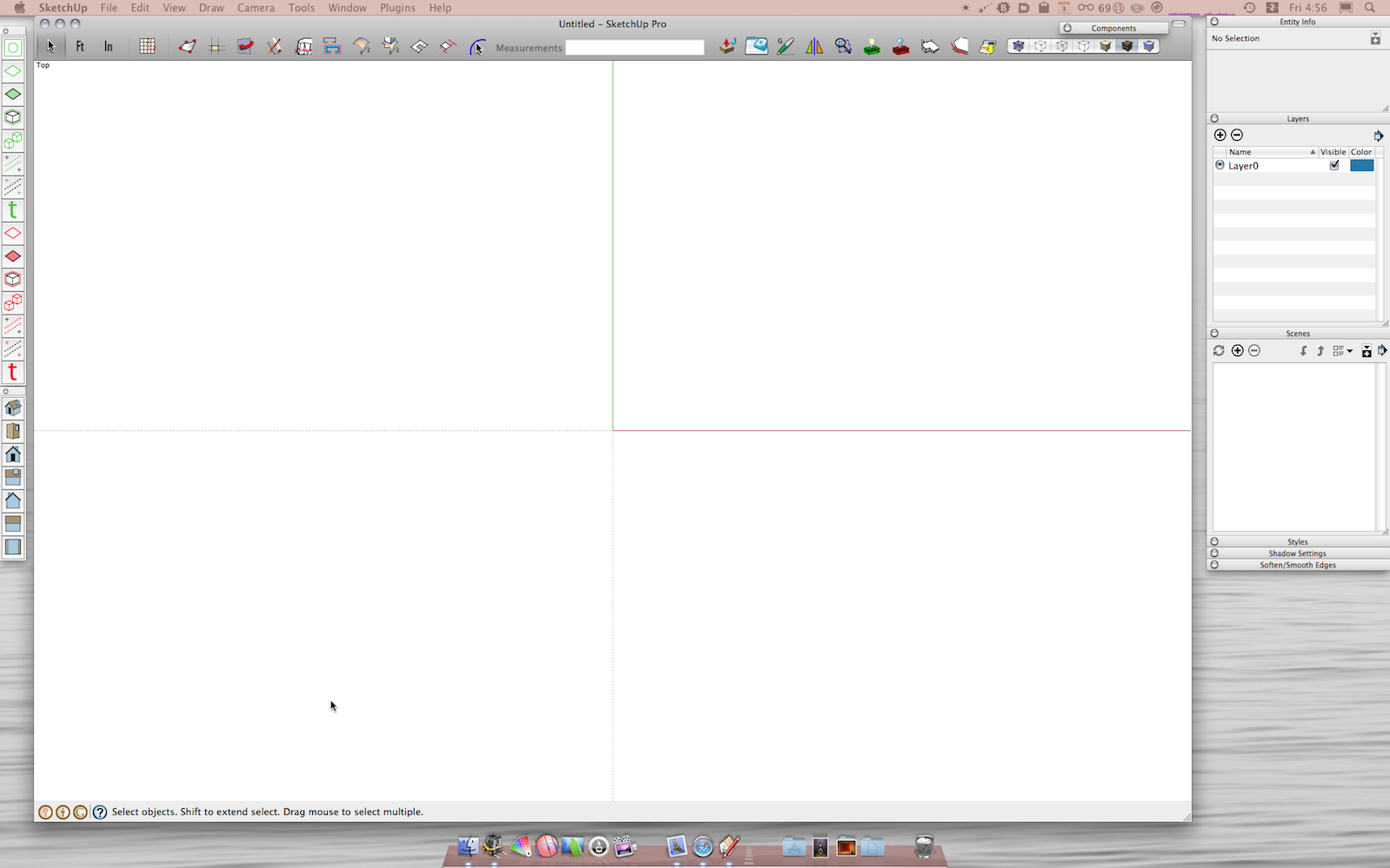
                2nd shot, toggle toolbar shortcuts


                SketchUp1.png


                SketchUp2.png

                "To read between the lines was easier than to follow the text."OSX 10.11.6

                %(#BF80BF)[SU 8 pro

                1 條回覆 最後回覆 回覆 引用 0
                • jeff hammondJ 離線
                  jeff hammond
                  最後由 編輯

                  Wind b
                  What are the FT & IN icons?

                  dotdotdot

                  1 條回覆 最後回覆 回覆 引用 0
                  • D 離線
                    d12dozr
                    最後由 編輯

                    SU Screen.jpg

                    3D Printing with SketchUp Book
                    http://goo.gl/f7ooYh

                    1 條回覆 最後回覆 回覆 引用 0
                    • wind-borneW 離線
                      wind-borne
                      最後由 編輯

                      @unknownuser said:

                      Wind b
                      What are the FT & IN icons?

                      It's later than you think or maybe i waste landscape. 😆
                      Feet
                      Inches

                      "To read between the lines was easier than to follow the text."OSX 10.11.6

                      %(#BF80BF)[SU 8 pro

                      1 條回覆 最後回覆 回覆 引用 0
                      • jeff hammondJ 離線
                        jeff hammond
                        最後由 編輯

                        @wind-borne said:

                        @unknownuser said:

                        Wind b
                        What are the FT & IN icons?

                        It's later than you think or maybe i waste landscape. 😆
                        Feet
                        Inches

                        Lol
                        I gather that much.
                        I meant
                        What do they do?

                        Edit(reason being, I'll often switch units between architectural and fractional inches. Was wondering if theicons work aling those lines?)

                        dotdotdot

                        1 條回覆 最後回覆 回覆 引用 0
                        • jeff hammondJ 離線
                          jeff hammond
                          最後由 編輯

                          here's my laptop setup.. i have a couple of more toolbars showing on the other computer.
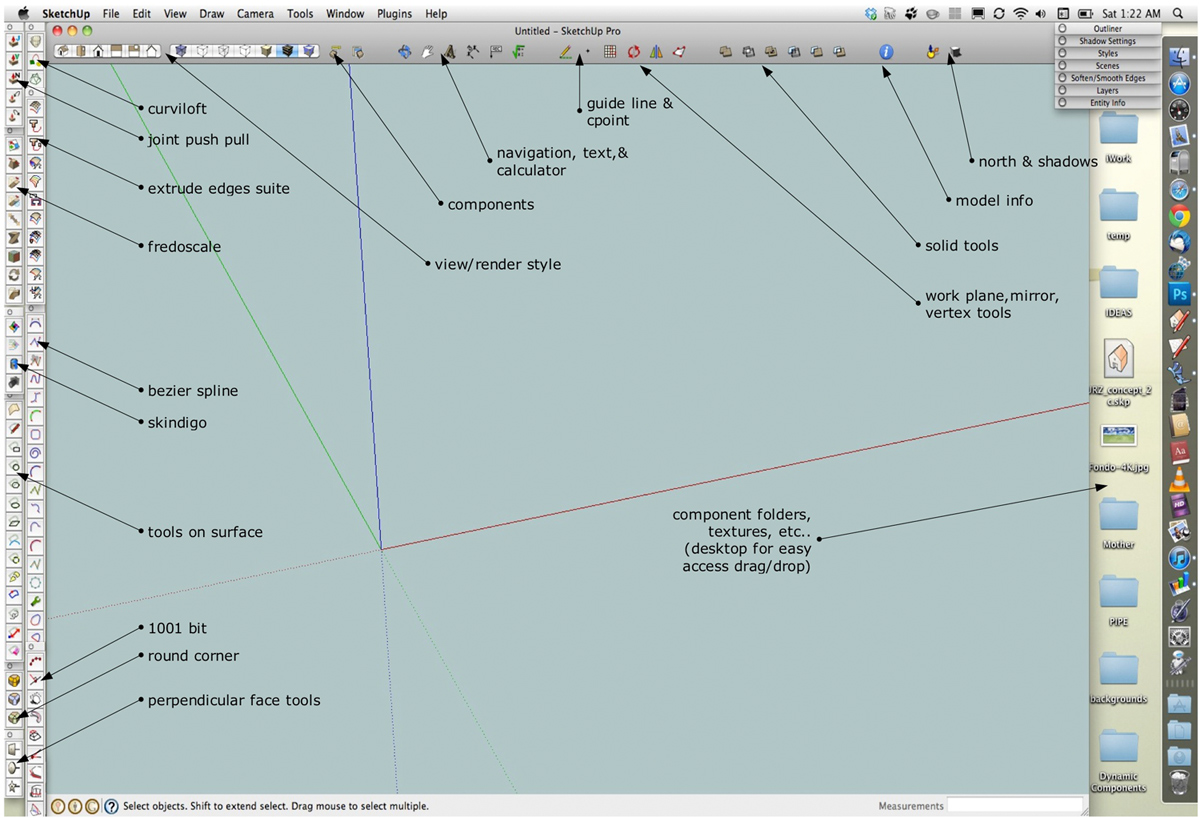
                          click -> bigger

                          screen 2011-06-04 at 1.41.46 AM.jpg

                          dotdotdot

                          1 條回覆 最後回覆 回覆 引用 0
                          • GaieusG 離線
                            Gaieus
                            最後由 編輯

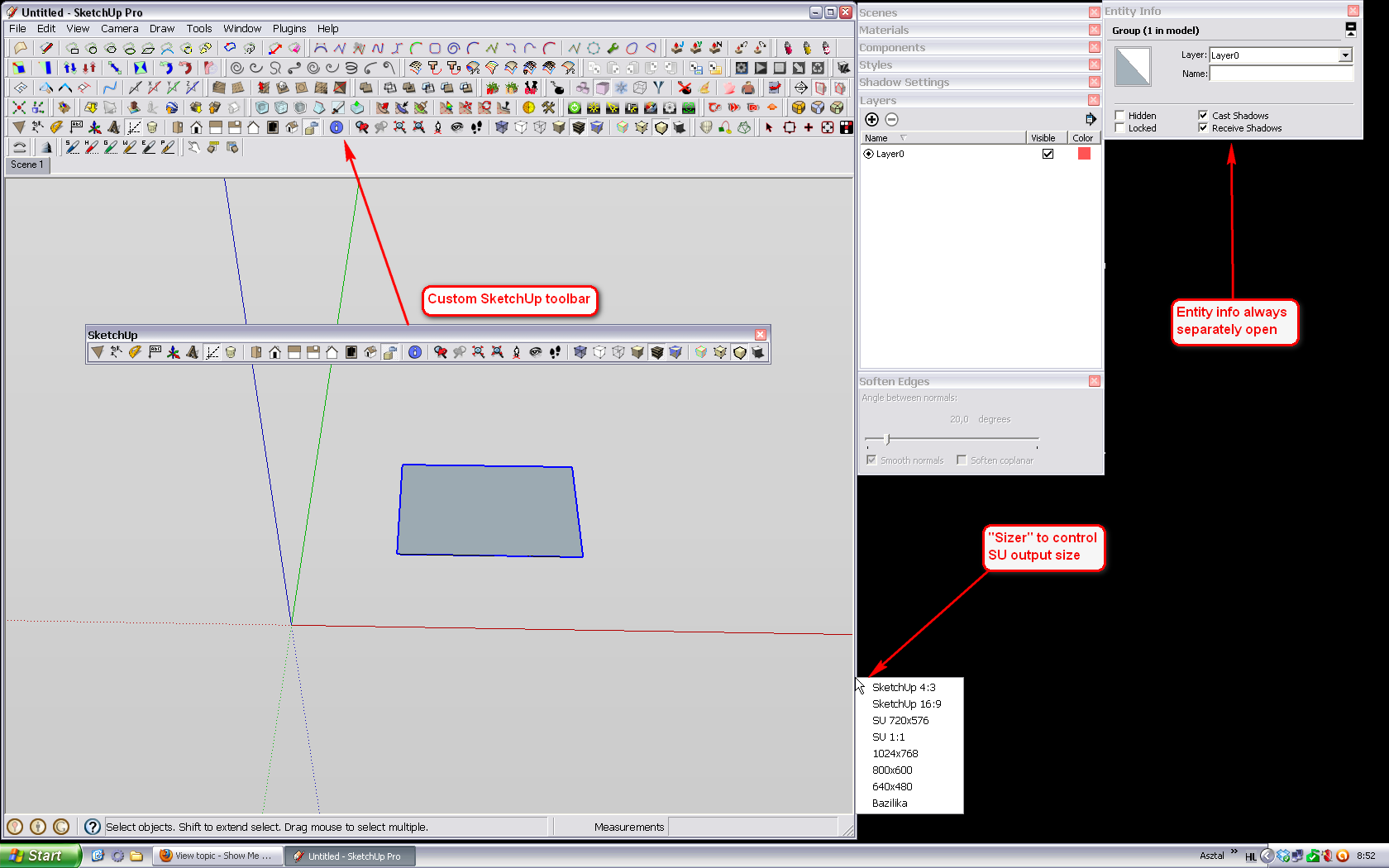
                            Here is mine. I have set my toolbars NOT to be wider than when I set my SU window workspace to be exactly 1024x768 pixels. I have a small Windows utility, "Sizer" which will remember a set of window sizes (the above is called "4:3" in my system but as you can see, I have other sizes as well).

                            The dialogs are outside of this area and I always keep the Entity info dialog open separately.

                            I also have Jim's Custom toolbar plugin so that I can make a collection of the less frequently used tools (the ones I use more frequently, have shortcuts). IT ALSO Has a couple of buttons otherwise unavailable in SU like show endpoints or use edges by axis etc. This way I can get rid of buttons for which I use shortcuts and buttons (tools) that I never use anyway (like )

                            I made an overlay where I undocked this Custom toolbar so that you can see better which are the buttons. I also attach my toolbars settings file (txt) below.

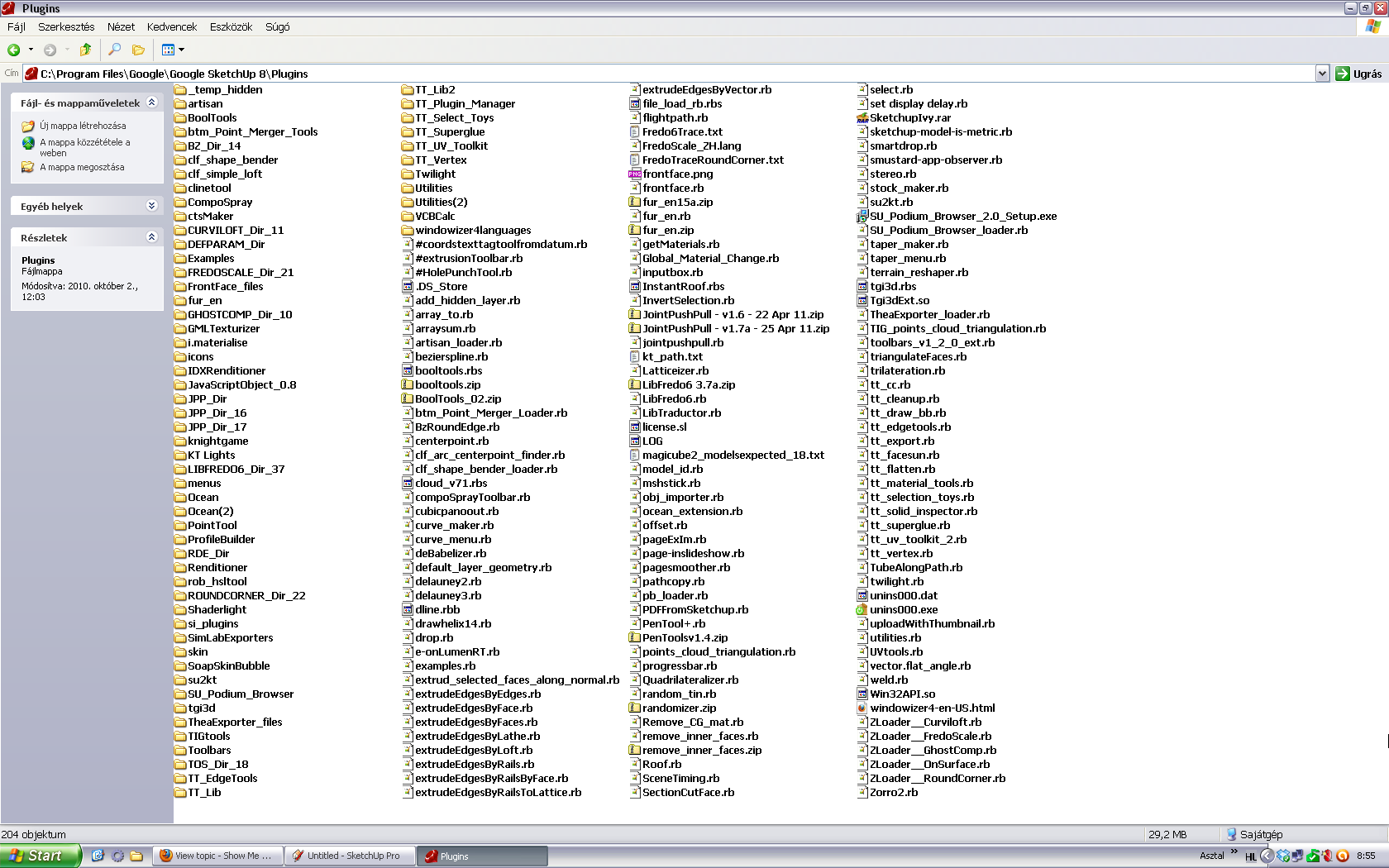
                            The rest are either toolbars not incorporated into this custom toolbar yet (Google, Sandbox, Sections, Solids) and all the others are plugins.
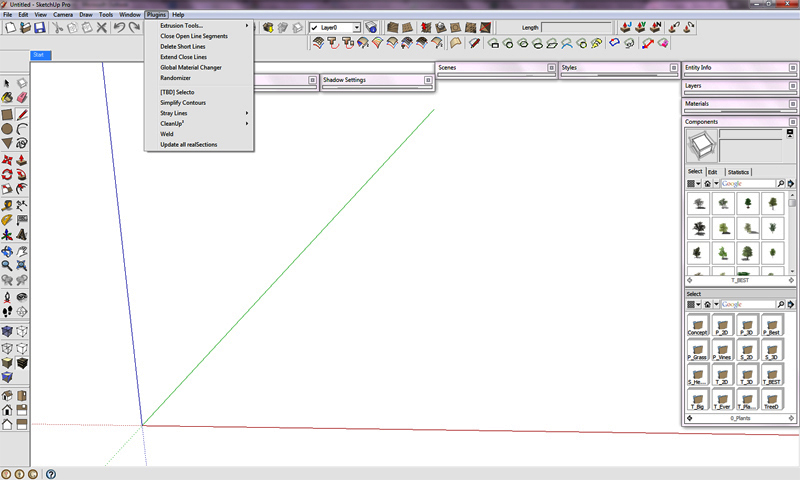
                            SU-window.png


                            SU-plugins.png


                            SketchUp.txt

                            Gai...

                            1 條回覆 最後回覆 回覆 引用 0
                            • GaieusG 離線
                              Gaieus
                              最後由 編輯

                              I changed the topic to a global announcement for a while.
                              John, you (and all the SU Team) can also post "local" and "global" announcements and stickies. Feel free to use this "superpower" any time you want to post something like this...
                              😉

                              Gai...

                              1 條回覆 最後回覆 回覆 引用 0
                              • wind-borneW 離線
                                wind-borne
                                最後由 編輯

                                @unknownuser said:

                                @wind-borne said:

                                @unknownuser said:

                                Wind b
                                What are the FT & IN icons?

                                It's later than you think or maybe i waste landscape. 😆
                                Feet
                                Inches

                                Lol
                                I gather that much.
                                I meant
                                What do they do?

                                Edit(reason being, I'll often switch units between architectural and fractional inches. Was wondering if theicons work aling those lines?)

                                Similar, other icons in Toggle Units plugin do what you do


                                Toggle Units.png

                                "To read between the lines was easier than to follow the text."OSX 10.11.6

                                %(#BF80BF)[SU 8 pro

                                1 條回覆 最後回覆 回覆 引用 0
                                • pilouP 離線
                                  pilou
                                  最後由 編輯

                                  Hoppefully I have a new monitor after some time with a 15" 💚
                                  order of the tool bar is never the same due excentricity of the every start of SU! 😉
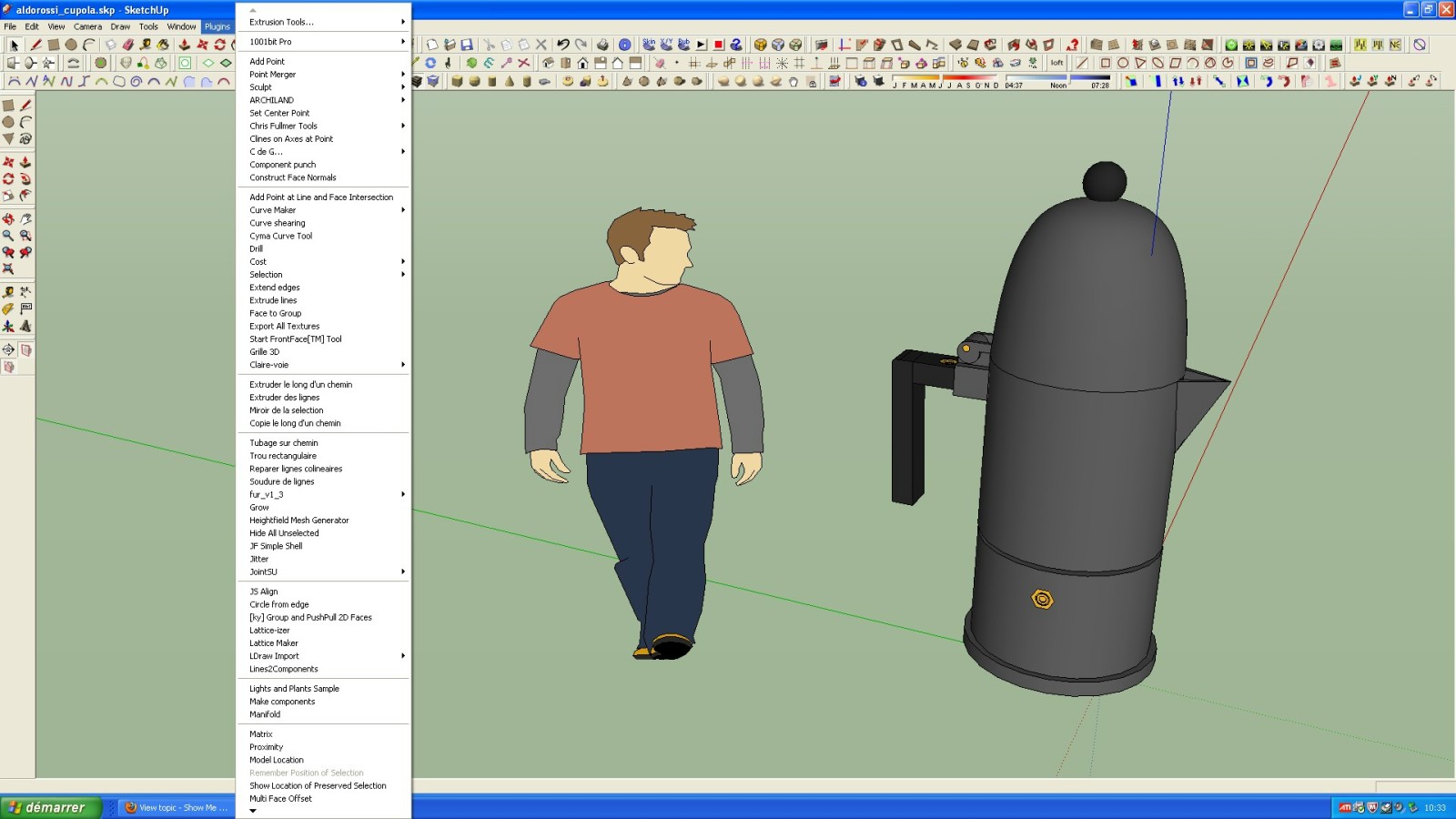

                                  screen.jpg


                                  screen1.jpg

                                  Frenchy Pilou
                                  Is beautiful that please without concept!
                                  My Little site :)

                                  1 條回覆 最後回覆 回覆 引用 0
                                  • TIGT 離線
                                    TIG Moderator
                                    最後由 編輯

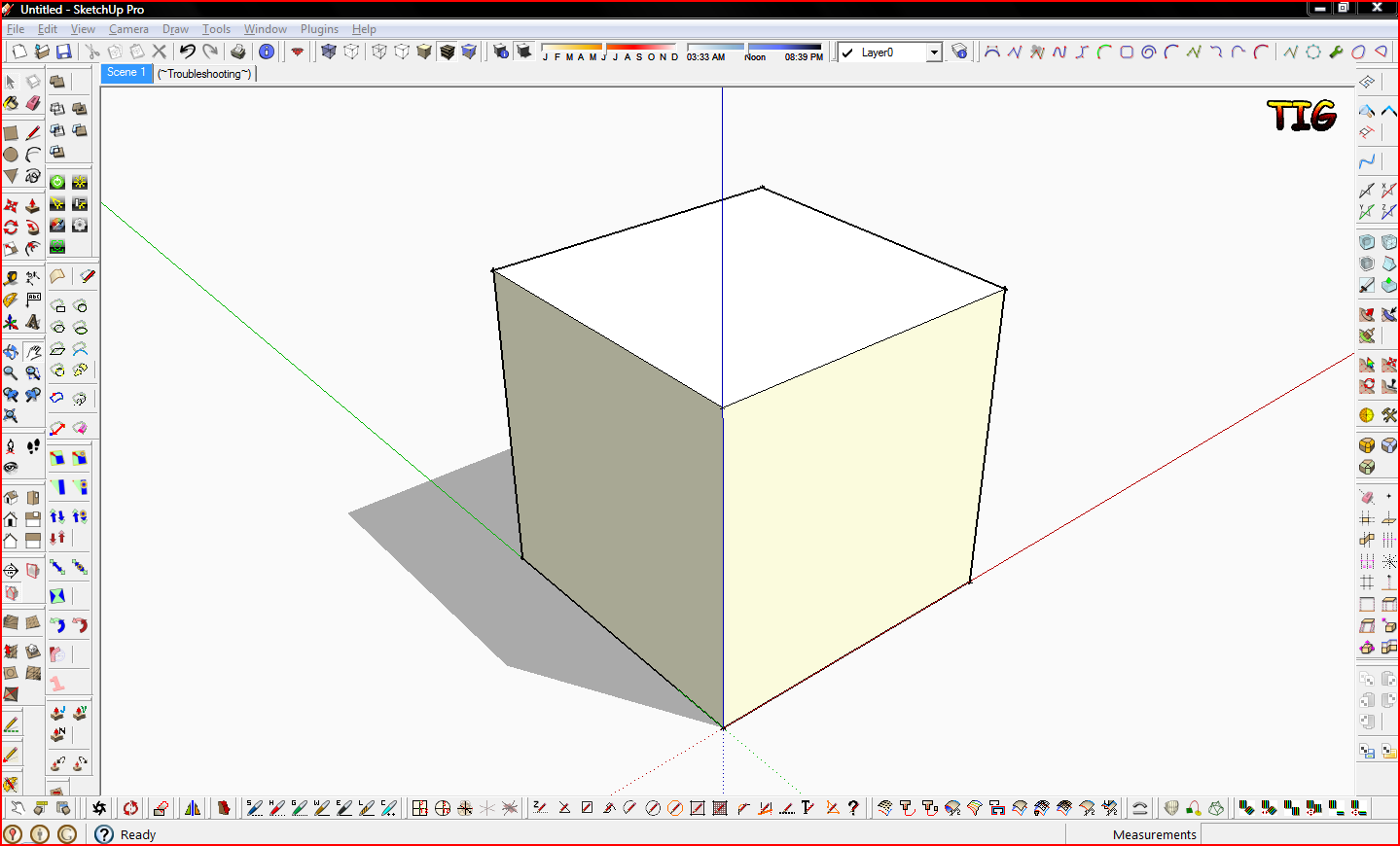
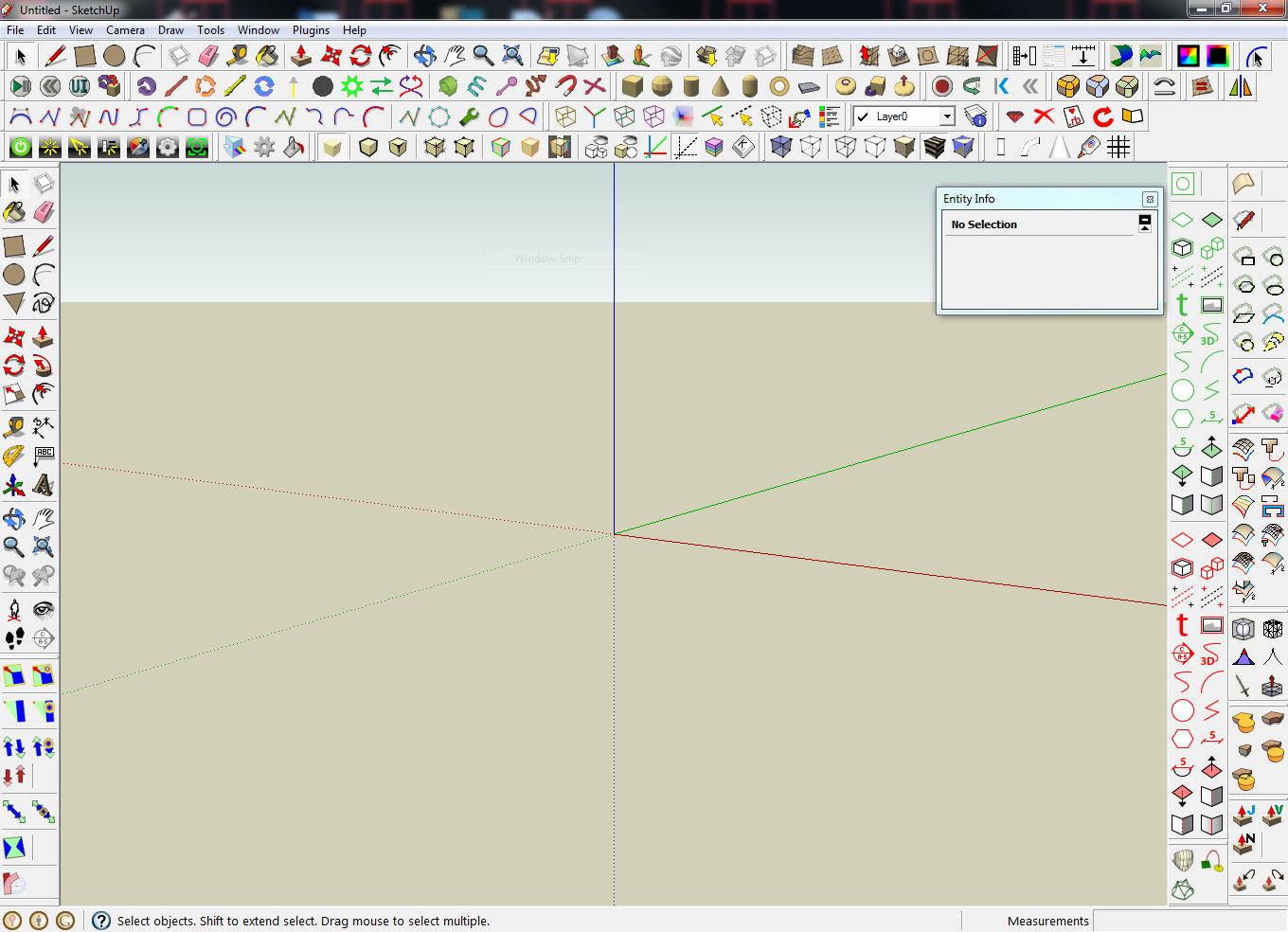
                                    ... and mine...Capture.PNG

                                    TIG

                                    1 條回覆 最後回覆 回覆 引用 0
                                    • KrisidiousK 離線
                                      Krisidious
                                      最後由 編輯

                                      I'm not allowed to post my desktop... the image is too wide for the forums. so here's a link.

                                      favicon

                                      (www.aboveallhouseplans.com)

                                      favicon

                                      (www.aboveallhouseplans.com)

                                      and while we're discussing it, can you do something about the 4th wall above sketchup in monitor layouts? none of the toolbars or windows will go above sketchup into another monitor, only to the sides.

                                      By: Kristoff Rand
                                      Home DesignerUnique House Plans

                                      1 條回覆 最後回覆 回覆 引用 0
                                      • daleD 離線
                                        dale
                                        最後由 編輯

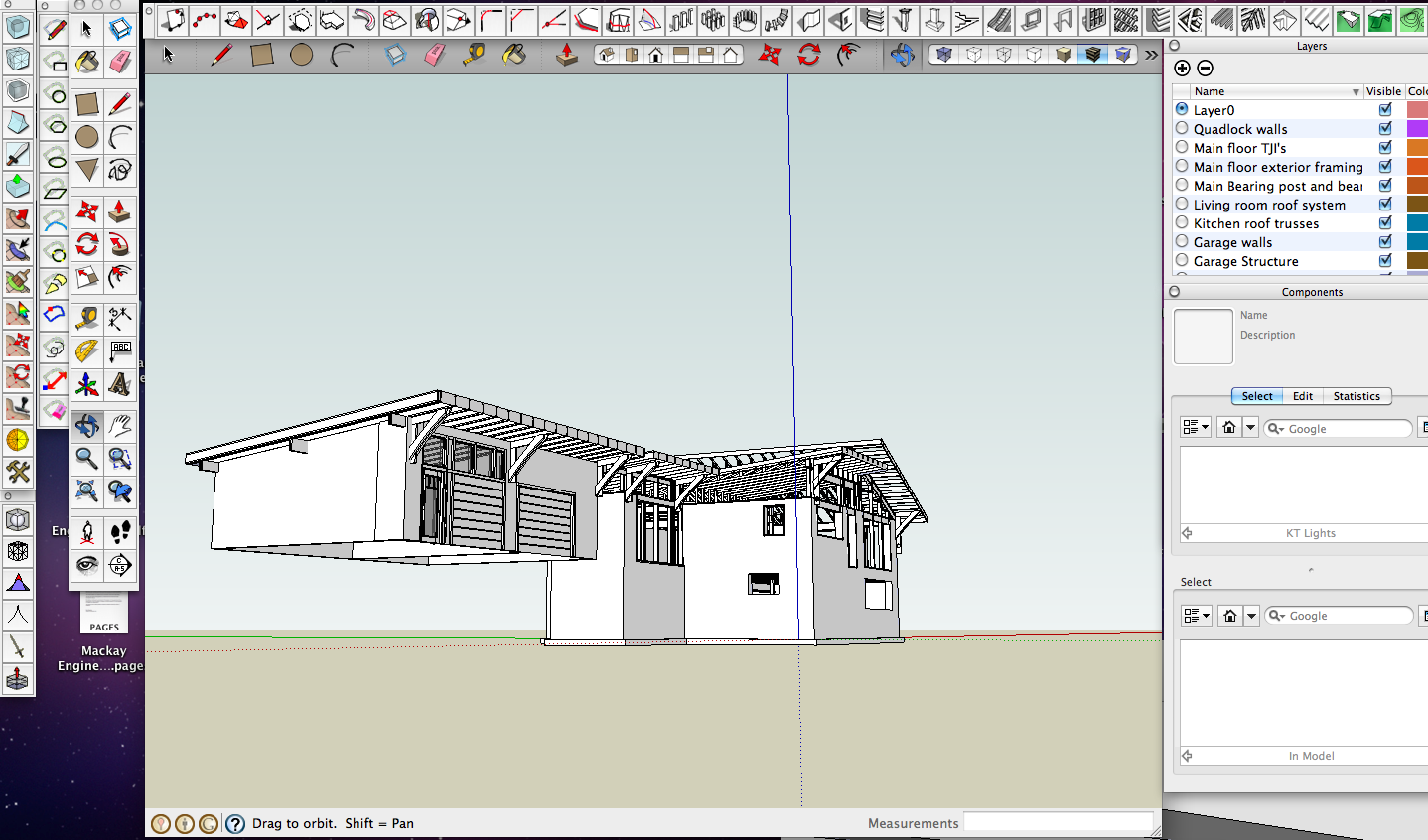
                                        Mine on this project...


                                        Screen shot 2011-06-04 at 6.55.24 AM.png


                                        Screen shot 2011-06-04 at 6.57.56 AM.png

                                        Just monkeying around....like Monsanto

                                        1 條回覆 最後回覆 回覆 引用 0
                                        • B 離線
                                          Builder Boy
                                          最後由 編輯

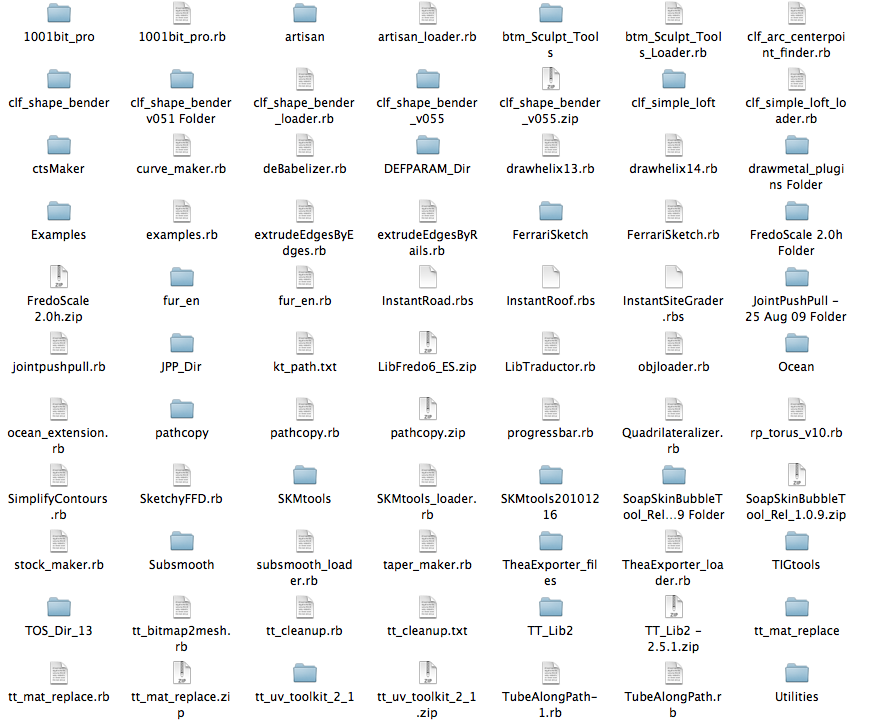
                                          Sketchup.png

                                          All my plugins

                                          1 條回覆 最後回覆 回覆 引用 0
                                          • soloS 離線
                                            solo
                                            最後由 編輯

                                            Michael, you have many toolbars I have never seen before. 😲

                                            http://www.solos-art.com

                                            If you see a toilet in your dreams do not use it.

                                            1 條回覆 最後回覆 回覆 引用 0
                                            • 1
                                            • 2
                                            • 3
                                            • 4
                                            • 5
                                            • 6
                                            • 5 / 6
                                            • 第一個貼文
                                              最後的貼文
                                            Buy SketchPlus
                                            Buy SUbD
                                            Buy WrapR
                                            Buy eBook
                                            Buy Modelur
                                            Buy Vertex Tools
                                            Buy SketchCuisine
                                            Buy FormFonts

                                            Advertisement