Rayscaper New Releases
-
Hi Thomas,
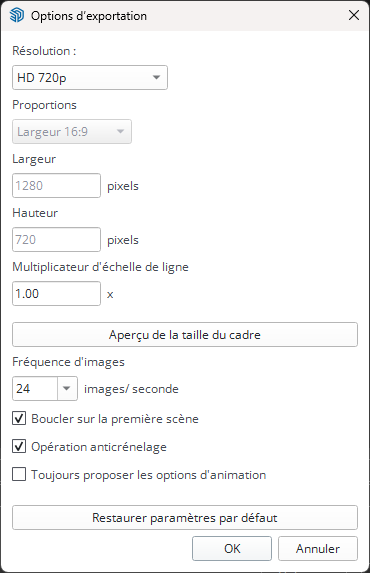
I'm wondering if the animation export settings in the SketchUp project have an impact on the Rayscaper output: because the last animation I made at 30 frames per second in Rayscaper is set to 24 frames per second in SketchUp...
-
Krass
-
@Alattab hello,
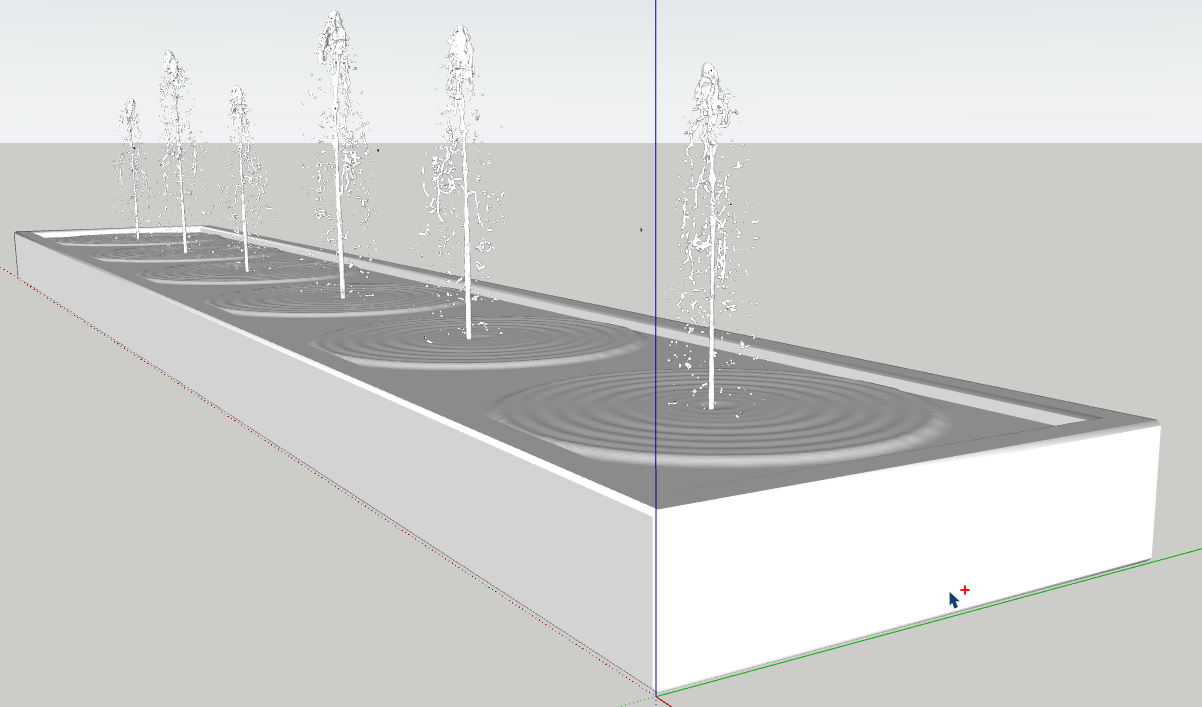
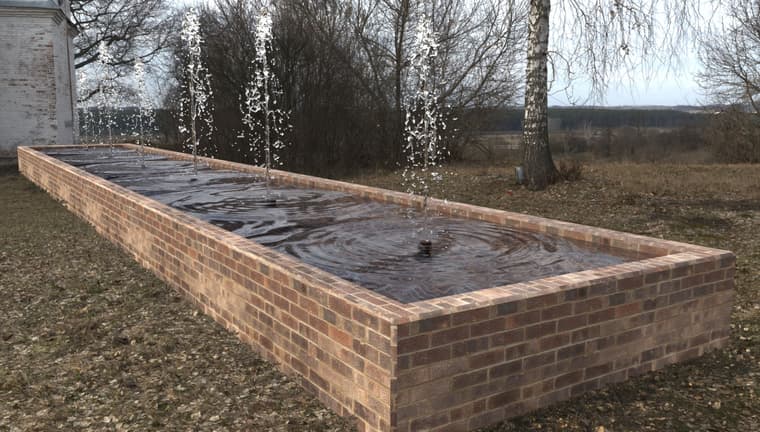
I tryied to render a fountain : from a blenderkit free water jet model and a normal map for water and photoshop post processing
Krass
-
@Krass Can you provide a screenshot of your HDRI path or the texture paths? The paths that Rayscaper couldn't find would have a danger triangle next to them. If you send me the logs then I could also have a look to see which paths aren't detected, hard to tell for me like this what went wrong.
Thanks,
Thomas -
Yes Thomas, I will send it to you tomorrow morning. I tried to reload it from Rayscaper and restart RS, but non way. But did not restart SU. Mau be it 'll work tomorrow. I m not homE now. Yes there was a triangle in front of the image slot
-
@Krass That's great! Could you please attach the SketchUp file, the Normal Map file, and a screenshot showing the settings you used in Rayscaper?
-
Hello yes, I will do it tomorrow. Remind it to me if I forget
-
@Krass These settings have no bearing on the animations that Rayscaper renders.
I'm the developer of Rayscaper: https://rayscaper.com/ - Fast and easy rendering for SketchUp.
-
@Alattab, I will have a look at this and maybe provide an installer. I'm not sure what happened here right now. Will get back to you.
Thanks,
ThomasI'm the developer of Rayscaper: https://rayscaper.com/ - Fast and easy rendering for SketchUp.
-
@pixelcruncher said in Rayscaper New Releases:
@Krass These settings have no bearing on the animations that Rayscaper renders.
THANKS
-
You can download an installer here: https://rayscaper-releases.s3.amazonaws.com/SketchUp/Windows/Rayscaper_Win_0.9.85_Beta_Setup.exe - Can you try using the installer to see if it works better for you?
Regards,
Thomas -
here is the scereen shot
and the log file was sent by email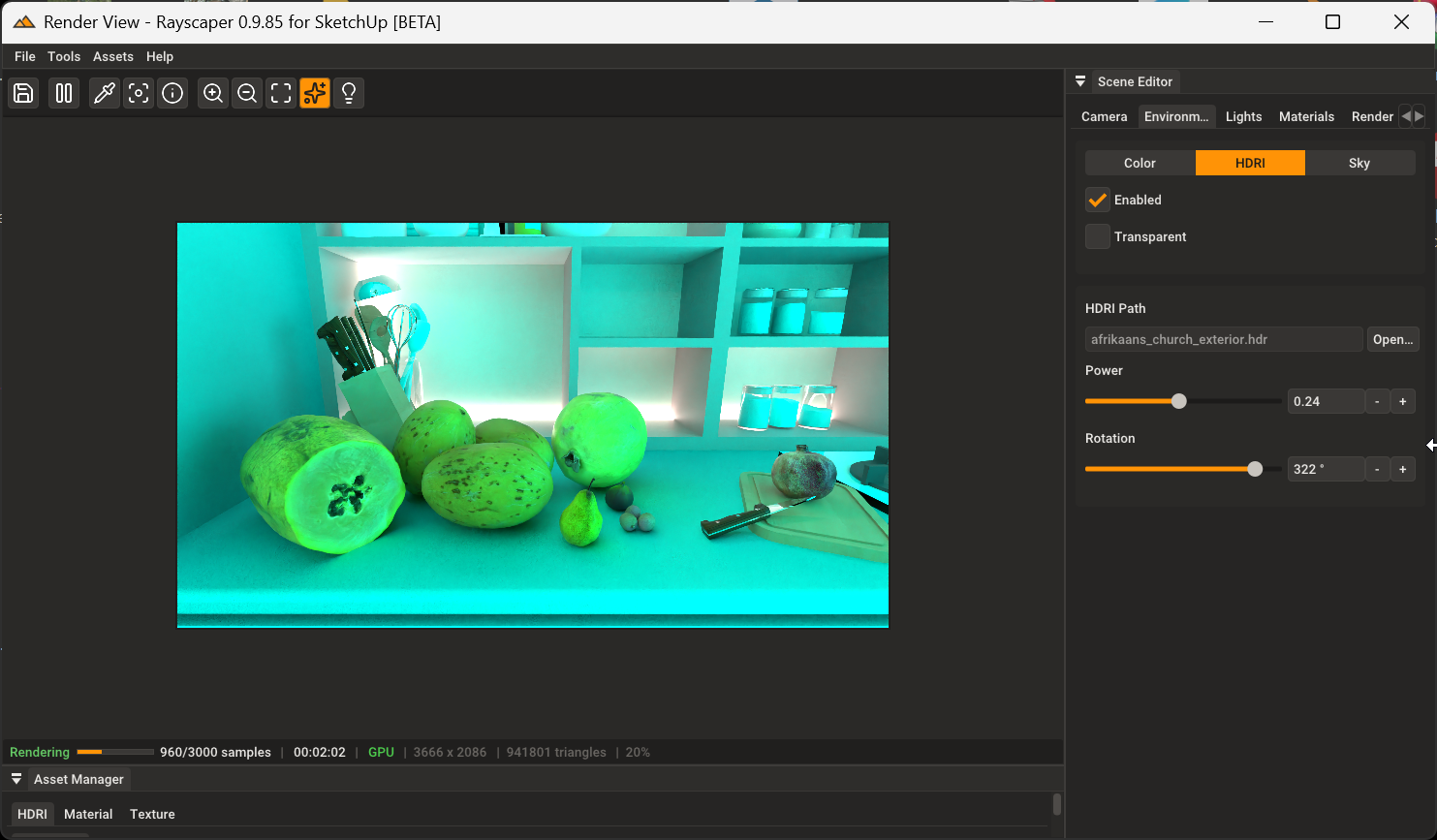
-
@Alattab said in Rayscaper New Releases:
@Krass That's great! Could you please attach the SketchUp file, the Normal Map file, and a screenshot showing the settings you used in Rayscaper?
here is the file
https://we.tl/t-BUzHVyVojS -
@pixelcruncher it is work , thank you
-
@Krass Thank you for your efforts.
-
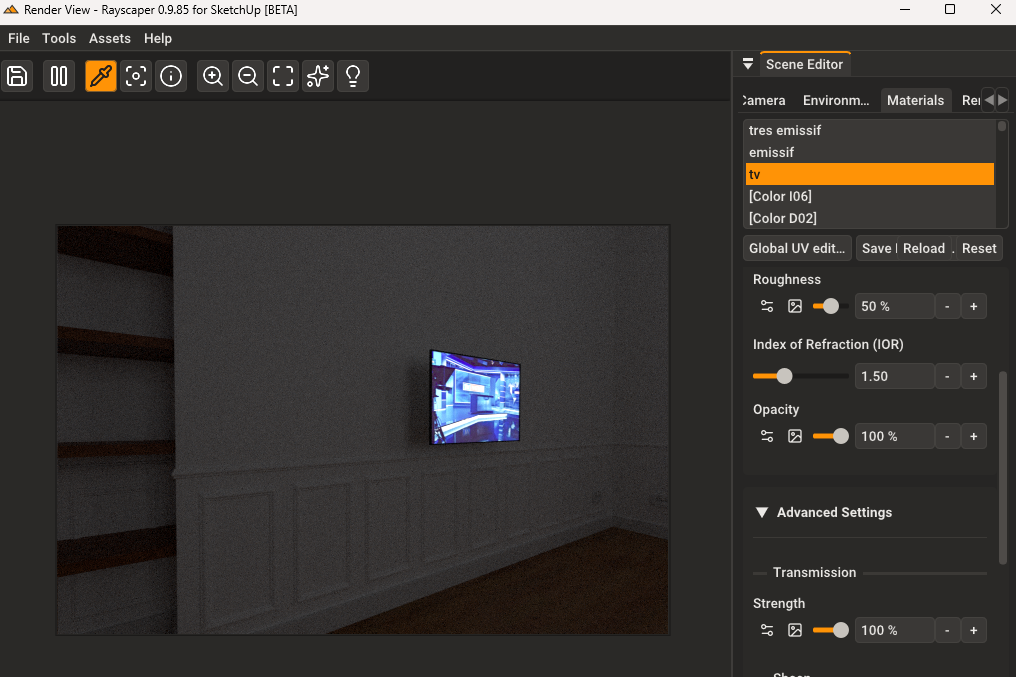
I am trying to turn an image on a television into an emmiter. I thought I remember seeing that it was not possible in Rayscraper but I can't seem to find that thread again. Is that still the case? And if so, is that possibly something that could added in a future release? Right now I am adding that in post production, but it would be very handy if the feature could be done within Rayscraper.
-
I have not been able to replicate the effect yet.
-
Hello, there is a tip to do that for a fixed picture : put an emissive plane a few centimeters behind your image then increase "transmission"
-
Thanks for the tip/reminder.
-
@NeilNovotny We don't support texture emission yet, but it's on our feature list. For now, you can follow the tip @krass posted.
Cheers,
Thomas




Hello! It looks like you're interested in this conversation, but you don't have an account yet.
Getting fed up of having to scroll through the same posts each visit? When you register for an account, you'll always come back to exactly where you were before, and choose to be notified of new replies (either via email, or push notification). You'll also be able to save bookmarks and upvote posts to show your appreciation to other community members.
With your input, this post could be even better 💗
Register Login


Advertisement