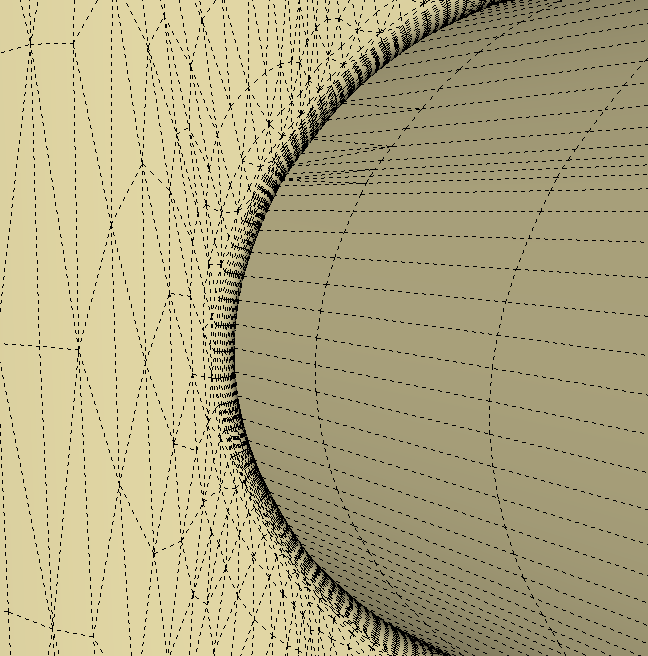
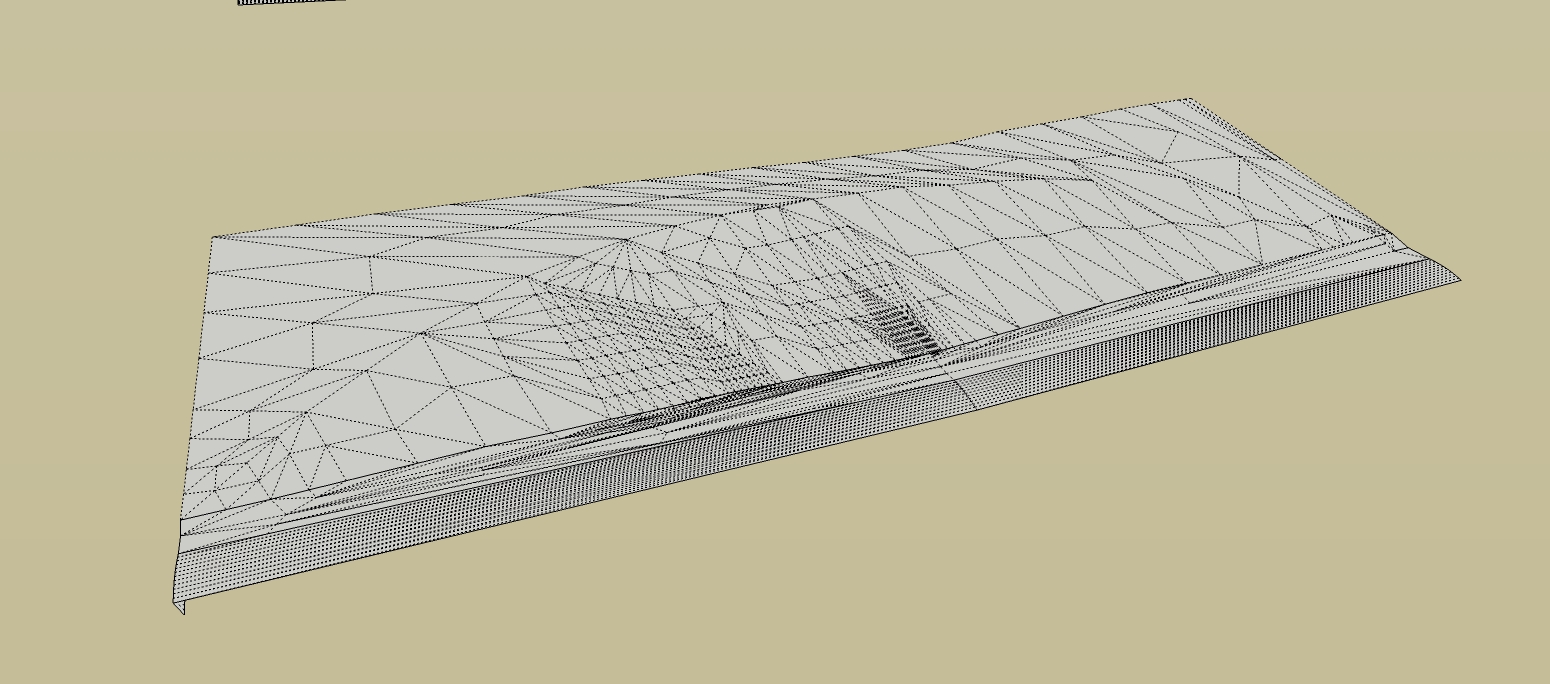
is there a way to subdivide an existing mesh so its evenly divided to be able to use sculpting brush type tools and get good results?
I'm doing an erosion control model and need to be able to massage the contours but the uneven triangulation is problematic.
Oops, your profile's looking a bit empty! To help us tailor your experience, please fill in key details like your SketchUp version, skill level, operating system, and more. Update and save your info on your profile page today!
Check out Febhouse | New extensions for Shadow Analysis in SketchUp Download
X
Offline
Posts
-
[REQ]Divide evenly?
-
RE: Flickering animation problem
what if u push/pull a little thickness in your faceme components (.1"+/-)? the faceme still works.
-
RE: How would you model this (well)?
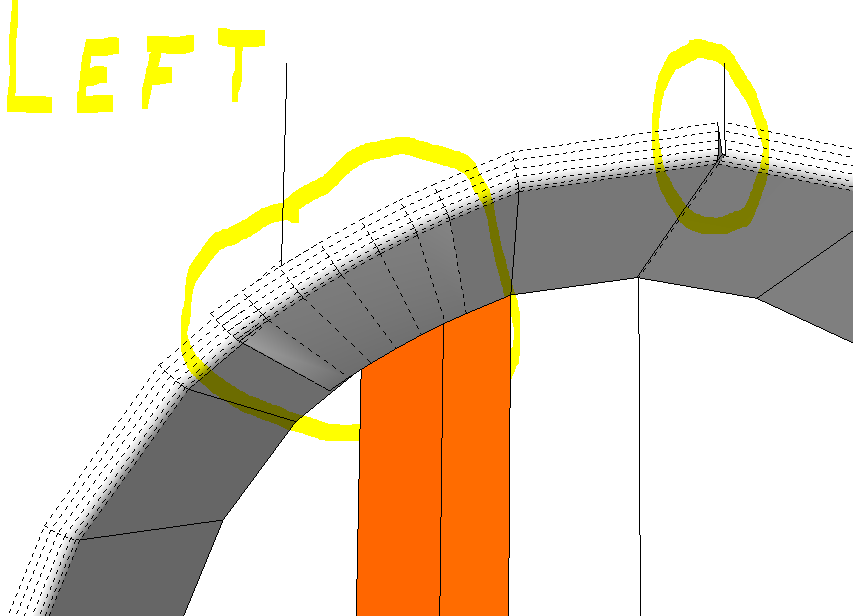
as it turns out the one on the right did work out much better in this instance and after flipping just a few faces it seemed almost perfect.
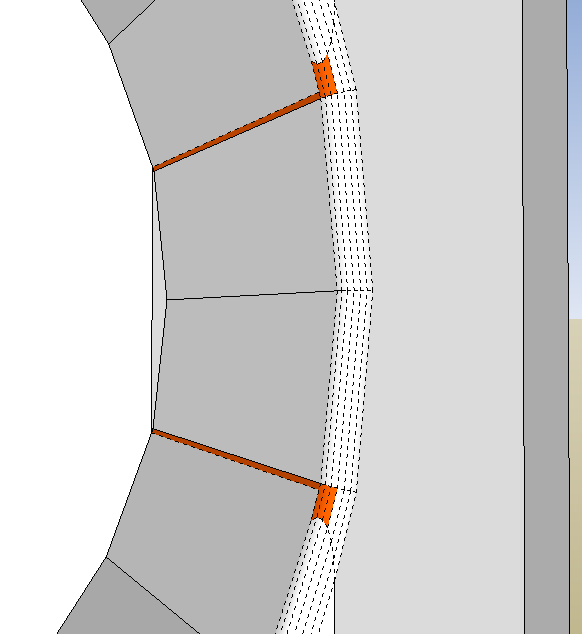
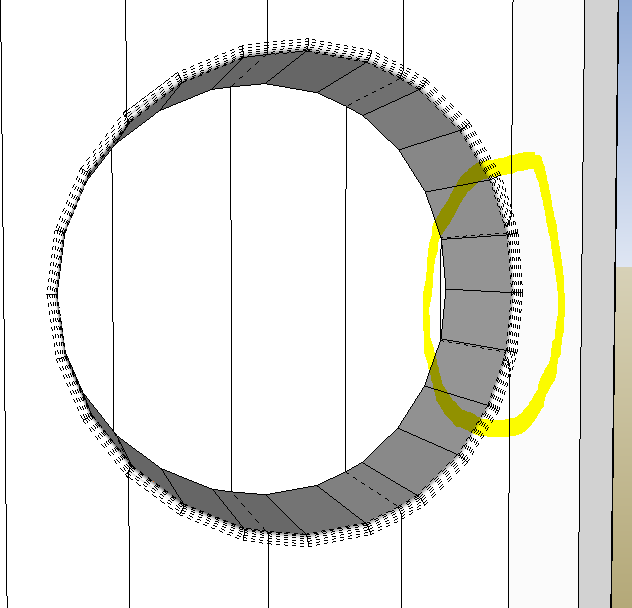
the one on the left however had some major issues! go figure.
-
RE: How would you model this (well)?
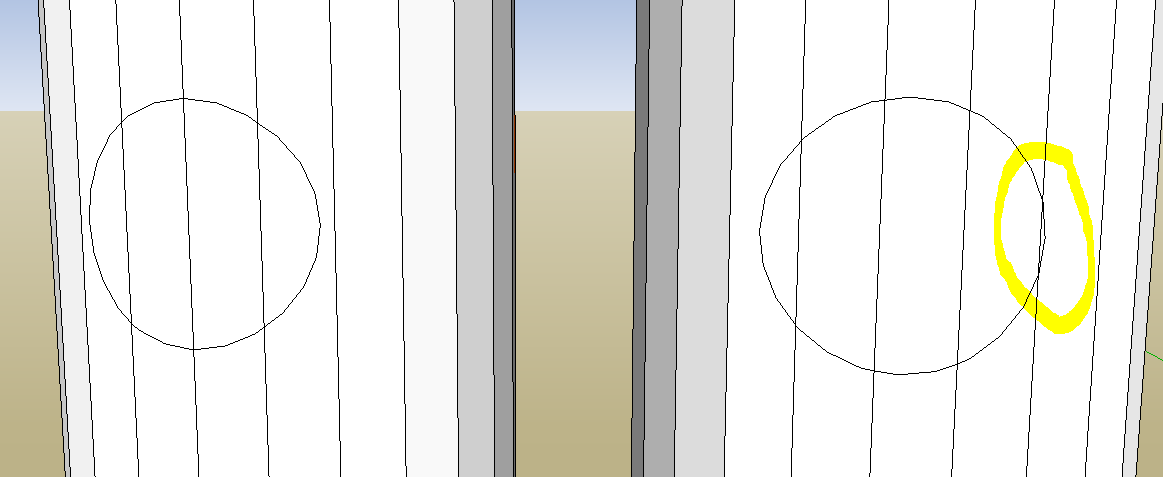
looks like you're right on track. my results with round corner weren't perfect either but its easy to erase and redraw a few edges. you can even move them around a little with the move tool to line them up better. try 3 or 4 with slight rotations of the cylinders then start with the cleanest one and tweak it a bit

left one should work out cleaner than right one ...
experiment a little
-
RE: How would you model this (well)?
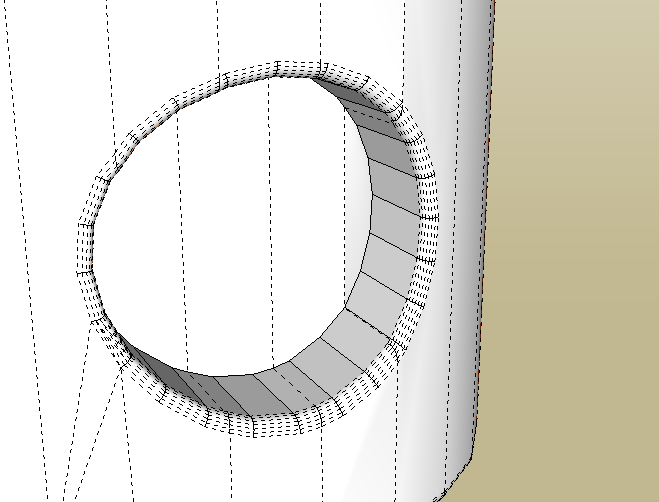
round corner seems to work well?
-
RE: Windows keyboard shortcut map?

with PS u could quickly put one together? no? -
RE: Windows keyboard shortcut map?
heres one for sketchup 7
http://www.sketchupfans.com/fresim/dosya/1/sketchup-7-reference-card-win.pdfeven better straight from google
http://sketchup.google.com/support/bin/answer.py?hl=en&answer=116693&ctx=cb&src=cb&cbid=16icmwffi6ixs&cbrank=2 -
RE: Photosynth for iPhone .... WIndows!
nice find! thanks

BTW did u notice the latest ios update is 666Megs?
-
RE: [Plugin] [$] Artisan (1.2.3) - Feb 28, 2014
hey Whaat, just enjoying the new toy, Thanks.
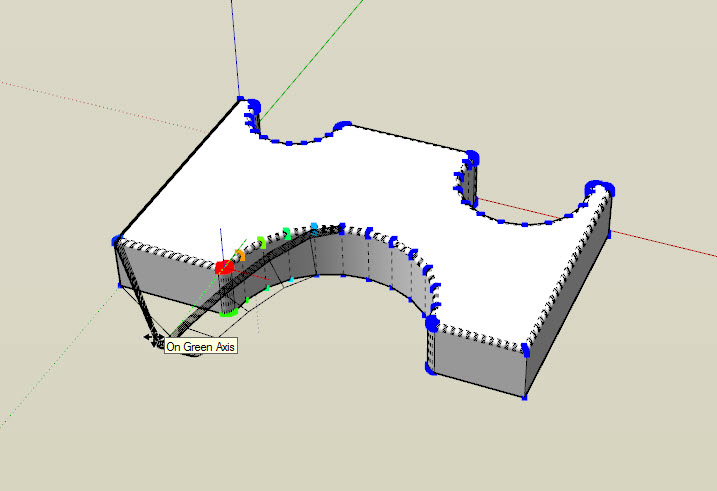
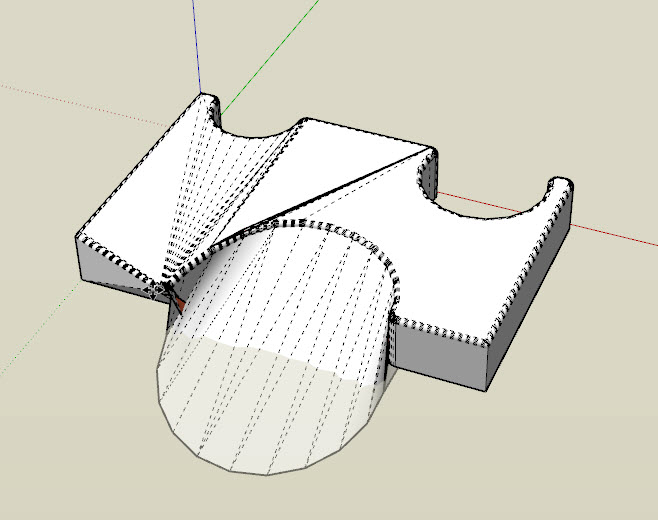
i have however noticed the vertex tool has quirks, have you noticed this?#1 ThomThom's tool with 24" soft select #2 artisan with 24" soft select both moving along green axis
-
RE: Cutting a pitch on a solid
you could try profile builder.
there is also a cutting plugin, i think its called zorro. havn't tried it though -
RE: [Plugin][WIP][OpenSource] Bezier Surface
@unknownuser said:
Thom's Vertex Tools has a wider range of selection modes than Artisan's. They are similar but also slighty different. Albeit both are excellent!
agreed. i'm just dreaming or maybe hinting.
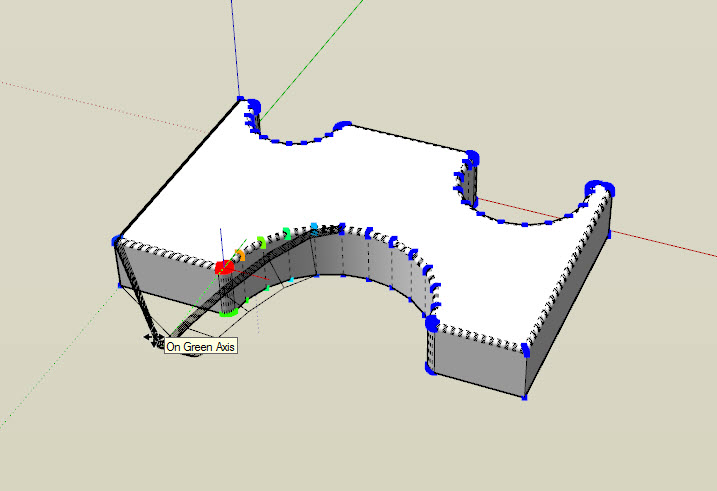
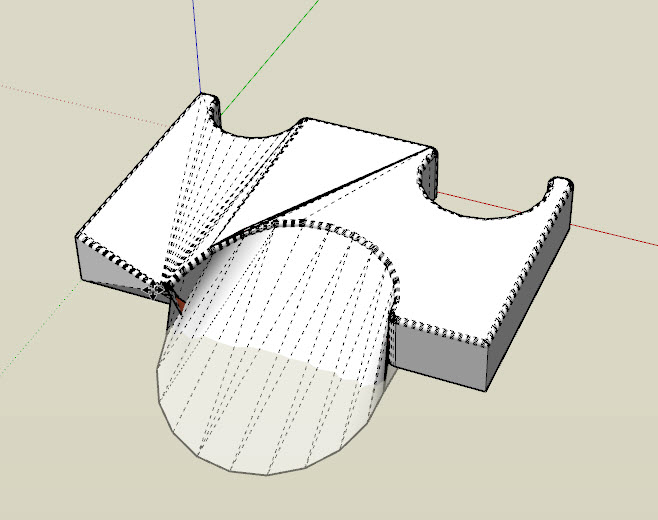
in fact i was just playing and compared to TT's vertex tools the ones in artisan are almost unusable

#1 TT tool with 24" soft select #2 artisan with 24" soft select both moving along green axis
-
RE: [Plugin][WIP][OpenSource] Bezier Surface
maybe this could become part of vertex tools to make it more attractive now that artisan has added vertex tools.

-
RE: Problem shaping a revolver grip.
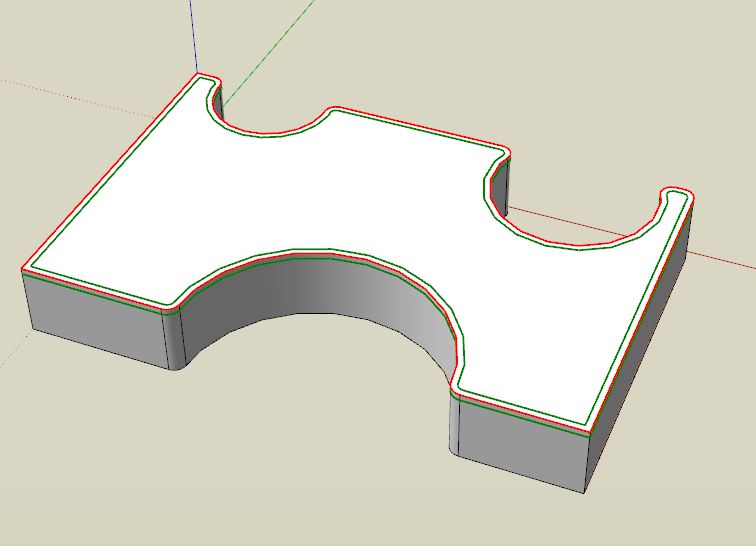
could u post the .skp of the profile?
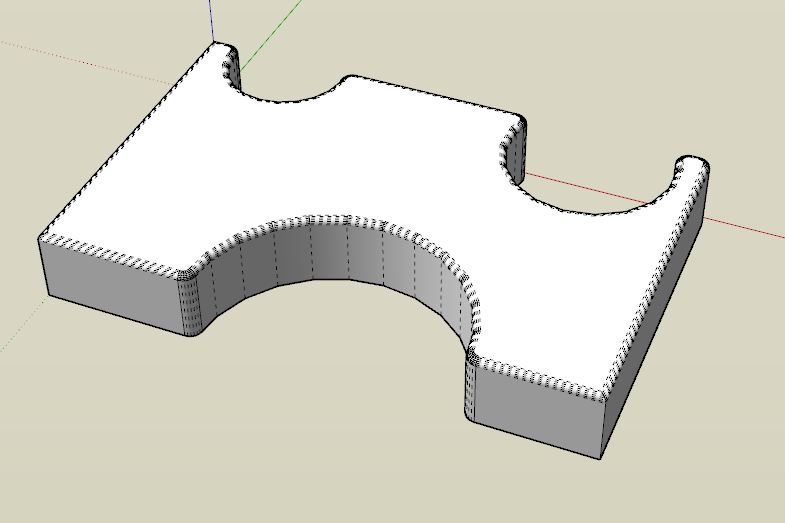
i have a feeling the roundcorner plugin may be the answer
-
RE: Cutting a pitch on a solid
ahhh, i guess you'd have to scale the top back to original size after.
-
RE: Cutting a pitch on a solid
did you try selecting the end edges and simply rotating them?