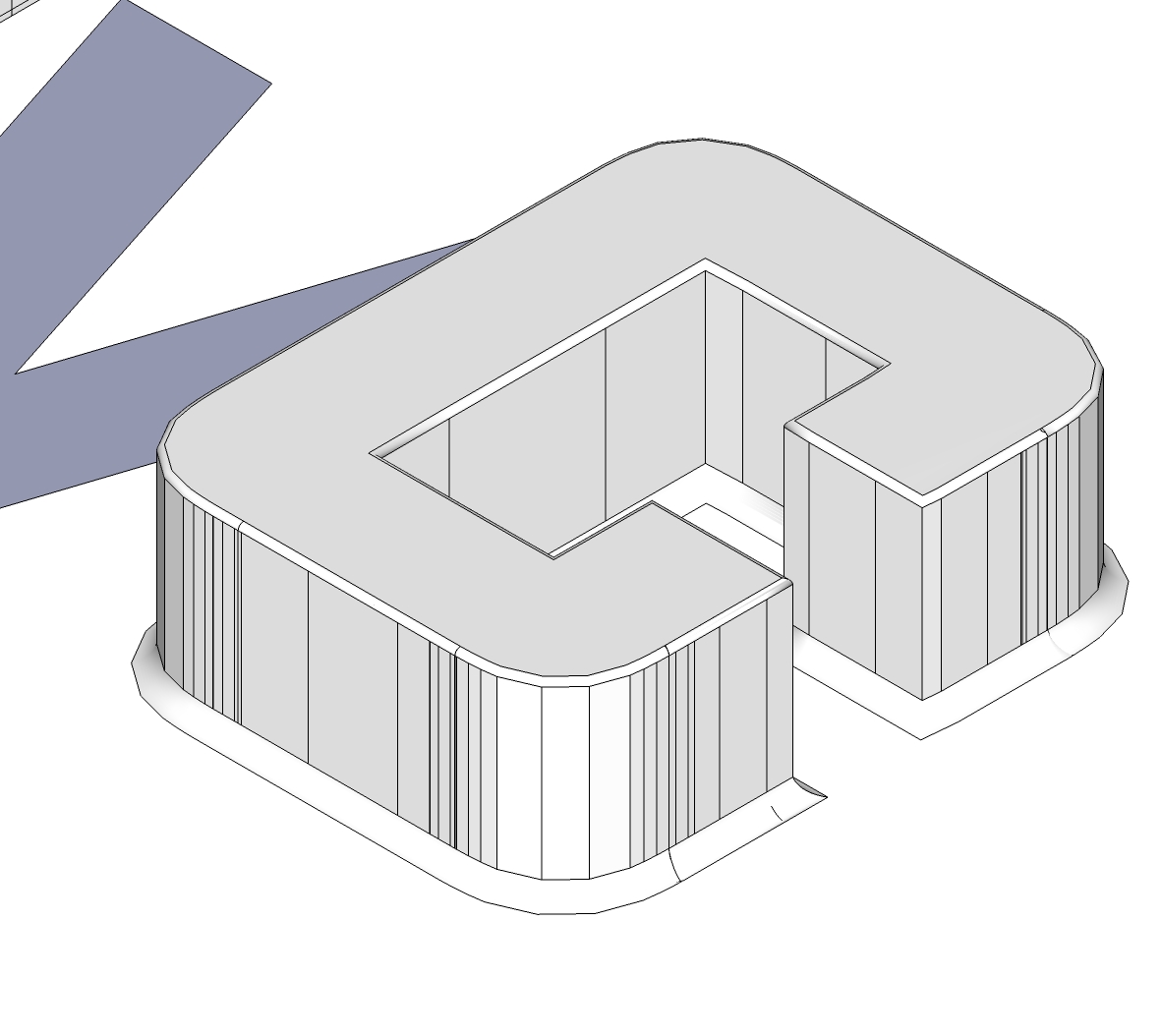
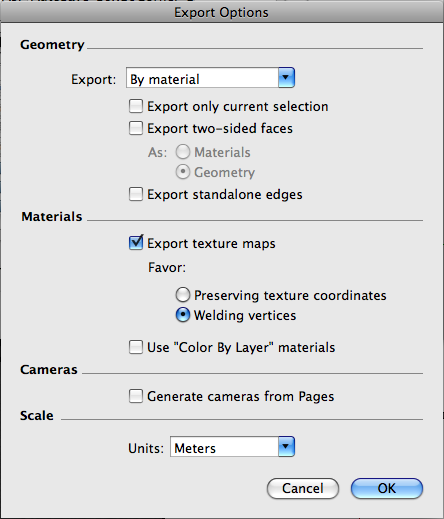
Thanks for the advice the file is much faster now, don't know what we were thinking when we made those grommets, Since this post already has the file on it we would like to ask one more question about how this file is exporting. When we take this file into another program to render out (Cinema4D) the materials are coming over fine but in the materials manager there are multiple materials for the same color so in sketchup we have several different black materials coming through. So we are wondering what is going on. If a color has the same RGB value as a color in a different component doesn't that make them the same color and if so why are they exporting as two different colors.
TeamSDA
 , you saved us a lot of time and trouble.
 we couldn't think of anything else. What we want to know is how to change the name of a component after it has been saved to a local collection. We tried changing its file name but when we open the local collection and bring the component into our new file it still has its old name
  . So basically we made a collection of components with names we now want to change but we cant, those components still come into our new files with their old names. So if anyone knows how to do this please help.
 , but The current way DCs work is not working for us. Every time you start dragging DCs into your project and changing your settings you end up with legions of unwanted DCs. We just want to ask that in the future DCs either have the ability to stay as one component in the Component library or that if they must multiply when changed, then there is a way to automate the way they name themselves so we can keep track of which one is which.


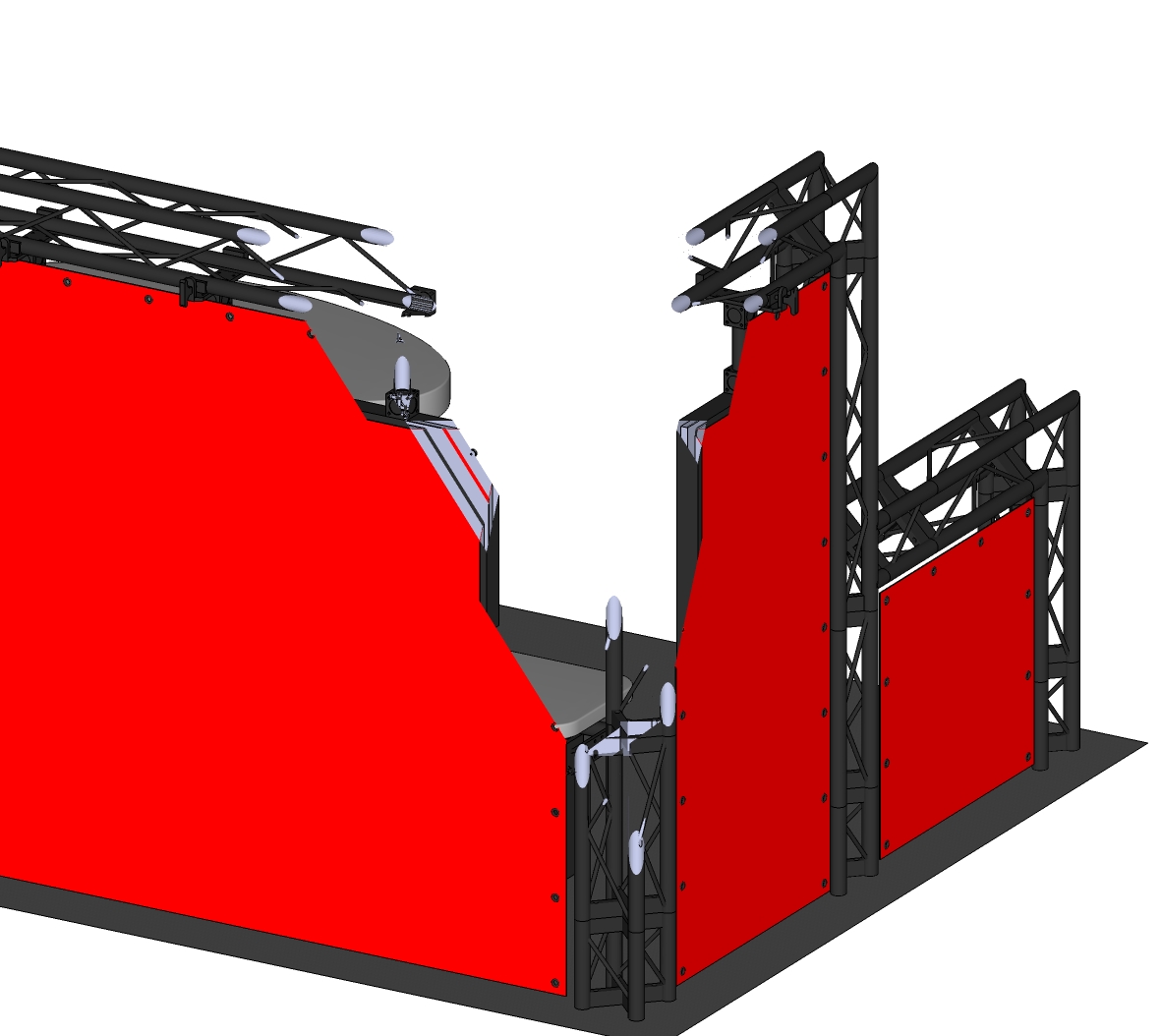 We figure its either satan or SketchUp Gremlins
  . If anyone has any idea how to fix this we would greatly appreciate their help.
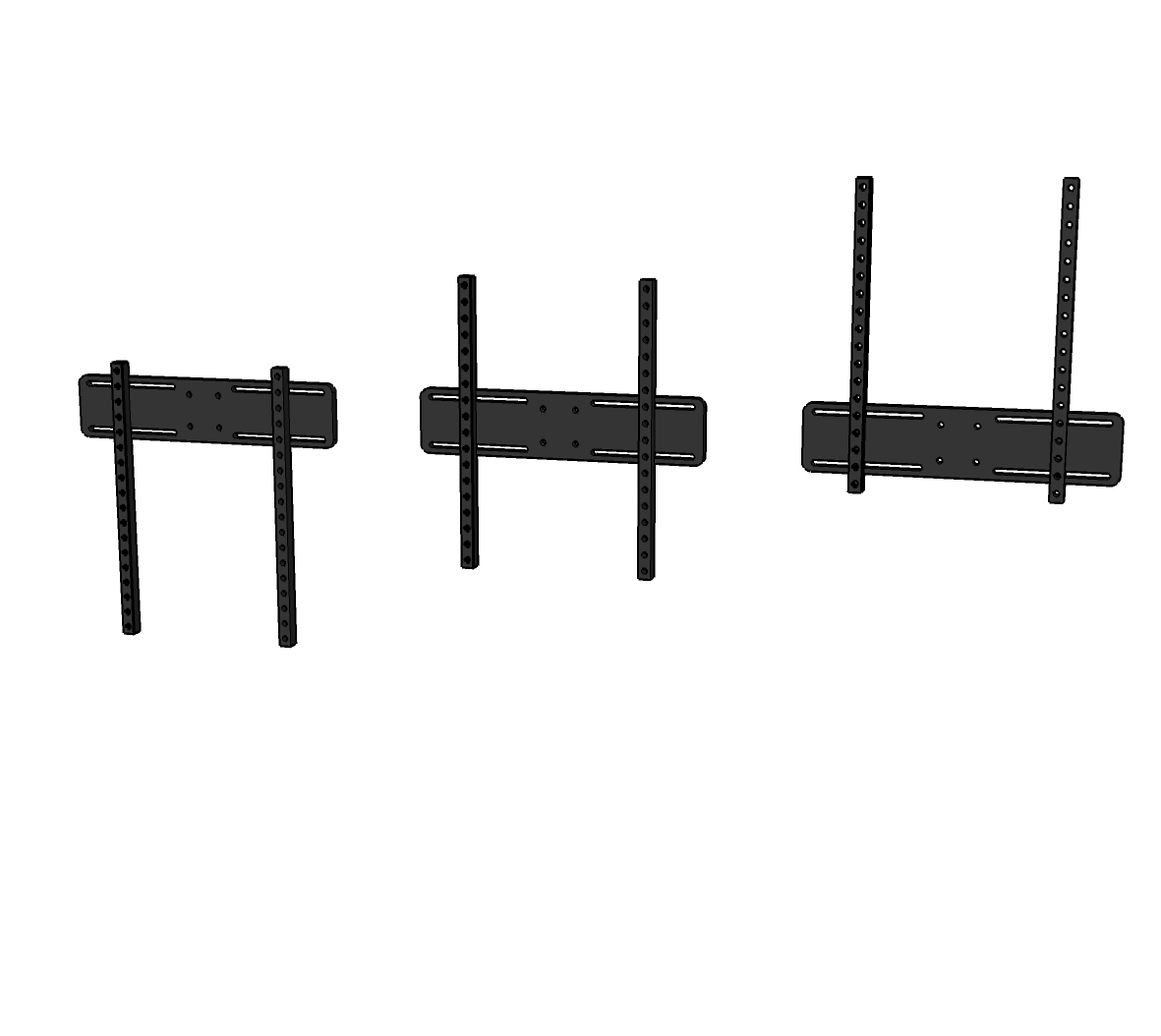
 . Already We need to ask the more experienced minds of this forum some questions. We are currently working with an adjustable Tv hanger. So we thought we could use dynamic components to create a single hanger with preset options for the different adjustments.