@roximate maybe just move it to the bin and download a new one from scratch?
Oops, your profile's looking a bit empty! To help us tailor your experience, please fill in key details like your SketchUp version, skill level, operating system, and more. Update and save your info on your profile page today!
🚨 Skimp | 25% Off until March 30 Buy Now
 Offline
Posts
-
RE: SketchUp 2025. The styles toolbar disappears every time I close it.
-
RE: Is there a way to "define the scale" of a group of objects in SketchUp?
I think that there's a pretty obvious logical problem with this.
If you have a component with X instances of another component nested into it and each one of them has a different scale factor, only one of them can be used to set the "definition".
And which one the algorithm should choose?
Based on which criteria?That's why Gemini is trying to make each instance unique.
It's not a code problem. It's definitely a logical problem.
-
RE: sketchup to unreal workflow
@gabino I managed to import SketchUp models into Unreal and Datasmith worked flawlessly.
As @Rich-O-Brien said, the model should be decently mapped and triangulated beforehand. The model being big or small doesn't matter that much.
Regardless the size, the model needs to be clean.
Decent grouping and a modular approach could be helpful to better troubleshoot issues.
If you mind to share some part of the skp model which cause problems, maybe we can look into it too see if there are specific problems or "bad practices" -
RE: SubD examples and models
Had been a while since the last time i did a model just for fun. So I picked a super fun one and started working on it in my spare time.

-
RE: sketchup to unreal workflow
@gabino said in sketchup to unreal workflow:
i was working with a big sketchup model (60MB)
60 MB is definitely not a big model for Unreal.
This one was 55MB and I consider it a small model..
I've used way bigger models in UE (using Datasmith) with no problem at all. -
RE: SubD examples and models
@Rich-O-Brien said:
Thats really nice. Would love to play Tony Hawk's around that
You actually can, because Marseille/Prado is included in the game.
here is the model from early version of the game which some guy uploaded to warehouse.
At first glance I thought that he did a sloppy job at replicating the game model, but I checked on Youtube and they actually used this remarkably bad version in the first edition of the game.. .They did a way better job in the newer version of the game, but it's still unrealistic. The whole model is still a bit out of scale in order to make the flat bottom way more stretched than it actually is in real world.
I can tell that with no doubt, because I'm a former BMX rider and a skatepark builder (I actually designed both the concrete skateparks in my city alongside multiple other wooden ramps and dirt jumping trails) and I rode myself the Prado bowl multiple times.
It's a legendary skatepark, so about 20 years ago we used to travel all the way up from south Italy to Marseille to ride that beauty.Absolutely killer skatepark.. it would not ride that fast in real world if the flat bottom was overstretched like the one in game.. it would loose all the lines and rhythm that made that park so fun to ride.
I don't know why they did the 3d model that bad.. I guess it has to do with game logic and "playability".@Rich-O-Brien said:
Really appreciate the UDIM workflow. I thinks it something we need to have a think about implementing in WrapR
What you would like to implement? Is actually already working quite well and it's pretty straightforward once you grasp the base logic.
They should consider to implement that UDIM logic in Sketchup itself, so that one can import a single material with multiple UDIMs, while according to the current logic you need to export with a single material and import back multiple different materials like I showed here.
Considering how long they took to implement (half baked) PBR support, I guess they'll include UDIM tiles in Sketchup 2038 or something..Maybe you could make the tiles edge more obvious in the WrapR UV grid/background?
But again.. you can consider each 4 by 4 color square (in the default WrapR texture) as a reference for the tile. Or simply use a UV checker texture with a really eye catching border like I showed here.
Using that texture, whenever I see magenta showing up on the mesh, I can quickly visually tell that something is wrong in the UV layout and Substance will reject the model because of some nasty UV island overlapping across UDIM spaces, so.. not a big deal. -
RE: Model turned inside-out glitch
It's 99,9% related to clipping planes tolerance
To troubleshoot this you can type in Ruby console
Sketchup.send_action 10624Then in the windows which will pop up, check the "Force" flag and try to play a bit with "Near" and "Far" parameters.
If the "Model Far" is a really huge number compared to the actual expected size of the model (causing the "Far" clipping plane to be REALLY FAR, then you can have that kind of floating-point-precision-related z-fights happening like in your screenshot).
There are a few reasons that can trigger this kind of behavior (which is the pretty much the opposite of the well known "clipping problem").
Usually there's something REALLY FAR from axes origin (maybe a tiny stray segment miles away from world 0,0,0 or possibly you accidentally created a misplaced copy of your 3d text which for whatever reason ended up at light years distance from model space).
In that case you can try to select whatever should actually be in your "intended" model (maybe temporarily group & lock it for added safety), then invert the selection and erase whatever else is in the model (this will clean up accidentally misplaced geometry that you can't see because it ended up into some different solar system) and everything should be fine.Another possible reason is that some of the objects in the model is actually in the right place, but its internal coordinate system has the origin miles away from model origin. In that case you can troubleshoot that looking at object bounding boxes or if you want to fix that super-fast, just install the "Axes Tool" plugin from Thomthom and recursively select components and sub-components and run the tool in order to place the object's axes in the center of the bounding box. Being that you apparently have just a few objects, you could just try to explode and regroup them one by one and that could fix the problem.
Another reason which comes into my mind that can trigger this kind of glitches, is when you have some "giant" component and you scaled it insanely small compared to the original size.. in that case you can try to "scale definition" (or, again, just explode and regroup it) and that should fix the problem in such specific case. If you created your 3d text insanely big and you scaled it a lot, that could be the culprit.
If none of this fixes works, maybe you can share the model and I could try to see what's goin'on exactly.
-
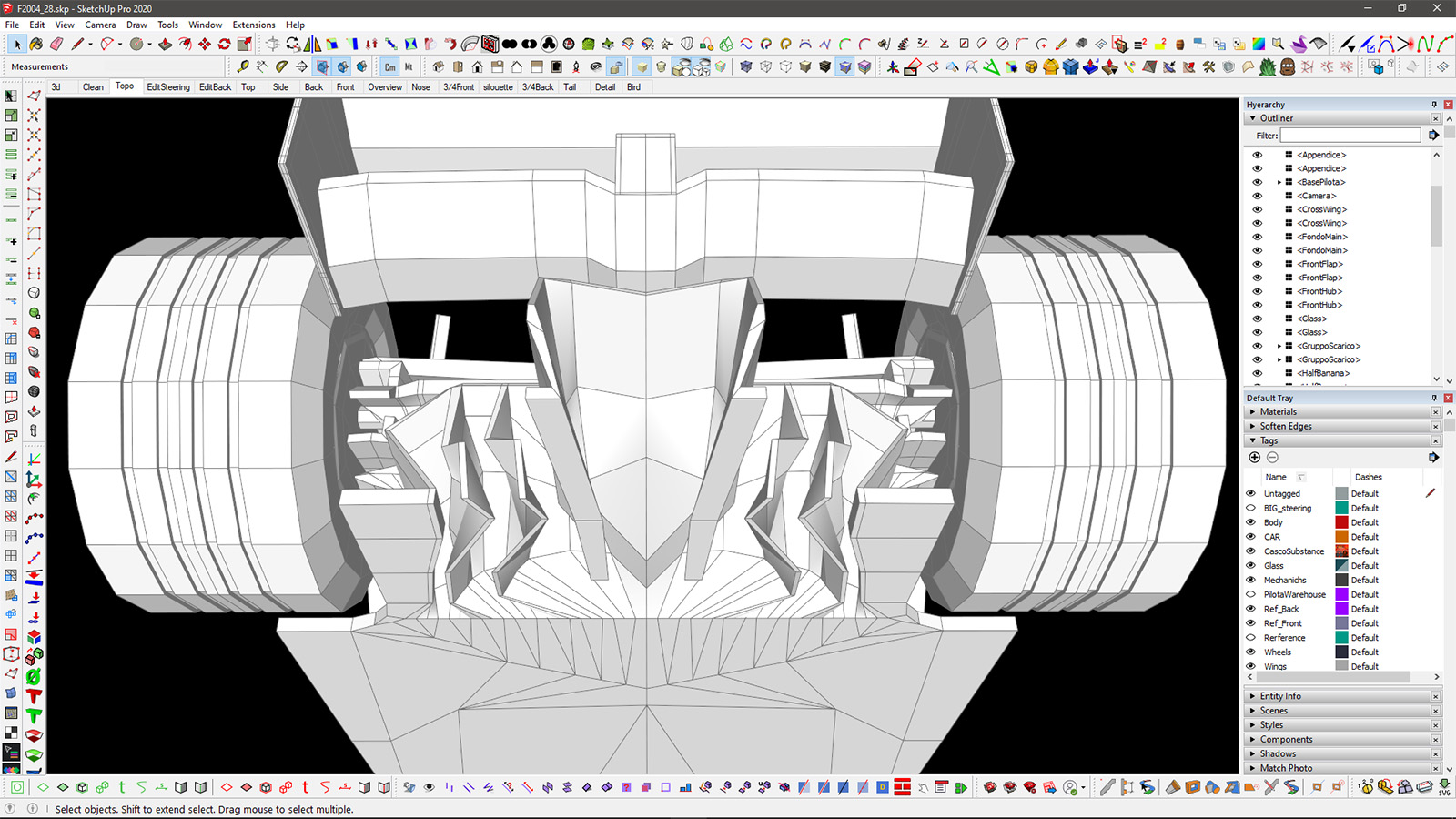
RE: Ferrari F2004
said in Ferrari F2004:
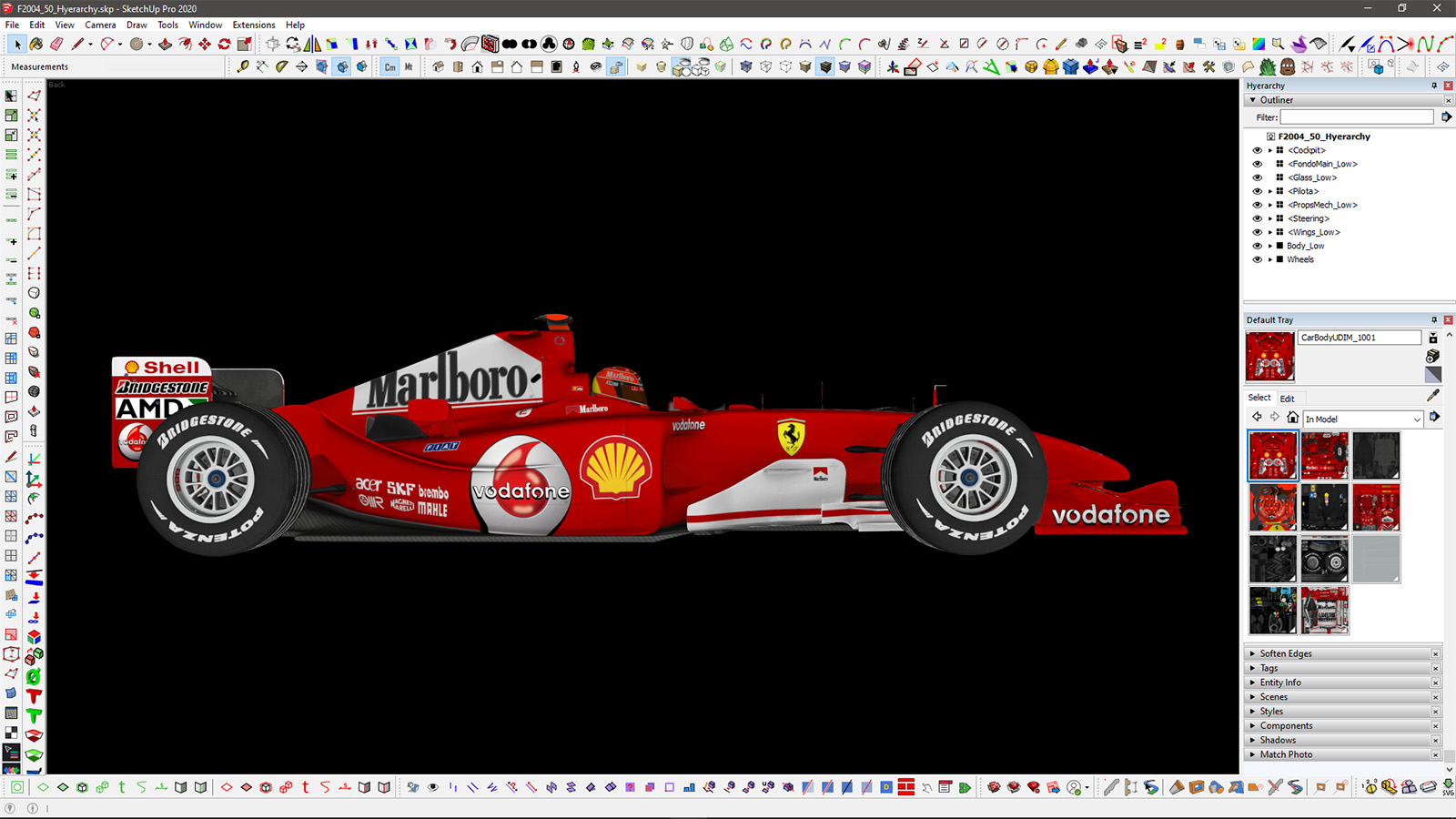
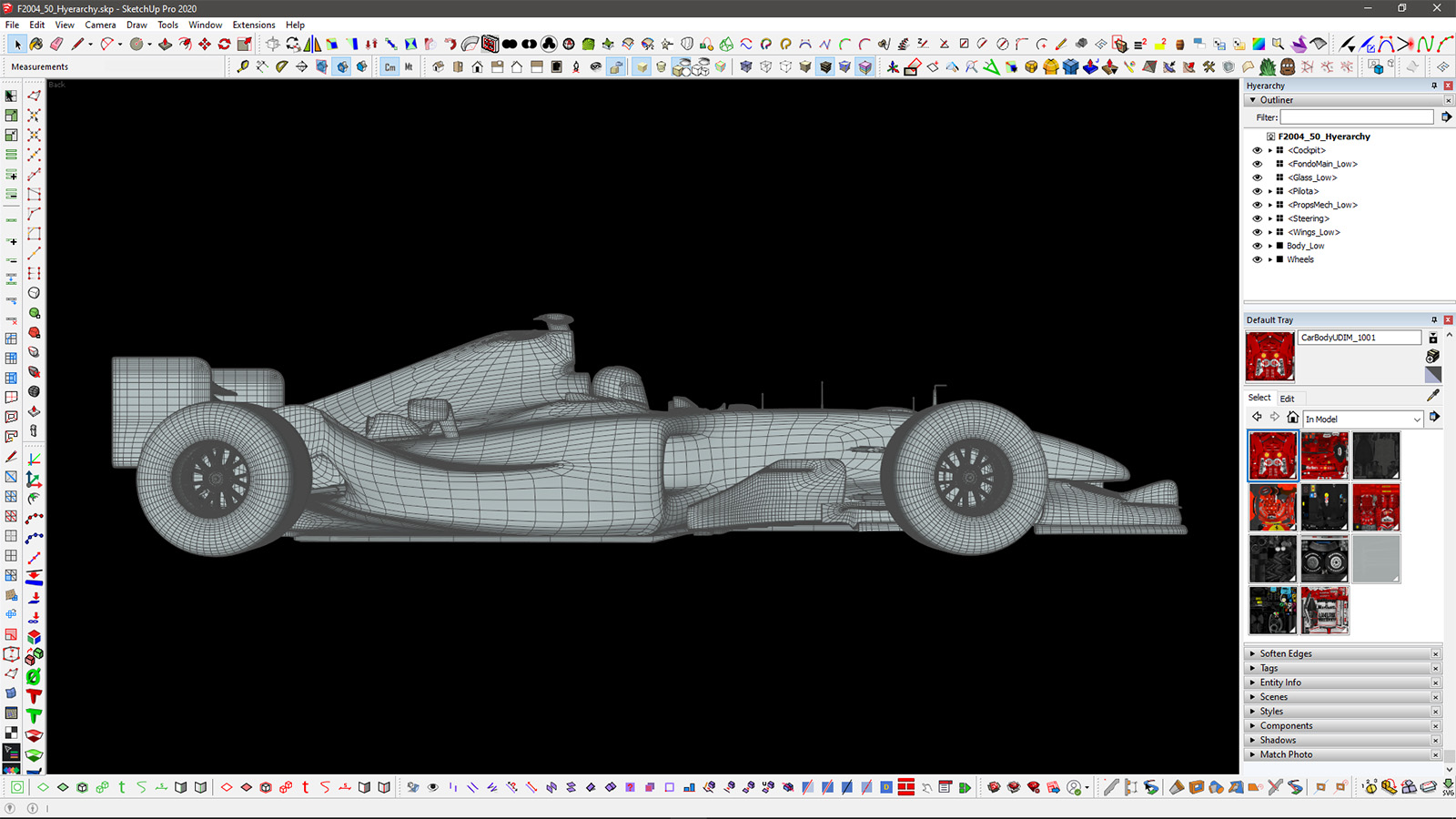
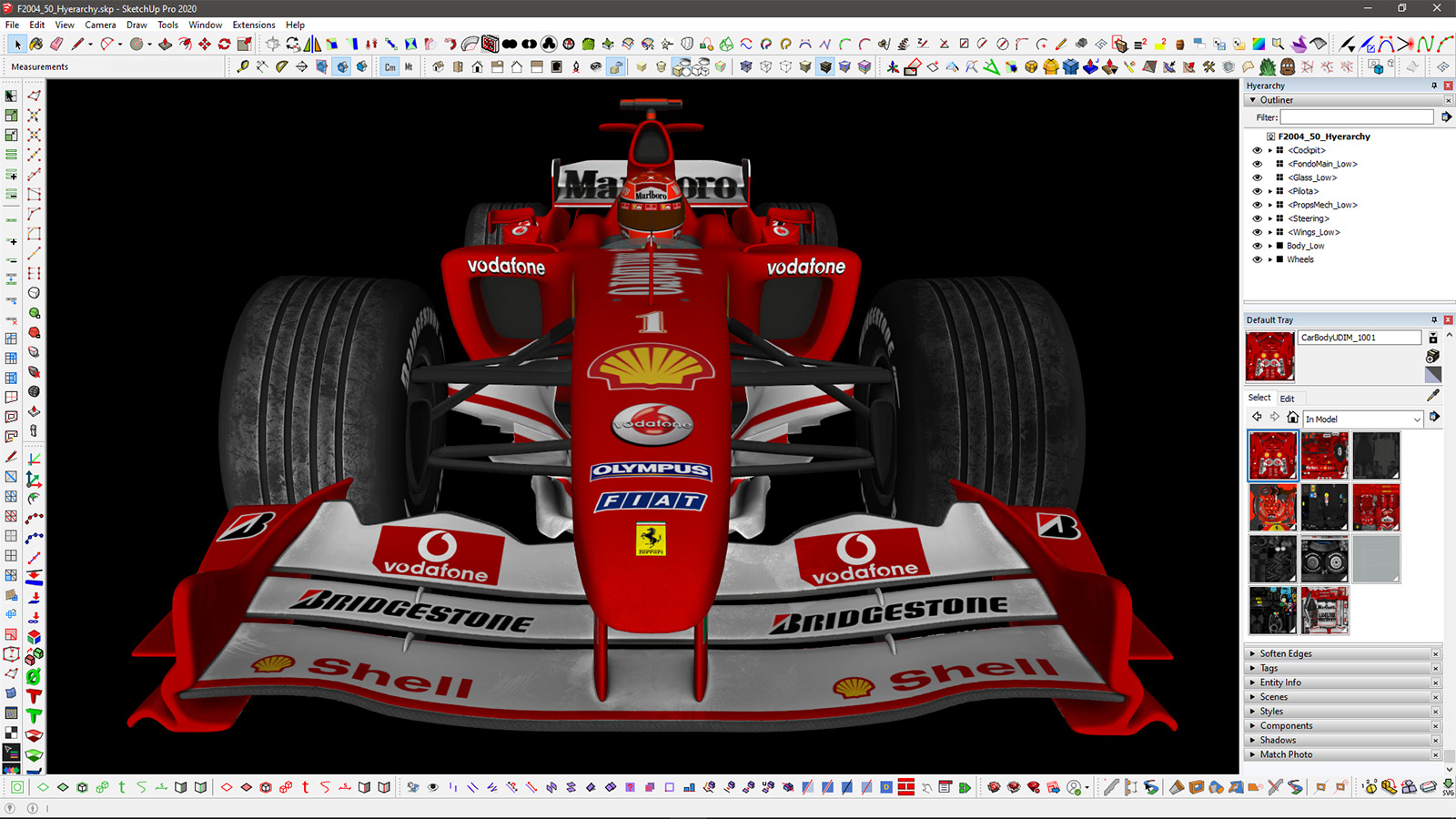
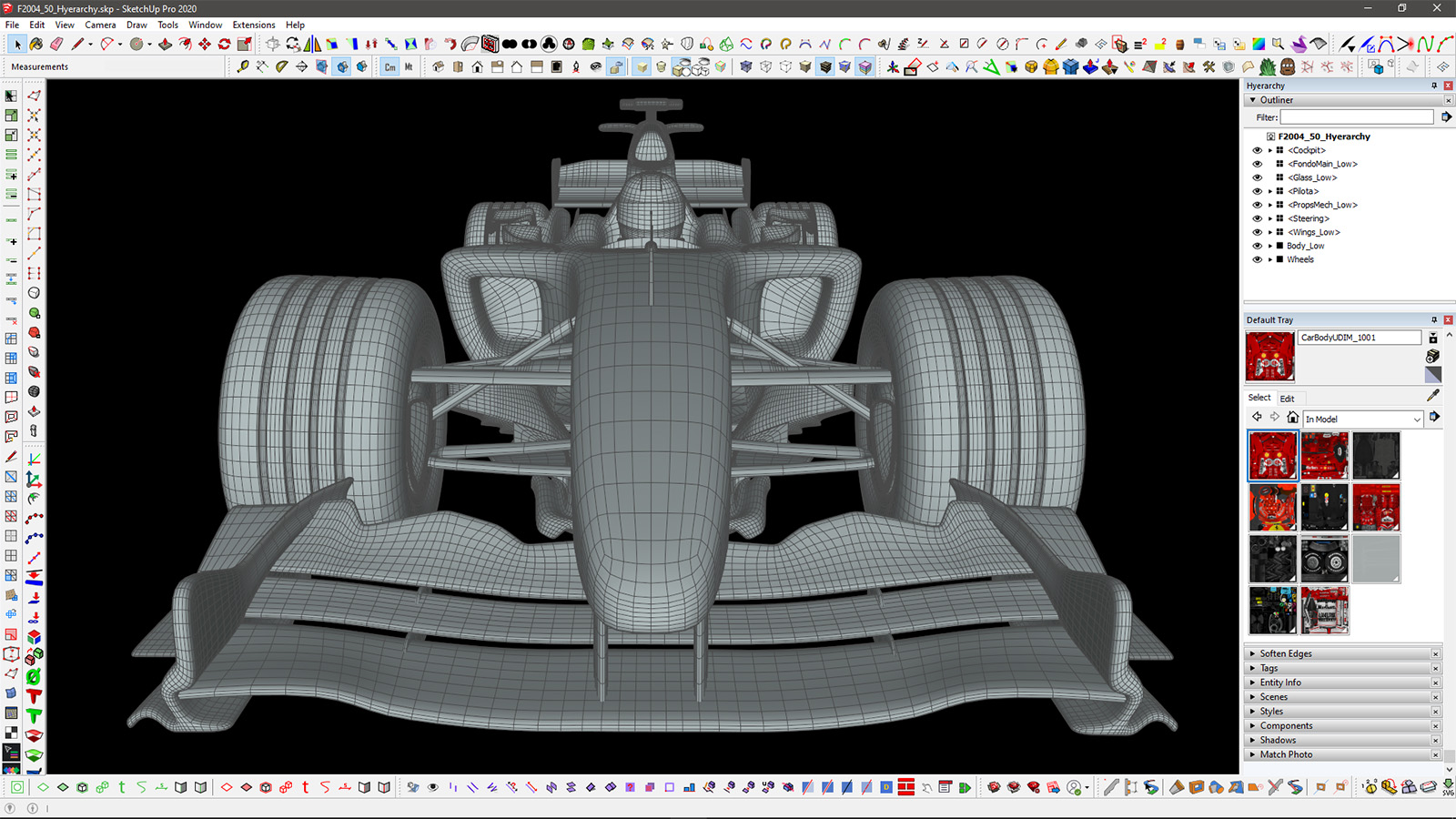
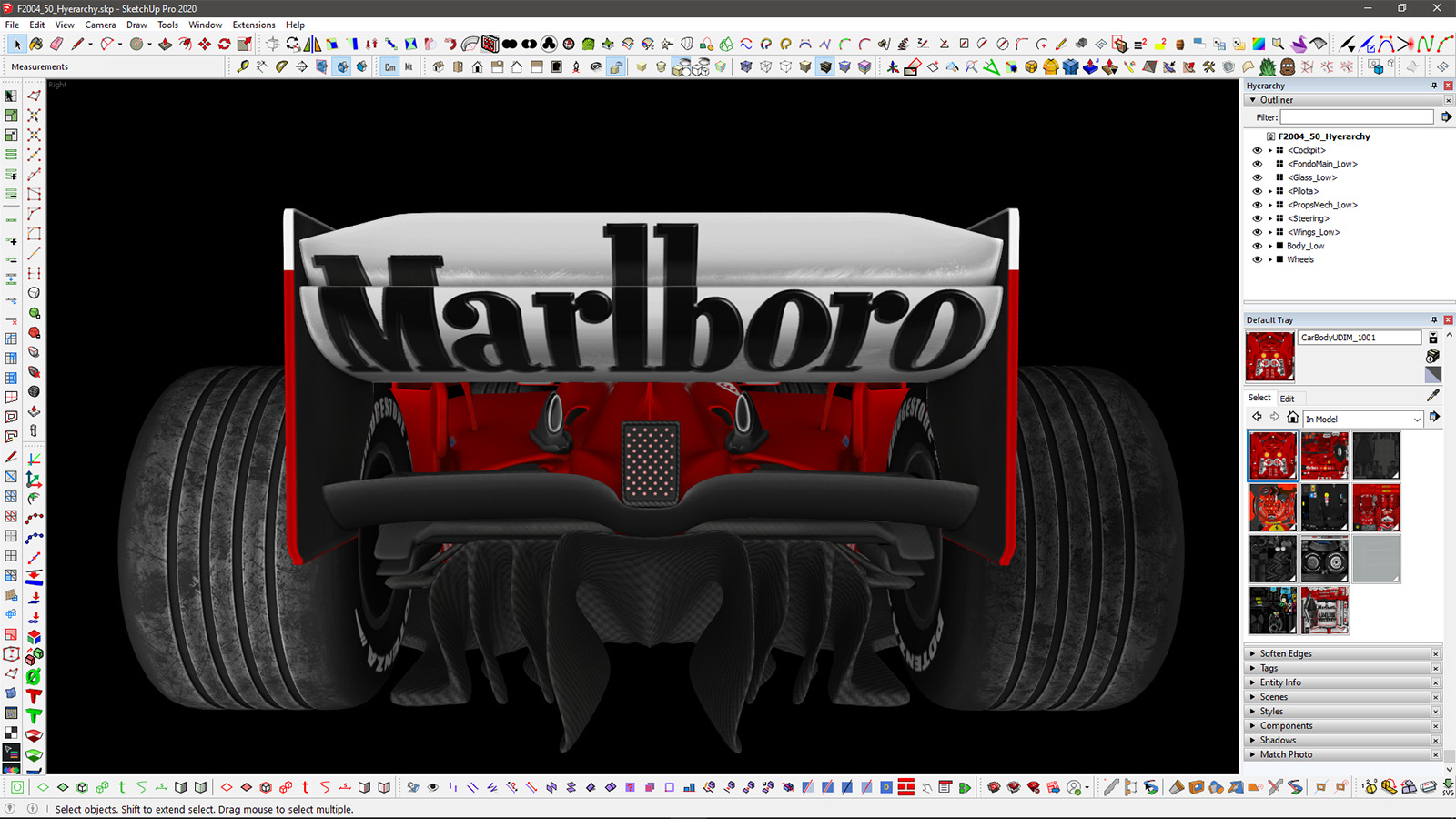
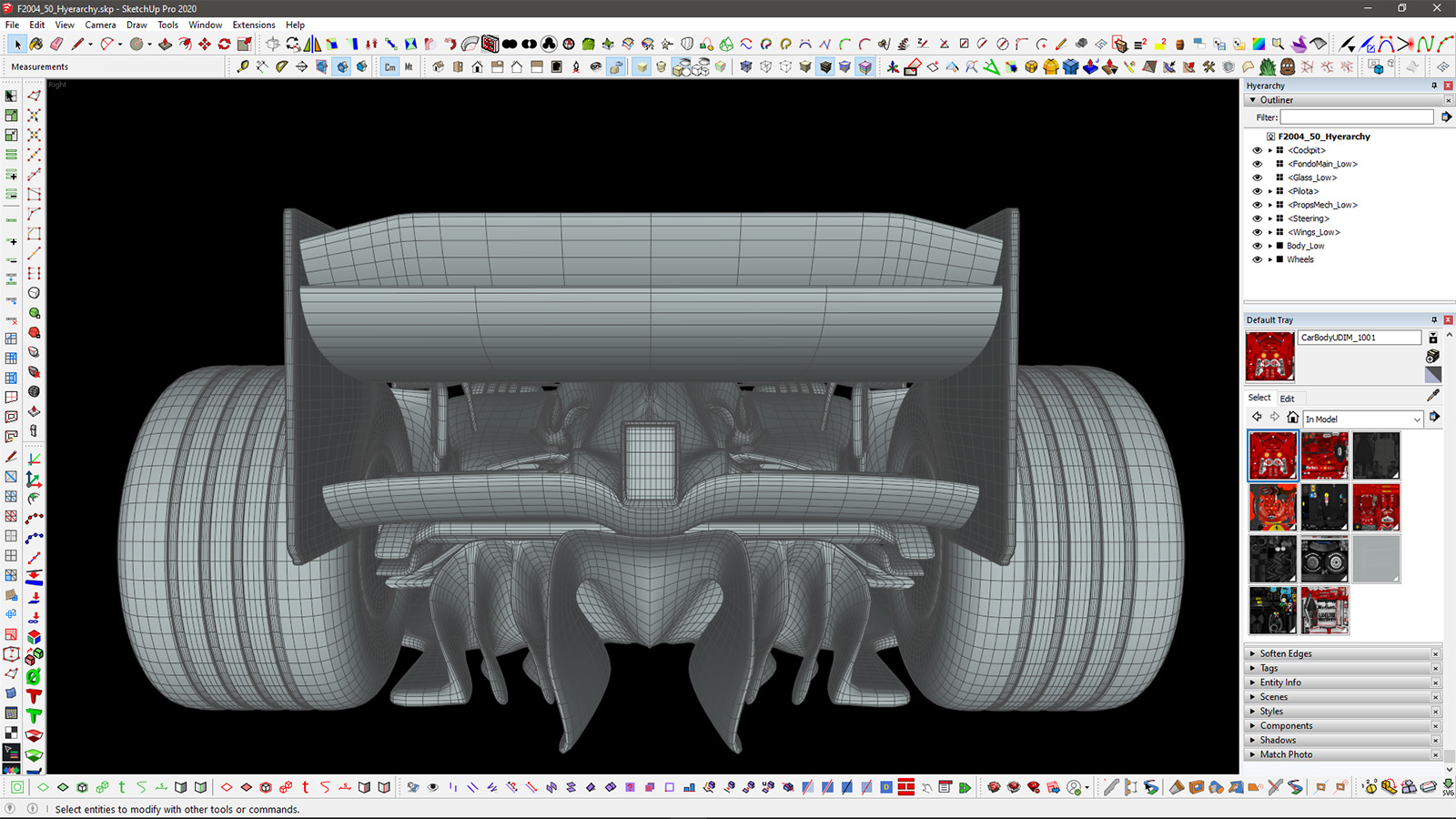
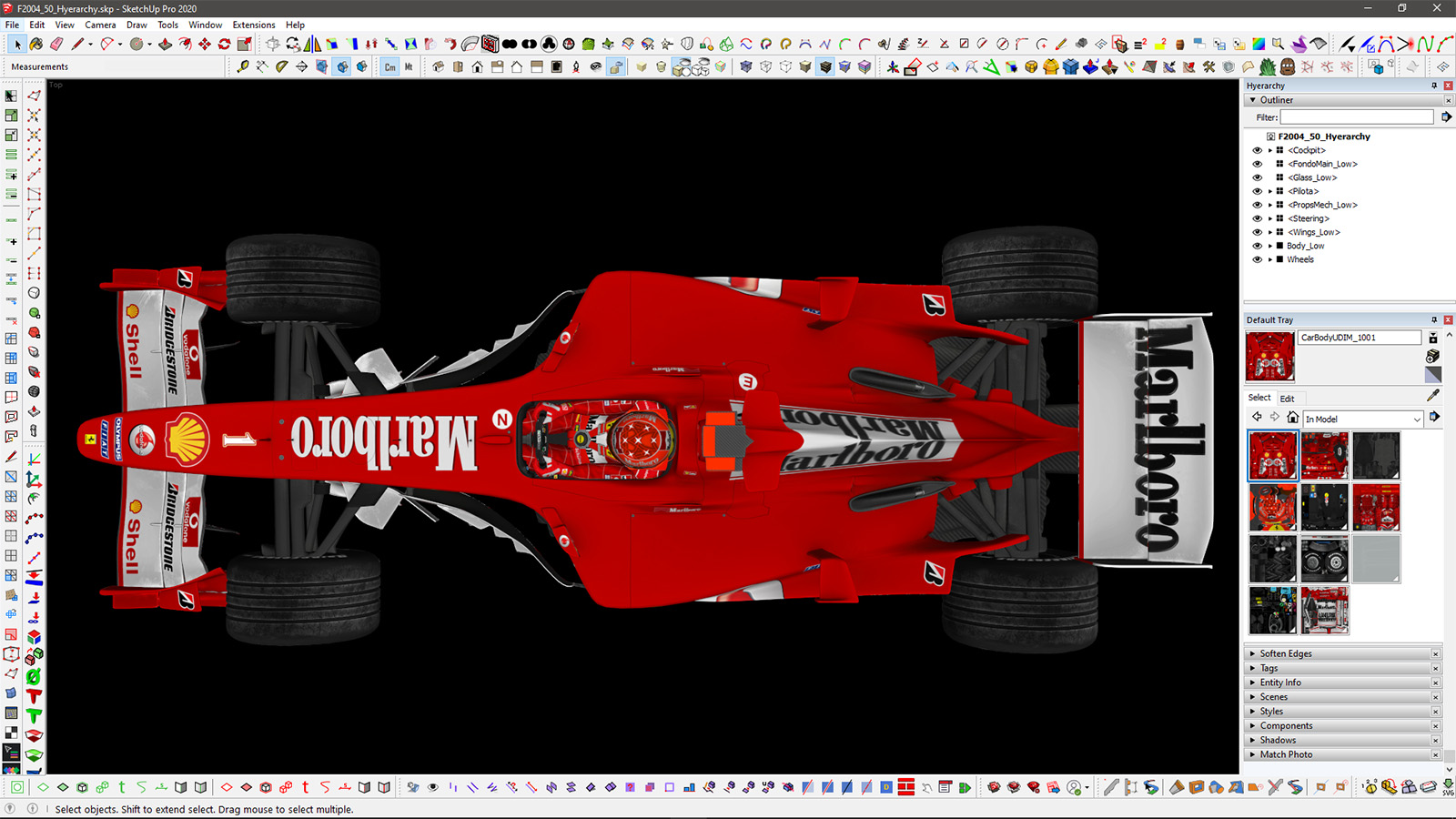
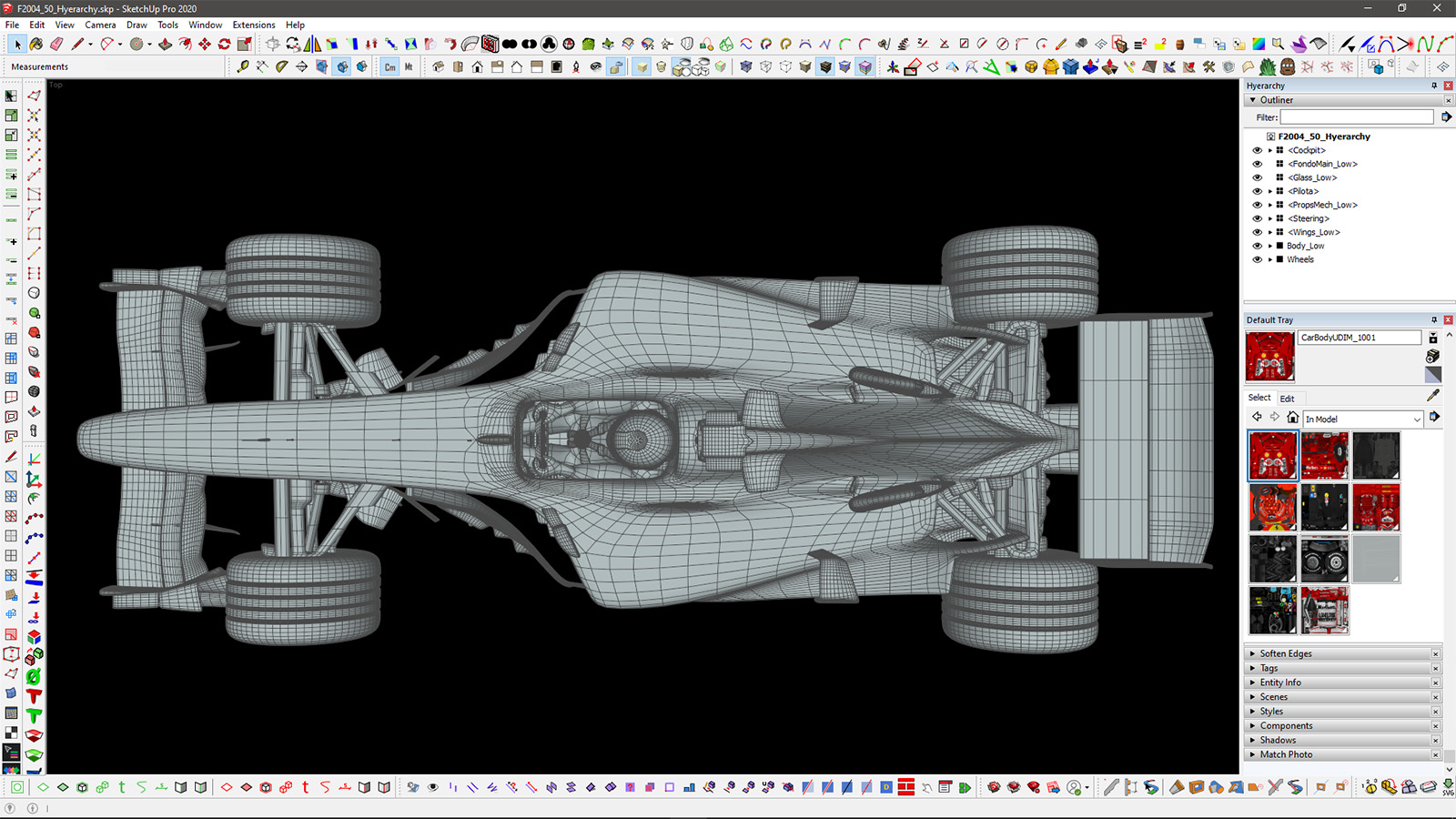
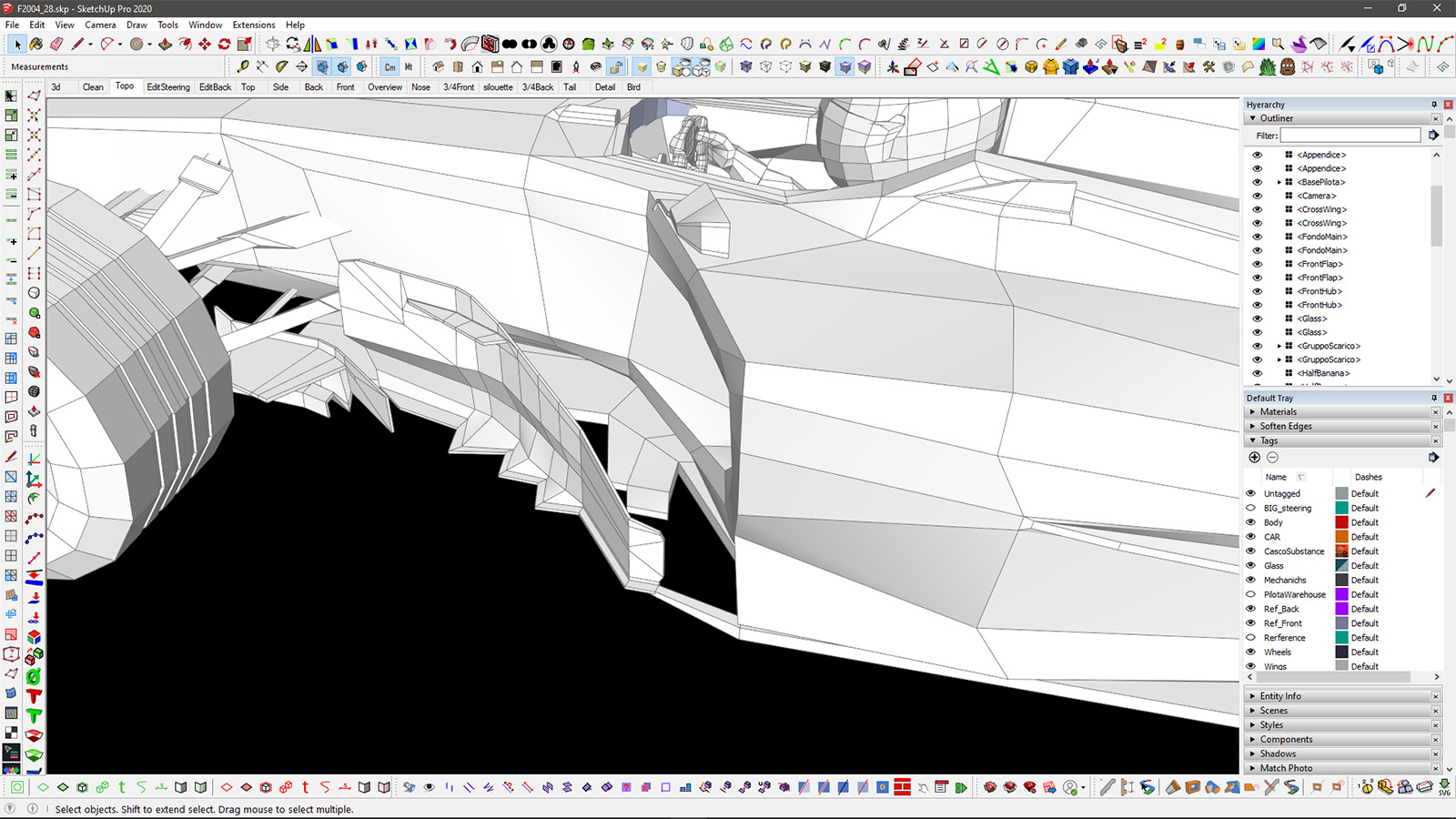
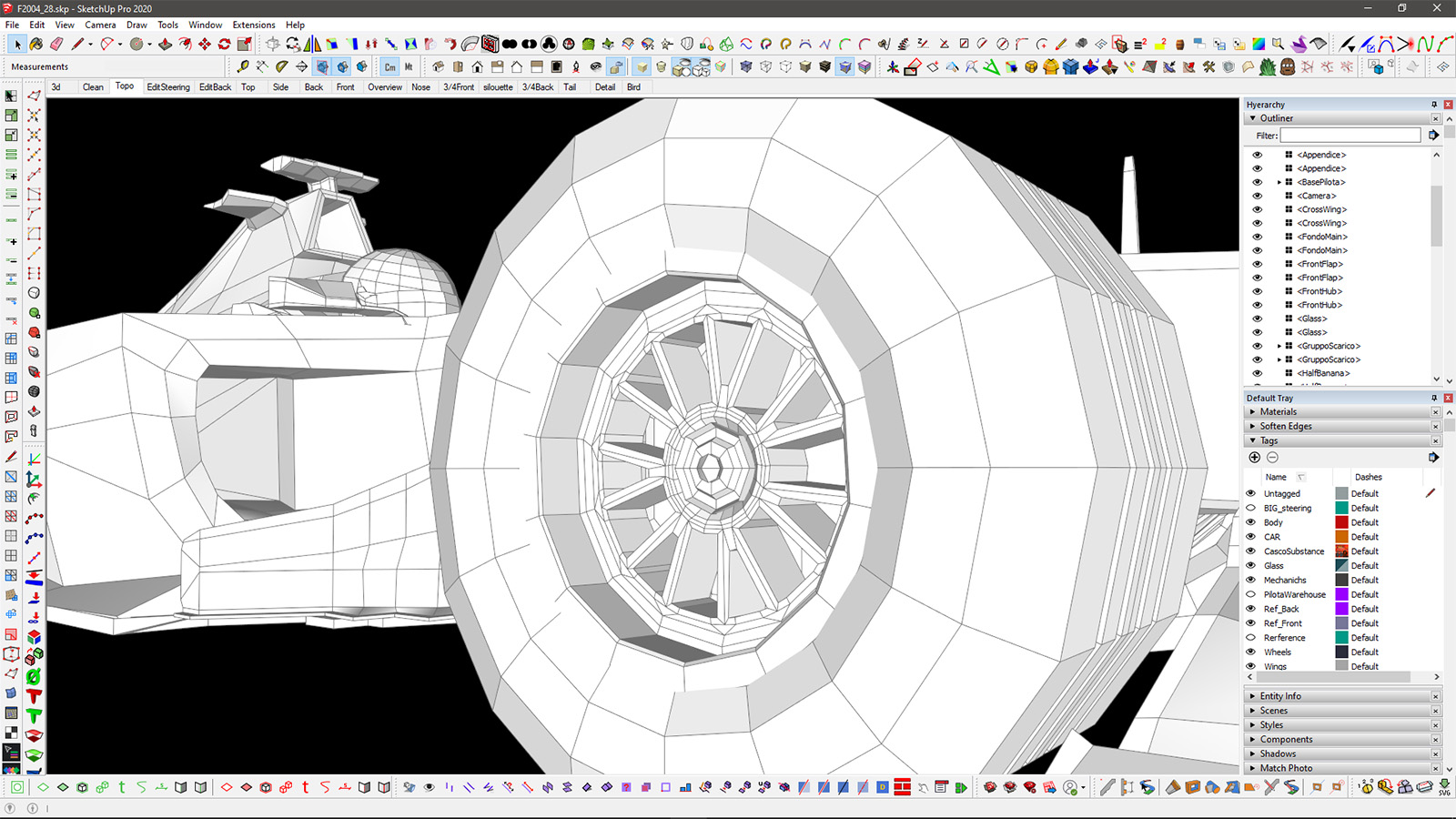
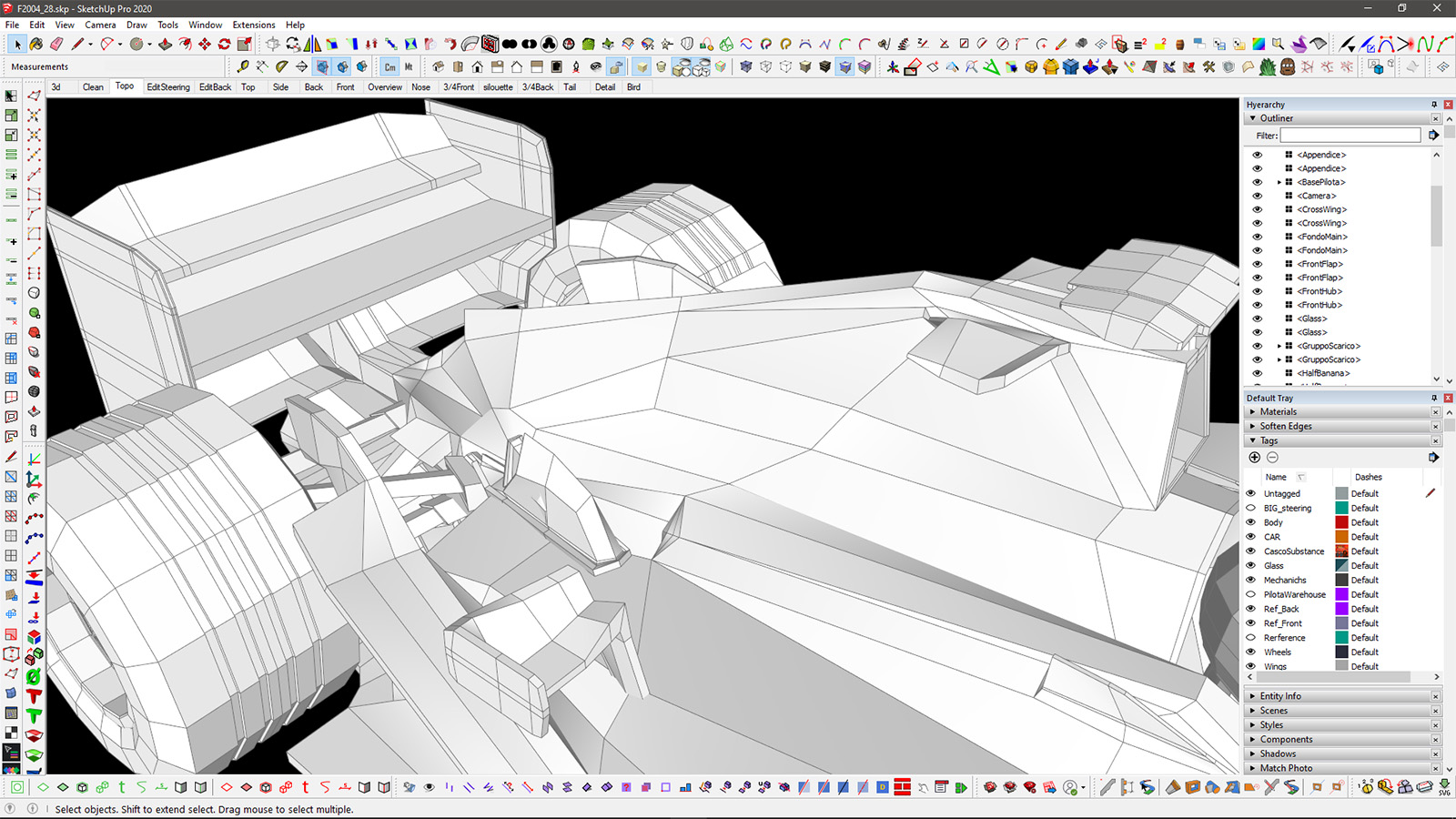
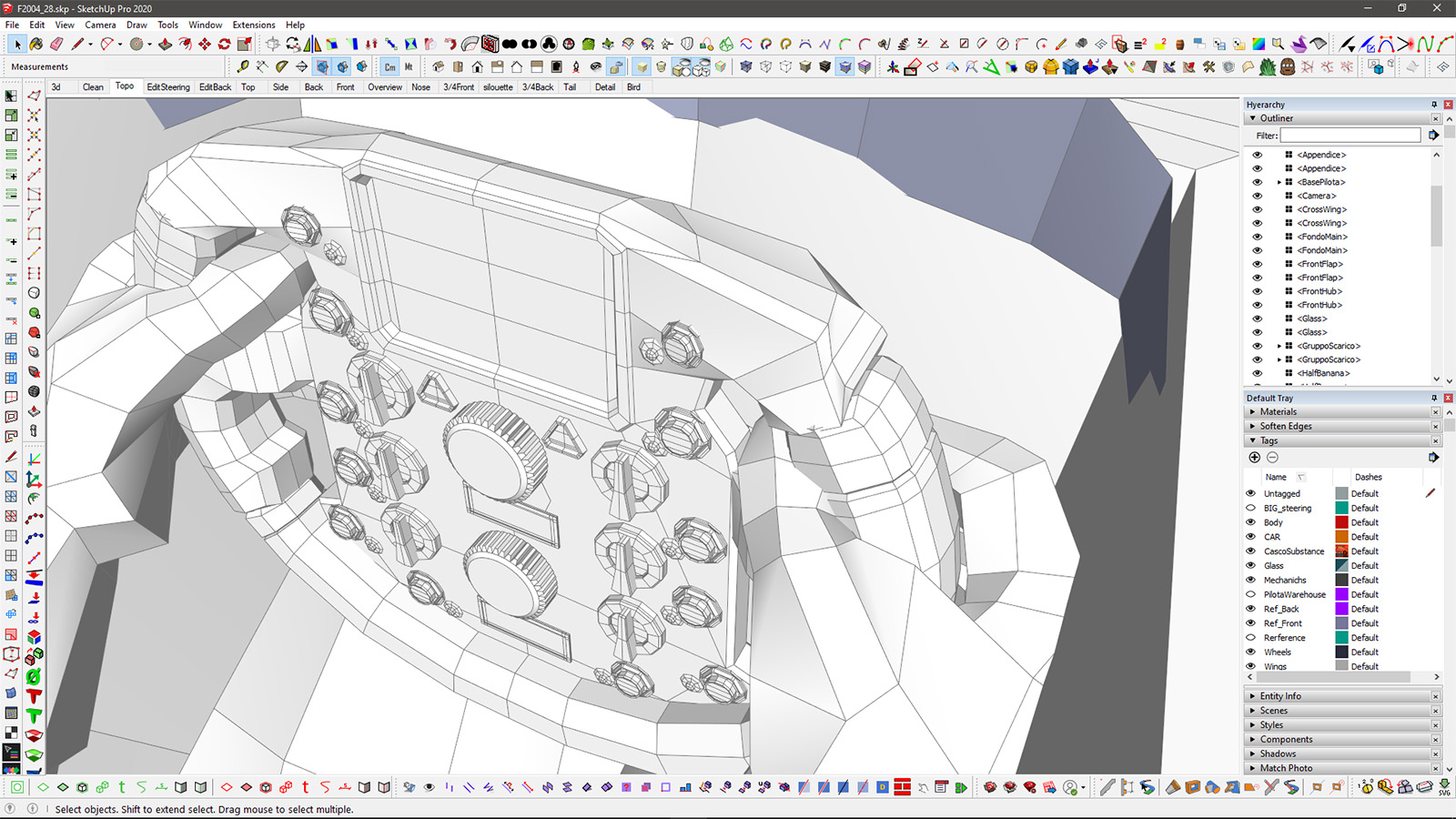
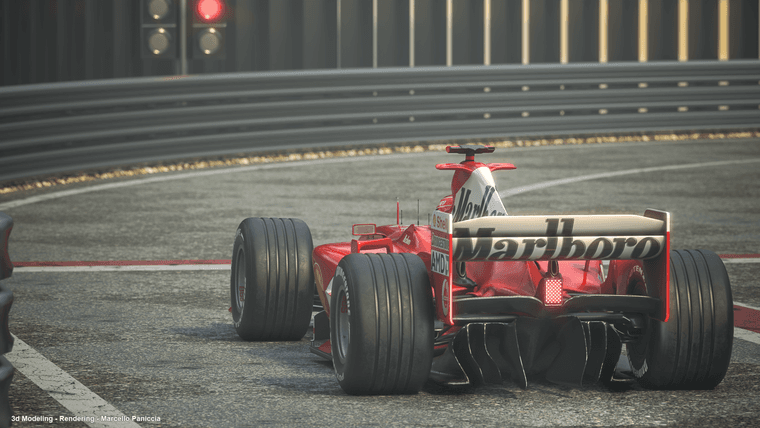
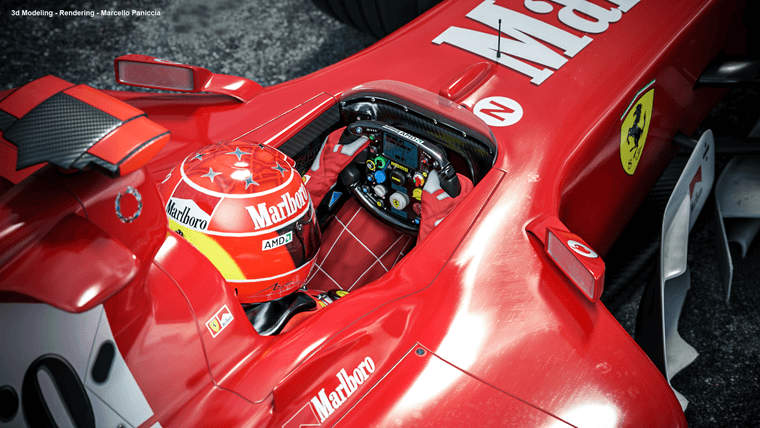
I posted some still renders at this link.
Unfortunately my Facebook profile is down due to a false positive for "Advertisement Cybersecurity" (never did a single "Ad" in my life, but.. yeah).
While I wait to see if eventually
their stupid AI bottheir "assistance team" will restore it, I'll repost the original renders here.

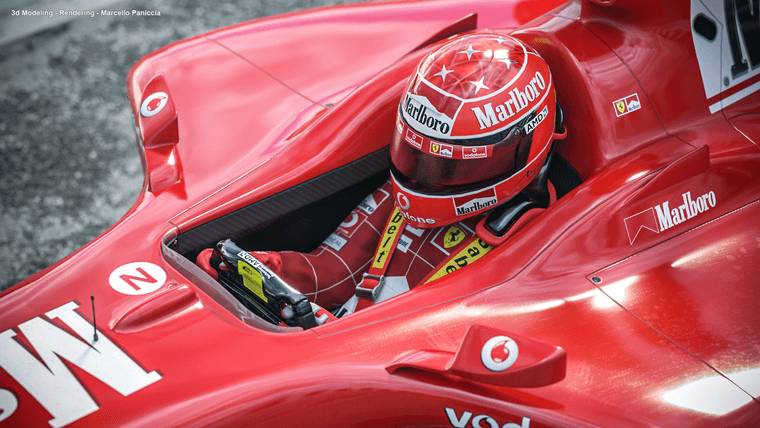


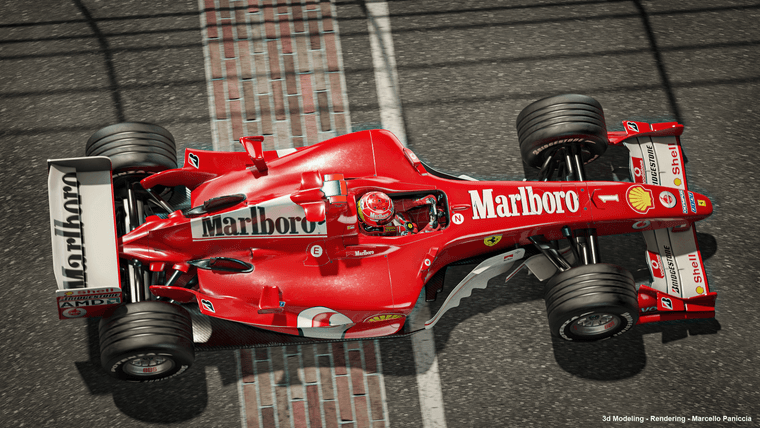
-
RE: SubD examples and models
@tuna1957 thank you so much!
I'm glad you enjoy this stuff
-
RE: SubD examples and models
@Rich-O-Brien indeed

I believe I've just found a new trick to speed up that IDmask baking thing
(just some SelectionToy trick to quickly detect hard edges and split up surfaces without having to select too many loops manually)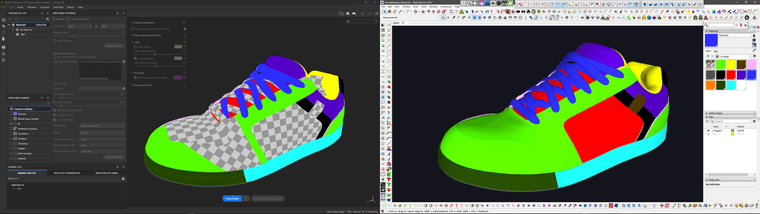
-
RE: SubD examples and models
@Mike-Amos thank you.. I'll share the last couple of models when I'm done

-
RE: SubD examples and models
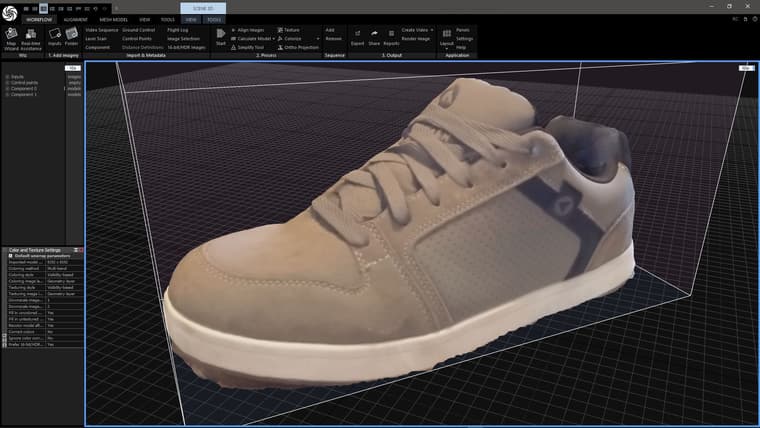
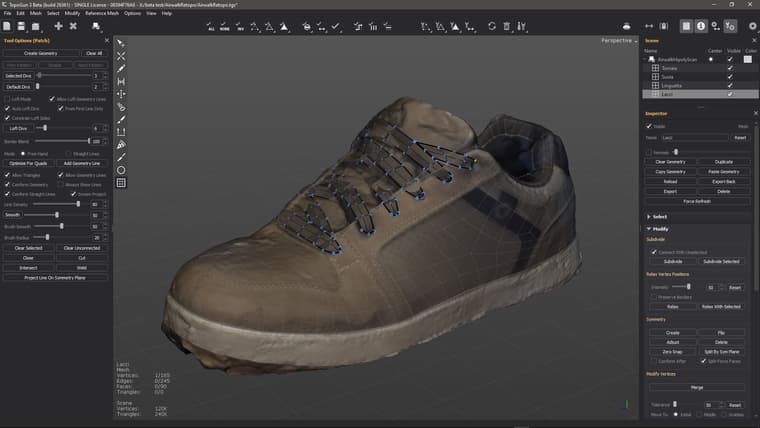
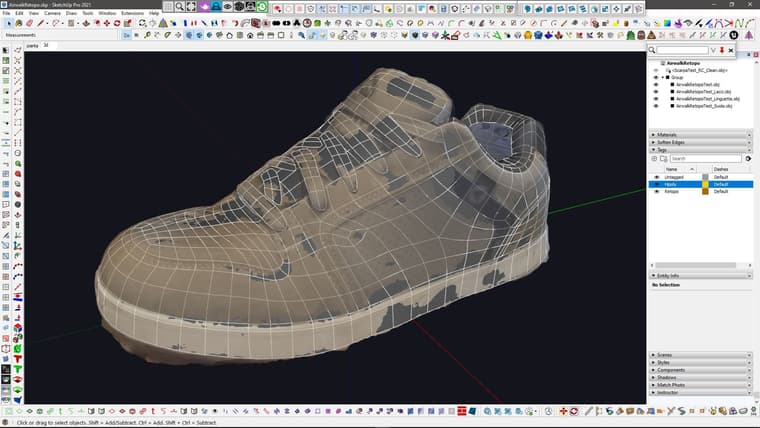
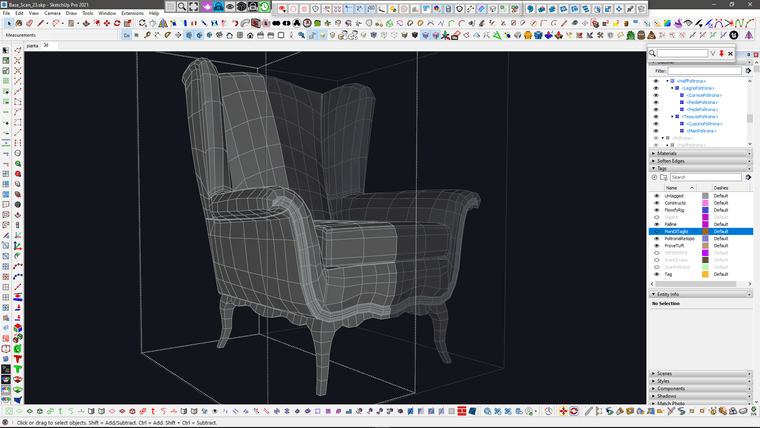
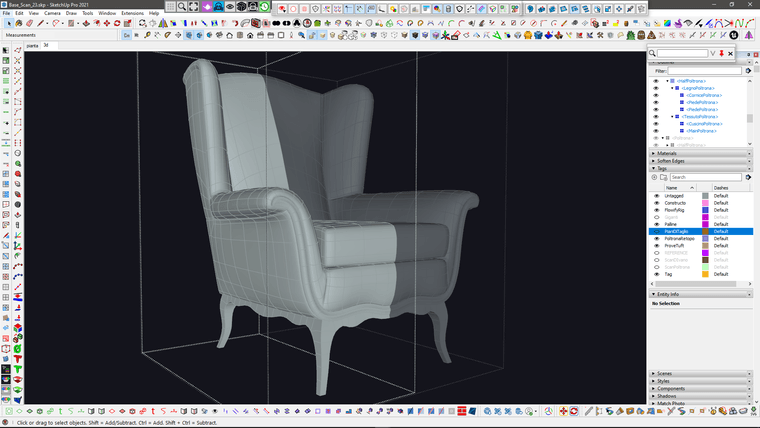
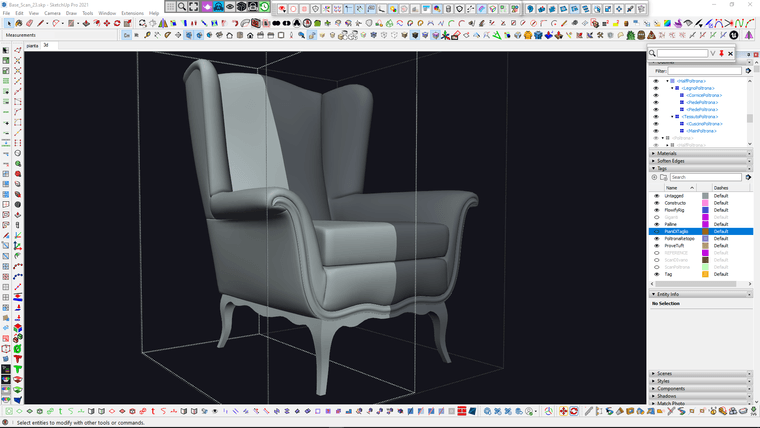
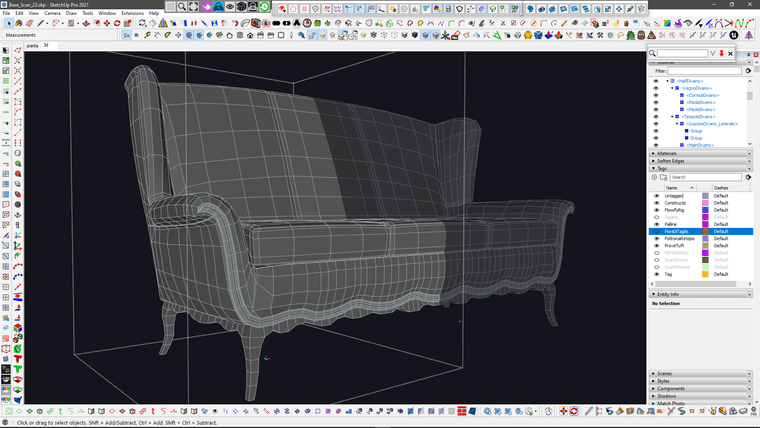
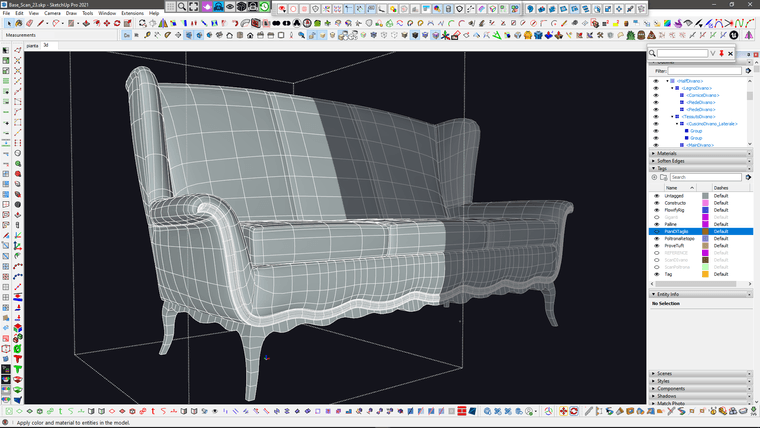
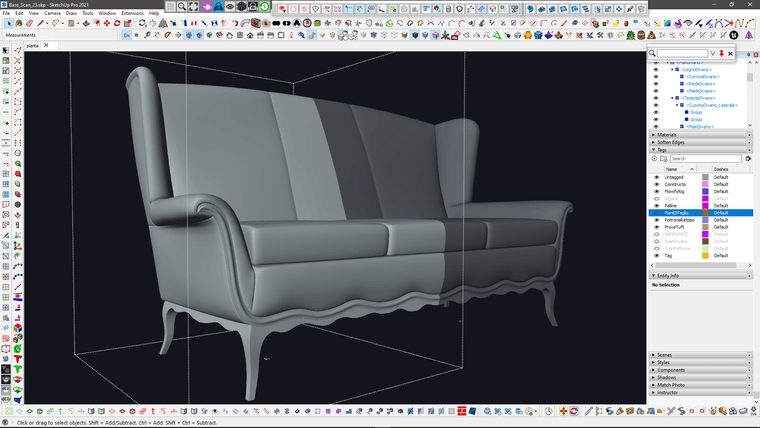
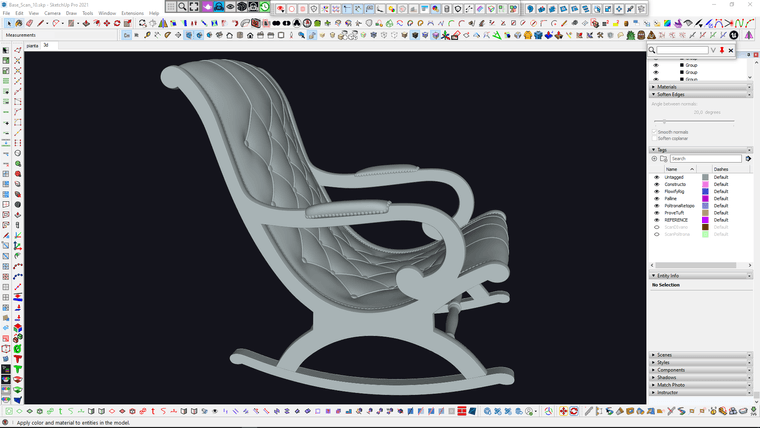
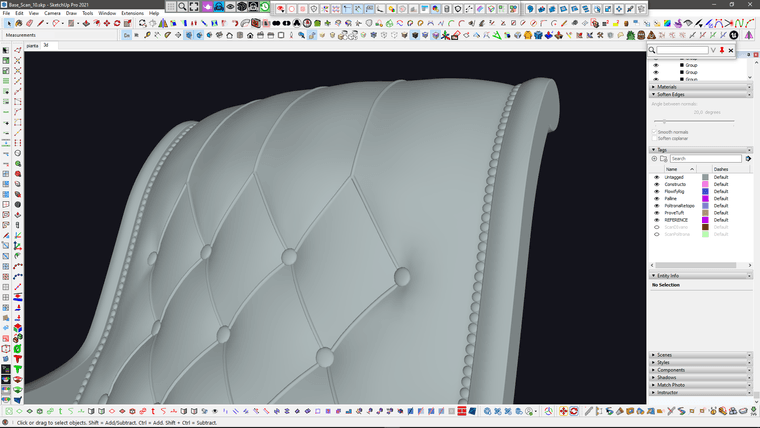
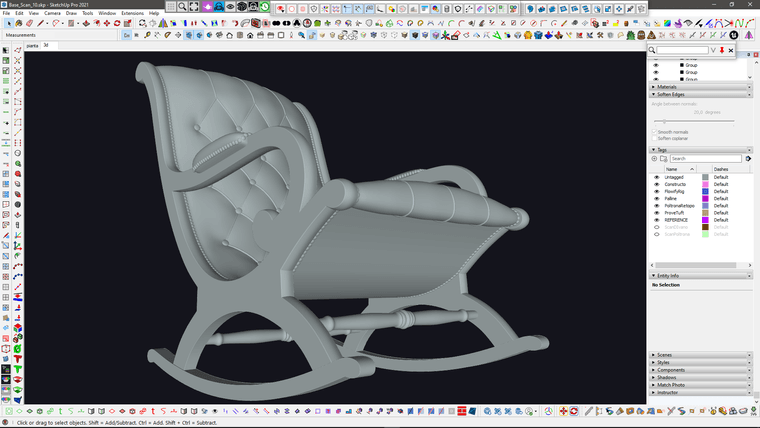
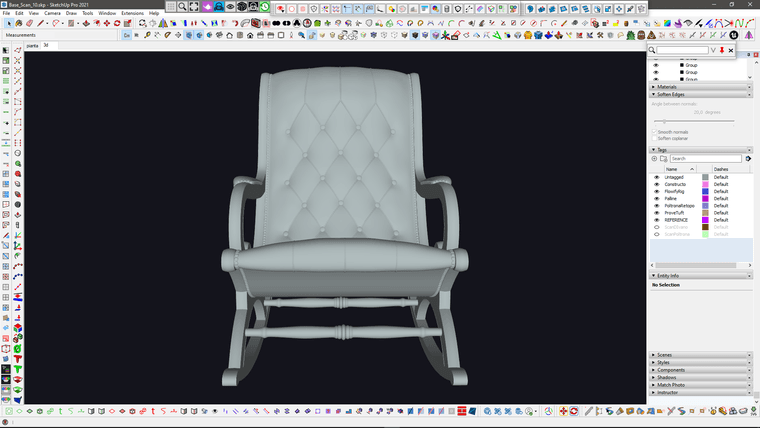
I improved the upper stitching (which was too hard compared to the reference) with Vertex tools and the upper part of the tuft (which was too thin) using Artisan2 FFD (with a couple of tricks to make it work on multiple subgroups).
I also increased the rounding of the frame profile using Artisan Move tool "normal" constraint.
I think I'm done with this one.
Time to unwrap it
-
RE: SubD examples and models
@alvis said in SubD examples and models:
it seems like I'm already losing my position
Your work has always been a source of great inspiration and will always be.
 ️
️