sketchucation logo sketchucation
    • Login
    1. Home
    2. micione
    3. Posts
    Oops, your profile's looking a bit empty! To help us tailor your experience, please fill in key details like your SketchUp version, skill level, operating system, and more. Update and save your info on your profile page today!
    ⚠️ Important | Libfredo 15.6b introduces important bugfixes for Fredo's Extensions Update
    Offline
    • Profile
    • Following 0
    • Followers 0
    • Topics 23
    • Posts 200
    • Groups 1

    Posts

    Recent Best Controversial
    • Masonry Designer

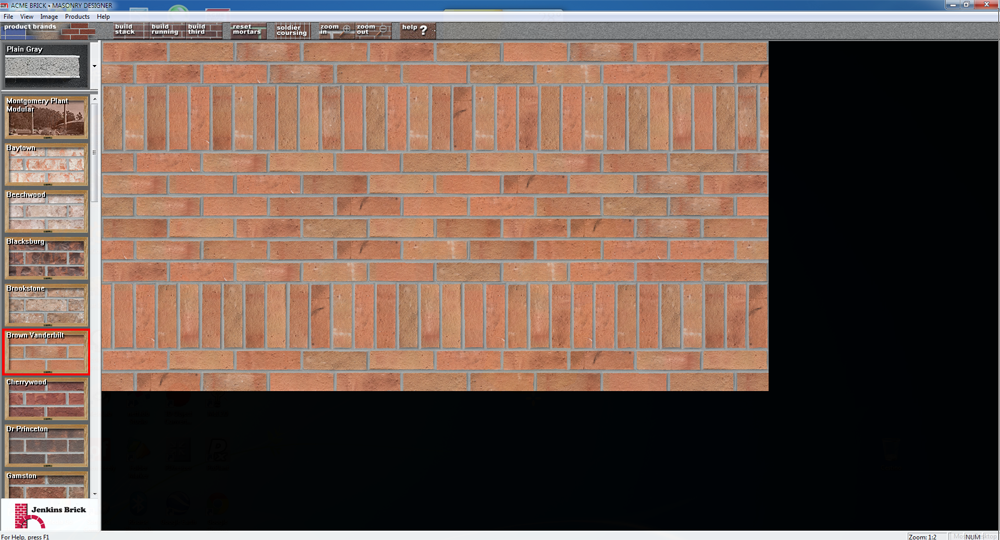
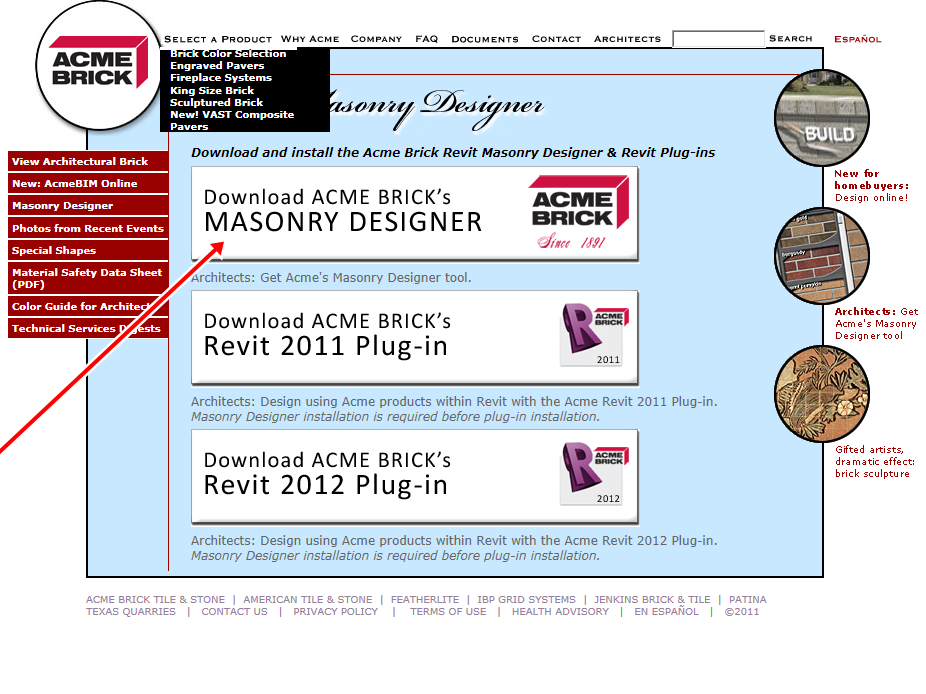
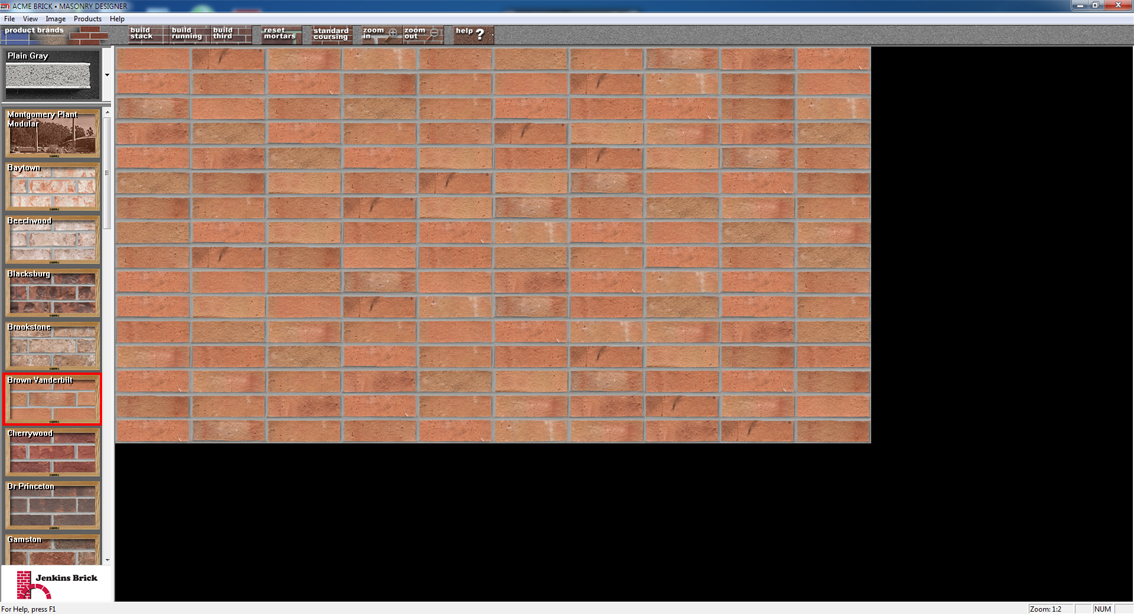
      Masonry Designer: Acme Brick. Free Program to create textures of brick.
      High resolution.Excellent effect in rendering.
      Many features' to type, orientation, miscellaneous, etc..

      http://www.brick.com/md/index.htm


      capture-20120619-124221.png


      capture-20120619-125446.png

      posted in Freeware
      micioneM
      micione
    • Masonry Designer

      Hello all.
      I stumbled on this site:http://www.brick.com/md/index.htm
      It may be useful for someone?


      ACME BRICK.png

      posted in Newbie Forum sketchup
      micioneM
      micione
    • RE: [Plugin] SketchUpBIM: Building Modeling made easy!

      Thank you. I uninstalled. pity ...

      posted in Plugins
      micioneM
      micione
    • RE: [Plugin] SketchUpBIM: Building Modeling made easy!

      SketchupBIM not allow "LightUp" to work well. It seems that the conflict concerns the layers. Has anyone noticed this problem?

      posted in Plugins
      micioneM
      micione
    • RE: Does the world need another Adirondack chair?>

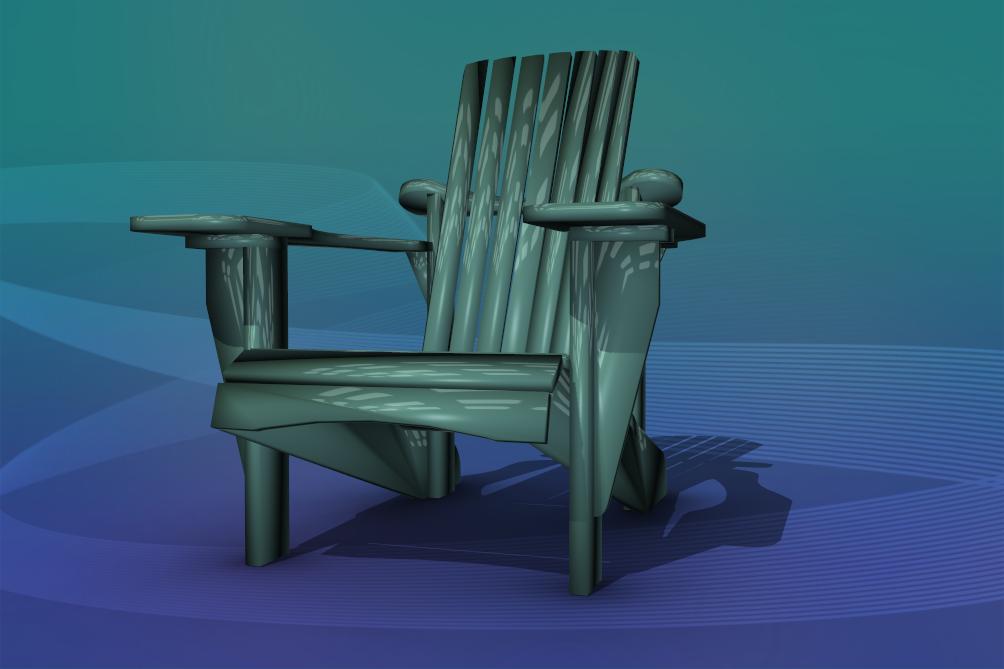
      Beautiful design. Here in the abstract version.

      chair.jpg

      posted in Woodworking
      micioneM
      micione
    • RE: Curviloft (Beta) Plugin Tutorial

      Charly,
      Thank you very much.
      (I tried to send a private message, but evidently you have not received).

      posted in SketchUp Tutorials
      micioneM
      micione
    • RE: Curviloft (Beta) Plugin Tutorial

      Sorry,
      photo.


      curviloft.jpg

      posted in SketchUp Tutorials
      micioneM
      micione
    • RE: Curviloft (Beta) Plugin Tutorial

      Hi all,
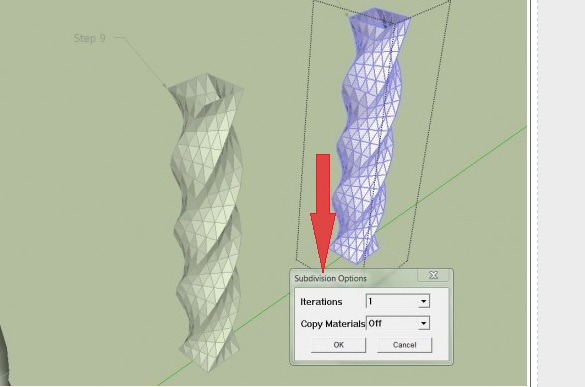
      Watching this tutorial, I found the window (red arrow) in the photo.
      Does anybody know tell me the path to find it?
      Thanks in advance

      posted in SketchUp Tutorials
      micioneM
      micione
    • RE: [Tutorial > Texturing] Texturing an arch - #2

      Very good.
      thanks a lot

      posted in SketchUp Tutorials
      micioneM
      micione
    • RE: [Tutorial > Texturing] Texturing an arch - #2

      GAIEUS,
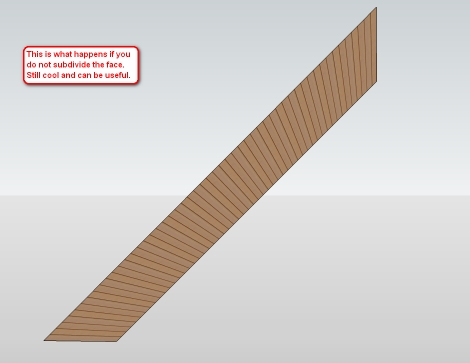
      can you please explain in detail how to get this? (see photos)
      I'm trying with tools diFredoScale, but ... I do not get results
      thanks

      capture-20120513-162510.jpg

      posted in SketchUp Tutorials
      micioneM
      micione
    • RE: [Plugin] 2D Tools

      TIG,
      I talked to "LEDAS" the problem of "driving dimension" that creates conflicts
      with other plugins (specifically with 2D Tools).
      I responded thus:

      Ilya Tatarnikov 2012-05-11 05:58 UTC
      Hello Roberto,

      We confirm the problem and trying to investigate reasons and find solution.
      For more efficient work I'm recommending you to contact also to 2Dtools development team.
      They maybe got such request earlier and find some solution.

      --
      best regards,
      Ilya Tatarnikov

      posted in Plugins
      micioneM
      micione
    • RE: [Plugin][$] Bifold Door Tools

      Hi,
      I bought Bifold.
      But I have not received your password:
      Please send it to: robertopadulazzi@libero.it
      I wanted to ask how to install "bookshelf" in SketchUp plugin:

      1. The whole folder TNT?
      2. The whole folder bookshelf?
      3. only the file tnt_bookshelf.rb?
        Thank you,
        Regards, Roberto
        Please reply to this address:
        robertopadulazzi@libero.it
      posted in Plugins
      micioneM
      micione
    • RE: [Plugin] 2D Tools

      TIG,
      I found the problem.
      This is Google Chrome / instant translator of the page.
      By disabling this feature, it seems all right.
      Thank you.
      Roberto

      posted in Plugins
      micioneM
      micione
    • RE: [Plugin] 2D Tools

      TIG,
      sorry but I can not send and receive private messages by using
      the user control panel.
      What should I do to activate this feature?
      my username: micione
      my email: robertopadulazzi @ alice.it
      My real name: Roberto

      posted in Plugins
      micioneM
      micione
    • RE: [Plugin] 2D Tools

      TIG,
      thanks again.
      Maybe we should create a "black list" of all the scripts that create conflict.
      And make it visible on the forum.
      I also write to LEDAS for this problem.
      I must warn FREDO6, that his tool "additionalplugin foder" creates
      conflict with other plugins? (For example with "instant roof" and FollowMe rotate ")
      regards,
      Roberto

      posted in Plugins
      micioneM
      micione
    • RE: [Plugin] 2D Tools

      I found the plugin that creates a conflict with 2D Tools / fillet: it is "Driving Dimension" by LEDAS.
      Now everything works fine.
      Thank you.
      Roberto

      posted in Plugins
      micioneM
      micione
    • RE: [Plugin] 2D Tools

      I uninstalled the plugin Fredo's "Additionalplugin folder".
      There was a conflict.
      Now run "Instant roof", by Chuck valiArchitects and "FollowMe and Rotate" by
      Wikii.
      I downloaded and reinstalled "2D Tools" but the problem with "fillet" is still present.

      posted in Plugins
      micioneM
      micione
    • RE: [Plugin] 2D Tools

      I enclose a list of installed plugins.
      He has also stopped working "Follow me rotate". (from wikii)
      thanks


      PlugIn.zip

      posted in Plugins
      micioneM
      micione
    • RE: [Plugin] 2D Tools

      I'm looking for what may have been affected.
      I attach the file.
      thanks


      200mm.skp

      posted in Plugins
      micioneM
      micione
    • RE: [Plugin] 2D Tools

      I need help with 2D Fillet tool:
      Of a rectangle, the first curved connection between the two sides work well but the second, sends SketchUp BUG SPLAT.
      It works well, however, the option "chamfer".
      What can I do?
      thanks
      posted in Plugins
      micioneM
      micione
    • 1 / 1