Version 4.2.1 - 01.09.2026
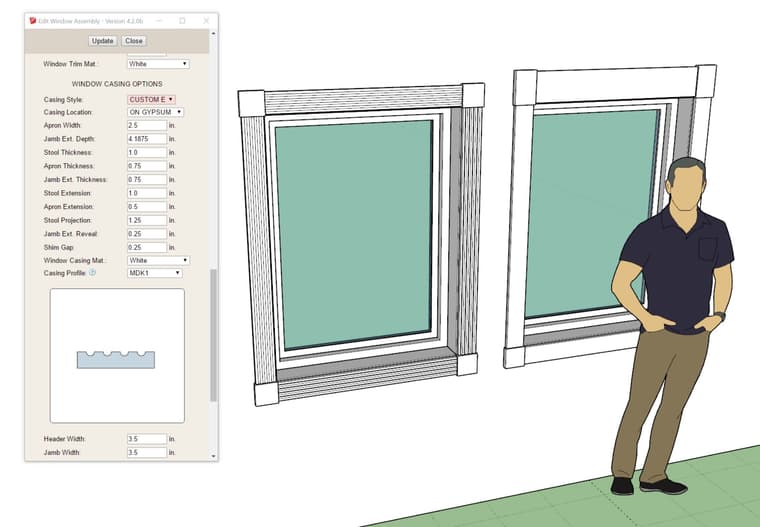
- Enabled the CUSTOM E casing for rectangular windows.
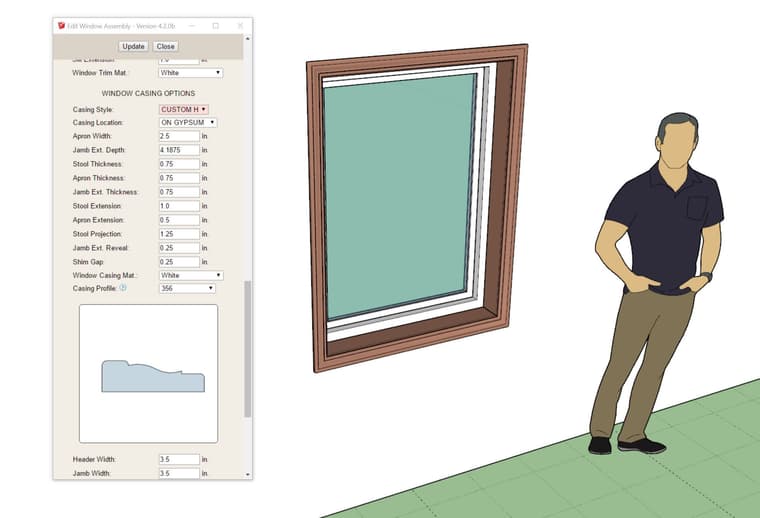
- Enabled the CUSTOM H casing for rectangular windows.
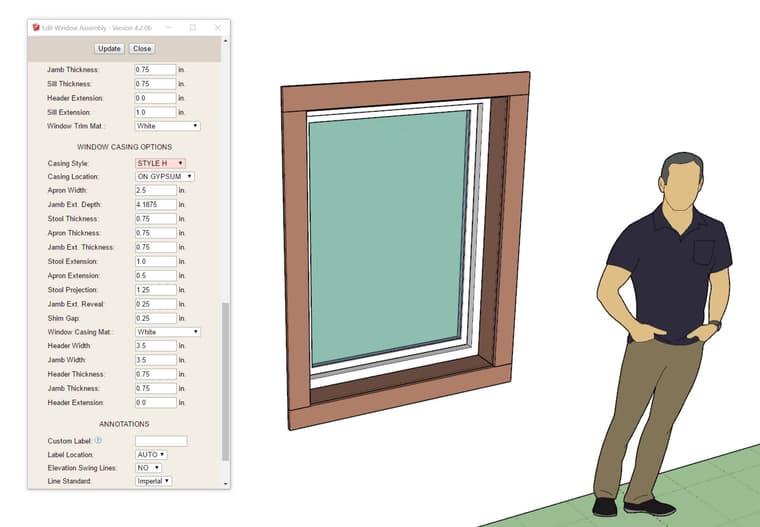
- Added a STYLE H casing option for rectangular windows.
 Offline
Version 4.2.1 - 01.09.2026
Version 4.2.2 - 01.11.2026
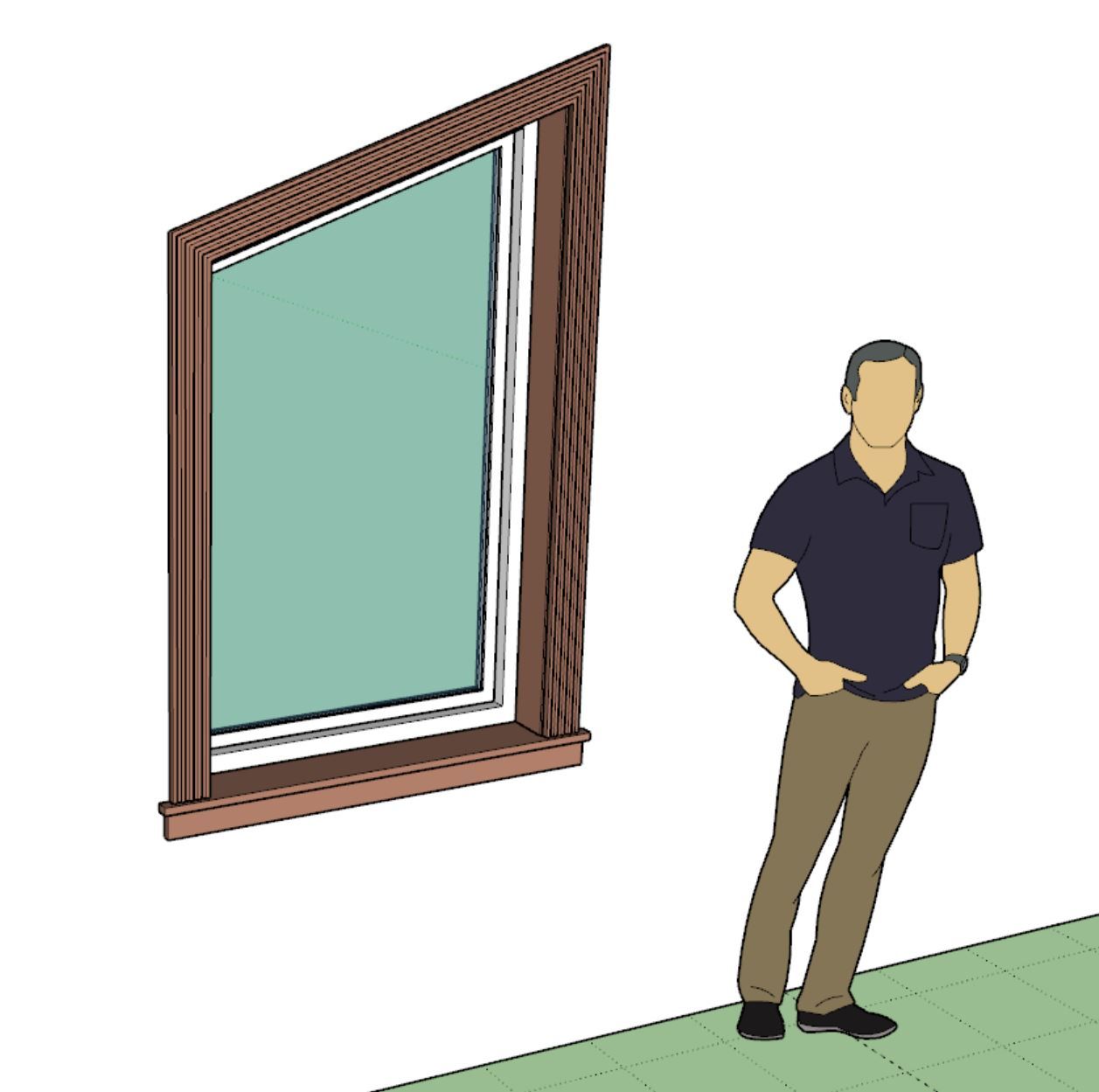
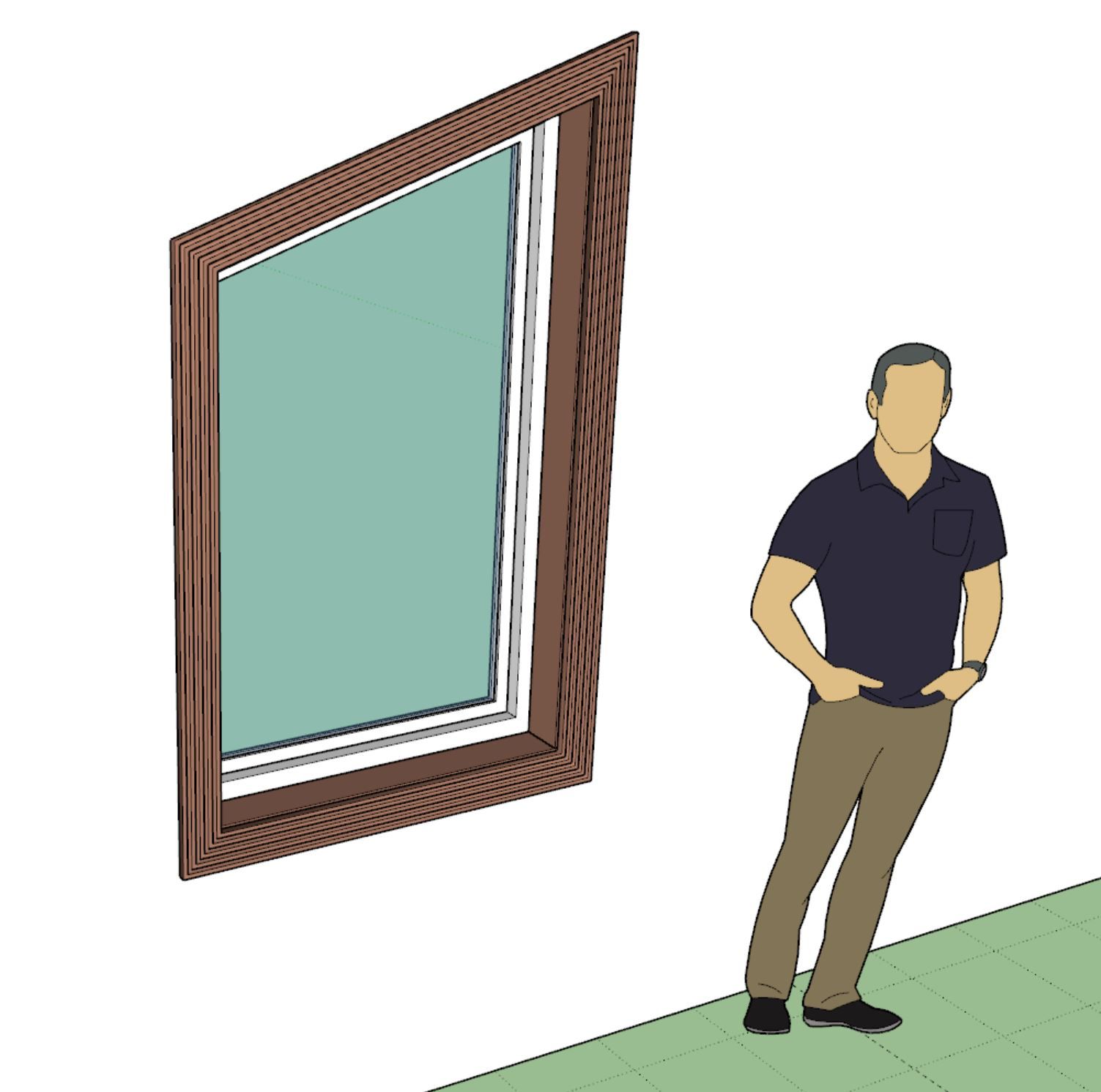
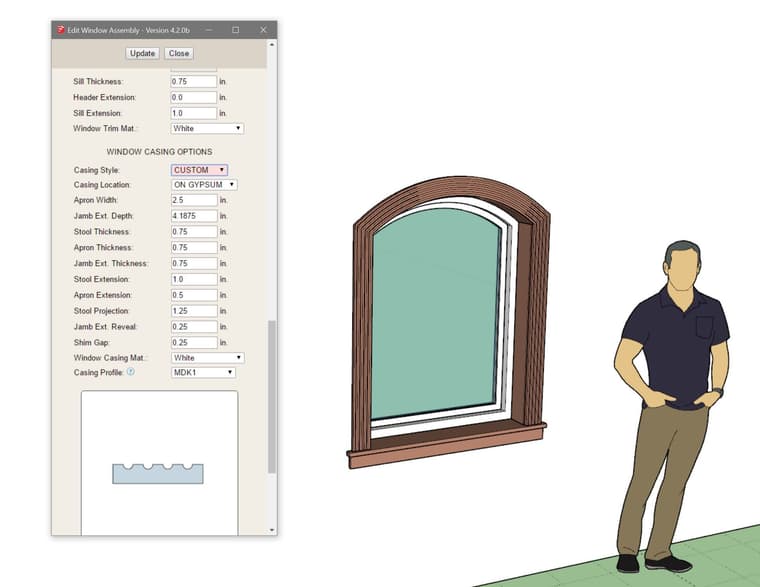
I just received a very long and detailed email from one of my power users and I was thoroughly impressed with many of the suggestions and usability notes provided to me.
A long standing issue has been wall cladding as it relates to exterior trim of windows and doors. Up until now if you place your trim on the sheathing (not on cladding) then the trim interferes with the cladding. This usually isn't too big of a problem (visually) provided your cladding is not thicker than your trim. However, in the real world you generally install your trim first and then butt your cladding up to it, so there is no interference. When your cladding is thicker than your trim or you are using one of the 3D cladding options (ie. board and batten) this does become a bit of an issue and for me personally has been an annoying lack of realism now for a few years.
To fix this I needed to enable an option where one can toggle the trimming of the cladding by the exterior trim and then add some logic and geometry into the current algorithms so that the end result is as follows:
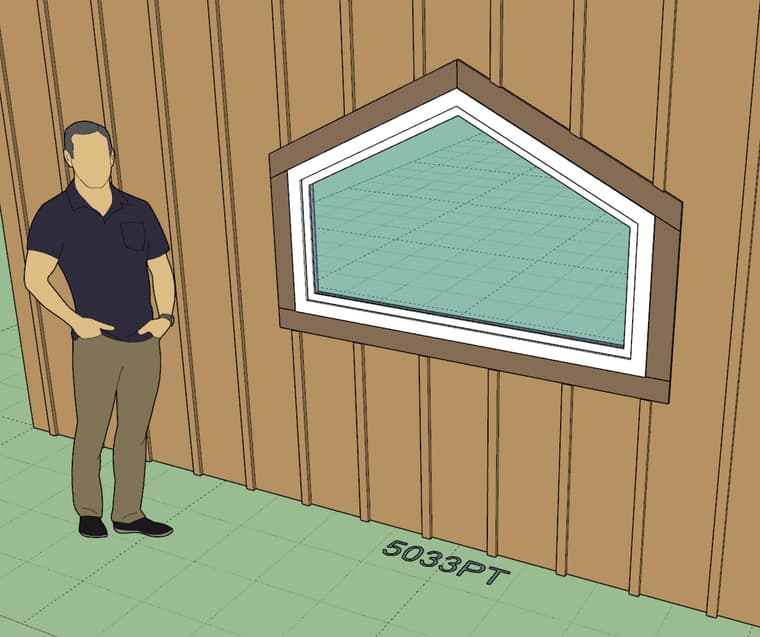
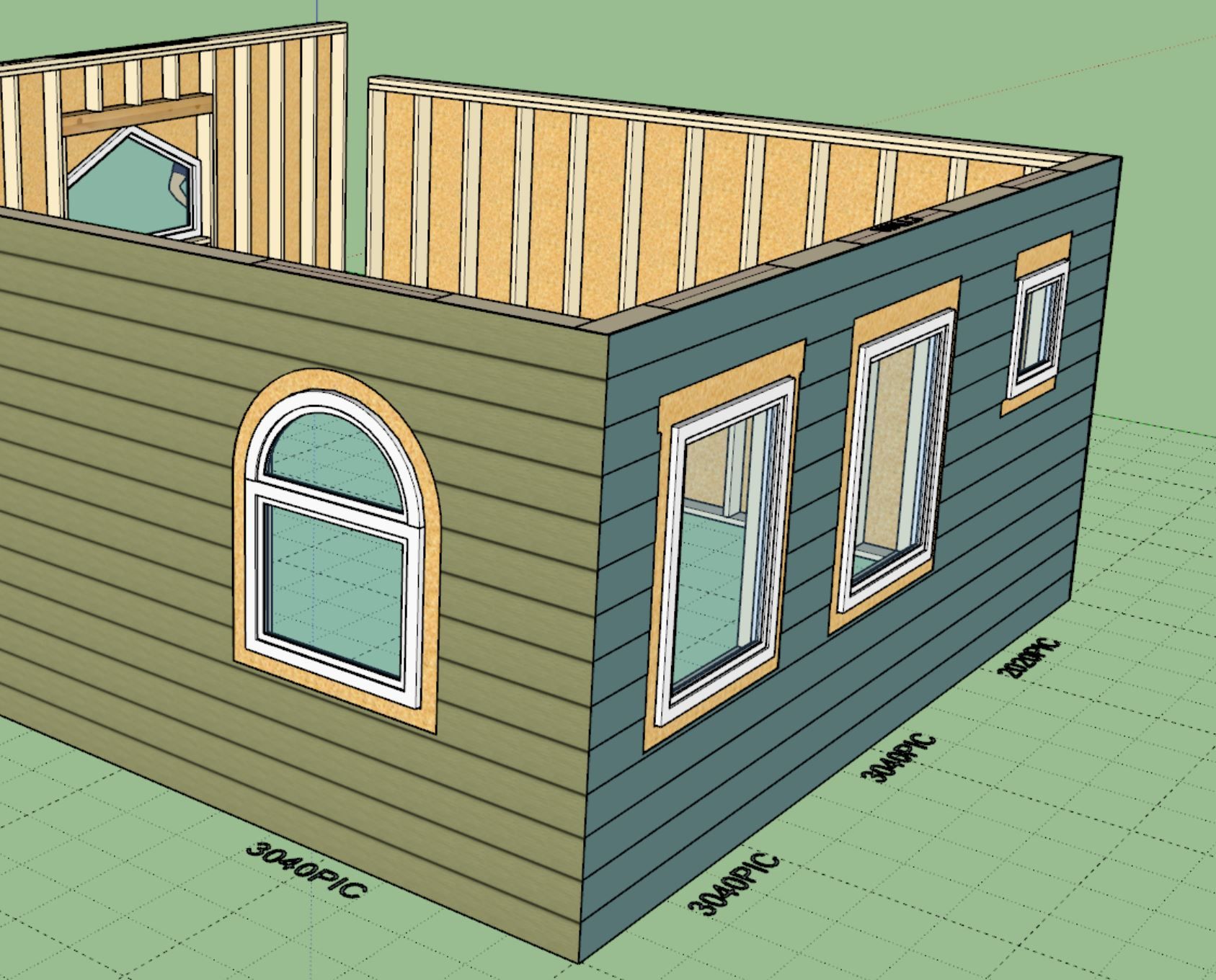
I won't bore you with the details of the rather complicated logic under the hood that accomplishes this but suffice it to say it is not trivial. It will take about 4-5 days to complete this update.
The window algorithms are now updated but I will need to update the door and garage door methods as well now.
In the global settings one will be able to independently toggle this on and off for windows, doors and garage doors. I will also probably put out another tutorial video on this feature specifically so that everyone is clear on how it works.
Version 4.2.8 - 01.27.2026
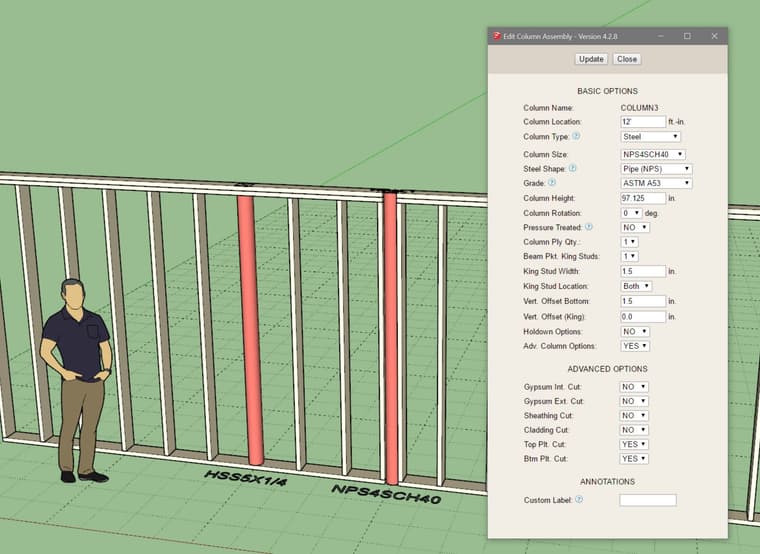
Update per customer request.
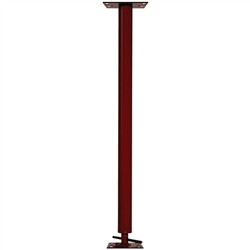
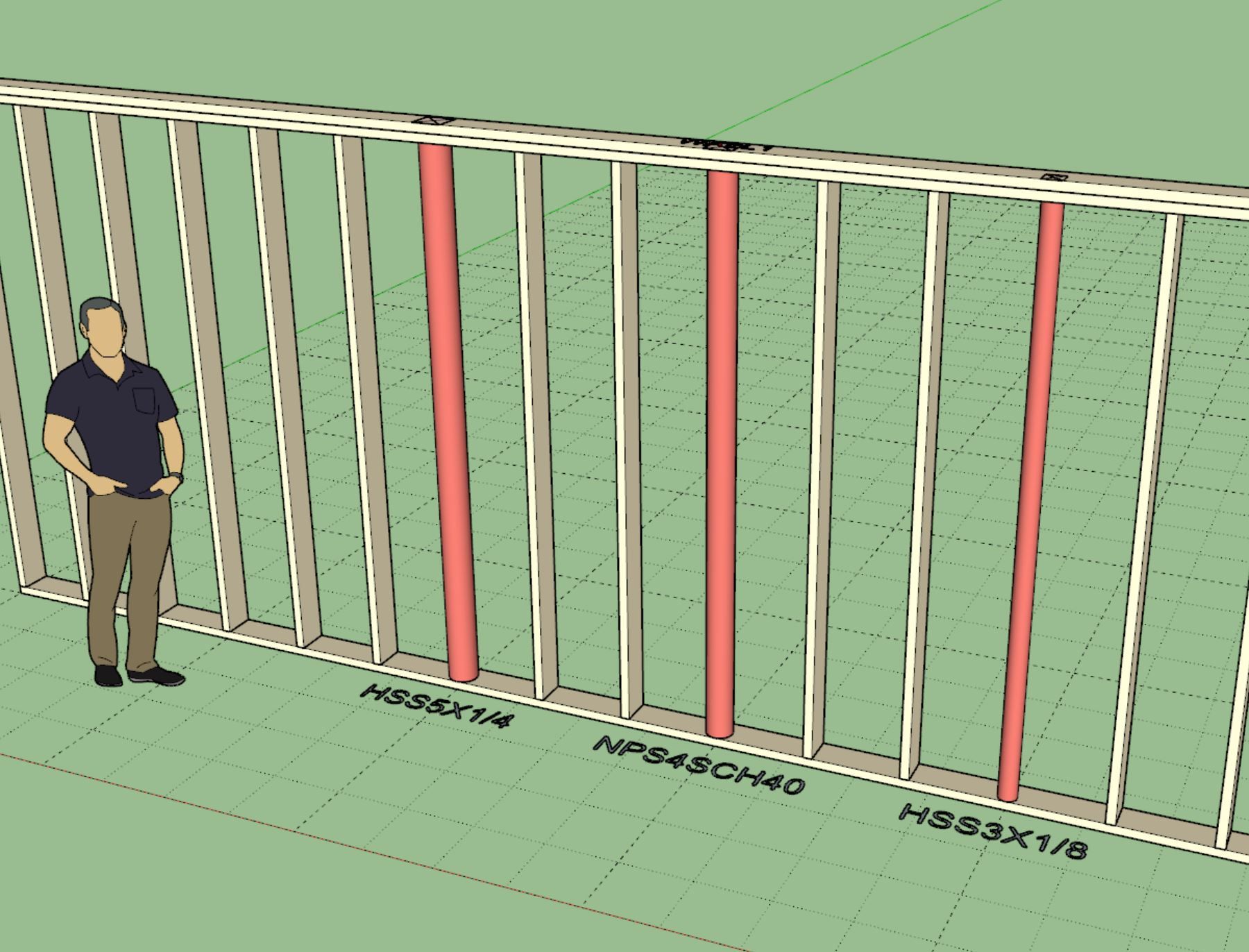
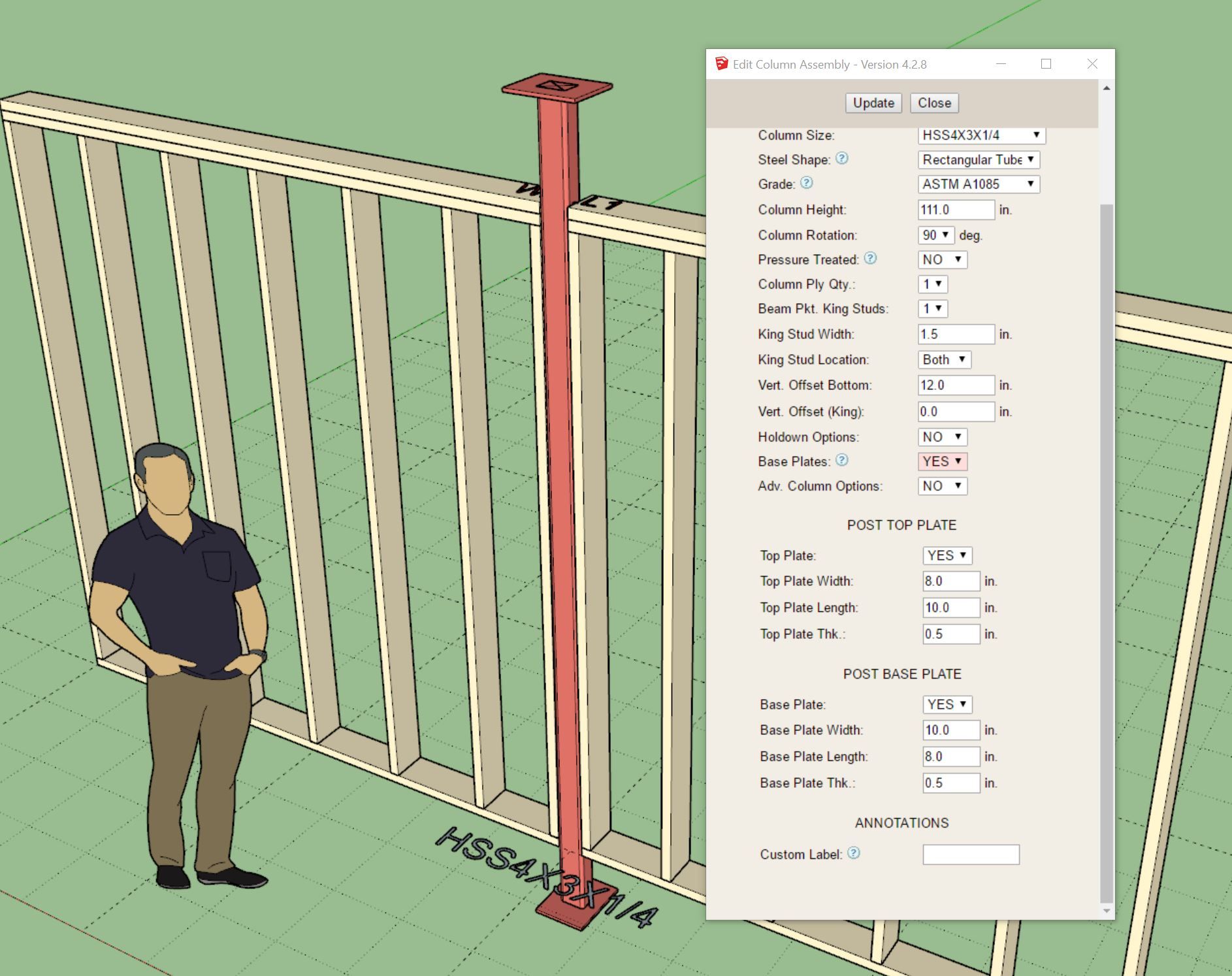
You can now add round steel in-wall columns into your Medeek walls. These aren't actually lally columns since that specific product is typically installed with an adjustable screw assembly. However for most design purposes I think showing the round column like the image above will suffice.
Version 4.2.9 - 01.30.2026
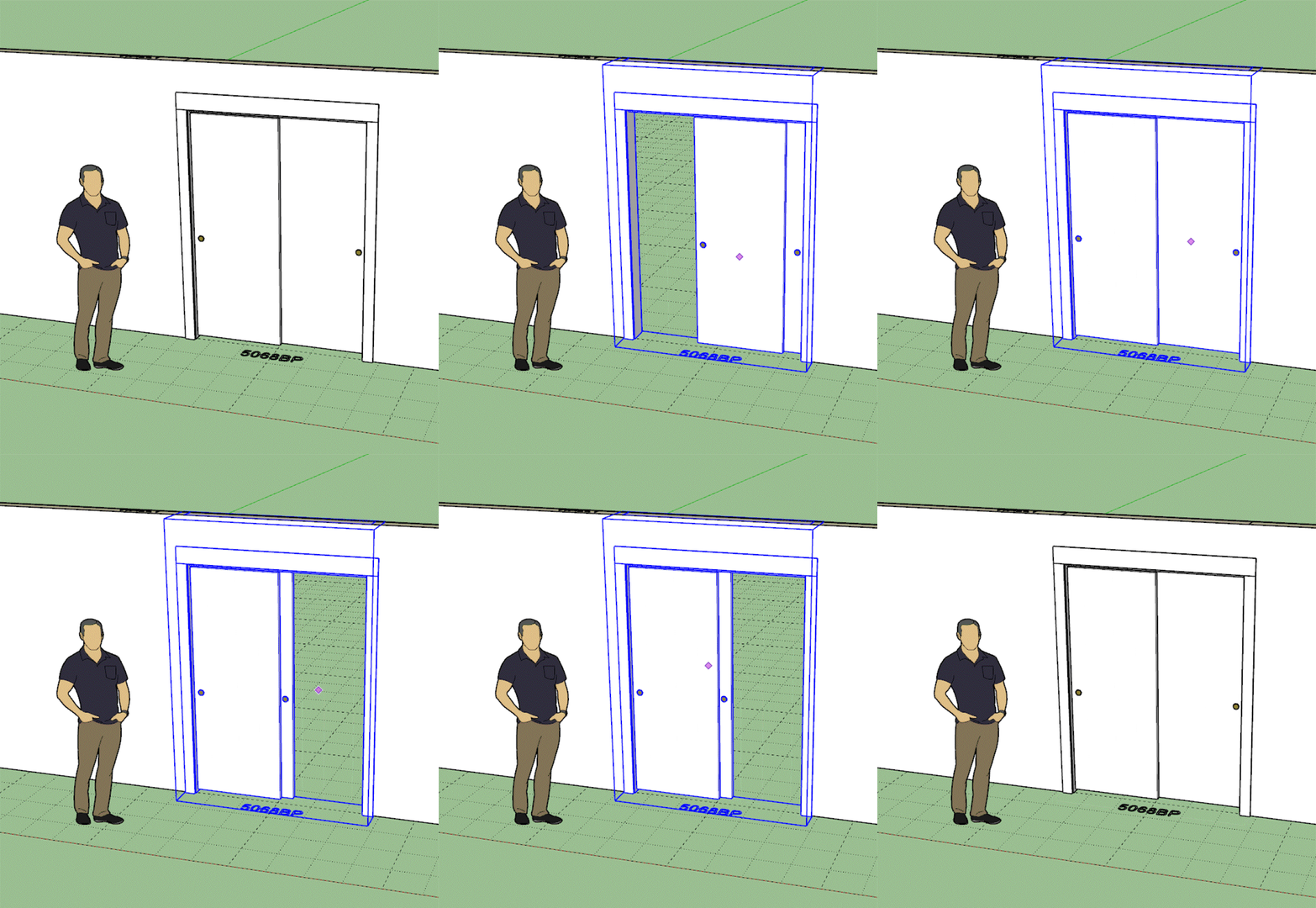
Version 4.3.0 - 02.01.2026
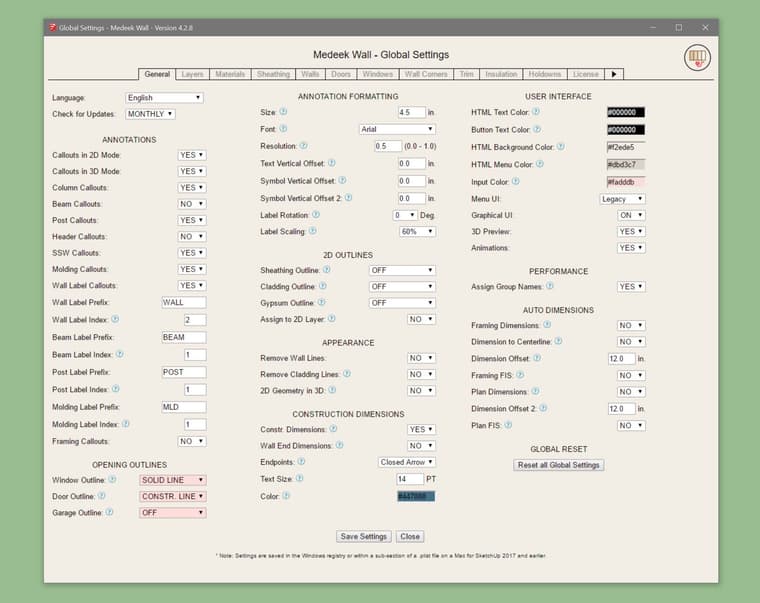
The option to set the opening outlines as regular edges or dashed (construction lines) was requested by a user. This option only changes the outline created at the top of the wall, it does not change or remove the door swing symbol or the garage door extent outline (dashed construction line).
I’m trying to not add more parameters and options but users always contact me with something new they need. Everyone has their own workflow or the way they want things to appear in Layout. Flexibility and a smorgasbord of options is critical but at the same time it does balloon the number of parameters and increases complexity which tends to scare away some potential users.
I always tell new users to not be frightened of all the options, if you don’t know what it does then just leave it as default, that is generally your safe bet.
Version 4.3.1 - 02.02.2026
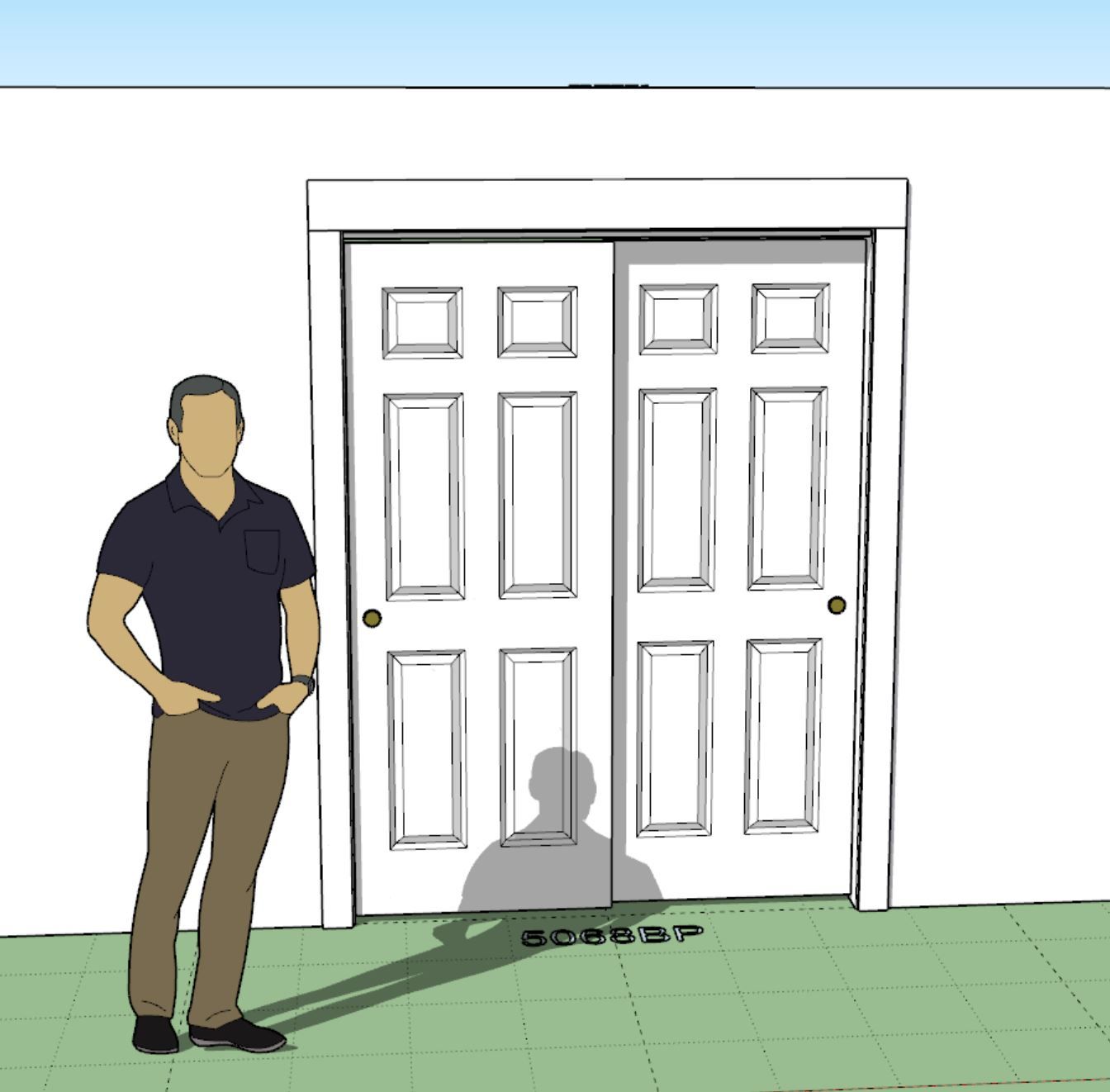
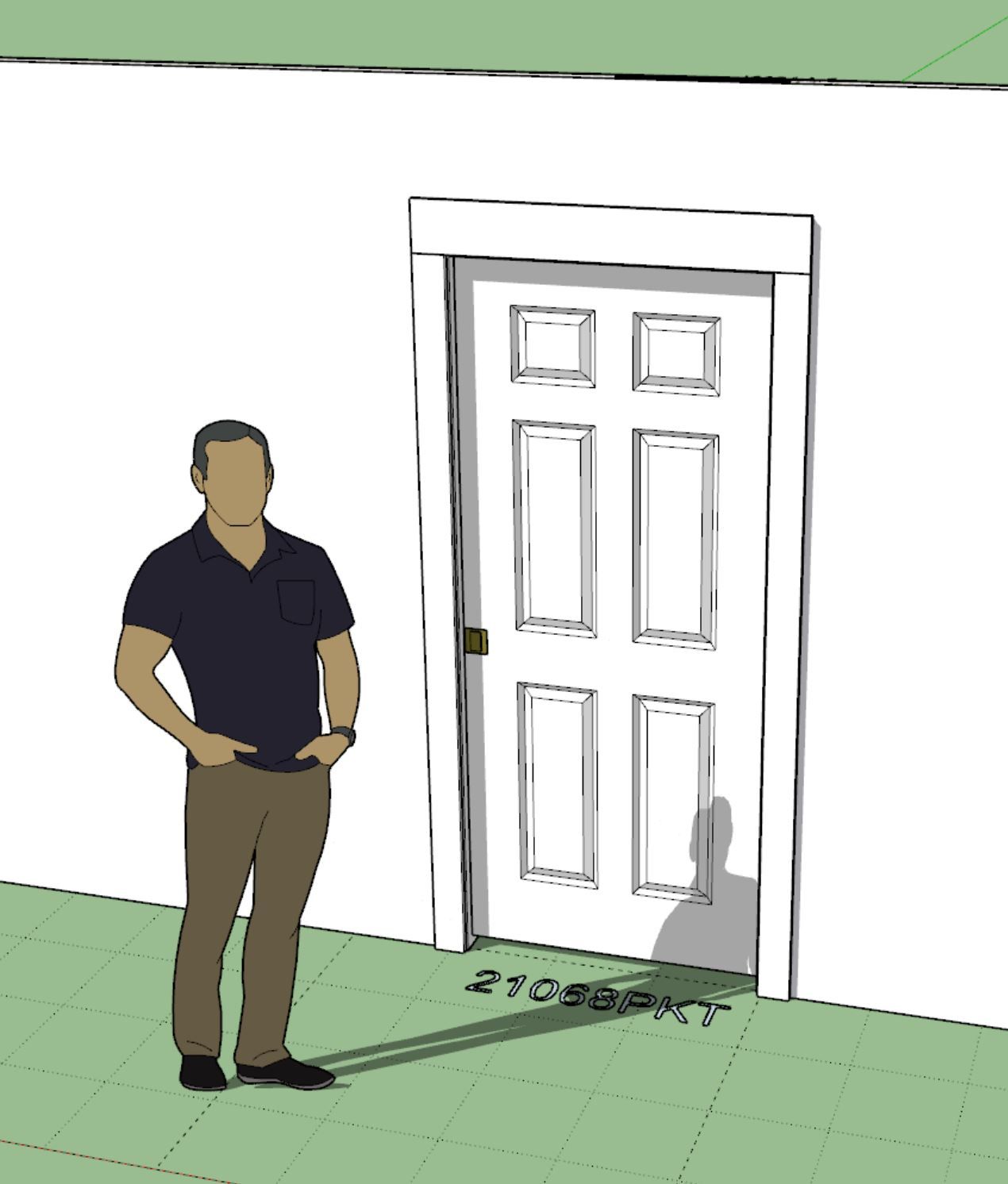
Version 4.3.2 - 02.05.2026
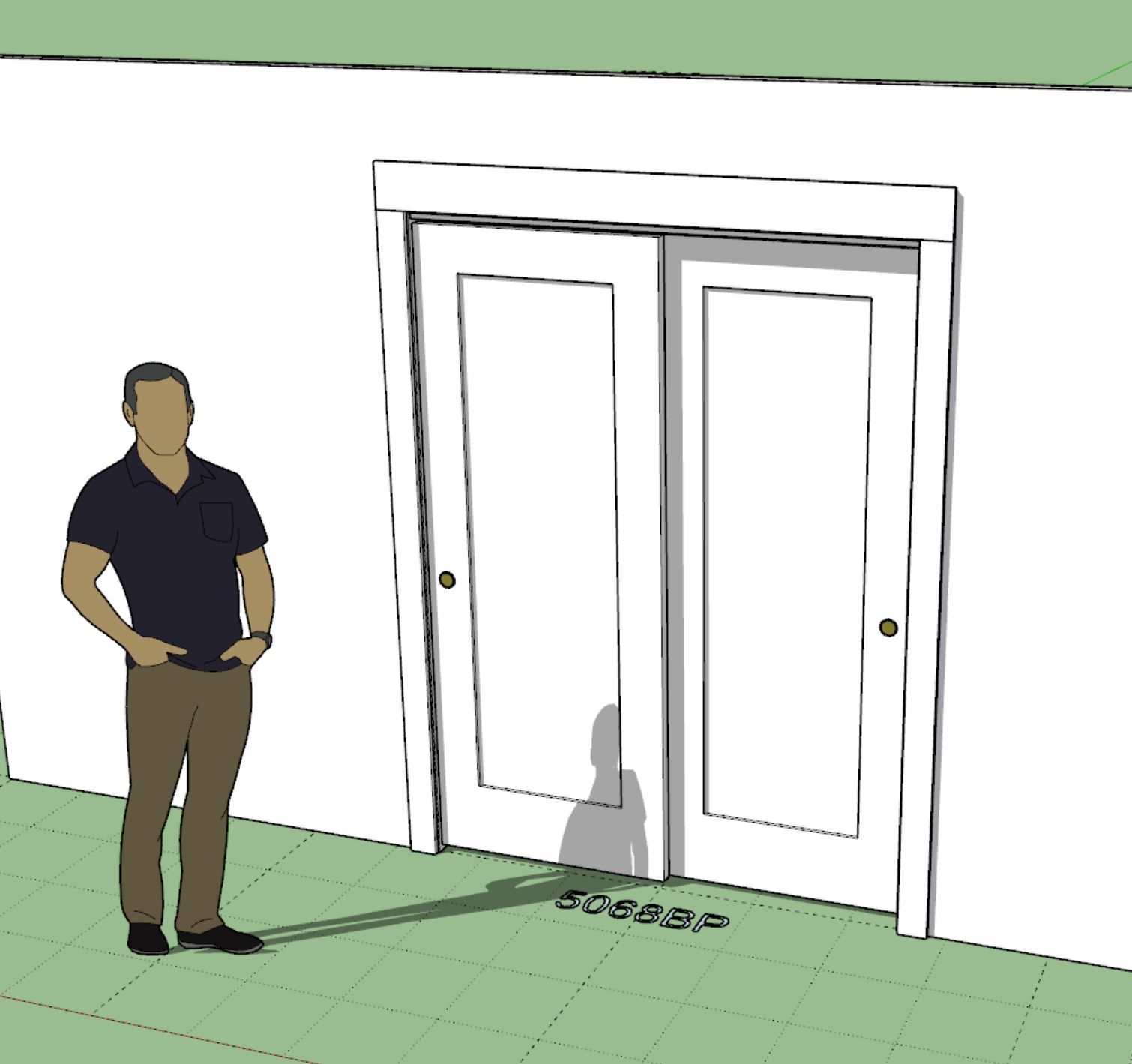
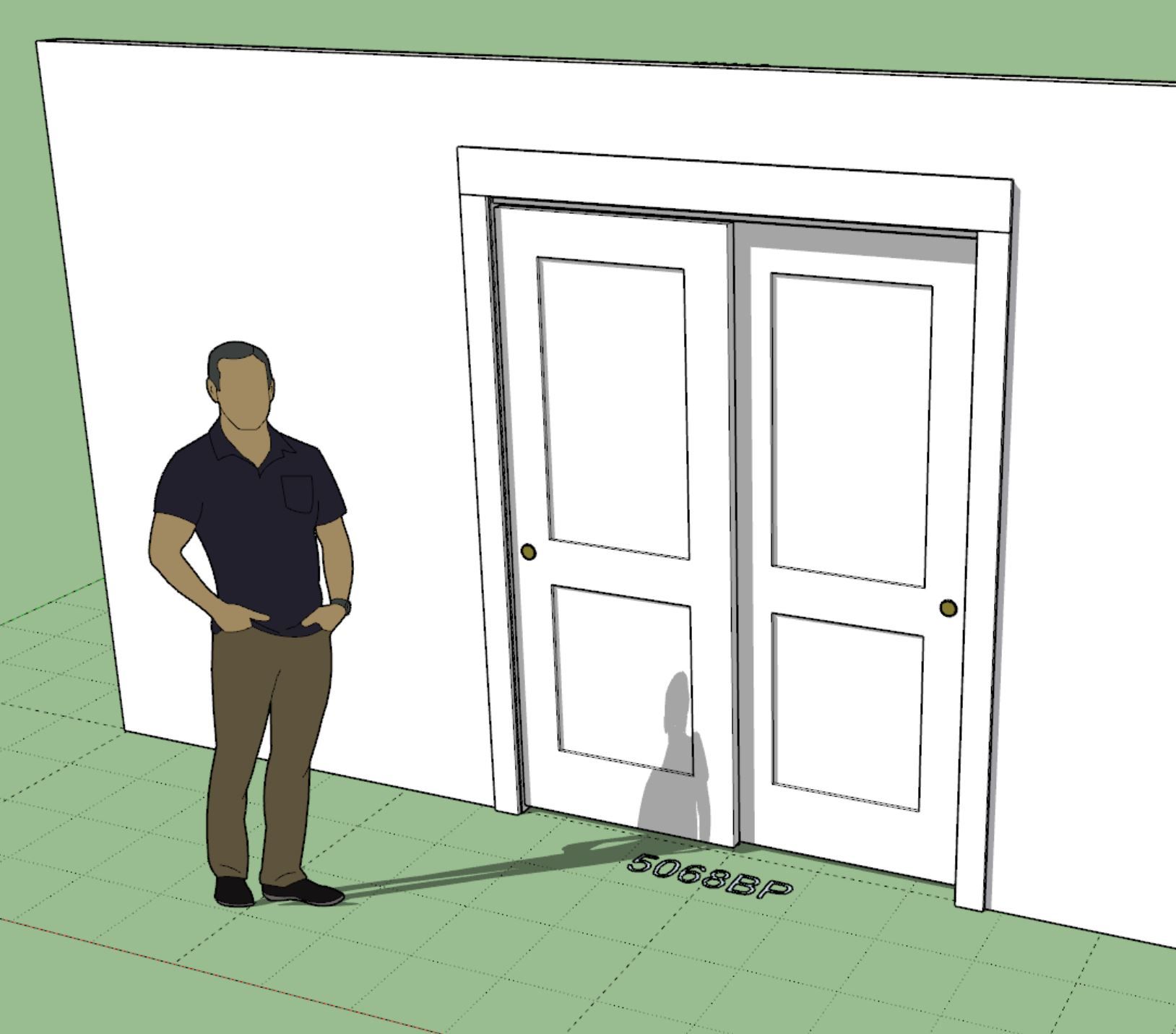
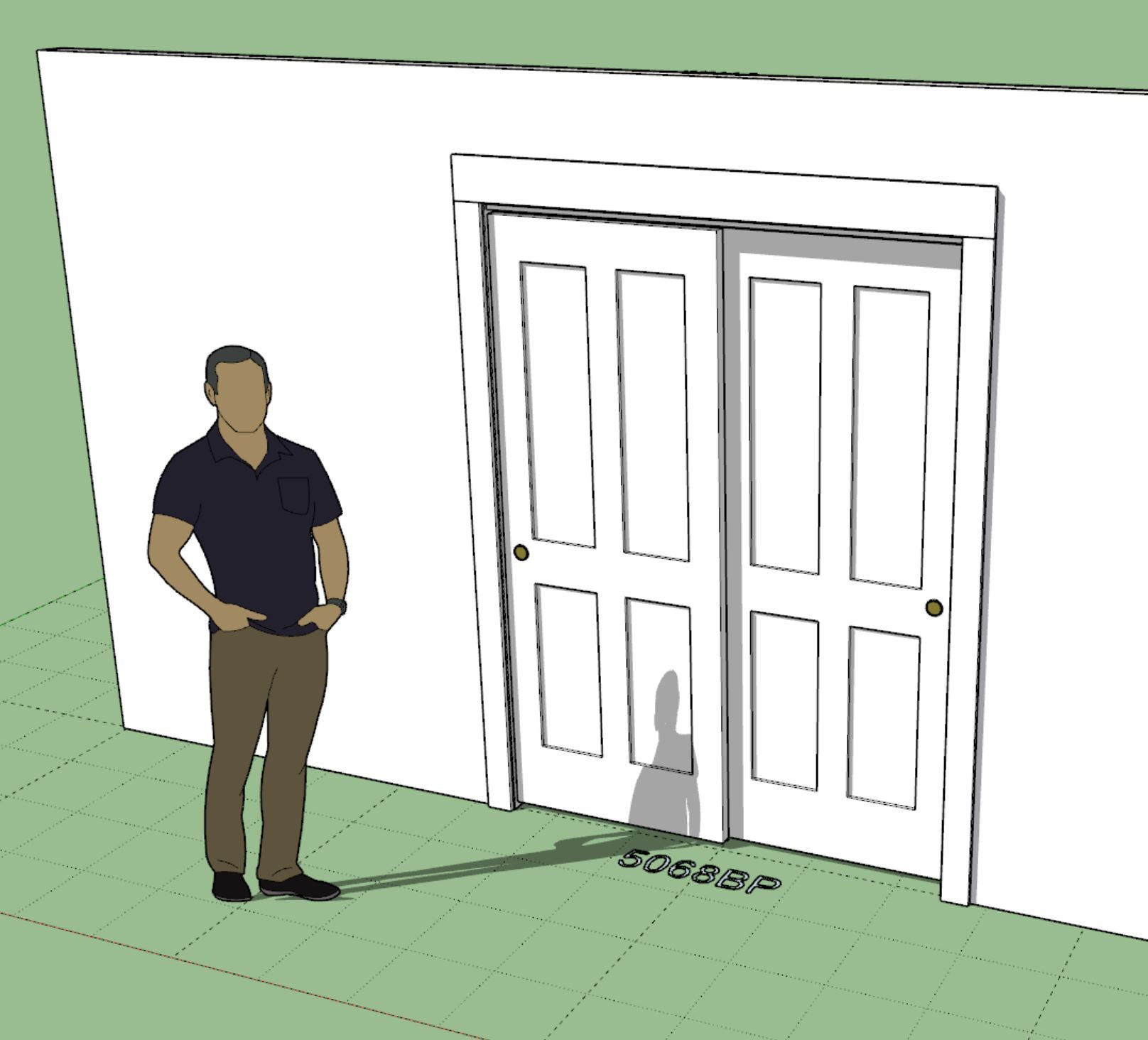
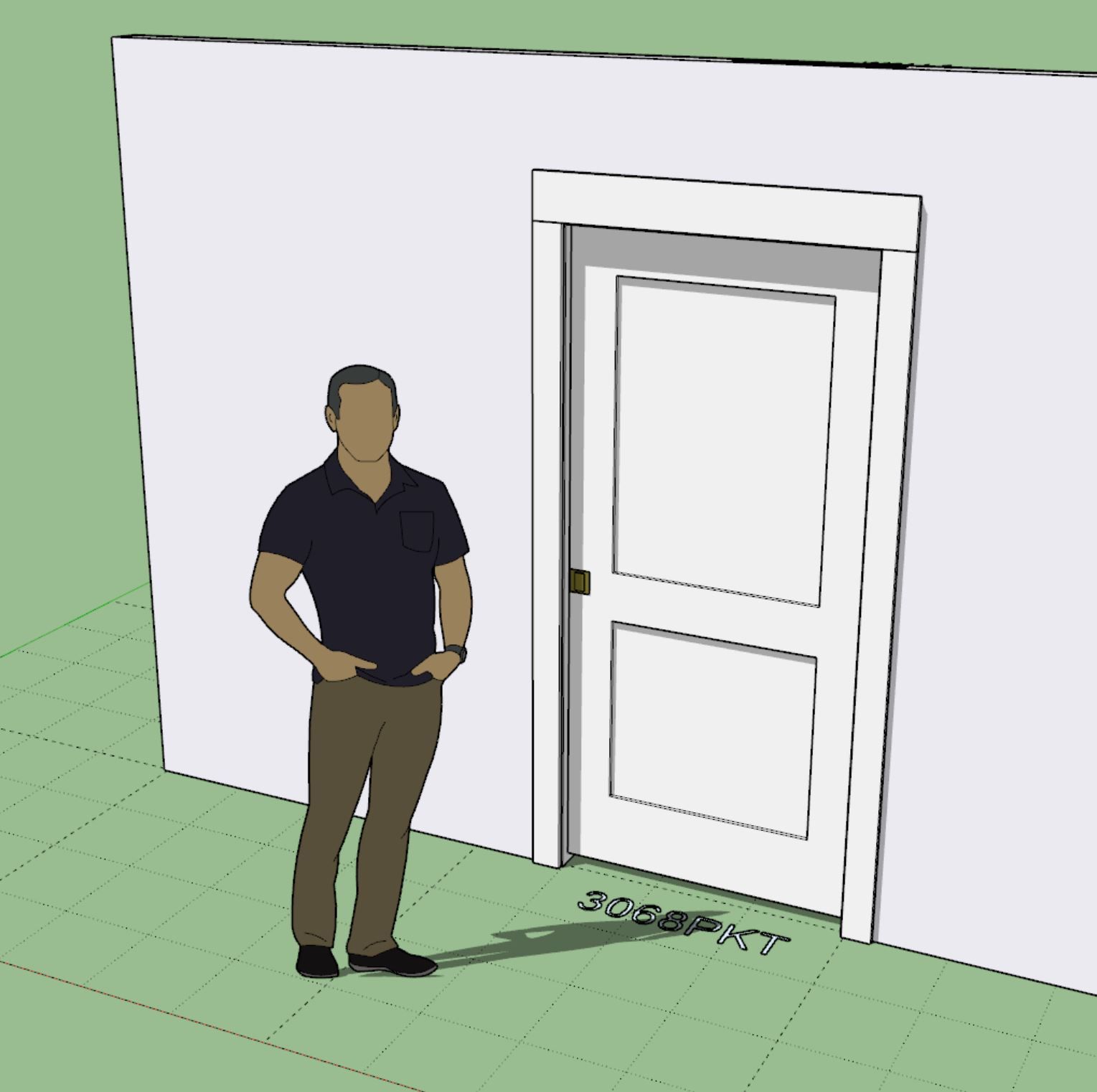
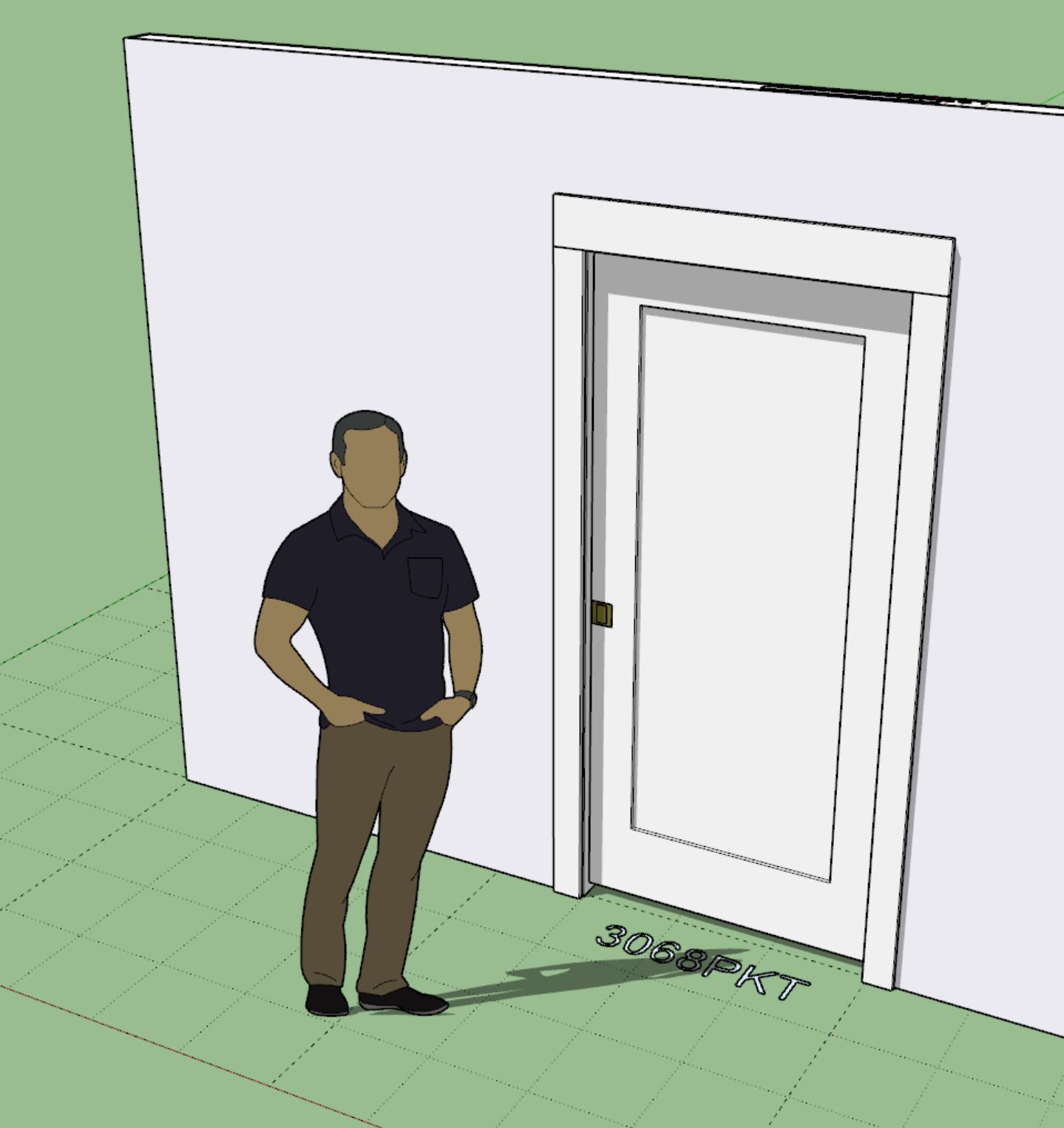
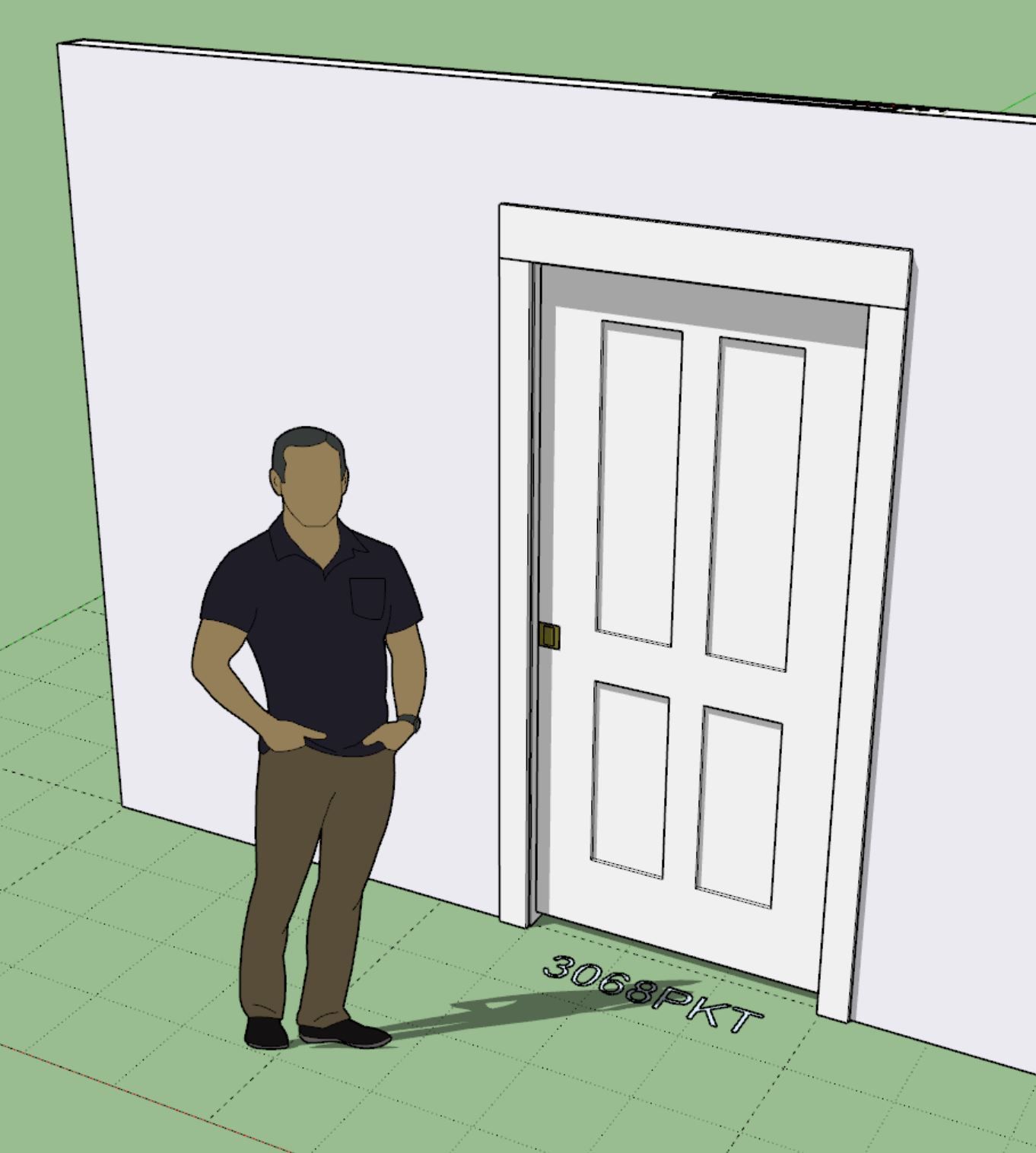
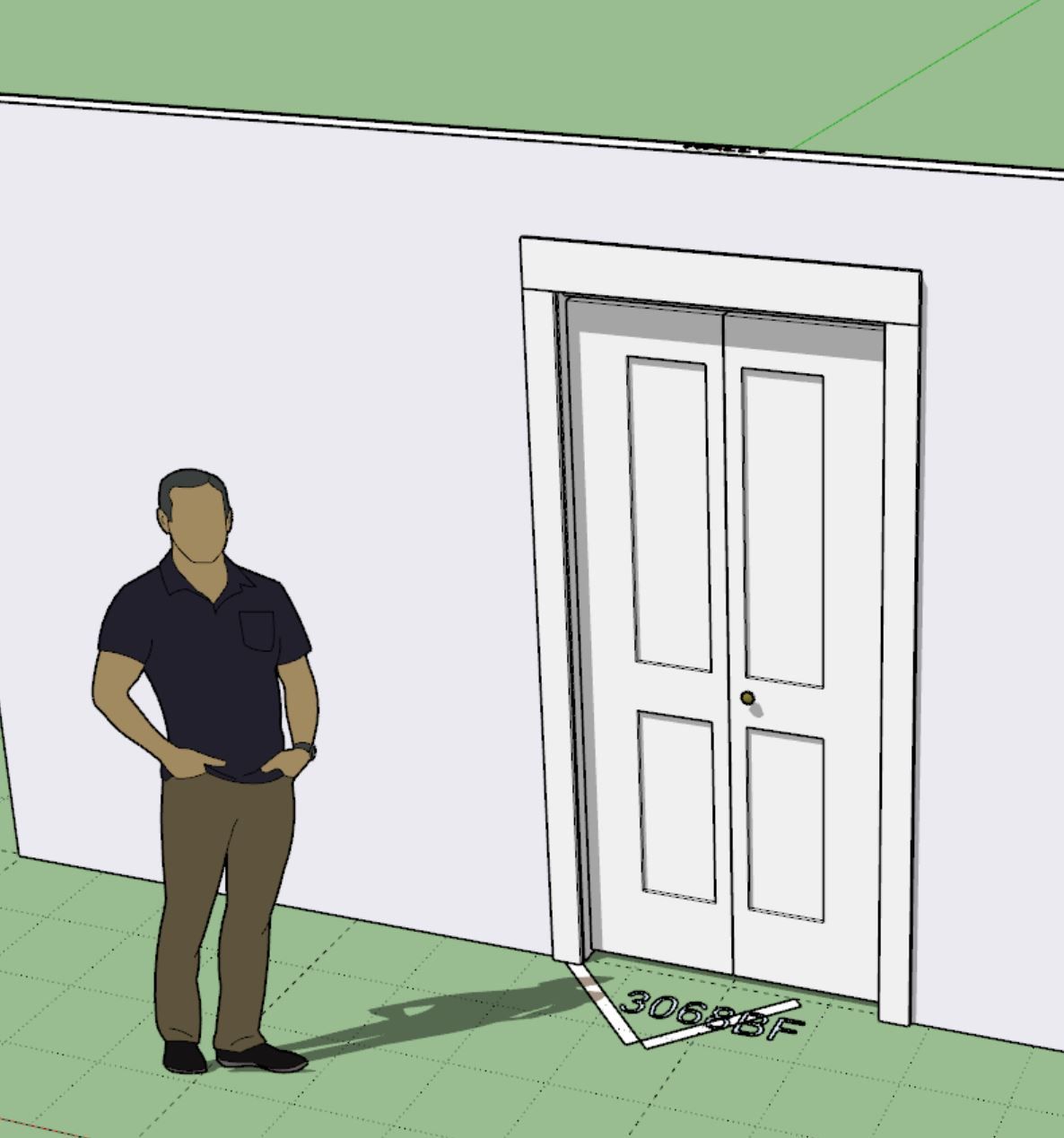
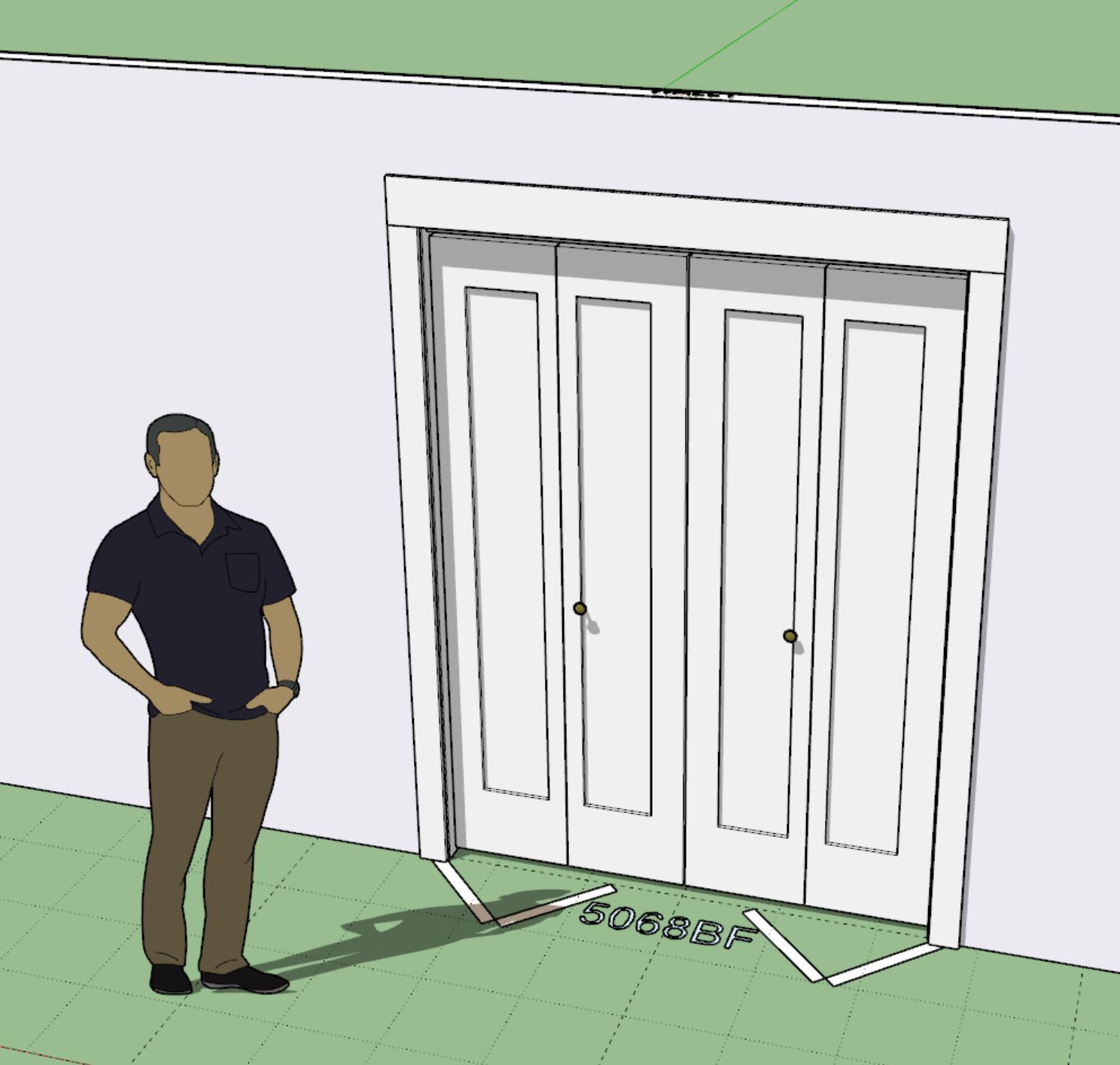
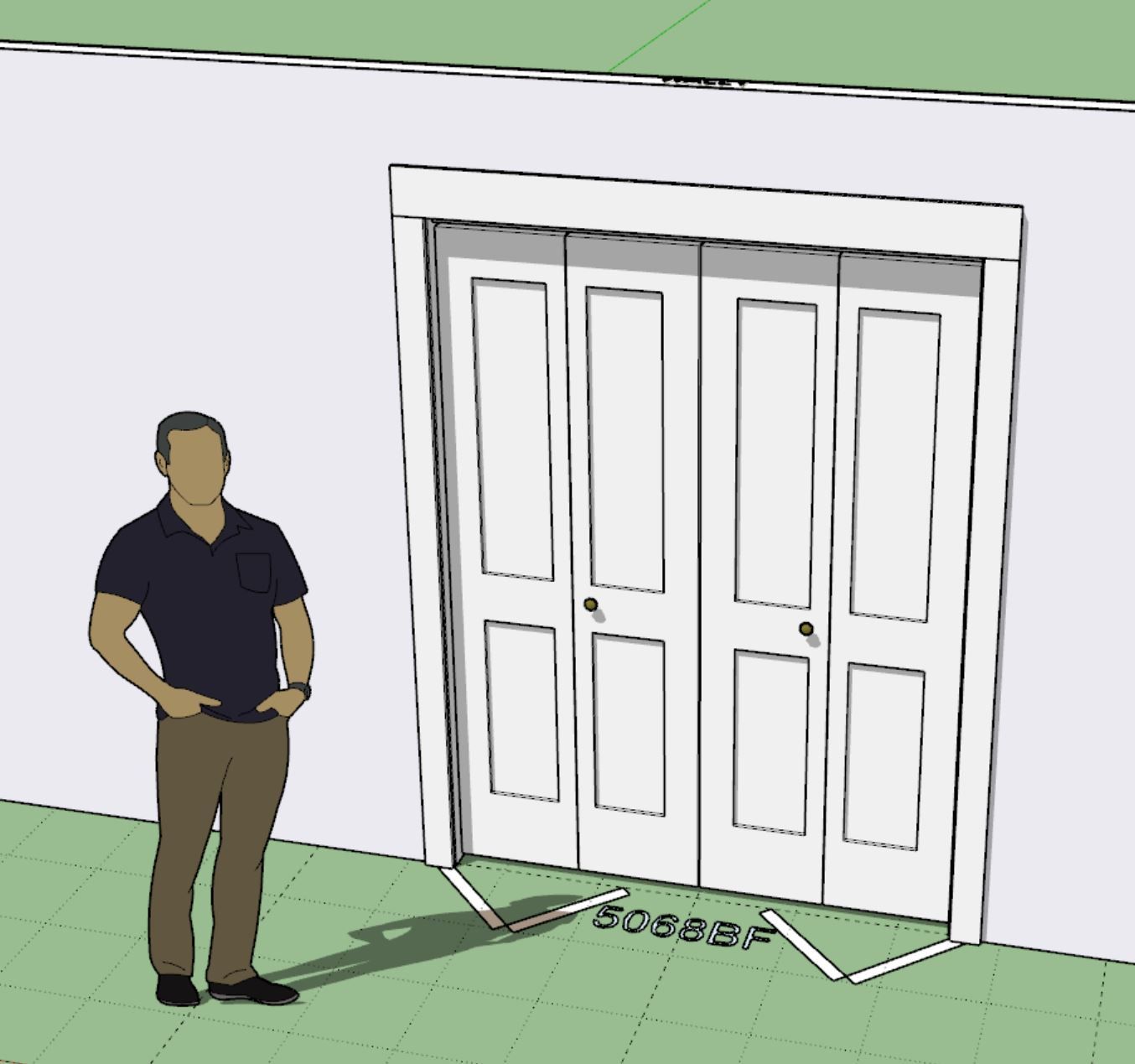
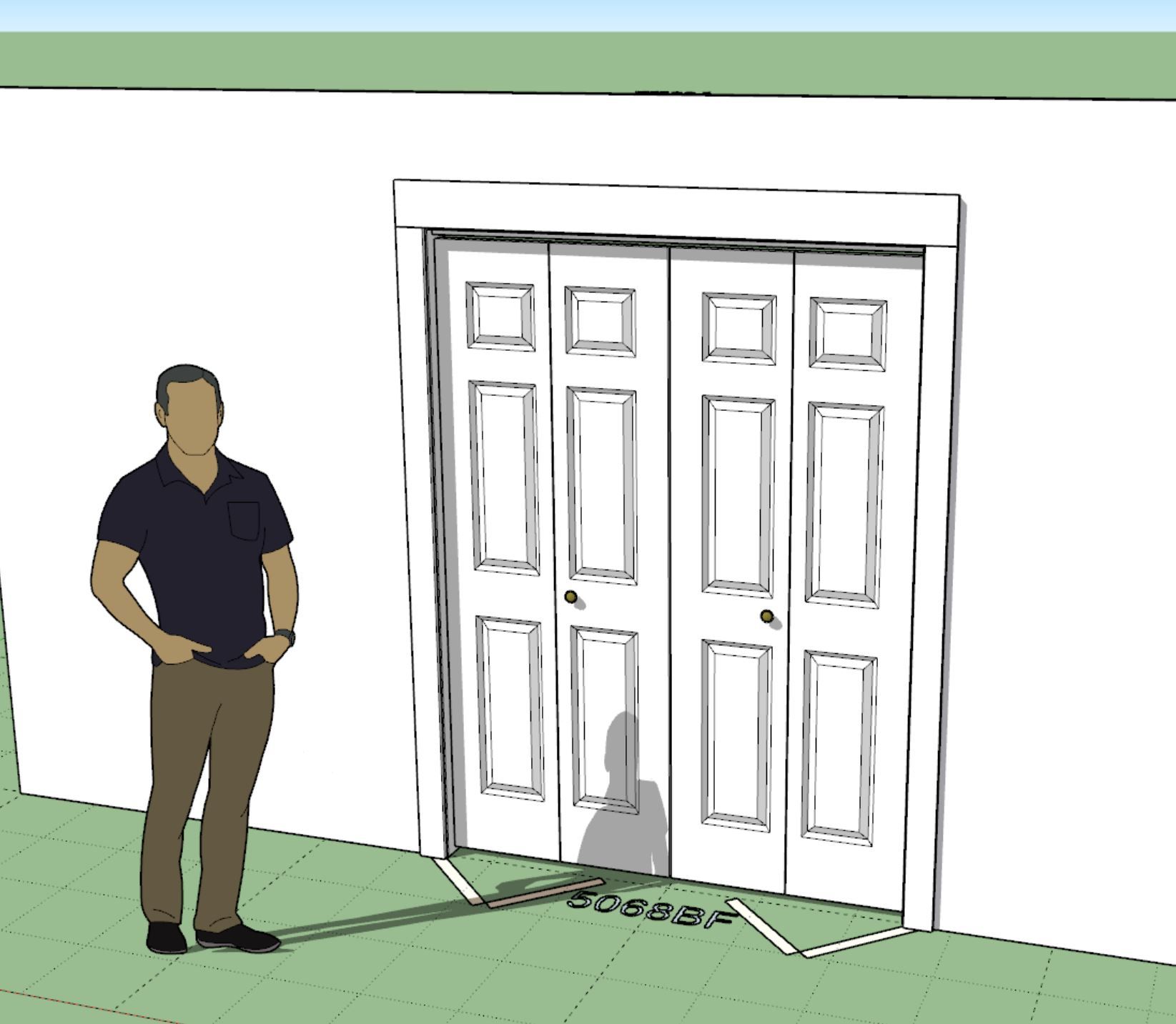
I think that finally completes all of the door panel options for all the other non standard door types (rectangular doors) within the Wall plugin.
Version 2.0.7 - 02.05.2026
Version 4.3.3 - 02.08.2026
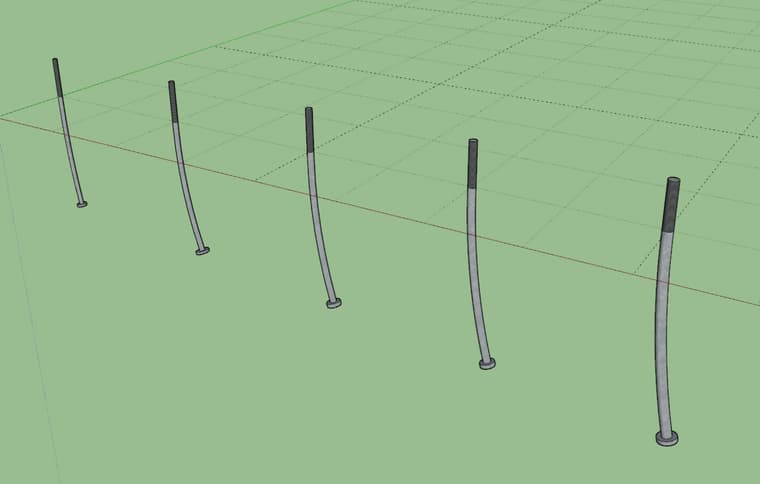
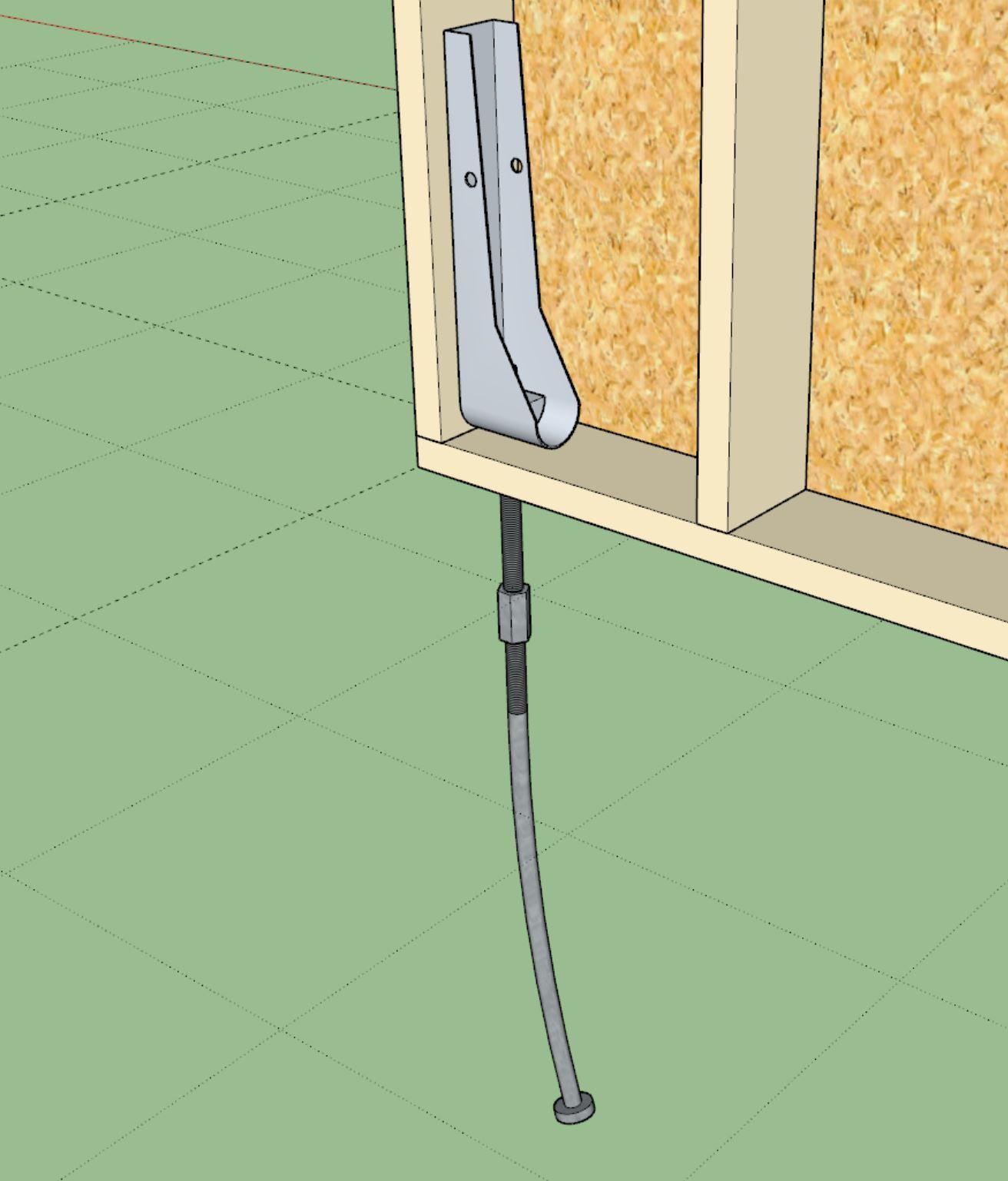
These new anchor bolts are included in the new Wood Construction Connectors Catalog (C-C-2026) for 2026.
These low poly versions of the anchor bolts are based on the models provided on Simpsons website.
Version 4.3.5 - 02.15.2026
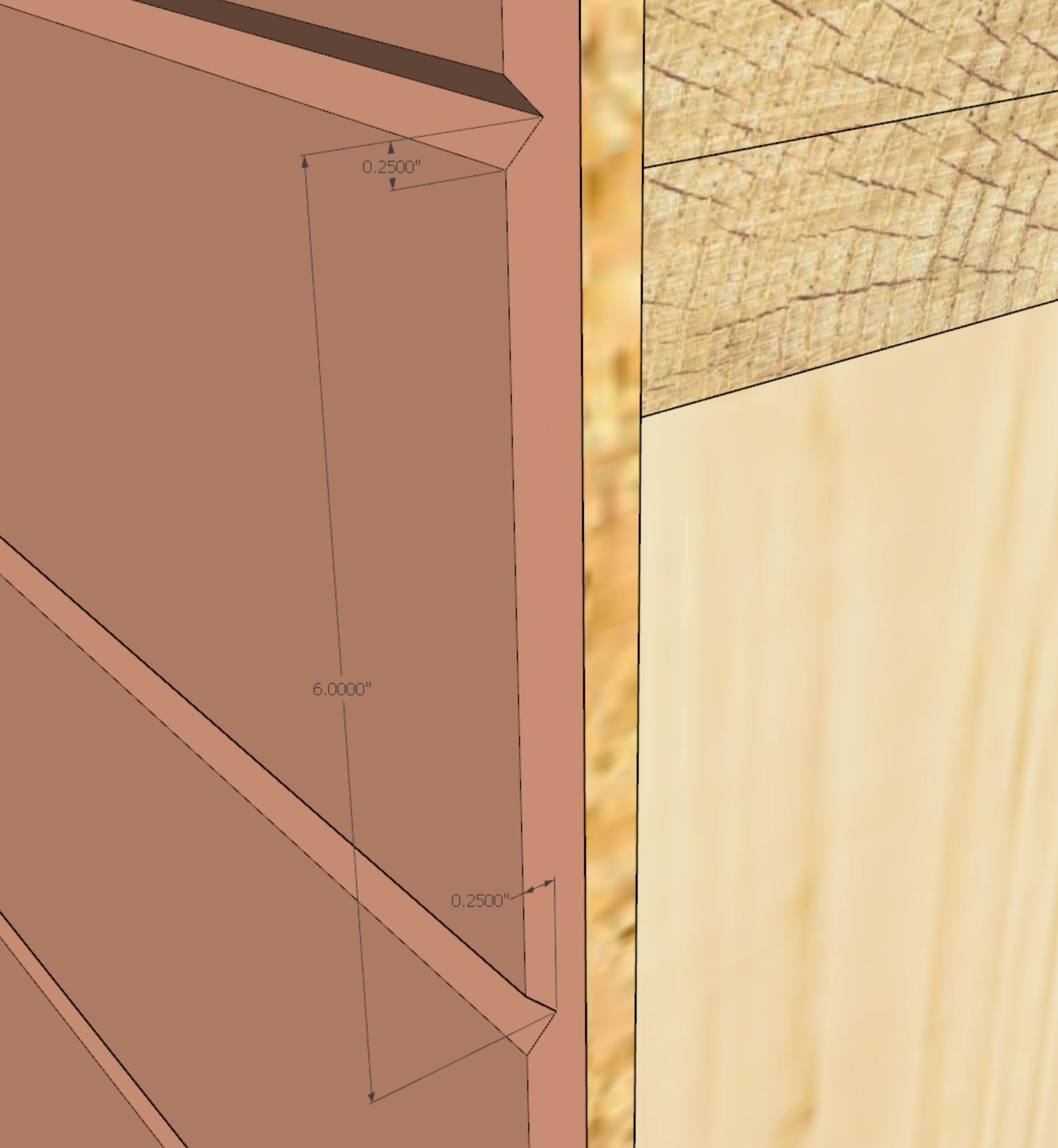
This 3D material by customer request.
The three numeric parameters in order are: board spacing, bevel height and bevel depth
An example of this 3D material might be: beveltg_6.0_0.25_0.25
Version 1.1.5 - 02.23.2026
 I-Joists: RFPI 20, RFPI 400, RFPI 40, RFPI 70, RFPI 90, RFPI 40S, RFPI 60S, RFPI 80S.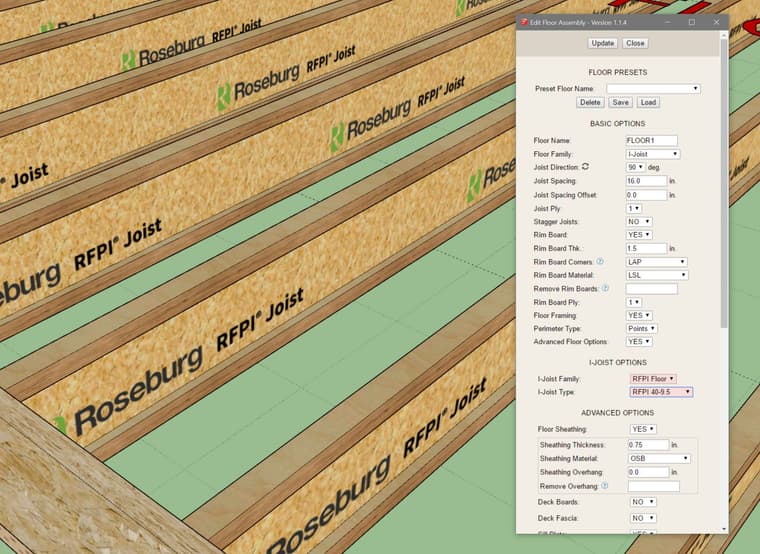
The Roseburg I-Joists include LVL and solid sawn flanges. This manufacturer of I-Joists added per customer request.
Version 1.1.7 - 02.25.2026
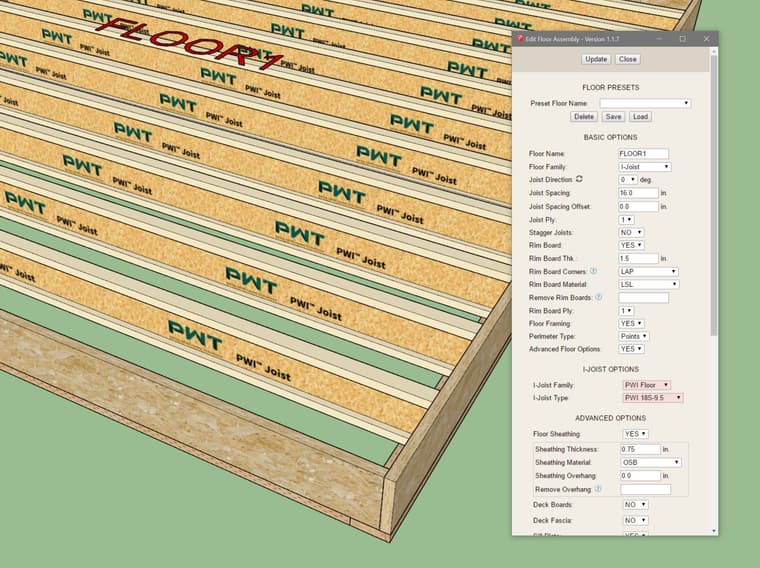
Added per customer request.
Version 1.1.8 - 02.26.2026
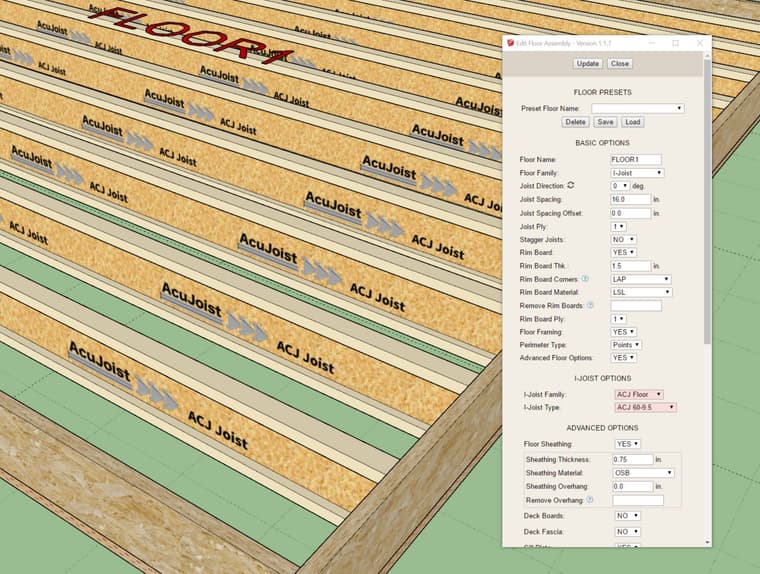
I think that gets us to nine different I-Joist manufacturers in the US and Canada. I think Lebel and Eacom (both out of Canada) also make some I-Joist products, but I don't believe they have as much market share as the companies listed below:
Joists I-Joists I-Joists I-Joists I-Joists I-Joists
Version 2.0.9 - 03.03.2026
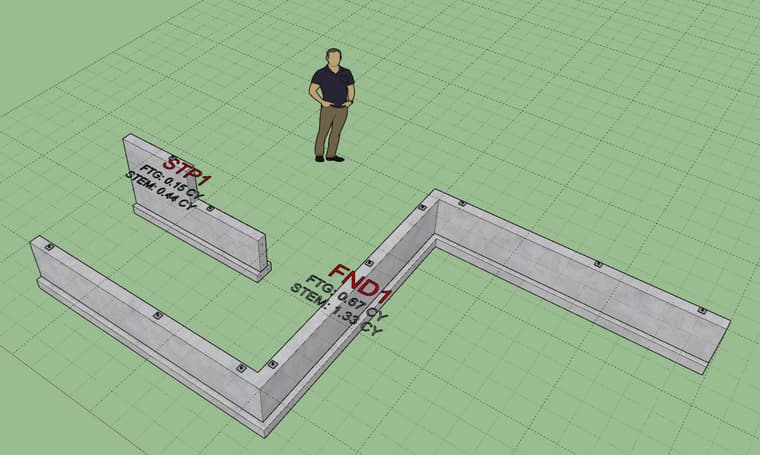
This update per customer request.
Version 2.1.1 - 03.06.2026
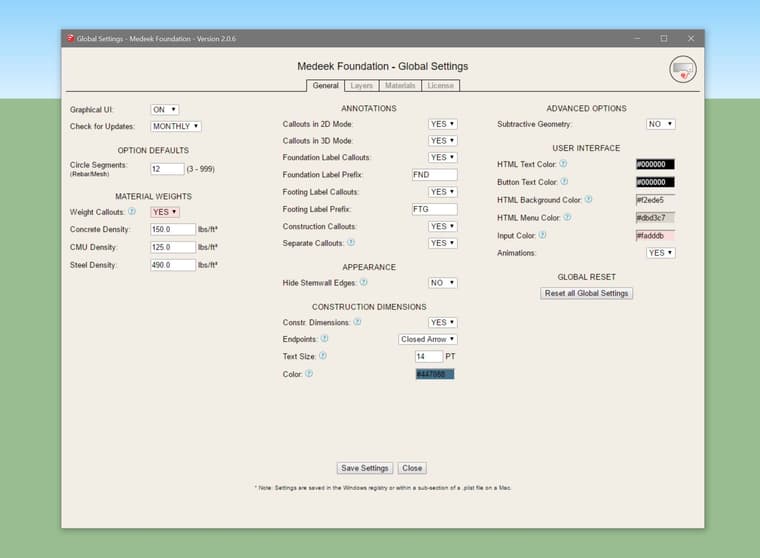
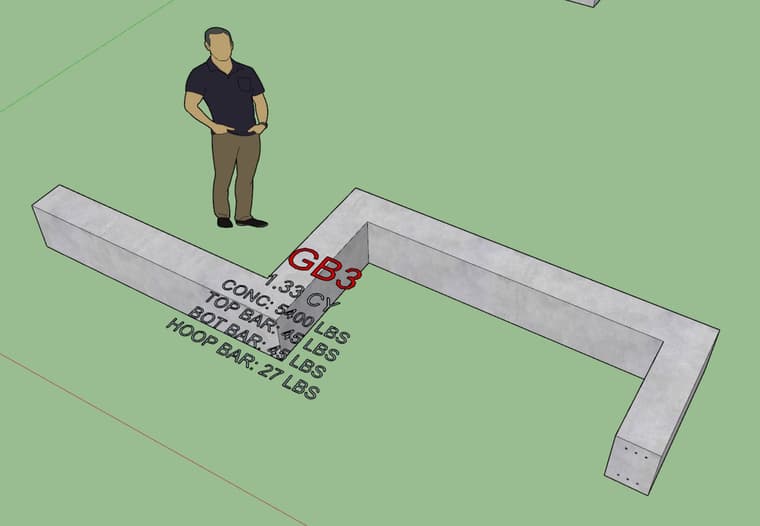
This update per customer request.
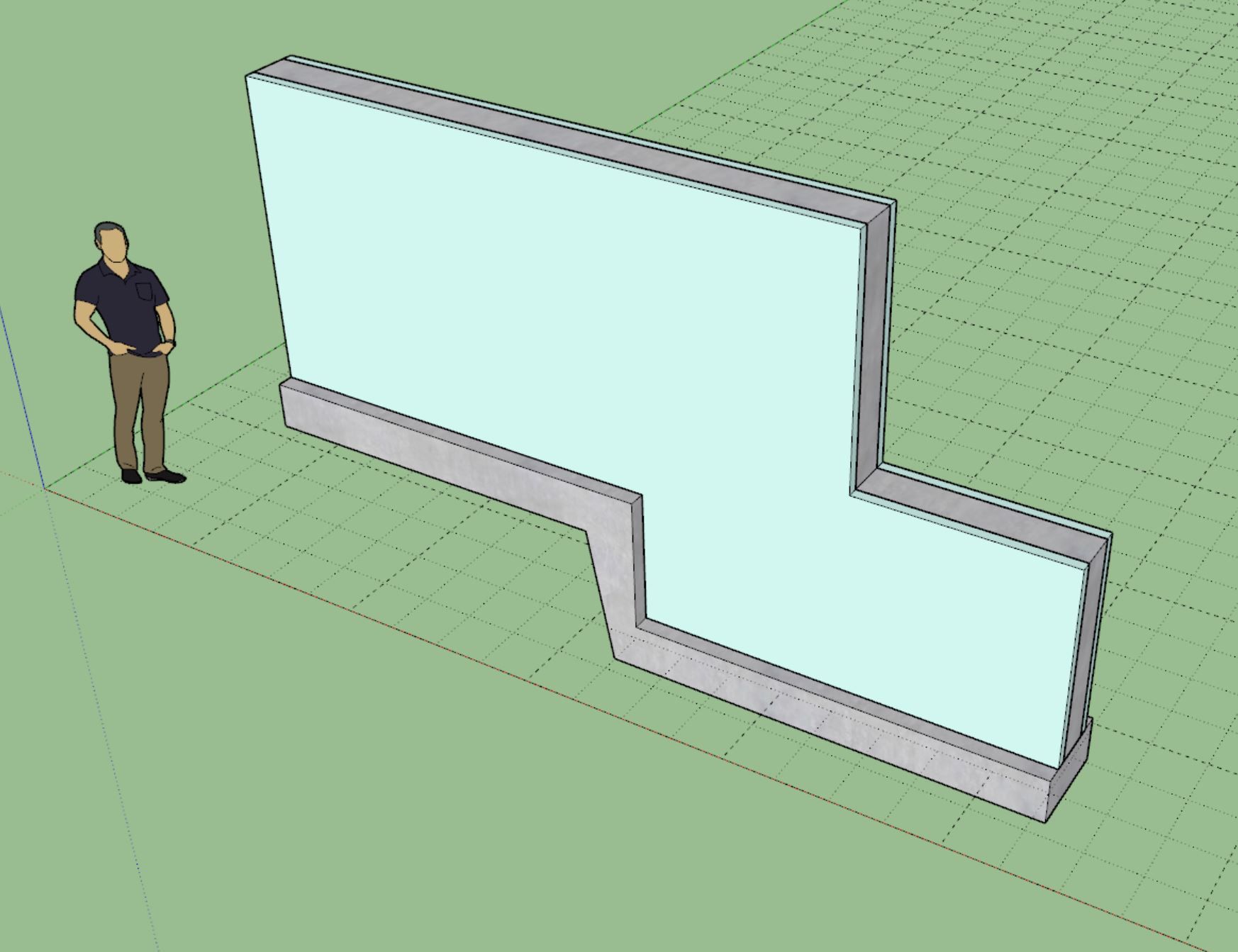
The density of the concrete, CMU and steel can all be customized in the global settings as shown in the image above. I will probably enable this feature for other foundation assemblies if it is requested.
Version 2.1.2 - 03.07.2026
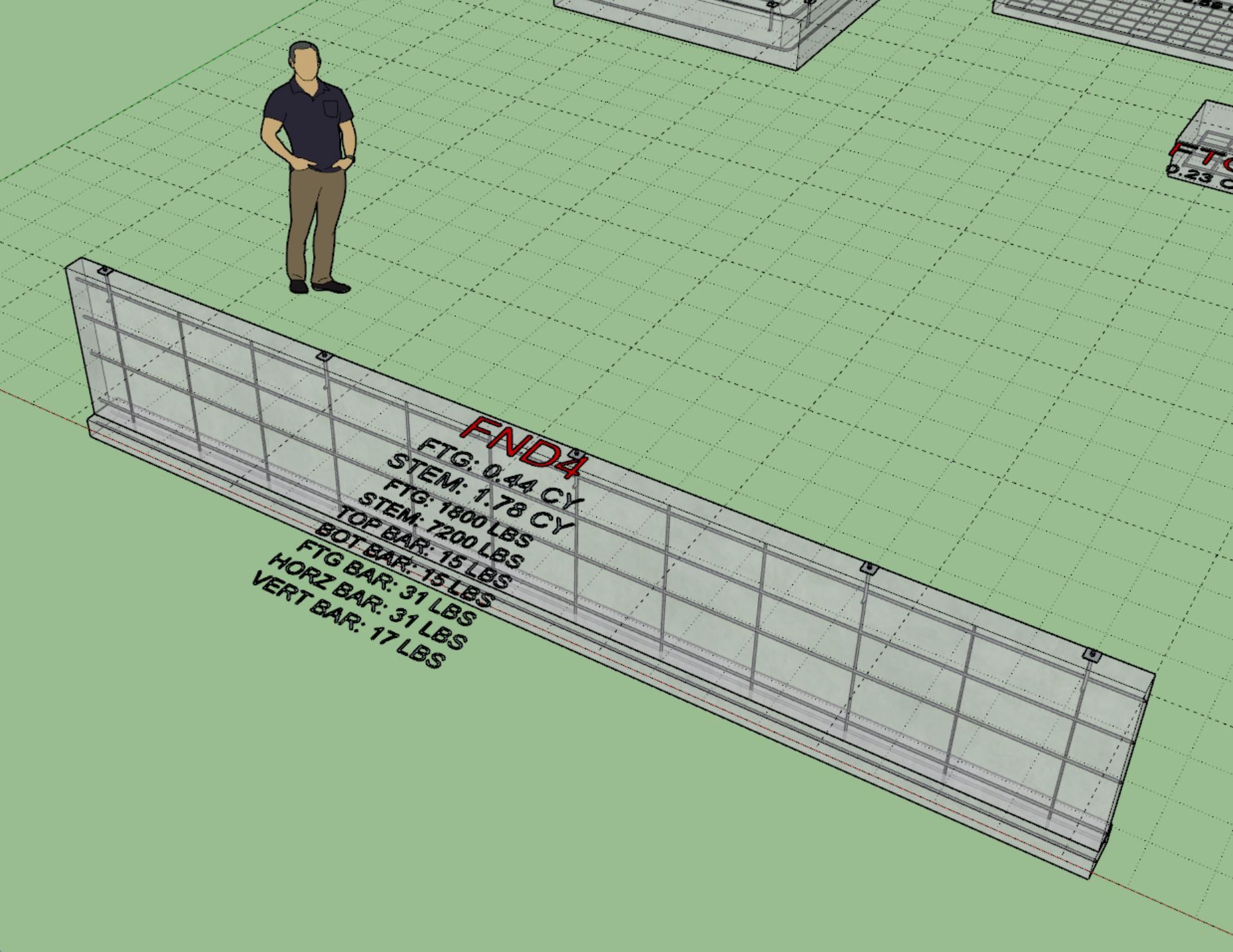
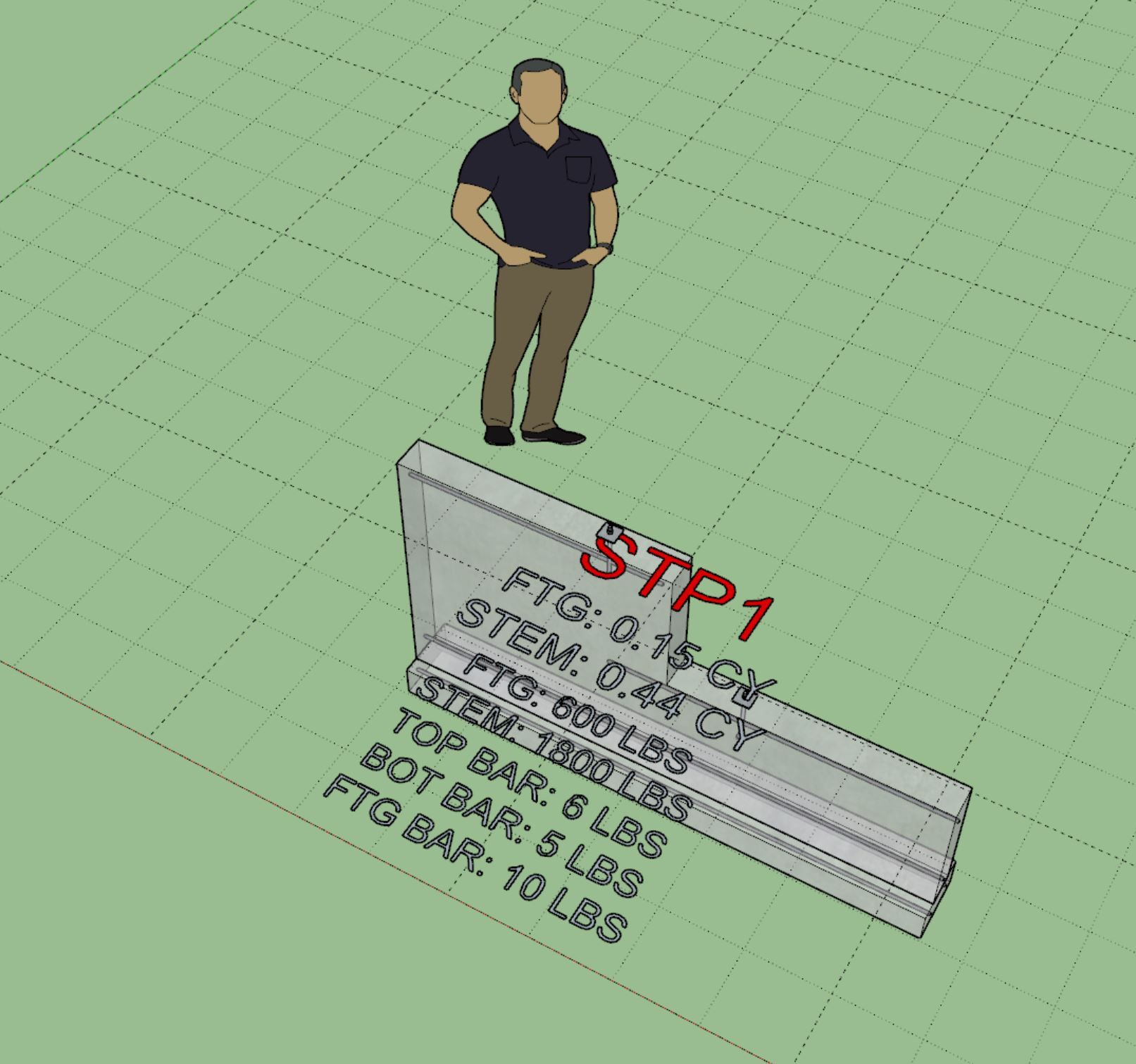
For this detailed breakdown you need to have the "separate callouts" and "weight callouts" both enabled.
Version 2.1.3 - 03.15.2026 thru 03.16.2026
Version 4.4.1 - 03.18.2026
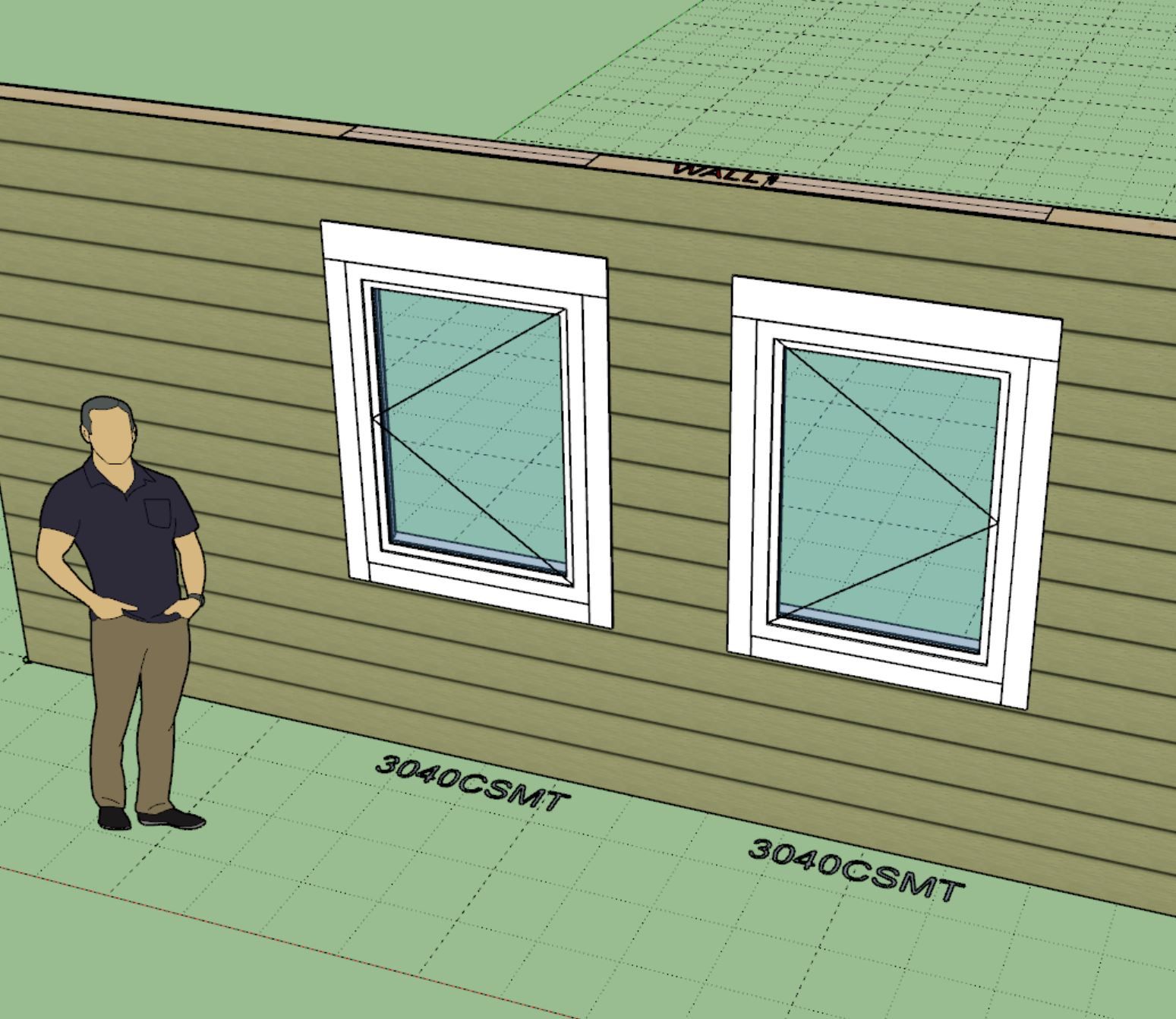
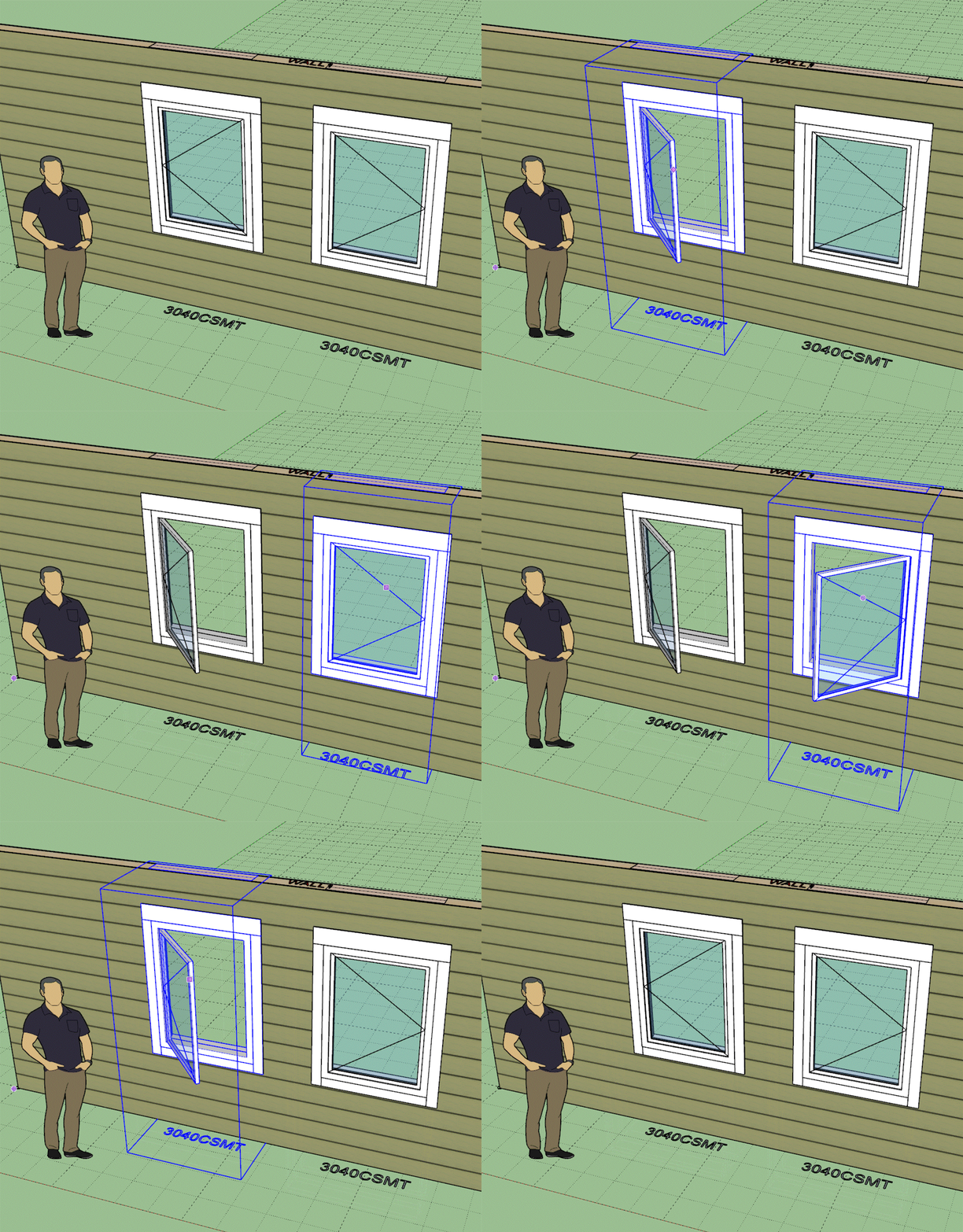
The casement window update per customer request.
I've added the first two methods for windows in the API. I still need to add the following methods:
I will then need to create similar methods for doors, garage doors and in-wall columns. My plate is full right now.
Version 3.7.8 - 03.24.2026