@Alattab hello,
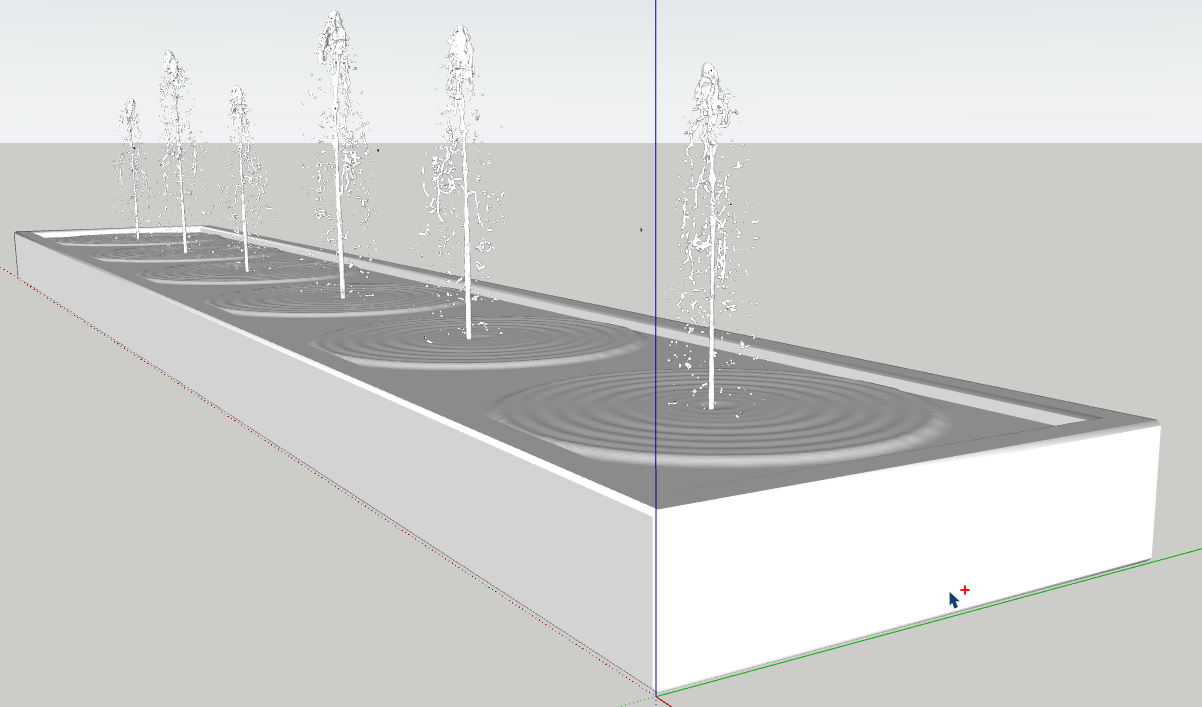
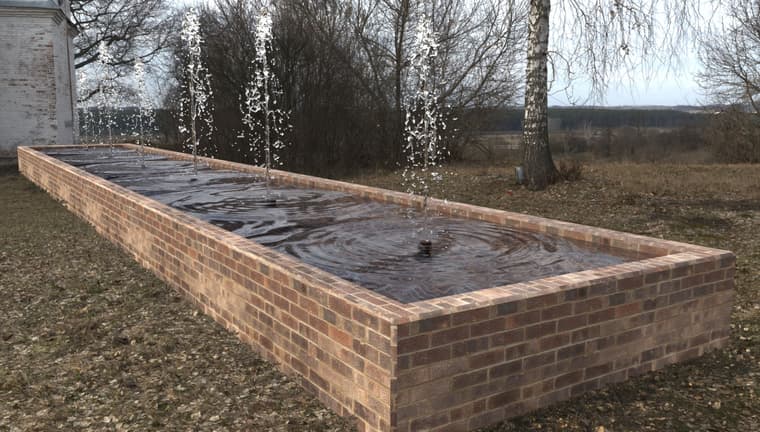
I tryied to render a fountain : from a blenderkit free water jet model and a normal map for water and photoshop post processing
 Offline
@Alattab hello,
I tryied to render a fountain : from a blenderkit free water jet model and a normal map for water and photoshop post processing
Hi Thomas,
I'm wondering if the animation export settings in the SketchUp project have an impact on the Rayscaper output: because the last animation I made at 30 frames per second in Rayscaper is set to 24 frames per second in SketchUp...
Hello Thomas
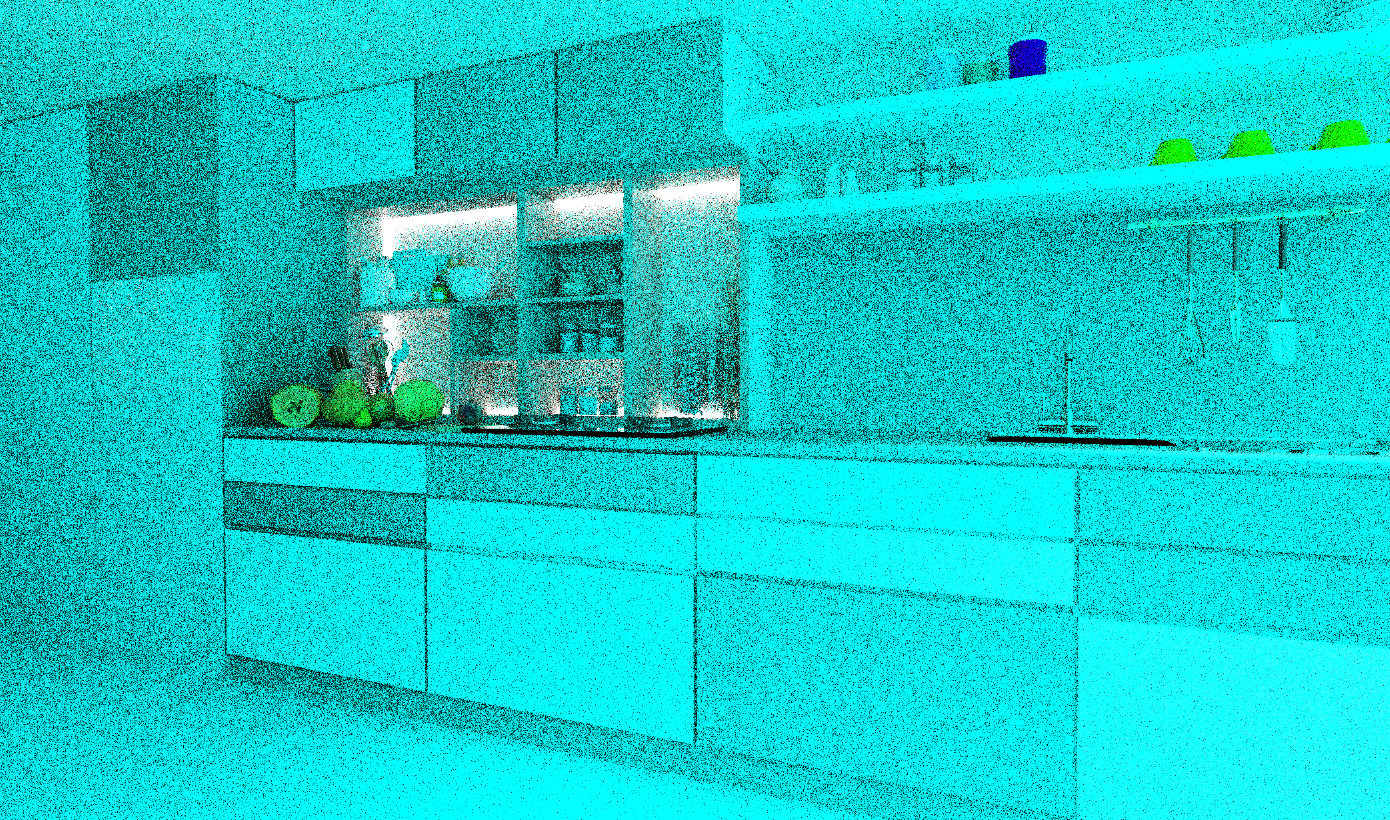
Can you tell me why I get a blue display when I change the project folder?
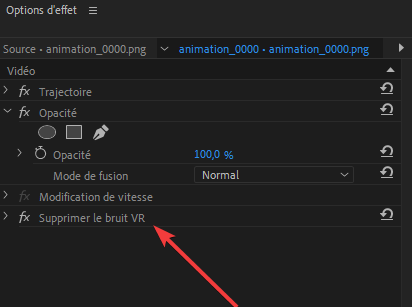
Yes, I was able to reduce the noise with a mask to which I applied a denoiser effect, but is that the denoiser you're thinking of? It's better anyway.
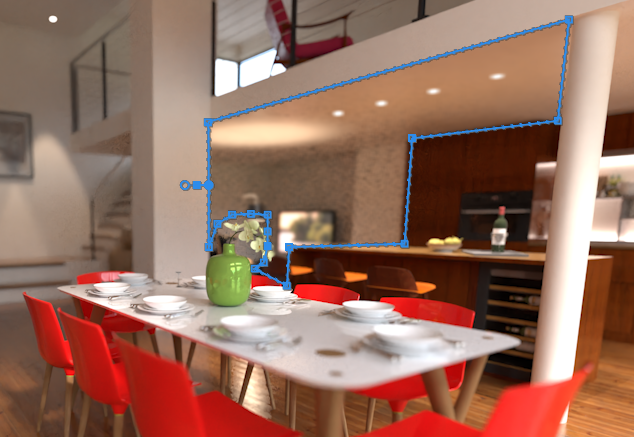
When I move a project, I end up with blue renders... probably an asset path issue? Or maybe it's version 9.85?
C'est extra ! merci!
Dear Pixelcruncher,
if it's possible in a future version to change the number of pixels in height or width and have the other dimension update accordingly, that would be great. Image resolution scaling by homothety... I don't think that's the case; RS offers "double or half".
Hello, it seems you did not had any normal map for your water...below the fountain... You can find many on the web. You will get nice réflection. You could randomly resize the fountain flow for more réalism. There must be a way to produce fake caustics in rayscaper, let us take on this challenge !
@pixelcruncher I will try that spatial temporal Denoiser ! Yes you can share this master piece !
Thanks, everyone, and thanks Pixelcruncher. Now I should do a film school course and learn editing: you'll notice that the fruit (exotic, since they're the cheapest in 3D) appeared as if by magic. It's a perfect example of a jump cut.
I'm also going to try the same edit with DaVinci Resolve, which has a free version, but I haven't installed it yet. To see if I can get a decent export. Pixelcruncher, I'll look into temporal denoising; I'm not familiar with it. Probably in Premiere, yes.
Hey everyone. This is my first animation with Rayscaper, but I'm having trouble getting the frame rate right in Premiere Pro for editing. Any tips? It's at 30 frames per second, though...
That's great, thank you! It's excellent to be able to see the information at the end of the render. I've started the next part of my animation project. In HD mode.
About hdri scale I think Alattab means a physical dôme, like infinite dôme in vray, that can be stretched and scaled. This is very usefull. It is an hemisphere
Hi, why dont you use sky alpha mask with a photo editor ?
Hi, I don't quite understand, do you mean the total rendering time is displayed at the bottom here? Also for the animation?
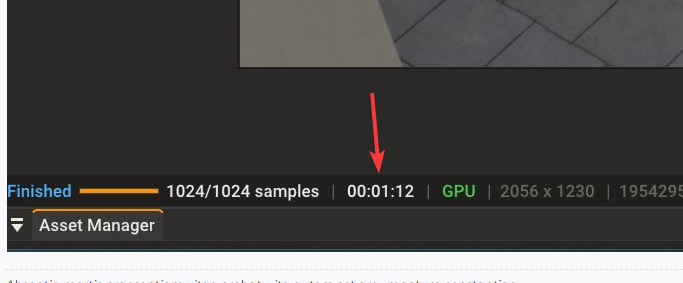
Hi, would it be possible to have the total render time remain displayed in the dedicated window after the render is complete? Of course, I've noted the estimated time that appears during the animation render, but the final time disappears once the job is finished...
Yes, when you talk about resizing HDRI maps, it's an ideal function, but you know, even D5 Render doesn't have that feature yet. It's available in Twinmotion and V-Ray (Infinite Dome) for the programs I use. For the background, you can also place an arc-shaped plane with an image in Raycacaper, which often works.
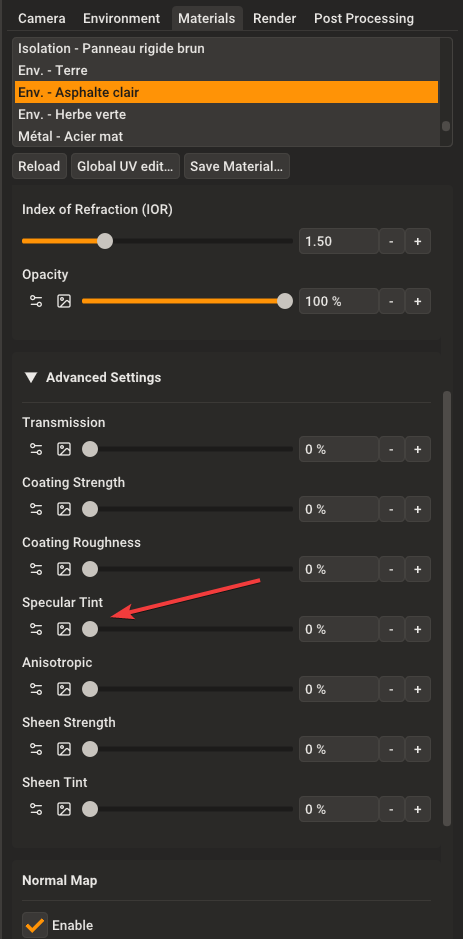
Have you tried that slot for your specular map?
In the meantime, to transfer a project to another machine, simply go to the editor of the material and open the texture in the Windows viewer, then save it in the images folder generated by the Rayscaper material archive once SU is opened on the other machine (from the archive created by Rayscaper).
eneroth material Extractor
I'm trying to find a plugin to extract all textures from a SU model, I had one before, I think it is from Eneroth...