Done, I send the bug report
Posts
-
RE: Rayscaper New Releases
-
RE: Rayscaper New Releases
To get back to my point about the crash when I change the camera resolution: it doesn't crash on smaller SketchUp files, I've run tests. But it's true that this particular file is quite large, 279 MB.
-
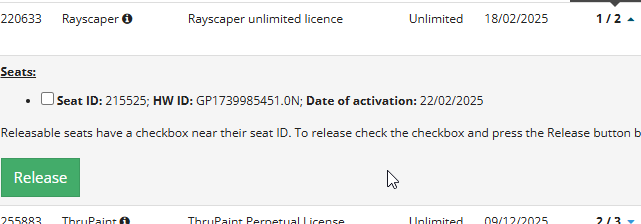
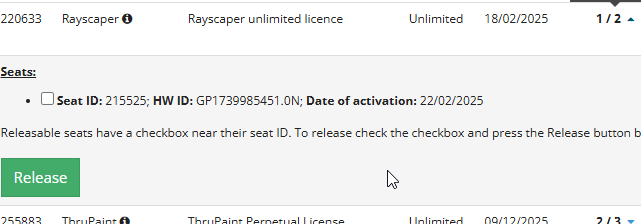
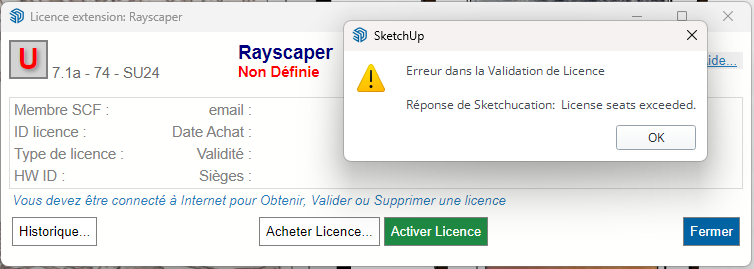
remove one device to benefit from a license on another
Hello everyone,
I reinstalled Windows and in my new SketchUp I can no longer add the Rayscaper license because it tells me I already have two devices with a Rayscaper license. How can I fix this?
Thanks
-
RE: Rayscaper New Releases
you can't use Rayscaper on your 2023 SU ? If yes do you get the same issue when increasing camera resolution?
-
RE: Rayscaper New Releases
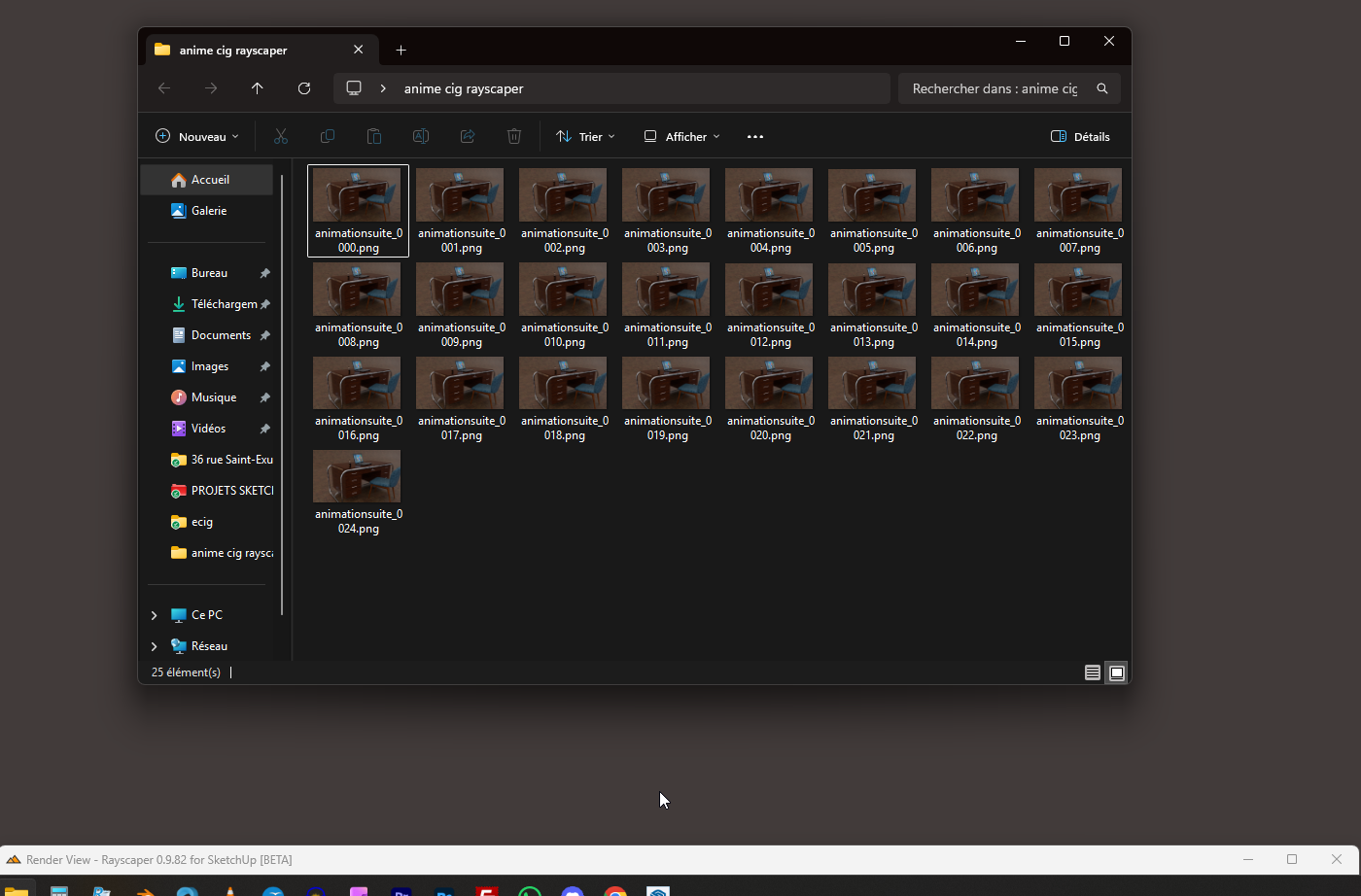
Regarding the animation, is it in the form of a sequence of images?
-
RE: Rayscaper New Releases
Sketchup crashes as soon as I click on "double" in the rendering resolution settings.
and it's systematic -
RE: Rayscaper New Releases
I reinstalled Windows; I suppose that explains the license issue I'm having? Rayscaper is installed on two machines.

-
RE: Rayscaper New Releases
Hi Thomas, I can't believe I read that you can now do animation? I just installed it and it works perfectly on my computer. It's a Christmas present! But I'm eager to understand how to create an animation. A tutorial would be great...
-
RE: Tools on surface not working
Thank you: multiplied by a thousand, it's perfect!
-
RE: Tools on surface not working
Actually, it works better; I tested it elsewhere and the rectangle isolated the face well.
-
RE: Tools on surface not working
I enlarged it by a factor of 100, but it doesn't work.
-
RE: Tools on surface not working
yes you are right! I forgot to scale the object... But at the end, I did it manualy
-
RE: Tools on surface not working
no this zone is not selectable as it should
-
RE: Tools on surface not working
yes, i need to paint high poly surfaces, hard edges painting, but no way
-
RE: Tools on surface not working
ce serait tellement bien si ça pouvait marcher un jour....
-
RE: Tools on surface not working
hello, I have a model with many polylines and the line tool doesn't work... is there a trick?I have a model with many polygons, and the line tool isn't working... is there a trick?
It can't isolate these faces; I've also tried showing the hidden geometry. Sometimes it works, sometimes it doesn't.

-
RE: Rayscaper New Releases
ok, I will send you the scene. Regarding the issue of geometry not displaying when enclosed in groups and subgroups, if I find an earlier version where I haven't broken everything down inside. As for exposure, there may be aspects I don't fully understand, but generally I have this problem: like in photography, if you take an interior shot focused on objects, your window will be white, with saturated light. If you focus on the window, the outside landscape, a digital camera will make the interior extremely dark so you can see the trees and the garden. Just like the human eye. Except our eyes are very fast and correct in microseconds, which allows us to see both the exterior and the interior so clearly. That's light sensitivity. If there's a way...
-
RE: Rayscaper New Releases
On this page I show a comparison slider between the original rendering and the changes that Magnific Upscale adds
https://jskup.fr/comparatif-rayscaper-magnific-upscale/
Of course, we then have to go back through Photoshop to correct the errors that the upscaling process generates.