 

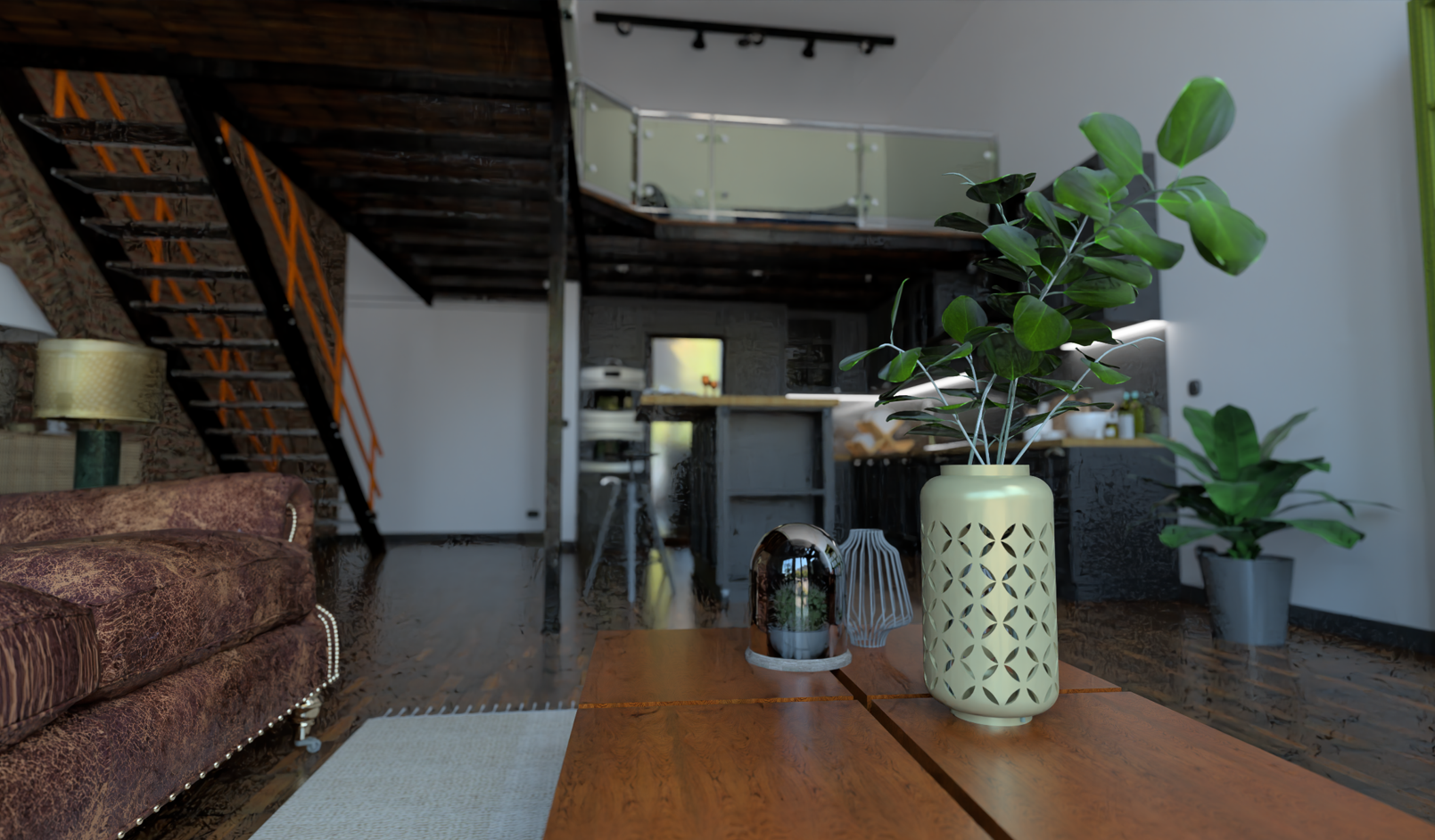
I've stopped rendering for now, I'm stuck with this problematic project that I sent you screenshots of. These spots in the shadows
Oops, your profile's looking a bit empty! To help us tailor your experience, please fill in key details like your SketchUp version, skill level, operating system, and more. Update and save your info on your profile page today!
Check out Febhouse | New extensions for Shadow Analysis in SketchUp Download
 K
Offline
K
Offline
Posts
-
RE: Rayscaper New Releases
-
RE: Rayscaper New Releases
Hello, with better settings (transparent shadows) and a little cleaning (5 mn, photoshop), another render, I am very satisfied with it
https://jskup.fr/wp-content/uploads/2025/04/rendu-9.48.jpg -
RE: Rayscaper New Releases
I notice that your new default HDRI map intensity settings are excellent, almost no adjustments needed, it's a huge improvement
-
RE: Rayscaper New Releases
Hello, pixelcruncher,
I wasn't aware of this new version and am very happy to return to Rayscaper for new renderings! -
RE: Rayscaper New Releases
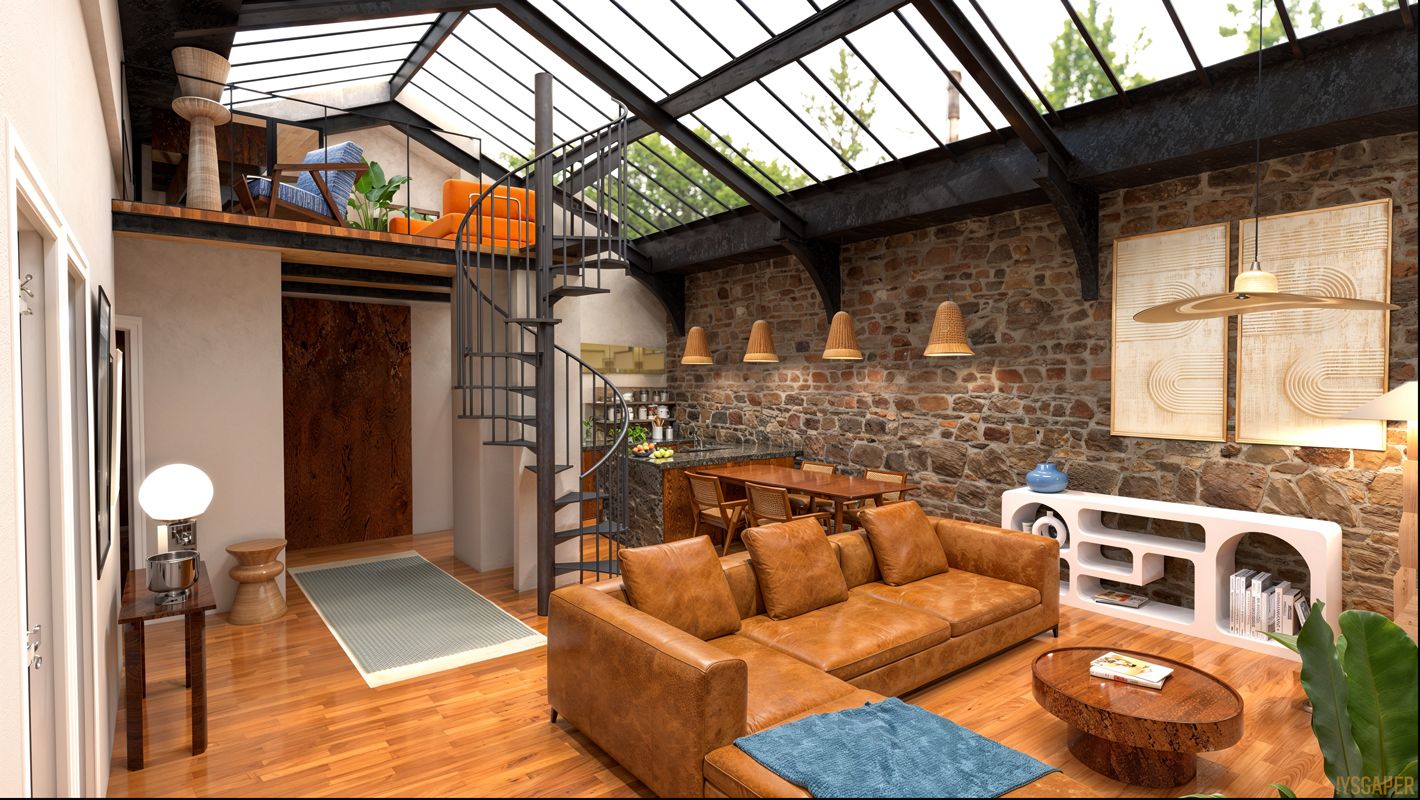
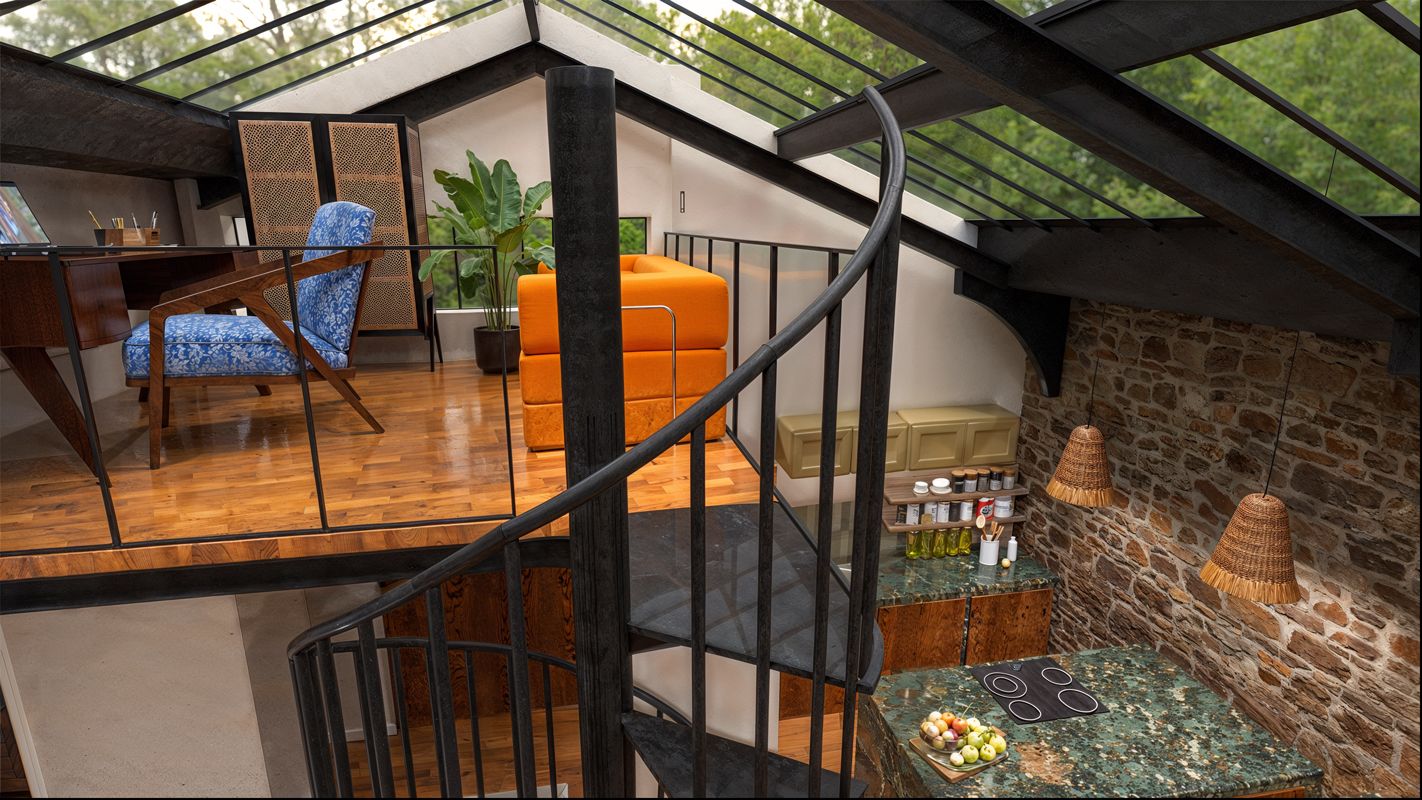
new project with last rayscaper version and light upscale
-
RE: Rayscaper New Releases
Be careful, Comfy UI requires a large graphics card and lots of free disk space, and a lot of patience.
-
RE: Rayscaper New Releases
ok, sorry, Indeed, I changed the component name and the instance name... thanks. Perfect, I'll test it.
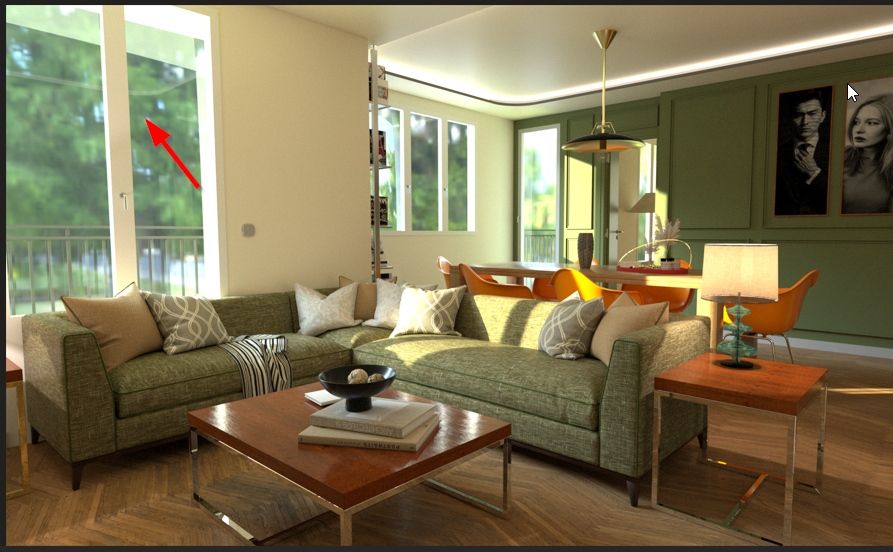
However, I don't understand. I set the HDR definition to 8k, and it seems that it doesn't take this definition into account. I'll redo the rendering after downloading the map from the site.
-
RE: Rayscaper New Releases
I paused the rendering and changed the definition, and it didn't crash... "studio" version raw rayscaper

-
RE: Rayscaper New Releases
hello, yes, as I can remember
-
RE: Rayscaper New Releases
Thanks, very usefull function
-
RE: Rayscaper New Releases
for the record, all the furniture is really at my house, but I tried to see in these images what I could fit into this apartment that I could buy....
the character is not contractual, I have a shaved head! -
RE: Rayscaper New Releases
Nice render Mike!
@pixelcruncher said in Rayscaper New Releases:
Was this on the first texture, or after multiple imports?
I created a surface and imported a texture
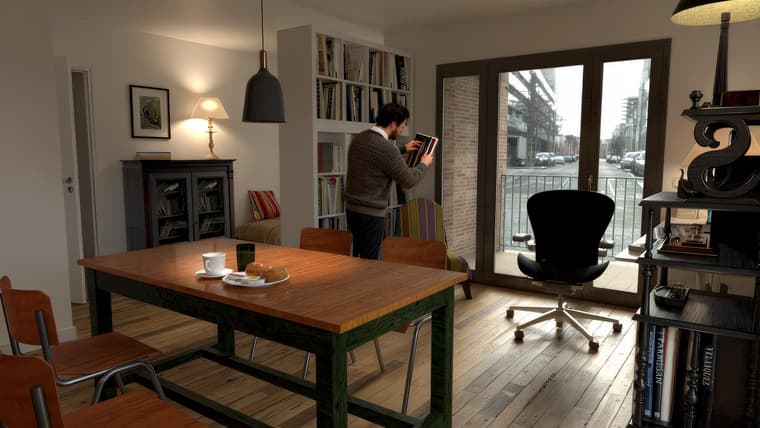
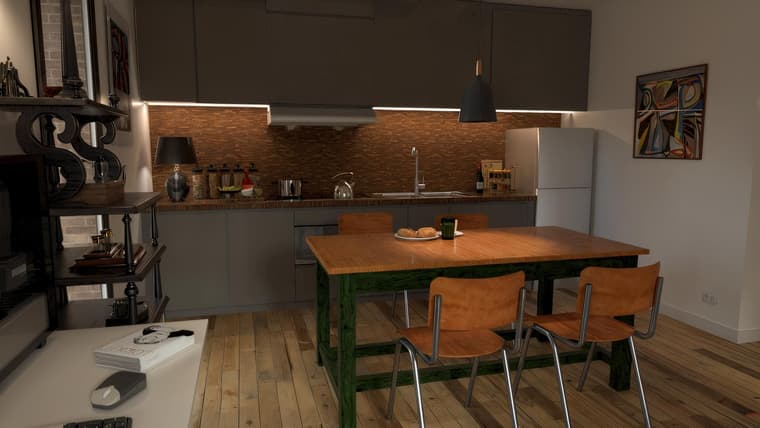
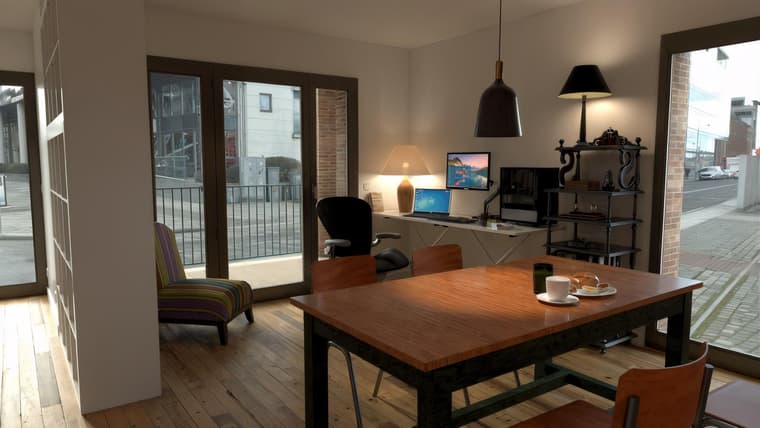
I found a solution to make an image emissive: for example for PC screens on the following images I make a copy of the face that must receive the image and I place it in front 2 or 3 millimeters of the initial face to which I applied an emissive. On this copy of the face I put my image as texture and I increase the Transmission slider, and it works well. (I just discovered this feature!)
ci-dessous 3 rendus avec un upscale KREA.AI
-
RE: Rayscaper New Releases
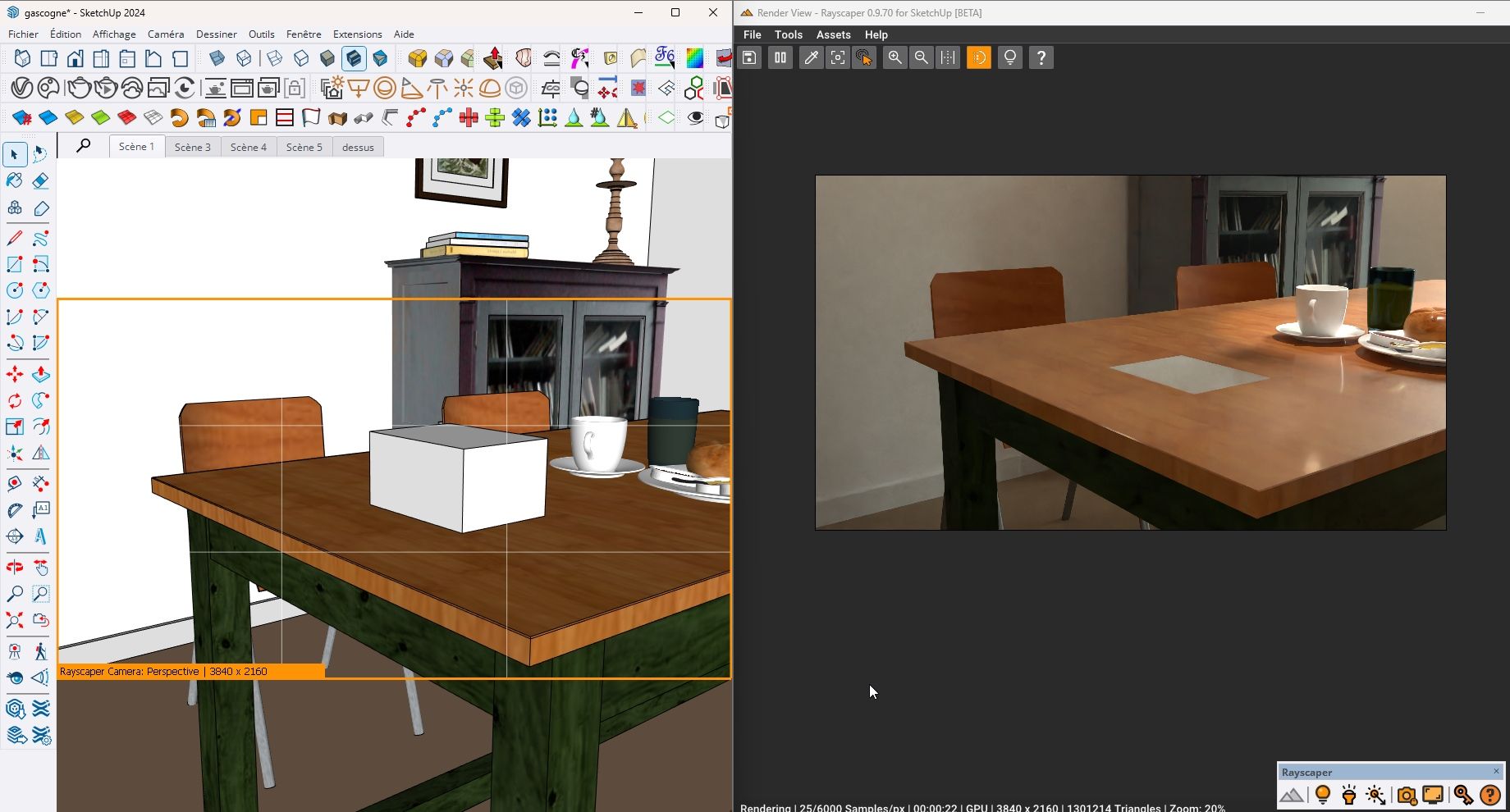
It has trouble updating the display if I add geometry. I have to restart Rayscaper. but it is a rather heavy model. It also seems to work well in this version.
-
RE: Rayscaper New Releases
yes! thanks Pixelcruncher, thanks for this so fastresolution, it works well
-
RE: Rayscaper New Releases
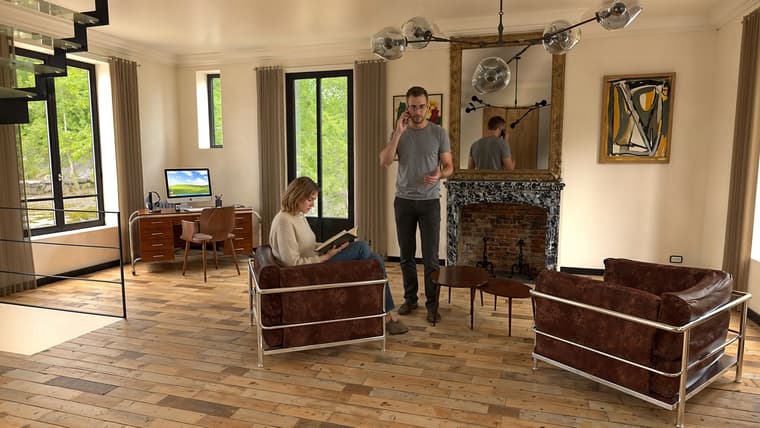
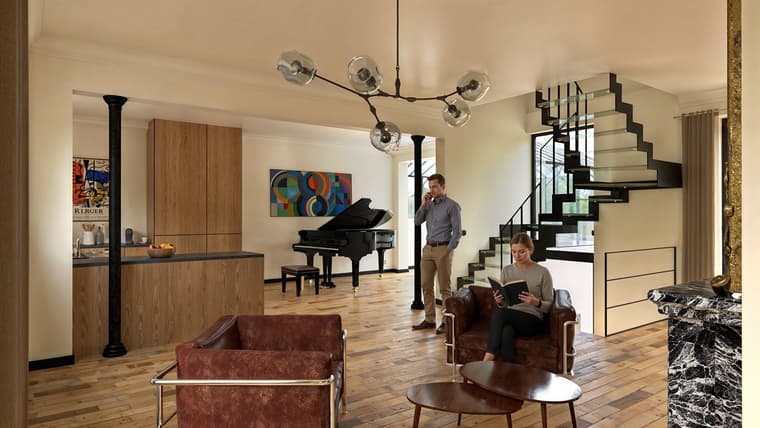
Rayscaper 0.9.71 renders / Photoshop / Nano Banana for the characters / Magnific Upscale
-
RE: Rayscaper New Releases
I made a blunder, but my post has been corrected.
-
RE: Rayscaper New Releases
Hi Thomas, I can't believe I read that you can now do animation? I just installed it and it works perfectly on my computer. It's a Christmas present! But I'm eager to understand how to create an animation. A tutorial would be great...
-
RE: Rayscaper New Releases
In the meantime, to transfer a project to another machine, simply go to the editor of the material and open the texture in the Windows viewer, then save it in the images folder generated by the Rayscaper material archive once SU is opened on the other machine (from the archive created by Rayscaper).
-
RE: Rayscaper New Releases
My first animation with Rayscaper!