Yes, when you talk about resizing HDRI maps, it's an ideal function, but you know, even D5 Render doesn't have that feature yet. It's available in Twinmotion and V-Ray (Infinite Dome) for the programs I use. For the background, you can also place an arc-shaped plane with an image in Raycacaper, which often works.
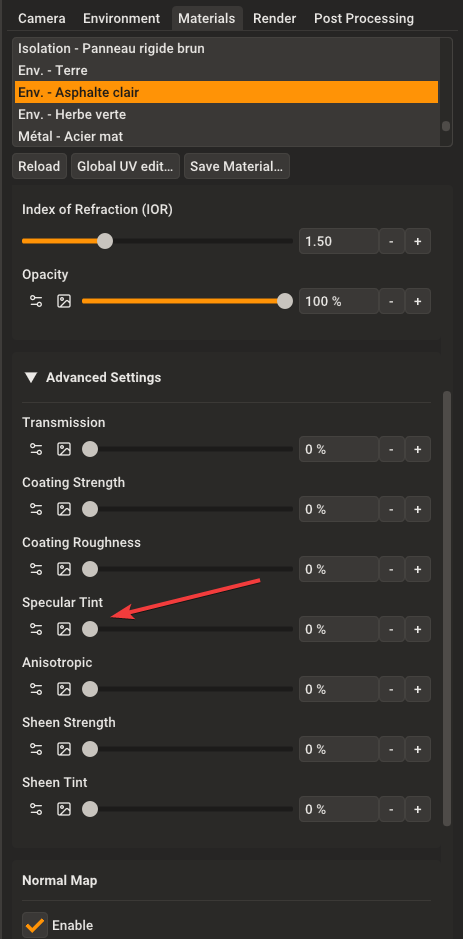
Have you tried that slot for your specular map?
Oops, your profile's looking a bit empty! To help us tailor your experience, please fill in key details like your SketchUp version, skill level, operating system, and more. Update and save your info on your profile page today!
Check out Febhouse | New extensions for Shadow Analysis in SketchUp Download
 K
Offline
K
Offline
Posts
-
RE: Rayscaper New Releases
-
RE: Rayscaper New Releases
That's great, thank you! It's excellent to be able to see the information at the end of the render. I've started the next part of my animation project. In HD mode.
-
RE: Rayscaper New Releases
Hey everyone. This is my first animation with Rayscaper, but I'm having trouble getting the frame rate right in Premiere Pro for editing. Any tips? It's at 30 frames per second, though...
-
RE: Rayscaper New Releases
Thanks, everyone, and thanks Pixelcruncher. Now I should do a film school course and learn editing: you'll notice that the fruit (exotic, since they're the cheapest in 3D) appeared as if by magic. It's a perfect example of a jump cut.
I'm also going to try the same edit with DaVinci Resolve, which has a free version, but I haven't installed it yet. To see if I can get a decent export. Pixelcruncher, I'll look into temporal denoising; I'm not familiar with it. Probably in Premiere, yes.
-
RE: Rayscaper New Releases
@Alattab hello,
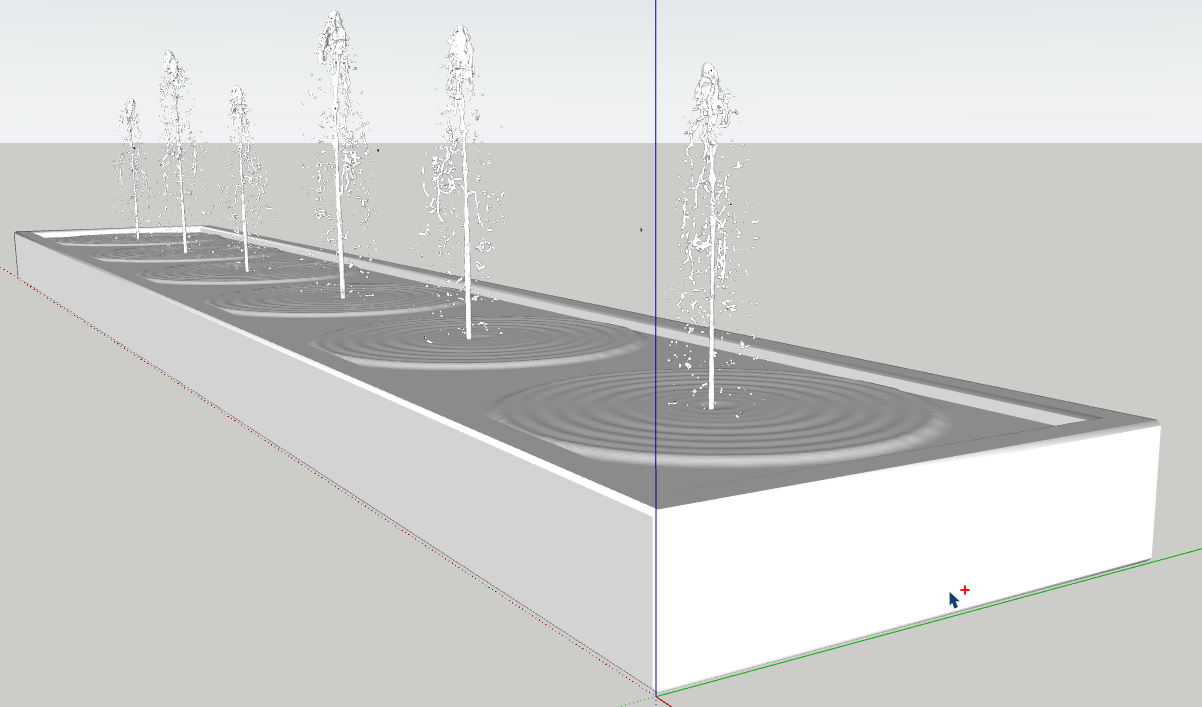
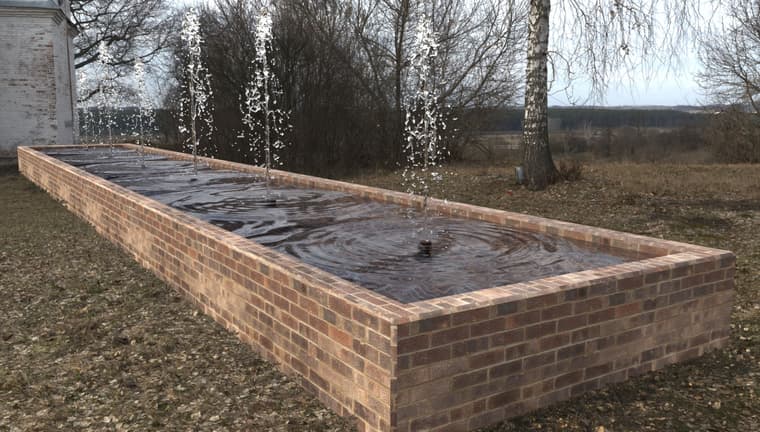
I tryied to render a fountain : from a blenderkit free water jet model and a normal map for water and photoshop post processing
-
RE: Rayscaper New Releases
here is the scereen shot
and the log file was sent by email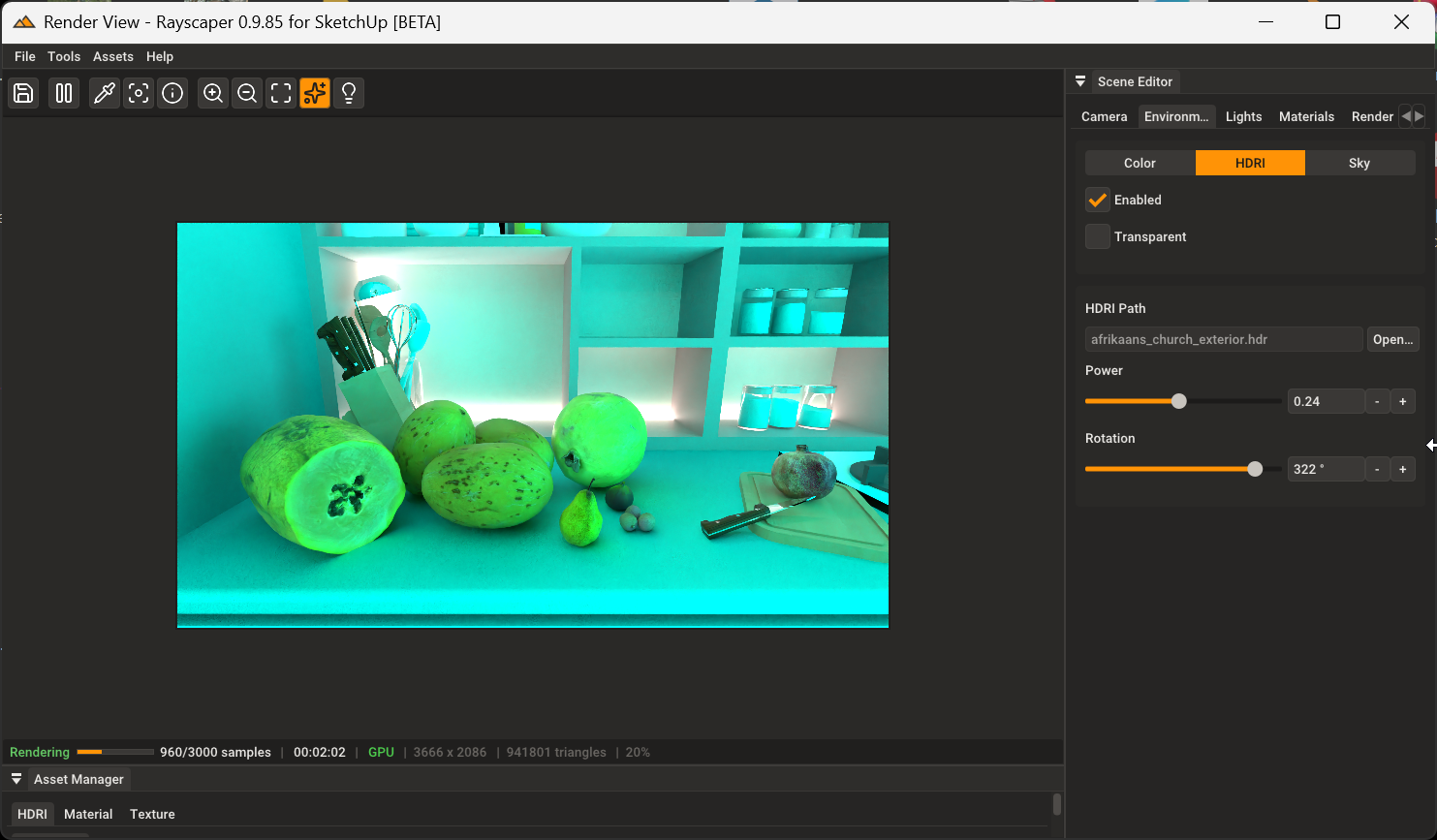
-
RE: Rayscaper New Releases
@Alattab said in Rayscaper New Releases:
@Krass That's great! Could you please attach the SketchUp file, the Normal Map file, and a screenshot showing the settings you used in Rayscaper?
here is the file
https://we.tl/t-BUzHVyVojS -
RE: Rayscaper New Releases
Thanks a lot Pixelcruncher, tri-planar mapping is great improvement !
-
RE: Rayscaper New Releases
you are too fast Pixelcruncher !
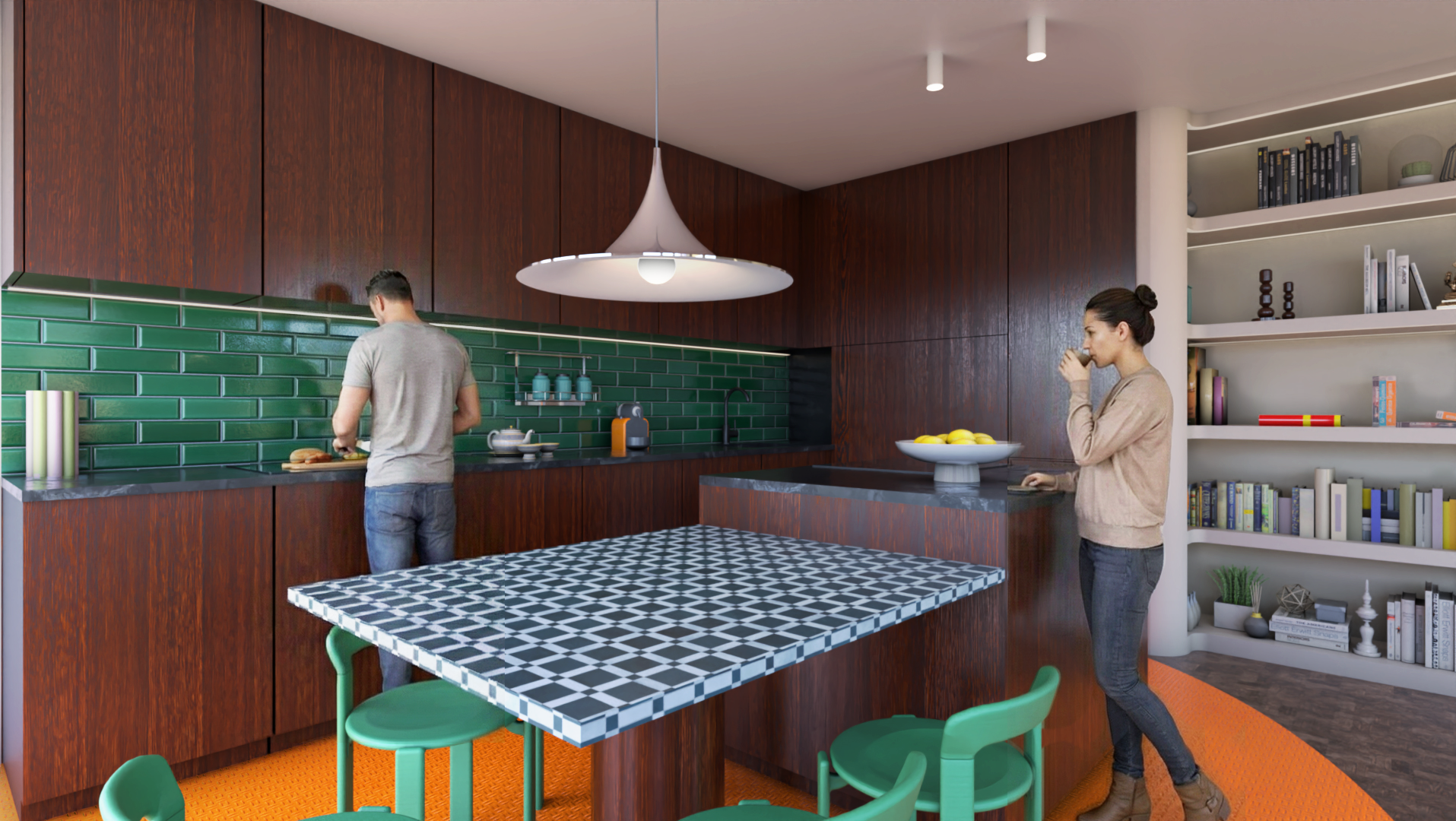
I'm still using 0.9.91 for this photomontagerender with Rayscaper 0.9.91, characters generated with D5 Lite and
character’s outline using Photoshop. To be in tune with the times, I naturally put the man in charge of the kitchen.

-
RE: Rayscaper New Releases
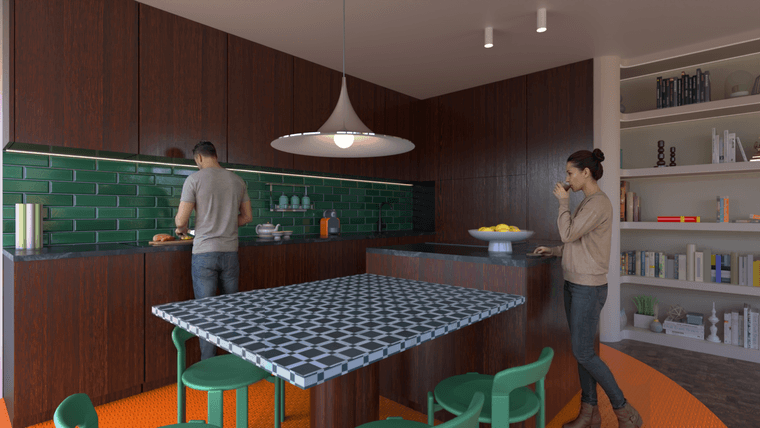
1- So, a "consistency" test, meaning renderings from different viewpoints with the same characters. It's not perfect, but the method is to create two 3D renderings (here in Rayscaper) and place the image in SketchUp. Then, I ask D5 Render Lite's AI to add characters to the first viewpoint. I also give D5 the same image as a reference. Then, I take the least bad result and create a Photoshop montage.
2- To get the same characters from a different viewpoint, I place the new rendering with a new viewpoint in SketchUp and give D5 Lite my latest image with the characters. I then request the same characters in a different location.
-
RE: Rayscaper New Releases
Hello
other Rayscaper render with D5 characters, but I should have changed the scale of the characters, which is messed up, but I'm too lazy.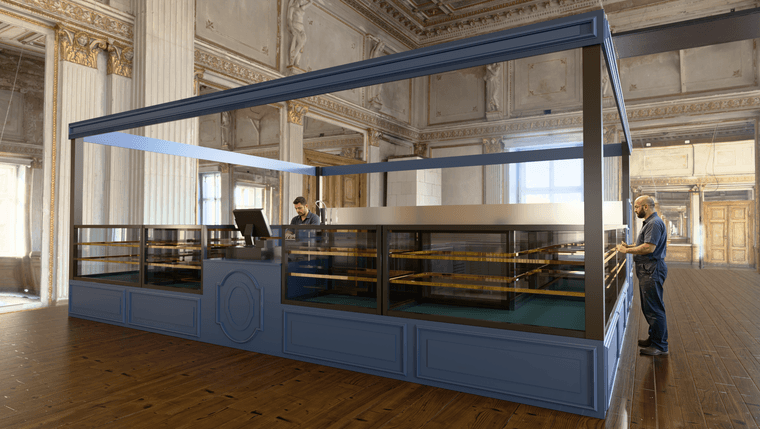
-
RE: Rayscaper New Releases
Here, the same exercise, but the aim is to maintain consistency by keeping the points of view the same with the same characters.
-
RE: Rayscaper 0.9.94 not working
I wrote an answer to your mail box