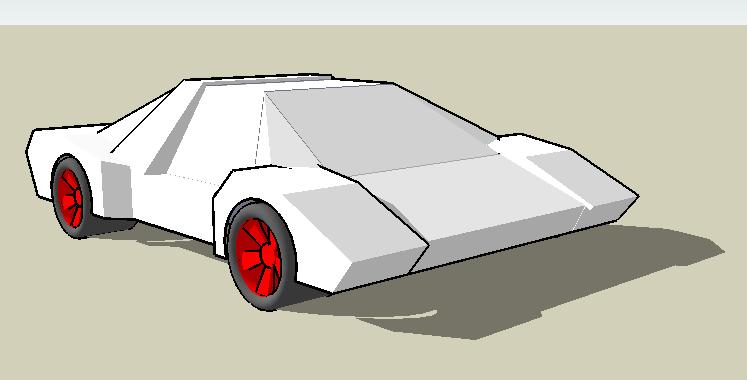
@unknownuser said:
I think your work is outstanding.
I agree 100% - very inspirational, artistic, and very cool!!!
I'd be very happy to be at your level of modeling & creativity - so, I'm going to press on and learn how.
Thanks ely862me!!!
@unknownuser said:
I think your work is outstanding.
I agree 100% - very inspirational, artistic, and very cool!!!
I'd be very happy to be at your level of modeling & creativity - so, I'm going to press on and learn how.
Thanks ely862me!!!
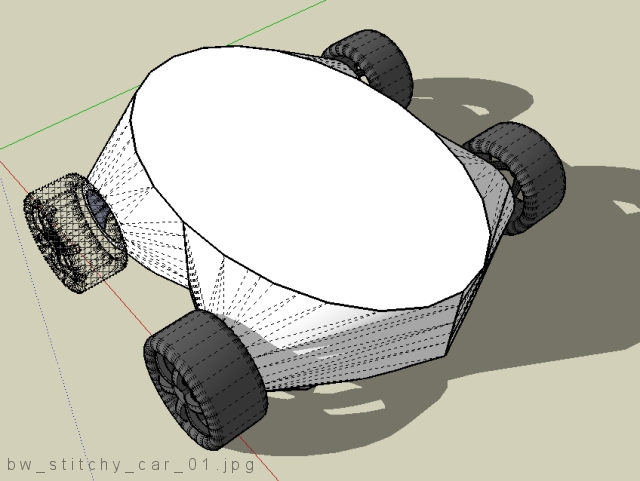
. . . 2nd attempt . . . just playin' around, nothing serious - this has some interesting possibilities for sure.
I wanted to take a circular surface and blend it quickly into two conics . . . I have lots to learn . . . but it's fun.
Boofredlay, thanks, I'll play with it.
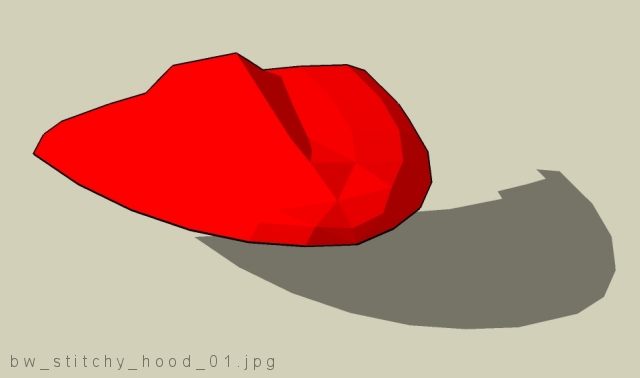
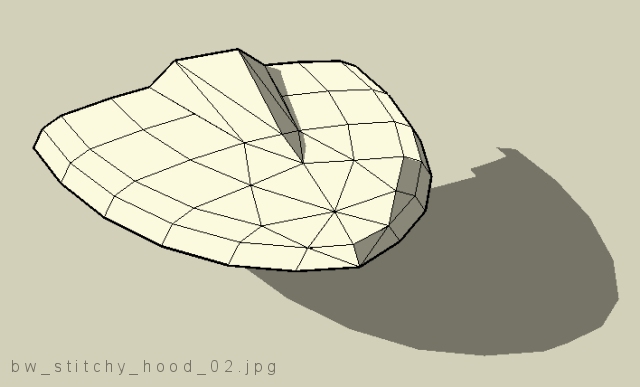
Here is my first "real" attempt at stitching (is that what I'm doing?).
I can see how this is going to be lots of fun - a few questions:
[1] --> Does it look like I may be on the right track?
[2, 3, & 4] --> I have SketchUp Pro - doesn't it have high quality rendering built in? How do I take my very rough hood and make it "nice" and smooth? Do I just add more triangles?
Thanks,
Brad

%(#000080)[Thanks all! I was able to figure out what I call "bubble shaping" where the sphere is squished, cut, & so forth (see my "bubble" car on or near the first page of this thread) but thanks very much modelhead for sharing that with everyone - a great techinque.
--||-- --||-- --||-- --||-- --||--
ely862me, that's really nice you posted those images and included some explanation. I've never modeled anything before using that technique although today I tried without much success.
@unknownuser said:
There is no doubt that stiching a model together is most accurate but not many of us have that kind of time luxury.
Yes, this looks like a time consuming approach - I'm used to other tools, but I'm not an expert with the cool looking stuff: surfaces!I've been using Pro/E for years and my surfacing capabilities aren't well developed. I'm looking forward to getting this technique down.
@unknownuser said:
u must make the wires after that fit them of cource u must have in mind the desifn of the car else u can t do a car, right?
I'm not very confident I can figure out how to "see" the model first - your words are very true and I believe some people have a natural ability to do this sort of thing where some do not. I clearly am in the latter category. I can "chop & chisel" flat surfaces all day - easy - but creating those beautiful smooth amorphic surfaces - wow, very impressive. Your images and words are very helpful & encouraging. I'm going to try again with something simple later tonight.
--||-- --||-- --||-- --||-- --||--
Boofredlay, that's a very nice script but I'm not sure how I could use it yet - thanks for posting it and showing the very nice examples.
Happy Sketching,
Brad]
Okay - thank you, I'll try it - I think I (finally) understand how you did it.
I'll post my experiment on Friday.
Thanks again,
Brad
Sorry, but I still don't understand how you get your surfaces in there and they render so smooth - looks like you converted the one I started with - I feel like I'm the dragon inside the shell - almost strong enough to break out of the egg and fly.
@unknownuser said:
depending how much wire u want to use u can make different qualityes, here a use medium quality
So, did you use the Sandbox --> From Contours tool, or what? I don't remember seeing a means of adjusting the quality - is this done before the surface is created - when the arcs were created?
Sorry to be so clueless - thanks for the help.
Thanks Craig - when I begin some serious modeling I'll work with changing that value. I've tried it before and it works great - like when I intersected two stretched spheres and removed material - higher number = smoother edges at trim line = higher regeneration time.
BTW - I used to ride SV-650, CBR900RR, GSF-400, Ducati 900SS, plus 38 others. After my last two crashes I gave it up completely. I'll always want another bike. (snif)
Brad
Thanks for the suggestion - I tried it but it's substantially different from the original wireframe model and the model I did using another program which has a flat surface on top with variable radius tangent arcs or conics bordering a perimeter of different sized ellipses.
I can keep working with it - I'm not used to modeling this way - with these tools. This is not a complaint, but just an observation that it looks like I'm going to have to (1) learn what SU can do, then (2) model what I want rather than modeling with a limited understanding of how to get the job done.
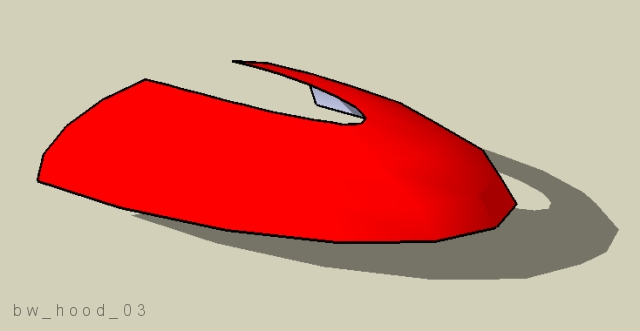
. . . here's almost an exact same wireframe model with a surface added using Concepts Unlimited . . . I have no idea how to do this with SU. :clueless:
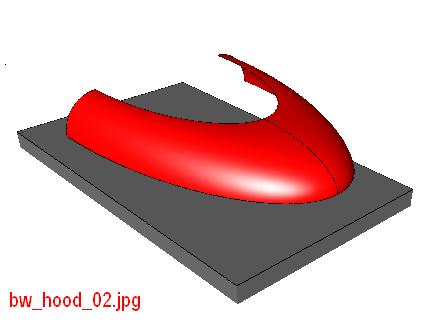
Well - here's one point where I'm "stuck". The attached file contains a wireframe for a body part - like a hood, for example. I have no clue how to turn this into a nice, good looking surface. When I use the From Contours tool the surface ends up with weird, pointed areas that I don't understand. I'm sure someone could take this handful of curves and turn it into something "beautiful" - but how?
Thanks a whole bunch,
GT
@unknownuser said:
Hey GT! Did you end up buying the book "How to Draw Cars Like a Pro"? It was a MonsterZero recommendation, so I went out and bought it!
Yes! I got it from Amazon and yes, I like the book, it's very good - inspirational.
@unknownuser said:
You can't just stop now...?
Ha! I'll post again - I just want to have something new - something fresh & different to offer. I'm a bit frustrated getting to the next level - for me, with my limited skills and "dang-near-zero" creativity, it's quite challenging getting there.
This journey began a few days ago as I started poking around the menus and there are several tools I've never used - perhaps that's obvious from my cars. I also realize - as others have mentioned - there are other s/w programs out there that are probably better suited for drawing amorphic shapes like body parts for cars. I'd still like to find out how far I can go with SU - looks like there will be lots of enjoyment as I continue.
@unknownuser said:
most important is to watch the wireframes to see how are done
for having good proportions u can use temporary the position of the weels of a desired form of car
This is great advice - thanks, I'll investigate this more and try it - I'm sure this will be useful - will help me figure this stuff out.
. . . I'm taking a hiatus from this thread. After seeing ely862me's cars & others, I realize I'm stuck and I'm not making any significant progress - I'm not getting where I eventually want to be.
Of course, I'm certainly not giving up - I'm going to figure out how to create the really cool stuff - just takes some folks longer than others, I guess.
We all need a good kick in the pants every once in a while - I got mine. Ouch!
@unknownuser said:
i don t know what to say,to me isn t so hard here is my first concept car
WOW!
Did you do both of those using only SketchUp? Do you have any suggestions - a description of your workflow, perhaps?
Amazing cars - thanks for posting.
. . . took the notebook with me & as wifey went shopping, I sat in the car and created another blah, blah, blah . . .
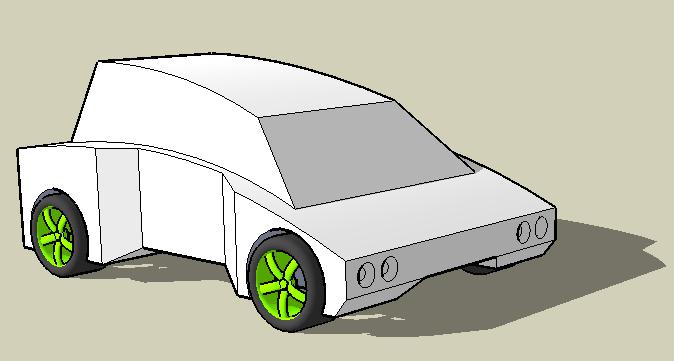
Thanks for the kind comments.
I'd really like to finish this but there are so many other things I have to do today . . . maybe I can finish it Monday - I'm off on Monday because of MLK holiday.
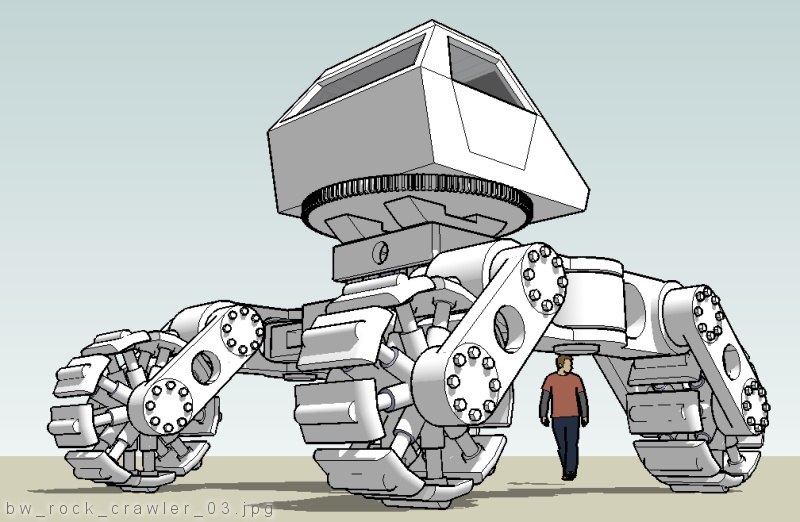
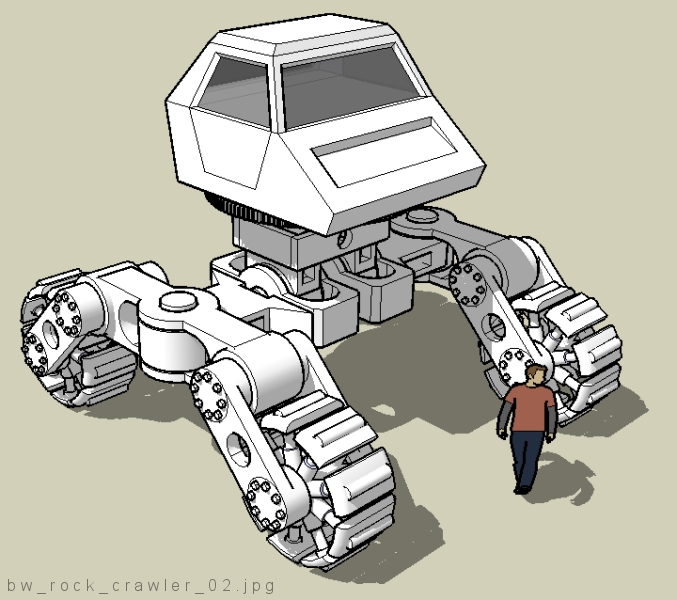
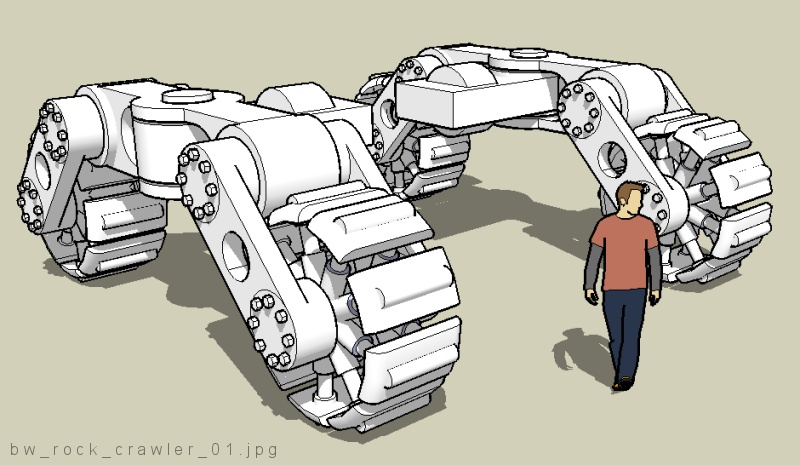
. . . what would the ultimate rock crawler look like . . . not really a car . . .