Bryan K
Horn Oxx :
Thanks guys.
garystan
Oops, your profile's looking a bit empty! To help us tailor your experience, please fill in key details like your SketchUp version, skill level, operating system, and more. Update and save your info on your profile page today!
🔌 Easy Offset | Offset selected faces in SketchUp in positive and negative offsets. Download
G
Offline
Posts
-
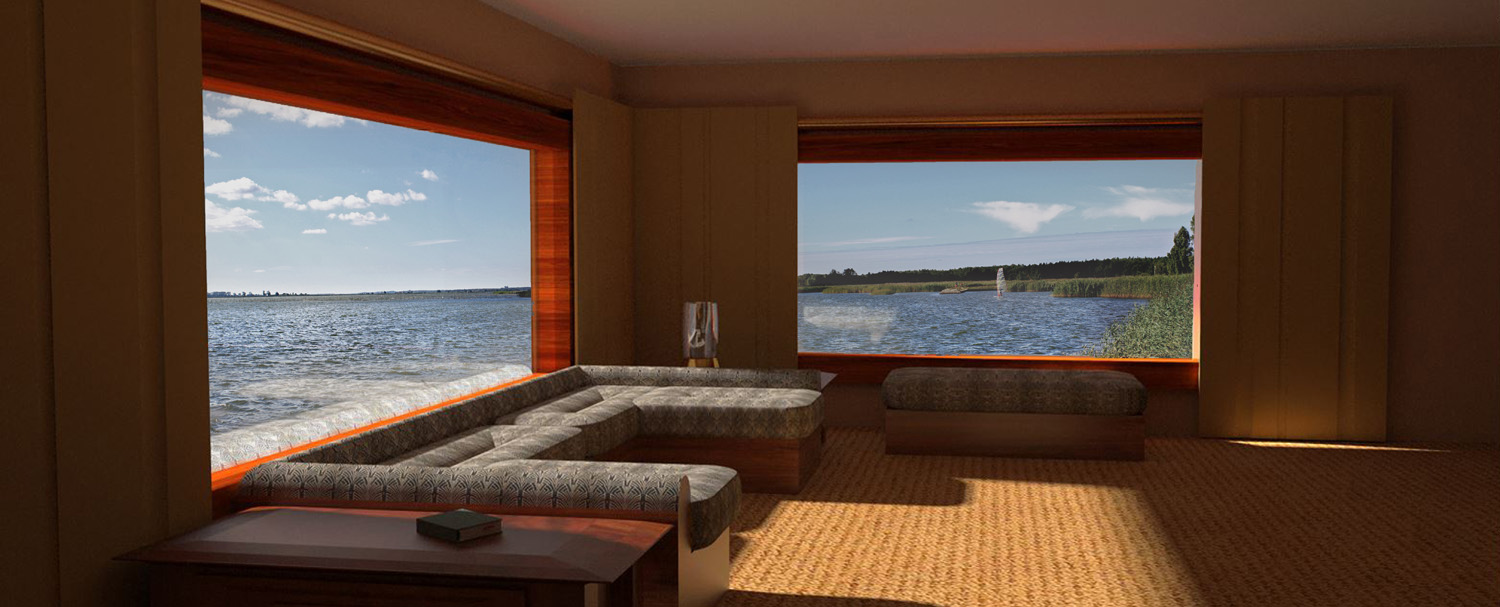
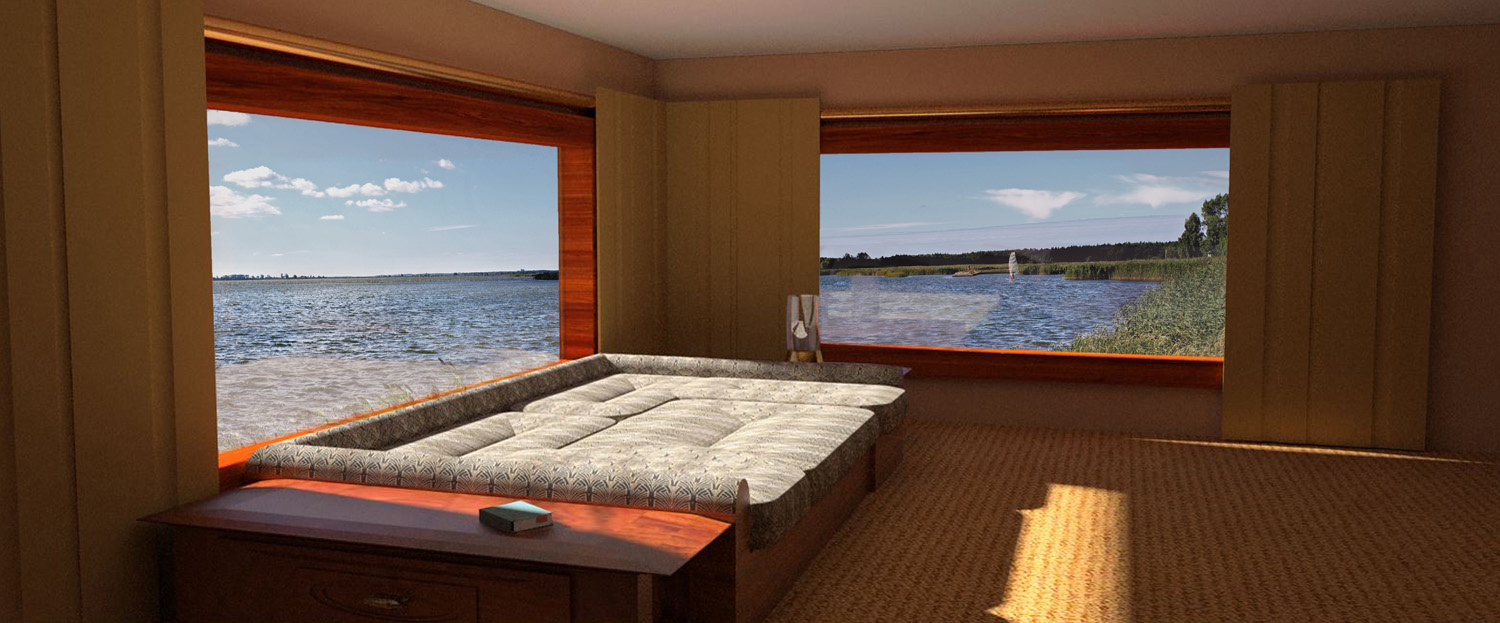
Dual Purpose Furniture
Hi everybody :
                  This shows a sofa pit transformation. Turning the sofa pit into a "sleeper"

                                             garystan
-
RE: In Honor of Father's Day
@lavanta said:
This has a very nostalgic feeling to it and I like it. Also something playful, it reminds me of a children's box somehow
 I don't know if this was intented though, it's just what came to my mind when I first looked at it. Really good job!
Lavanta :
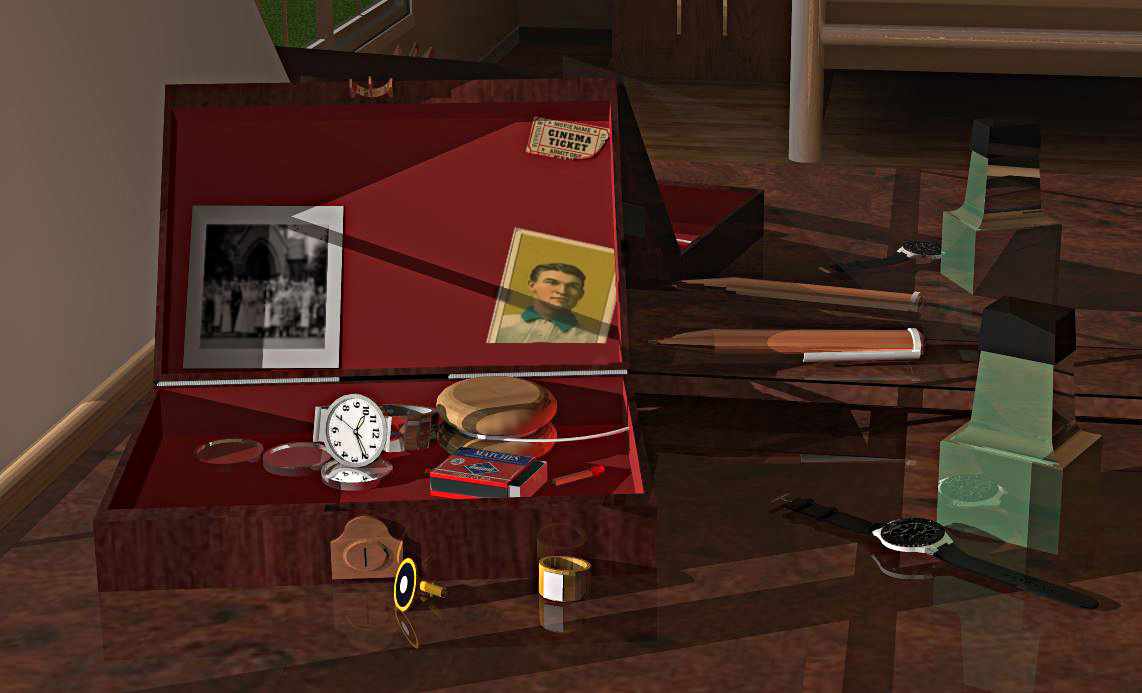
It was intended to show what was in dad's "jewelry" (for lack of a better word) box. Kind of just a rememberance of dad. garystan -
In Honor of Father's Day
Hi to the Fathers here :
             I did this a while back.  I wanted to post it now, in case I got busy on June 18th.

                                                        garystan
-
TIN Experiment
Hi Sketchucation :
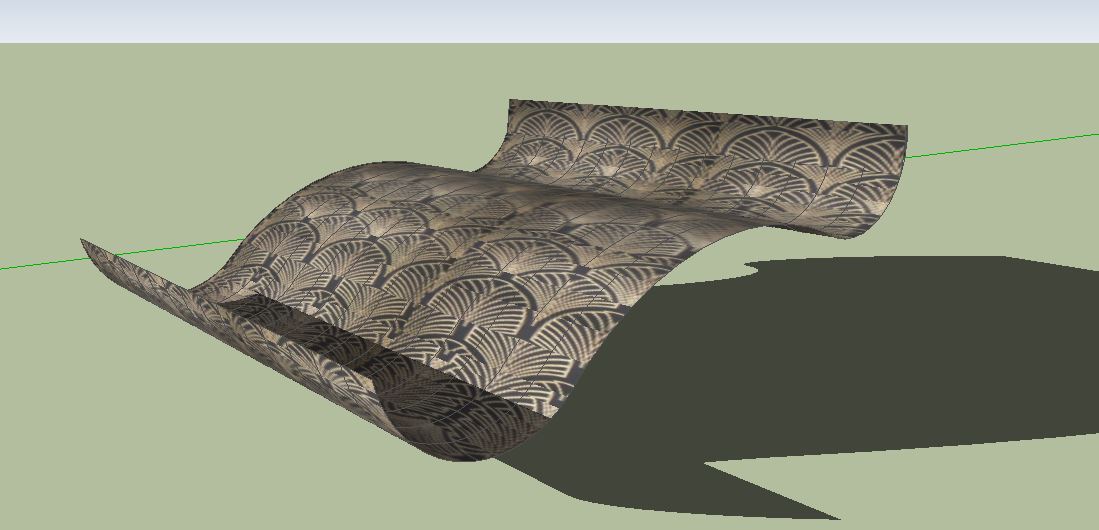
                 I'm in the process of learning HOW to create (and use ) TINs.  I just experimented with curves.  And here's what I got.  (No offense to the "learned" and experienced members. After all, this function IS for landscaping ).
                                                              garystan
-
RE: Creating TINs
@sfto1 said:
Draw a series of straight lines perpendicular to the profile you have drawn.
Then select all of the lines and from the DRAW pull down menu, select Sandbox tools, draw from contours.
You should then have a grouped TIN.UPDATE ----------
I just tried your method. Works like a charm !!! Simple as the proverbial "1 2 3 ". Much thanks garystan -
RE: Creating TINs
@pilou said:
Else another method
("Bac à Sable" = "Sand Box" )
Projections by Didier Bur
Draw a curve with an arc circle then...
[attachment=4:2keuyoli]<!-- ia4 -->tin01.jpg<!-- ia4 -->[/attachment:2keuyoli]
[attachment=3:2keuyoli]<!-- ia3 -->tin02.jpg<!-- ia3 -->[/attachment:2keuyoli]
[attachment=0:2keuyoli]<!-- ia0 -->tin03.jpg<!-- ia0 -->[/attachment:2keuyoli]
[attachment=2:2keuyoli]<!-- ia2 -->tin04.jpg<!-- ia2 -->[/attachment:2keuyoli]
[attachment=1:2keuyoli]<!-- ia1 -->tin05.jpg<!-- ia1 -->[/attachment:2keuyoli]Will this method work with Sketchup 8 ? The reason I ask is because of the "Extrude curve with Projection" step. Thanks garystan -
RE: Creating TINs
@pilou said:
Else another method
("Bac à Sable" = "Sand Box" )
Projections by Didier Bur
Draw a curve with an arc circle then...
[attachment=4:3gz1c2i8]<!-- ia4 -->tin01.jpg<!-- ia4 -->[/attachment:3gz1c2i8]
[attachment=3:3gz1c2i8]<!-- ia3 -->tin02.jpg<!-- ia3 -->[/attachment:3gz1c2i8]
[attachment=0:3gz1c2i8]<!-- ia0 -->tin03.jpg<!-- ia0 -->[/attachment:3gz1c2i8]
[attachment=2:3gz1c2i8]<!-- ia2 -->tin04.jpg<!-- ia2 -->[/attachment:3gz1c2i8]
[attachment=1:3gz1c2i8]<!-- ia1 -->tin05.jpg<!-- ia1 -->[/attachment:3gz1c2i8]Hmmmmmm........I'm gonna try that. Thanks
garystan -
RE: Creating TINs
@sfto1 said:
Draw a series of straight lines perpendicular to the profile you have drawn.
Then select all of the lines and from the DRAW pull down menu, select Sandbox tools, draw from contours.
You should then have a grouped TIN.Thanks. That sounds simple enough.
garystan -
Creating TINs
Hi everybody :
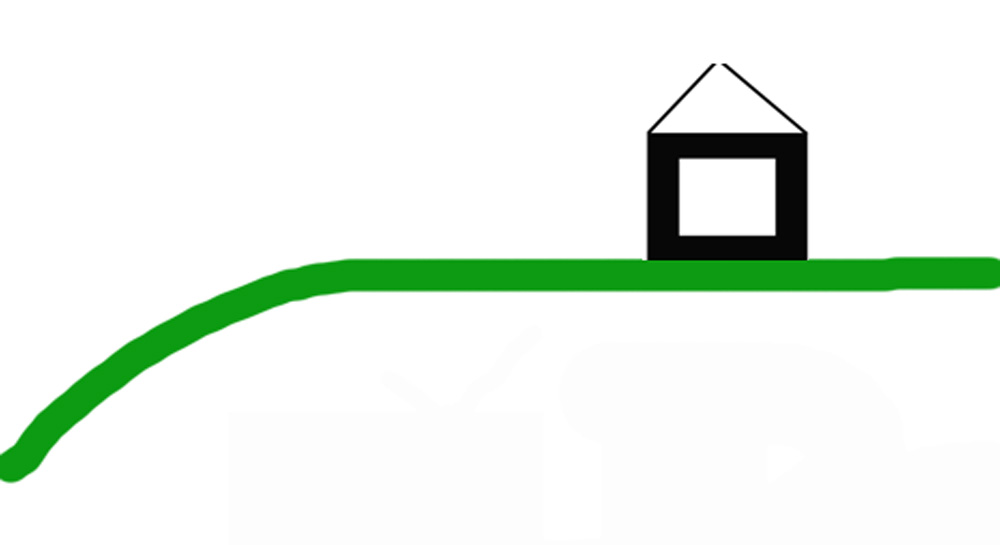
           I have a question about creating terrain...specifically TINs.  I want to (start) create an area for a lawn.  I need to add it to my projects. Showing a lawn in front my model. (SEE ATTACHMENT).  Can I create a terrain, make it a component to be saved for future use ?  Excuse the crudeness of the picture.  The green line is the lawn.
                                 garystan
-
RE: Component Problem
@tuna1957 said:
garystan, huge bounding boxes are usually caused by stray hidden geometry floating out in space. You got it out of the component box but it might still be floating out there somewhere. Turn on hidden geometry, do a select all, unselect your phone component and hit delete. Should get rid of anything floating about. Don't know why your component name messed up, just do a save as and rename it.
Thanks........garystan -
RE: Component Problem
Component Problem Pt. 2
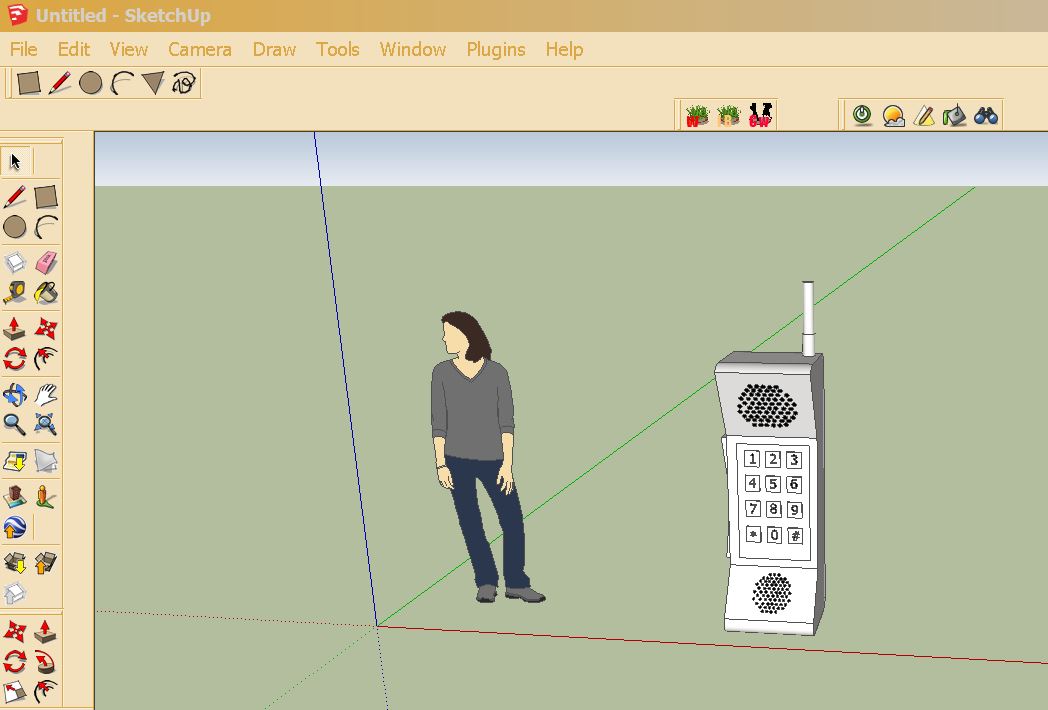
            I tried using the EXPLODE function.  I guess it worked.....not sure.  Anyway, I managed to get rid of that HUGE blue component box.  And I saved it to another file name. I checked to see if the change did take place.  It did, but....when I open it using the IMPORT command,  I opens up with no problem (without that huge component box), but, at the top of the Scketchup screen, it's listed as "untitled". ????????????????????????

                                                            garystan
-
Component Problem
Hi everybody :
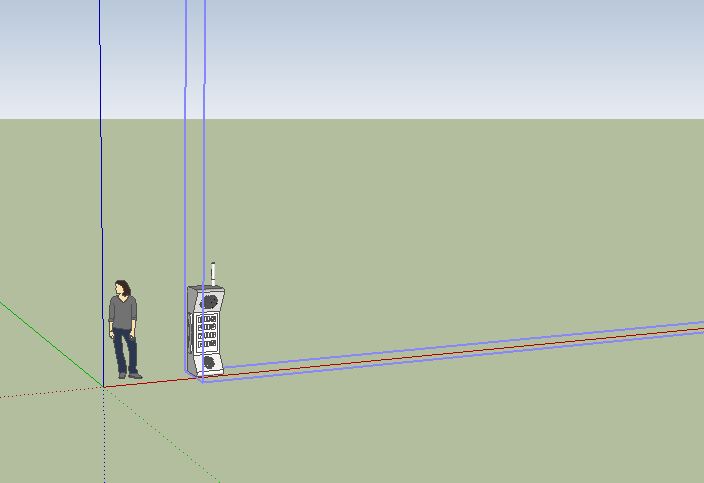
                 I was reviewing one of my "older" objects....for another project.  And I noticed a problem.   I DID make this a component, but when I click on it, I get this over-sized blue box.   I'm not sure how to correct this.   It DOES look a little big, but I will scale it the "person" component.
                                                 thanks
                                                  garystan
-
Technical Question
Hi everybody :
I've got a technical question about using Sketchup. This question also involves Window OS. I'm using Sketchup 8, after clicking on Properties for an object that I just created, I clicked on the Security Tab. Under this tab, I noticed it listed (first)GROUP or USER NAMES. Under that it lists my name as ADMINISTRATOR. Under that it lists the PERMISSIOINS FOR PILLOW BODY CURVE(the object that I just created). Below that....Administrator\my name\Administrators. In this box everything is checked but greyed out. Under USERS\my name\\USERS everything is checked but NOT greyed out. Under AUTHENTICATED USERS everything is checked but NOT greyed out. I'm not sure if you'd be able to answer this. I don't understand why....as being Administrator (and sole owner) why the functions (Able to write to disk, make any changes, etc....) are greyed out....even though everything is checked. I'm not having any "technical difficulties", just as to why the permissions are listed this way. If you need screen shots, I'll try to get them for you., Thanks garystan -
RE: Afternoon Reading Room
@hornoxx said:
:thumb: Great

An enviable location !!! - I would turn the sofa just to look out of the windows
A great room so - also without reading
HornOxx : Thanks. garystan -
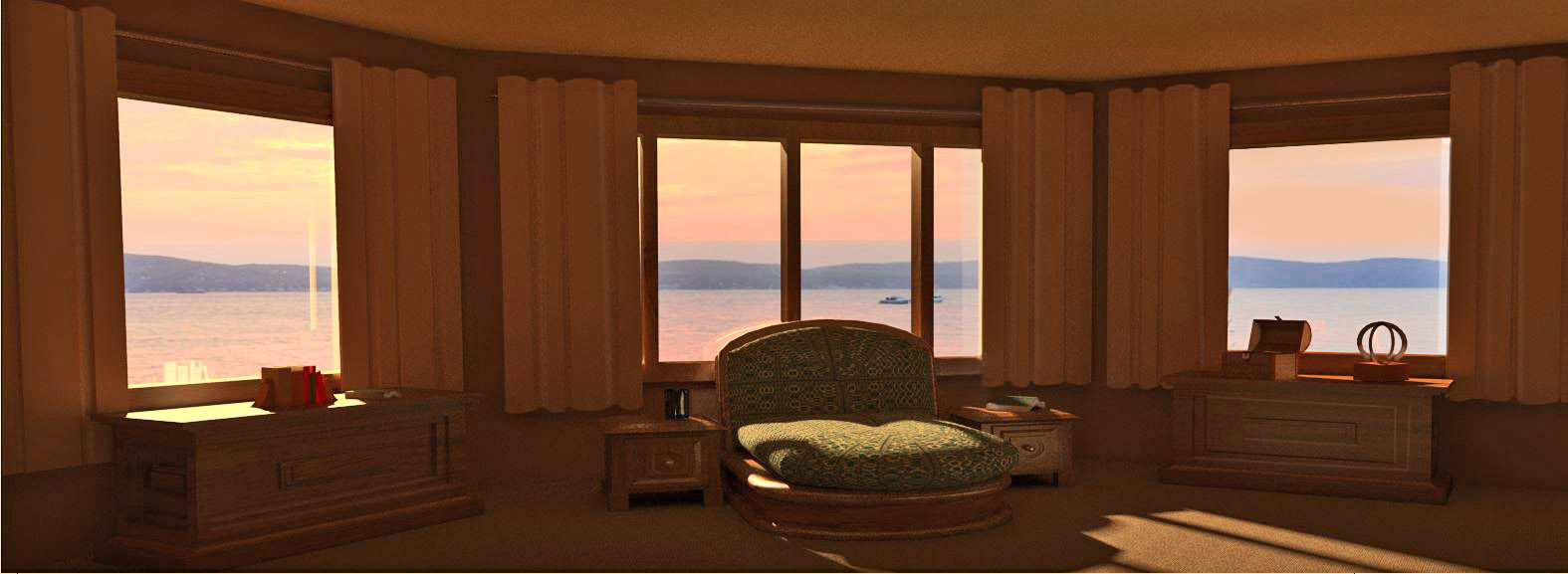
Modular Couch
Hi everybody :
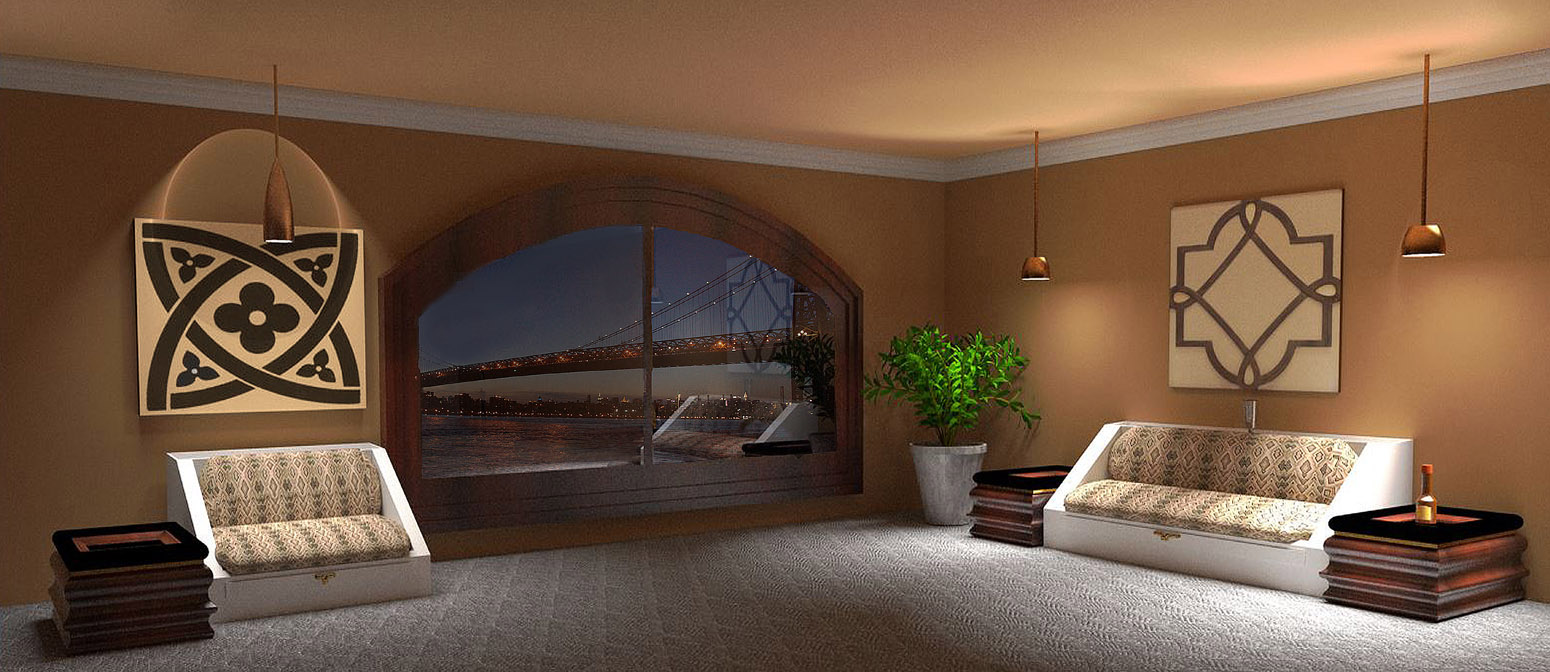
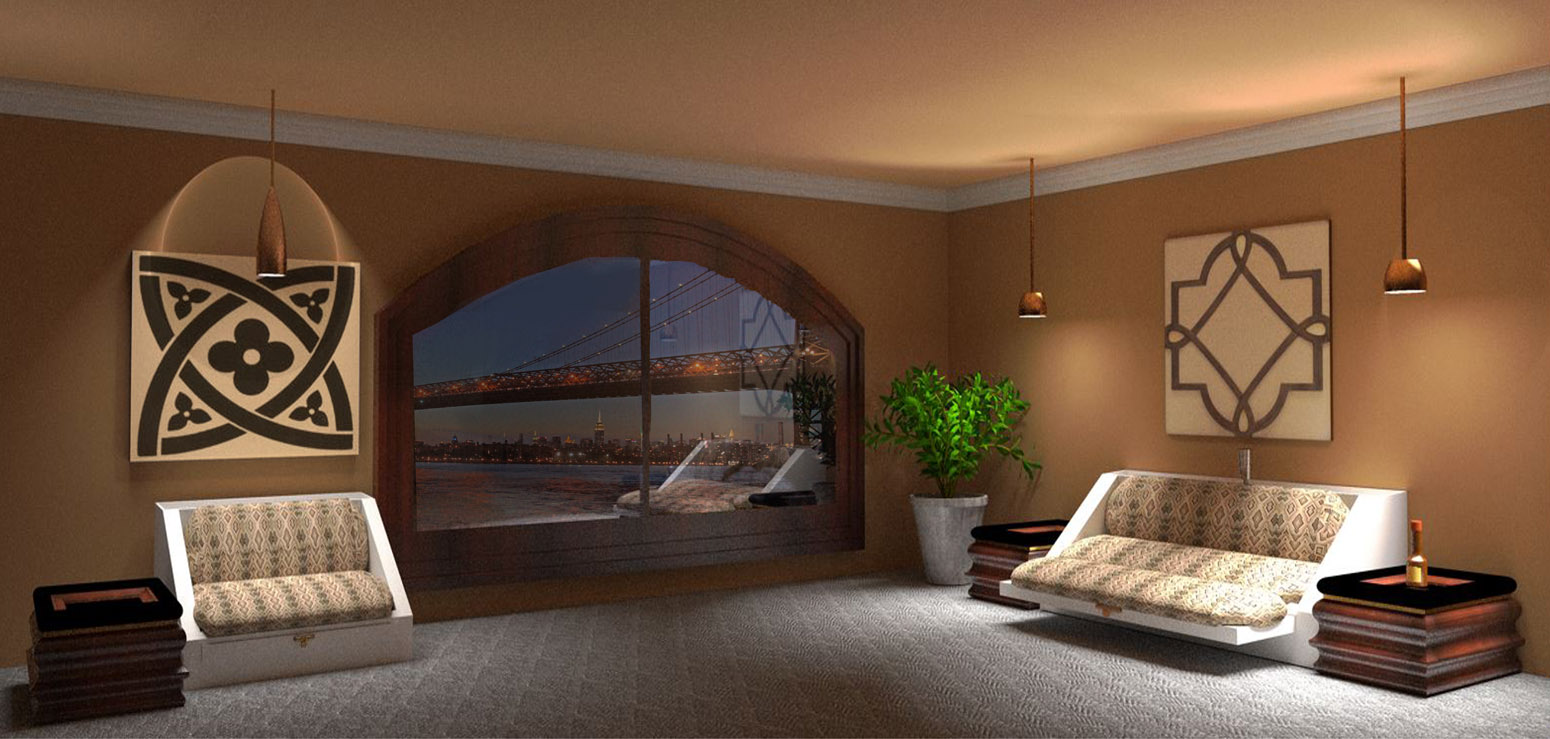
             I had a problem with this one.  The problem was trying to get the proper balance between the room reflection and the background.

                                                       garystan
-
RE: City LIghts
@pbacot said:
Looks good.
How is this image produced. Foreground model, is all the light from the background image? is the water modeled for the reflections?
I use Twilight Render (engine). This software has the option of including a background image. Once in a while I can't get the background just right. It's either too high or too low. In that case I'll add the background with Photoshop. The background is a .jpeg file. As the for light, I added a light (as part of the model) in the foreground. it's an exterior wall-mounted light I created with Sketchup. The light is edited with Twilight Render. **NOTE** : The foreground lights are "behind" the camera. garystan -
RE: City LIghts
@bryan k said:
Very nice!
You just need some drinks on the table and I'm there!
   There is ONE requirement..........you have to bring your girlfriend. That
   way, you someone to share the view with.

                                                 garystan