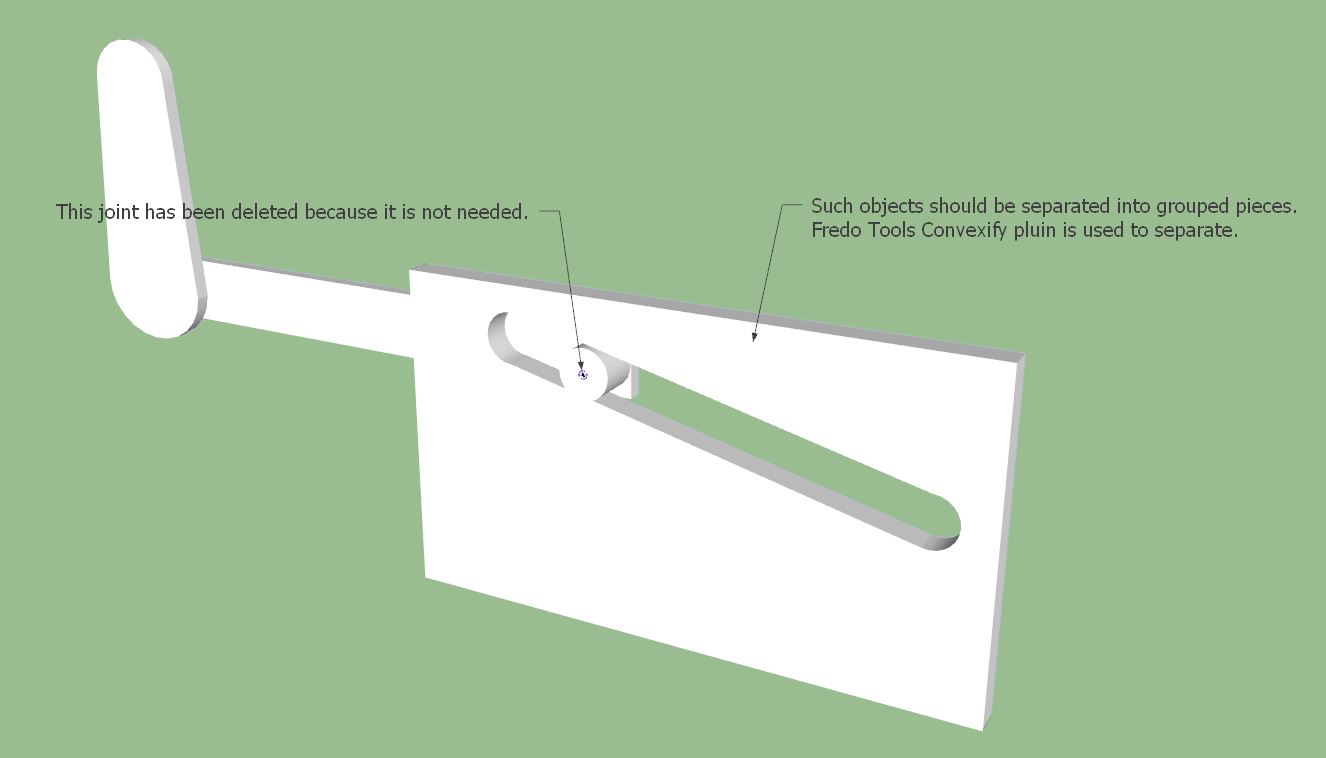
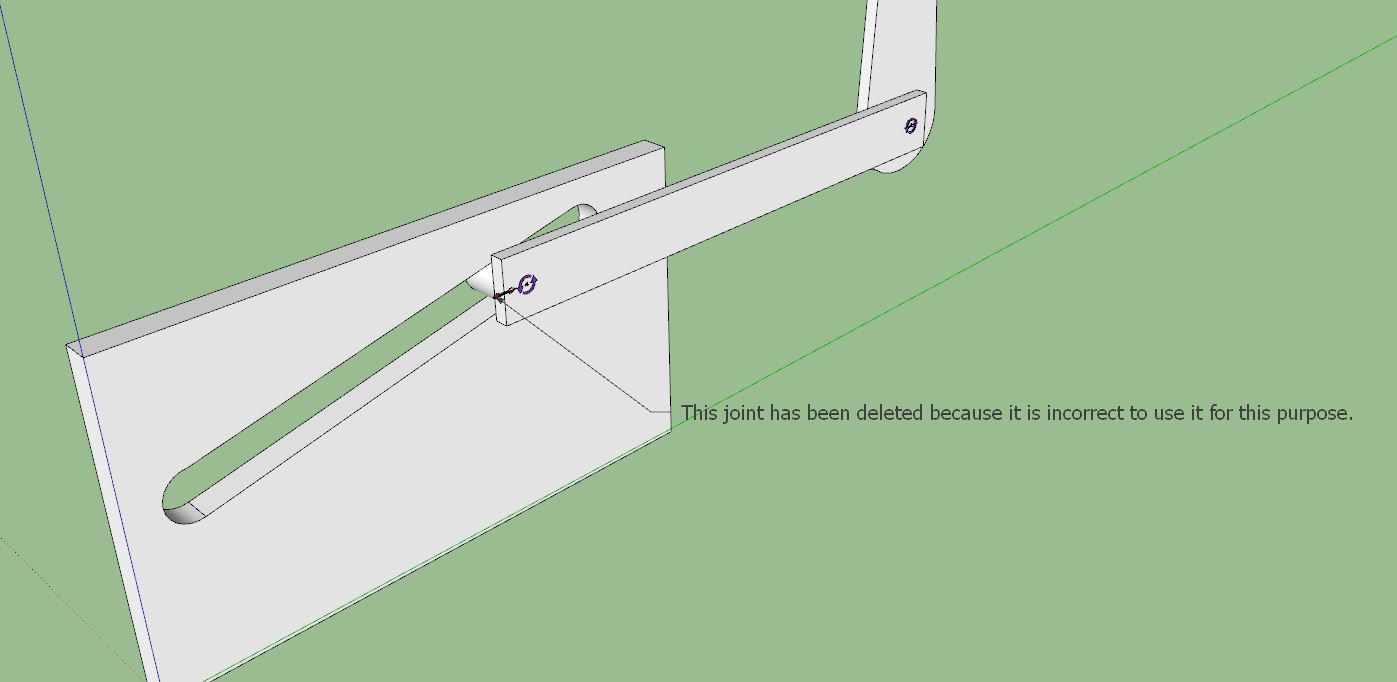
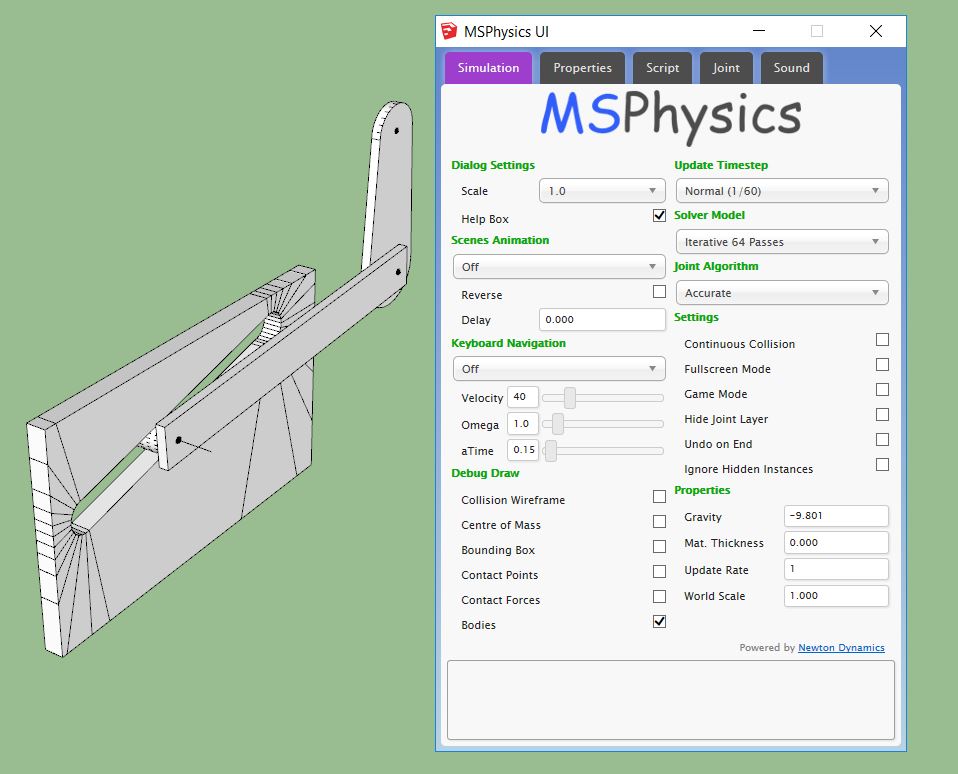
If you move the model to the center of the axle, the hole is drilled. Interesting. Is this a bug?
Click on the image for animation.
 Offline
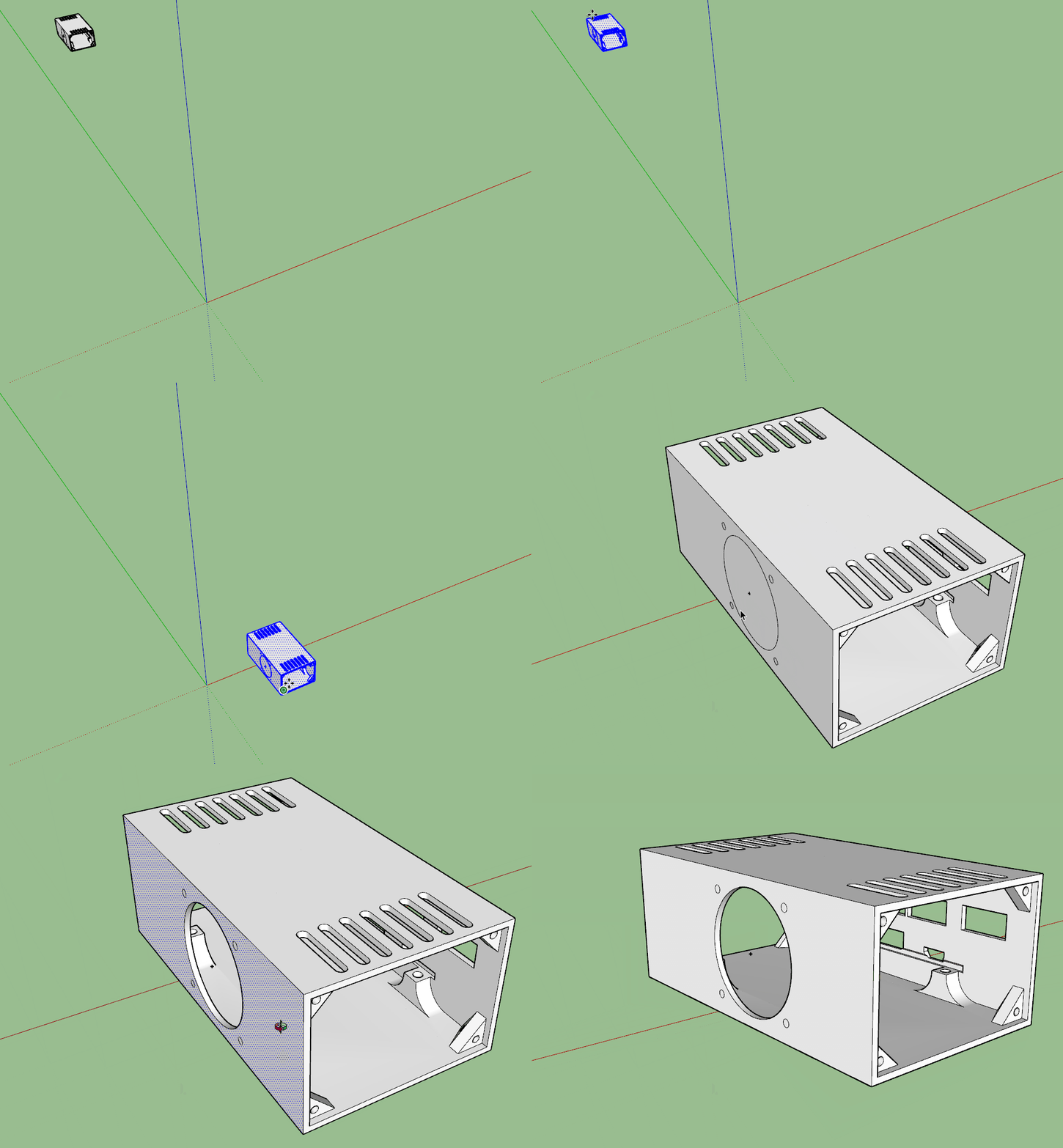
If you move the model to the center of the axle, the hole is drilled. Interesting. Is this a bug?
Click on the image for animation.
This can be plugin.
https://sketchucation.com/pluginstore?pln=BezierSpline
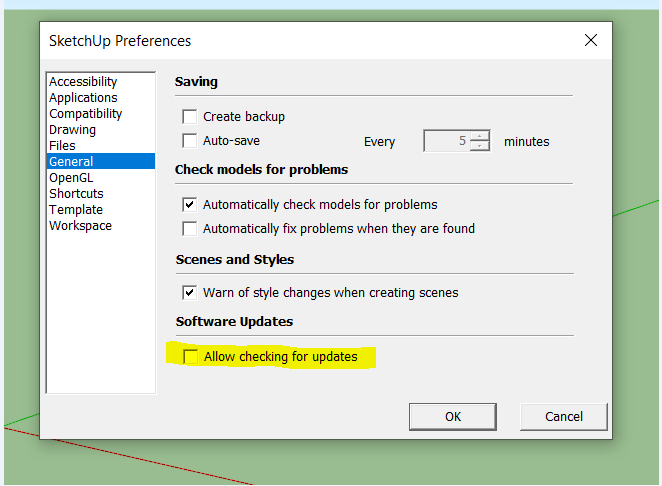
Untick "Allow checking for updates"
If you share the .skp file, we may have better information about the problem you are talking about and we can help you.
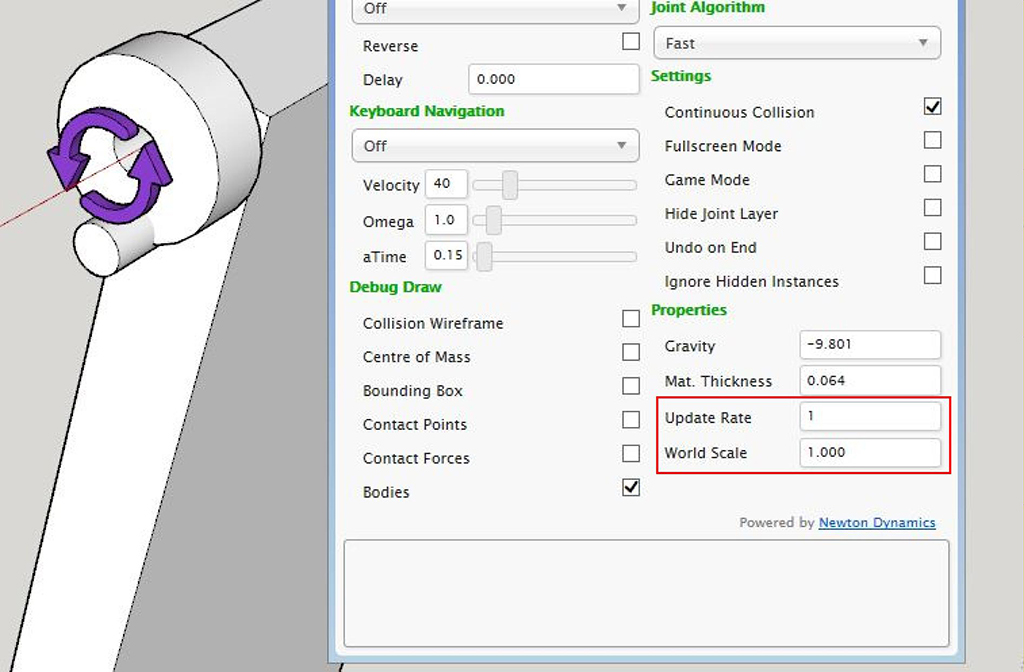
Make "World Scale" 40. Try again. Click on the image for animation.
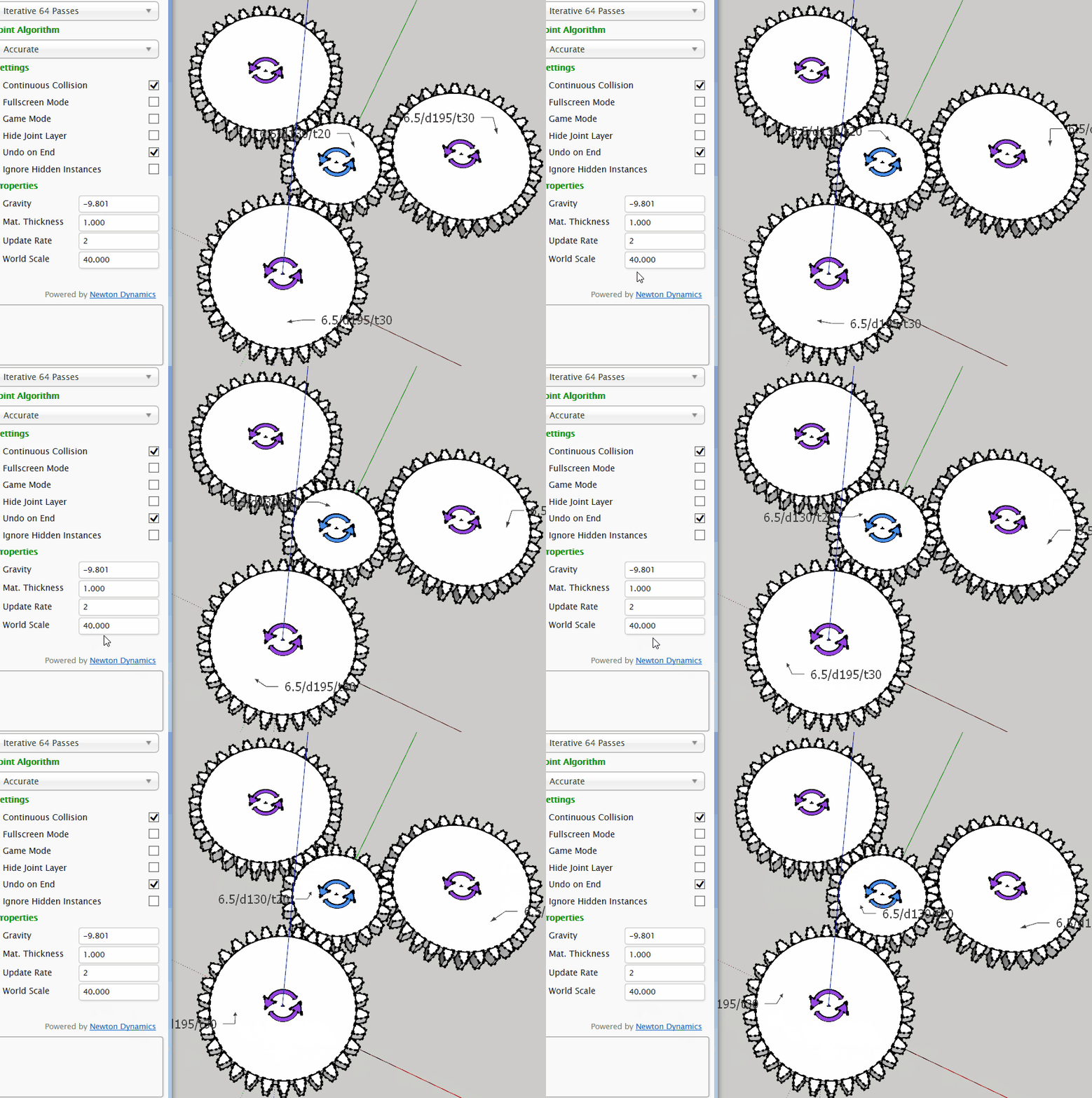
Make "World Scale" 40. Try again.
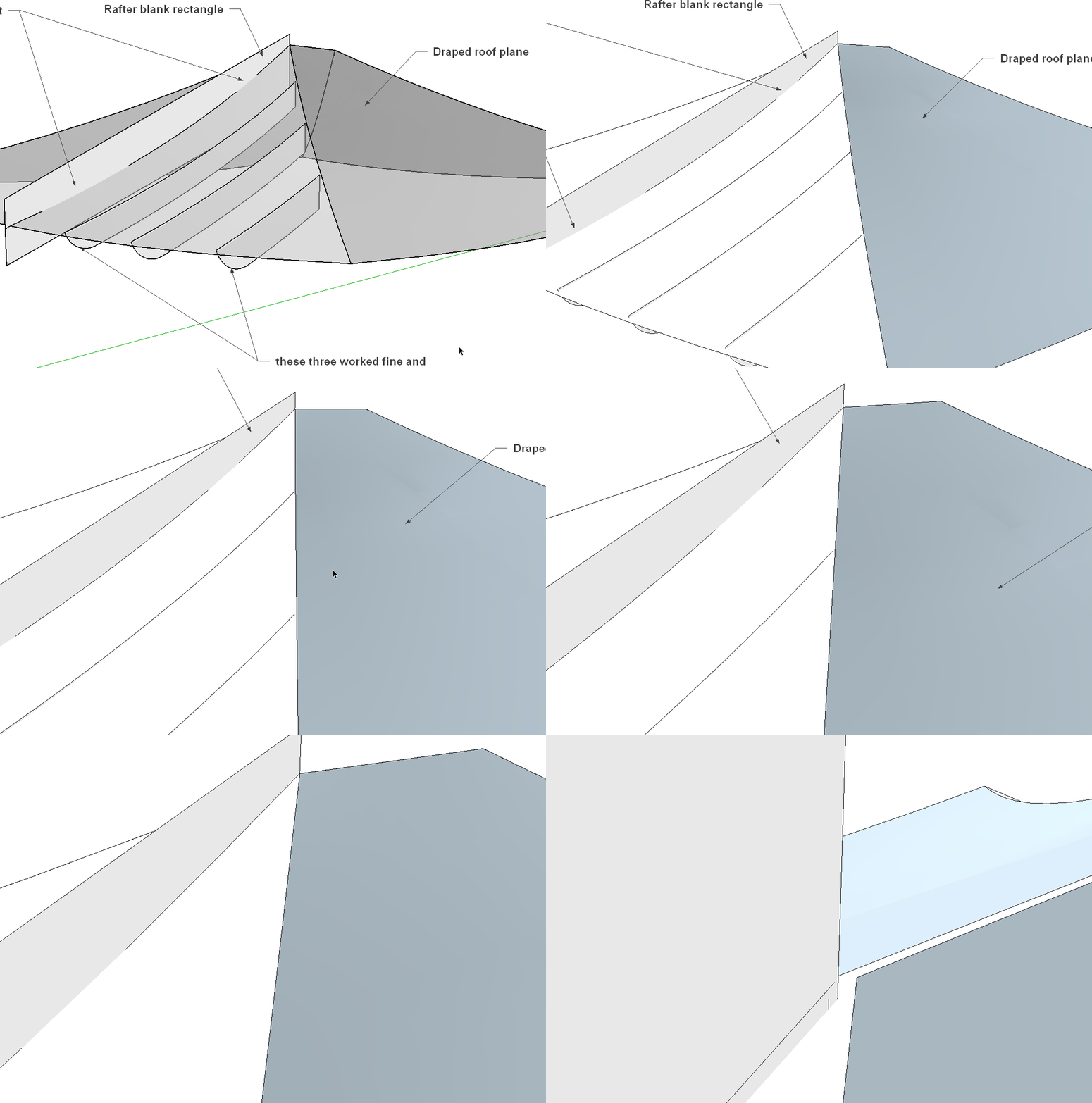
If I understand correctly. If the bottom surface is flat, the Projection plugin. If not, you can use the Sandbox Drape.
Projection plugin: https://extensions.sketchup.com/en/content/projections-and-guide-tools
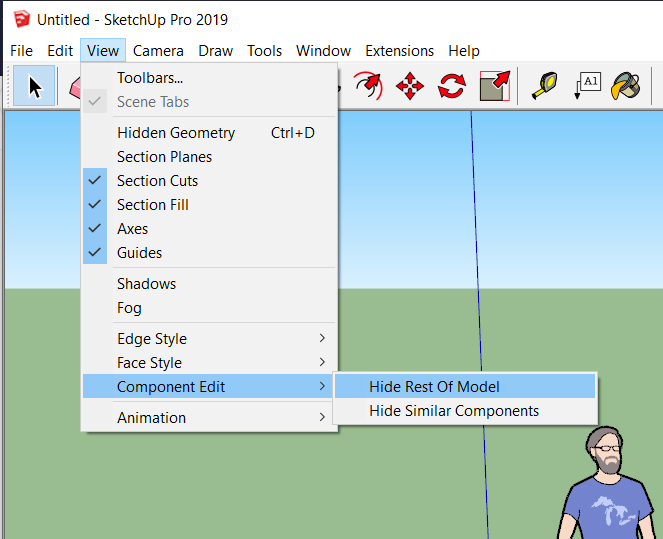
If I understand correctly, you're talking about this option.
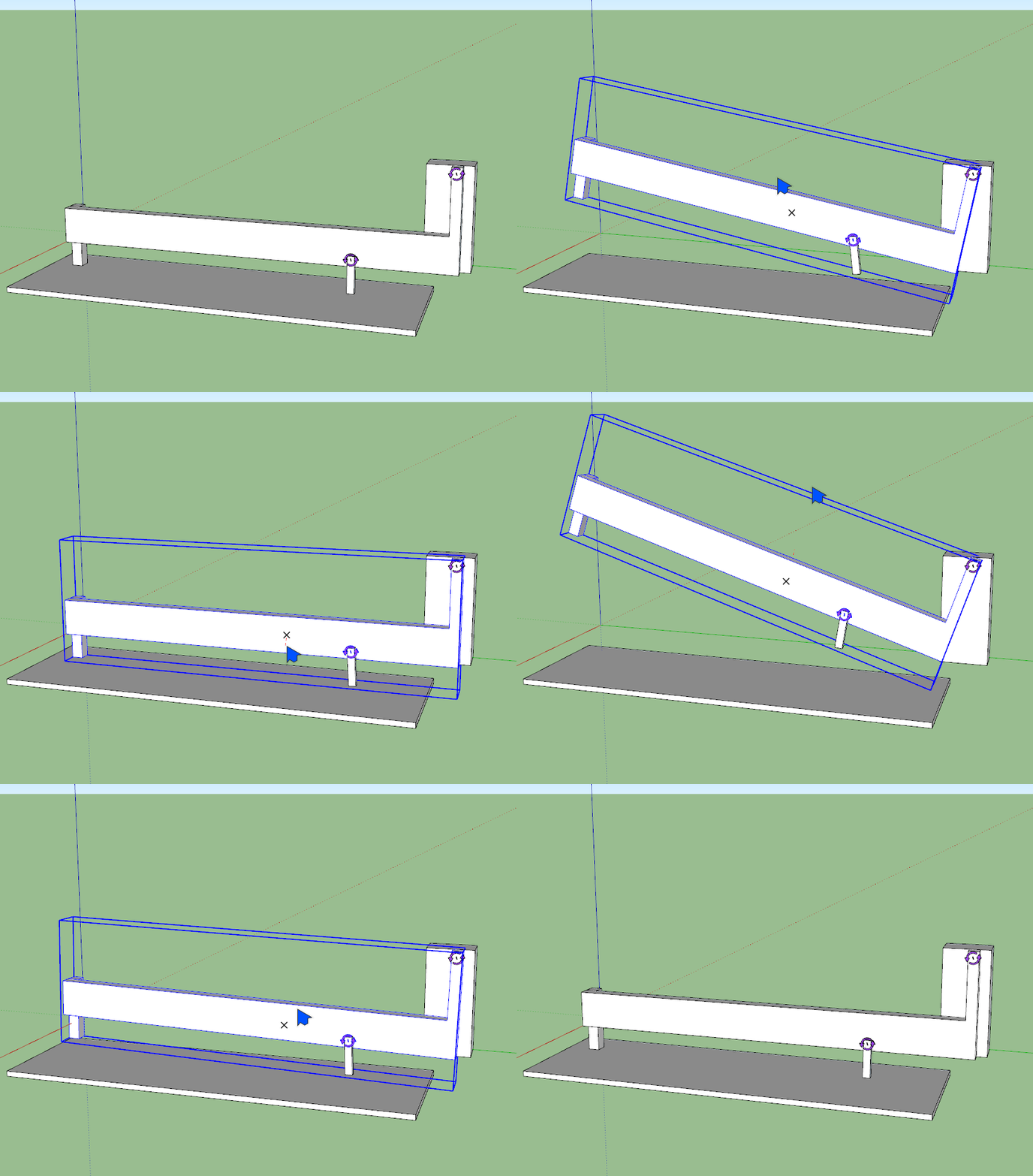
Do you want to do something like this?
Click on the image for animation.
If you upload the skp file, we can help you better.
You need to be careful when drawing. I don't know another solution.
There are differences in the coordinates of rectangular light corners.
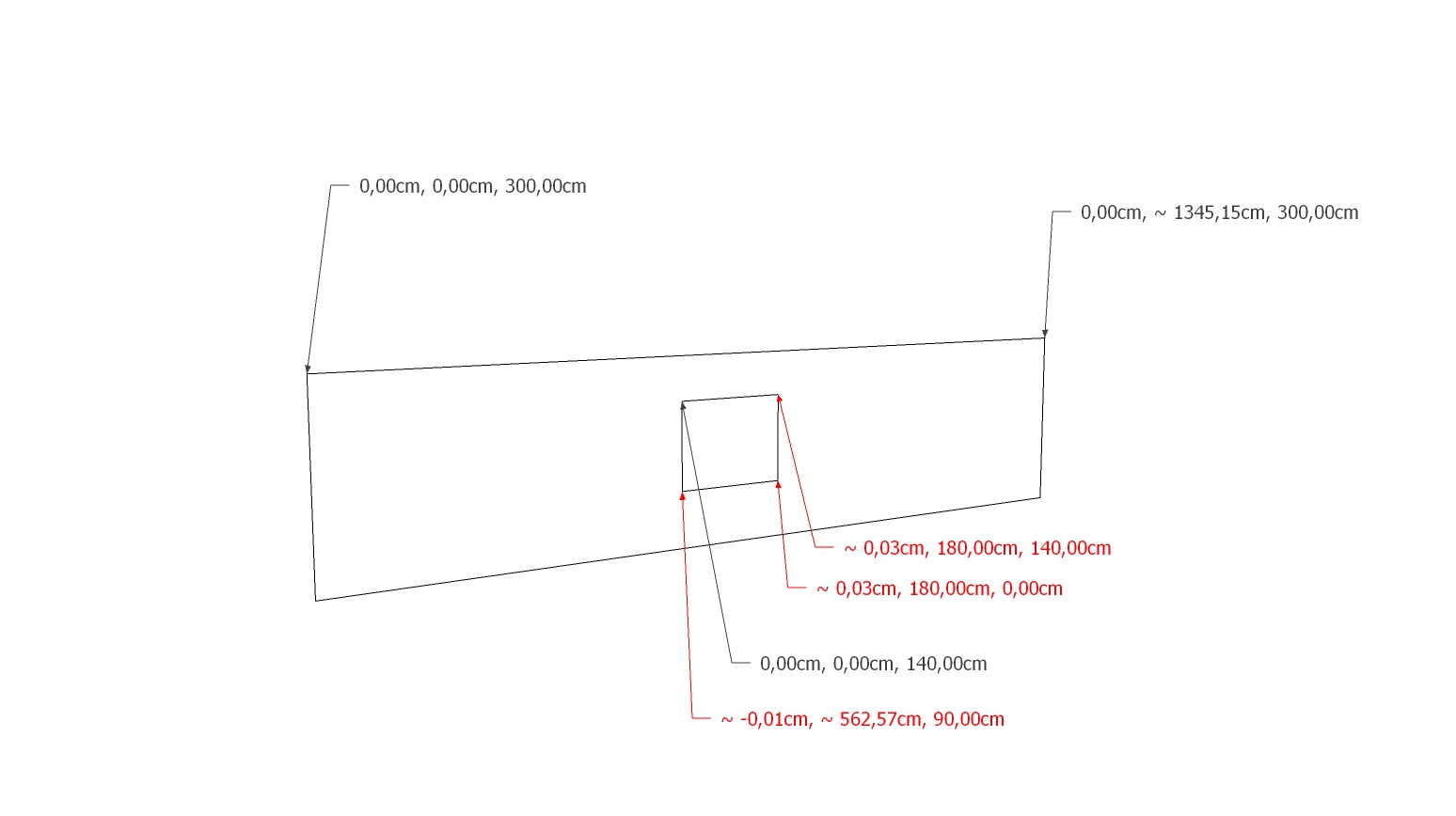
The rectangular light and the wall are not in the same plane. With the drawing again, the problem improved.
If you ask here, you can get better answers.
https://sketchucation.com/forums/viewtopic.php?f=323&t=64521
Did you import this object from another program?
The model is designed to move in this way. Which wheels are the front wheels?
Click on the image to animate.
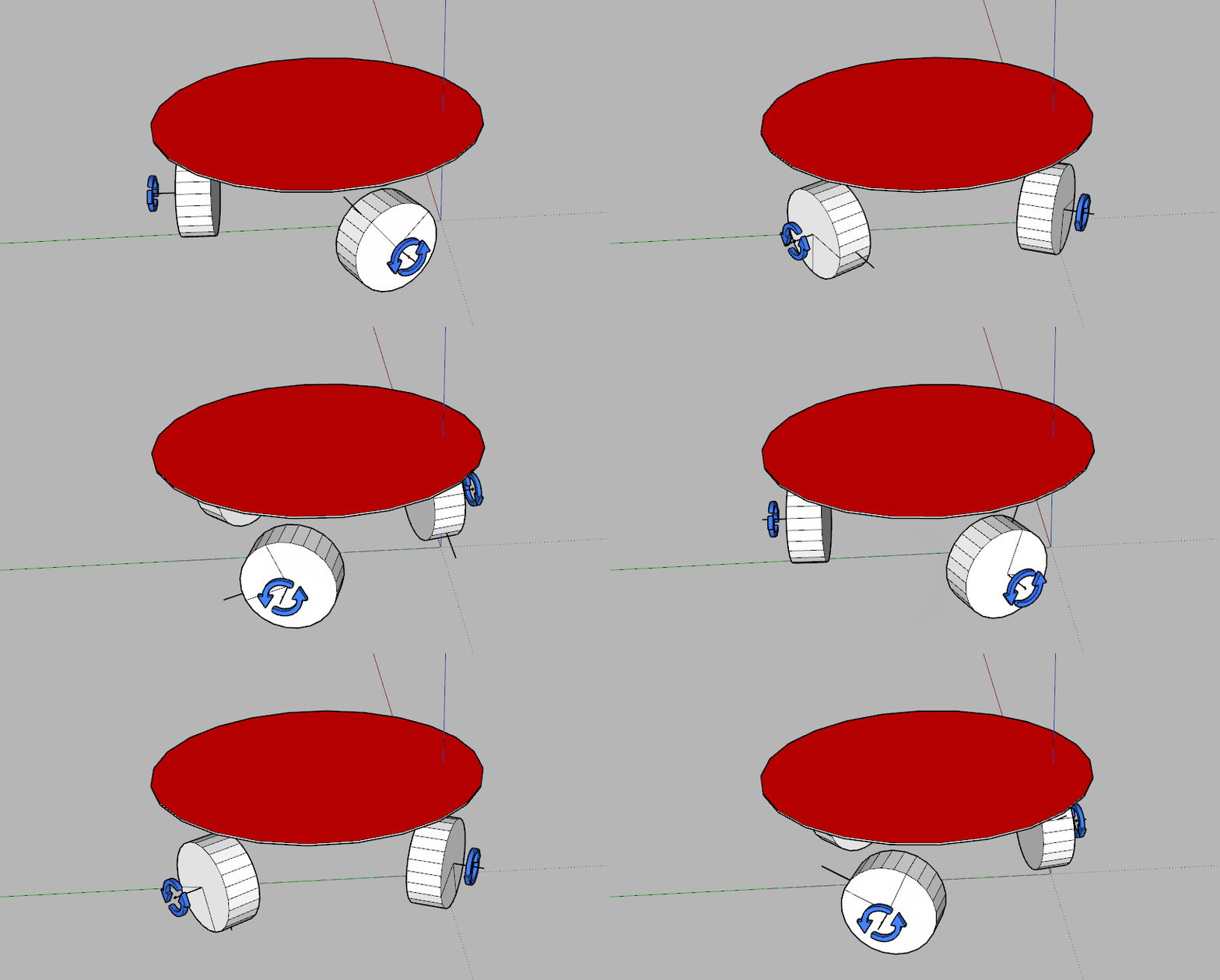
I made some adjustments.
For better solutions you should ask here "https://sketchucation.com/forums/viewtopic.php?f=323&t=64521"
There are many errors in the drawing.
For example.
Click on image for animation.