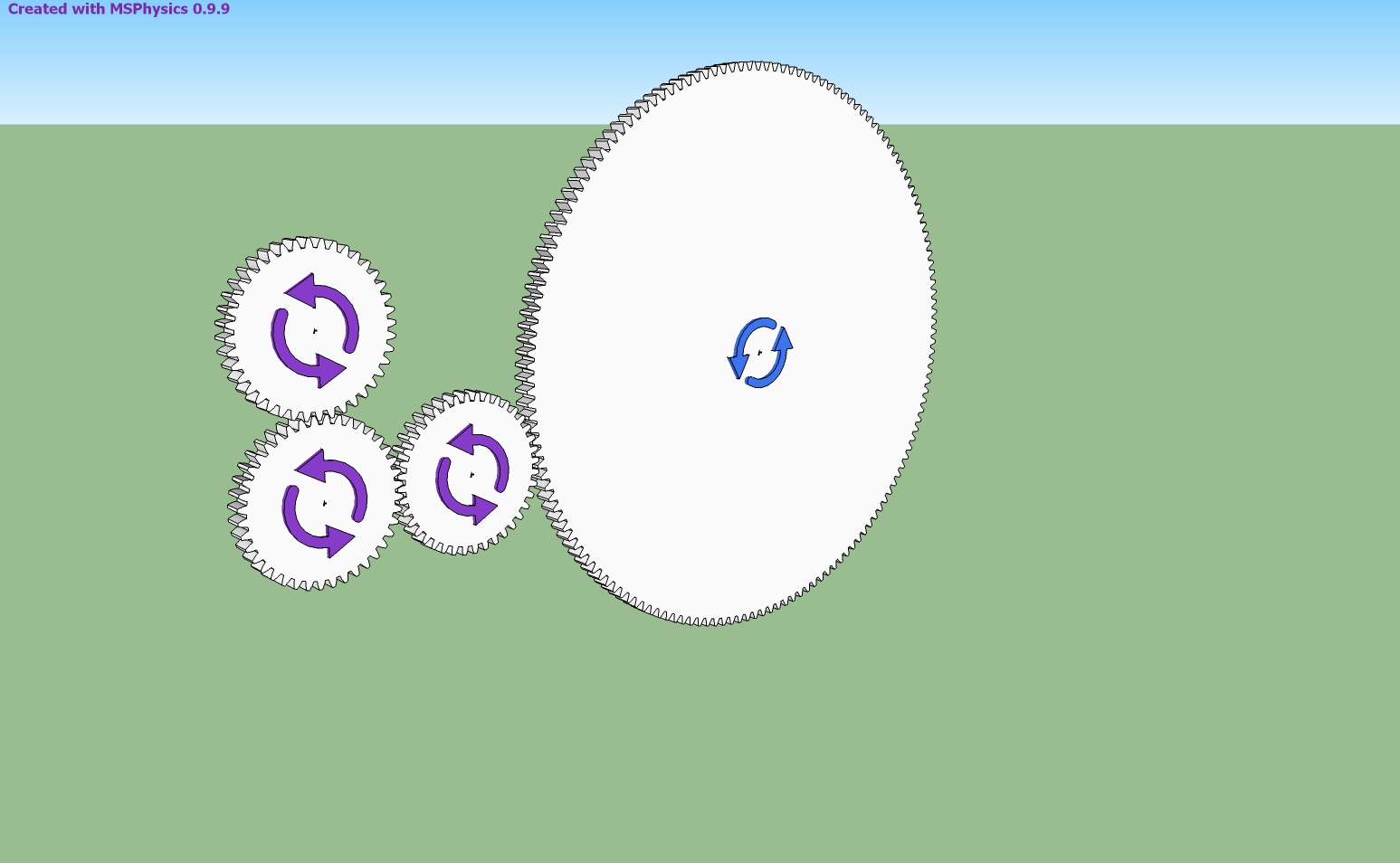
In SketchUp this is how it looks.
 Offline
Hi, Anton,
I made this file by taking advantage of the Planned Steps.skp file you have prepared. I want the movement to begin when the space key is pressed and continue and stop until the space key is pressed again.
Is it possible to do servo controls via the msphysics API without writing a script?
Collision problem.
When the first part is moved, it enters into the second part and the third part escapes from the center. How is this prevented?
To see the animation, clik on the picture please.
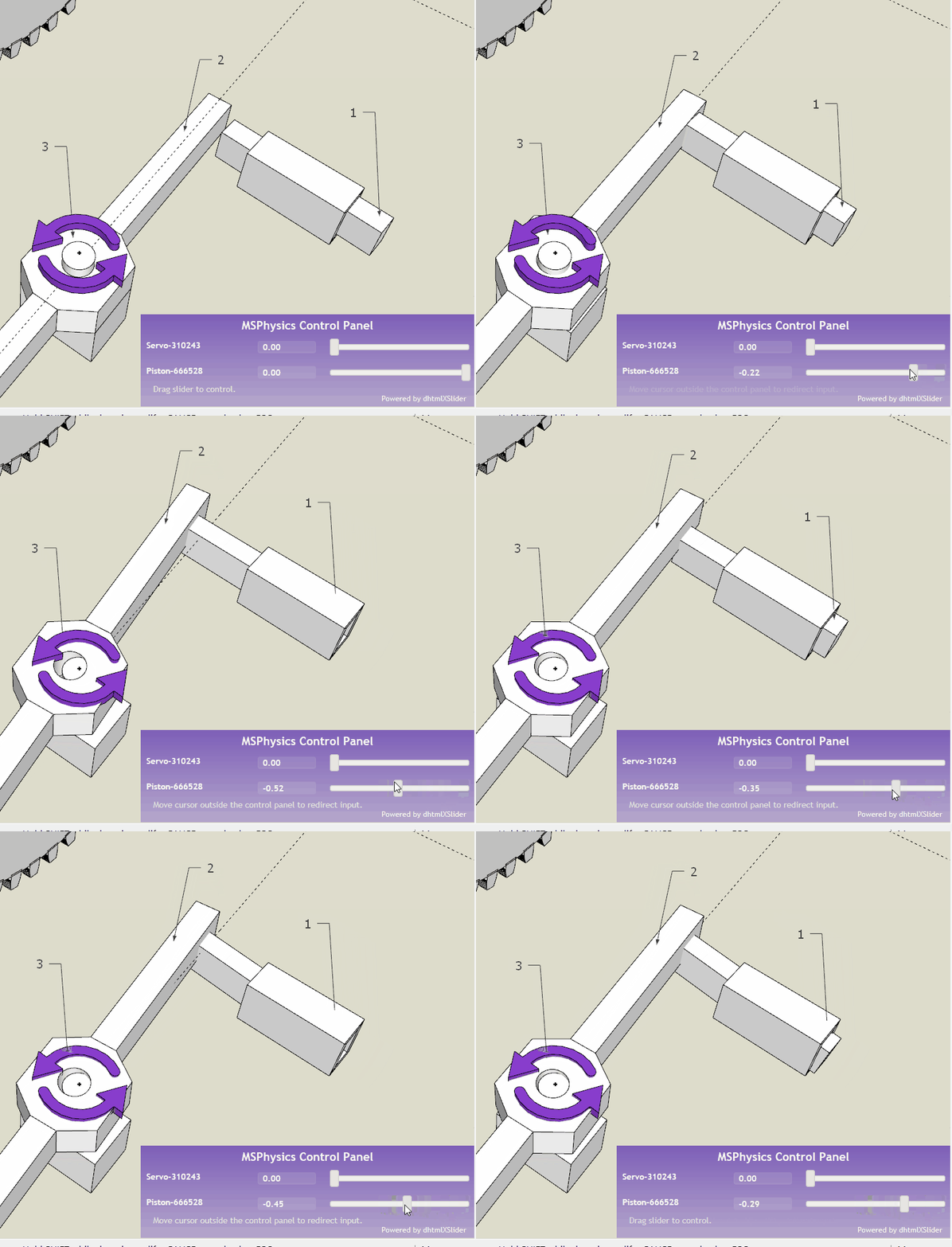
Hi, Anton,
First of all thank you very much.
I do not want to bother you with such simple questions. But I have not found a tutorial that will answer my questions. If I'm not wrong, you're preparing a tutorial, are not you?
Now, how can I bring the green piston into its original position with a spring after it is pulled out?
Thank you.
Hi, Anton.
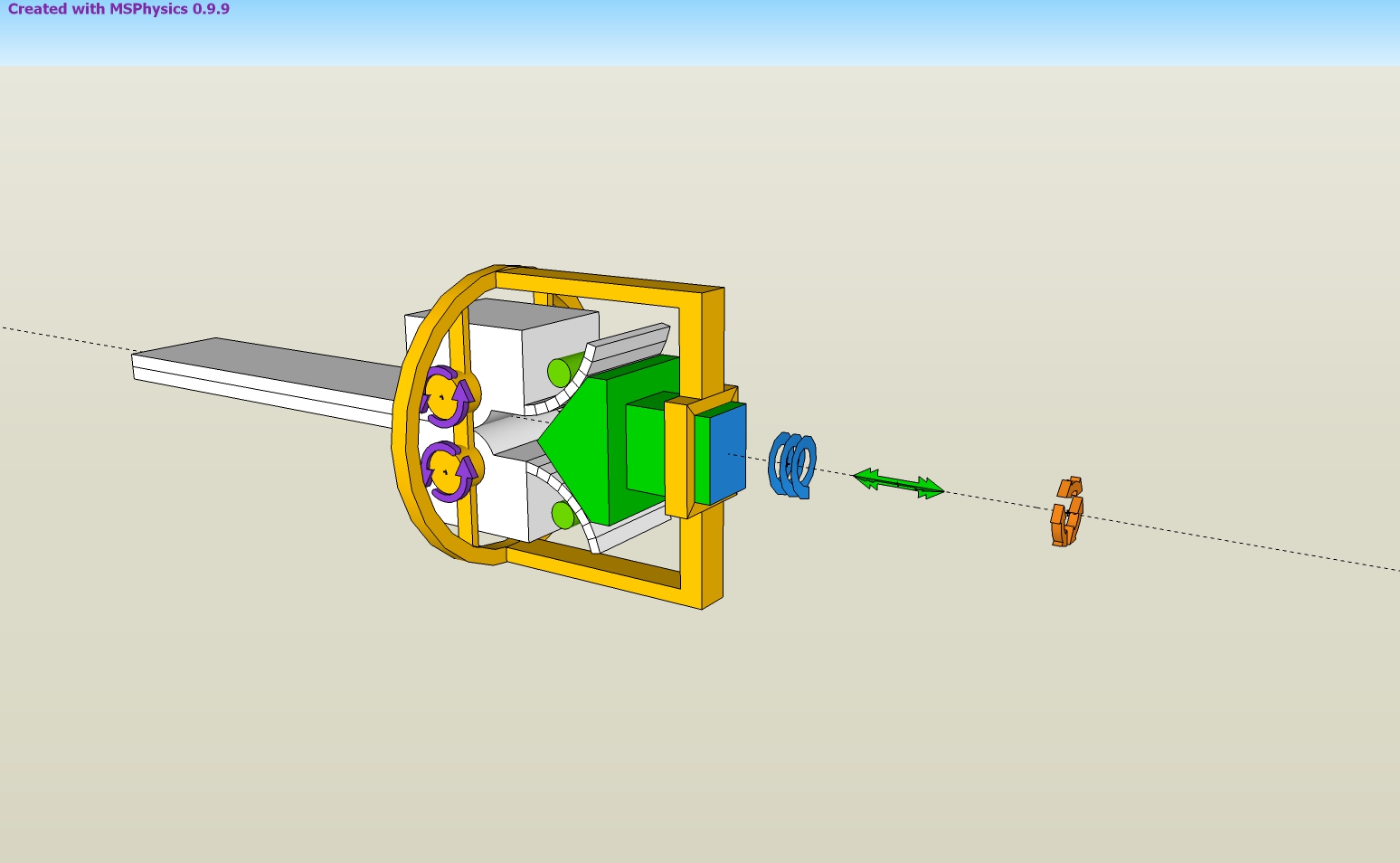
I work on a machine design. As you can see in the attached file, I want to move the pieces. I used the piston and servo. The piston works the way I want it. But I have not been able to rotate all the parts together with the servo. I need your help and your suggestions. Thank you.
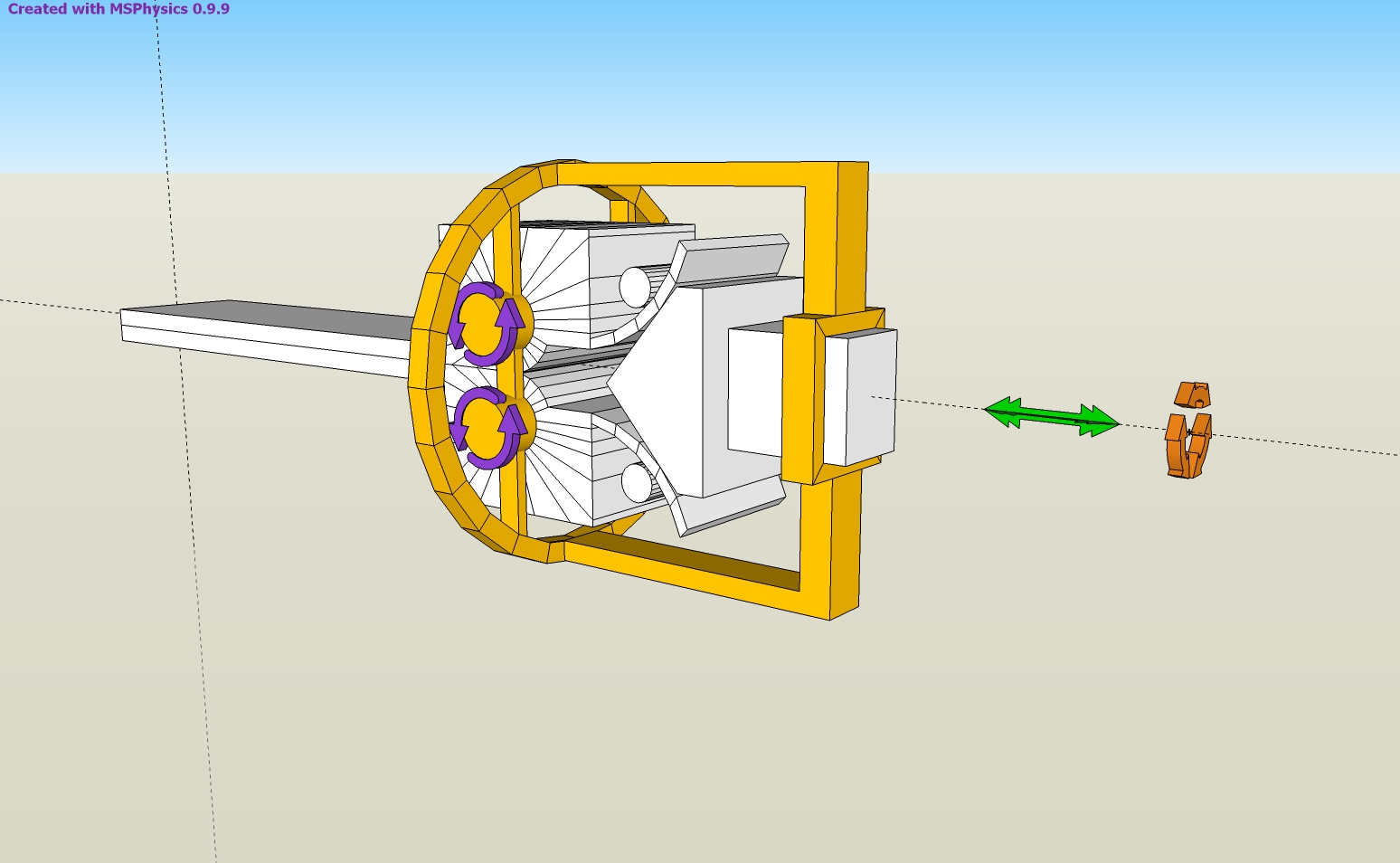
Hi, Anton,
I am thankful to you. Thank you so much.
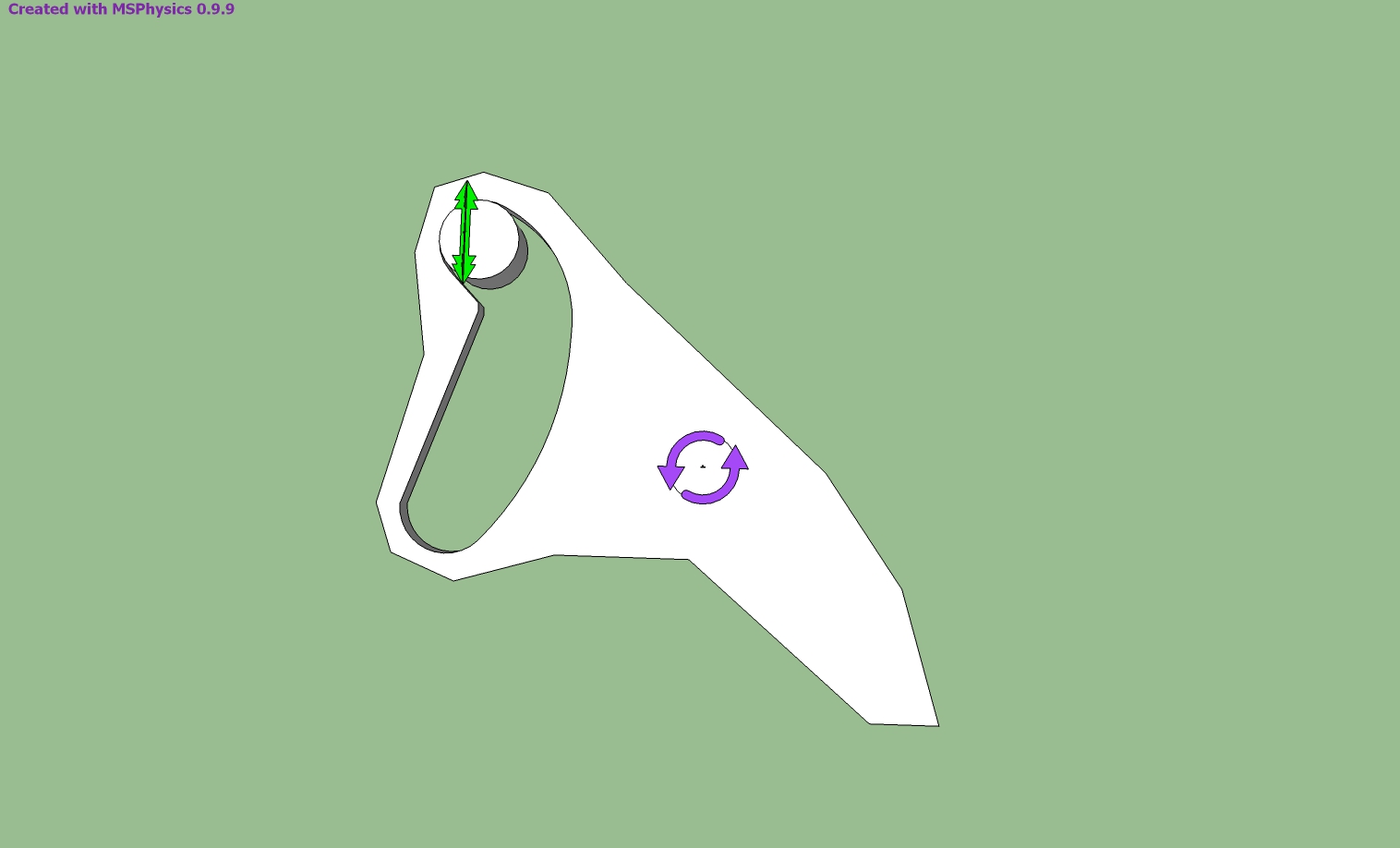
Thank you for your reply. The cylindrical piece moves up when I press play, what could be the reason?
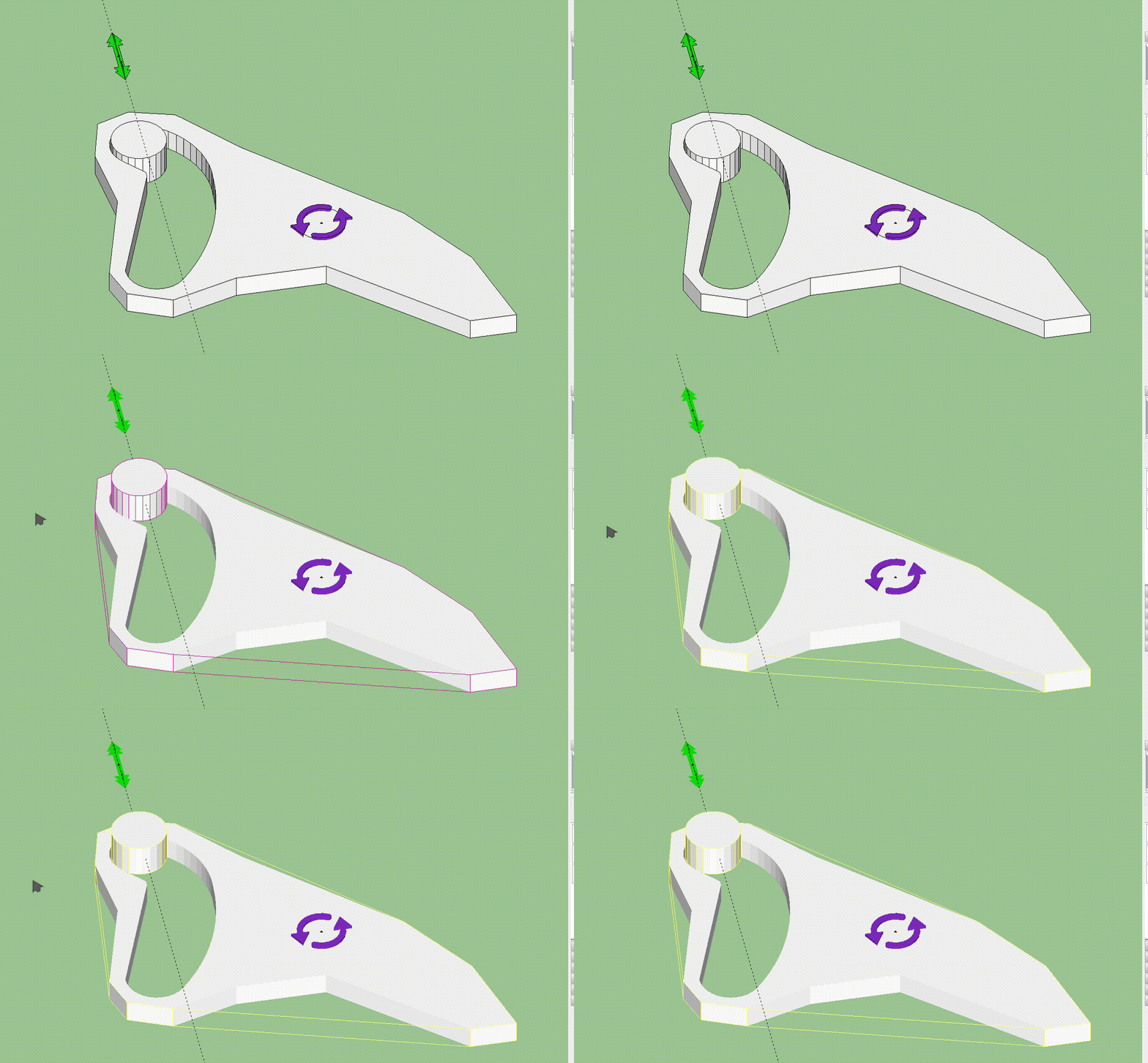
I modeled it as shown in the picture, but I could not move it as I wanted. Can you help me.
I draw a male head and I want to cover it with photo. But it is not covered properly. For example, the image of the face comes in the back of the head. Is there a way to coat it properly?
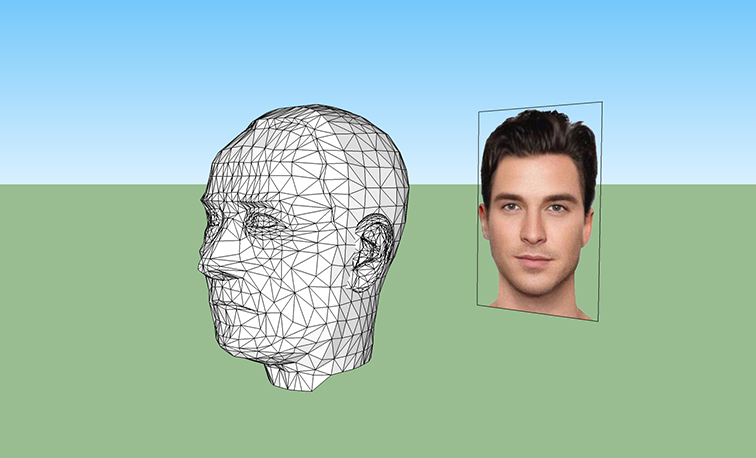
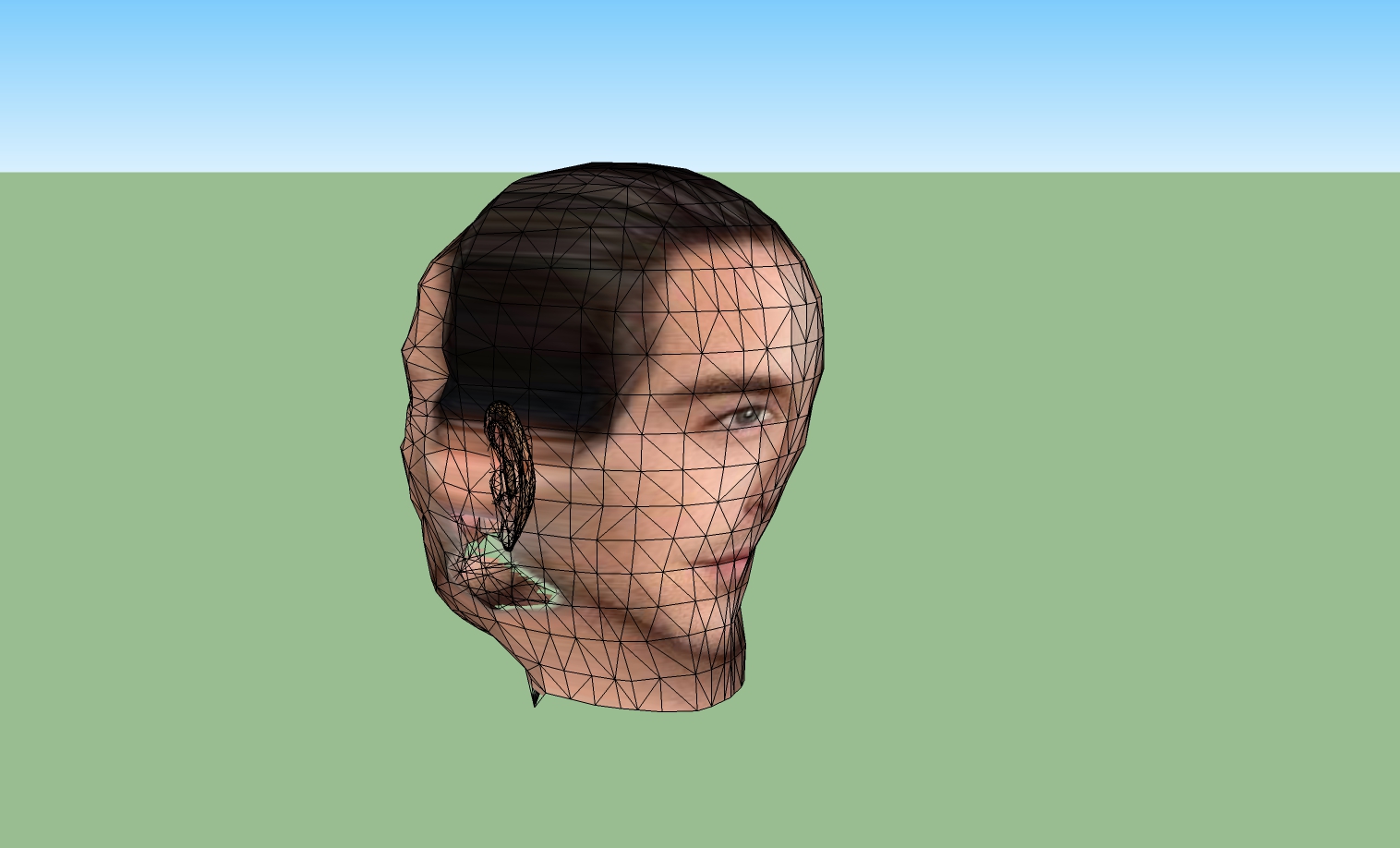
What should be done to make a 3d model of a portrait photo?
Do you know a tutorial on face modeling with SketchUp?
[mod=:3mzein0h]I saw your post on the other forum and edited your title accordingly.[/mod:3mzein0h]
You're right, this method is not exactly successful. Select By Material.rb more successful
A complex scene, how to find the object that have a texture. Is there a plugin for this