You still have to open the group for editing in order to get to the lines. It's a lot like working in SketchUP. When you exploded the viewport you wound up with a scaled drawing group. Also, depending on how the SU file is structured, there may be nested groups--groups inside of a parent group. Double click on the contours until you can select a single contour line.
Posts
-
RE: Split tool to cut contour lines
-
RE: How do I show hidden geometry in LayOut?
@kzrdvd also note that the viewports must be rendered as Raster in LayOut. Hidden Geometry will not be displayed in Vector or Hybrid.
Do you really want to show all the hidden geometry in the model or are you wanting to show hidden features as I have on the left in this image?

This requires a different method if this is what you want.
-
RE: Another Machinist's Model of a Steam Engine.
@Rich-O-Brien I agree. I also like seeing what is possible without electronics and computer controllers. Although it might be a bit anachronistic, modeling these steam engines in SketchUp makes it easier to understand how they work and appreciate the designs.
Thank you!
-
RE: Unwanted lines showing in hybrid mode
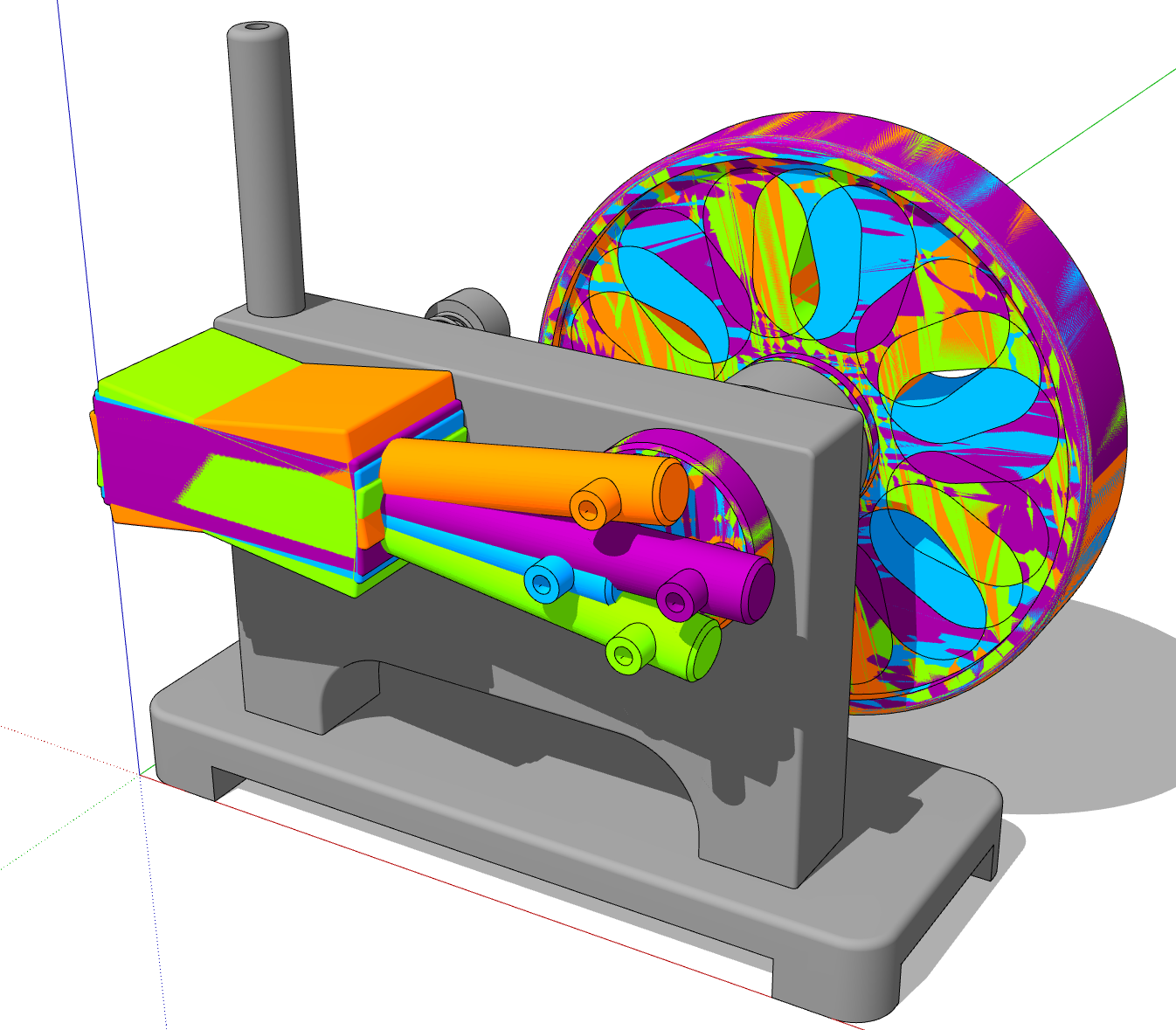
The issue is a graphical thing caused by your model being placed at a huge distance from the origin.

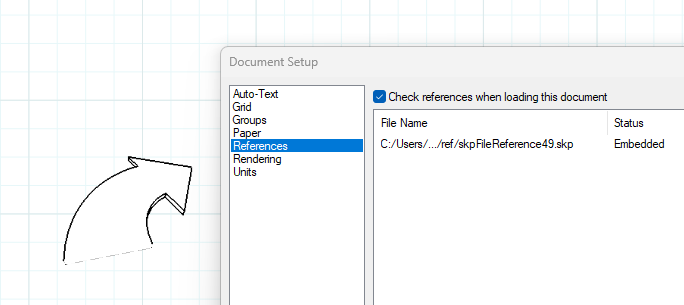
It's more than a kilometer away. Reset the axes and then move your model to the origin and update the camera position for the scenes. for a detail thing like this I would copy the objects of interest into a separate model file so you can keep them close to the origin. An alternative would be to leave the viewport rendered as Raster and remember to disable the Output Override in Document Setup>Rendering.
Here I copied that frame object to a new SketchUp file and placed it at the origin. Then I relinked the viewport to that new file. It now renders correctly and it actually updates almost instantaneously when changes are made in the SU model.

In your model I see you have Length Snapping enabled. This can get in the way of creating accurate models. I would also suggest setting Display Precison higher than the precision you require in your LO file. That'll help you avoid dimensional issues.

In LayOut I see you are modifying the Camera position for the viewport. It would be better to set up the camera position correctly for the scene in the SketchUp model and avoid modifying it in LayOut. That will avoid potential problems that would make your work more difficult.
-
RE: Another Steam Engine
Thanks! There's really not a lot to it. I make multiple copies of the components along their route of travel. There's a different tag applied to each of the copies and then a different one of those tags is visible for each scene. This screen shot shows a simpler engine model with four of the 24 tags turned on. There are 24 scenes for the animation.

It gets a little more complicated with an engine like the horizontal Muncaster because of the steam valve and the linkages.
Here's the resulting animation:
https://flic.kr/p/2n7xvyh -
RE: Electrical Symbols and Text on Scrapbooks
Text created in SketchUp won't scale with the geometry. You could create the symbols in SketchUp using 3D Text (it can be created without extrusion) so the text is geometry as is the circle or other shape. Then you can set the scale for the resulting viewports in LayOut when you create the scrapbook page. Either leave them as viewports linked to the SketchUp file or render then as Vector and explode them to create scaled drawing entities.
-
RE: Details for scrapbook
It depends on what the details are and how you need to show them in LayOut. It might be easier to model them in SketchUp and create scenes to use for viewports in LayOut. After you've set up the viewports (making sure you do not modify the Camera properties) you could save as a scrapbook so those viewports are available to drag in to your CDs when needed. For 2D symbols and such, it would probably be better to draw those in LayOut as Scaled Drawings than to draw them in SketchUp. Make sure you group the elements of each symbol so they behave as a single object.
I would suggest that you make sure you keep your SketchUp detail model files as lightweight as possible. When you add one of those viewports from the Scrapbook to your CD you are adding the SketchUp file as a reference which can bloat your LayOut file and possibly cause performance issues depending on your hardware. You can see that if you add one of the supplied 3D arrow objects from the Scrapbook.

Another option that may help with file management is to create details in SketchUp and then after rendering the viewports in LayOut as Vector or Hybrid, exploding them so they become LayOut drawing objects instead of SketchUp viewports. This would reduce their overhead in your CDs because they no longer carry the entire SketchUp model.
Different options depending on what you need exactly.
-
RE: A Small Table and a Watercolor Painting on an Easel
@L-i-am said in A Small Table and a Watercolor Painting on an Easel:
Is that an original painting that is yours?
Yes. I own the painting. It was given to me about 60 years ago by a great aunt.
@L-i-am said in A Small Table and a Watercolor Painting on an Easel:
I am nit picking here, and that artis stool would almost always have 3 legs as do all milking stools have 3 legs for stability
True. If it was a stool it probably would have three legs. But it isn't a stool. It's a small side table.
-
RE: Small Engines and Stuff
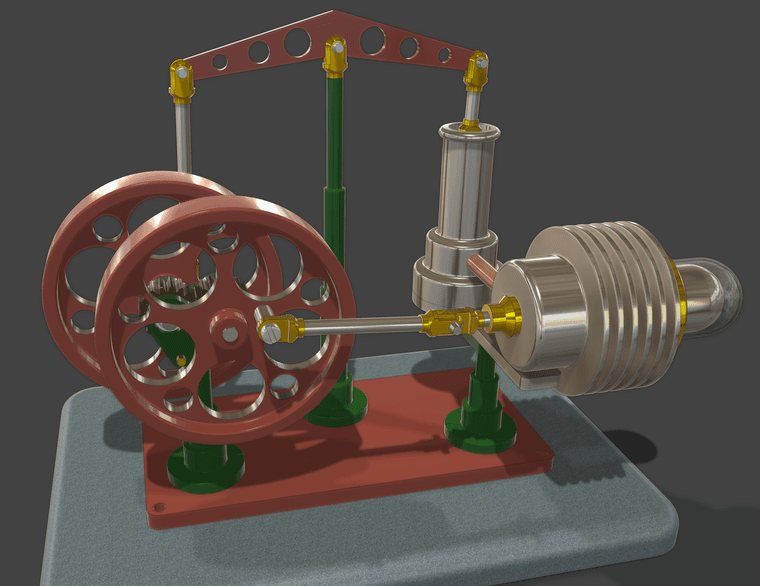
Thank you. The glass is part of the cylyinder. It gets heated with a flame underneath. The piston is the metal round-ended bit inside.
-
RE: Small Engines and Stuff

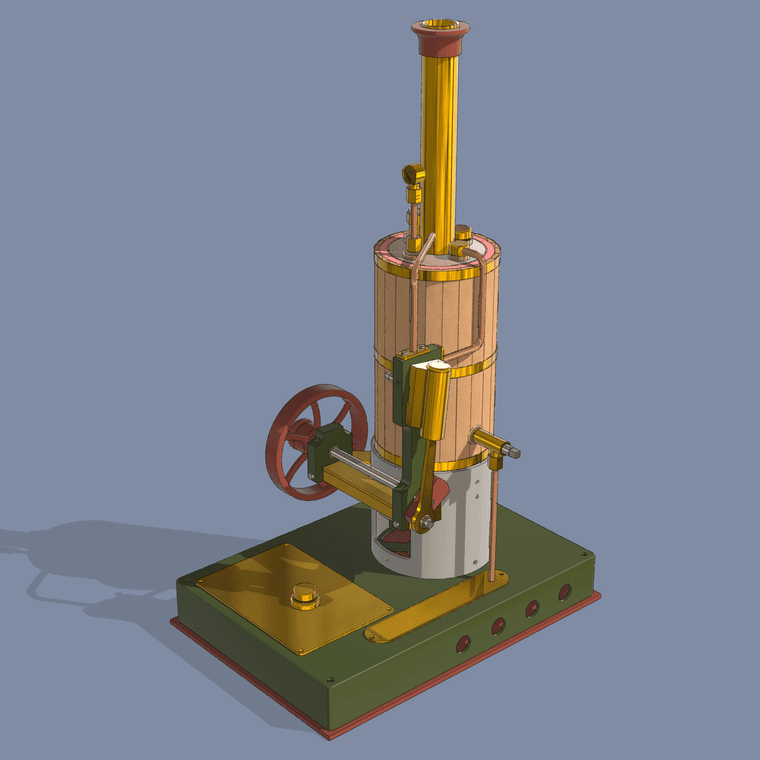
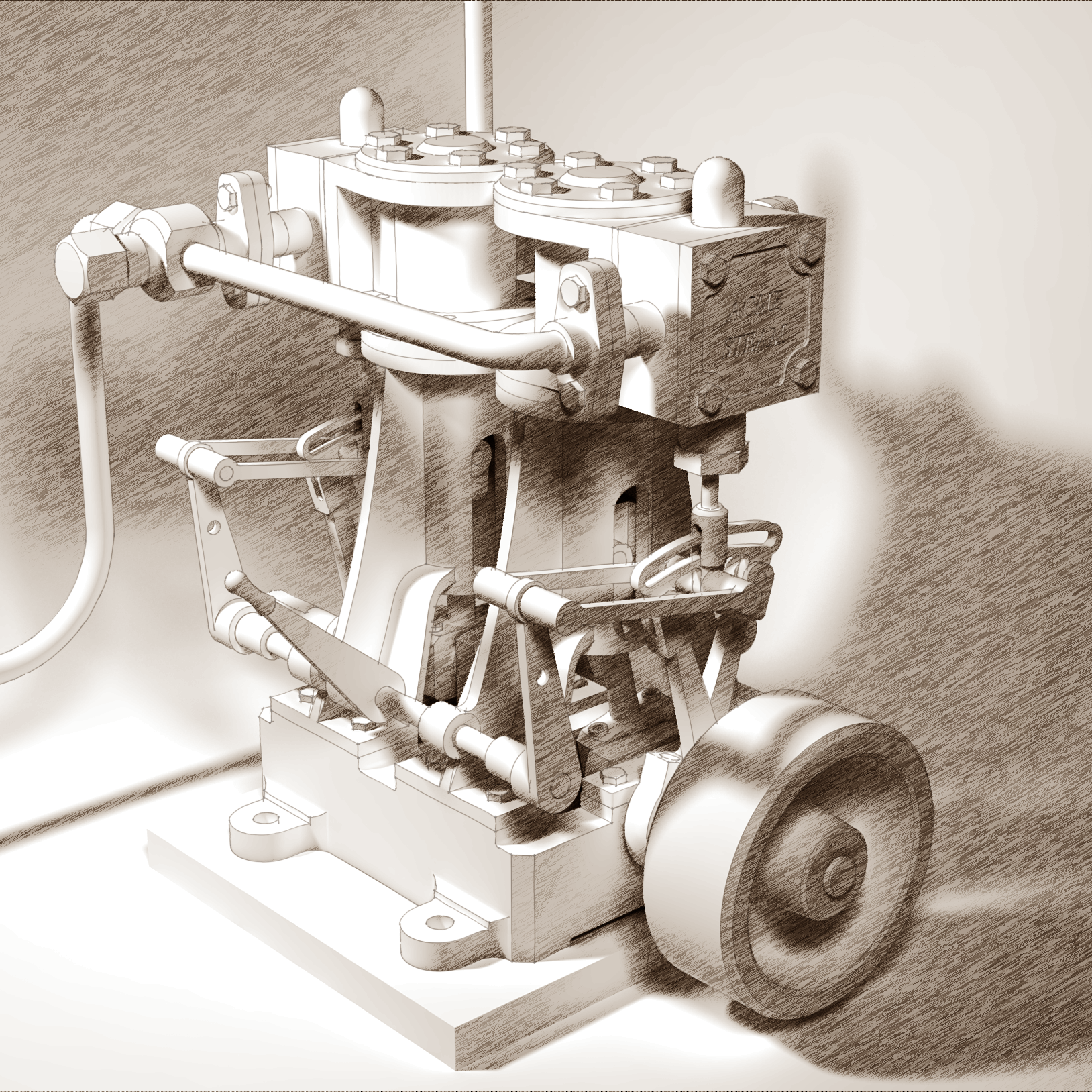
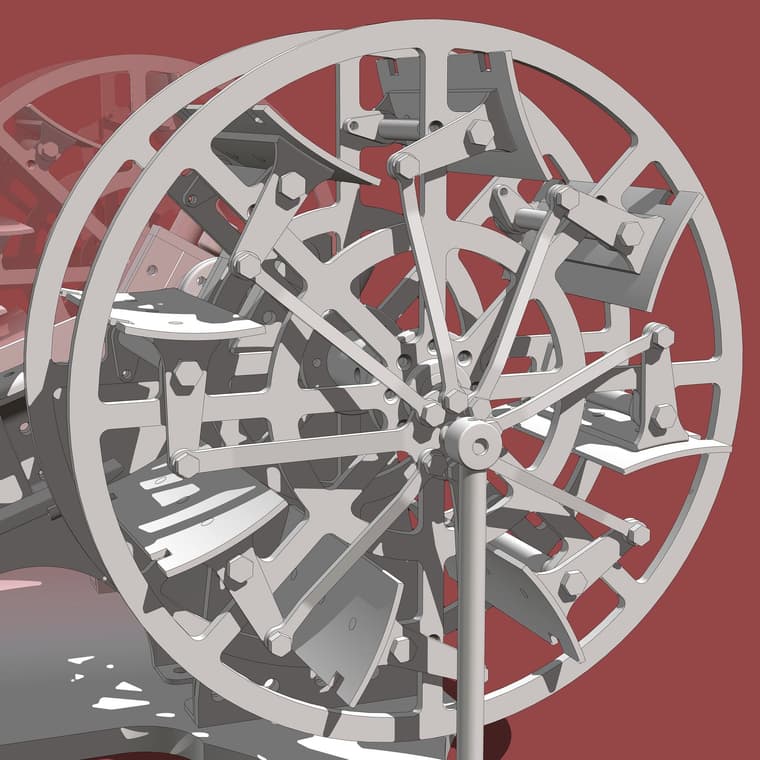
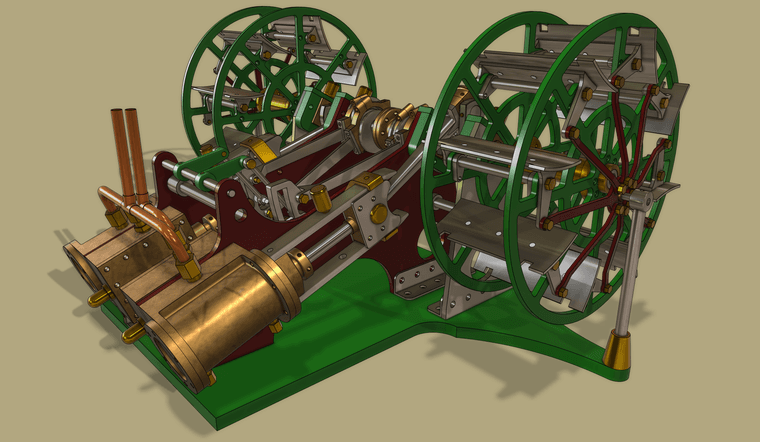
Another machinist's model. A 2 cylinder engine for a paddle steamer with reversing qear. The paddles are articulated so their angle changes as the wheels rotate. Still need to time the valves and properly align the eccentric straps with the eccentrics and of course add screws and nuts.
Rendering straight out SU2026 with a wee bit of simple post processfor the soft shadows and background color.
-
RE: Small Engines and Stuff
Thank you!
Yes. My model is based on a small desktop machinist's model. I believe it was based on a real one but I have no idea how large it would have been.
-
RE: Small Engines and Stuff
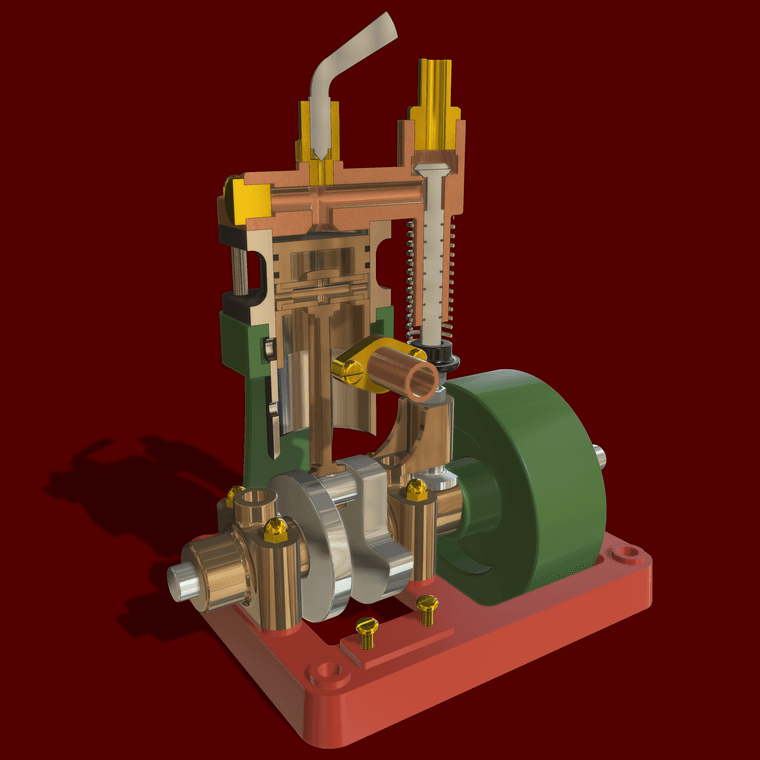
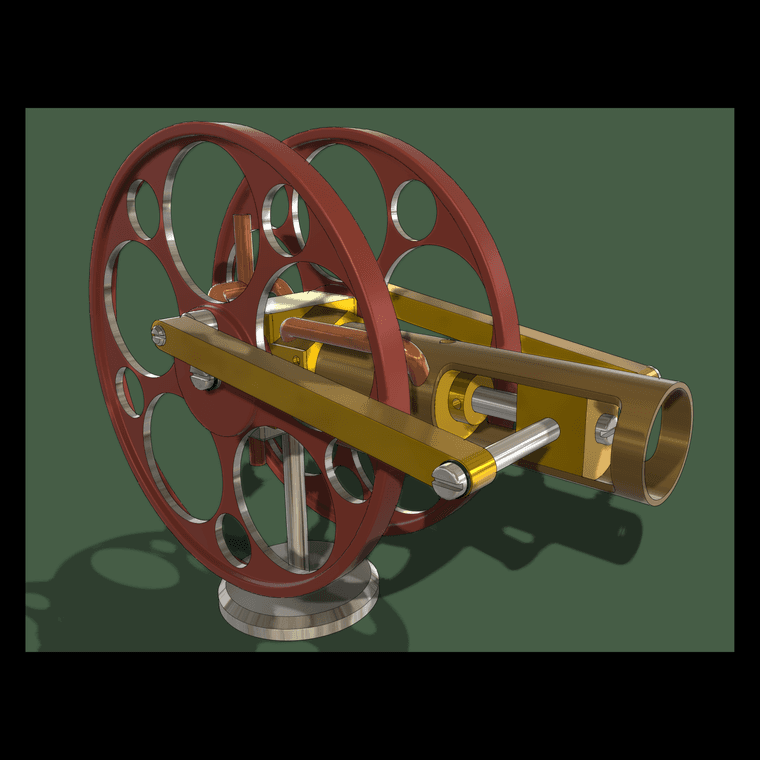
Another little engine. These are addictive.

For reference, the flywheels are 100mm diameter.
-
RE: A Shaving Mirror
@Rich-O-Brien LOL! One side is flat and the other concave as on the real mirror. I was too lazy to set up to measure the exact curvature bit it's pretty close.

-
RE: Small Engines and Stuff

Here's a little boxer engine intended to run on compressed air. For reference, the large gear is about 50mm dia.Like usual I haven't added screws