Great! 
Oops, your profile's looking a bit empty! To help us tailor your experience, please fill in key details like your SketchUp version, skill level, operating system, and more. Update and save your info on your profile page today!
Urasik Extensions | Lots of new extensions to check out Learn More
 Offline
Posts
-
RE: Inference
Yes, nearly all actions should pay attention to inferences. Or you can enter an exact value in the VCB.
-
RE: How to turn axes lines off?
Another way would be the deactivation in the style settings.
-
RE: [REQ] Show camera
I'm at my phone atm, but Thomthom wrote a plugin that create geometry fot the field of view and you can get the camera position this way...
-
RE: Sketchup 16 and Flattery V1.0.2
@queball said:
Message - The chosen extension is not compatable with this verson of Sketchup!
This message don't mean that it can't work with 2016, have you tried it?
-
RE: Is there a way to subtract from mesh object ?
@Box: the two objects don't look like solids to you in the image?
-
RE: Is there a way to subtract from mesh object ?
@minskp said:
i can't use the subtract since it is a mesh round object
Why not? Since you've got the PRO version, you can use the solid tools if the two objects are solids.
-
RE: Help with flowify impose grid
The rectangle isn't a group.
I've recreated the groups and created quads from the tires grid (quad face tools) and it works...
-
RE: Sketchup 16 and Flattery V1.0.2
I've tested it in 2016-64 without a problem...

-
RE: Sketchup 16 and Flattery V1.0.2
@queball said:
Loaded the Flatery folder and flattery.rb
The download is a rbz-file and should be installed in the preferences (or with the plugin store extension). After this it's not in the list of extensions in the preferences?
-
RE: Not responding when changing component
Are you allowed to share one of those dynamic components? Are they very complex ones? How long did you wait? If SketchUp don't respond it normally keeps working in the background and will probably finish after a longer time.
-
RE: Not responding when changing component
Of course you are right, sorry for that. What's your question?
-
RE: Not responding when changing component
@jleslim24 said:
I am trying to change the model components...
And we should know which ones? You have to provide more infos to get helpful answers.
-
RE: Sketchup 16 and Flattery V1.0.2
Have you used the version from the PluginStore (updated by TIG)? It should work...
http://sketchucation.com/pluginstore?pln=Flattery -
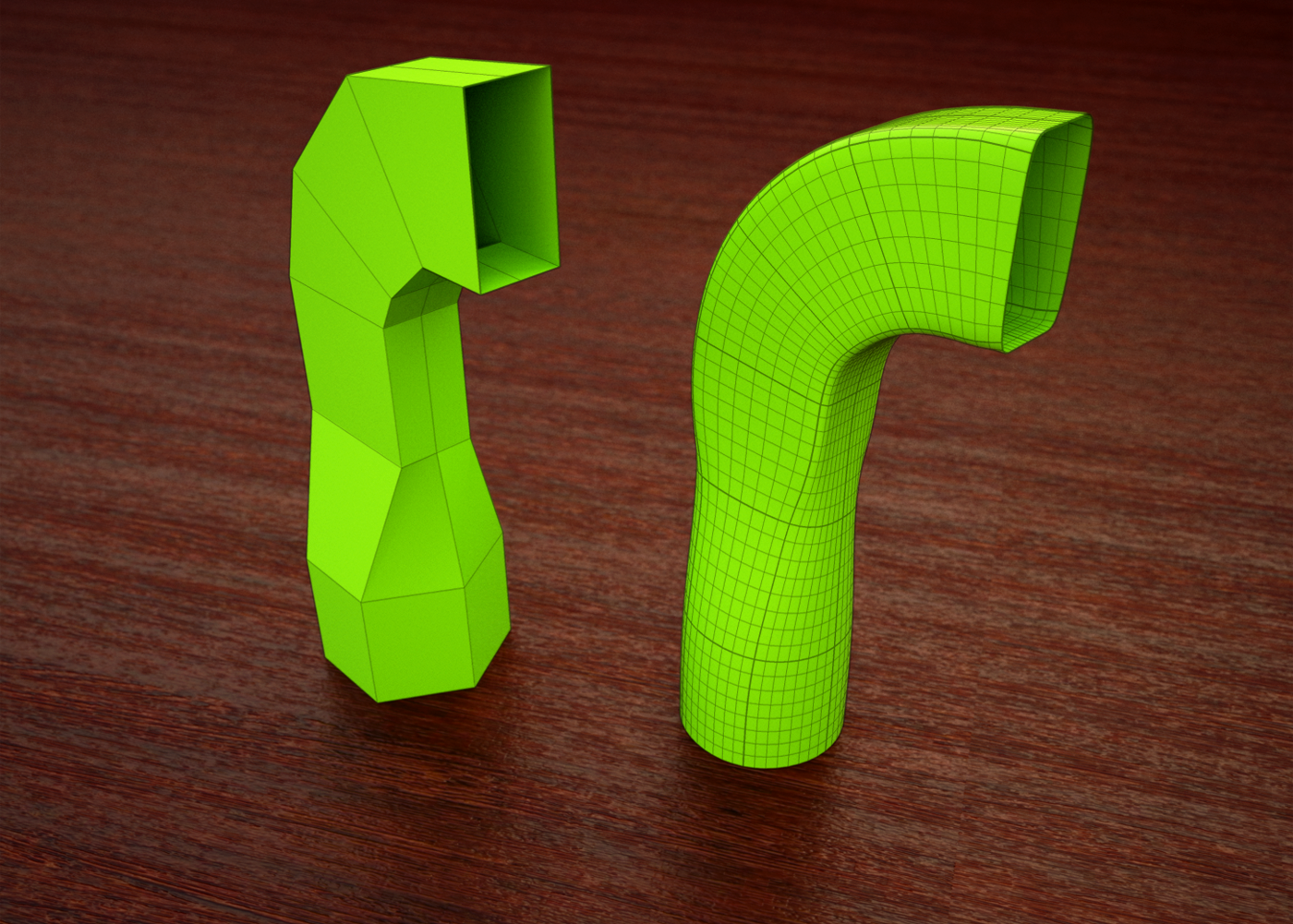
RE: SubD examples and models
@rich o brien said:
@cuttingedge said:
Cotty how do you display the subquads without the triangulation showing?
QuadFace Tools > Unsmooth Quads
Yes, screenshot here: http://sketchucation.com/forums/viewtopic.php?f=397%26amp;t=63826%26amp;start=30#p585747
@thomthom said:
But what about the thicker lines in that render - representing the original edges? How is that done? Multiple passes?
Since two of your plugins are not enough
 :
:- SubD
- Edit group
- Select all
- SeletionToys: Select only -> Edges
- Group selected edges
- Gropued edges without faces are treated as profiles
- Increase profile width in the style settings
- Exit SubD group
- Unsmooth quads