Rayscaper New Releases
-
@LevAM Thanks for the kind words!
If you buy a license, you still get everything in the pipeline for the full 1.0 release. So you won't be missing out. We are close to the 1.0 release, so most of it is already developed internally; we are just still testing and writing docs. The most significant one will probably be translations, i.e., using Rayscaper in German (or whatever other language we support).
We keep fixing bugs and making small improvements as we go. We have always been sneaking small things into releases.
Cheers,
Thomas -
pixelcruncher
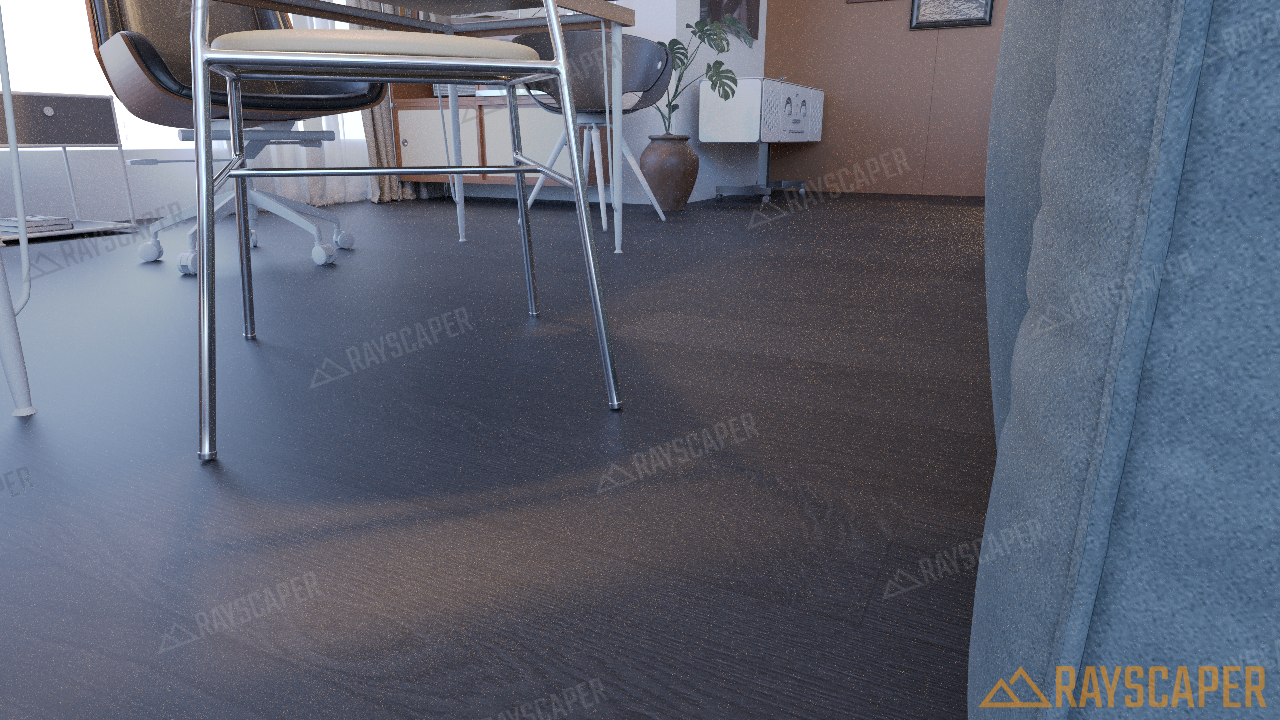
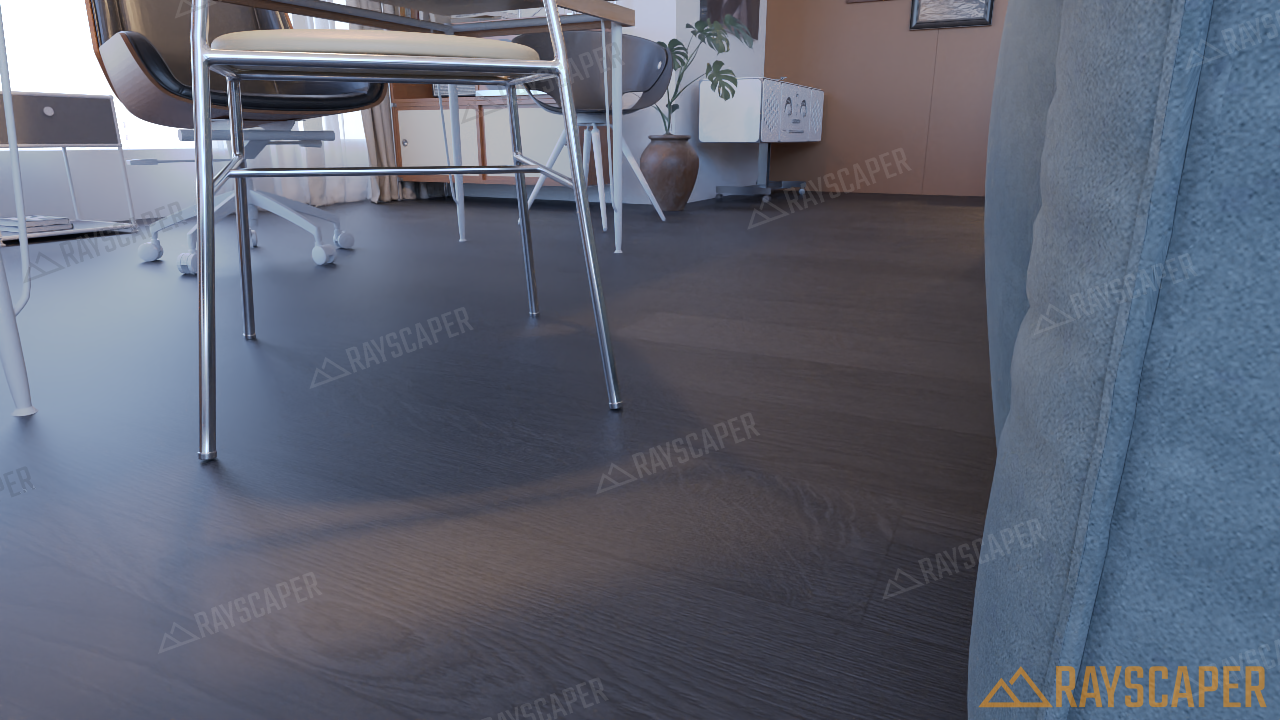
I tested using the latest 104 version and found that the black wood grain on the ground had visible textures in the distance without noise reduction. Using noise reduction blurs the image.. Of course, the pixel limit of the trial version prevented me from testing larger images.. But I believe the result of rendering high-resolution images should be similar. If there is an unlimited version that can be tested, I think I can test more aspects of the problem. For example, whether there are any issues with outputting EXR, the duration of rendering large images, and so on. Rayscaper cannot be used as our company's main rendering tool at the moment, so I can only use the beta version for now
-
This post is deleted! -
-
@rich-o-brien Very cool! Thanks for sharing.
-
Does Rayscaper support proxies?
Absentia mortis praesentiam vitae probat, vita autem est argumentum constantiae.
-
-
Very nice
-
-
@Mike-Amos Not at this time.
-
Does Rayscaper support proxies?
I'm sure it will come soon!
Fredo6 made a plugin for proxies, but I did not use it, was it for vray? I dont remember -
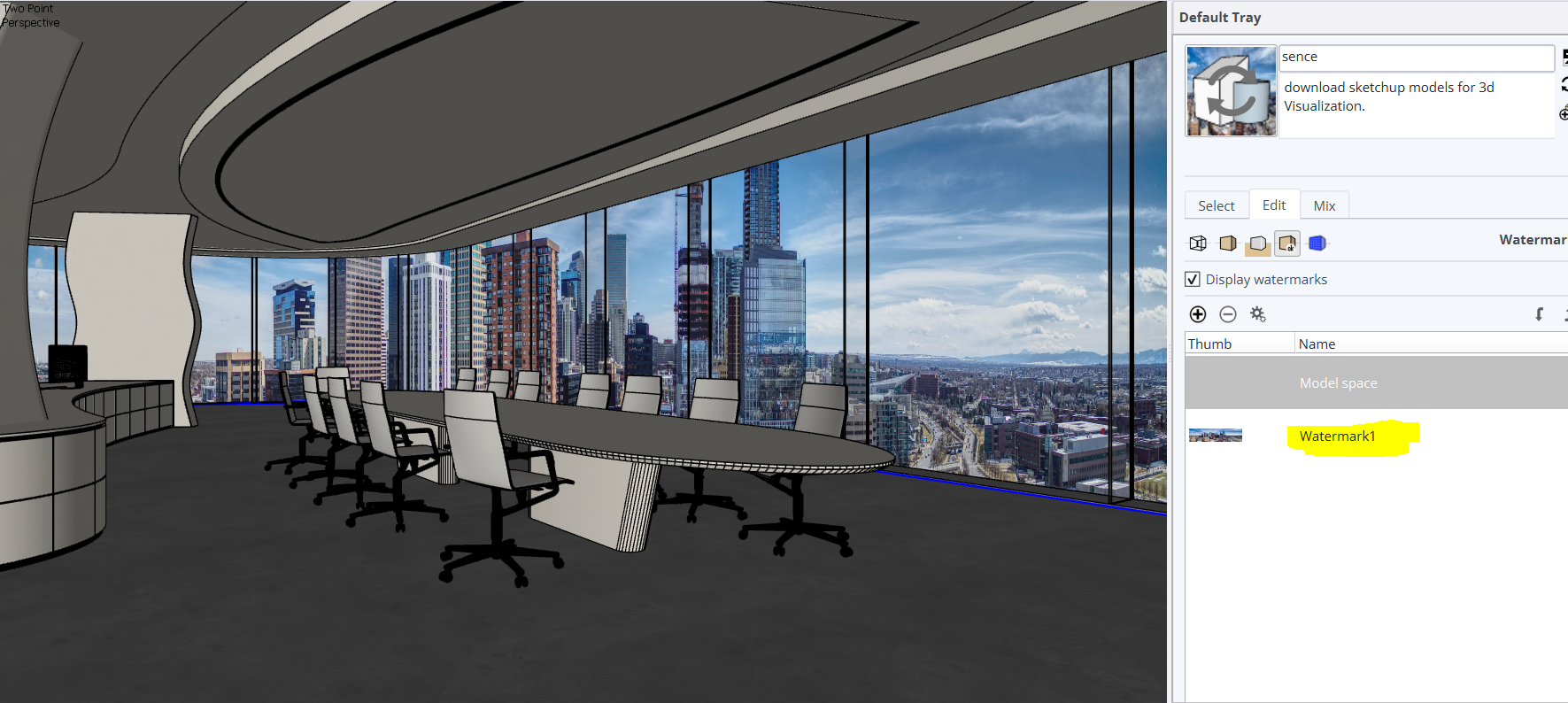
Is it possible to use the SketchUp background as a backdrop for the scene during the rendering process when using 'sky' settings?
-
Is it possible to have RayScaper automatically recognize material names and configure them accordingly? For instance, if a material’s name contains the word "glass" (in any part of the name), could it be automatically set to have glass properties, without requiring an internet connection?
Fog option what about it ?
-
Not the end of the world and time is Einstein, so a relative told me.
When there is time Thomas will consider the pro's and cons.
-
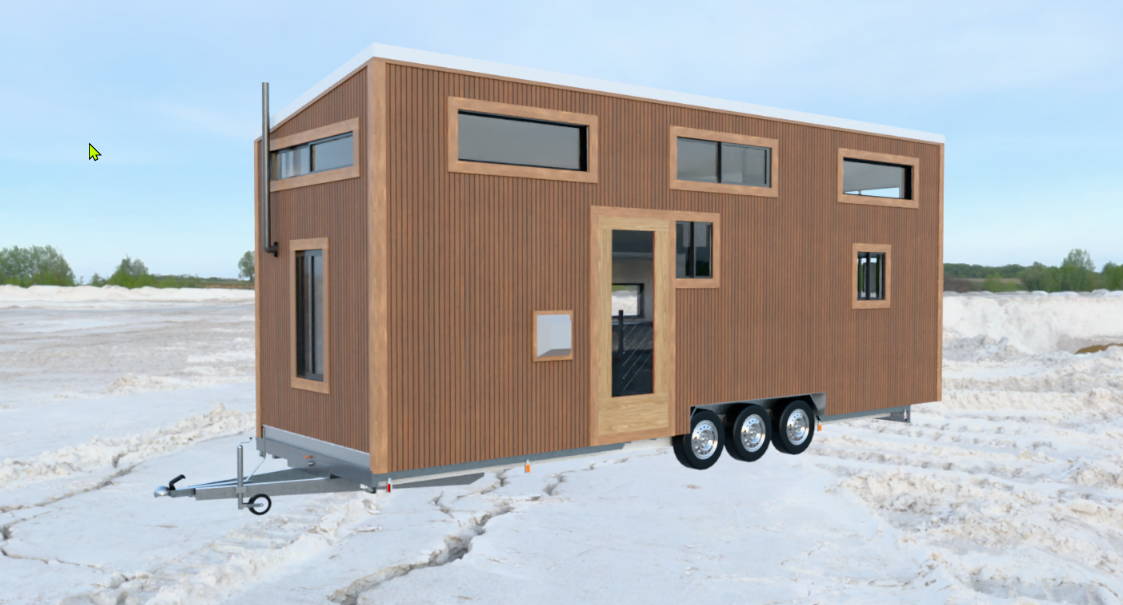
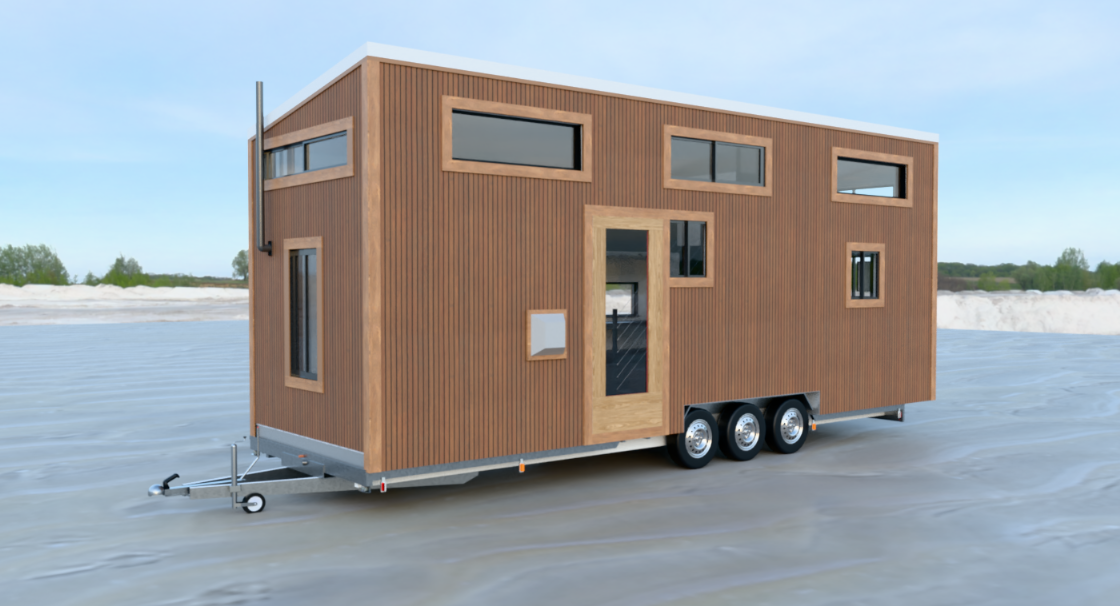
Hello, I’m wondering if there’s a trick for generating shadows on HDRI maps—or perhaps a "wrapper material" that could be used?
-
@krass Thomas would need to add support for Shadow Catcher. That would be awesome!
-
I know how to do it with still images by cheating in post-production—importing an ambient occlusion layer—but with an animation...
-
Is it possible to use the SketchUp background as a backdrop for the scene during the rendering process when using 'sky' settings?
You’ll get better results by adding a "material ID" render pass.
Then, ask the AI to change the background behind the windows, and create a composite image in Photocraft or GIMP using your material ID pass. -
@Krass We want updates that provide users with features compelling enough to convince them to switch to using RayScaper.
scaling enviroment one of them ?
-
Hi all,
Thanks for all the questions and feedback!
Quick update: I'm planning to release 1.0 very soon. Rayscaper has a good set of features for a 1.0 by now, and I know the Beta label still puts some people off from buying it. I've seen interest grow over the last couple of months, so I want a strong first product for a broader audience.
@lightscape Thanks for the comparison images. The denoiser fix was easy: it now keeps fine texture detail, like distant wood grain, much sharper. It's in the next release. About testing without limits: there's already too much abuse of Rayscaper as it is, so I'm not planning to offer more than the free version for testing. A license removes the resolution limit.
- City photo behind the windows with a Sky: Rayscaper doesn't render SketchUp's watermarks, since they're a flat image drawn in the viewport, not part of the model. There are two easy workarounds:
a. Put the photo on a large face outside the windows, in the model. It renders with the scene, so you also get it in reflections and animations.
b. Turn on Transparent in the Environment section. The sky still lights your model, but the background behind the windows comes out transparent in the PNG. Then put the photo behind it in Photoshop or GIMP. The Material ID pass, as @Krass suggested, helps you select the glass. - Setting up materials by name: this is planned, even before 1.0. Rayscaper needs to be online for the asset library and licensing.
- Fog: it's on the list, but it won't be in 1.0. Fog needs volumetrics, which is a very big change to the renderer.
- Scaling the environment: can you tell me a bit more about what you mean? An HDRI is infinitely far away, so it has no scale. A bigger HDRI file gives a sharper background, but it doesn't make anything in it larger or smaller. If you want the HDRI ground to line up with your model, like the trailer standing in the snow in @Krass's images, that's a different feature.
- @krass Proxies are on the list, but this is also a huge change, and won't make it to 1.0.
@Krass @Rich-O-Brien I hear you on the shadow catcher, or matte material. I see why it matters for animations. I'll try to add one, though it probably won't be ready for 1.0.
Thanks for the support, folks!
Cheers,
ThomasI'm the developer of Rayscaper: https://rayscaper.com/ - Fast and easy rendering for SketchUp.
- City photo behind the windows with a Sky: Rayscaper doesn't render SketchUp's watermarks, since they're a flat image drawn in the viewport, not part of the model. There are two easy workarounds:




Hello! It looks like you're interested in this conversation, but you don't have an account yet.
Getting fed up of having to scroll through the same posts each visit? When you register for an account, you'll always come back to exactly where you were before, and choose to be notified of new replies (either via email, or push notification). You'll also be able to save bookmarks and upvote posts to show your appreciation to other community members.
With your input, this post could be even better 💗
Register Login


Advertisement