Animator Gallery
-
@treadshot a1 said:
Made this animation to illustrate how an action figure of mine transforms. Haven't got it properly rendered yet, but it works.
Impressive work, both the model and the design of the animation for so many objects!
Fredo
-
@ithil said:
Hi.
My test animation.Beautiful explanation.
Any complex assembly should be explained like this.
So now,I wonder if I will not build a fireplace
Chri
-
Hi.
My test animation.
This instruction for installation concrete build-up fireplacePS. How I can make export a higher resolution?
I was not able to export more than 1030 pixels.
Usually I make a SketchUp render double the larger than needed for the video.
And reduce it in the video editor. To achieve a good antialiasing
https://youtu.be/qSyt4vN94VA -
@fredo6 said:
I would suggest that you, dear beta testers, post (almost) finished animations under this thread (as YouTube videos).
Fredo
hi all
this is my first animation in sketchup , i make it with animator plugin in sketchup, work by this plugin is very simple ,Making this animation an hour, I thank fredo6 -
Well done. really!
I may be interested by the model at some point in time, because of the hydraulic piston. Actually, this is a good sample case for more sophisticated kinematics constraints.
Fredo
-
Here's the result of my testing with Animator v1.5b and trial Thea. Animator tested on [SU8Free Win8] and [SU8Free Win10]. Rendering achieved with Thea calling Animator, Thea settings [IR-Presto (AO) Interactive unchecked, 16 samples/px], rendered on [SU8Free Win10].
Model: Data Minion Jaguar by Treadshot A1
Fine print: As per trial version of Thea, Thea rendered video is set to Unlisted, uploaded solely for purpose of reporting results of beta test, and will NOT be used when Data Minion Jaguar is released to public. Natural Rendering video will be used for public release of Data Minion Jaguar, as it does not use Thea.Natural Rendering (Animator only)
Thea Rendering
Glitches: "Tail" part should rotate starting at 16.5 seconds. No other movements applied to "Tail", no movements referencing "Tail" geometry, "Tail" group is separate from all other components and NOT nested in any other group. Animated correctly with Natural settings; "Tail" unexpectedly moves down then snaps back into place when animated by Thea. *Note: Tail moves 180deg in Natural video, 165deg in Thea as result of trying to fix movement, angle rotated is not an error.
-
I like them. Obviously not you first animation. Looking forward to your next animation post.
-
@treadshot a1 said:
Glitches: "Tail" part should rotate starting at 16.5 seconds. No other movements applied to "Tail", no movements referencing "Tail" geometry, "Tail" group is separate from all other components and NOT nested in any other group. Animated correctly with Natural settings; "Tail" unexpectedly moves down then snaps back into place when animated by Thea. *Note: Tail moves 180deg in Natural video, 165deg in Thea as result of trying to fix movement, angle rotated is not an error.
That may be an issue with Thea, as it actually 'watches' the object movements.
Did you get the glitch when rendering with direct method (i.e. from Animator) or reverse method (i.e. from Thea)?Fredo
PS: nice model and animation!
-
@fredo6 said:
That may be an issue with Thea, as it actually 'watches' the object movements.
Did you get the glitch when rendering with direct method (i.e. from Animator) or reverse method (i.e. from Thea)?Fredo
PS: nice model and animation!
The glitch happened when rendering from Thea (I still get Script Errors when rendering from Animator, so reverse from Thea is the way to go so far). Not entirely sure what you mean by 'watches' the movements, though. I ended up trashing the unit movement applied to the tail and creating a new rotation from scratch (hence the change in rotation angle), but that didn't solve the problem.
-
More testing with Animator v1.5b and trial Thea. I have no idea what Thea is doing, to be honest. At least every group moves back to its intended position right as its first unit movement starts. Also, once a group does have a unit movement applied to it, after that movement, it doesn't move about unexpectedly anymore.
Animator tested on [SU8Free Win8] and [SU8Free Win10]. Rendering achieved with Thea calling Animator, Thea settings [IR-Presto (AO) Interactive unchecked, 16 samples/px], rendered on [SU8Free Win10].
Model: Trinity by Treadshot A1
Fine print: As per trial version of Thea, Thea rendered video is set to Unlisted, uploaded solely for purpose of reporting results of beta test, and will NOT be used when Trinity is released to public. Natural Rendering video will be used for public release of Trinity, as it does not use Thea.Natural Rendering (Animator only)
Thea Rendering
Glitches: Lots of things move. Not the way they should move, unfortunately.
Notes: Video length doesn't match, because the Thea video was made with Blender, at 24fps, while images were rendered at 25fps. Not a major concern.
--------------------------------------------------------------------------------------------
Attempted more testing with Thea and Animator v1.5b, with new Animator files native to v1.5b (previous examples used Animator files created in v1.4). I'm not seeing the above glitches, but it's only one animation I've done so far, so I cannot say if the unexpected movements are the result of using old Animator files or not.
Animator tested on [SU8Free Win8] and [SU8Free Win10]. Rendering achieved with Thea calling Animator, Thea settings [IR-Presto (AO) Interactive unchecked, 16 samples/px], rendered on [SU8Free Win10].
Model: Data Minion Eagle by Treadshot A1
Fine print: As per trial version of Thea, Thea rendered video is set to Unlisted, uploaded solely for purpose of reporting results of beta test, and will NOT be used when Data Minion Eagle is released to public. Natural Rendering video will be used for public release of Data Minion Eagle, as it does not use Thea.Natural Rendering (Animator only)
Thea Rendering
EDIT: I am completely wrong. Files native to v1.5b can still have parts moving randomly. I tried adding an extra section to the animation of Data Minion Eagle above. A few unit movements were affected (a translation of 10mm in x direction is followed by a translation of -10mm in x direction later; for some reason the part ends up slightly shifted in the y direction, which had to be corrected with an additional movement). It looked fine in Animator, but Thea doesn't seem to match it.
I will note that in the process of rendering the animation, either Thea or Animator went haywire; I was put back into Sketchup's interface, but Animator's actions were accessible through Sketchup's Undo (pressing CTRL+Z would show the groups as they were moved in Animator, but actually moved in the sketchup model file). I couldn't get a screenshot of it; I had to close Sketchup and open a backup copy of my model/animation. I have no idea how that happened. The rendered animation below is a second attempt at rendering.
-
Found a workaround with Animator and Thea rendering. Used to experience random movements of groups/components when rendering with Thea, which did not happen when rendering video with Animator's Natural rendering option. For instance, if a component rotates at 16.5s, anytime from 0-16.4s the component's position could not be relied upon, but 16.5s and onward the animation works fine (see: Data Minion Jaguar animation, a few posts up from this one). Solution: In Sketchup, place all objects in one large group, then apply an unnoticeable Unit Movement to that group at 0.0s in the timeline. In the test case below, I've used [move along Z-axis 0.1mm].

Test animation, Natural:
Test animation, Thea:
//SU8Free, Win8, Animator v1.5d, Trial Thea, Natural video rendered from Animator, Thea video Rendered using Animation setting in Thea Render window (Thea calls Animator).
-
Thank you for posting so many videos on your projects! Really appreciate that. Especially for me as an amateur it's nice to see how other do their stuff

-
Thanks Fredo
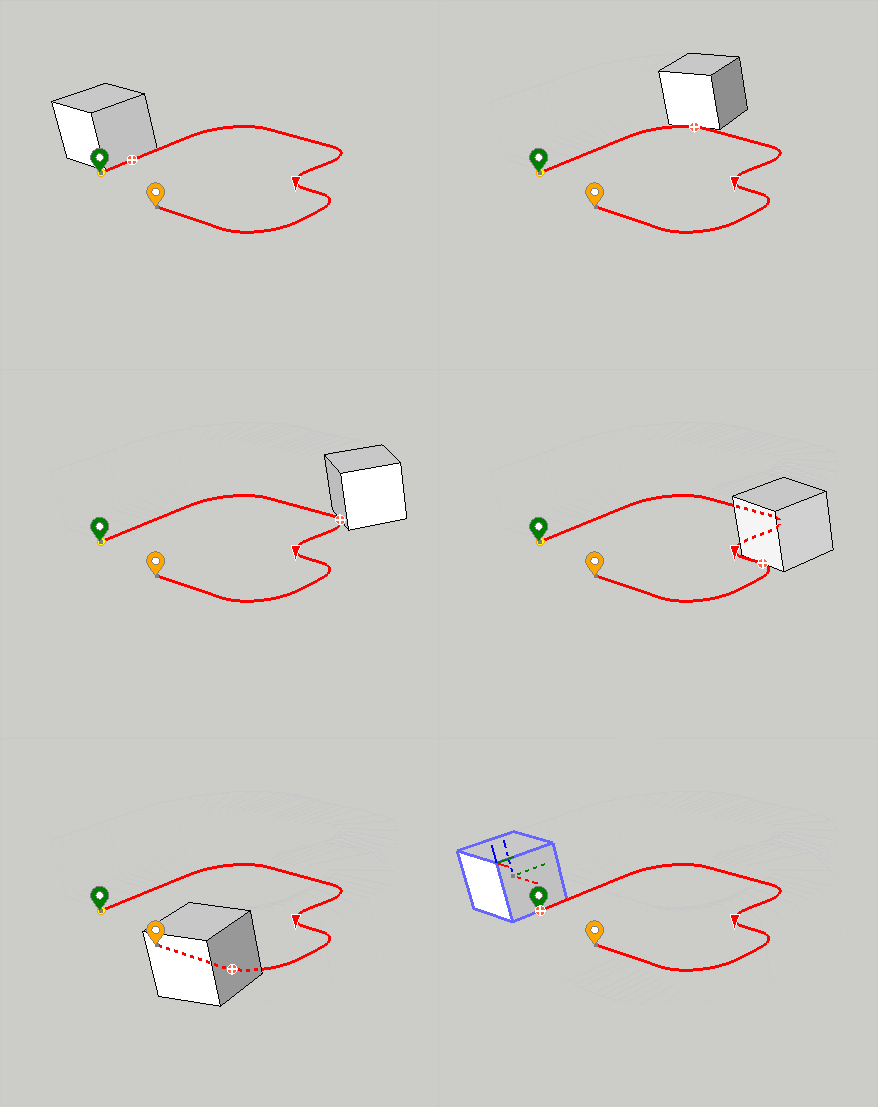
The Movement Along Path fonction is marvellous and easy to used.
Very great job and major improvement for SKETCHUP animation.

-
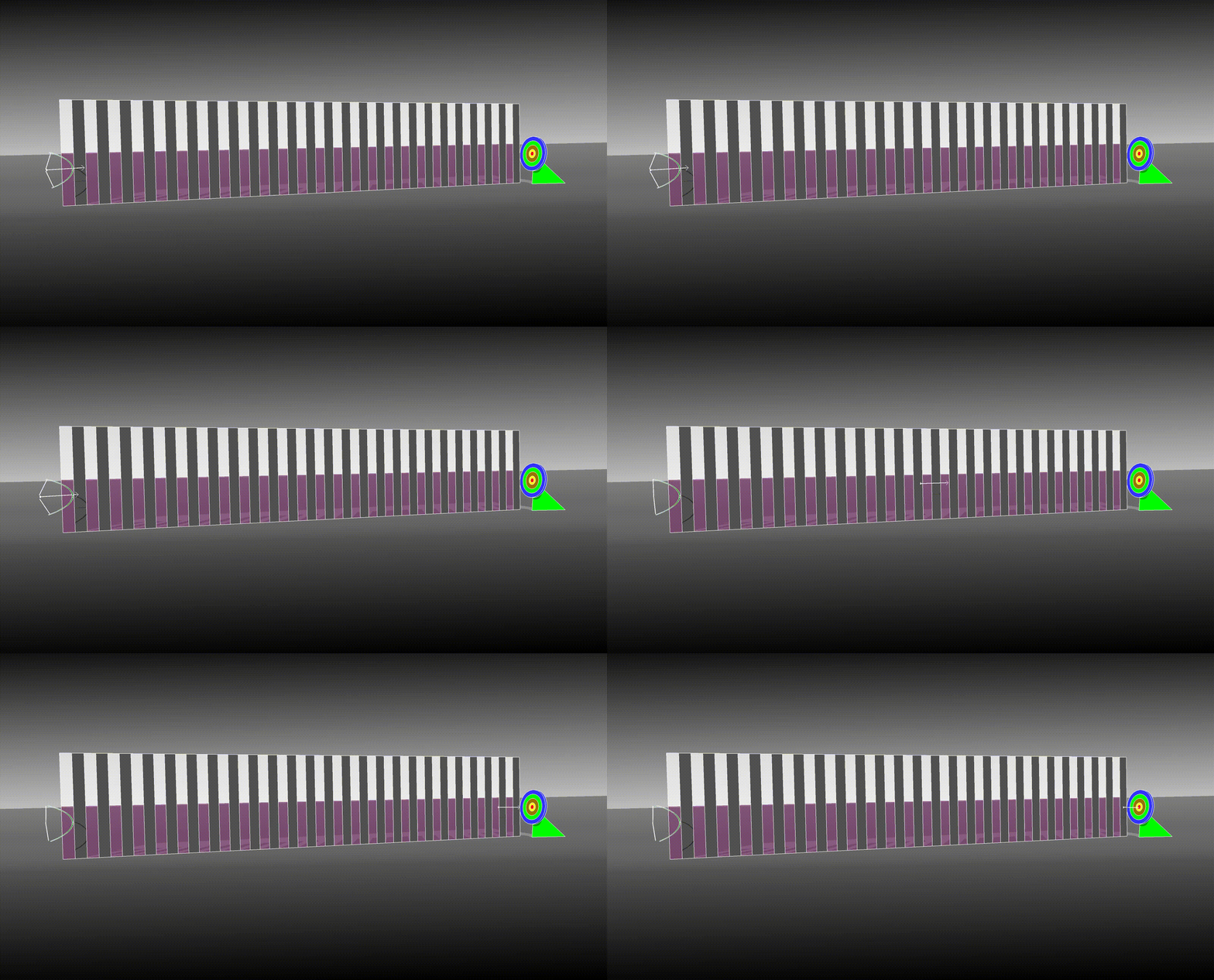
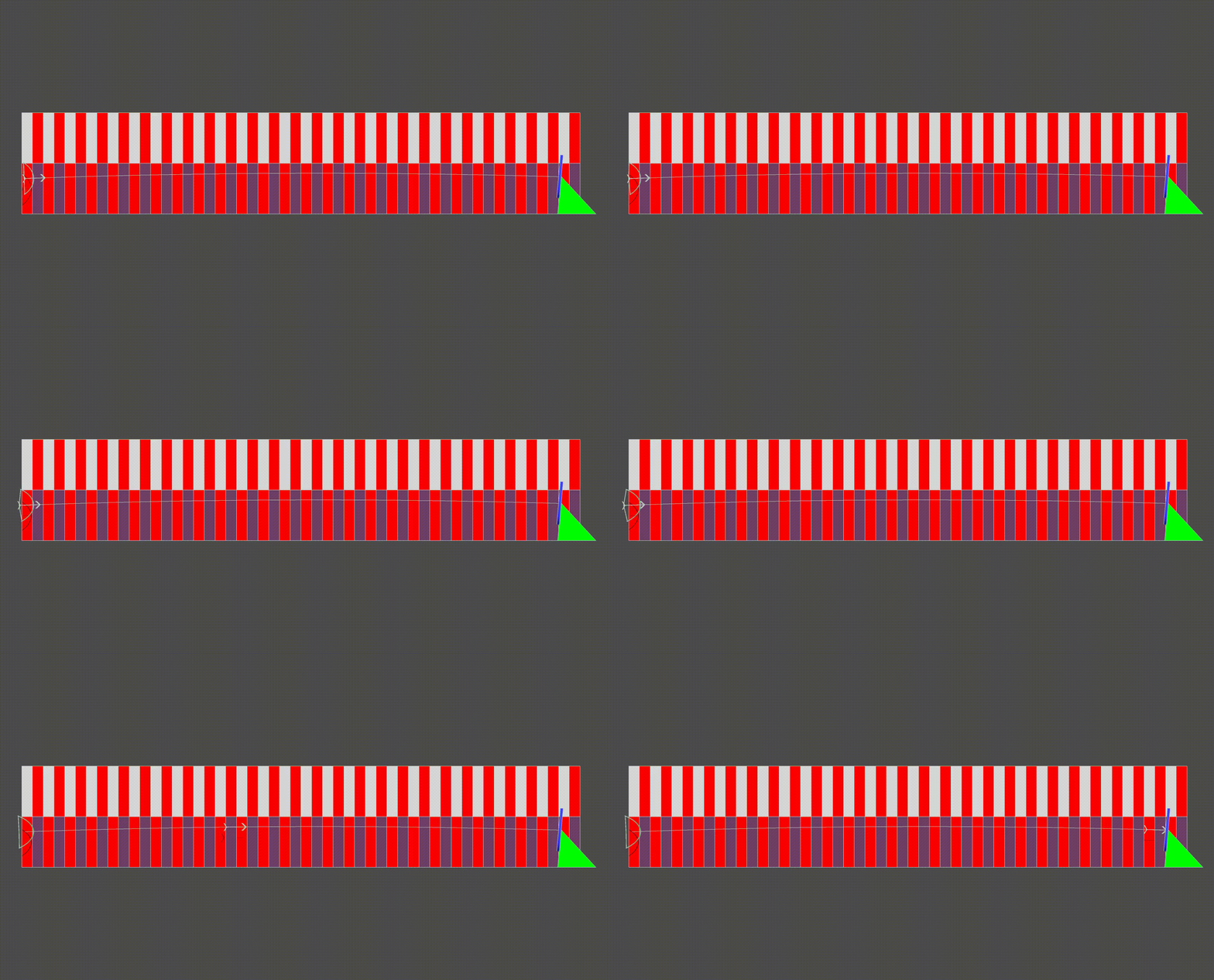
Experimenting......maybe an apple on head would entice..........
best regards,
CharlieEdit: Still experimenting....revised .gif attached
-
Hello. This is my test of the escalator animation.
I made a shift to the size of one step. And he turned on the replay.youtube
I tried using animation on the way but there were problems. -
Neat!
-
@ithil said:
Hello. This is my test of the escalator animation.
I made a shift to the size of one step. And he turned on the replay.youtube
I tried using animation on the way but there were problems.Very clever solution for something which is not obvious to animate a priori.
I watched your 'making-of' video. What kind of issues did you encounter?
Fredo
-
Hi,
I am very interested in this Animator Extension!
The following .gif is my first animation done with Animator...

Keep up the great work!
Best Regards,
Renderiza -
Where have you been Renderiza? I'm still using your stylish plugins, specially rename by layer...
Keep up the good work Fredo!
-
@jql said:
Where have you been Renderiza? I'm still using your stylish plugins, specially rename by layer...
Keep up the good work Fredo!
Hi,
Very nice to see you again as well! I've been busy with live but now I get to enjoy SketchUp once more, and I'll update my old, old.....OLD extensions little by little.
Best regards,
Renderiza









Advertisement