sketchucation logo sketchucation
    • 登入
    Oops, your profile's looking a bit empty! To help us tailor your experience, please fill in key details like your SketchUp version, skill level, operating system, and more. Update and save your info on your profile page today!
    🔌 Smart Spline | Fluid way to handle splines for furniture design and complex structures. Download

    SubD examples and models

    已排程 已置頂 已鎖定 已移動 SUbD
    renderpluginsextensions
    1.7k 貼文 81 Posters 1.1m 瀏覽 79 Watching
    正在載入更多貼文
    • 從舊到新
    • 從新到舊
    • 最多點贊
    回覆
    • 在新貼文中回覆
    登入後回覆
    此主題已被刪除。只有擁有主題管理權限的使用者可以查看。
    • thomthomT 離線
      thomthom
      最後由 編輯

      @ely862me said:

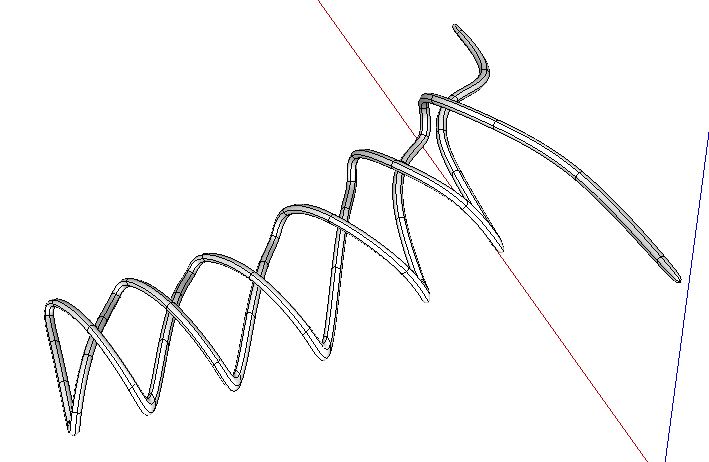
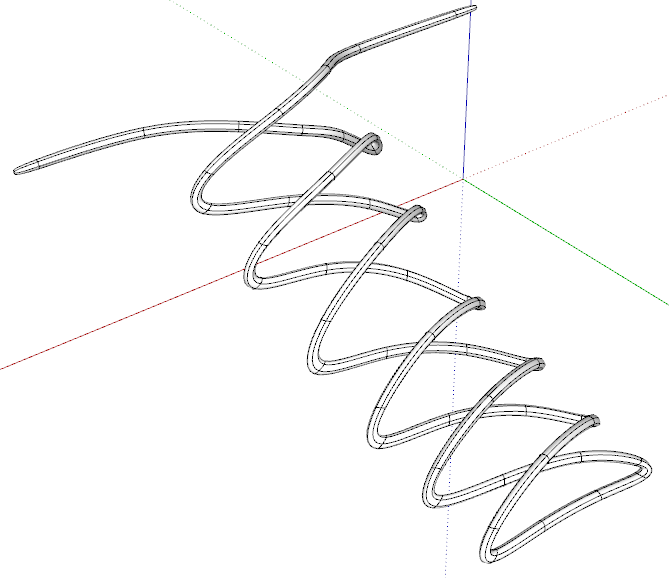
      Why this won't subdivide ?

      It subdivided fine for me...

      2016-02-08_11h00_26.png

      ❓

      Thomas Thomassen — SketchUp Monkey & Coding addict
      List of my plugins and link to the CookieWare fund

      1 條回覆 最後回覆 回覆 引用 0
      • BoxB 離線
        Box
        最後由 編輯

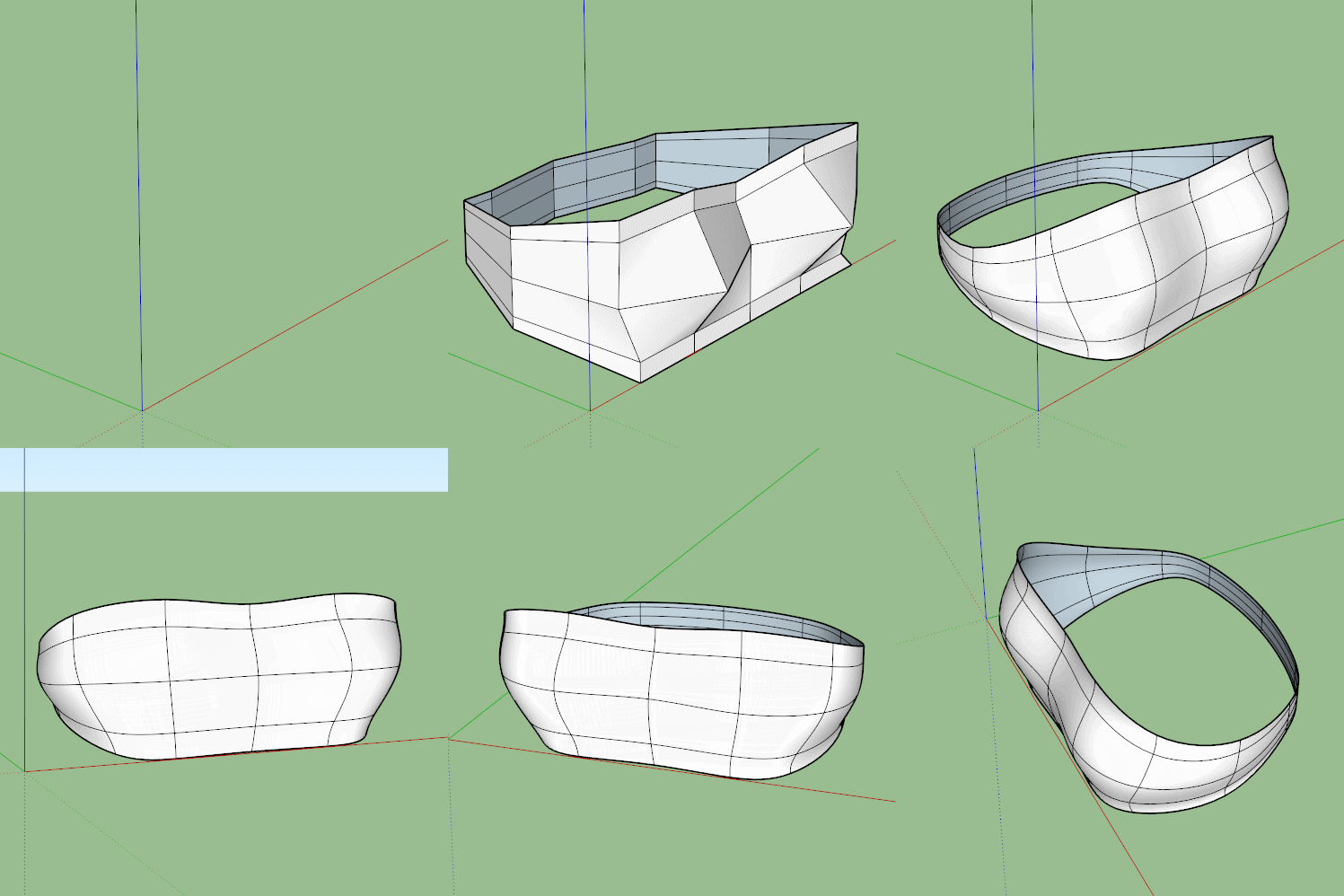
        Works for me.


        Lace.JPG

        1 條回覆 最後回覆 回覆 引用 0
        • ely862meE 離線
          ely862me
          最後由 編輯

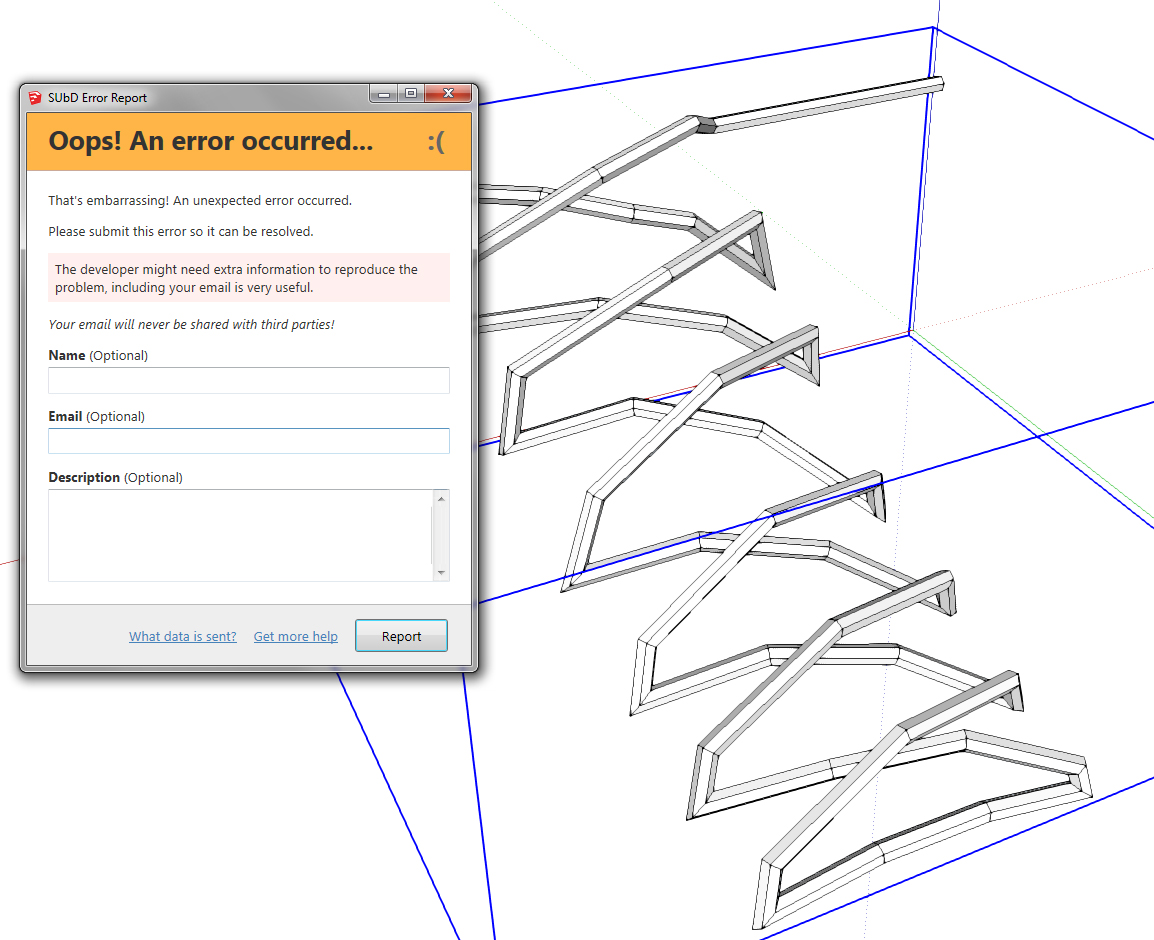
          It doesn't work for me. I have sent the bug. I get one every time I try it.

          err.jpg

          Elisei (sketchupper)


          Before no life was done on Earth it was THE LIFE ITSELF...GOD
          Come and See EliseiDesign

          1 條回覆 最後回覆 回覆 引用 0
          • micioneM 離線
            micione
            最後由 編輯

            Elisei ,
            check your other plugins.
            it is a conflict.

            1 條回覆 最後回覆 回覆 引用 0
            • Rich O BrienR 離線
              Rich O Brien Moderator
              最後由 編輯

              works for me too

              Download the free D'oh Book for SketchUp 📖

              1 條回覆 最後回覆 回覆 引用 0
              • thomthomT 離線
                thomthom
                最後由 編輯

                @ely862me said:

                I thought this was happening only with this model, but it seems it happens with all. I don't remember doing any changes later. This is a bit strange. Maybe Thomas has some hints from the error I sent his way.

                Edit

                Thomas, have you released any updates recently ?
                When I went to Welcomne to SubD panel it said a new version is available. Then I went to SCF pluginstore and installed SubD. Now it seems to work.

                You where running an expired beta build. Guess you didn't update after the release.

                Thomas Thomassen — SketchUp Monkey & Coding addict
                List of my plugins and link to the CookieWare fund

                1 條回覆 最後回覆 回覆 引用 0
                • ely862meE 離線
                  ely862me
                  最後由 編輯

                  I thought this was happening only with this model, but it seems it happens with all. I don't remember doing any changes later. This is a bit strange. Maybe Thomas has some hints from the error I sent his way.

                  Edit

                  Thomas, have you released any updates recently ?
                  When I went to the Welcome to SubD panel it said a new version is available. Then I went to the SCF pluginstore and installed SubD. Now it seems to work.

                  Elisei (sketchupper)


                  Before no life was done on Earth it was THE LIFE ITSELF...GOD
                  Come and See EliseiDesign

                  1 條回覆 最後回覆 回覆 引用 0
                  • ely862meE 離線
                    ely862me
                    最後由 編輯

                    Strange as it worked until today !
                    I believe I didn't update after the release.
                    Thanks, back and runnin' fine !

                    Elisei (sketchupper)


                    Before no life was done on Earth it was THE LIFE ITSELF...GOD
                    Come and See EliseiDesign

                    1 條回覆 最後回覆 回覆 引用 0
                    • thomthomT 離線
                      thomthom
                      最後由 編輯

                      The beta builds have an expiry time based on the build date.

                      Thomas Thomassen — SketchUp Monkey & Coding addict
                      List of my plugins and link to the CookieWare fund

                      1 條回覆 最後回覆 回覆 引用 0
                      • BoxB 離線
                        Box
                        最後由 編輯

                        A little late night doodle.

                        http://i155.photobucket.com/albums/s296/storeben/SU/Funny Horn.gif


                        Funny Horn Doodle.skp

                        1 條回覆 最後回覆 回覆 引用 0
                        • HornOxxH 離線
                          HornOxx
                          最後由 編輯

                          👍
                          your doodle has even material thickness 😲 how do you get that ? ! ?

                          never trust a skinny cook

                          1 條回覆 最後回覆 回覆 引用 0
                          • ely862meE 離線
                            ely862me
                            最後由 編輯

                            That's why Fredo invented JPP !

                            Elisei (sketchupper)


                            Before no life was done on Earth it was THE LIFE ITSELF...GOD
                            Come and See EliseiDesign

                            1 條回覆 最後回覆 回覆 引用 0
                            • Rich O BrienR 離線
                              Rich O Brien Moderator
                              最後由 編輯

                              @box said:

                              A little late night doodle.

                              👿

                              Download the free D'oh Book for SketchUp 📖

                              1 條回覆 最後回覆 回覆 引用 0
                              • BoxB 離線
                                Box
                                最後由 編輯

                                @hornoxx said:

                                your doodle has even material thickness 😲 how do you get that ? ! ?

                                @ely862me said:

                                That's why Fredo invented JPP !

                                No JPP used. I simply started with a hexagonal doughnut. The whole model is an extrusion from that hexagon therefore creating a printable solid.

                                1 條回覆 最後回覆 回覆 引用 0
                                • BoxB 離線
                                  Box
                                  最後由 編輯

                                  This is the basic process I used, forgive the wandering mouse as I haven't had my coffee yet but this could be tweaked to any detail level you desire and done correctly will remain a solid with a suitable double skin. It is after all nothing more than a scaled tube.

                                  http://i155.photobucket.com/albums/s296/storeben/SU/Funnel.gif

                                  1 條回覆 最後回覆 回覆 引用 0
                                  • pbacotP 離線
                                    pbacot
                                    最後由 編輯

                                    That's nice. For some reason I didn't think you started with a solid in the first place!

                                    MacOSX MojaveSketchUp Pro v19 Twilight v2 Thea v3 PowerCADD

                                    1 條回覆 最後回覆 回覆 引用 0
                                    • ntxdaveN 離線
                                      ntxdave
                                      最後由 編輯

                                      @Box, another great tutorial for those of us who are trying to move further along with quad modeling. Between this and the other tutorial you share earlier today, I am getting the oicture clearer.

                                      The other aspect that I have seen in you instrument post that woul ge nice to see is how you achieved the curved sections.

                                      I have now downloaded the trial versions of the Subd and Vertex Tools plus the QFT plugins. I created one model so far. It has errors but I now have a better idea of where I should go. Will be trying some more tomorrow. It is not as big a mystery as it was before.

                                      Again, thanks for sharing you knowledge with the rest of us.

                                      Press F1...thank me later

                                      1 條回覆 最後回覆 回覆 引用 0
                                      • BoxB 離線
                                        Box
                                        最後由 編輯

                                        @ntxdave said:

                                        The other aspect that I have seen in you instrument post that woul ge nice to see is how you achieved the curved sections.

                                        It's all about segmentation, you can use follow me to create shapes but they don't need to be 'round'.
                                        Here I have used the arc tool set at 3 segments. You can use more or less depending on what you need. I used too many in the horn but it was an unplanned shape so just evolved. Tigs split tools are very handy too as you need everything split into quads. You can manually draw the edges in but Split tools speeds up the process.
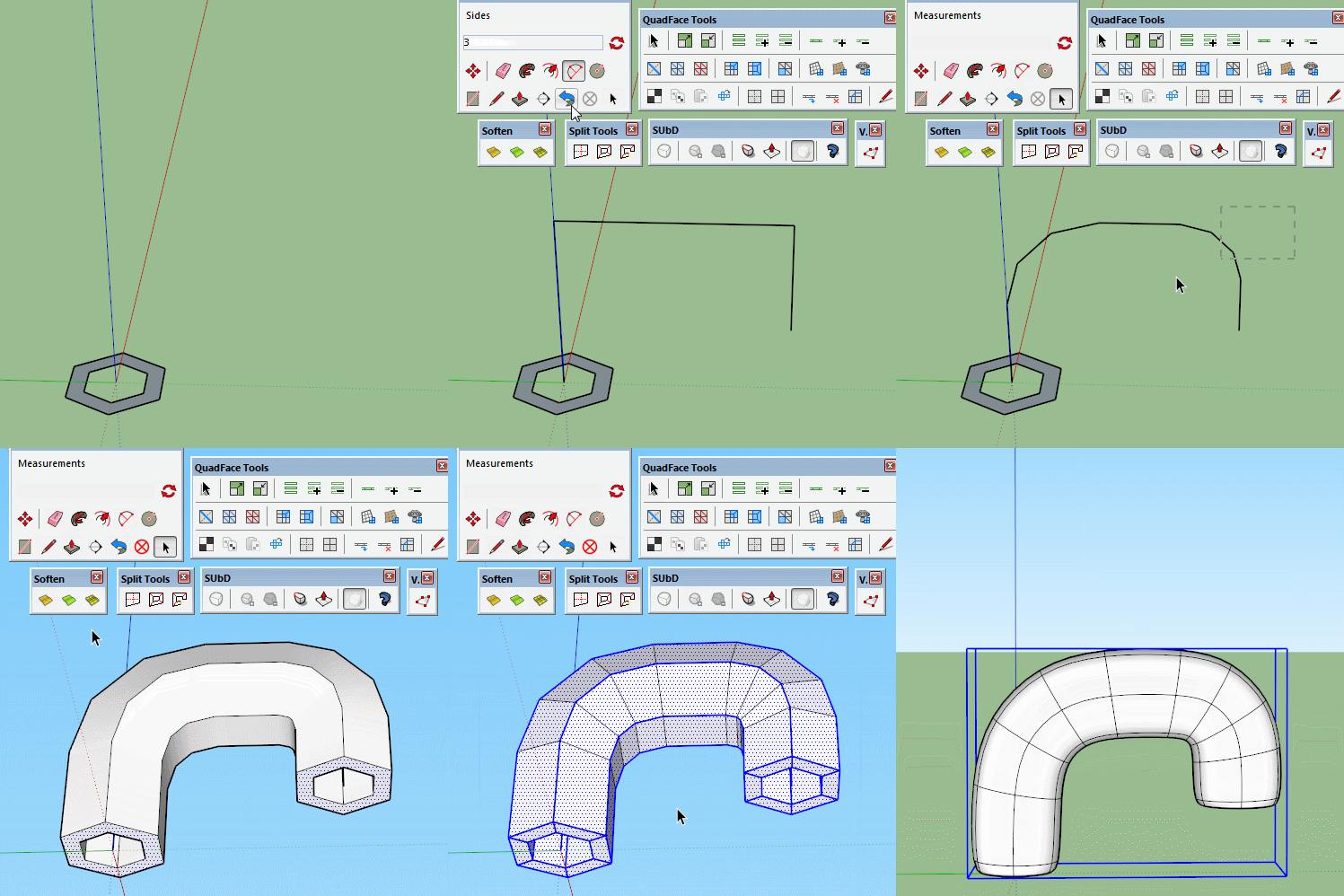

                                        Curves.gif

                                        1 條回覆 最後回覆 回覆 引用 0
                                        • BoxB 離線
                                          Box
                                          最後由 編輯

                                          Another very quick doodle.
                                          How to make a passable sports bra from an empty box by moving a few vertices.
                                          I've added the proxy so you can make em as big as you want adjust them to fit.


                                          Sports Bra.gif


                                          Sports Bra.skp

                                          1 條回覆 最後回覆 回覆 引用 0
                                          • HornOxxH 離線
                                            HornOxx
                                            最後由 編輯

                                            @box said:

                                            Another very quick doodle...

                                            Thanks Box for your great "Doodle"-Tutorial-Shorts here!!
                                            like some others here - there is a lot to learn
                                            👍 😄

                                            never trust a skinny cook

                                            1 條回覆 最後回覆 回覆 引用 0
                                            • 1
                                            • 2
                                            • 3
                                            • 4
                                            • 5
                                            • 6
                                            • 7
                                            • 82
                                            • 83
                                            • 5 / 83
                                            • 第一個貼文
                                              最後的貼文
                                            Buy SketchPlus
                                            Buy SUbD
                                            Buy WrapR
                                            Buy eBook
                                            Buy Modelur
                                            Buy Vertex Tools
                                            Buy SketchCuisine
                                            Buy FormFonts

                                            Advertisement