sketchucation logo sketchucation
    • 登入
    Oops, your profile's looking a bit empty! To help us tailor your experience, please fill in key details like your SketchUp version, skill level, operating system, and more. Update and save your info on your profile page today!
    🔌 Smart Spline | Fluid way to handle splines for furniture design and complex structures. Download

    SubD examples and models

    已排程 已置頂 已鎖定 已移動 SUbD
    renderpluginsextensions
    1.7k 貼文 81 Posters 1.1m 瀏覽 79 Watching
    正在載入更多貼文
    • 從舊到新
    • 從新到舊
    • 最多點贊
    回覆
    • 在新貼文中回覆
    登入後回覆
    此主題已被刪除。只有擁有主題管理權限的使用者可以查看。
    • pilouP 離線
      pilou
      最後由 編輯

      Cool motor bike! 😎

      (Ps these above videos are not my own videos, alas! 😉

      Frenchy Pilou
      Is beautiful that please without concept!
      My Little site :)

      1 條回覆 最後回覆 回覆 引用 0
      • HornOxxH 離線
        HornOxx
        最後由 編輯

        👍 perfect! and a nice model idea 😄

        never trust a skinny cook

        1 條回覆 最後回覆 回覆 引用 0
        • V 離線
          Vizan
          最後由 編輯

          @thomthom said:

          @vizan said:

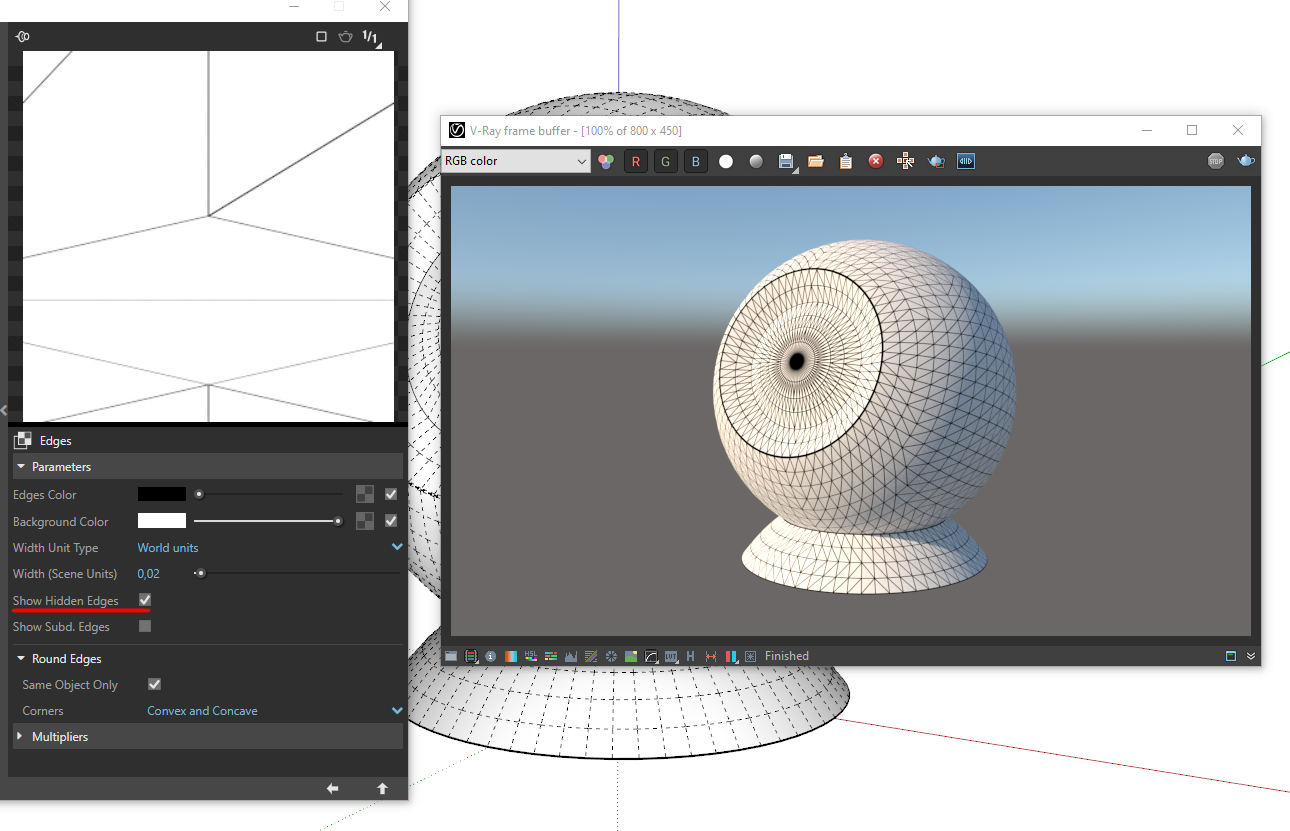
          It would be great if the Subd plugin itself hid this dividing line, or there would be some sort of automatic way.

          I'll logged it as something to look into. I just need to make sure it doesn't have any other unintended side-effects.

          Thank you for your attention to this!
          I noticed that the FredoCorner plugin does this automatically.
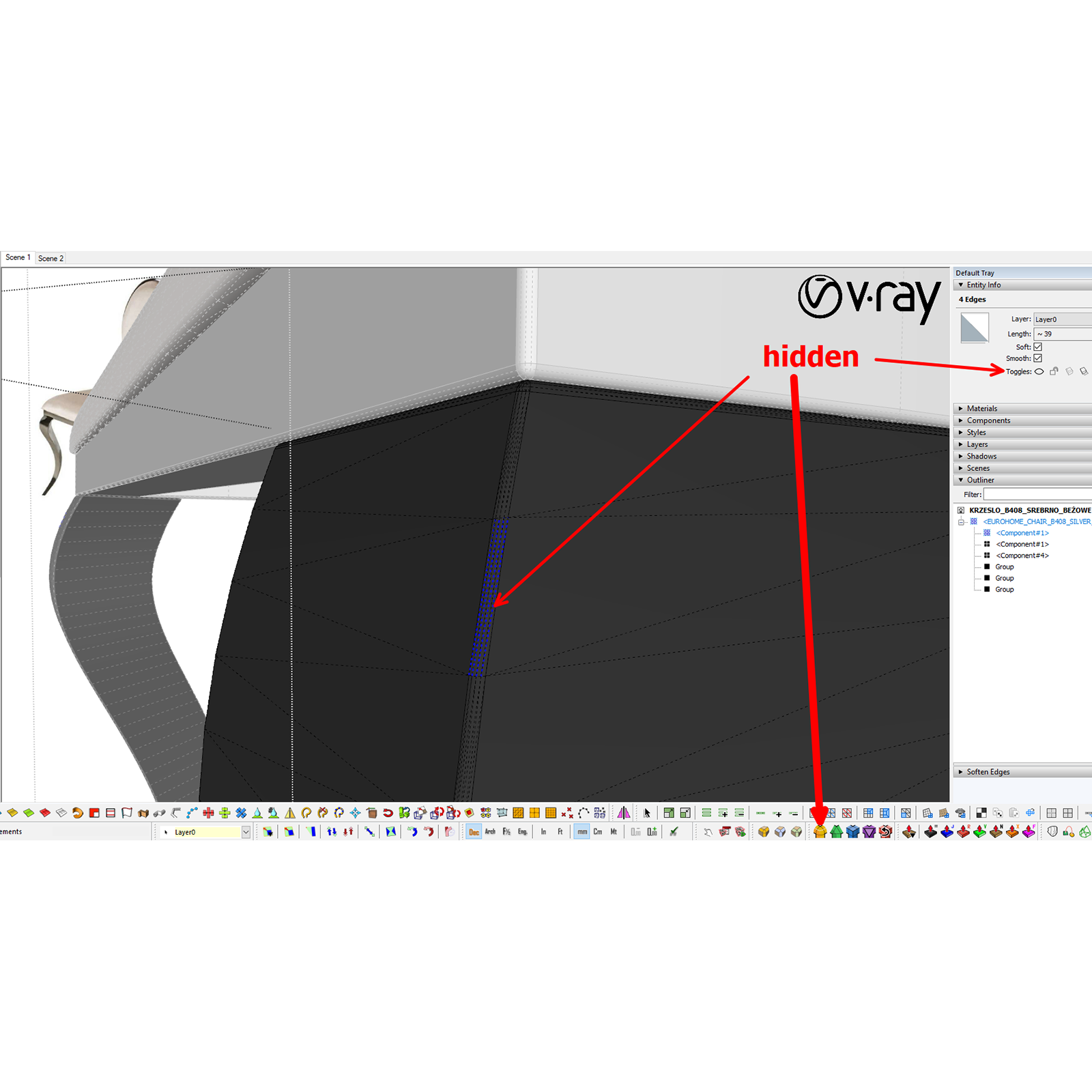

          screenshot5.png

          1 條回覆 最後回覆 回覆 引用 0
          • thomthomT 離線
            thomthom
            最後由 編輯

            Wow - that's an impressible detailed model! Very nice topology as well! 👍 👍

            Thomas Thomassen — SketchUp Monkey & Coding addict
            List of my plugins and link to the CookieWare fund

            1 條回覆 最後回覆 回覆 引用 0
            • panixiaP 離線
              panixia
              最後由 編輯

              Dirt jumping bike trails.
              Sub-d concept

              3d printed version 😛

              1 條回覆 最後回覆 回覆 引用 0
              • panixiaP 離線
                panixia
                最後由 編輯

                @thomthom said:

                I just need to make sure it doesn't have any other unintended side-effects.

                Please no, or at least make this as an option one can toggle on/off, because in general hidden geometry is BAD. 😐
                IMHO it would be a more clean workflow to do all the modeling avoiding hidden geometry and only at the last stage, when finalizing geometry for rendering, select all the smoothed edges (select all geometery and then run "selection toys -> select only -> soft edges") and turn them invisible.

                @vizan said:

                Thank you for your attention to this!
                I noticed that the FredoCorner plugin does this automatically.

                Fredo corner plugin has an option for this in "rounding parameters->borders->inner edges" and you can toggle.
                I think that's a good approach, because it can be adapted for different workflows.

                1 條回覆 最後回覆 回覆 引用 0
                • V 離線
                  Vizan
                  最後由 編輯

                  @thomthom said:

                  @vizan said:

                  It would be great if the Subd plugin itself hid this dividing line, or there would be some sort of automatic way.

                  I'll logged it as something to look into. I just need to make sure it doesn't have any other unintended side-effects.

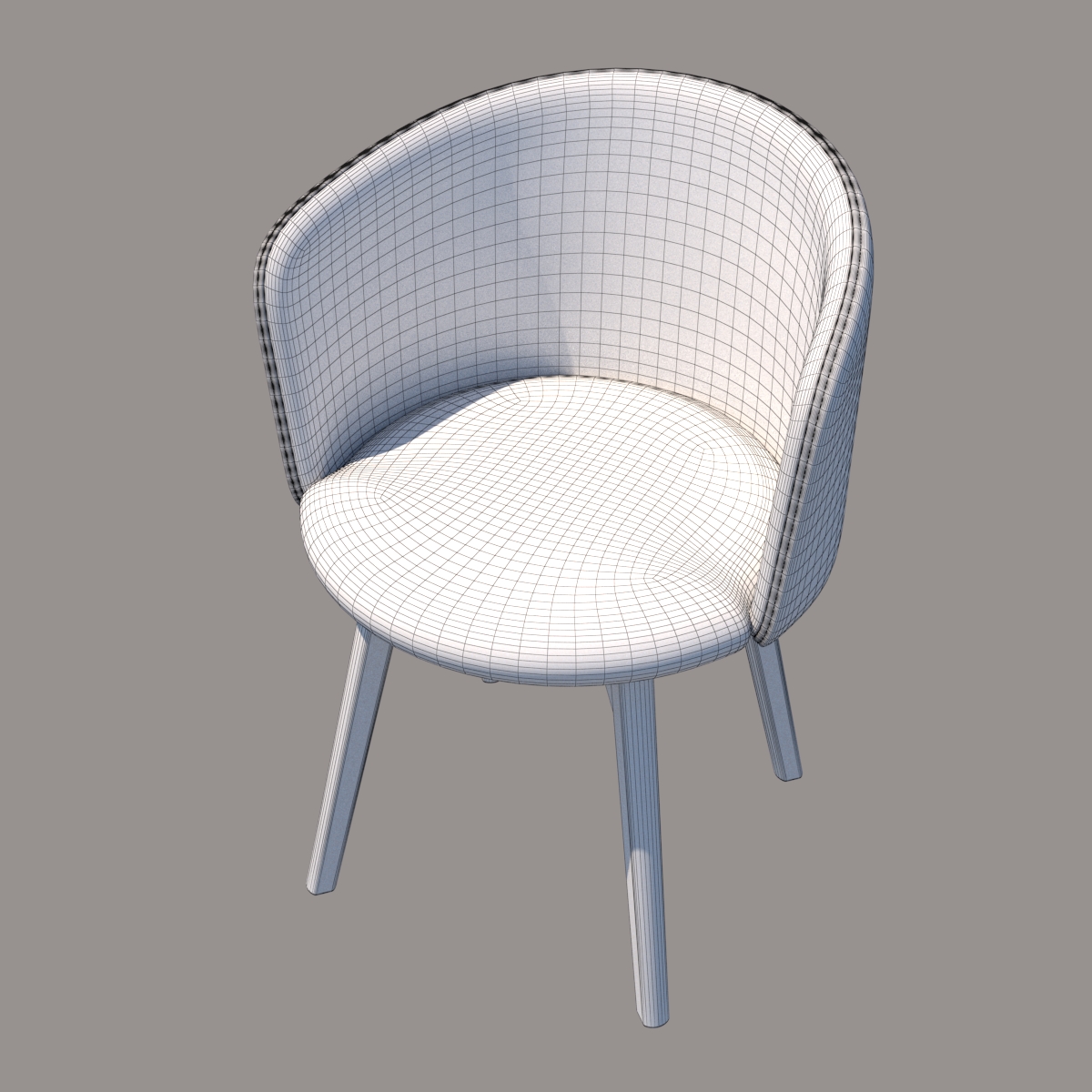
                  I found a solution to this problem
                  https://www.youtube.com/watch?v=eBCDTTtv2Hc

                  Waldberg_Юлиус_2.jpg

                  1 條回覆 最後回覆 回覆 引用 0
                  • thomthomT 離線
                    thomthom
                    最後由 編輯

                    @vizan said:

                    I found a solution to this problem

                    The solution is making the edges not only soft+smooth, but also hidden?

                    Thomas Thomassen — SketchUp Monkey & Coding addict
                    List of my plugins and link to the CookieWare fund

                    1 條回覆 最後回覆 回覆 引用 0
                    • R 離線
                      rspierenburg
                      最後由 編輯

                      That and using a Vray Toon Material that renders the subd'ed edges.

                      1 條回覆 最後回覆 回覆 引用 0
                      • V 離線
                        Vizan
                        最後由 編輯

                        @thomthom said:

                        @vizan said:

                        I found a solution to this problem

                        The solution is making the edges not only soft+smooth, but also hidden?

                        Yes, here I showed how this can be done with the additional selection_edge and Curic Deep Select plugins https://www.youtube.com/watch?v=eBCDTTtv2Hc

                        1 條回覆 最後回覆 回覆 引用 0
                        • panixiaP 離線
                          panixia
                          最後由 編輯

                          As I said you cand do that using "selection toys" as well.

                          1 條回覆 最後回覆 回覆 引用 0
                          • thomthomT 離線
                            thomthom
                            最後由 編輯

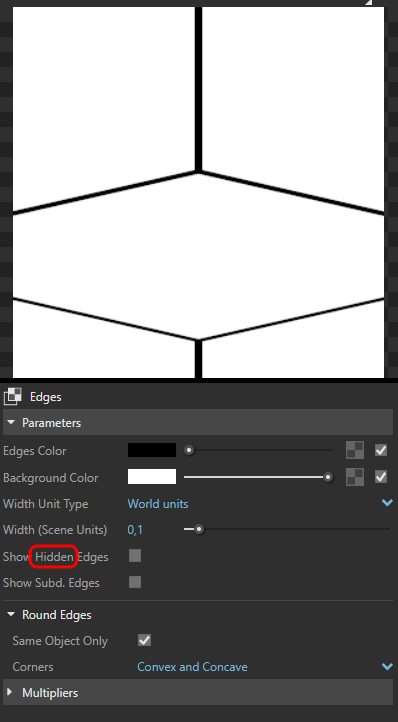
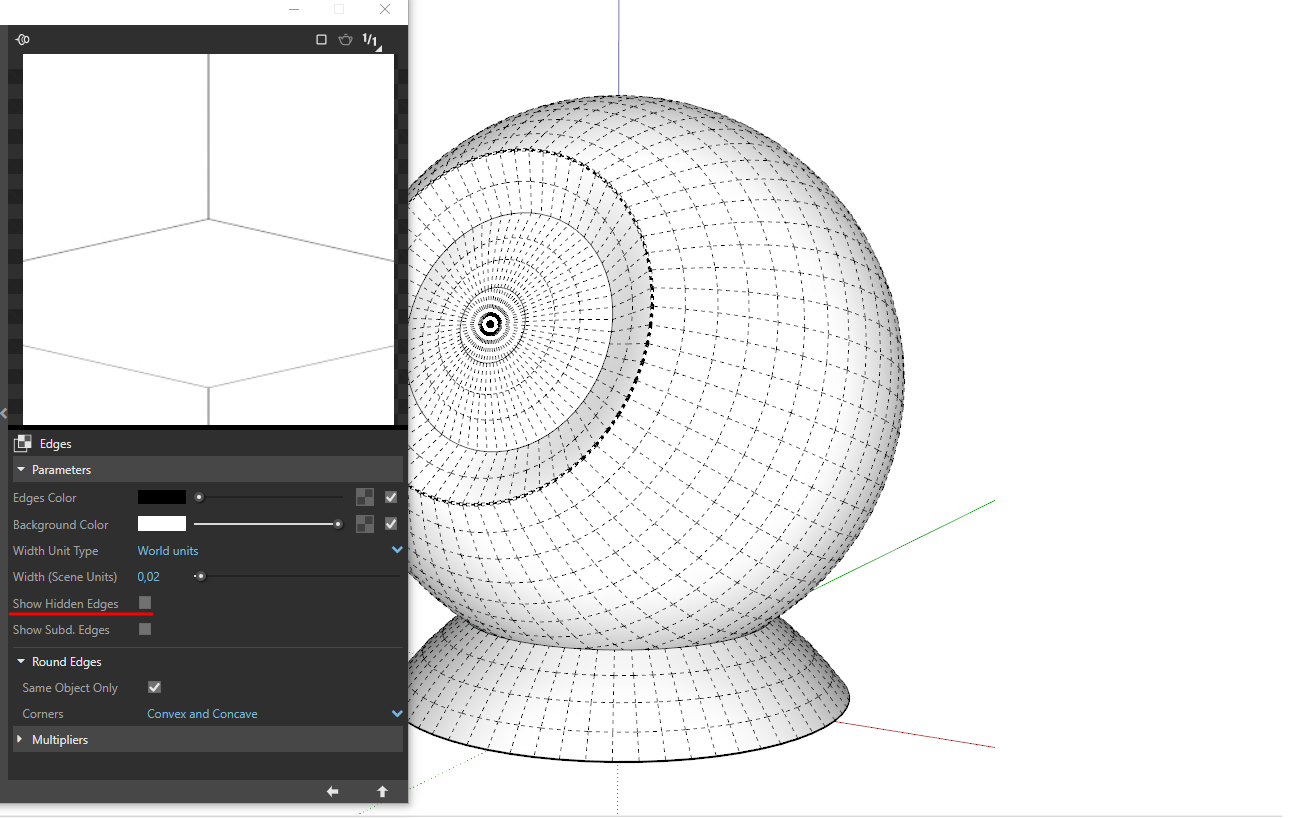
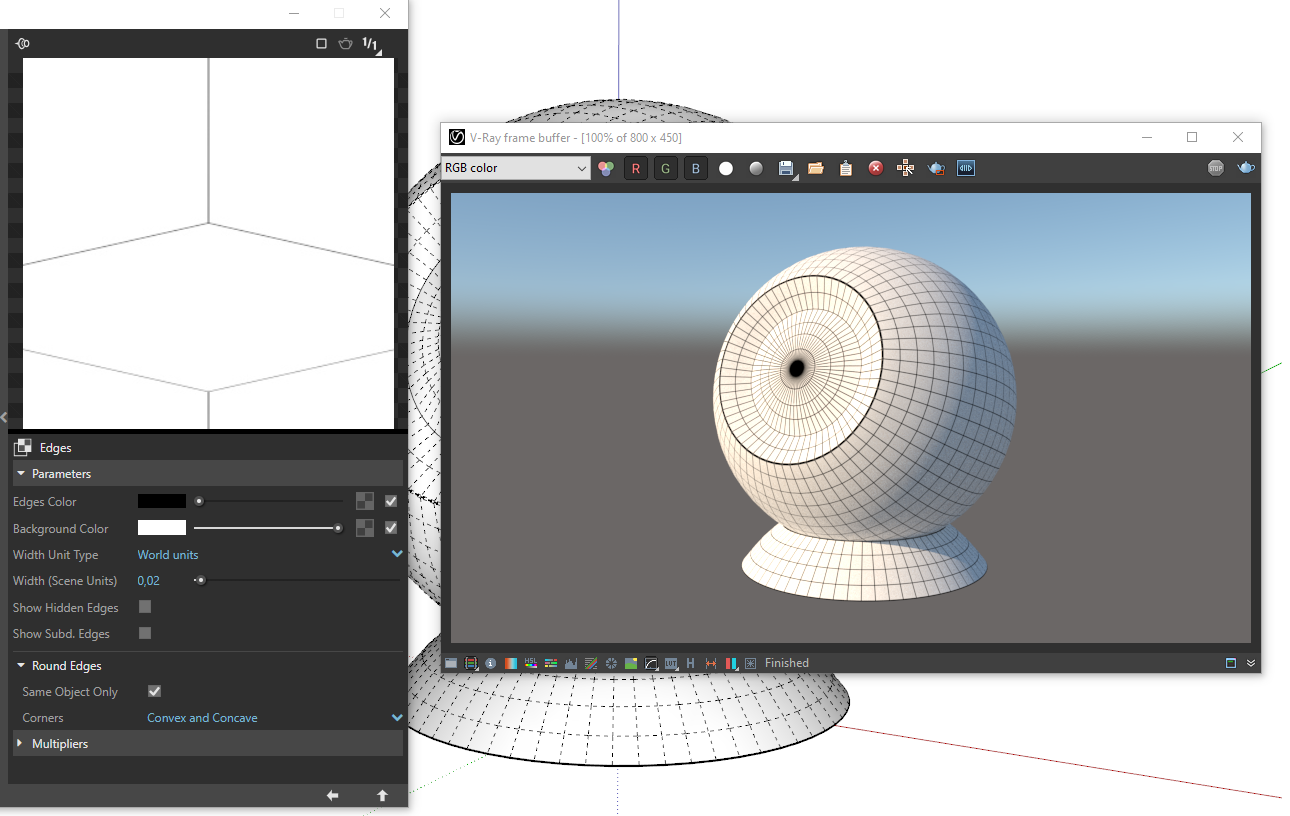
                            This feels like a V-Ray bug to me. I'd expect soft edges also to not be rendered along with hidden edges.

                            Thomas Thomassen — SketchUp Monkey & Coding addict
                            List of my plugins and link to the CookieWare fund

                            1 條回覆 最後回覆 回覆 引用 0
                            • V 離線
                              Vizan
                              最後由 編輯

                              @thomthom said:

                              This feels like a V-Ray bug to me. I'd expect soft edges also to not be rendered along with hidden edges.

                              Unfortunately it is, but it is not critical for me. Of course I wanted this feature to work correctly.
                              screenshot15.png


                              screenshot16_1.png


                              screenshot16_2.png


                              screenshot16_3.png

                              1 條回覆 最後回覆 回覆 引用 0
                              • V 離線
                                Vizan
                                最後由 編輯

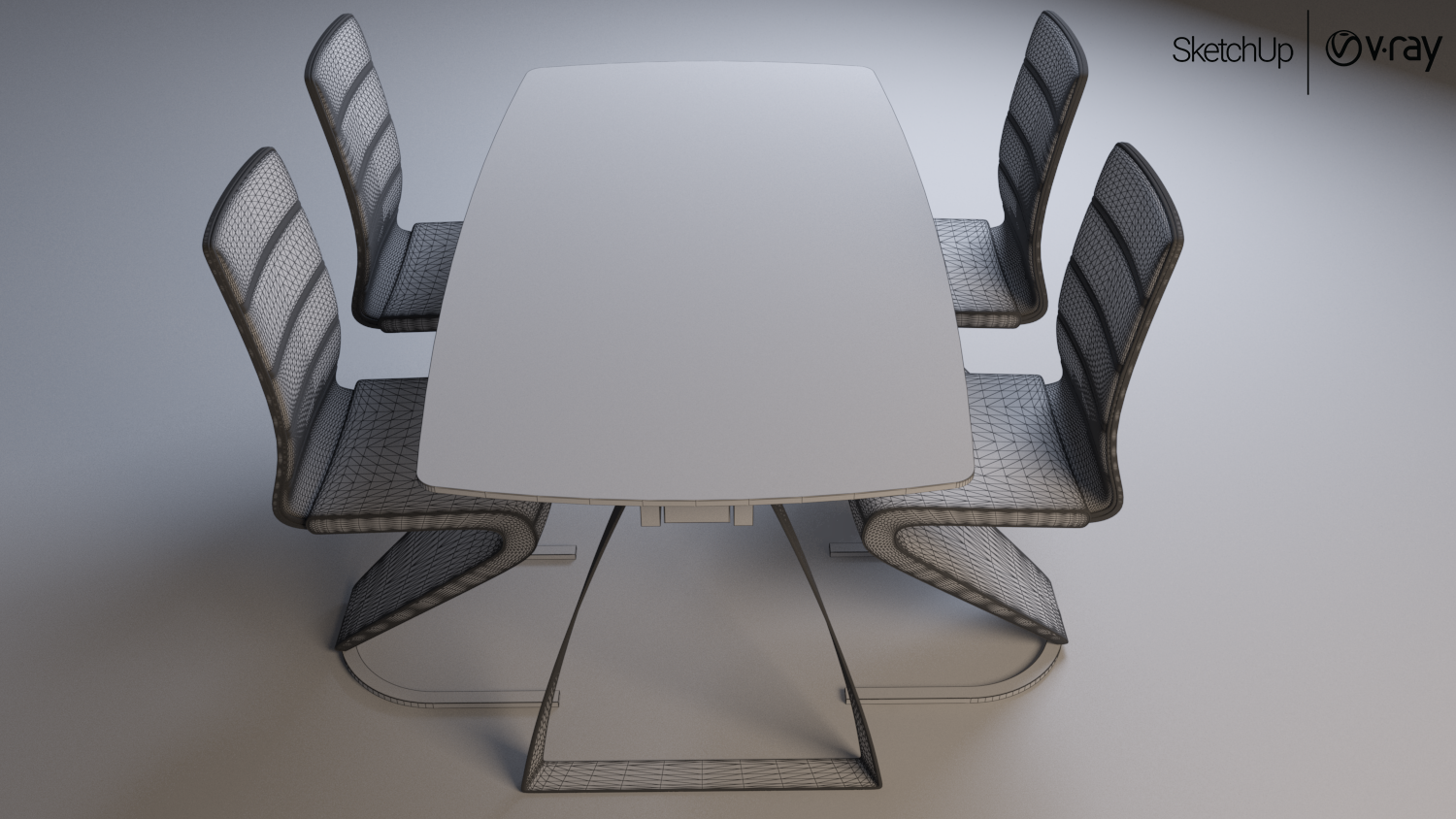
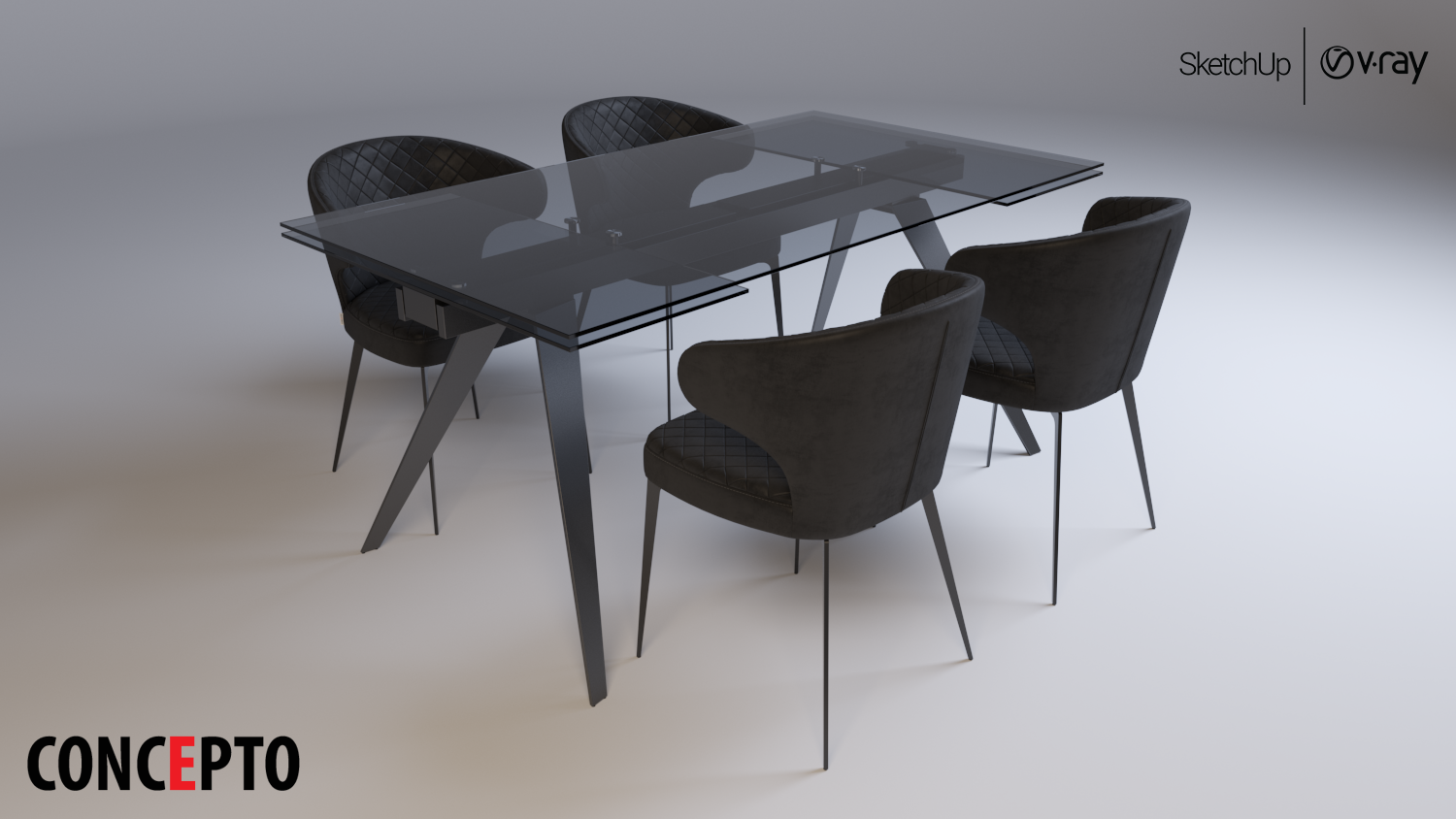
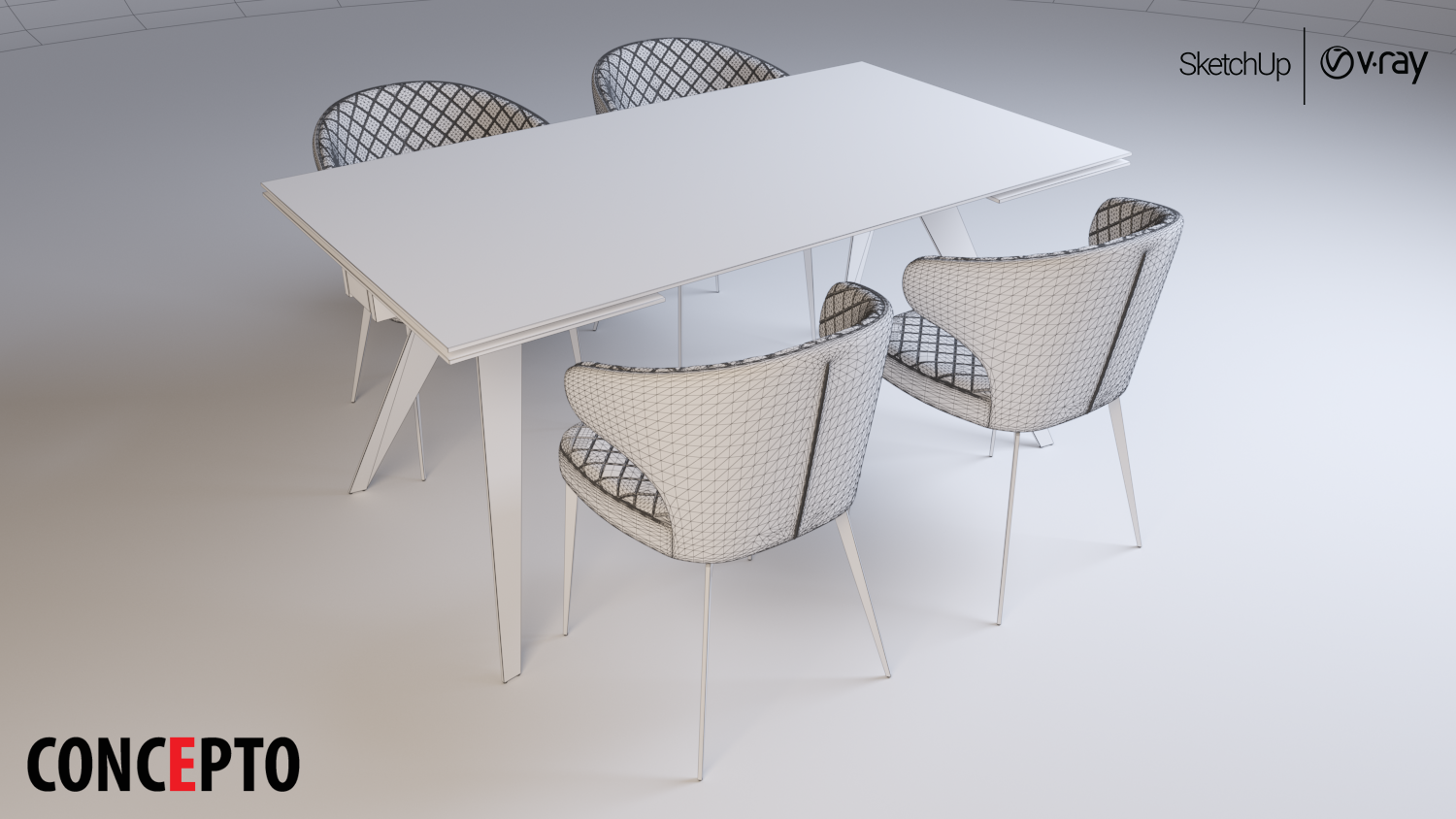
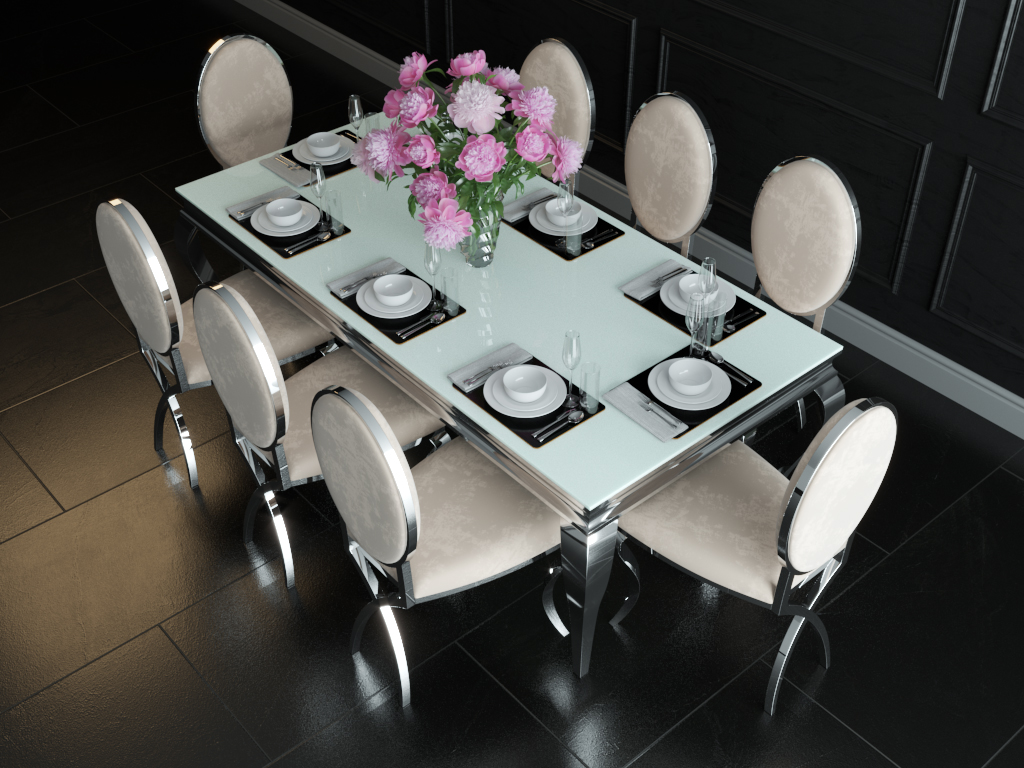
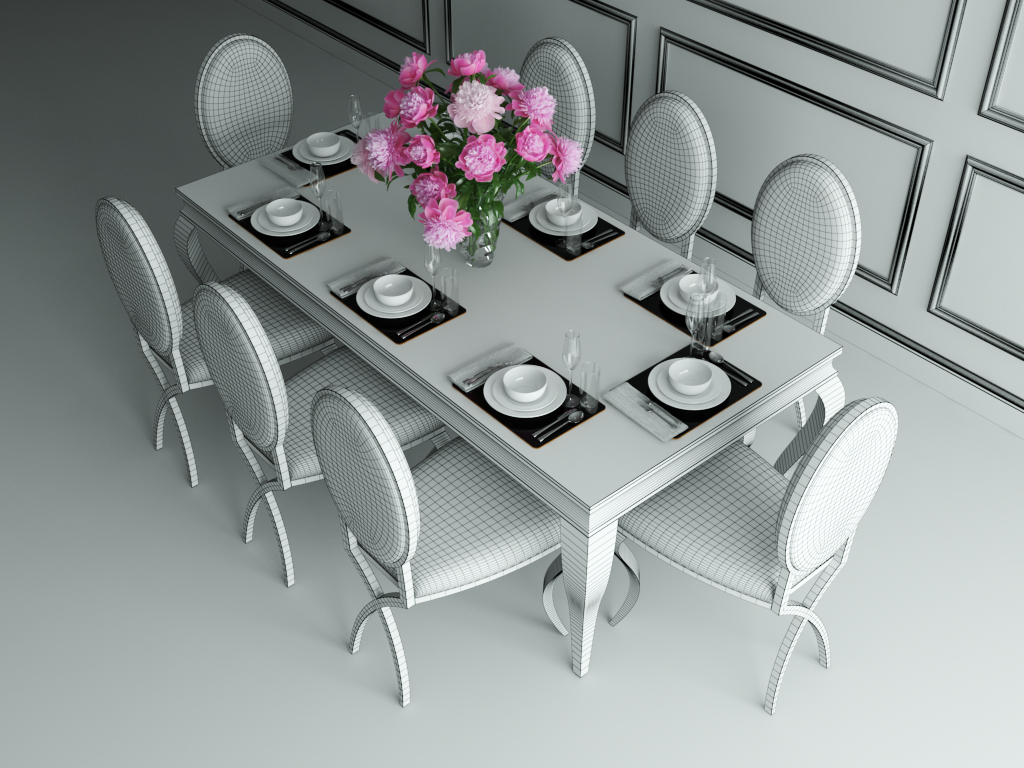
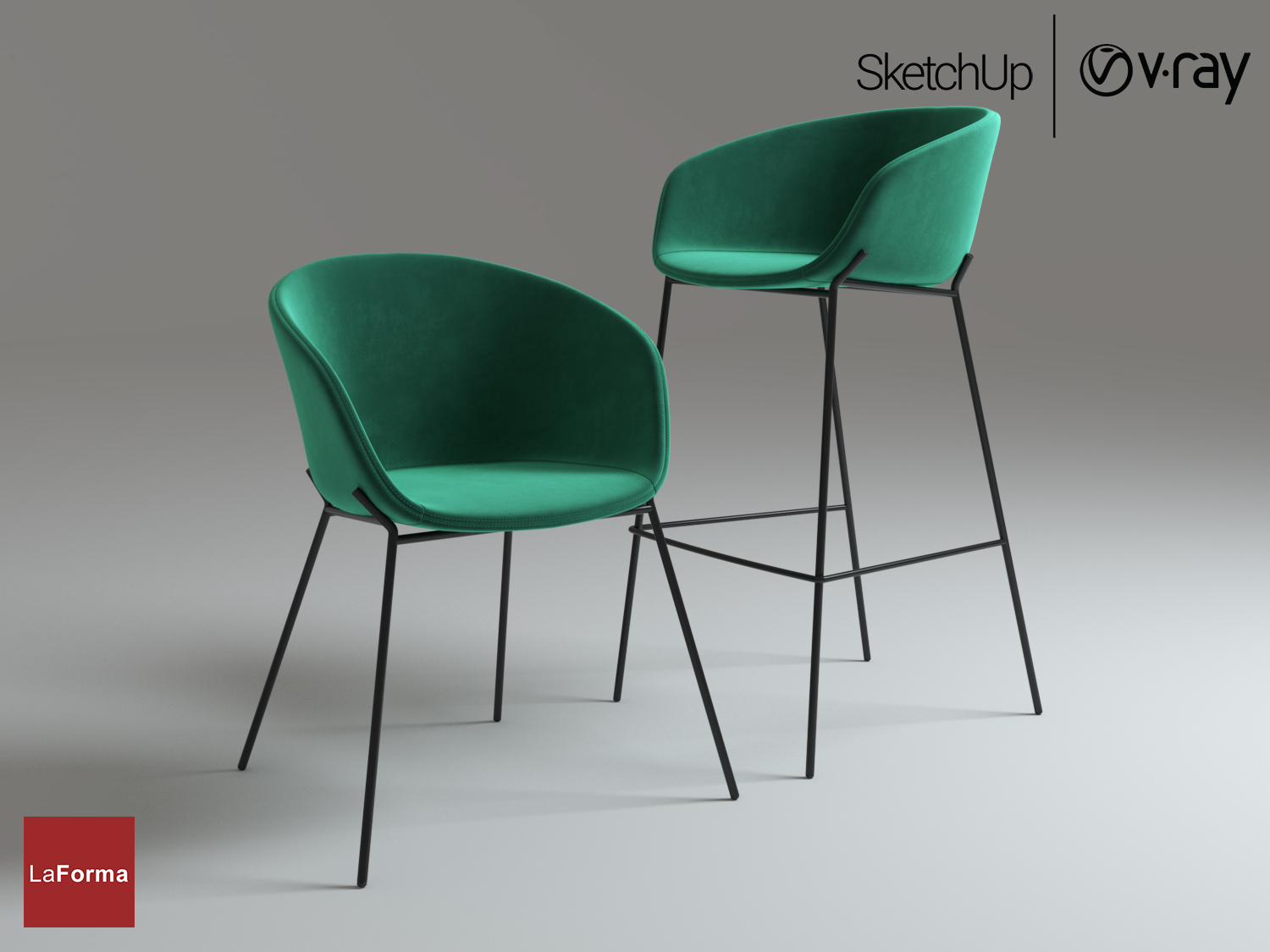
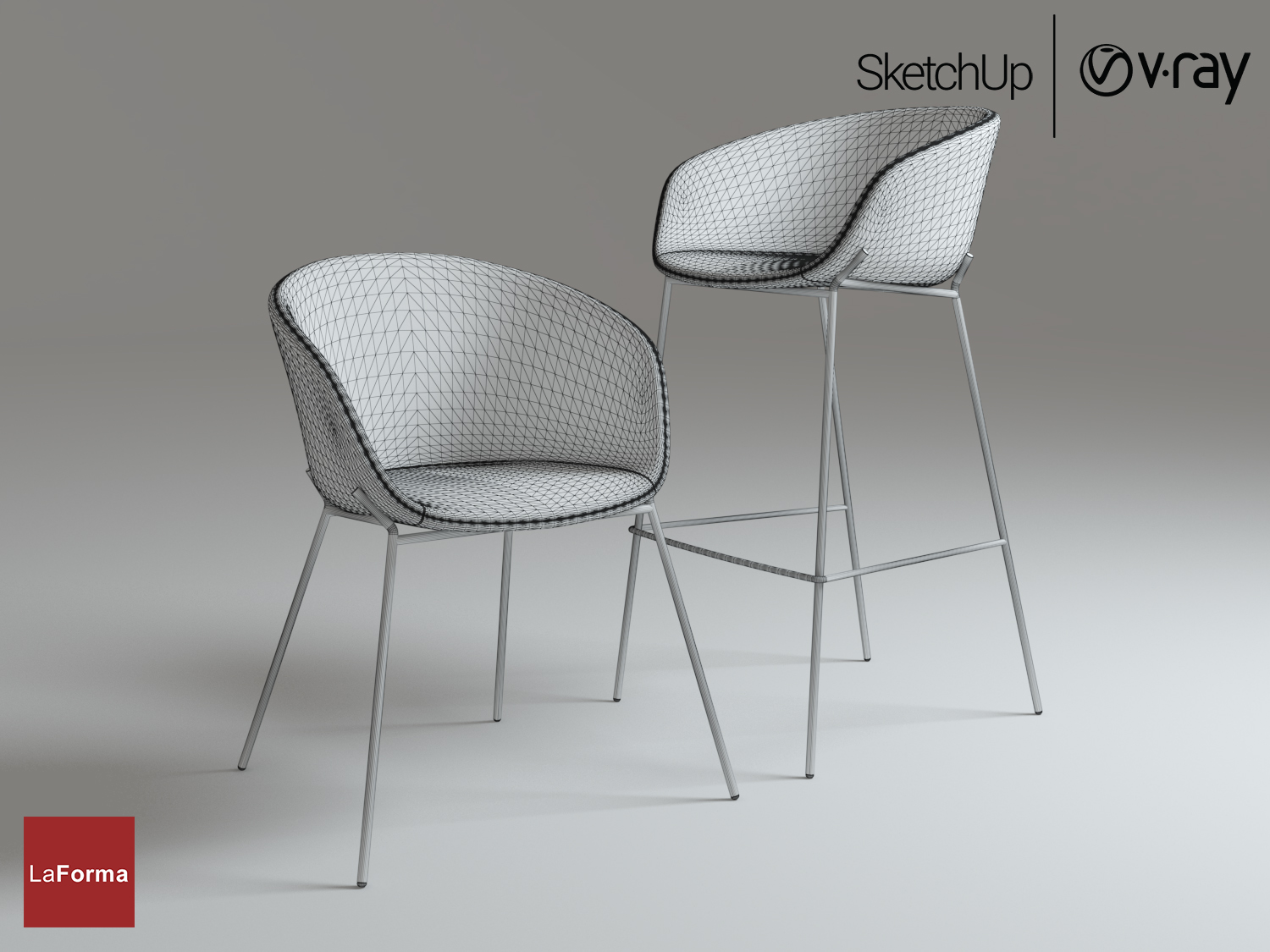
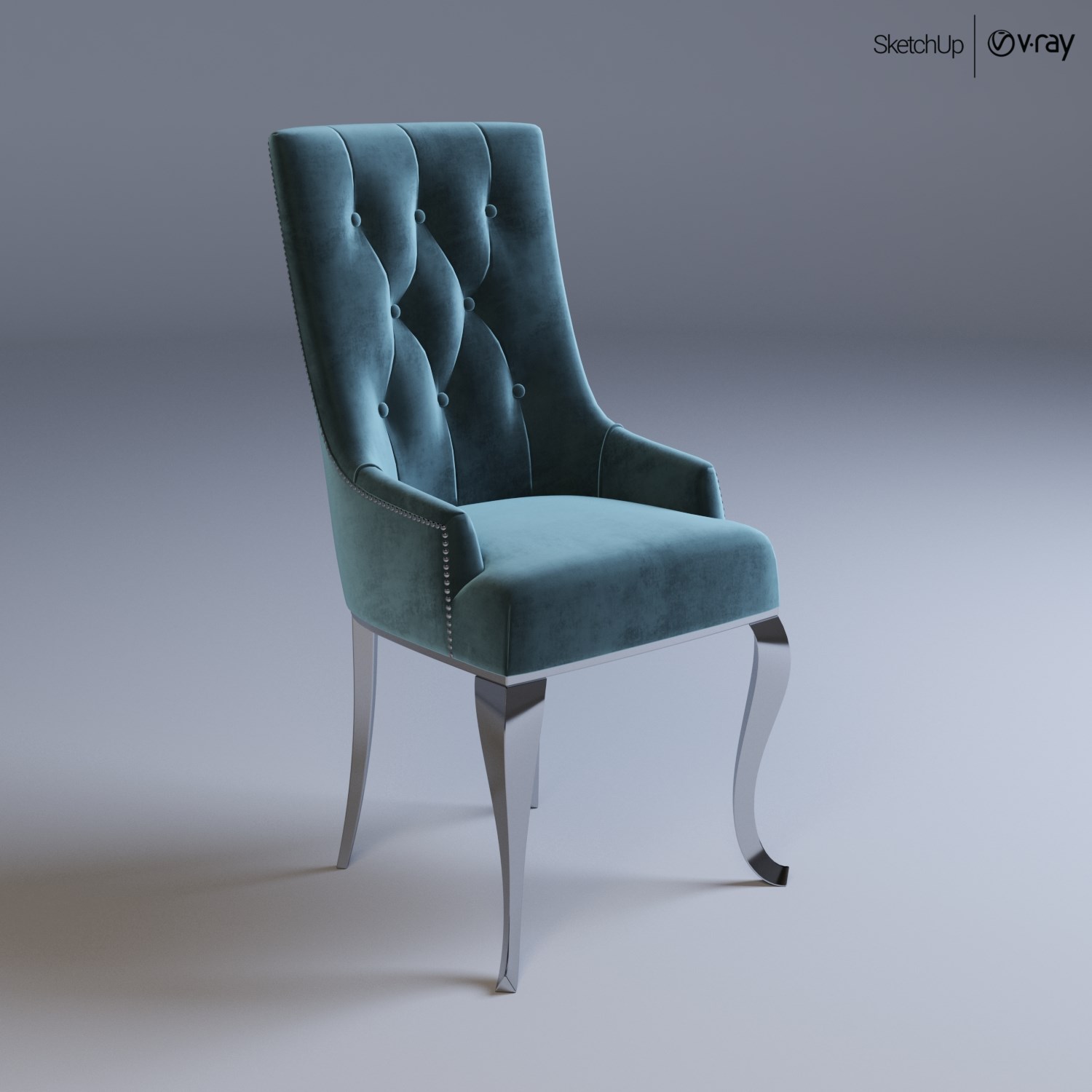
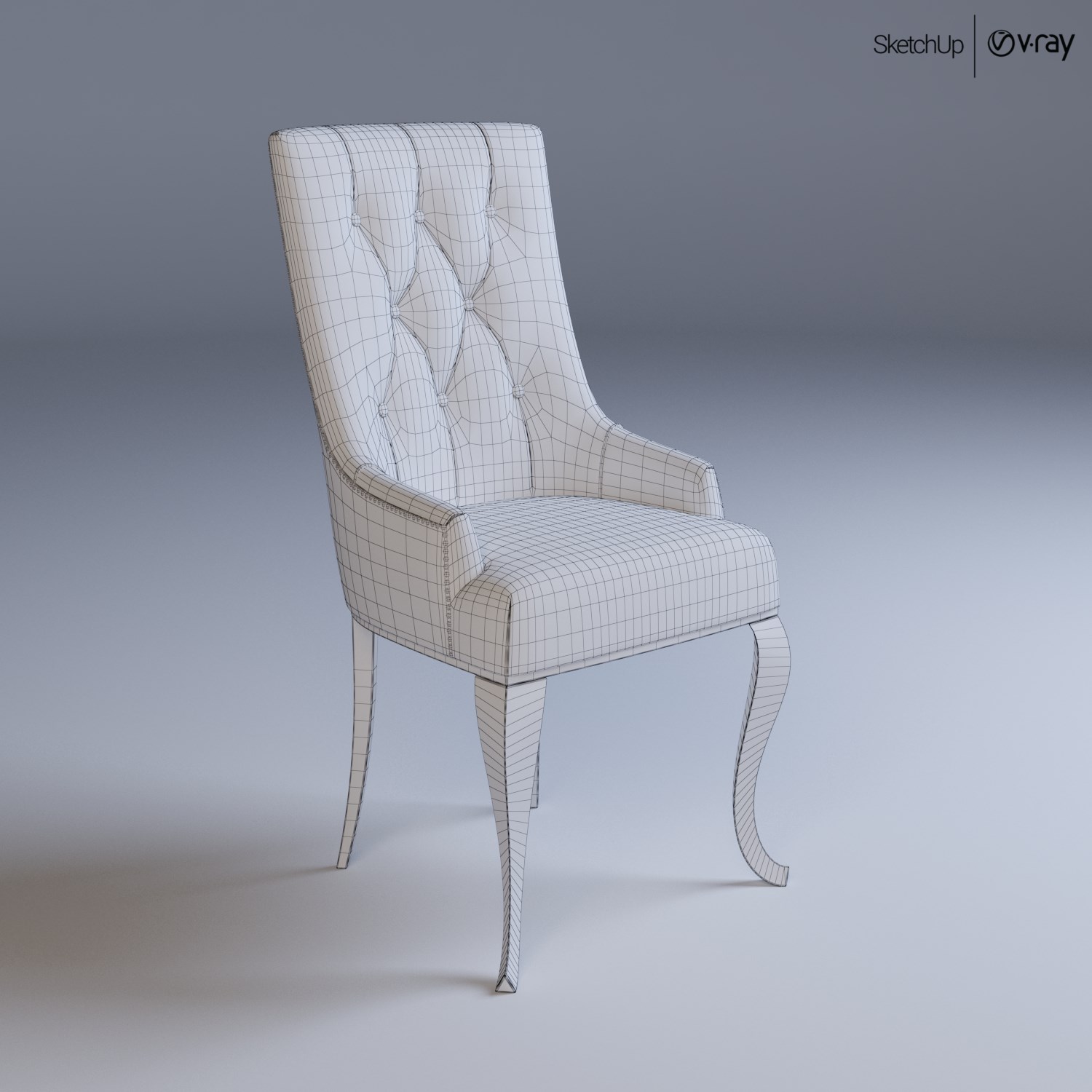
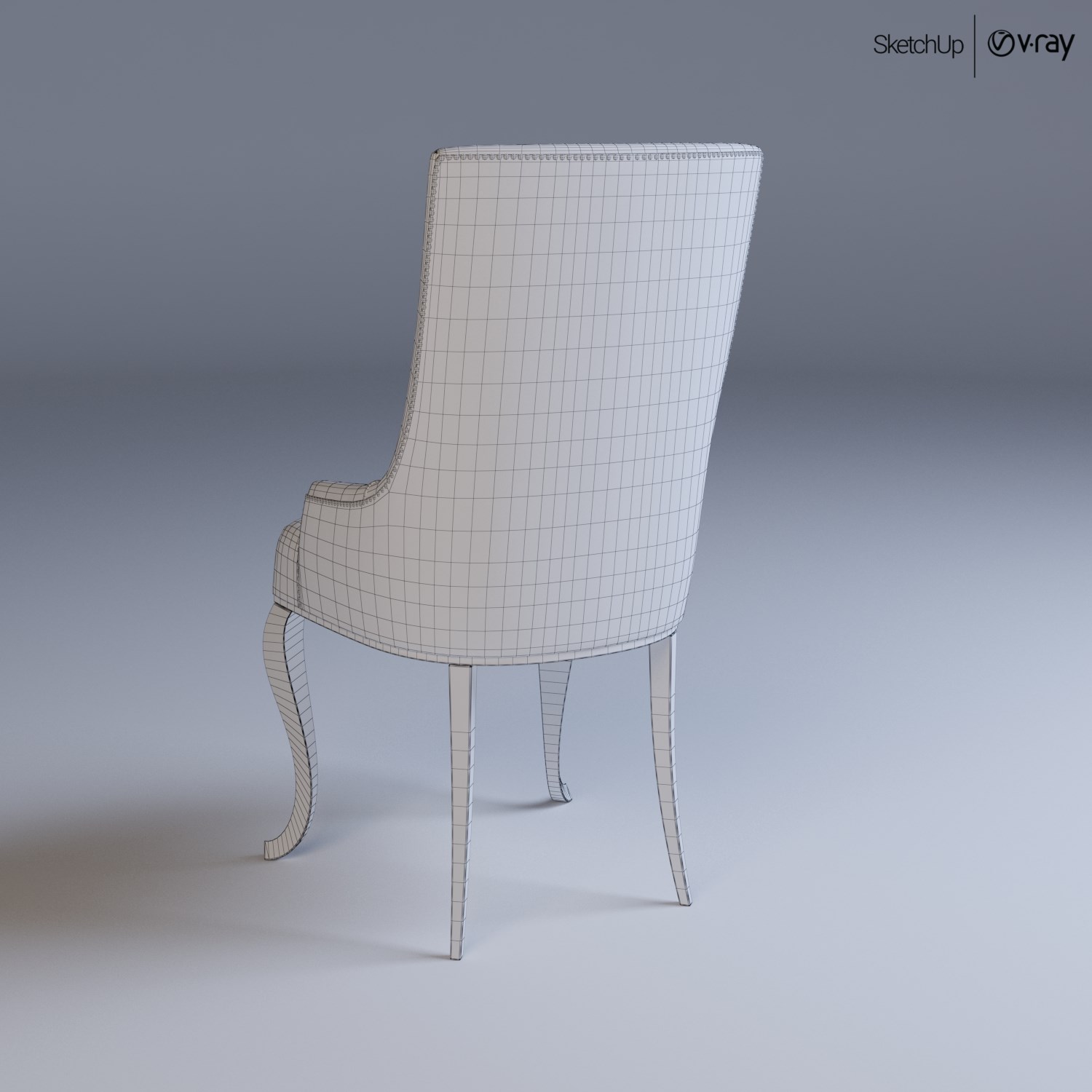
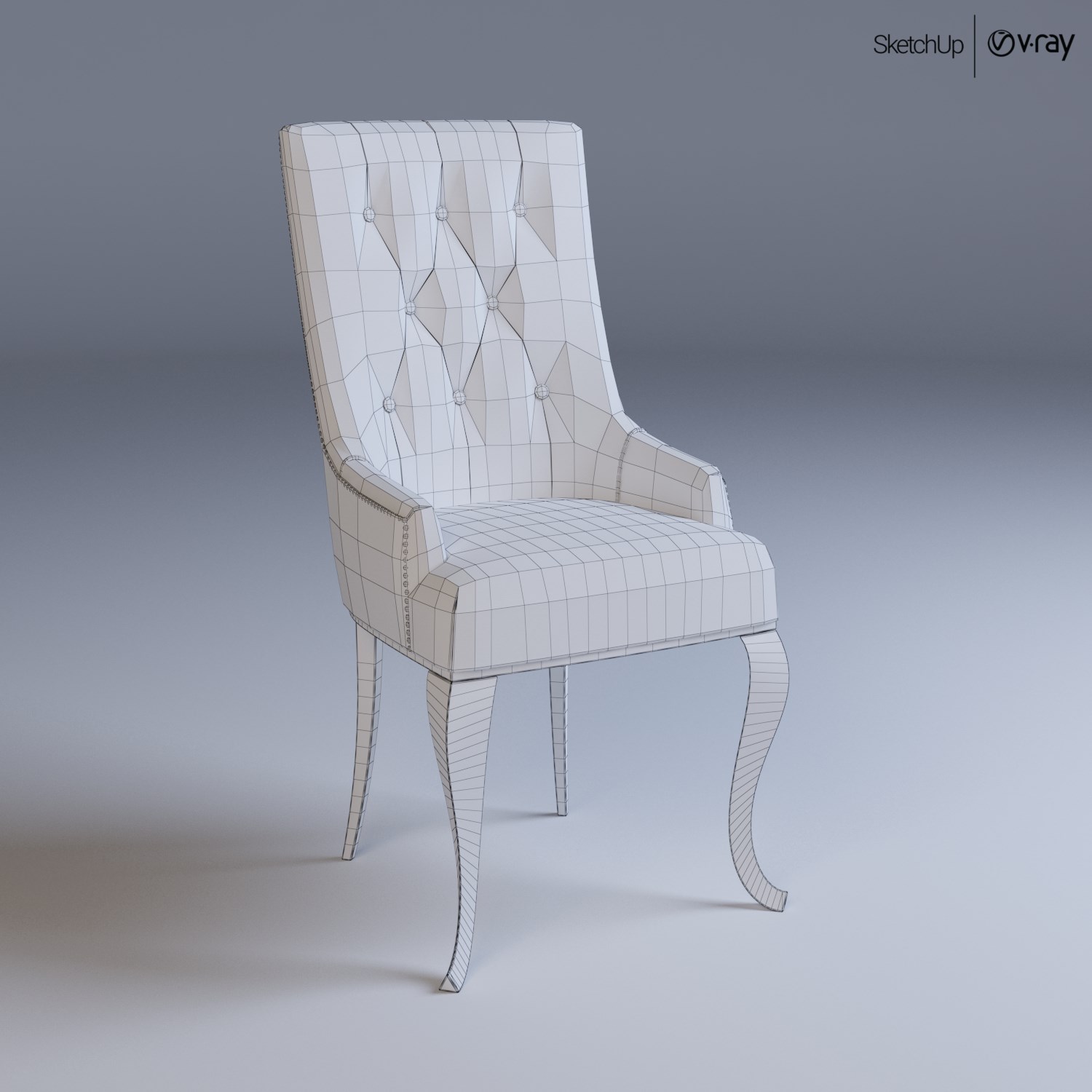
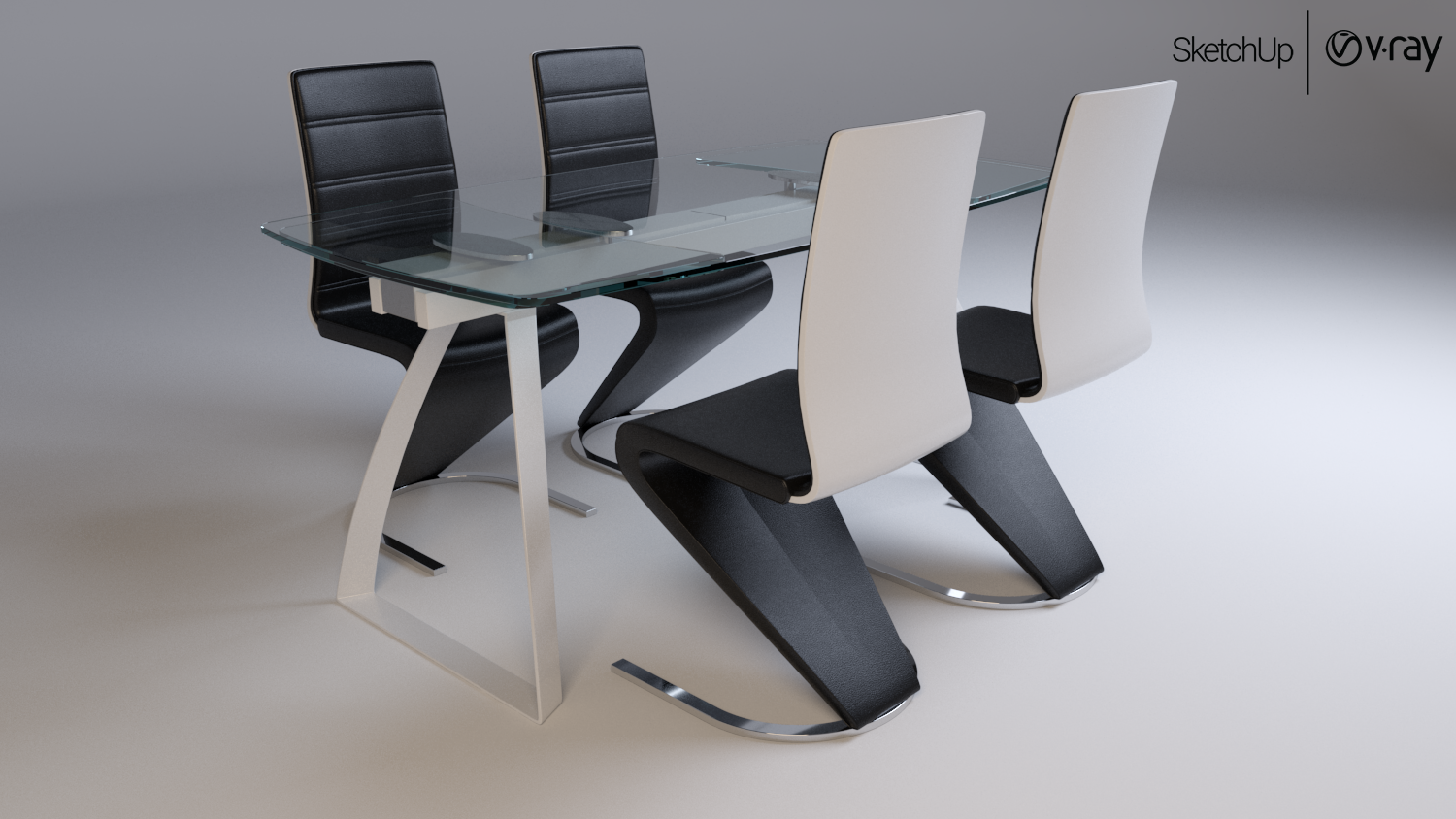
                                Here are my examples of using the SubD tool, in part or in full;)

                                LONDON transparent table and chairs Signal H-669 black_1.png


                                LONDON transparent table and chairs Signal H-669 black_5.png


                                Rend_1.png


                                Rend_5.png


                                Комплект EUROHOME Большой стол в гостиную 6139+cтул бежевый 7354_2.jpg


                                Комплект EUROHOME Большой стол в гостиную 6139+cтул бежевый 7354_5.jpg


                                LaForma Стул ZADINE+Барный стул ZADINE_01.jpg


                                LaForma Стул ZADINE+Барный стул ZADINE_04.jpg


                                Stul_tiffany_render 2.jpg


                                Stul_tiffany_render 3.jpg


                                Stul_tiffany_render 4.jpg


                                Stul_tiffany_render 5.jpg

                                1 條回覆 最後回覆 回覆 引用 0
                                • panixiaP 離線
                                  panixia
                                  最後由 編輯

                                  Nice furniture models. 👍

                                  1 條回覆 最後回覆 回覆 引用 0
                                  • V 離線
                                    Vizan
                                    最後由 編輯

                                    @panixia said:

                                    Nice furniture models. 👍

                                    Thanks, I'm still studying 😄

                                    1 條回覆 最後回覆 回覆 引用 0
                                    • C 離線
                                      Callegari_hr
                                      最後由 編輯

                                      @vizan said:

                                      @panixia said:

                                      Nice furniture models. 👍

                                      Thanks, I'm still studying 😄

                                      Maybe you are stil studying but you are no student any more. 👍 😉
                                      Great modelling.

                                      1 條回覆 最後回覆 回覆 引用 0
                                      • HornOxxH 離線
                                        HornOxx
                                        最後由 編輯

                                        @callegari_hr said:

                                        ...maybe you are stil studying but you are no student any more...
                                        and I think, Vizan may change his profile from "beginner" to "advanced" 😄 👍 👍 great works

                                        never trust a skinny cook

                                        1 條回覆 最後回覆 回覆 引用 0
                                        • V 離線
                                          Vizan
                                          最後由 編輯

                                          @pbacot said:

                                          Beautiful work, Vivan. Does it take V-ray to show the subD edge overlay?

                                          Of course not, the functionality of the SubD plugin allows you to do this without Vray, but with Vray effectively)) I am equal to the masters at http://www.3ddd.ru, and I want to represent SketchUp models at the same level.
                                          https://3ddd.ru/3dmodels/show/vincent_contemporary_sofa
                                          https://3ddd.ru/3dmodels/show/sofa_amsterdam_2_seater
                                          https://3ddd.ru/3dmodels/show/thonet_520_chair_set

                                          1 條回覆 最後回覆 回覆 引用 0
                                          • pbacotP 離線
                                            pbacot
                                            最後由 編輯

                                            Beautiful work, Vizan. Does it take V-ray to show the subD edge overlay?

                                            MacOSX MojaveSketchUp Pro v19 Twilight v2 Thea v3 PowerCADD

                                            1 條回覆 最後回覆 回覆 引用 0
                                            • 1
                                            • 2
                                            • 76
                                            • 77
                                            • 78
                                            • 79
                                            • 80
                                            • 81
                                            • 82
                                            • 83
                                            • 78 / 83
                                            • 第一個貼文
                                              最後的貼文
                                            Buy SketchPlus
                                            Buy SUbD
                                            Buy WrapR
                                            Buy eBook
                                            Buy Modelur
                                            Buy Vertex Tools
                                            Buy SketchCuisine
                                            Buy FormFonts

                                            Advertisement