sketchucation logo sketchucation
    • Login
    Oops, your profile's looking a bit empty! To help us tailor your experience, please fill in key details like your SketchUp version, skill level, operating system, and more. Update and save your info on your profile page today!
    ⚠️ Update | Sketchucation Tools 5.0.8 released with licensing improvements and bugfixes Download

    [Plugin] MoveAlong - v1.2b - 07 Jul 14

    Scheduled Pinned Locked Moved Plugins
    71 Posts 26 Posters 72.6k Views 26 Watching
    Loading More Posts
    • Oldest to Newest
    • Newest to Oldest
    • Most Votes
    Reply
    • Reply as topic
    Log in to reply
    This topic has been deleted. Only users with topic management privileges can see it.
    • cottyC
      cotty
      last edited by

      Shortcut 'M' updated!

      A little observation:
      The shadow is not updated until leaving the tool... (not really a problem)
      [screenr:j5b9kssd]cFxN[/screenr:j5b9kssd]

      my SketchUp gallery

      1 Reply Last reply
      Reply Quote 0
      • K
        kaas
        last edited by

        Wicked !! πŸ‘

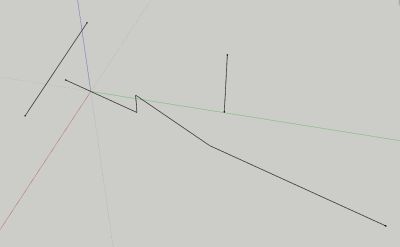
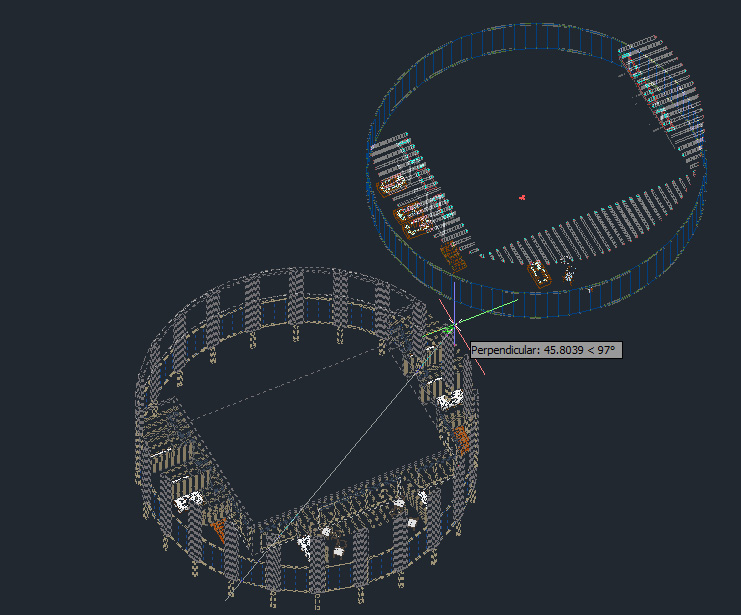
        One observation: when moving a group, if you move the mouse over the rotation grips of the object the cursor sticks in rotation-mode (component-like behavior?).

        edit: another thing I noticed (trying out the techniques from your youtube movie 8m54), if the two lines to the right are grouped and I enter the group and try to move the middle line in its plane to the intersection with the left line, no intersection is indicated. When grouping the left and right line it works though.

        Once again, a great addition. Having fun trying out all the options.
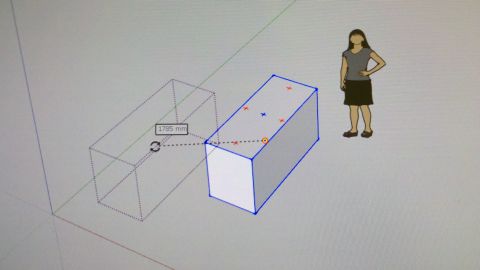

        cursor.jpg


        groups.jpg

        1 Reply Last reply
        Reply Quote 0
        • JQLJ
          JQL
          last edited by

          Endless possibilities...

          www.casca.pt
          Visit us on facebook!

          1 Reply Last reply
          Reply Quote 0
          • CadFatherC
            CadFather
            last edited by

            Wow... Thanks Master Fredo - could do a whole basecamp based on your plugins! πŸ˜„

            1 Reply Last reply
            Reply Quote 0
            • X
              xianglin
              last edited by

              Hello Fredo
              Thank you for your plugin.
              I'm your biggest fan.
              For you to see a video, you might have some new ideas.
              Http://video.sina.com.cn/v/b/92151582-1801050914.html

              1 Reply Last reply
              Reply Quote 0
              • R
                rv1974
                last edited by

                Why? Why you are not the Project (TRMLR SU πŸ˜•) Manager? πŸ‘
                P.S. Please check PM. In short the 'move along' won't work with relatively heavy geometry.
                Could it get fixed?
                Thank you.

                1 Reply Last reply
                Reply Quote 0
                • fredo6F
                  fredo6
                  last edited by

                  @rv1974 said:

                  In short the 'move along' won't work with relatively heavy geometry.
                  Could it get fixed?
                  Thank you.

                  I published a provisional fix for selection with big number of entities in MoveAlong 1.0d, published as part of FredoTools 1.8e.

                  Fredo

                  1 Reply Last reply
                  Reply Quote 0
                  • fredo6F
                    fredo6
                    last edited by

                    @xianglin said:

                    Hello Fredo
                    Thank you for your plugin.
                    I'm your biggest fan.
                    For you to see a video, you might have some new ideas.
                    Http://video.sina.com.cn/v/b/92151582-1801050914.html

                    Looks like a super-powerful road editor; very well done!

                    Fredo

                    1 Reply Last reply
                    Reply Quote 0
                    • KrisidiousK
                      Krisidious
                      last edited by

                      @xianglin said:

                      Hello Fredo
                      Thank you for your plugin.
                      I'm your biggest fan.
                      For you to see a video, you might have some new ideas.
                      Http://video.sina.com.cn/v/b/92151582-1801050914.html

                      Wow, that's very kool... I'd love to have that in Sketchup.

                      By: Kristoff Rand
                      Home DesignerUnique House Plans

                      1 Reply Last reply
                      Reply Quote 0
                      • FrederikF
                        Frederik
                        last edited by

                        @xianglin said:

                        For you to see a video, you might have some new ideas.
                        Http://video.sina.com.cn/v/b/92151582-1801050914.html

                        That video takes forever to load for me, although I have a very fast Internet connection... πŸ˜•

                        Cheers
                        Kim Frederik

                        1 Reply Last reply
                        Reply Quote 0
                        • KrisidiousK
                          Krisidious
                          last edited by

                          Fred, It's served from China (I think) and then it has to load 14 minutes of video. I think that's why it takes so long.

                          By: Kristoff Rand
                          Home DesignerUnique House Plans

                          1 Reply Last reply
                          Reply Quote 0
                          • R
                            rv1974
                            last edited by

                            Fredo, many thanks for 1.8e update, it's great improvement!
                            Another nuance- those Acad-like grey phantom lines of the initial position, which give posibility to snap.
                            I noticed that not grouped\componented geometry unfortunately doesn't give this feature;
                            grey phantom lines represent the object's bounding boxes (pic.1). Couldn't they represent the true
                            wireframe
                            (pic.2)?
                            Thank you.
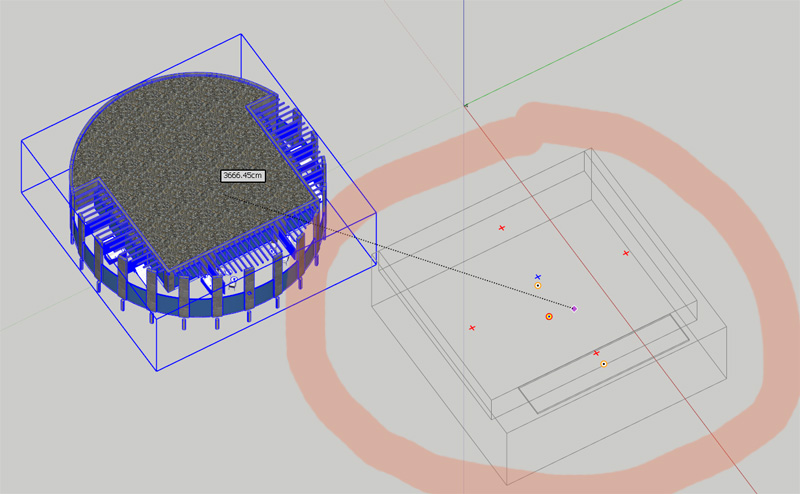

                            grey2.jpg


                            gr44.jpg

                            1 Reply Last reply
                            Reply Quote 0
                            • fredo6F
                              fredo6
                              last edited by

                              This is possible, but it would defeat performance, which I think is essential for a Move operation (remember your other request on big building!)).

                              What I can do is to display in wire the element picked inside the groups and components, say face, edge, ...)

                              Fredo

                              1 Reply Last reply
                              Reply Quote 0
                              • R
                                rv1974
                                last edited by

                                may be some sort of button or combo box in your ribbon toolbar that dis-\en-ables wireframe degradation?

                                1 Reply Last reply
                                Reply Quote 0
                                • fredo6F
                                  fredo6
                                  last edited by

                                  @cotty said:

                                  Shortcut 'M' updated!

                                  A little observation:
                                  The shadow is not updated until leaving the tool... (not really a problem)
                                  [screenr:3rgydhdx]cFxN[/screenr:3rgydhdx]

                                  At least you can tell that you move faster than your shadow!

                                  Fredo

                                  PS: nothing I can do, I have no control over shadows and the Move api does not seem to take care of them interactively.

                                  1 Reply Last reply
                                  Reply Quote 0
                                  • Rich O BrienR
                                    Rich O Brien Moderator
                                    last edited by

                                    @Fredo

                                    Wonderful tool.

                                    Will we see it obey quad face convention in the future?

                                    Enabling Thomthom's AutoSmooth while using MoveAlong has no effect.

                                    Download the free D'oh Book for SketchUp πŸ“–

                                    1 Reply Last reply
                                    Reply Quote 0
                                    • fredo6F
                                      fredo6
                                      last edited by

                                      @rich o brien said:

                                      Will we see it obey quad face convention in the future?

                                      Enabling Thomthom's AutoSmooth while using MoveAlong has no effect.

                                      Rich,

                                      Good suggestion. It should go in the next release.
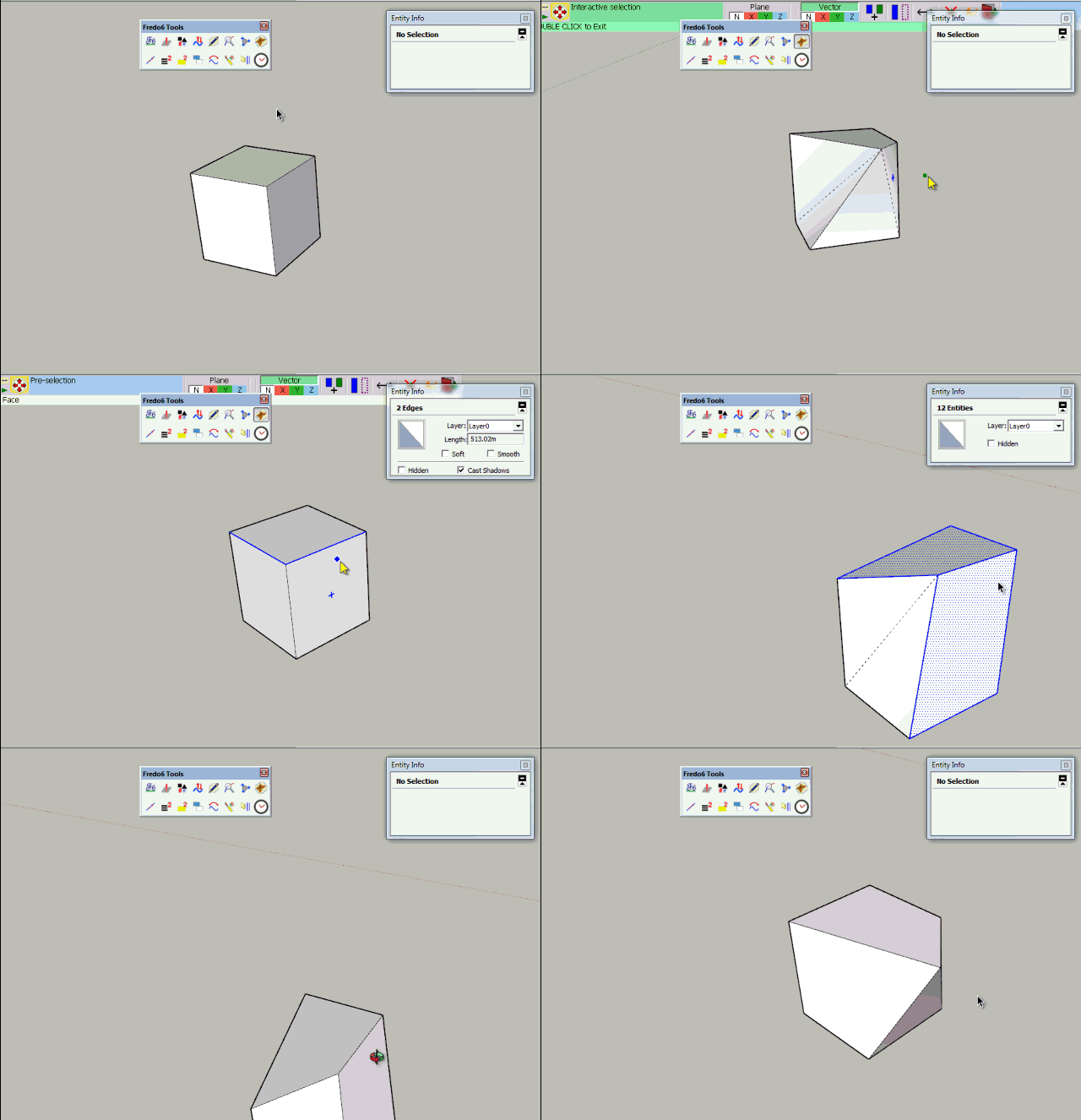
                                      MoveAlong Autosmooth.gif

                                      I use thomthom's conventions for quads

                                      • smooth = soft = true
                                        cast_shadows = false

                                      Fredo

                                      PS: Apparently the Move api ( #transform_entities) behaves differently from the move tool regarding the creation / modification of entities. So it is more tricky.

                                      1 Reply Last reply
                                      Reply Quote 0
                                      • R
                                        rv1974
                                        last edited by

                                        Fredo,
                                        is it possible to replicate the Acad's Tracking (with numeric distance input) as shown on vid.1? And I can't figure out how do standard Move with Shift pressed (vid.2.) Is it supported in MoveAlong?
                                        Another little thing: this strip of beige with current snapping info.. could it stay permanently (no popping-up)?


                                        acad.swf


                                        acad2.swf

                                        1 Reply Last reply
                                        Reply Quote 0
                                        • fredo6F
                                          fredo6
                                          last edited by

                                          @rv1974 said:

                                          Fredo,
                                          is it possible to replicate the Acad's Tracking (with numeric distance input) as shown on vid.1? And I can't figure out how do standard Move with Shift pressed (vid.2.) Is it supported in MoveAlong?
                                          Another little thing: this strip of beige with current snapping info.. could it stay permanently (no popping-up)?

                                          I cannot read the swf files. Could you display them or use another format.

                                          Thanks

                                          Fredo

                                          1 Reply Last reply
                                          Reply Quote 0
                                          • TIGT
                                            TIG Moderator
                                            last edited by

                                            To read a swf file just drag+drop it on your browser - it's a flash-movie and should then play...

                                            @rv1974
                                            You can constrain the native move/copy to align with the edge - hover over it and hold shift, then the movement is inference constrained along an extension of that edge, BUT any typed in the distance is taken from the picked point on the original object [along that vector].
                                            You can of course use a premade guide-line offset the desired distance and snap to that using the inferred vector...


                                            TIG

                                            1 Reply Last reply
                                            Reply Quote 0

                                            Hello! It looks like you're interested in this conversation, but you don't have an account yet.

                                            Getting fed up of having to scroll through the same posts each visit? When you register for an account, you'll always come back to exactly where you were before, and choose to be notified of new replies (either via email, or push notification). You'll also be able to save bookmarks and upvote posts to show your appreciation to other community members.

                                            With your input, this post could be even better πŸ’—

                                            Register Login
                                            • 1
                                            • 2
                                            • 3
                                            • 4
                                            • 2 / 4
                                            • First post
                                              Last post
                                            Buy SketchPlus
                                            Buy SUbD
                                            Buy WrapR
                                            Buy eBook
                                            Buy Modelur
                                            Buy Vertex Tools
                                            Buy SketchCuisine
                                            Buy FormFonts

                                            Advertisement