sketchucation logo sketchucation
    • 登入
    Oops, your profile's looking a bit empty! To help us tailor your experience, please fill in key details like your SketchUp version, skill level, operating system, and more. Update and save your info on your profile page today!
    🔌 Smart Spline | Fluid way to handle splines for furniture design and complex structures. Download

    [Plugin][$] Curviloft 2.0a - 31 Mar 24 (Loft & Skinning)


    已排程 已置頂 已鎖定 已移動 Plugins
    1.3k 貼文 299 Posters 2.5m 瀏覽 297 Watching
    正在載入更多貼文
    • 從舊到新
    • 從新到舊
    • 最多點贊
    回覆
    • 在新貼文中回覆
    登入後回覆
    此主題已被刪除。只有擁有主題管理權限的使用者可以查看。
    • R 離線
      robert111
      最後由 編輯

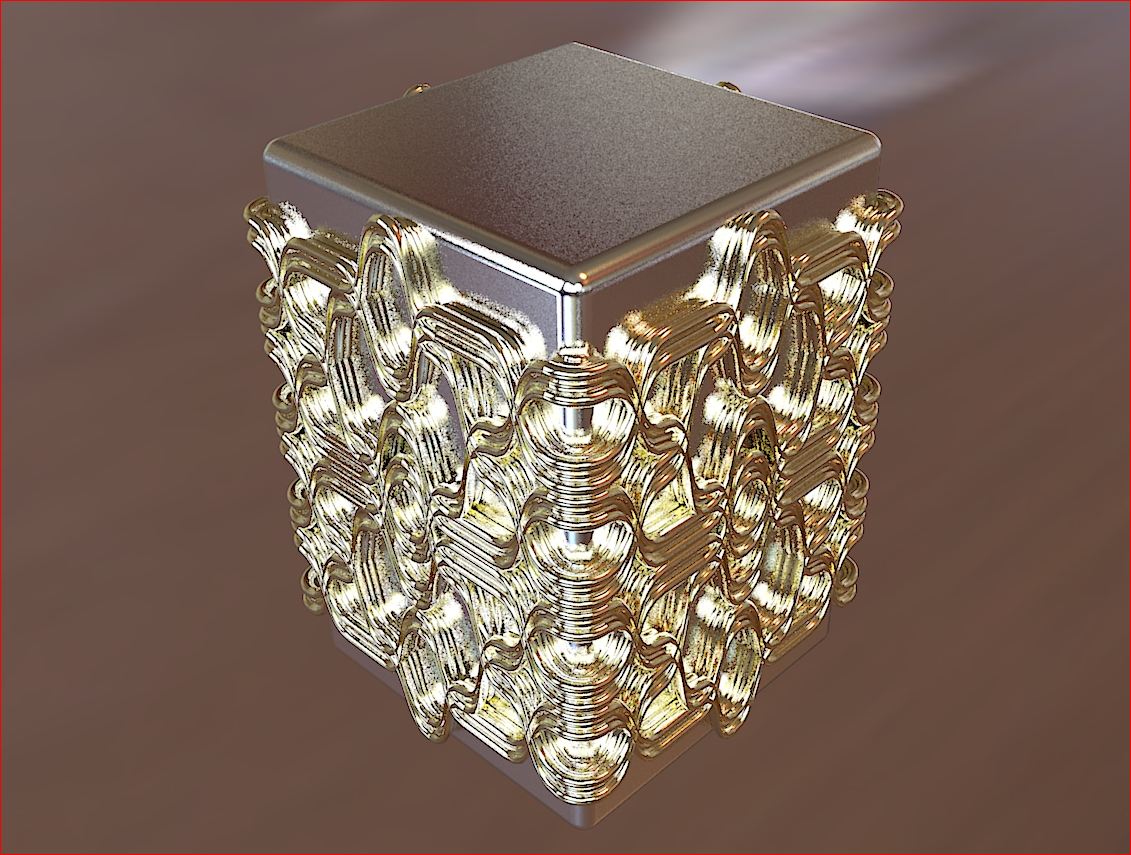
      charly2008 , this example is very nice modeling with curviloft , i like your modeli,g, but i need to make tuto for this example if you can plz

      thanks charly
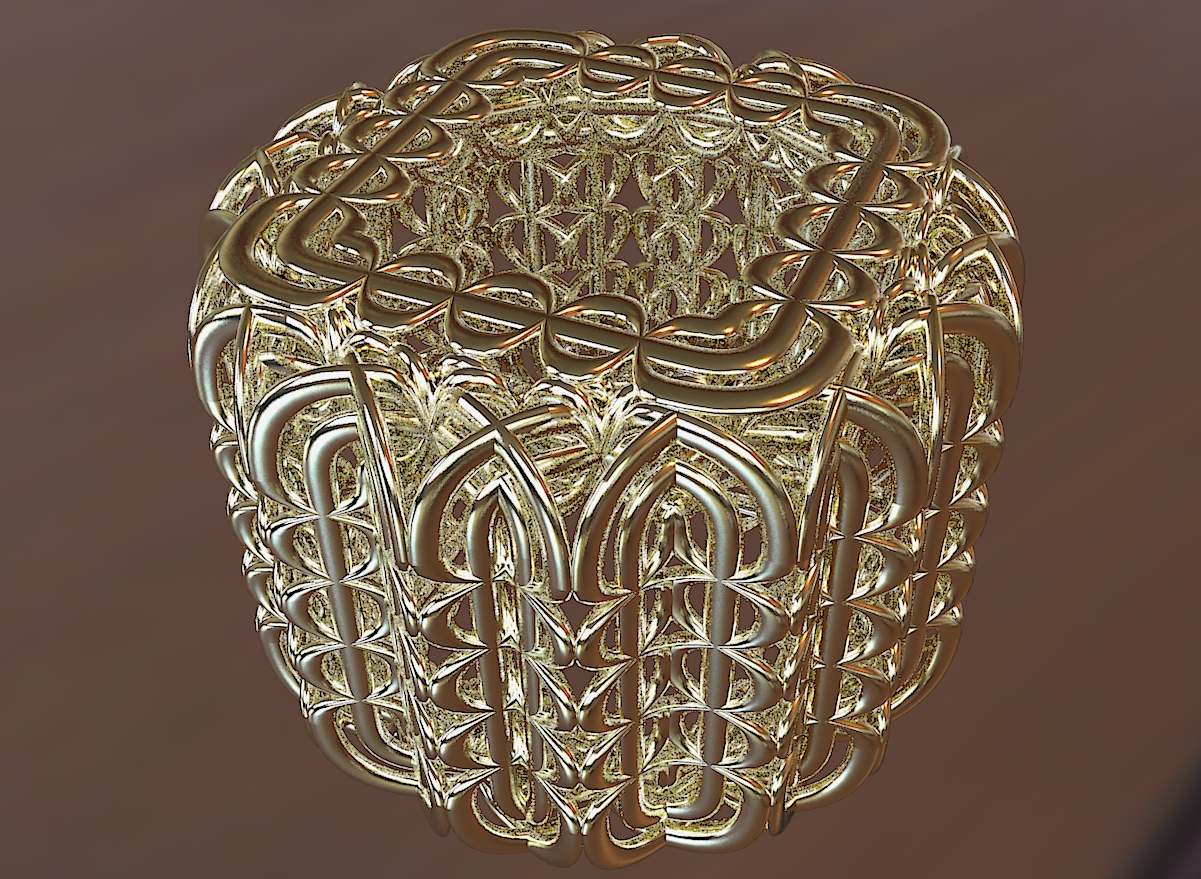

      Bild1.jpg

      1 條回覆 最後回覆 回覆 引用 0
      • charly2008C 離線
        charly2008
        最後由 編輯

        Hi Robert,

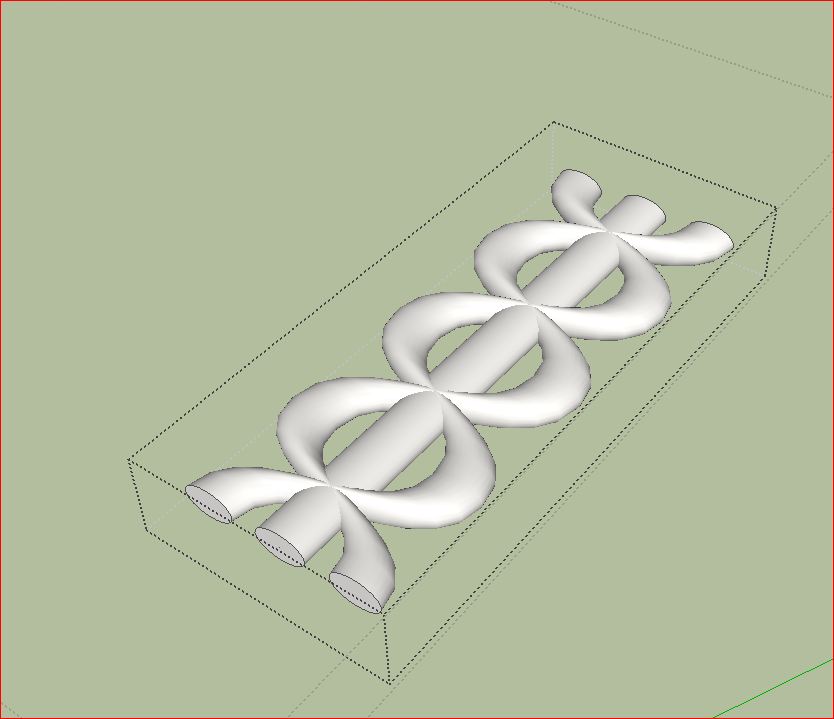
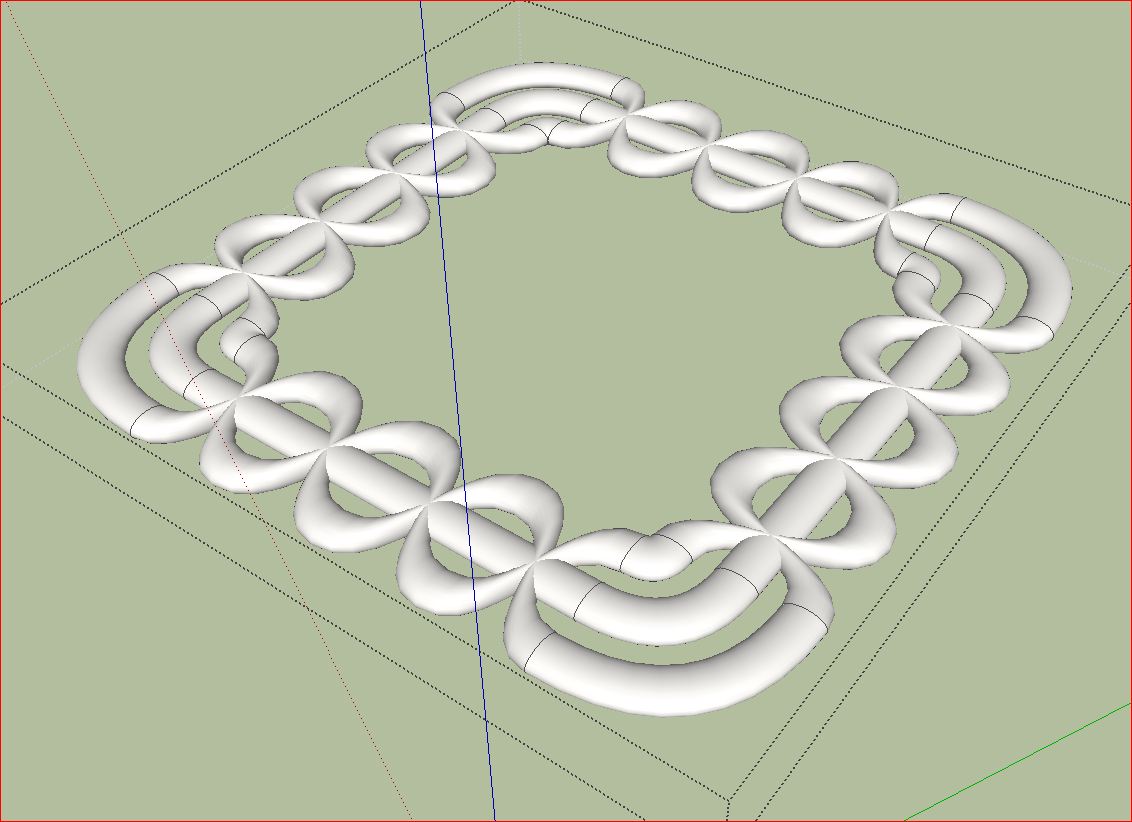
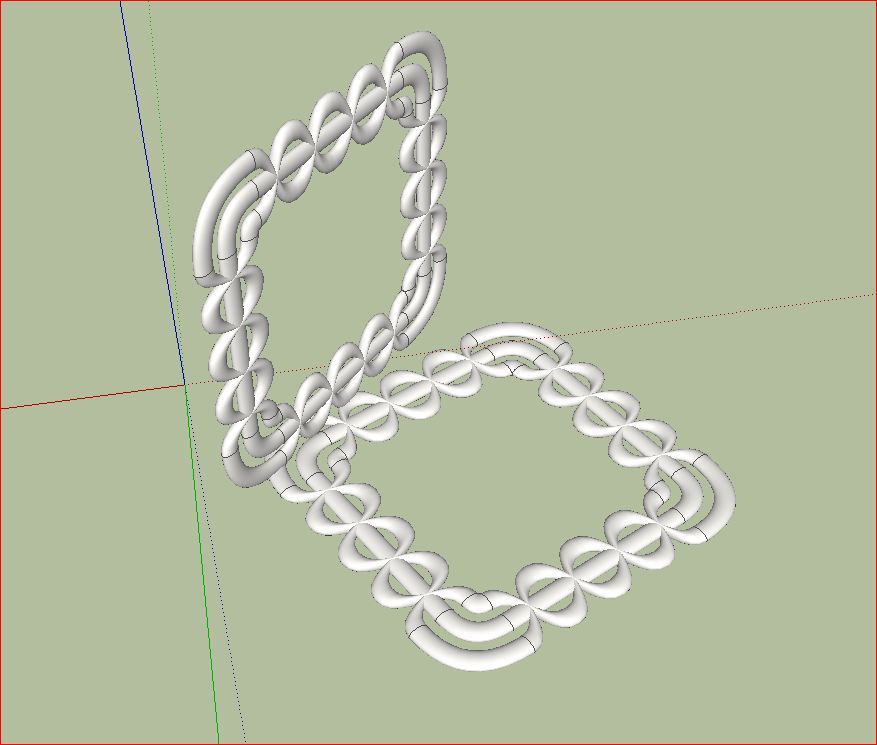
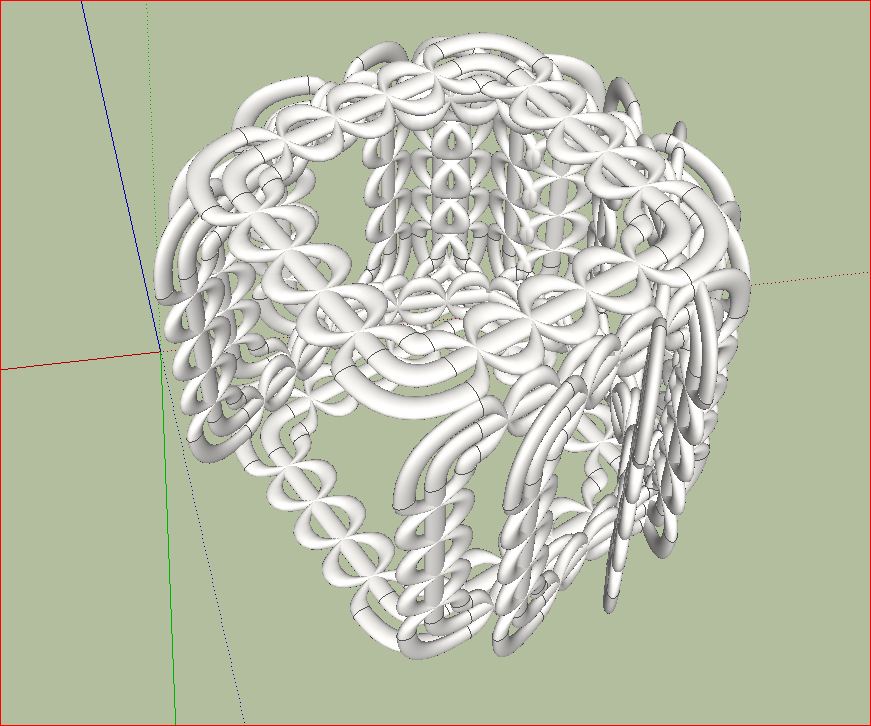
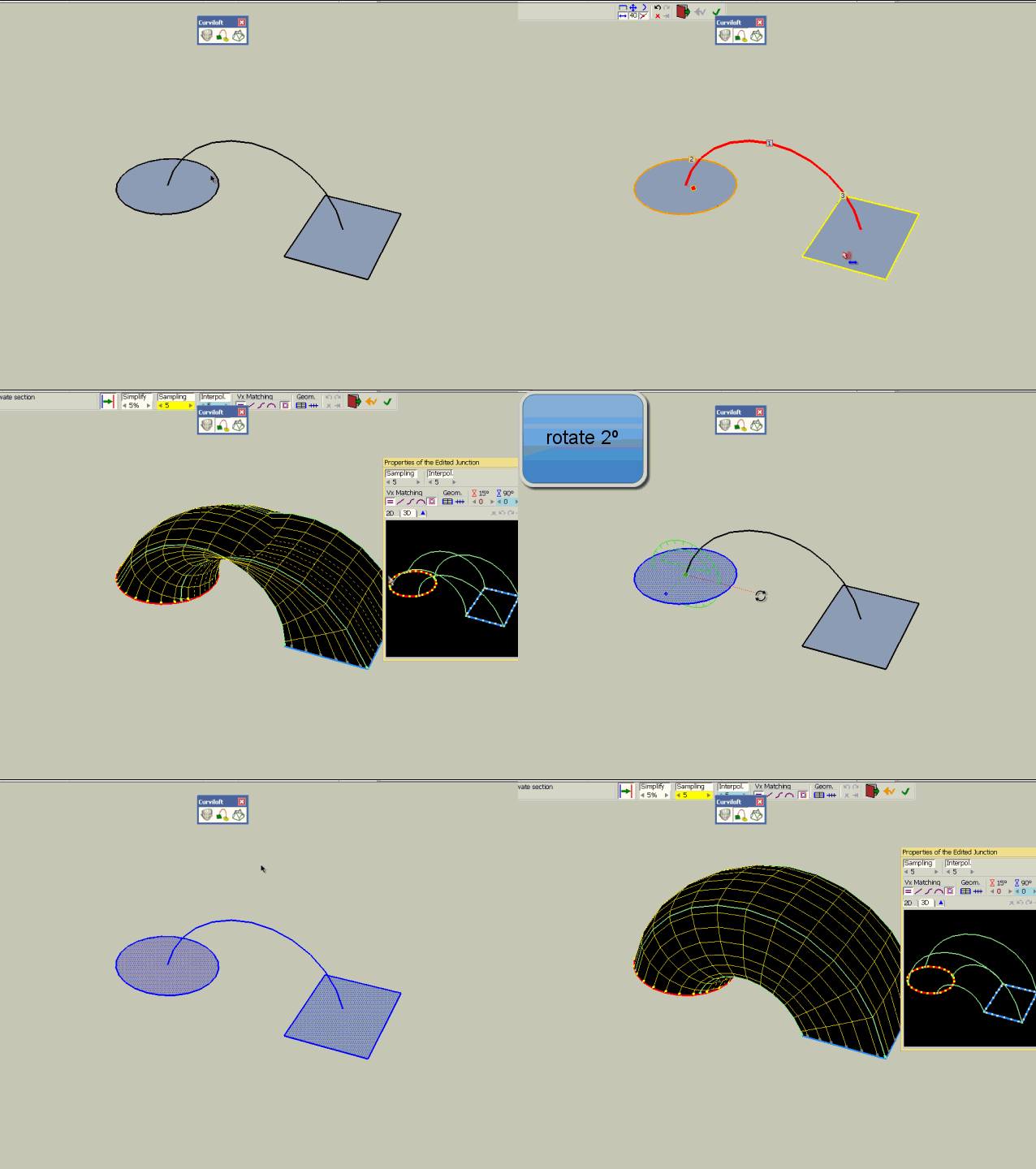
        the workflow is pretty simple. I started with a simple geometric shape. Then copied everything. I have attached the skp file. Here you can see exactly how it is composed.

        Charly
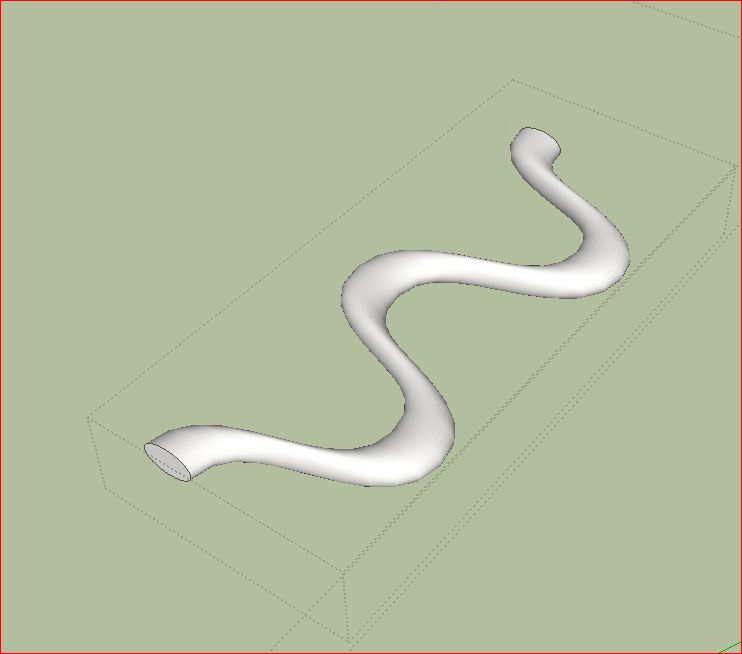

        Unbenannt.JPG


        Unbenannt1.JPG


        Unbenannt2.JPG


        Unbenannt3.JPG


        Unbenannt5.JPG


        Curviloft99.skp

        He who makes no mistakes, makes nothing

        1 條回覆 最後回覆 回覆 引用 0
        • R 離線
          robert111
          最後由 編輯

          thanks charly , and for the seconde image ( black one) ??????

          1 條回覆 最後回覆 回覆 引用 0
          • charly2008C 離線
            charly2008
            最後由 編輯

            the black background is from Glöbals --> HDR-probe within Kerkythea.

            He who makes no mistakes, makes nothing

            1 條回覆 最後回覆 回覆 引用 0
            • charly2008C 離線
              charly2008
              最後由 編輯

              Hi,

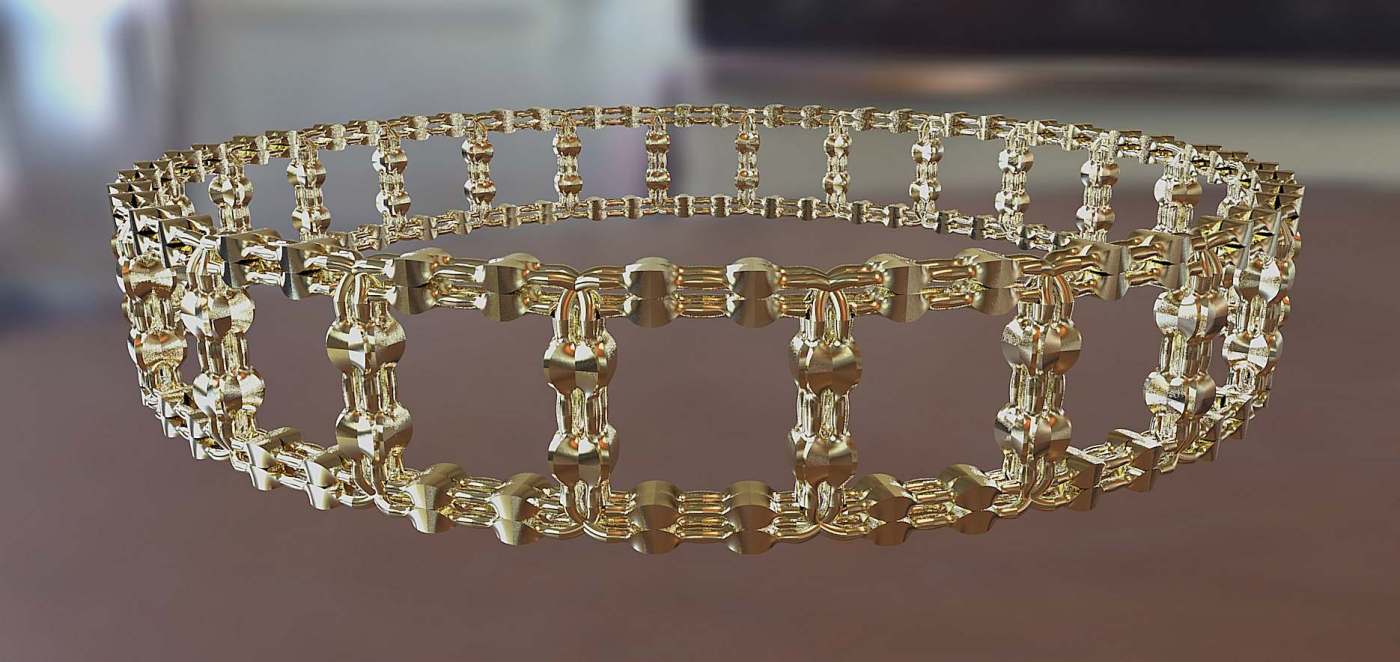
              new model with different materials.
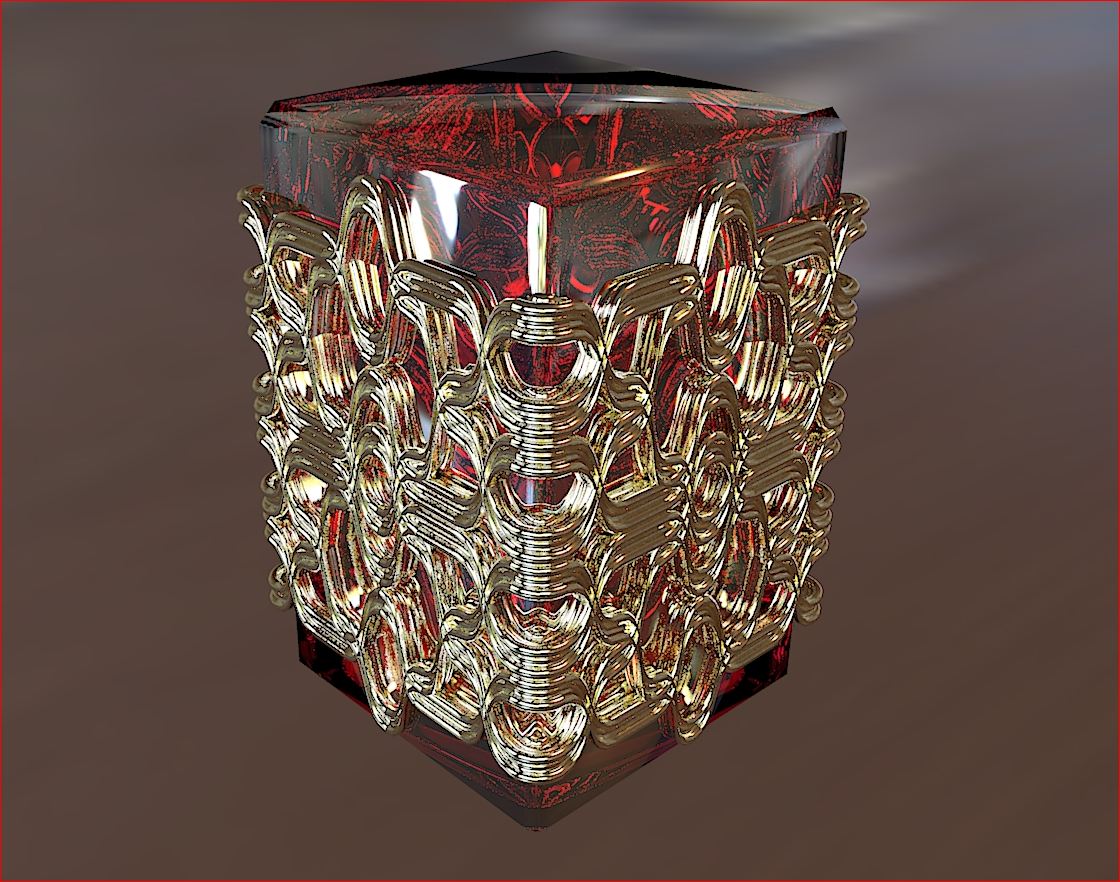

              Unbenannt13.JPG


              Unbenannt10.JPG

              He who makes no mistakes, makes nothing

              1 條回覆 最後回覆 回覆 引用 0
              • majidM 離線
                majid
                最後由 編輯

                first thanx again for incrediable plugin....really handy.still there is a silly question. I can't figur out how to make this result (as shown in attached picture) ? ( I devided the circle and rectangle to 2 half to reach the desired result)
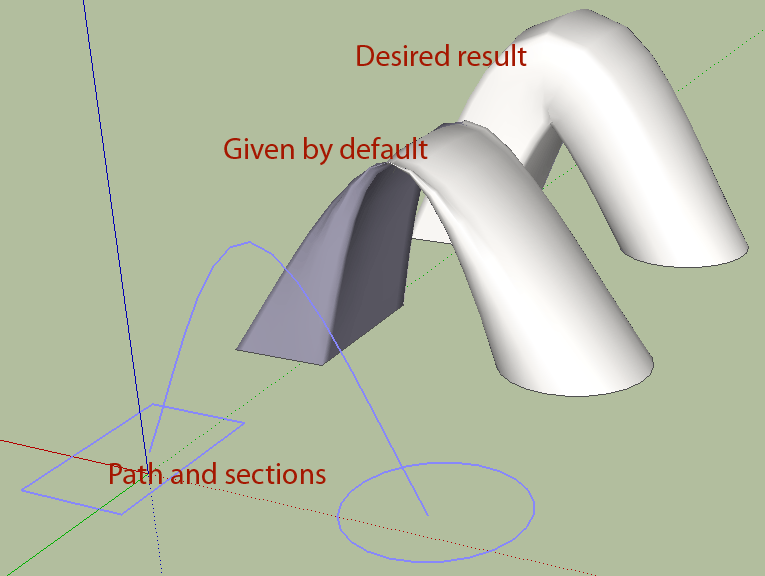

                question.gif

                My inspiring A, B, Sketches book: https://sketchucation.com/shop/books/intermediate/2612-alphabet-inspired-sketches--inspiring-drills-for-architects--3d-artists-and-designers-

                1 條回覆 最後回覆 回覆 引用 0
                • pilouP 離線
                  pilou
                  最後由 編輯

                  I believe that plug section is not yet finalized!
                  try 2 faces and path by Kirill 2008
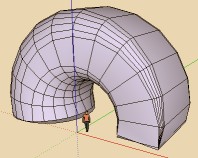
                  2faces.jpg

                  Frenchy Pilou
                  Is beautiful that please without concept!
                  My Little site :)

                  1 條回覆 最後回覆 回覆 引用 0
                  • fredo6F 離線
                    fredo6
                    最後由 編輯

                    @majid said:

                    first thanx again for incrediable plugin....really handy.still there is a silly question. I can't figur out how to make this result (as shown in attached picture) ? ( I devided the circle and rectangle to 2 half to reach the desired result)

                    Coudl you post the model, because there should be no problem with that case.

                    Thanks

                    Fredo

                    1 條回覆 最後回覆 回覆 引用 0
                    • mariochaM 離線
                      mariocha
                      最後由 編輯

                      I had a similar problem.
                      Solved by getting one face slightly out of the plane of the other.
                      If this can help. 😄

                      %(#008000)[Mario C.
                      Every rule has exceptions, but some.]

                      1 條回覆 最後回覆 回覆 引用 0
                      • majidM 離線
                        majid
                        最後由 編輯

                        @mariocha said:

                        I had a similar problem.
                        Solved by getting one face slightly out of the plane of the other.
                        If this can help. 😄

                        yes mate it workes for me too, nice trick 😉
                        and , dear Fredo....thousands of thanx for your generoucity and helps on this forum..... we all thank you, and here is the simple model.


                        co-planar faces question

                        My inspiring A, B, Sketches book: https://sketchucation.com/shop/books/intermediate/2612-alphabet-inspired-sketches--inspiring-drills-for-architects--3d-artists-and-designers-

                        1 條回覆 最後回覆 回覆 引用 0
                        • pilouP 離線
                          pilou
                          最後由 編輯

                          I have same result 😮
                          and this
                          @unknownuser said:

                          Solved by getting one face slightly out of the plane of the other.
                          don't works for me 😞
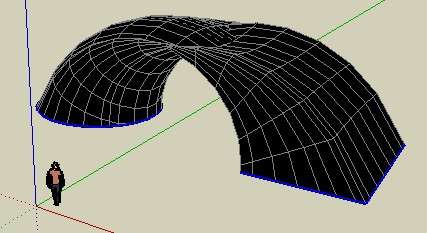
                          bug_or_not.jpg


                          bug_or_not.skp

                          Frenchy Pilou
                          Is beautiful that please without concept!
                          My Little site :)

                          1 條回覆 最後回覆 回覆 引用 0
                          • TIGT 離線
                            TIG Moderator
                            最後由 編輯

                            Introduce a 'vertical face' half way round the loop and do it in two steps ?

                            TIG

                            1 條回覆 最後回覆 回覆 引用 0
                            • mariochaM 離線
                              mariocha
                              最後由 編輯

                              @unknownuser said:

                              ...don't works for me ...

                              Hum... just to be sure, one of the faces is not flat on the ground, right ?

                              %(#008000)[Mario C.
                              Every rule has exceptions, but some.]

                              1 條回覆 最後回覆 回覆 引用 0
                              • D 離線
                                DIEGO-RODRIGUEZ
                                最後由 編輯

                                Untitled.gif

                                1 條回覆 最後回覆 回覆 引用 0
                                • pilouP 離線
                                  pilou
                                  最後由 編輯

                                  Ah oK 😄
                                  But that is not normal 😉

                                  Frenchy Pilou
                                  Is beautiful that please without concept!
                                  My Little site :)

                                  1 條回覆 最後回覆 回覆 引用 0
                                  • fredo6F 離線
                                    fredo6
                                    最後由 編輯

                                    @unknownuser said:

                                    Ah oK 😄
                                    But that is not normal 😉

                                    I cannot really say that this is normal 😆

                                    This is simply a small problem when the two faces are in parallel planes. It is part of the fixes I will release. The issue is just that the contours are connected in reverse directions.

                                    Fredo

                                    1 條回覆 最後回覆 回覆 引用 0
                                    • D 離線
                                      DIEGO-RODRIGUEZ
                                      最後由 編輯

                                      Hi Fred.
                                      a question.
                                      is normal that generates the mesh outside the component or group that I'm working?


                                      Untitled.gif

                                      1 條回覆 最後回覆 回覆 引用 0
                                      • fredo6F 離線
                                        fredo6
                                        最後由 編輯

                                        @diego-rodriguez said:

                                        Hi Fred.
                                        a question.
                                        is normal that generates the mesh outside the component or group that I'm working?

                                        It's part of the bug fixed but not yet released.
                                        This was already signaled. see that post

                                        Fredo

                                        1 條回覆 最後回覆 回覆 引用 0
                                        • charly2008C 離線
                                          charly2008
                                          最後由 編輯

                                          Hi,

                                          again a new Object

                                          Charly


                                          Test.jpg

                                          He who makes no mistakes, makes nothing

                                          1 條回覆 最後回覆 回覆 引用 0
                                          • mitcorbM 離線
                                            mitcorb
                                            最後由 編輯

                                            @Charly: Someone has probably already said this, but your Curviloft models remind me of high style jewelry in the tradition of Faberge, perhaps, or someone like him. I would have to guess you might actually work with jewelry or decorative art in some way. Again, I salute your creativity.
                                            The other possibility is that you are a very discerning and talented machinist.
                                            However, there are dentists who like to work with jewelry.
                                            Now don't let this all go to your head. We won't be able to do a thing with you 💚

                                            I take the slow, deliberate approach in my aimless wandering.

                                            1 條回覆 最後回覆 回覆 引用 0
                                            • 1
                                            • 2
                                            • 3
                                            • 4
                                            • 5
                                            • 65
                                            • 66
                                            • 3 / 66
                                            • 第一個貼文
                                              最後的貼文
                                            Buy SketchPlus
                                            Buy SUbD
                                            Buy WrapR
                                            Buy eBook
                                            Buy Modelur
                                            Buy Vertex Tools
                                            Buy SketchCuisine
                                            Buy FormFonts

                                            Advertisement