sketchucation logo sketchucation
    • Login
    Oops, your profile's looking a bit empty! To help us tailor your experience, please fill in key details like your SketchUp version, skill level, operating system, and more. Update and save your info on your profile page today!
    Mac User? | Join the Rayscaper Beta for Mac Learn More

    [Plugin] Terrain Reshaper

    Scheduled Pinned Locked Moved Plugins
    48 Posts 34 Posters 72.1k Views 34 Watching
    Loading More Posts
    • Oldest to Newest
    • Newest to Oldest
    • Most Votes
    Reply
    • Reply as topic
    Log in to reply
    This topic has been deleted. Only users with topic management privileges can see it.
    • olisheaO
      olishea
      last edited by

      effing fantastic plugin. i could have done with this a few weeks back, works great

      oli

      1 Reply Last reply
      Reply Quote 0
      • plot-parisP
        plot-paris
        last edited by

        sometimes, when you have got a terrain with a lot of detail in places and very little information in others, the terrain reshaper has to be set according to the highest level of detail. that results in models with unnecessarily large numbers of vertexes.

        therefore the idea for an improved plugin - the Dynamic Terrain Reshaper! you define a maximum vertex size and a minimum vertex size. then the plugin calculates the whole terrain with the large vertices and subdivides, where neccessary, until it reaches the minimum vertex size limit.
        was that comprehensible?

        1 Reply Last reply
        Reply Quote 0
        • A
          Aerilius
          last edited by

          I just used it for a terrain with steep slopes (a vertical rock face). The plugin has much better results than the polygon reducer (which produces many long stretched vertices).

          I like your idea much! Maybe the vertex size should also consider the slope.

          1 Reply Last reply
          Reply Quote 0
          • mitcorbM
            mitcorb
            last edited by

            Didier:
            I am inferring that this tool is like a re-topology process. Is that correct?

            I take the slow, deliberate approach in my aimless wandering.

            1 Reply Last reply
            Reply Quote 0
            • plot-parisP
              plot-paris
              last edited by

              @aerilius said:

              Maybe the vertex size should also consider the slope.

              good thinking! could be quite difficult though, because as I understand it, it would differ completely from todays procedure of the plugin (which casts rays vertically onto the terrain). any ideas how it could be done (that the vertex distribution is relative to the terrain normals and not to the top view)?

              1 Reply Last reply
              Reply Quote 0
              • mitcorbM
                mitcorb
                last edited by

                I don't understand "vertex size"? Do you mean the interior angle subtended by its edges? Otherwise, a vertex is a dimensionless point.

                I take the slow, deliberate approach in my aimless wandering.

                1 Reply Last reply
                Reply Quote 0
                • plot-parisP
                  plot-paris
                  last edited by

                  sorry. I meant polygons.

                  1 Reply Last reply
                  Reply Quote 0
                  • T
                    theark
                    last edited by

                    Thank you so much.You make a good change.

                    1 Reply Last reply
                    Reply Quote 0
                    • T
                      TeKnoel
                      last edited by

                      I've used the original a few times and it's great for simplifying nasty terrain. Thanks for the update on it!

                      1 Reply Last reply
                      Reply Quote 0
                      • S
                        SUCCESS01
                        last edited by

                        how to get it

                        1 Reply Last reply
                        Reply Quote 0
                        • GaieusG
                          Gaieus
                          last edited by

                          Hi SUCCESS01,

                          Download it from the very first post of the topic.

                          Gai...

                          1 Reply Last reply
                          Reply Quote 0
                          • S
                            SUCCESS01
                            last edited by

                            THANKS I GOT IT http://forums.sketchucation.com/posting.php?mode=quote&f=323&p=246649#

                            1 Reply Last reply
                            Reply Quote 0
                            • L
                              lubitel
                              last edited by

                              I need to eliminate the faces on overlapping terrain patches to be able to make one large clean mesh.

                              But when I run TR from the menu (after having made the two to a group and the group selected) its not happening....

                              It does show the "Computing faces area..." in the feedback part of the SU interface....but the pop up window doesn't show up...

                              What am I doing wrong?


                              http://img23.imageshack.us/img23/8067/capturemis.jpg

                              thanx in advance

                              l

                              1 Reply Last reply
                              Reply Quote 0
                              • R
                                rachmatrf
                                last edited by

                                Thank you very much Didier..... Great Work!!!

                                1 Reply Last reply
                                Reply Quote 0
                                • brookefoxB
                                  brookefox
                                  last edited by

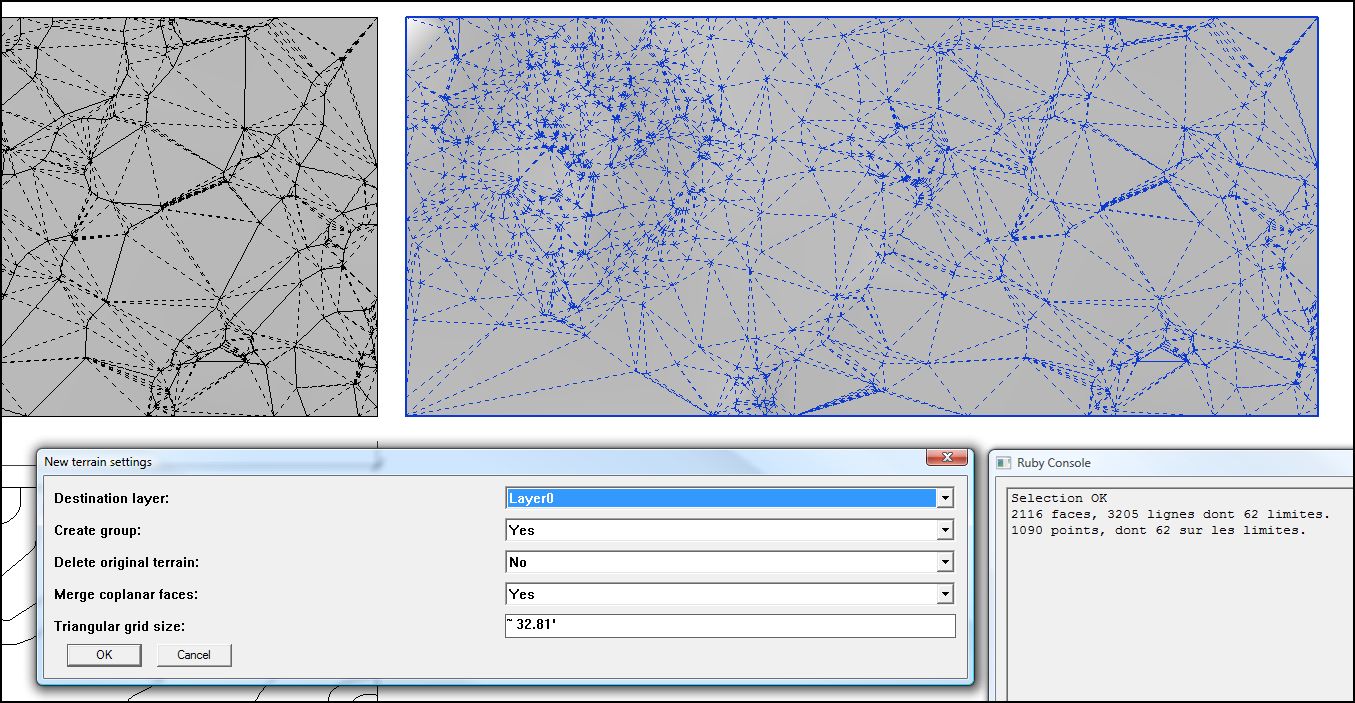
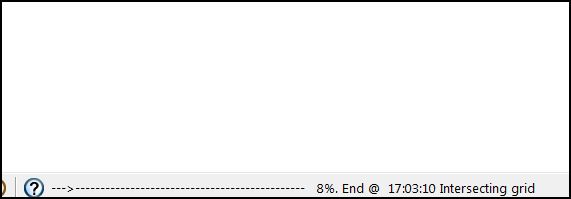
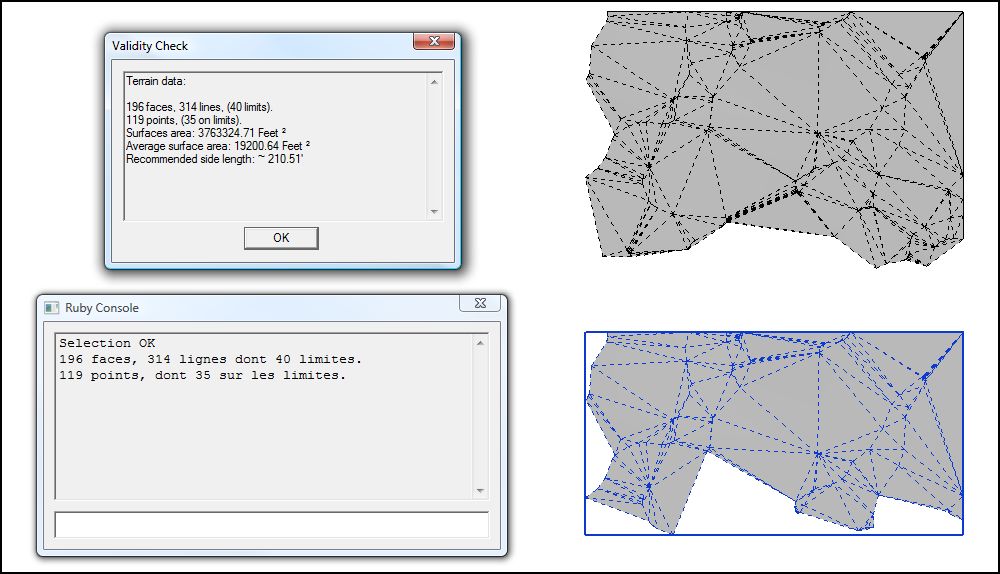
                                  please note: I'm going to leave this post as the issues are there but not at all urgent. I'm not pursuing reshaping my terrain because I think it is simple enough and nothing really is going to help it be any other than flat and boring.

                                  I'm getting hangs at 8-9%. Will try with a smaller selection.
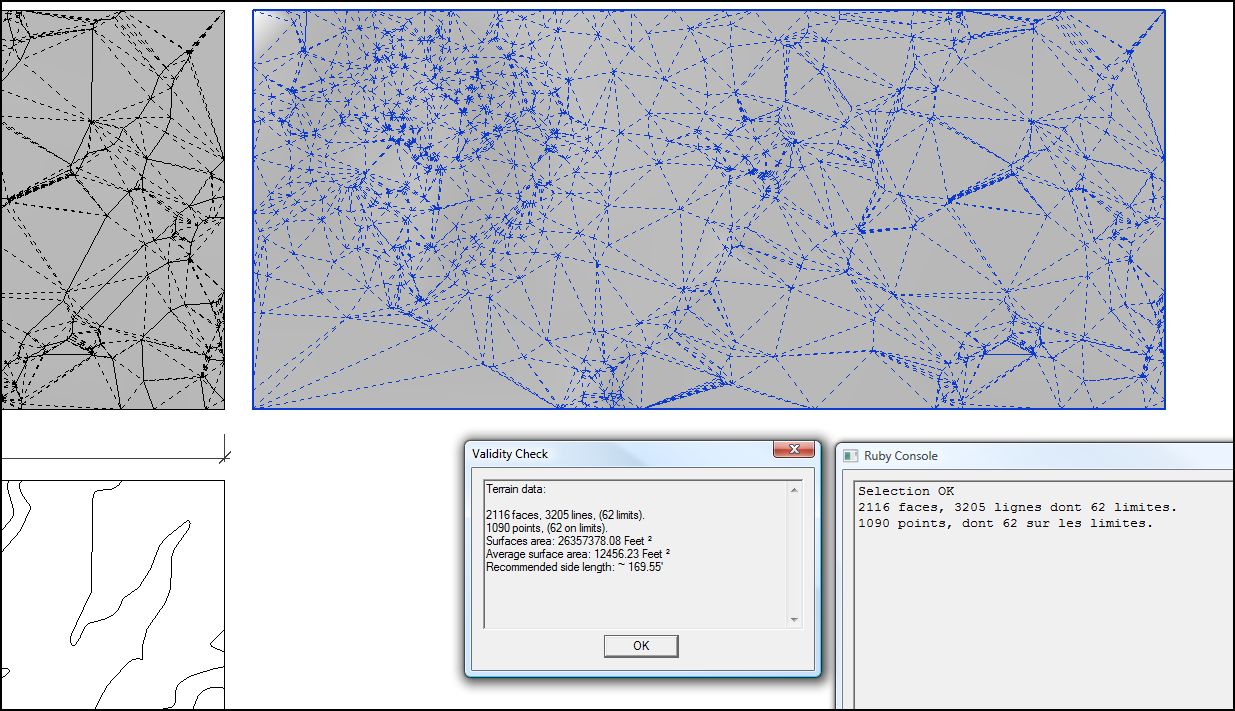
                                  terrain reshaper-1.JPG
                                  terrain reshaper-2.JPG
                                  terrain reshaper-3.JPG
                                  With a smaller selection, hang occurs at 85%.
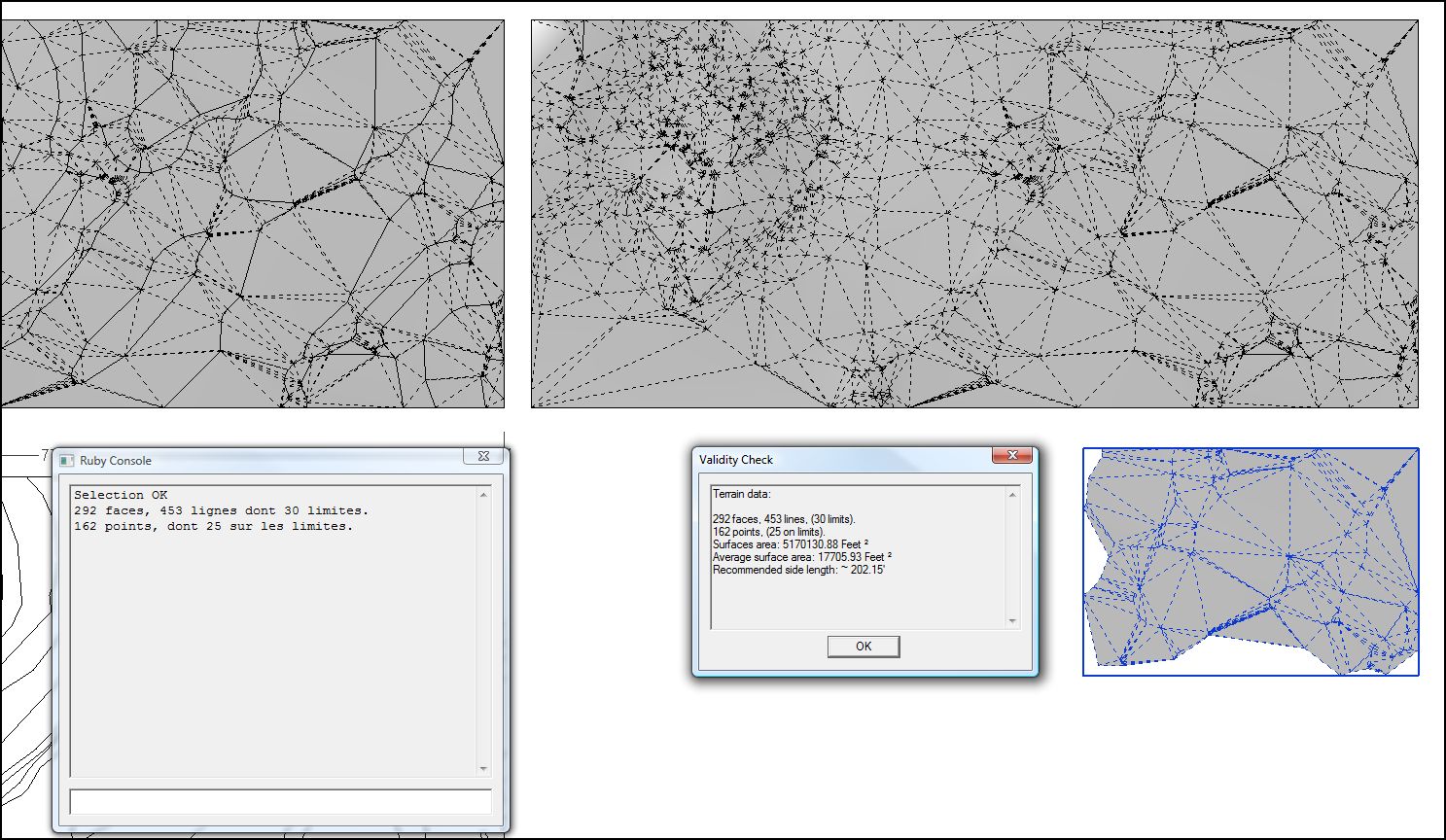
                                  terrain reshaper-4.JPG

                                  Smaller still, it finishes. I thought I had given it sufficient time but perhaps not. I'll let it run while overnight.
                                  terrain reshaper-5.JPG

                                  ~ Brooke

                                  1 Reply Last reply
                                  Reply Quote 0
                                  • P
                                    primesoftnz
                                    last edited by

                                    @Brookefox I'm getting similar symptoms with SU 2013. Did you come up with any solution?

                                    1 Reply Last reply
                                    Reply Quote 0
                                    • M
                                      Mra
                                      last edited by

                                      Hello,

                                      On 2014 - "Terrain Reshaper" seems to be missing from the Tools menu???

                                      1 Reply Last reply
                                      Reply Quote 0
                                      • TIGT
                                        TIG Moderator
                                        last edited by

                                        Didier has agreed that I might update some of his scripts in the PluginStore, so that they are compatible with v2014/2015.
                                        Please get the latest version of Terrain-Reshaper from the PluginStore http://sketchucation.com/pluginstore?pln=terrain_reshaper

                                        TIG

                                        1 Reply Last reply
                                        Reply Quote 0
                                        • silvershadowS
                                          silvershadow
                                          last edited by

                                          hi there
                                          I really love this tool
                                          any possibility to make an update so that it can handle objects and re shape that too.
                                          At the moment it can only re shape horizontal surfaces. Say i sculpt something like a rock, it would be great for this tool to take this and reshape its topology neatly like this (closed surfaces)
                                          Ever further.. having a stone wall, where multiple objects connect to each other (penetrating each other) where this updated tool can build one poly mesh from all of this merged. Is this a possibility? thanks- keep up with the good works 😄

                                          1 Reply Last reply
                                          Reply Quote 0
                                          • T
                                            TraxXx
                                            last edited by

                                            Thank you so much Didier for making all these wonderful plugins for free. All of them are saving from hours of extra work, very useful for architectural work ! Sketch Up users have almost nothing to envy to 3DS Max users, with a good practice skp can do almost anything thanks to developpers like you, TomTom, Tig, Fredo etc

                                            Good work guys 😄

                                            1 Reply Last reply
                                            Reply Quote 0

                                            Hello! It looks like you're interested in this conversation, but you don't have an account yet.

                                            Getting fed up of having to scroll through the same posts each visit? When you register for an account, you'll always come back to exactly where you were before, and choose to be notified of new replies (either via email, or push notification). You'll also be able to save bookmarks and upvote posts to show your appreciation to other community members.

                                            With your input, this post could be even better 💗

                                            Register Login
                                            • 1
                                            • 2
                                            • 3
                                            • 3 / 3
                                            • First post
                                              Last post
                                            Buy SketchPlus
                                            Buy SUbD
                                            Buy WrapR
                                            Buy eBook
                                            Buy Modelur
                                            Buy Vertex Tools
                                            Buy SketchCuisine
                                            Buy FormFonts

                                            Advertisement