sketchucation logo sketchucation
    • Login
    Oops, your profile's looking a bit empty! To help us tailor your experience, please fill in key details like your SketchUp version, skill level, operating system, and more. Update and save your info on your profile page today!
    Mac User? | Join the Rayscaper Beta for Mac Learn More

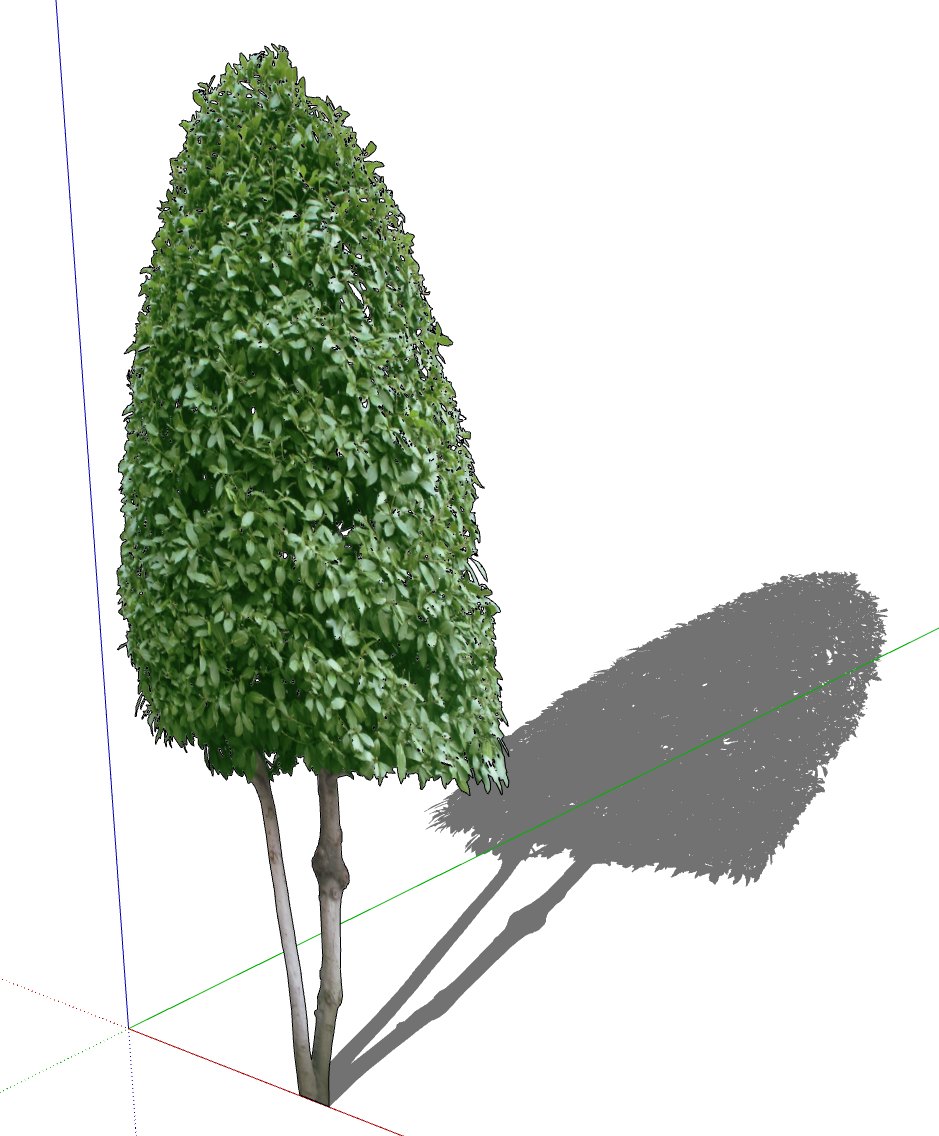
    [Plugin] Pic2Shape - v1.3a - 17 Dec 25 (Image Contouring)


    Scheduled Pinned Locked Moved Plugins
    33 Posts 13 Posters 10.1k Views 14 Watching
    Loading More Posts
    • Oldest to Newest
    • Newest to Oldest
    • Most Votes
    Reply
    • Reply as topic
    Log in to reply
    This topic has been deleted. Only users with topic management privileges can see it.
    • fredo6F
      fredo6
      last edited by

      The herbs are to thin to be valuably contoured by Pic2Shape.

      Again, you can do proper contouring in specialized software like PhotoShop. Pic2Shape is only there for simple shapes.

      1 Reply Last reply 👍
      Reply Quote 0
      • Z
        ZG53 Newcomers @fredo6
        last edited by

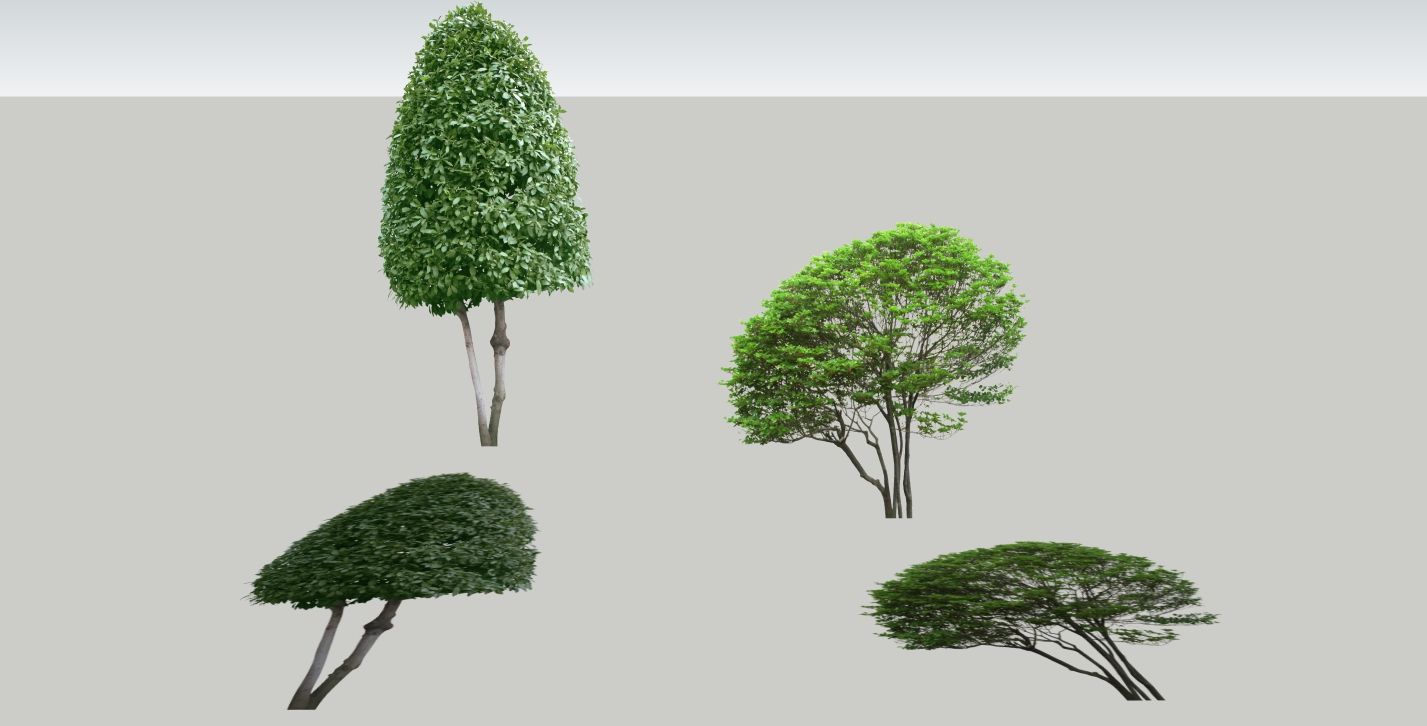
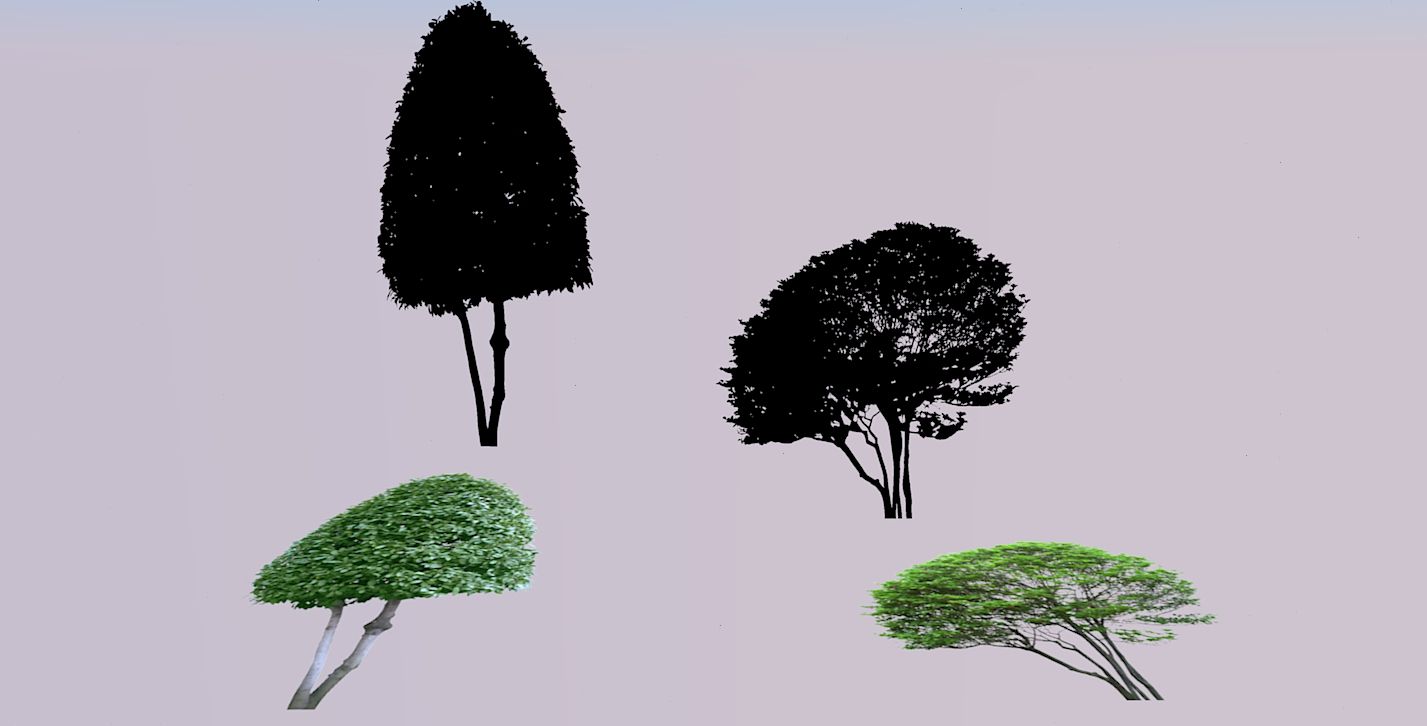
        I use Sketchup 2022 with Twilight render 2.0 Pro. A few days ago I upgraded LibFredo6 and PictoShape to the latest version, After that it started to go bad, the Shapes on the images I make with face to camera after rendering are black (as with the alpha mask), while the imported images in png format without PictoShape are visible OK after rendering.

        After rendering in the attached image
        Left shape - obtained from png imported image after PiCtoShape
        Right shape - imported png and "raised" by 90°

        Image2.jpg

        1 Reply Last reply
        Reply Quote 0
        • TIGT
          TIG Moderator
          last edited by

          We are a bit under informed...
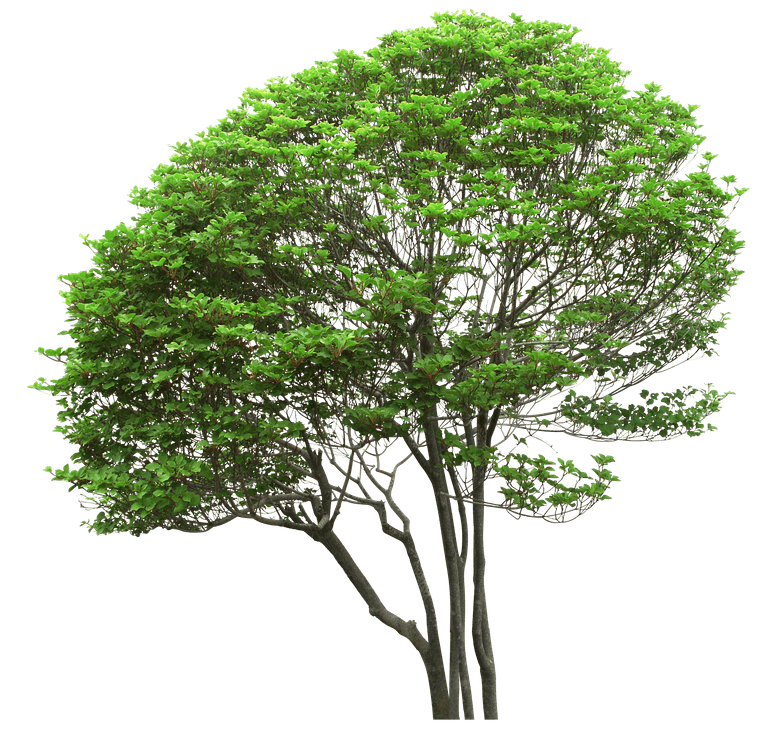
          If you post the actual tree PNG image it might help resolve this...

          TIG

          Z 1 Reply Last reply
          Reply Quote 0
          • Z
            ZG53 Newcomers @TIG
            last edited by

            @TIG

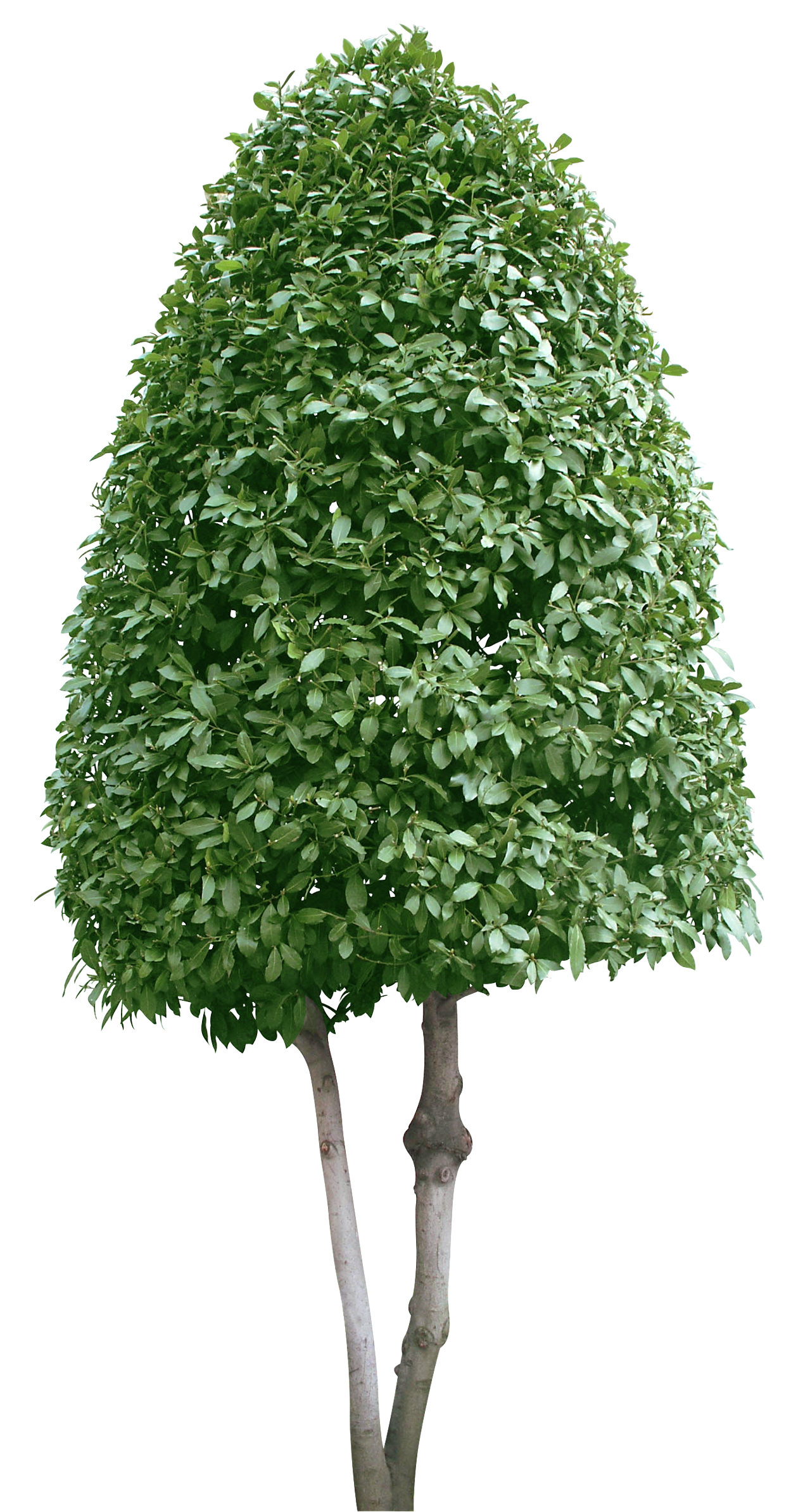
            SU image.jpg Render image.jpg cut out Trees pack_5 (24).PNG cut out Trees pack_5 (19).PNG

            1 Reply Last reply
            Reply Quote 0
            • TIGT
              TIG Moderator
              last edited by

              Your PNG processed fine for me.
              Although there are a lot of semi-transparent pixels that could be improved by editing the image [Gimp].
              I flattened the image which remove all transparency, then I selected all of the 'teal' background pixels with the magic-wand, and deleted them... and finally added the alpha channel back in. This takes longer to process, but it gives a much better result. Also cropping the image to avoid bothering with all of the background you don't want anyway speeds things up.

              TIG

              1 Reply Last reply
              Reply Quote 0
              • Dave RD
                Dave R
                last edited by

                Screenshot - 11_8_2025 , 5_28_51 PM.png

                Etaoin Shrdlu

                %

                (THERE'S NO PLACE LIKE)

                G28 X0.0 Y0.0 Z0.0

                M30

                %

                1 Reply Last reply
                Reply Quote 0
                • fredo6F
                  fredo6
                  last edited by

                  NEW RELEASE: Pic2Shape v1.3a - 17 Dec 25

                  Requirements

                  • LibFredo6: v15.6a or above
                  • Sketchup version: SU2018 and above

                  Pic2Shape 1.3a is a maintenance release including:

                  • Extension of validity

                  Home Page of Pic2Shape for information and Download.

                  Main post of this Pic2Shape thread.

                  1 Reply Last reply
                  Reply Quote 0
                  • N
                    nabilyon1992 Newcomers
                    last edited by

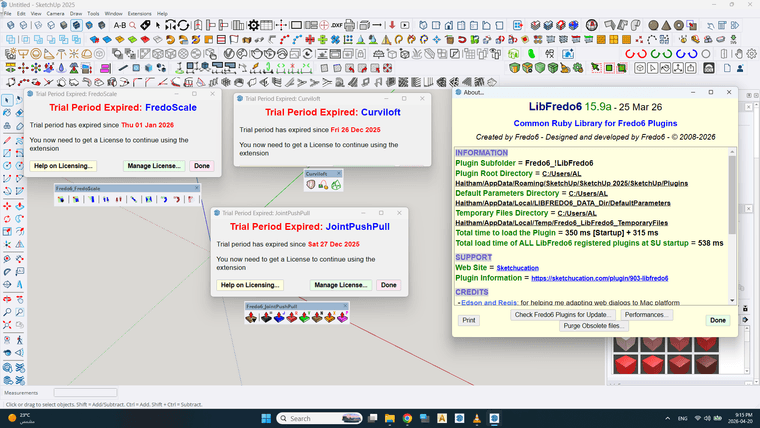
                    Hello, I have a problemلقطة شاشة 2026-04-20 211527.png

                    1 Reply Last reply
                    Reply Quote 0
                    • T
                      tilo mar tin
                      last edited by

                      Anybody have the 1.1 rbz old version to pass me?

                      Dave RD 1 Reply Last reply
                      Reply Quote 0
                      • Dave RD
                        Dave R @tilo mar tin
                        last edited by

                        @tilo-mar-tin why do you need v 1.1 of this extension?

                        Etaoin Shrdlu

                        %

                        (THERE'S NO PLACE LIKE)

                        G28 X0.0 Y0.0 Z0.0

                        M30

                        %

                        1 Reply Last reply
                        Reply Quote 0

                        Hello! It looks like you're interested in this conversation, but you don't have an account yet.

                        Getting fed up of having to scroll through the same posts each visit? When you register for an account, you'll always come back to exactly where you were before, and choose to be notified of new replies (either via email, or push notification). You'll also be able to save bookmarks and upvote posts to show your appreciation to other community members.

                        With your input, this post could be even better 💗

                        Register Login
                        • 1
                        • 2
                        • 2 / 2
                        • First post
                          Last post
                        Buy SketchPlus
                        Buy SUbD
                        Buy WrapR
                        Buy eBook
                        Buy Modelur
                        Buy Vertex Tools
                        Buy SketchCuisine
                        Buy FormFonts

                        Advertisement