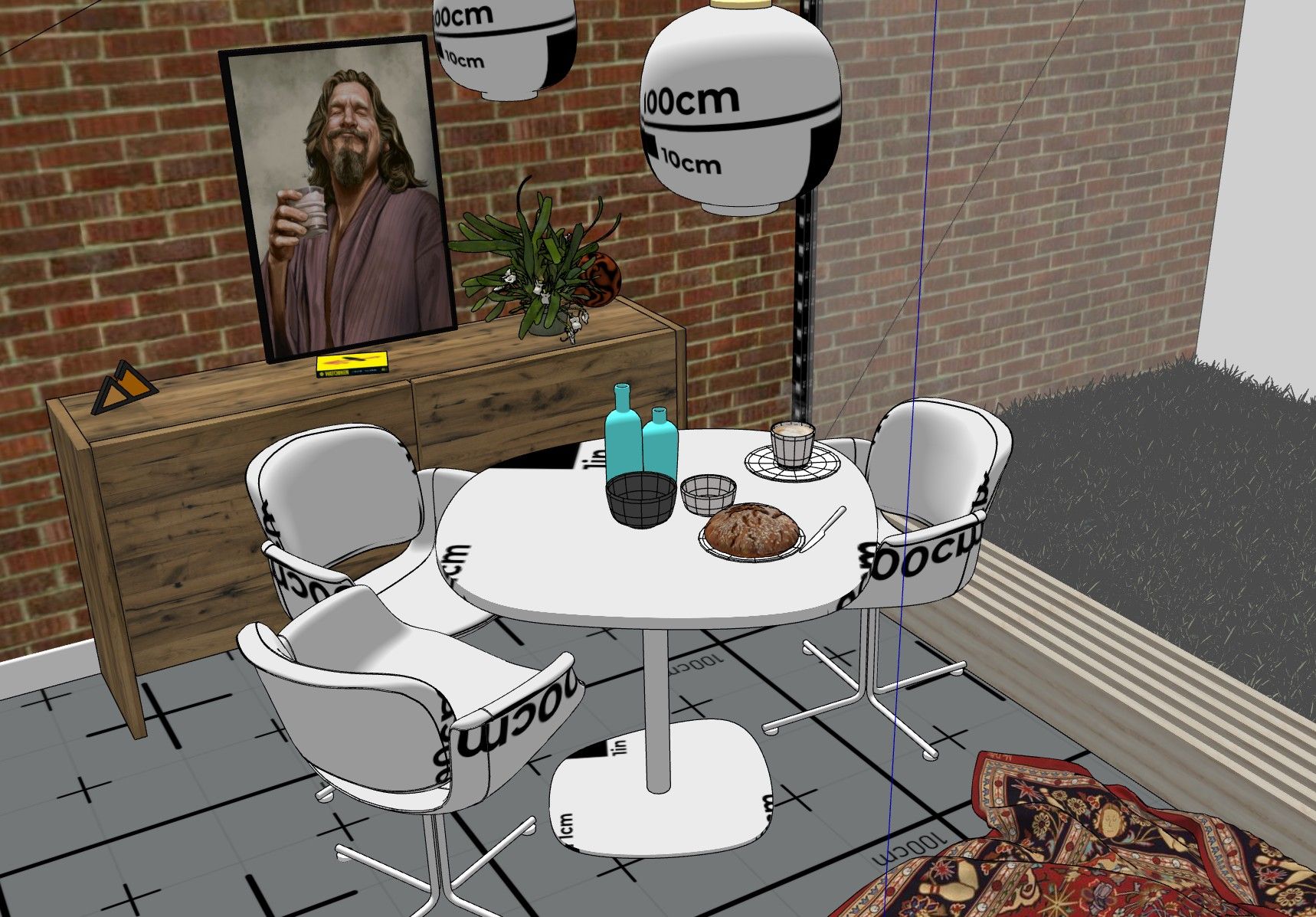
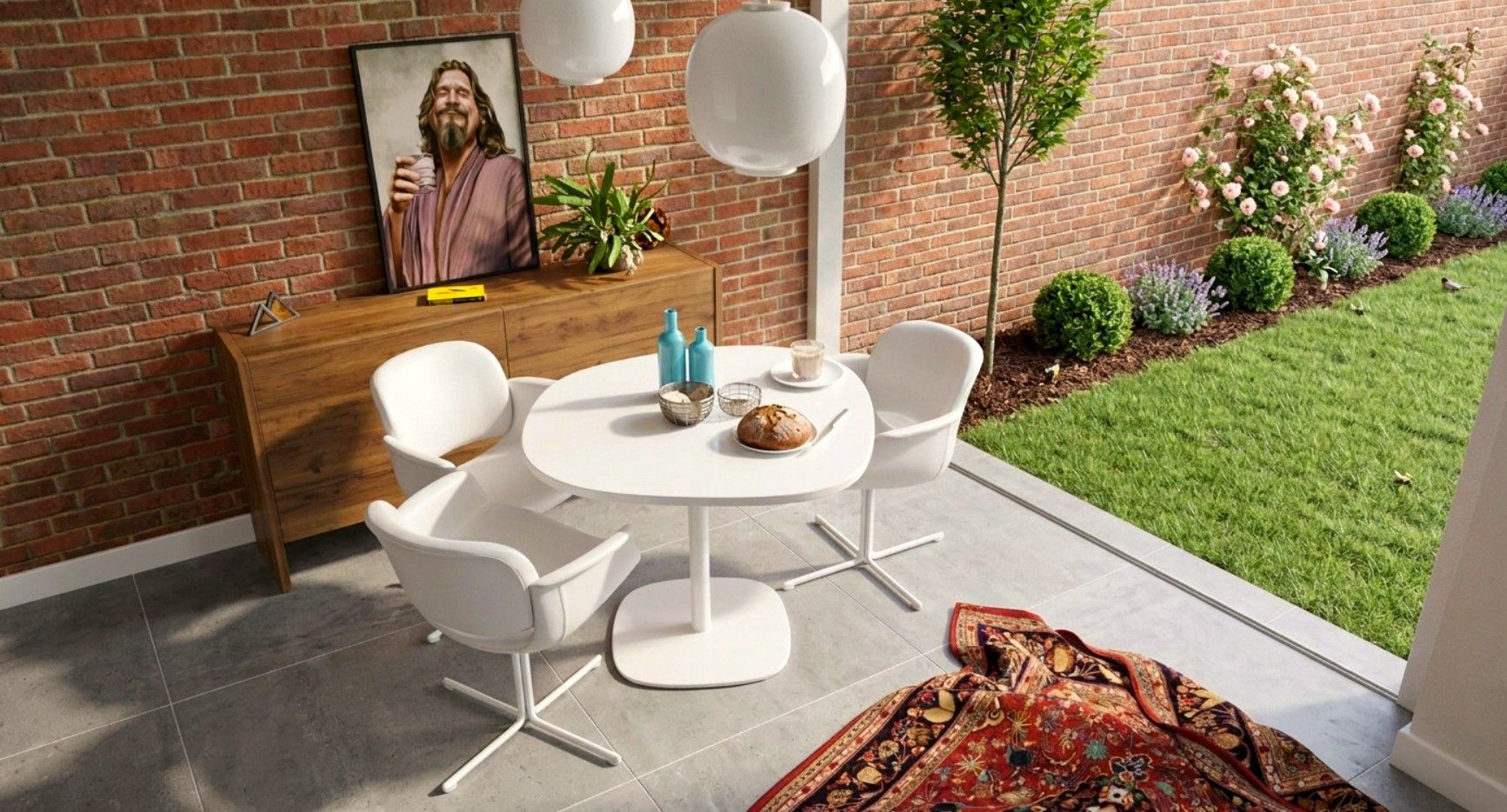
Nice results. Strange to watch rendering change so much. It's now a text prompt.
Rayscaper Beta Testers
Private
Beta testers of Rayscaper
Posts
-
RE: Modelling a tramway
-
RE: [Plugin] ClothWorks v1.8.0 - 28 Apr 2024
Can you please confirm that this extension works with the latest SU version? Thanks!
It does. You can install it using Sketchucation Tools: https://sketchucation.com/plugin/696-sketchucationtools and trial it to check for yourself
-
RE: FredoSection partly not working
It works so it might be how you are expecting it to work.
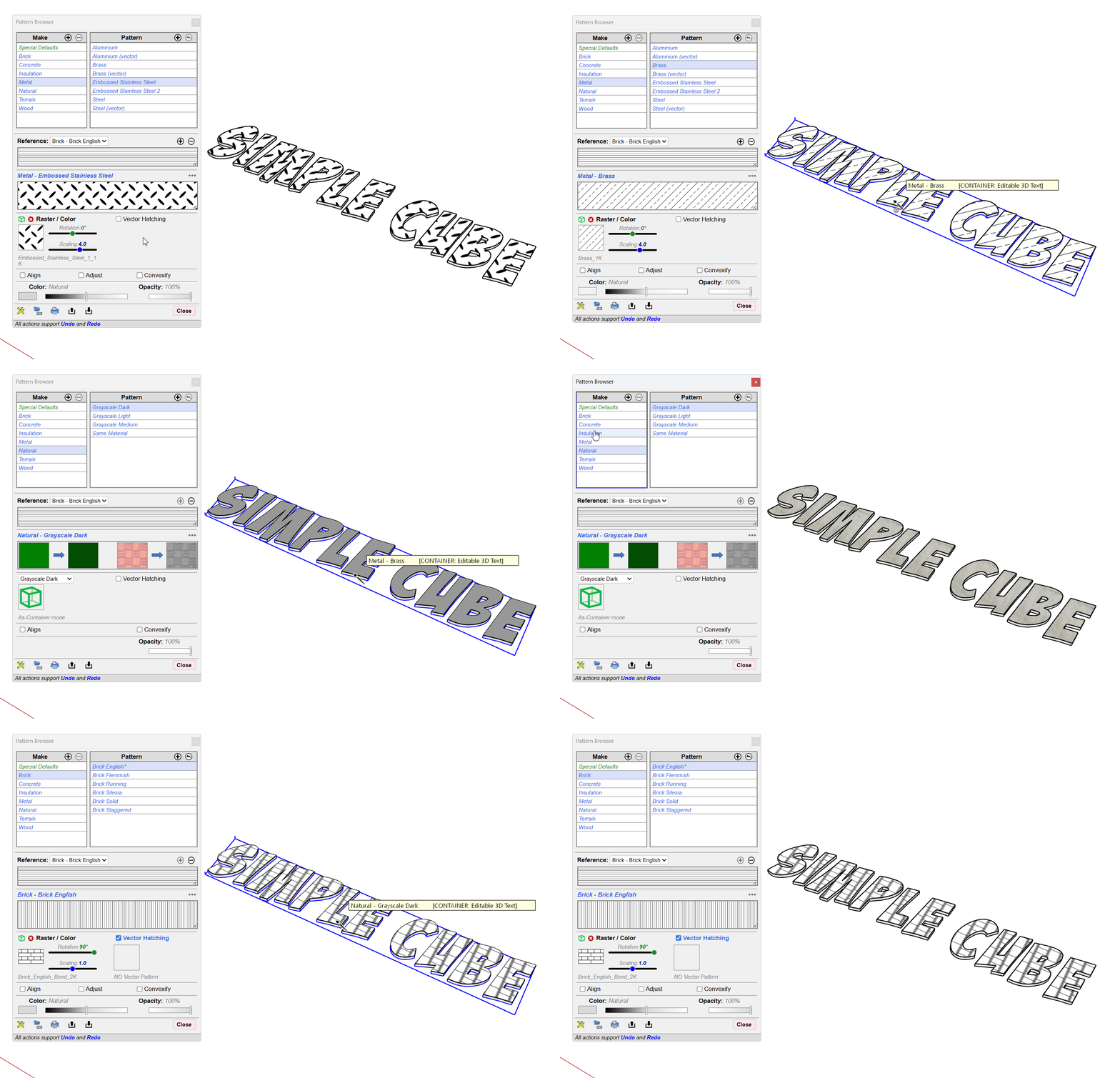
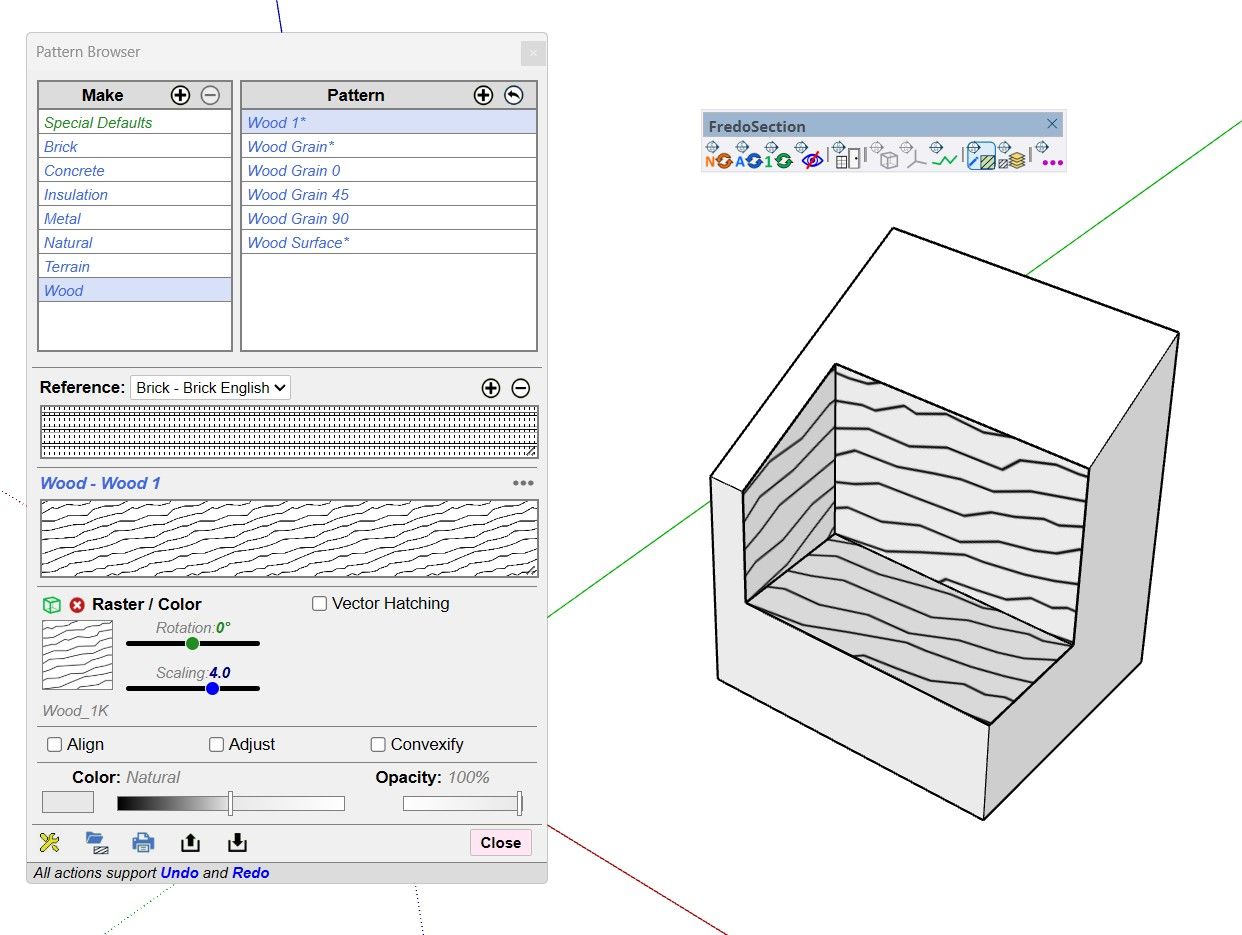
Maybe shared a simple model where it is failing for you.
-
RE: FredoSection partly not working
Did you watch the videos here: https://community.sketchucation.com/post/1618372
-
RE: Re-lighting one SketchUp view — same model, same camera, only the light changes
Sounds like a good update. Had a quick test. Definitely creates compelling images.
My main feedback would be the UI. The font, in places, is tiny and the colour contrast between font color and UI background adds to the readability concerns.
What I did like is the depth of options. But the free tier means you can't really test these.
The voice on the Guide was difficult to listen to and I have yet to find a way to skip steps. As soon as you stop the Guide it resets to Step 1.