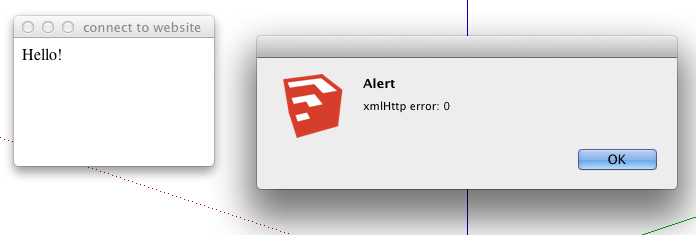
Much better 
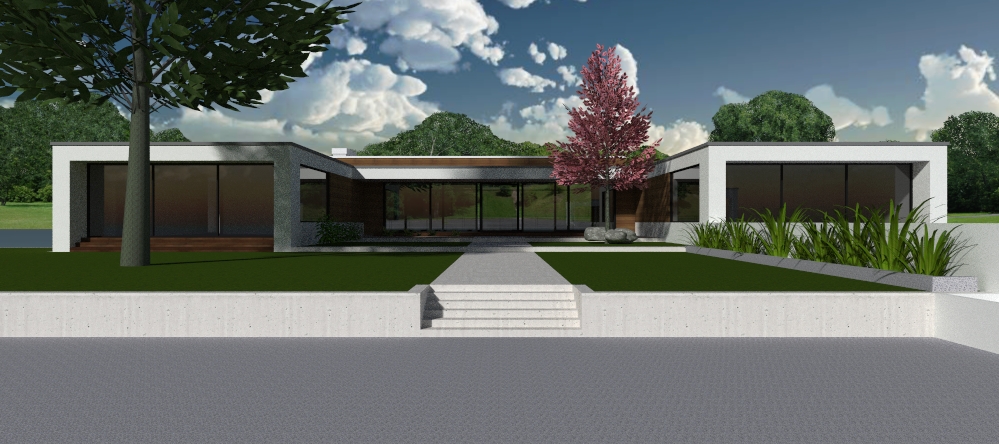
I changed all the ashe trees, how many more are like that any idea?
@ massimo ok but not sure how to do that.
Just started using Twilight about a week and this model is from Sketchup Texture 3d challenge. I used one of SCF 48 3d trees "ashe_01 and you can see for your self somethings wrong  . I changed sky color, spherical sky and some other tweaks but still no joy. Any ideas?
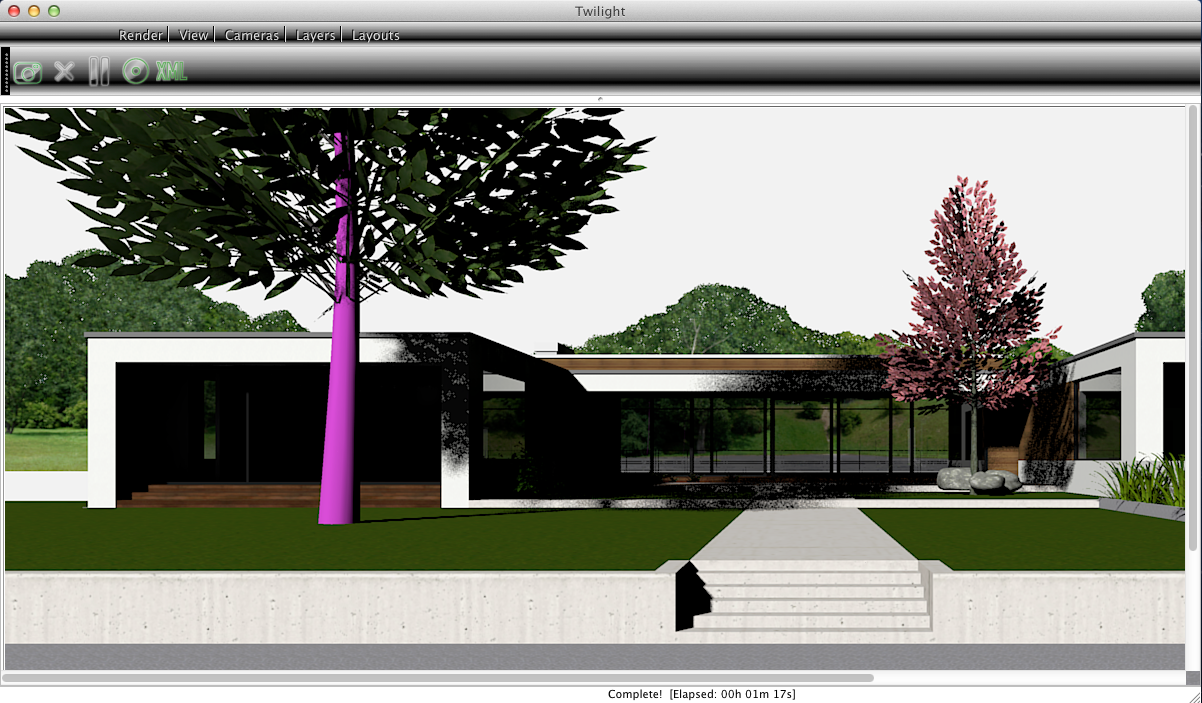
Something is amiss. Oli's link goes to chair and tables by Gintas and they're not listed in Models / Landscape or did I just not see them?
After checking monochrome as was mentioned there's a nice plugin called "front face" that you just drag the curser over all reversed faces and it automatically changes right. plugin by Tomaz in the Sketchucation plugin store. After installed you can find it under plugins menu "Start Front Face".
It did that to me too. Make sure height of window is not the same as top of window. I think when start out default are the same height.
Create folders in MY documents or any where on your PC. I Have a SU folder with several other folders that I keep completed SU projects and such related to SU in that folder I have folders for furniture, textures and anything else I want to use in SU. make a folder and name it component plants, Now when you download a plant into your model right click on the component and select "save as" name your component anything you want so you remember what it is. Now when you need it, open components window browser and should be a arrow next to search box click on and "open local collection" navigate to where you saved the plant and it opens in browser window to use again just click and drag it into your model.
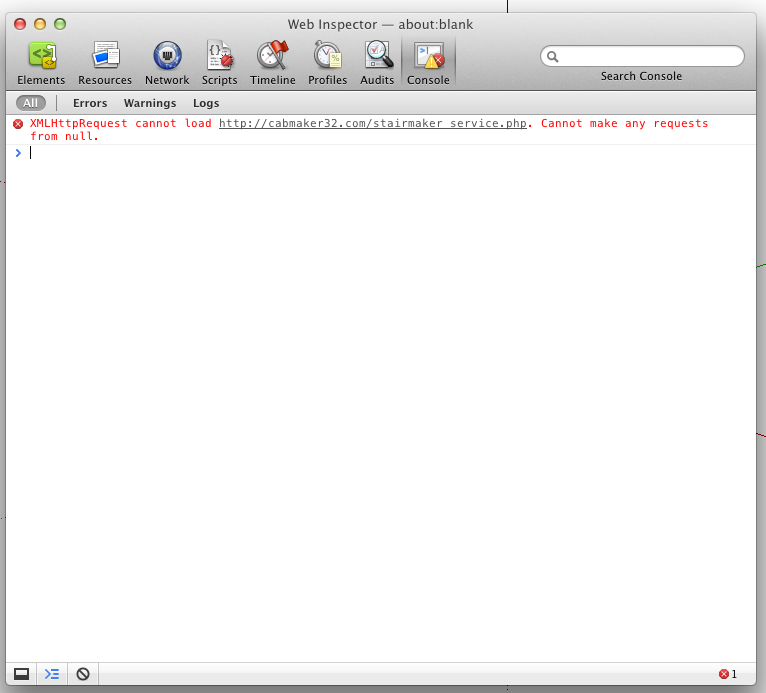
Evidently Inspect needs to open in Safari eo get Web Inp. to popup but here it is.
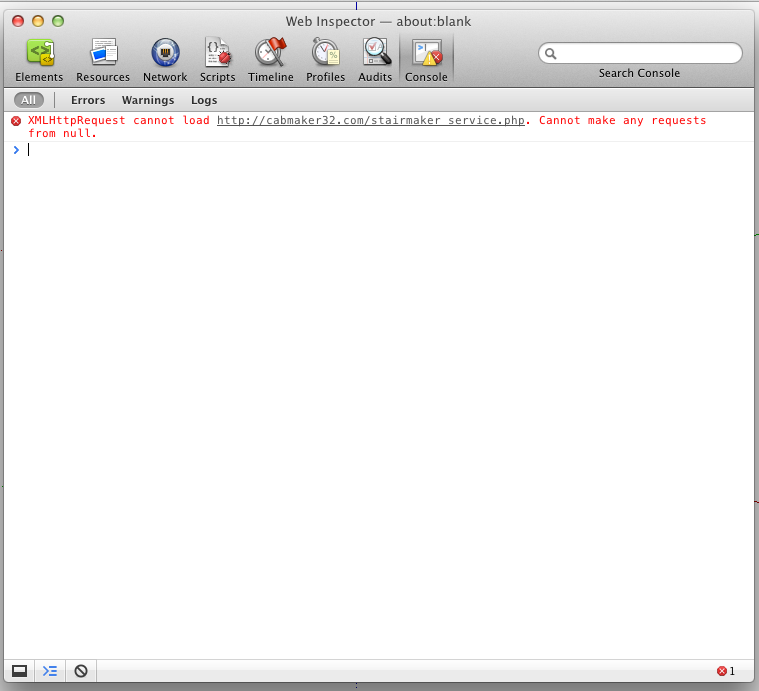
Ok this AM I had Safari open with Inspect Element open on a web page just to see what it did and opened SU and clicked on Web Dialog Test and right clicked on Connect to Website and Web Inspector popped up with this. Now what? I'll be here for a while then off to work for the day will check back.
Walt
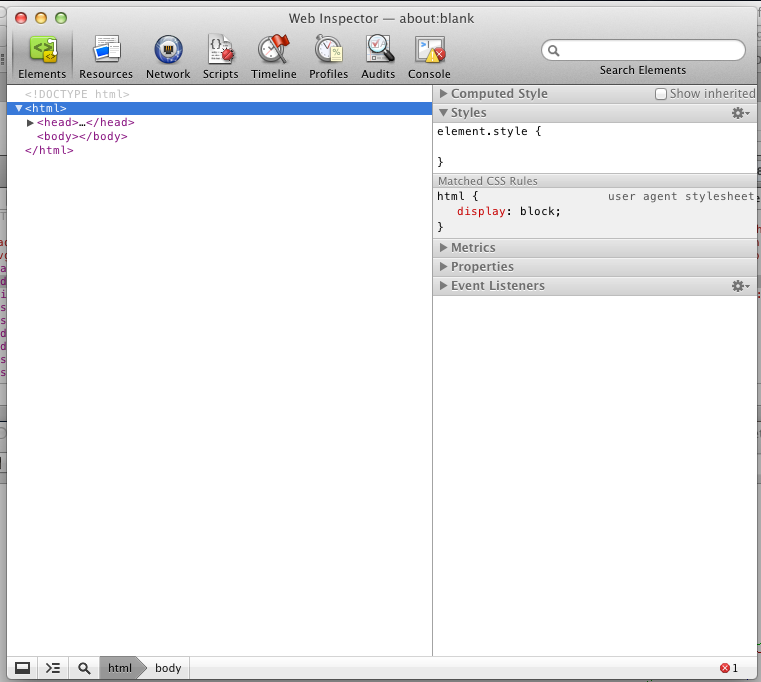
still no inspect element on right click
Ya not a very good typist sorry is this right
I don't understand why right click won't bring up Inspect Element?
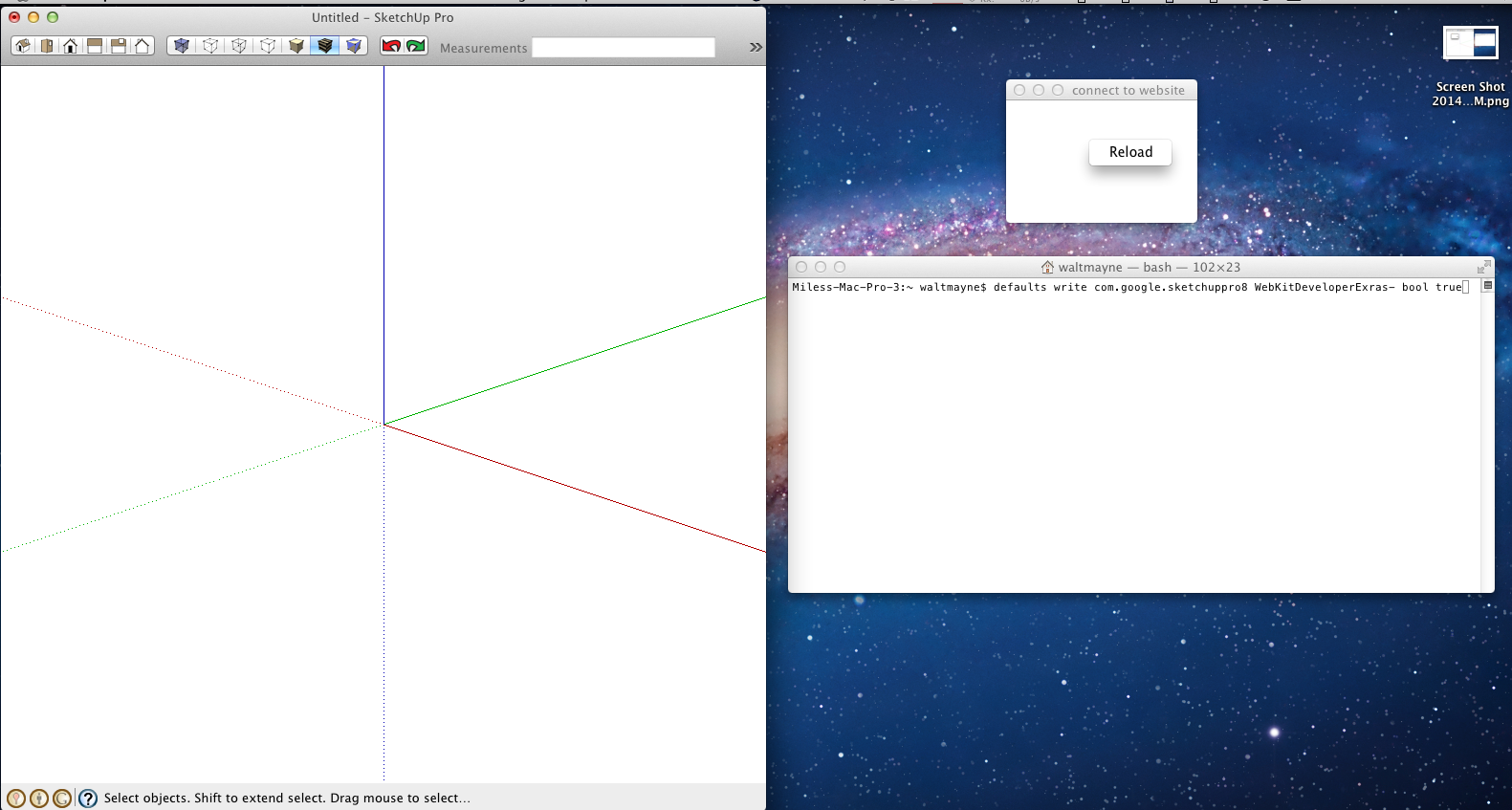
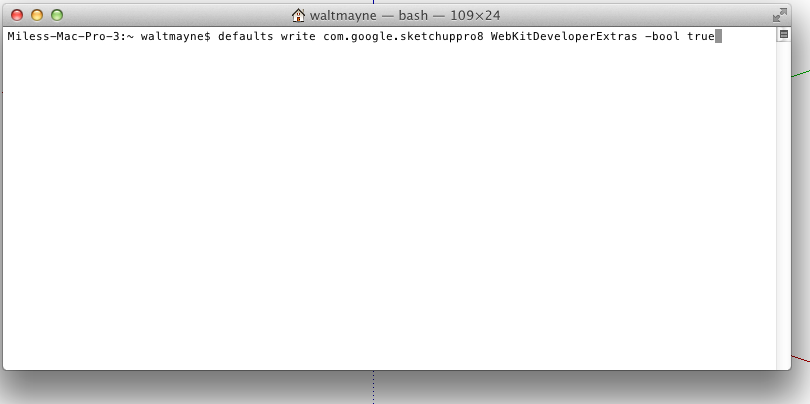
I double checked the terminal and retyped and restated SU still no right click web inspector?
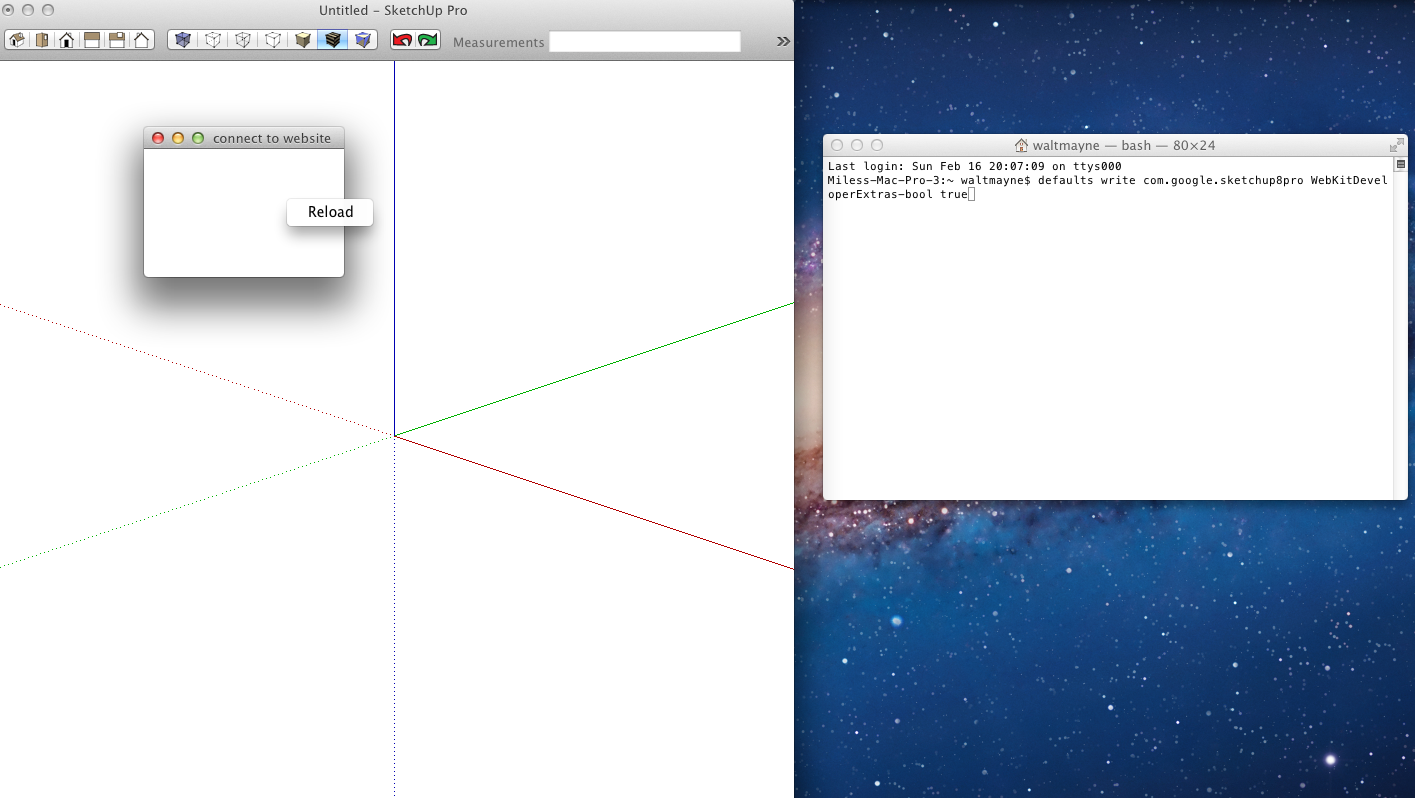
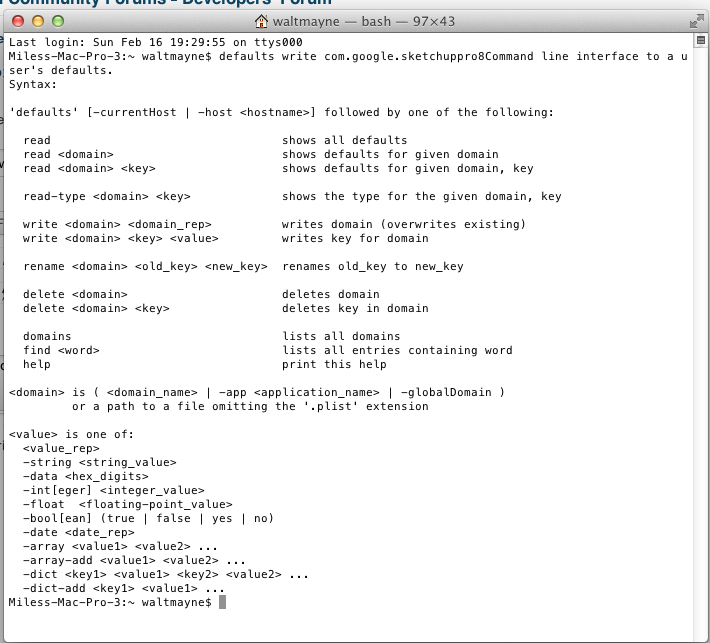
@ Steve When I right click in Connect to Website all I get is "Reload" but this is what Terminal looks like after pressing return in terminal was that right?