@pixelcruncher I DMed you, dear Thomas.
Oops, your profile's looking a bit empty! To help us tailor your experience, please fill in key details like your SketchUp version, skill level, operating system, and more. Update and save your info on your profile page today!
FredoBend | Powerful new bending tool for SketchUp Download
 Offline
Posts
-
RE: Styles for a rapid presentation
Soon will share more of my personal Styles.
-
RE: Sketchup styles
It is technically doable, you are right, BTW it was much easier using Stylebuilder.
I personally have developed all my styles inside Sketchup, based on my previously made line-art styles (using style builder).
I will share more soon. -
RE: ASAI Entry 2025
Nice one!
It seems they pay extra attention to mood, composition, and atmosphere. -
RE: Sketchup styles
I wish the same. : see the app open source.
AI is the future, BTW in the early stages yet I believe Sketcchup styles have the lead. -
RE: Rayscaper New Releases
Those renders are lovely!
-
Sketchup styles
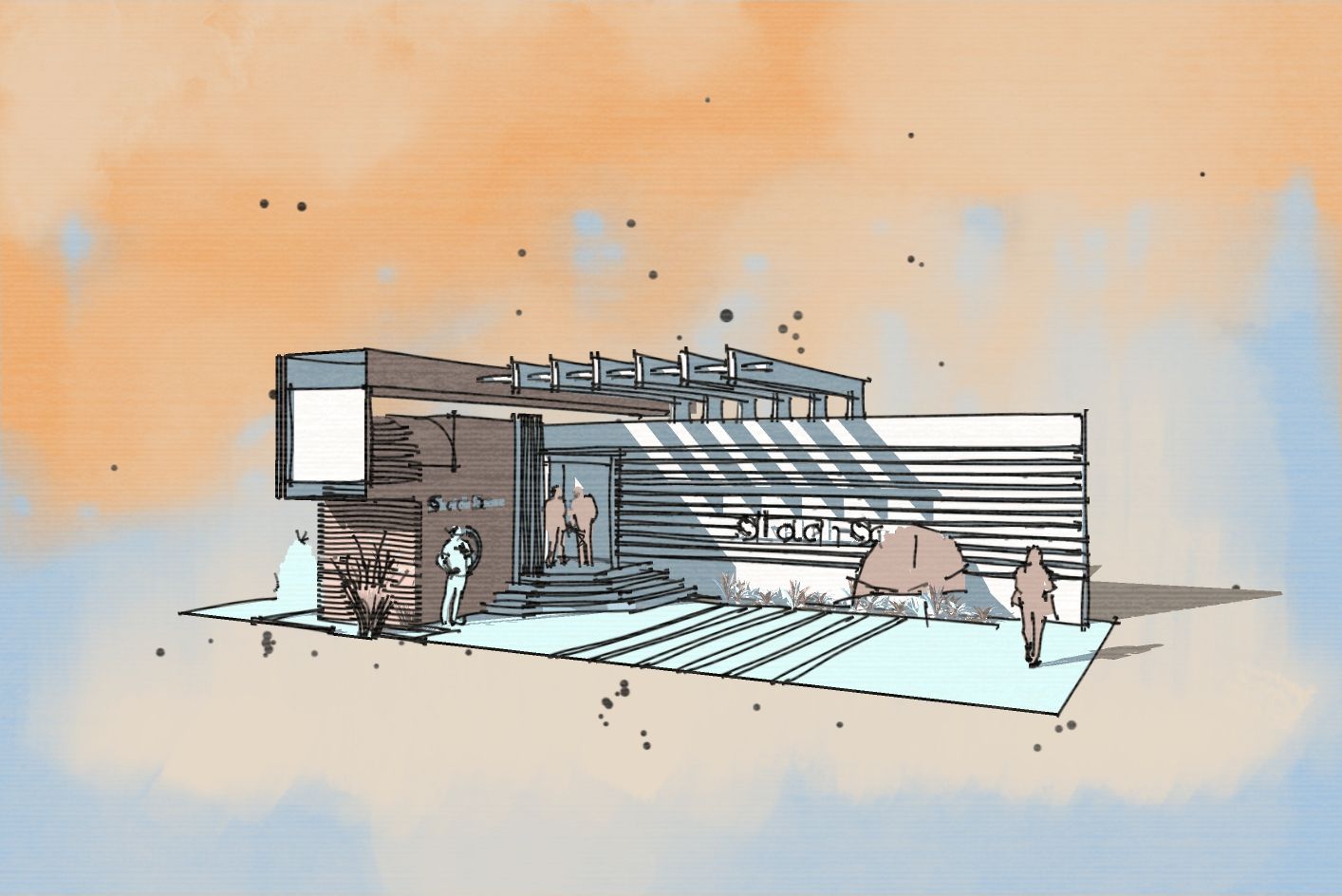
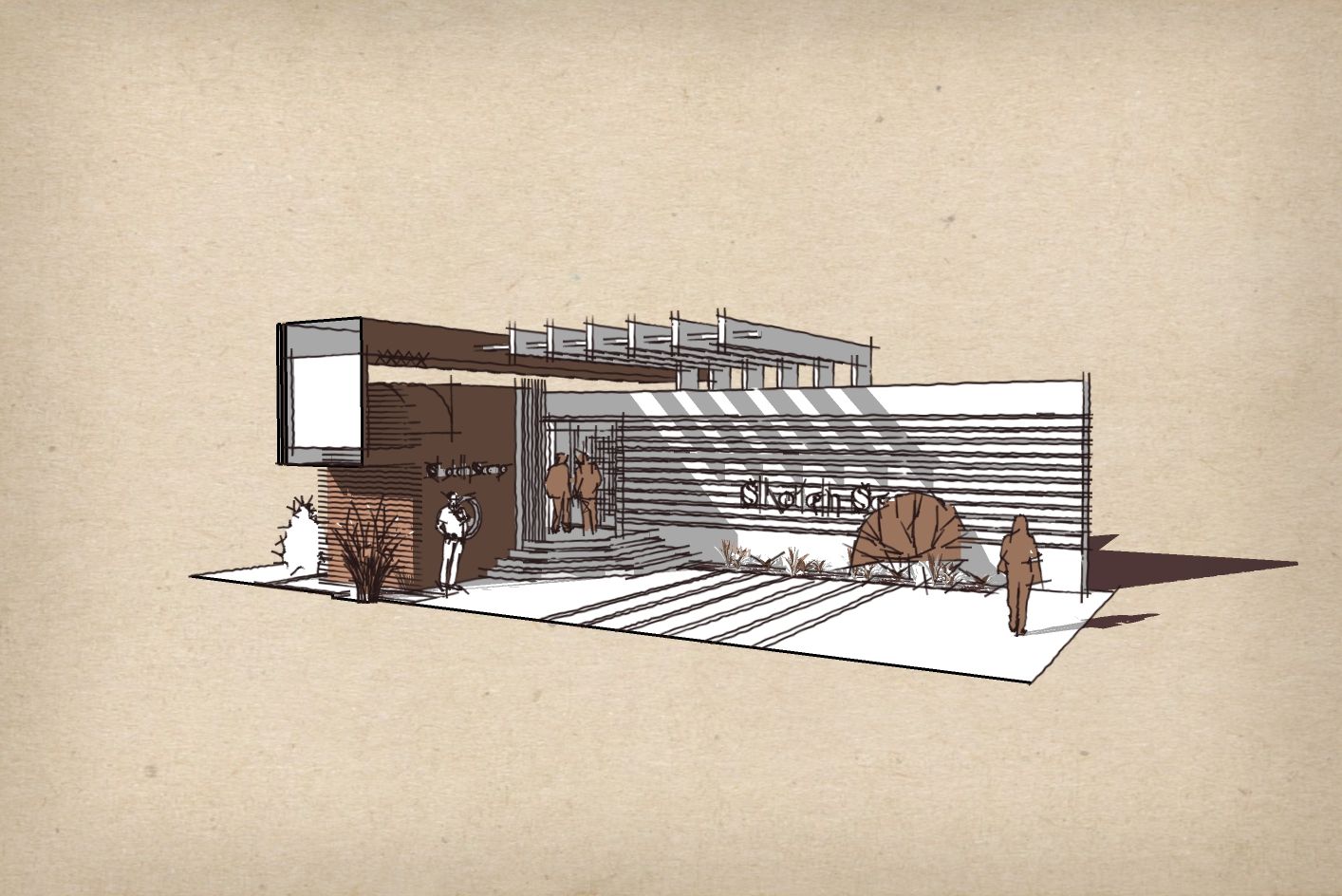
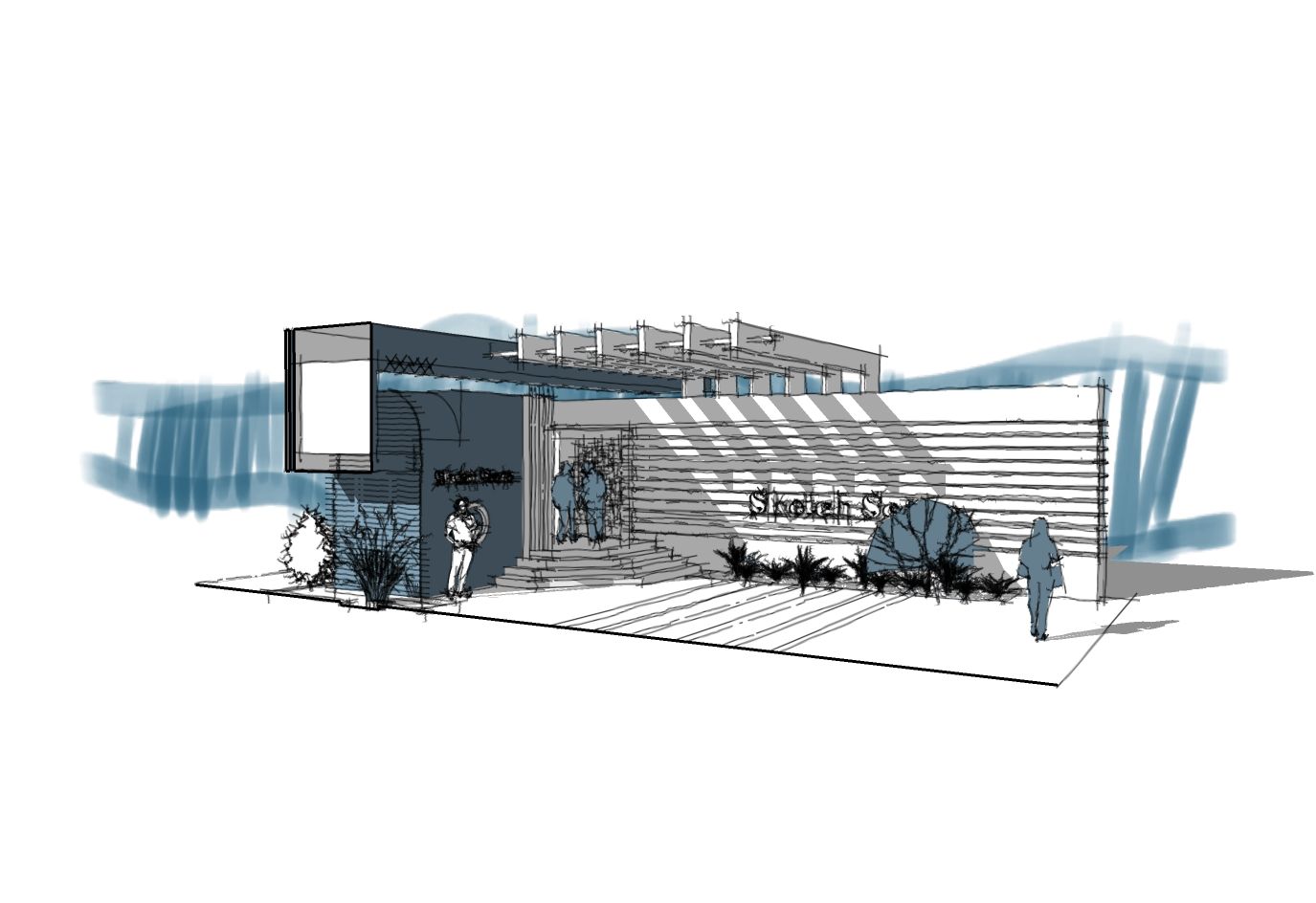
When it comes to concept sharing, I personally prefer to keep the conversation open, not confined by materials, etc. I believe the best option is still using Sketchup styles.
Recently I adjusted some of my styles carefully for the best result in concept sharing and quick presentation. No need to apply any material, they work best in Monochrome mode.
I have tweaked them so that shadows have colors preventing default gray SketchUp shadows, section line, and selected objects also are customized to add more variations and match the style.
They are now live in the Shop section:
https://sketchucation.com/shop/styles/2898-sketchy-presentation-styles-set2
Each one is carefully set and built up .
More samples: https://community.sketchucation.com/topic/164335/styles-for-a-rapid-presentation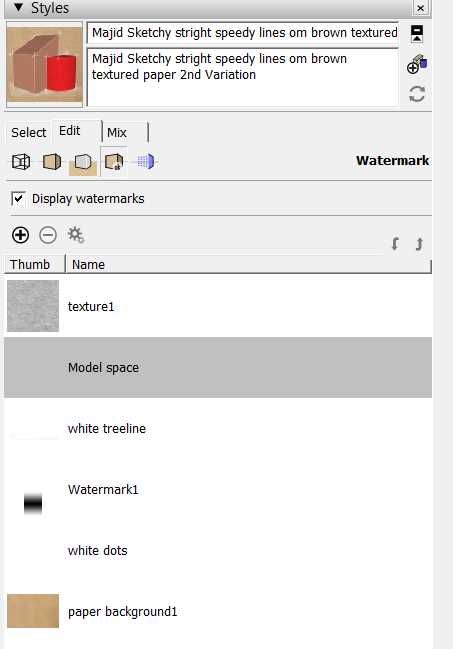
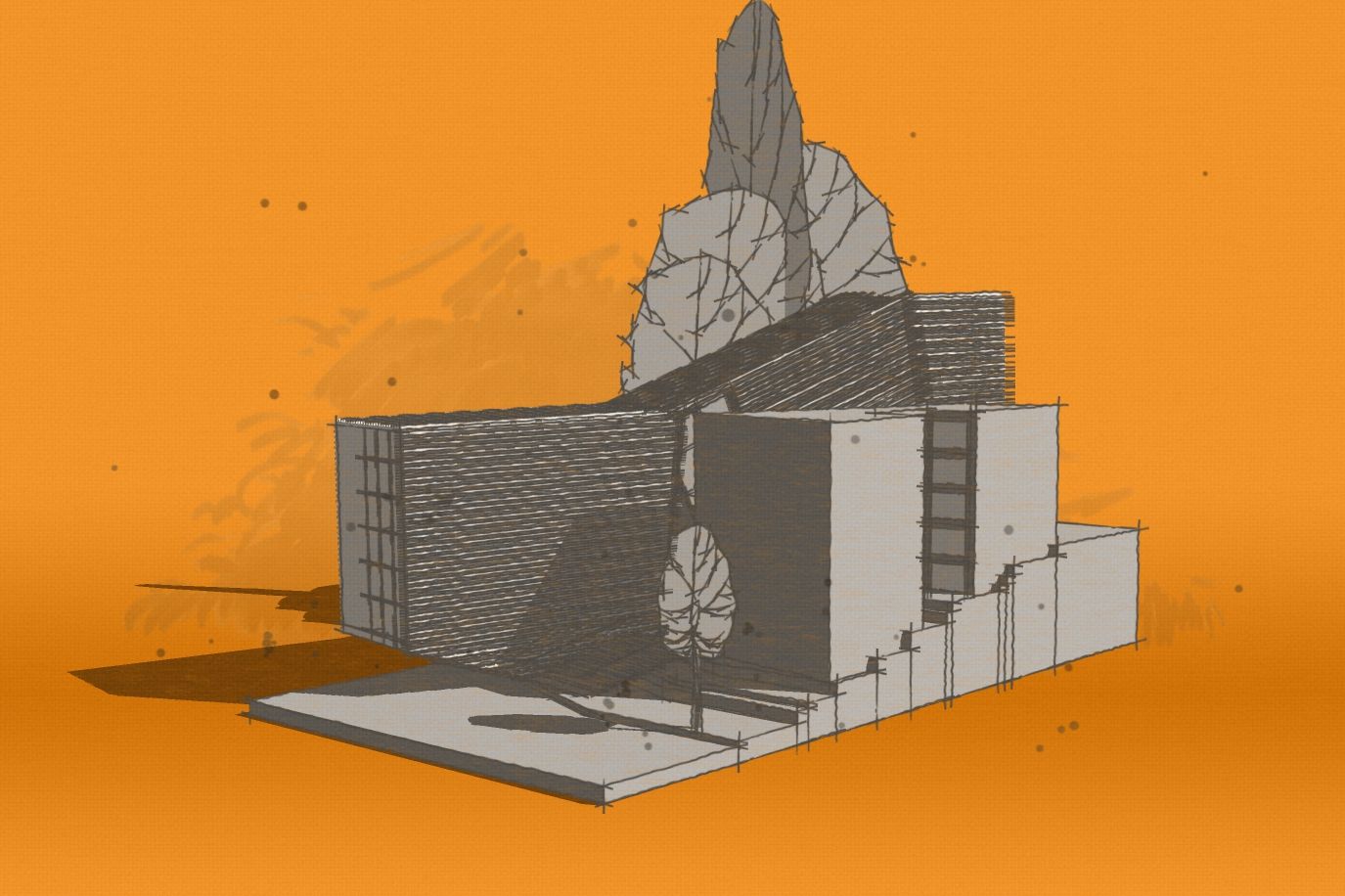
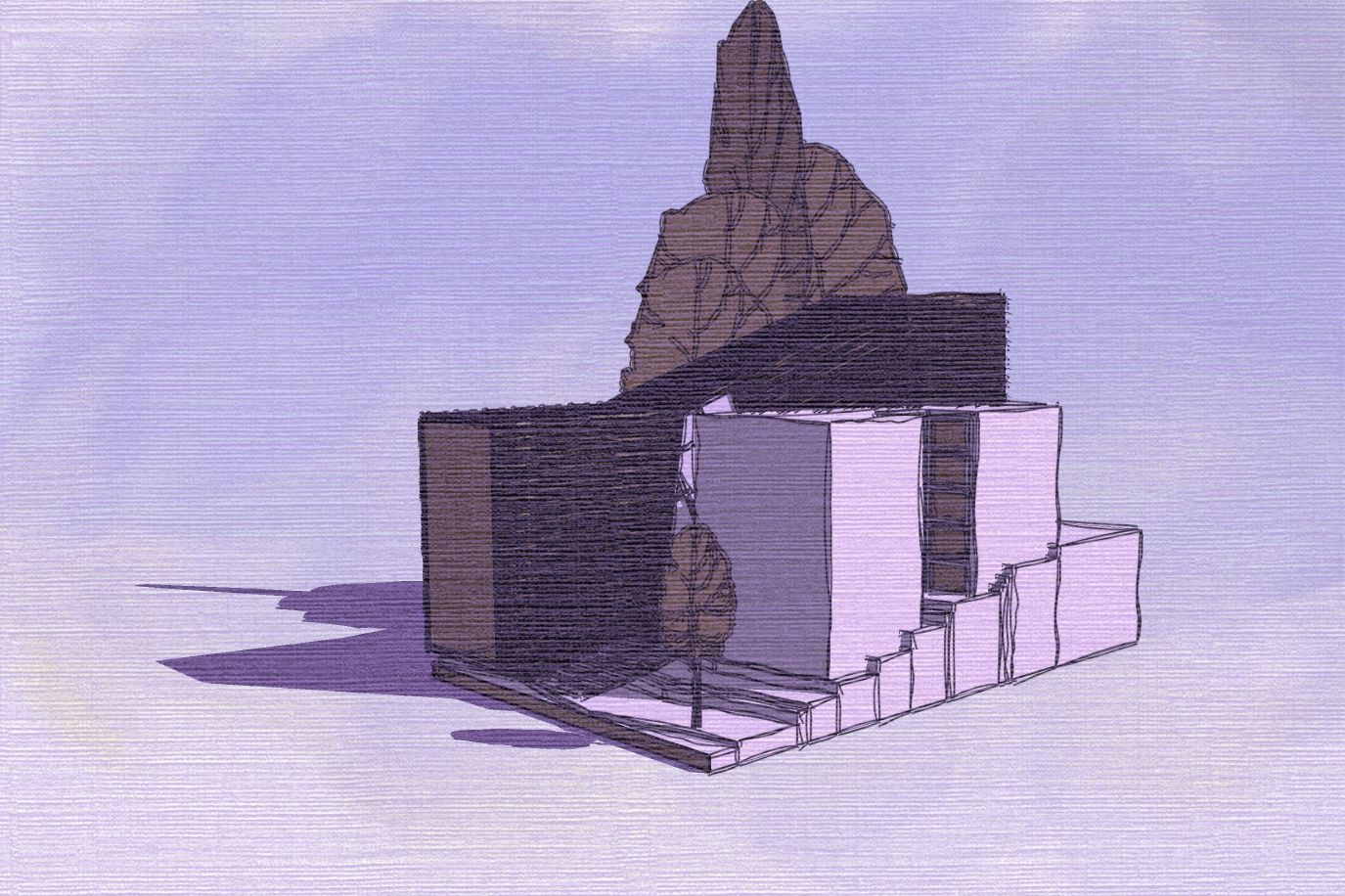
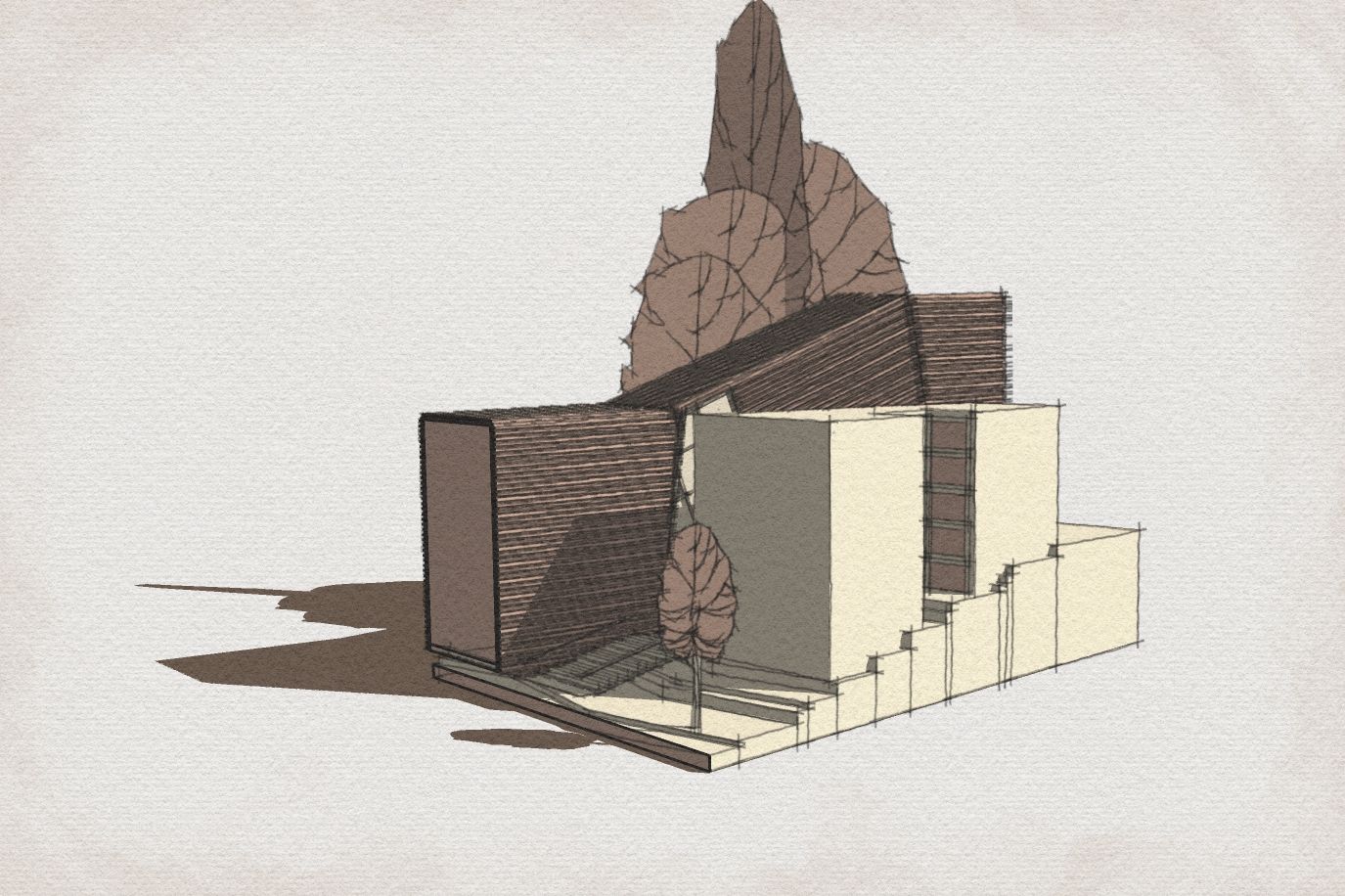
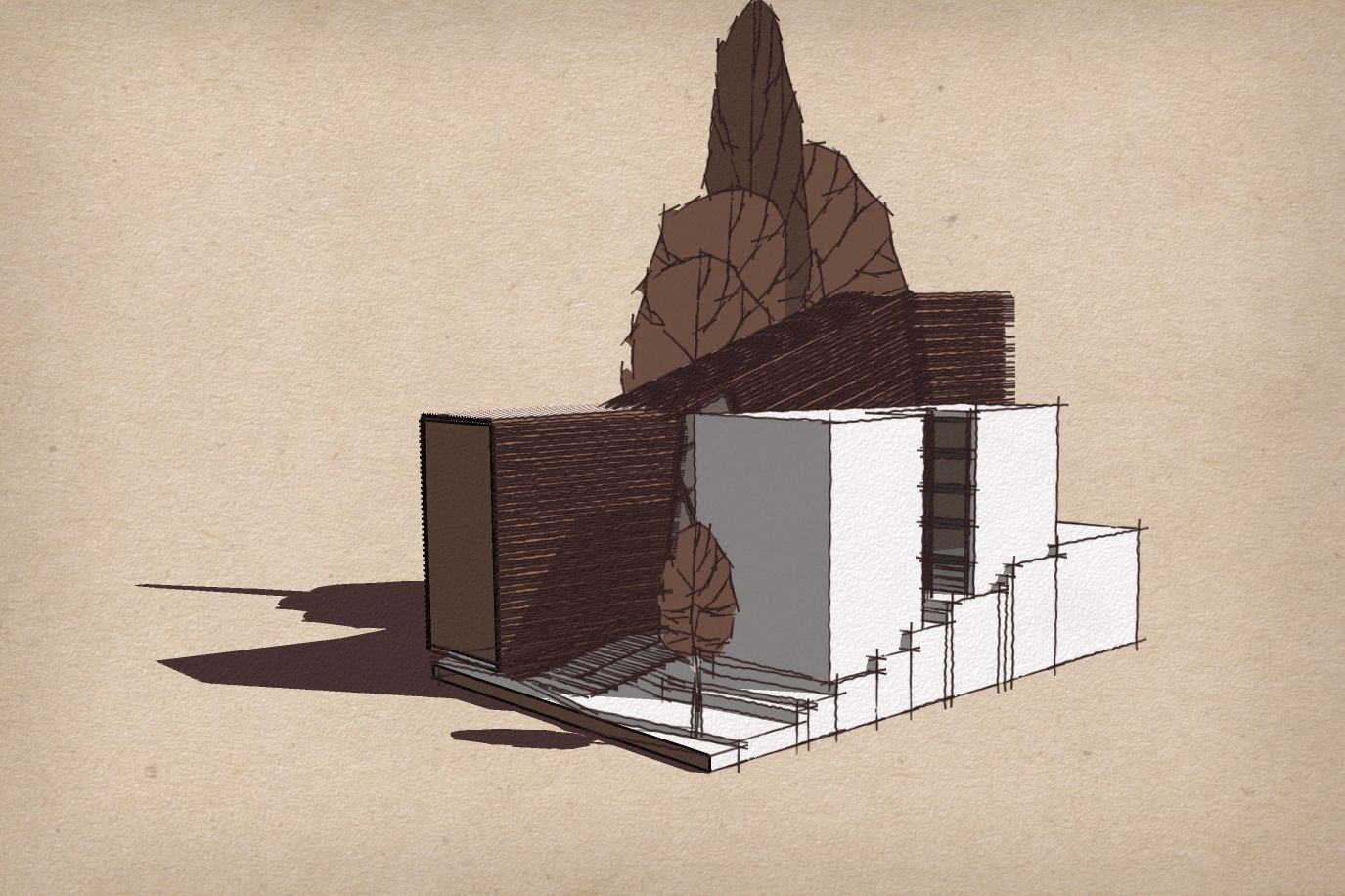
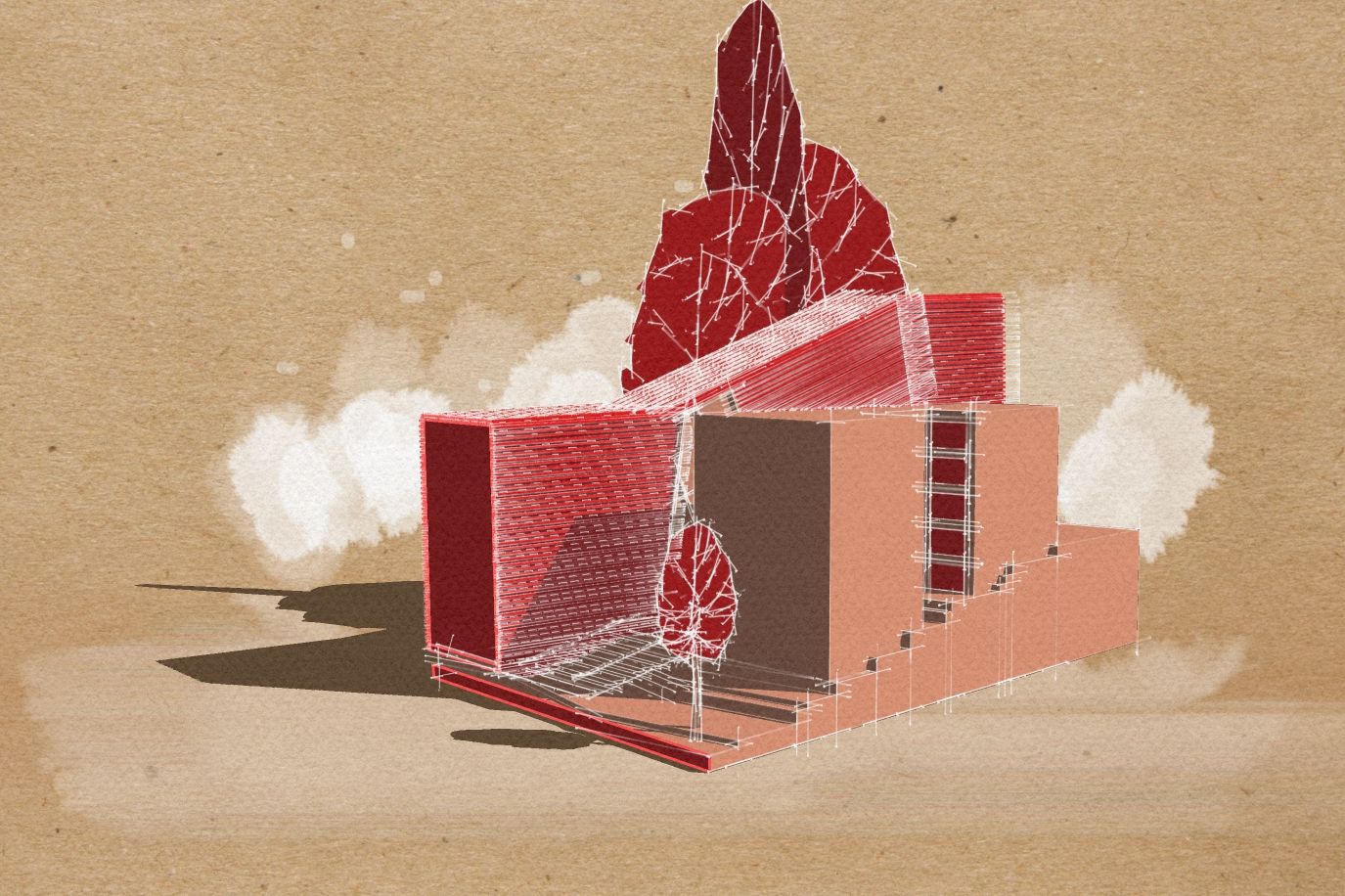
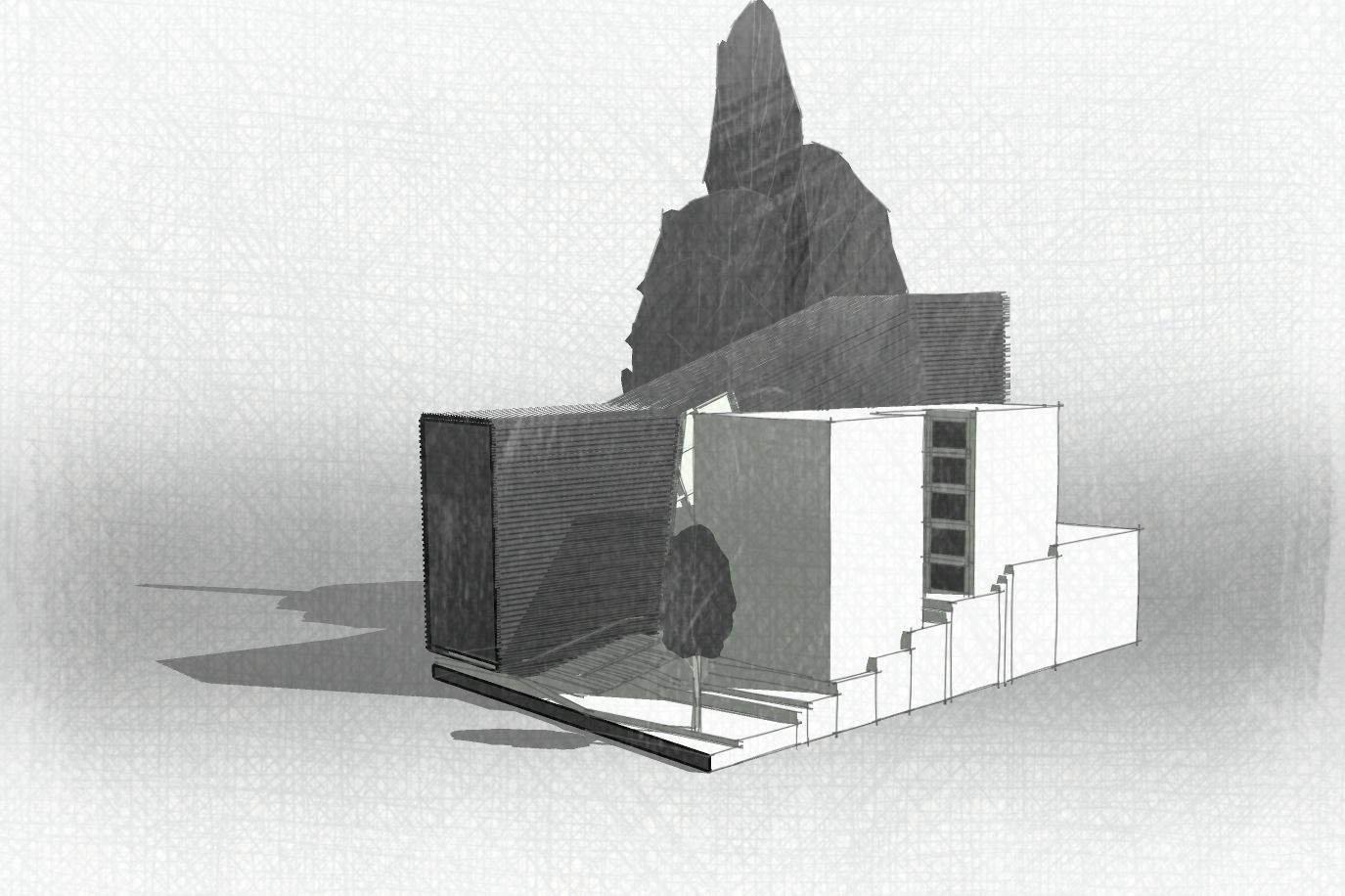
-
RE: Styles for a rapid presentation
I also adjusted the color of “selected objects” to have different line colors. This way, without assigning any material to objects and using “backface” color in Monochrome mode, you will reach a decent, beautiful presentation in no time and with less effort.
-
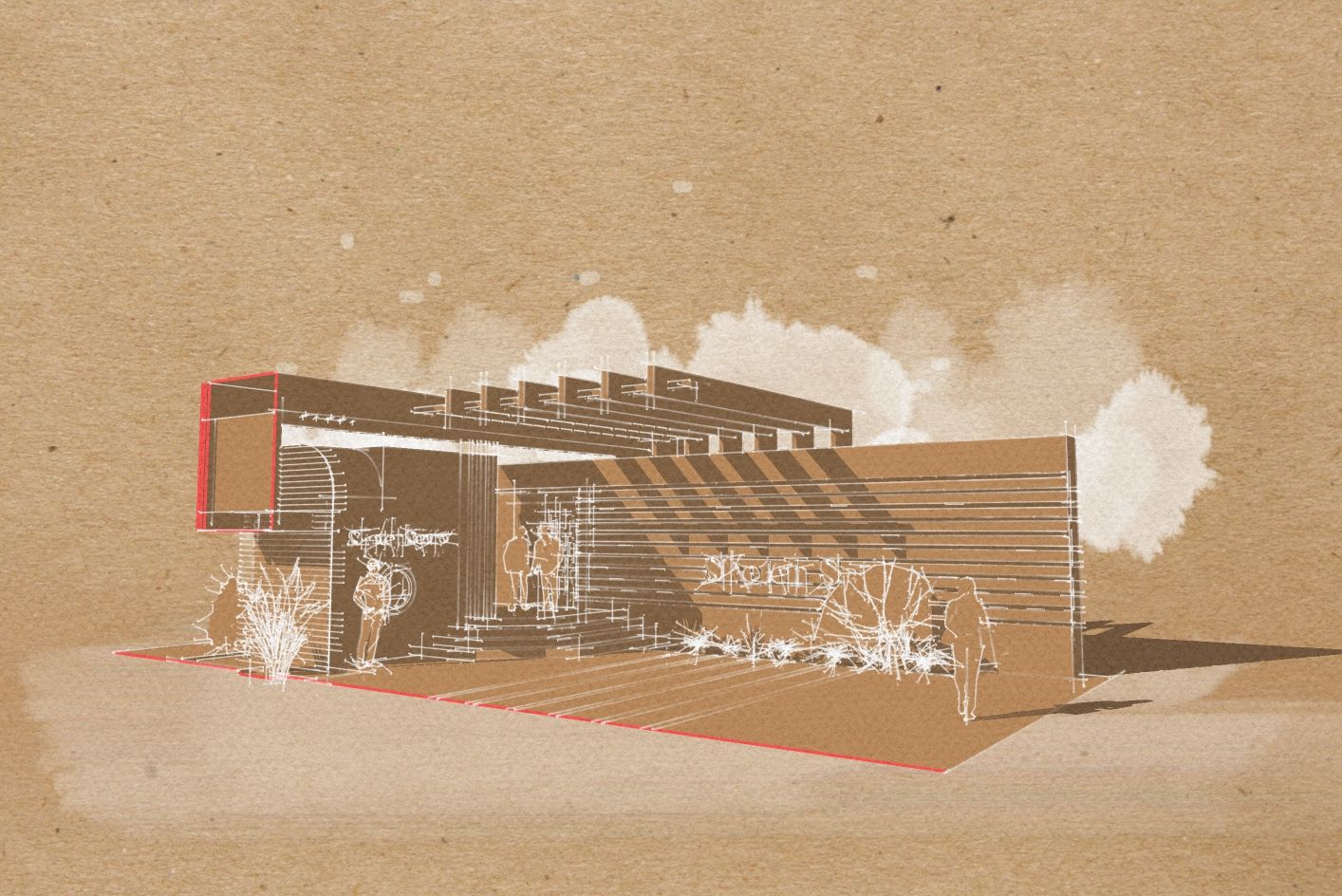
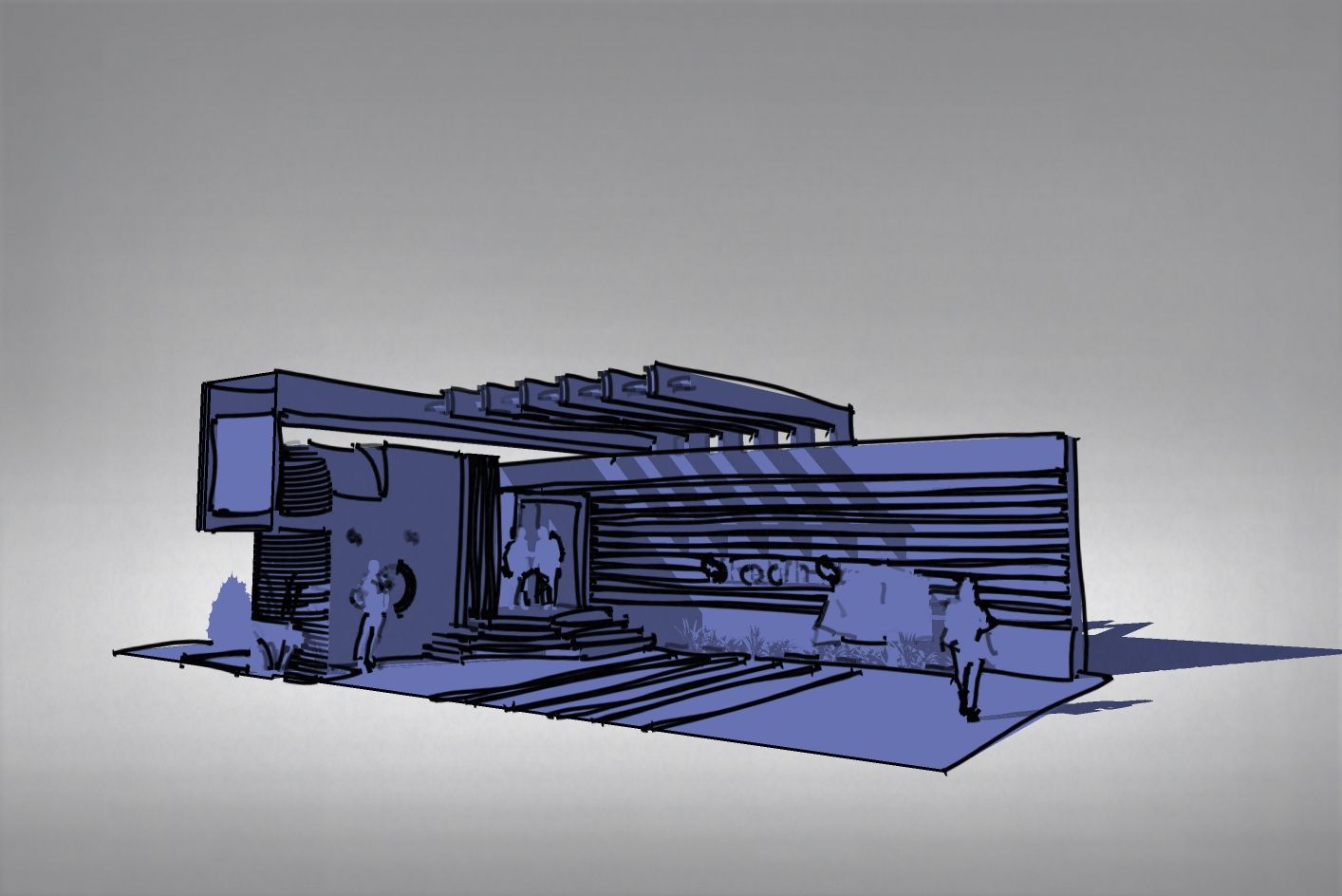
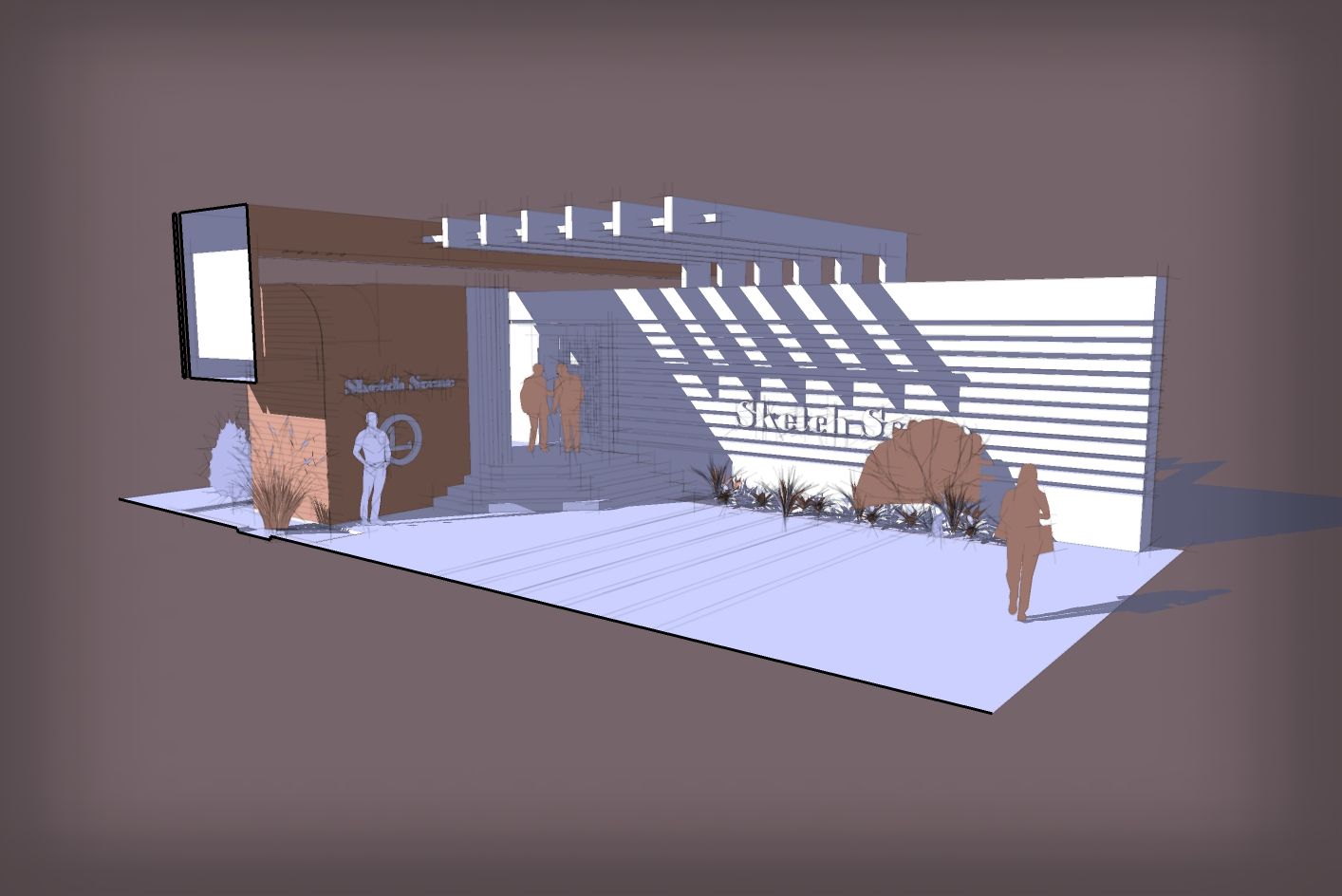
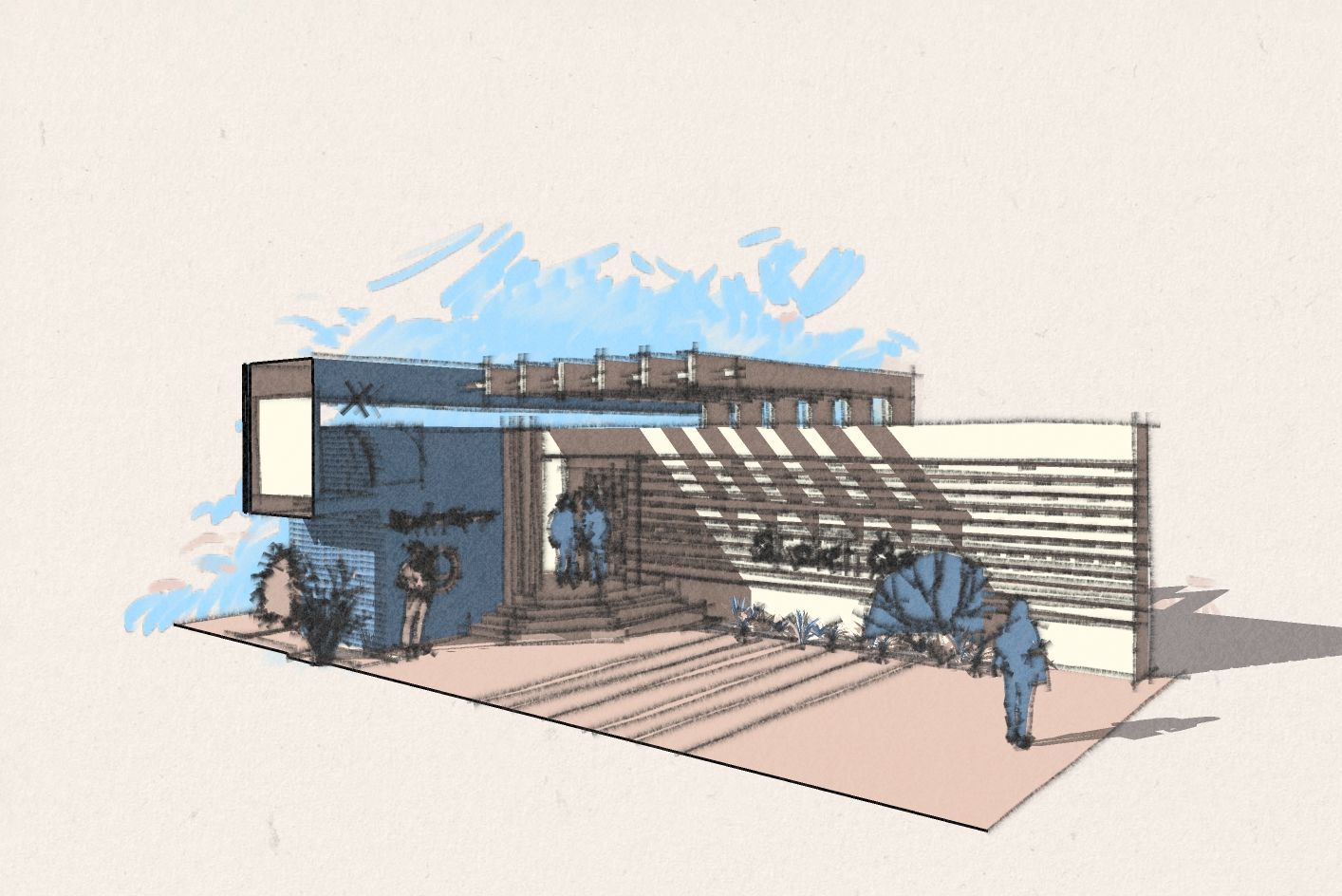
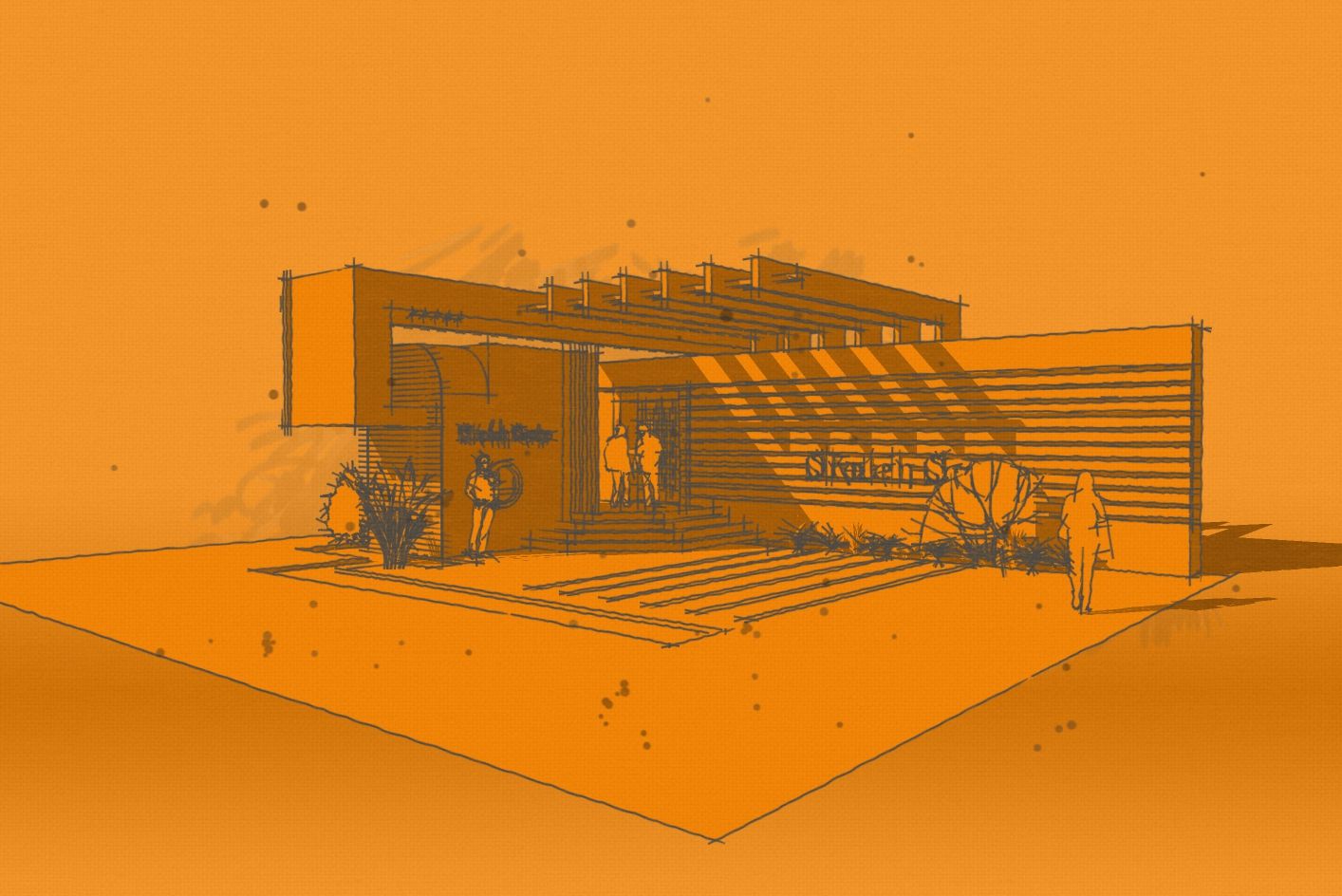
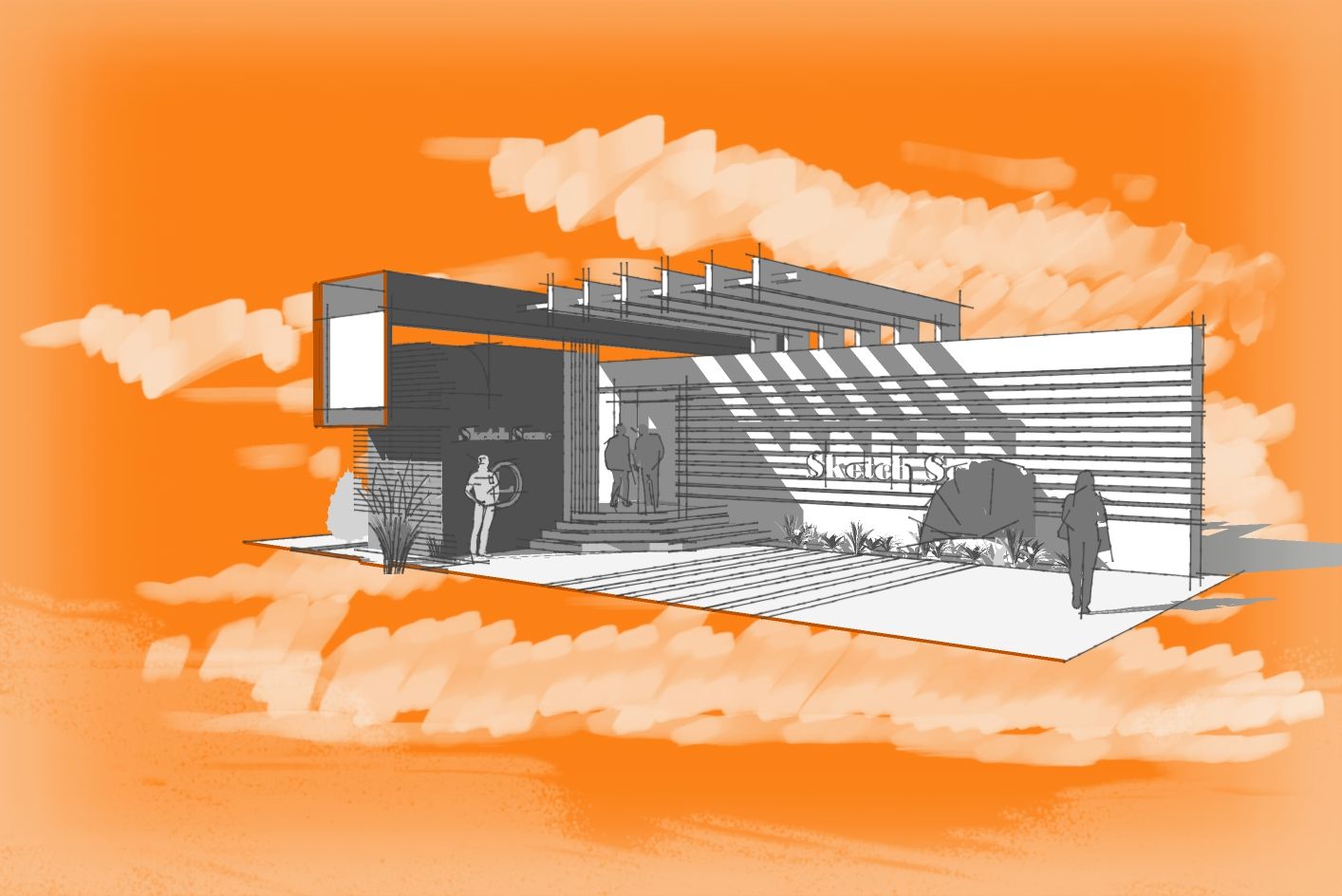
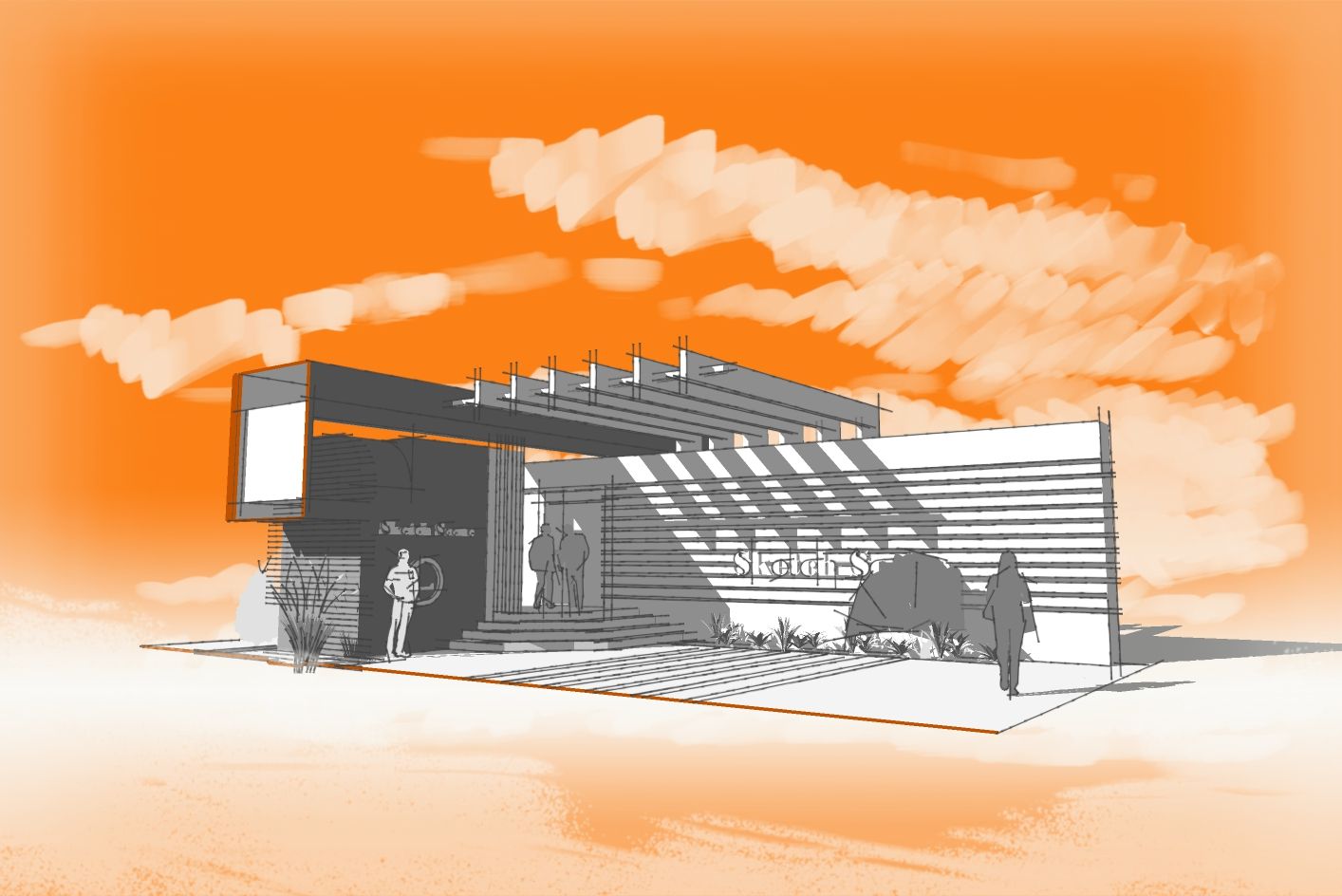
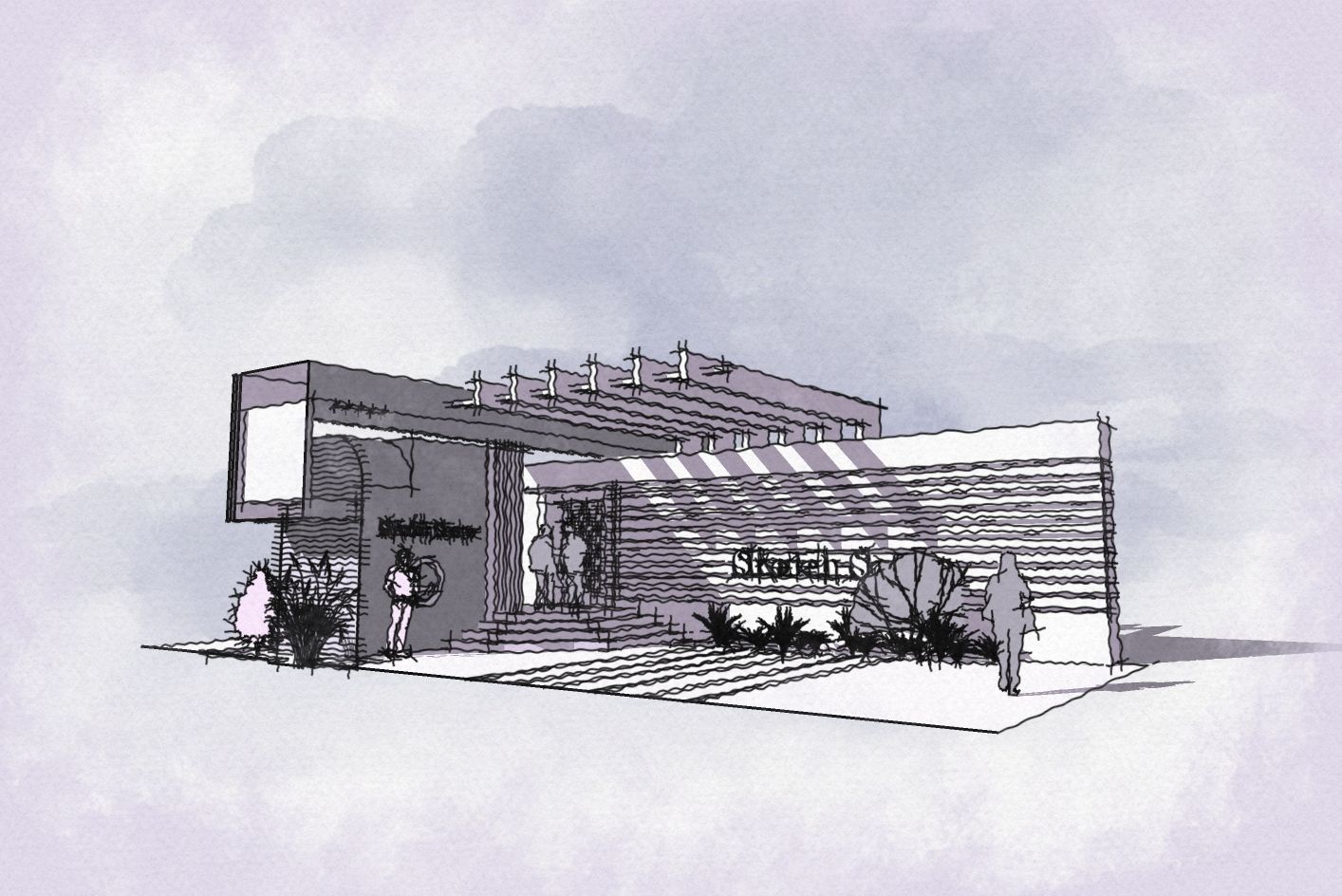
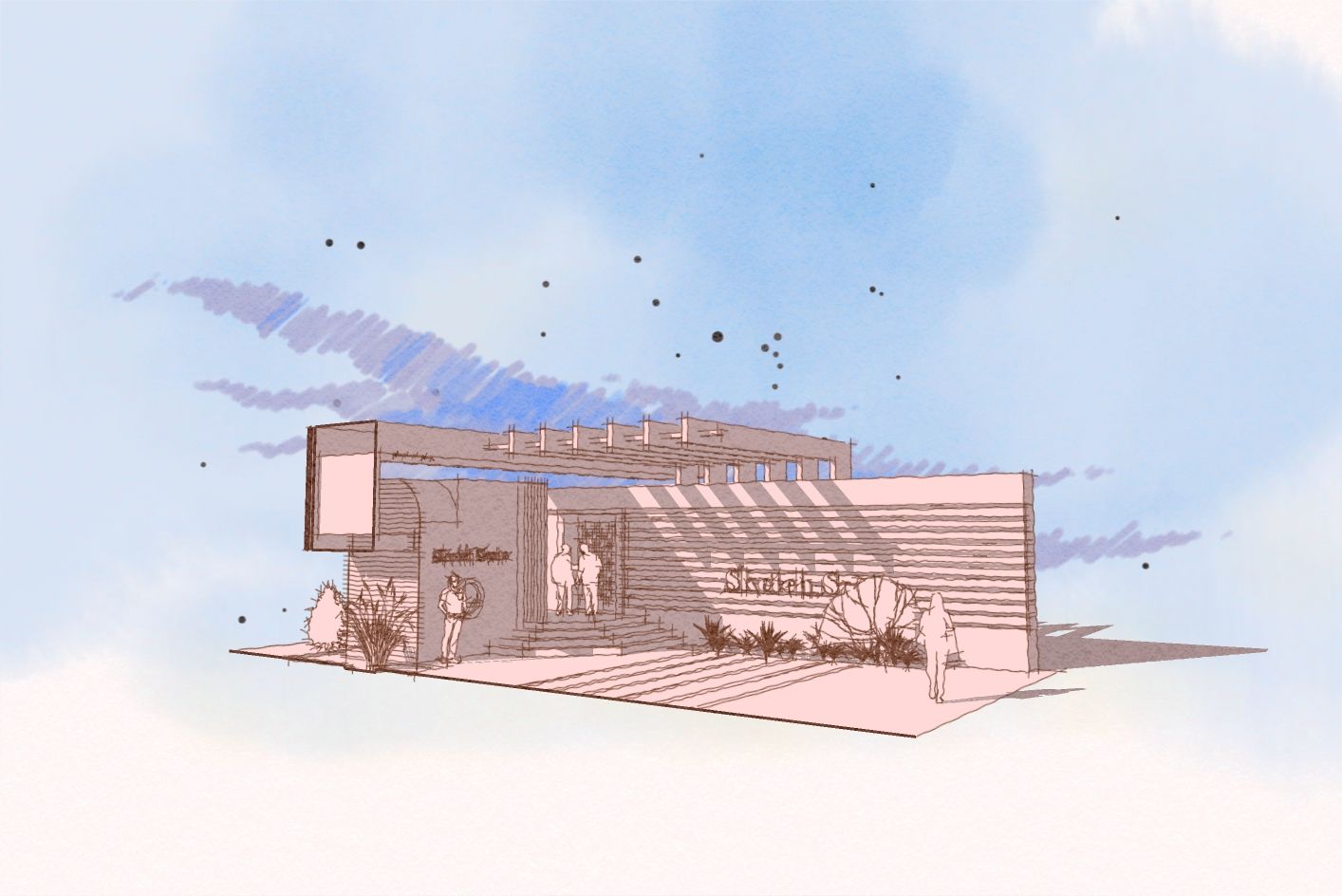
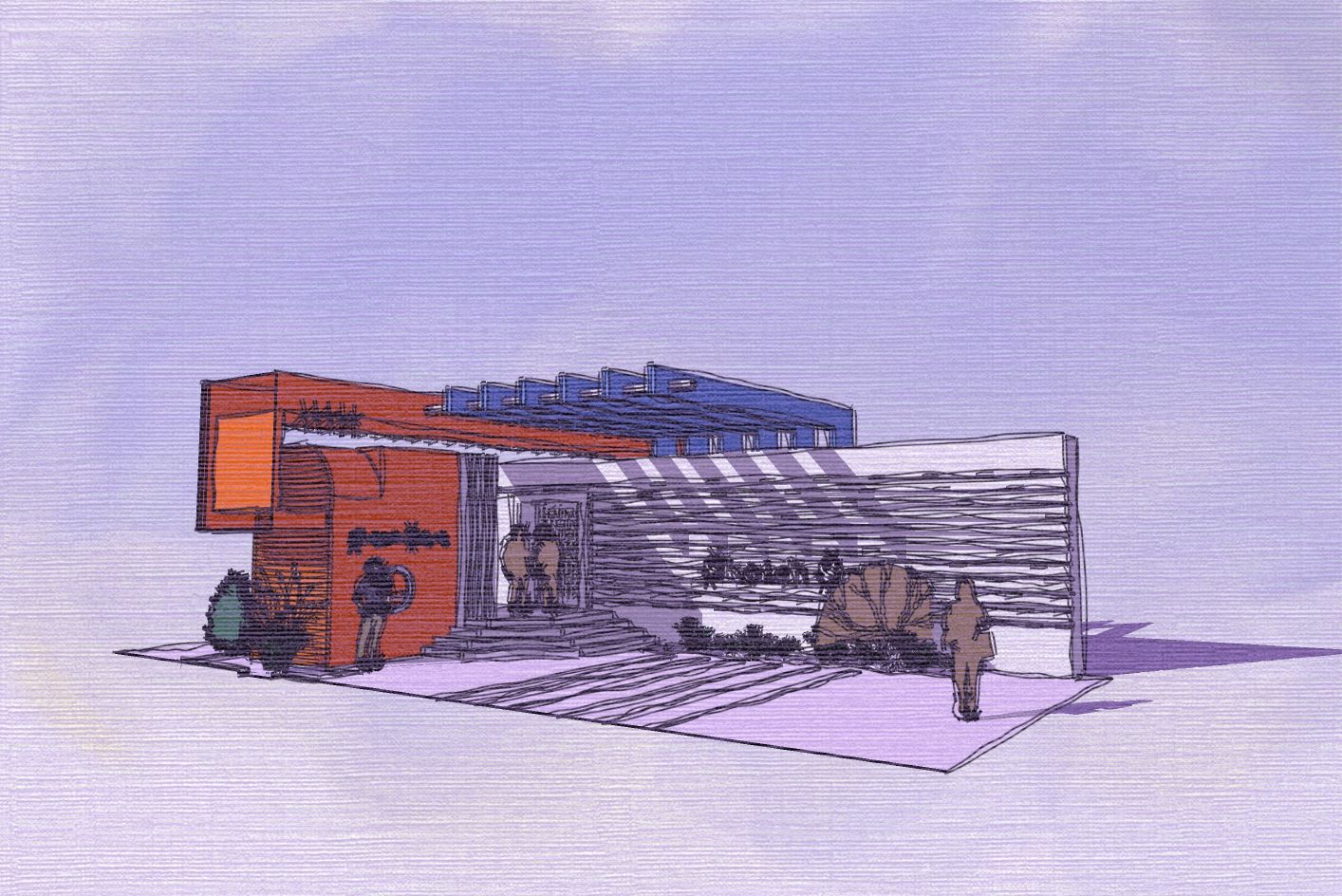
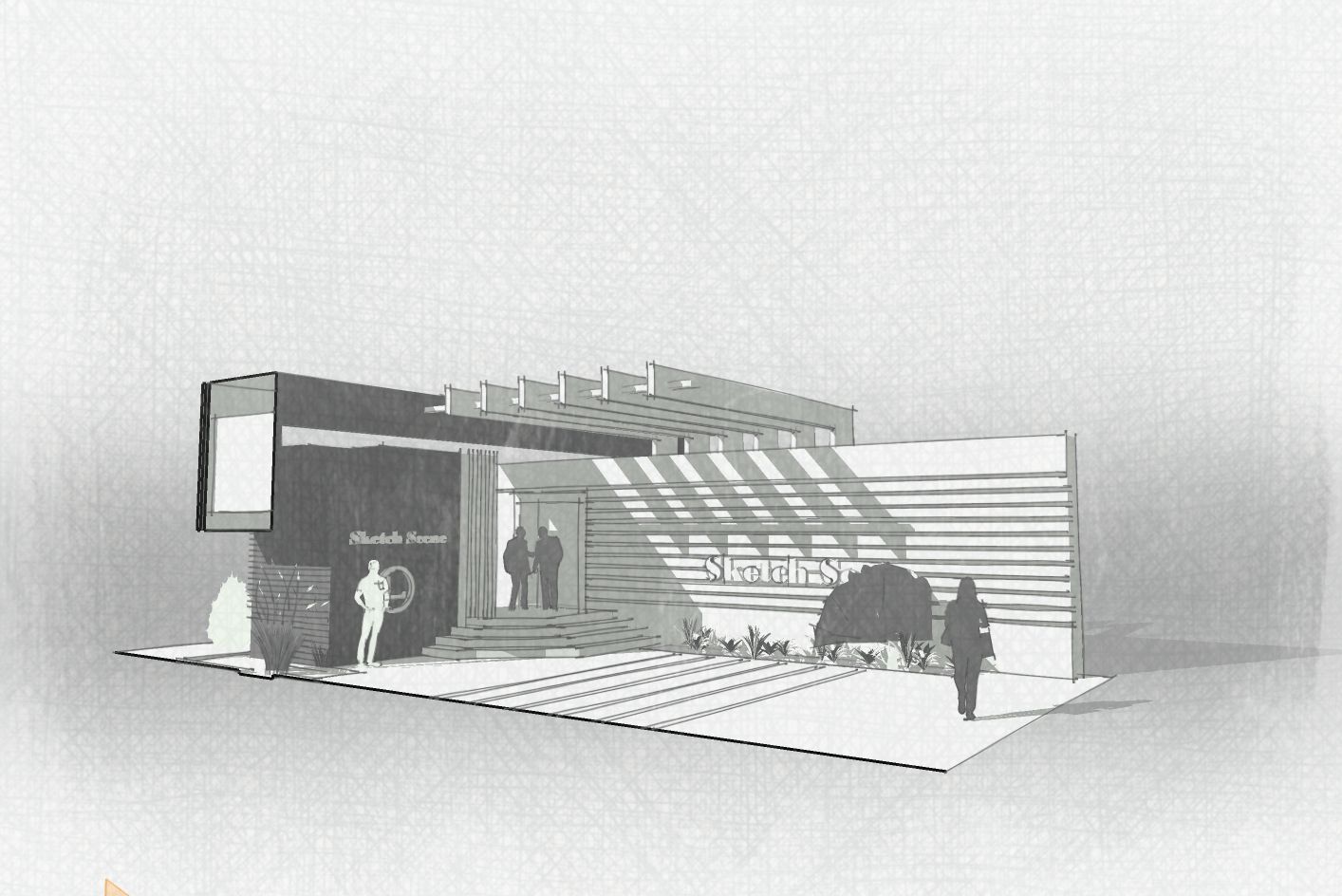
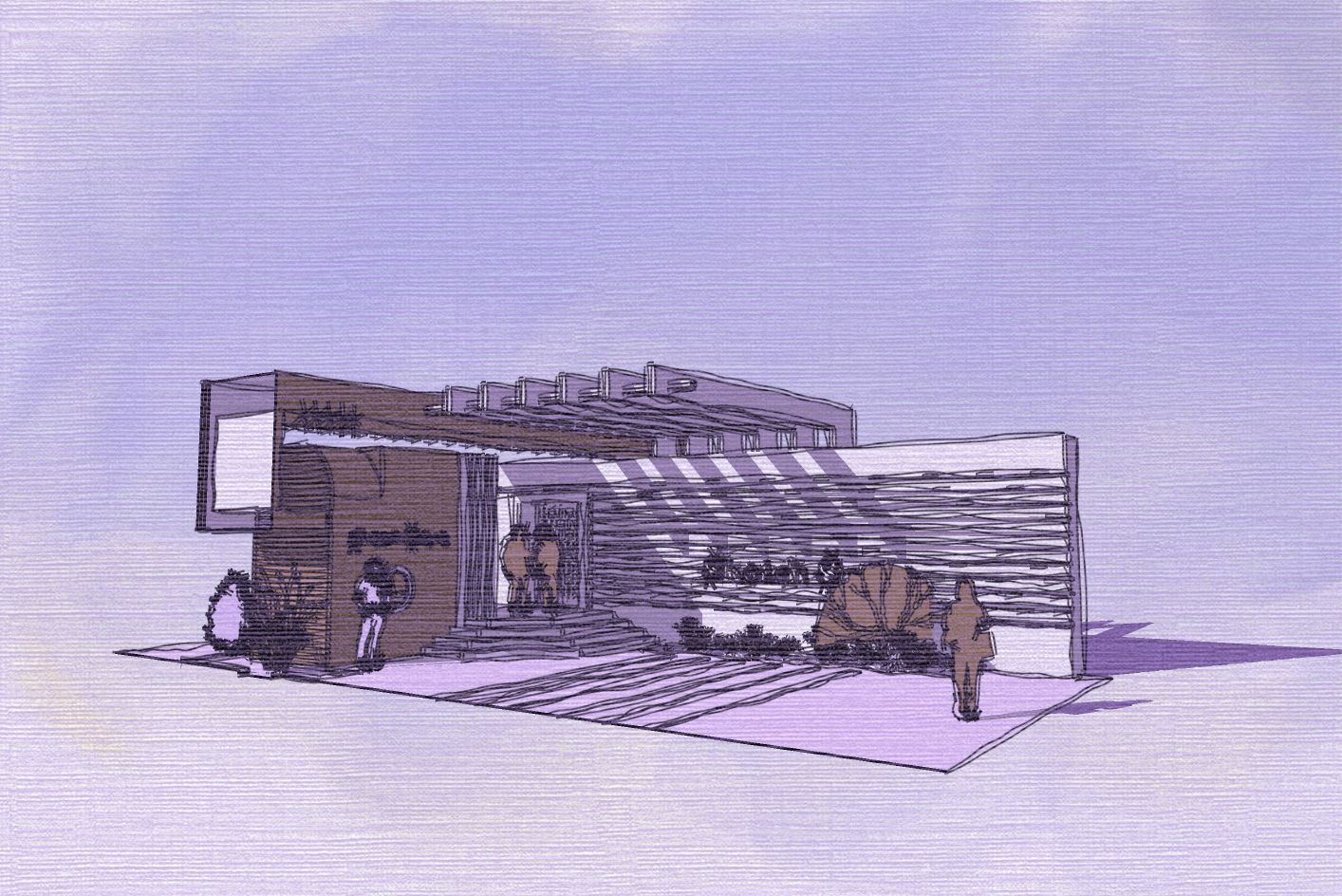
Styles for a rapid presentation
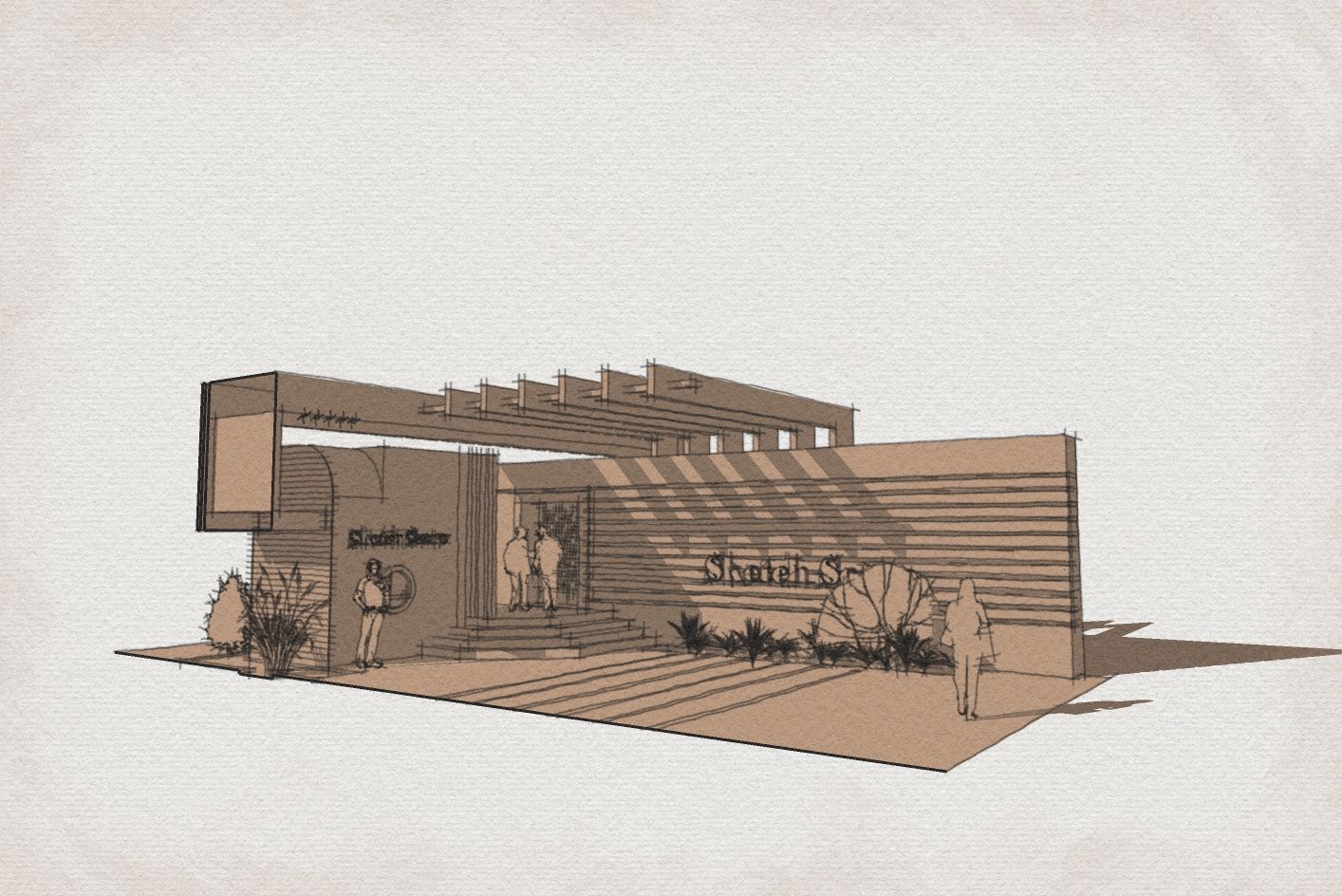
When it comes to concept sharing,, we prefer to keep the conversation open, not confined by materials, etc. I believe the best option is still using Sketchup styles.
Some while ago I shared some of my personal styles and last week I had the chance to refine some of them.
They work best in Monochrome mode and I have tried to modify the "Selected object" color, as well as the "section cut line" color.
This way we have some more line-color freedom.
I will share them soon. Here is a glance at the Majid-Sketchy set.
P.S. : They are now live in the Shop section:
https://sketchucation.com/shop/styles/2898-sketchy-presentation-styles-set2
-
RE: Old Florida
Amazing result!
Are these renders out of Sketchyp models or done by hand? -
RE: Free of 2025
Agreed Liam. This is so scary despite the huge here potential it has. We are not still mature enough to use such a power!
Thanks @pilou pilou -
RE: Free of 2025
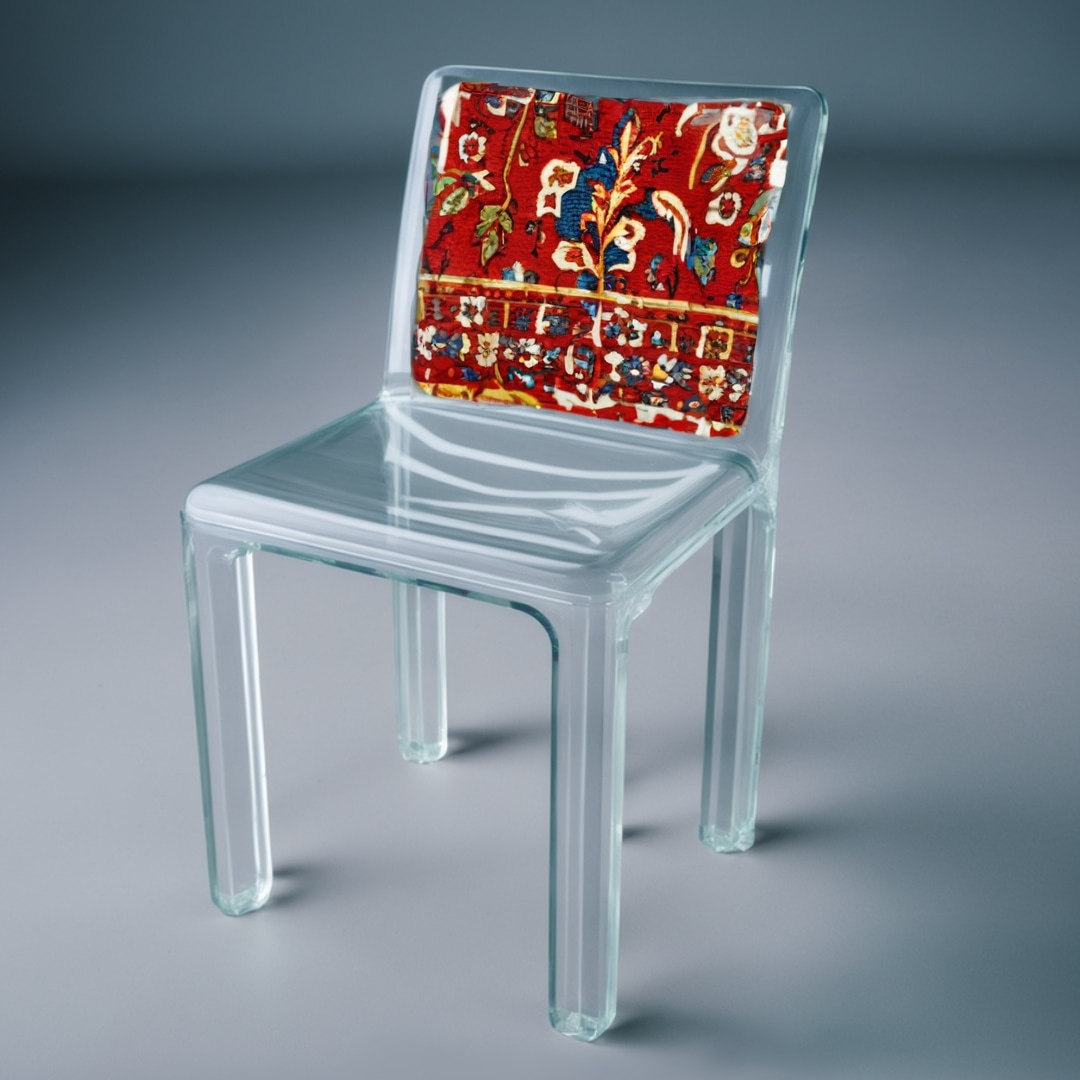
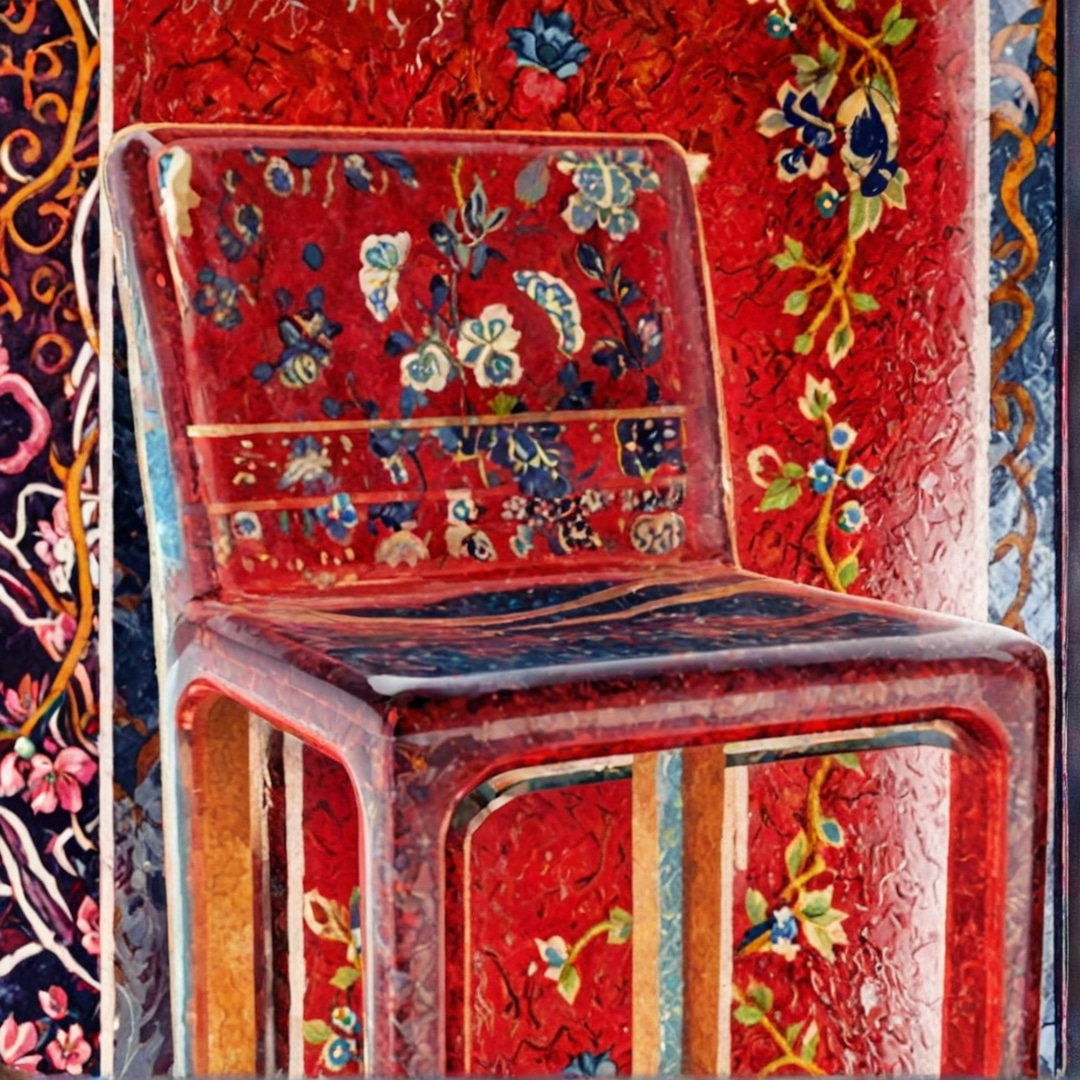
Great result. It seems that I need to get the hang of Vizcom first!
May I ask what prompt you used and whether you used any reference images (for the texture) as well?
I am getting better while still not able to control the background or have a neat selection.
-
RE: Free of 2025
@pilou said in Free of 2025:
Vizcom
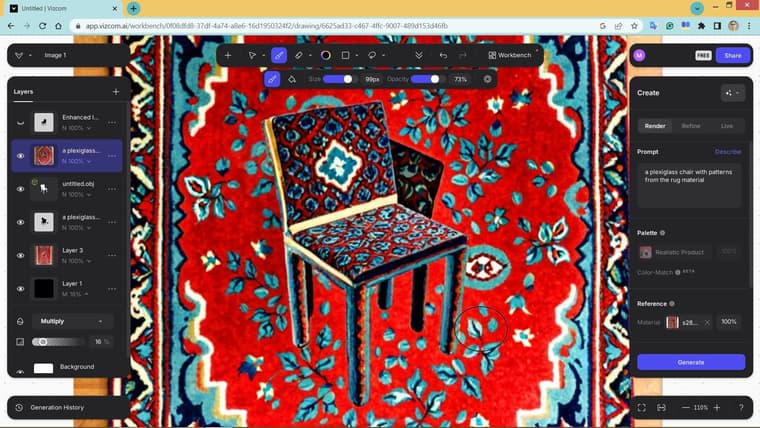
Great piece of advice. I did not even know that Vizcom has such a feature!
What must I do if I want a plexiglass material with blue ornaments inspired by the rug patterns?
Also I am not still able to make it plexiglass and the pattern somehow is too jagged and rough.
-
RE: Free of 2025
@pilou These are so painterly, colors, lighting and mood... Do you know what is the prompt utilized to generate such images?
-
RE: Free of 2025
I would like to learn how to make such things:
https://www.instagram.com/archssense?igsh=cno0cTg4NG1jODc%3D
The designs represent a specific style or piece of tilework, etc. For example how may I ask AI image generators to combine a pattern from a rug to a furniture or apply on a described building... -
RE: I need help with a model.
You can slice it using the Zorro plugin... or give me a more clear description
-
RE: Beautiful Amsterdam
I was thinking of a free demo, but maybe it could be for a very fair price as well. Plz share your preference.