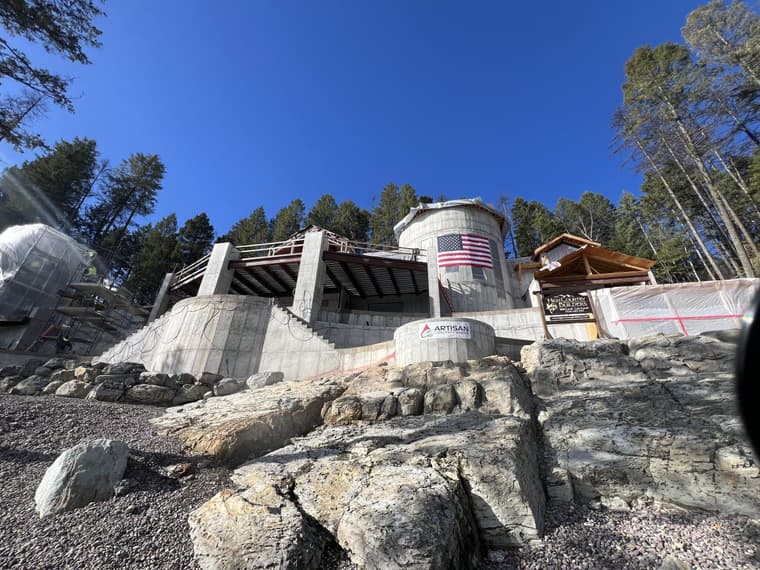
Medeek Walls in action
Hey Nathaniel, Here is how I've been using the plugin for custom residential home building.
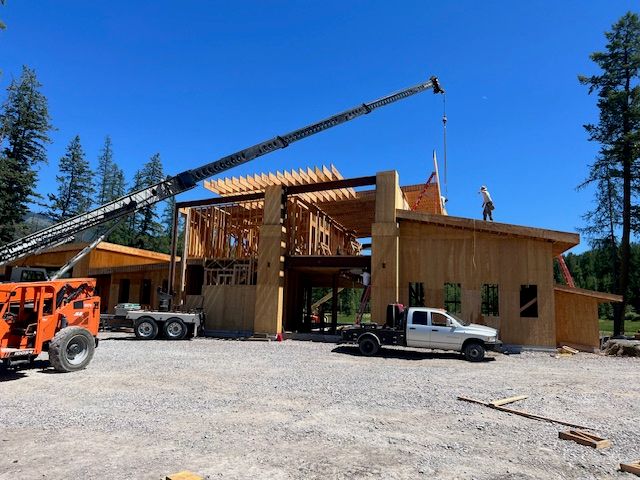
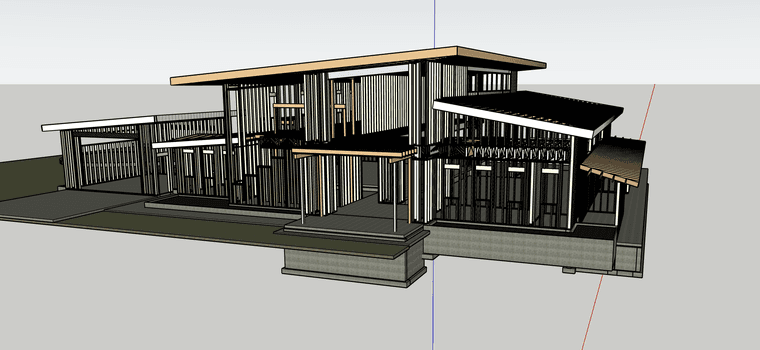
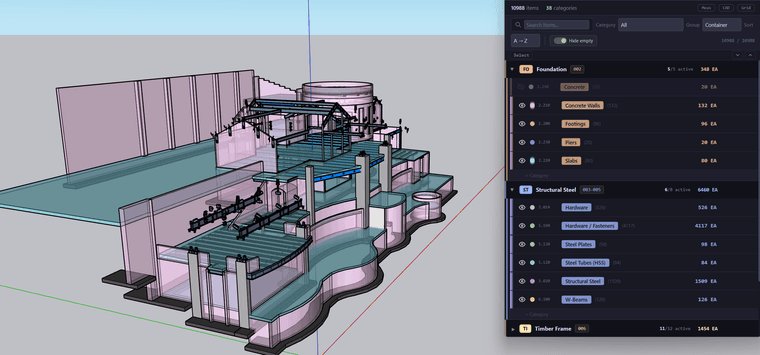
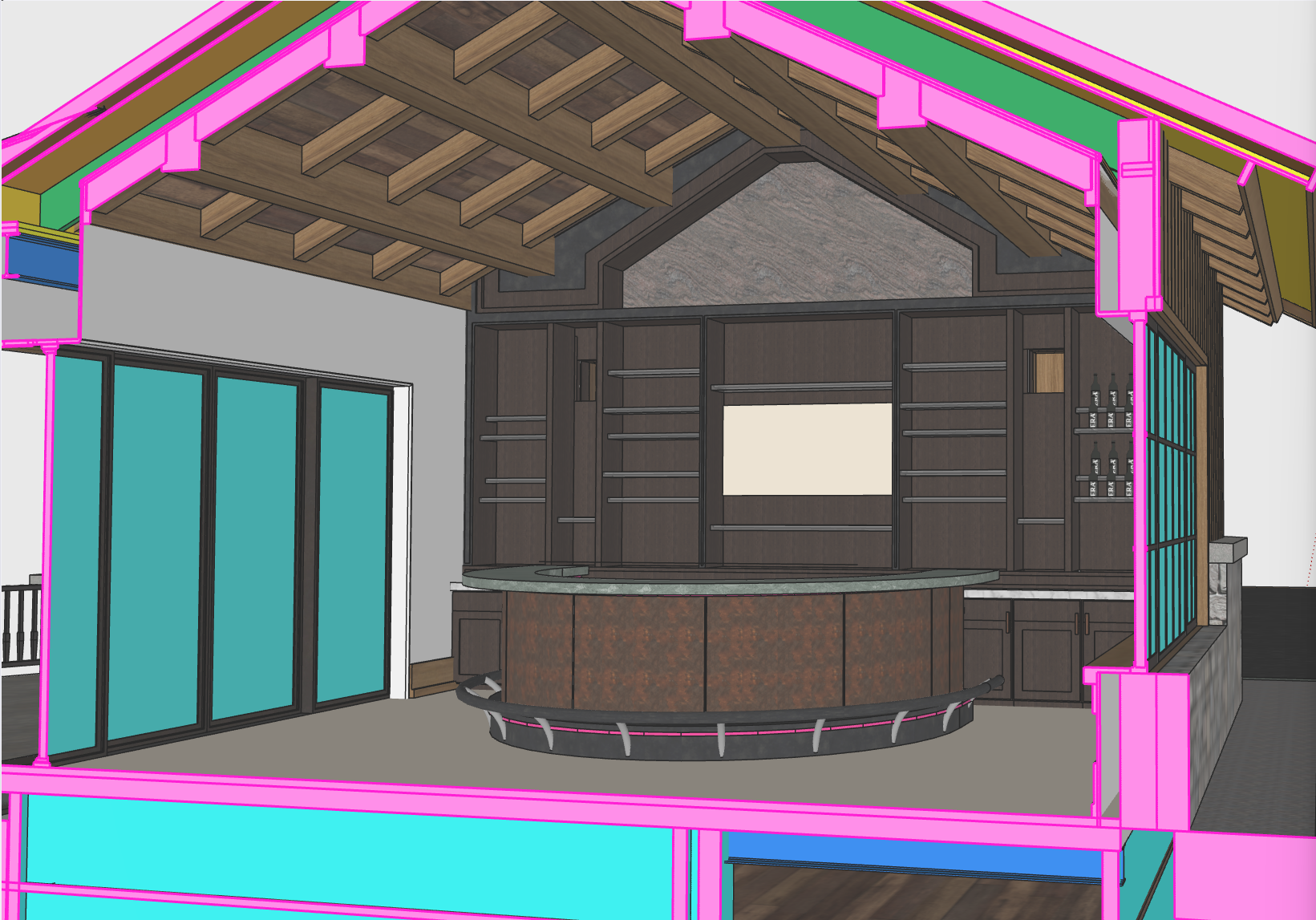
This is a project I'm working on.. it's called the sports barn its an entertainment complex with a golf sim, putting green and basketball court. On this project the architect, engineer and MEP all worked in Revit.
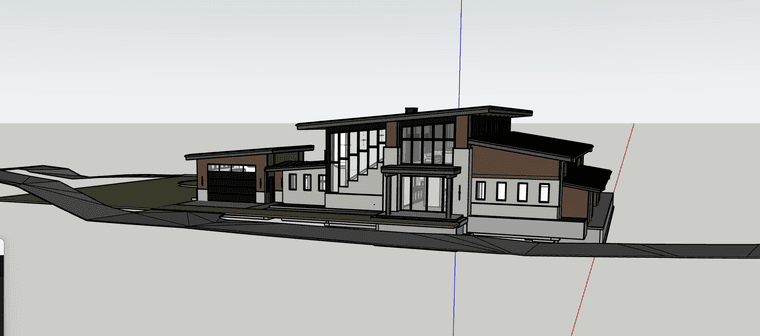
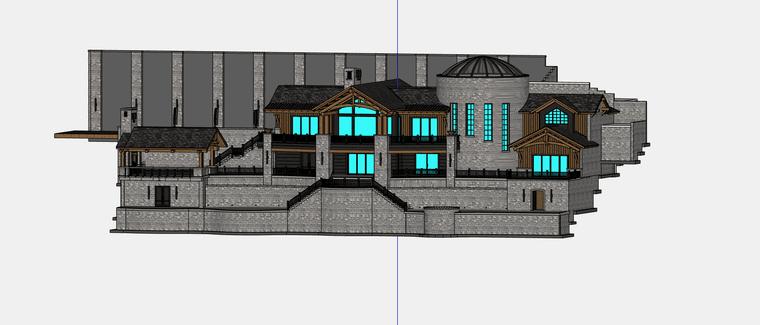
On this one I took the geometry from all the different consultants along with the CAD files for the floor plans and sections to build out the wall framing. I typically start with the 2D files and trace out the outline of the structure with the Medeek wall tool. I've developed my own toolset to treat the different models sort of like GitHub. I don't need all of the redundant geometry from 3 or 4 models so I commit the necessary components from each one to my main model.. Like steel from Struct and HVAC from the Mech.
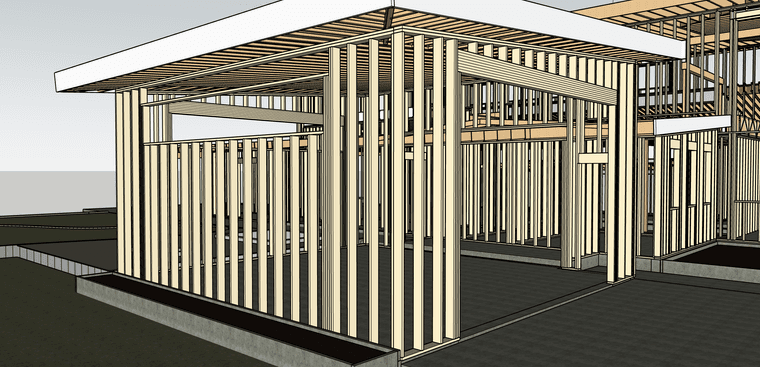
I use a combination of sections, benchmark elevations and my out math the set all of my plate heights. I then use the center lines for all the ROs in the 2D CAD file and cut in the window and door openings. I usually work in phases and don't worry about perfect ROs on the first pass.
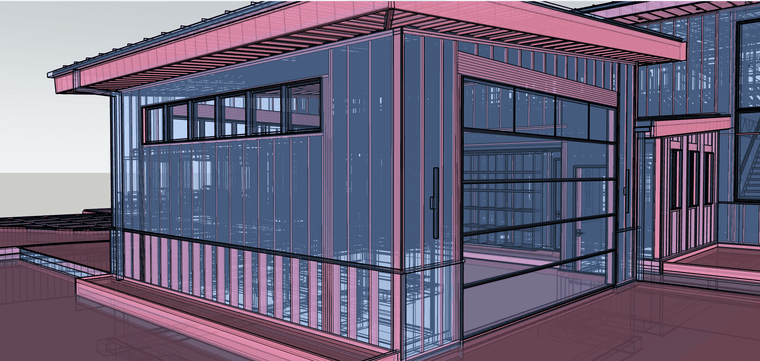
When I have the overall structure framed up, I start to overlay all of the models I need to flush out. I compare the structural vs architectural ( i frame off struct) this usually goes a few rounds to hammer out the discrepancies.
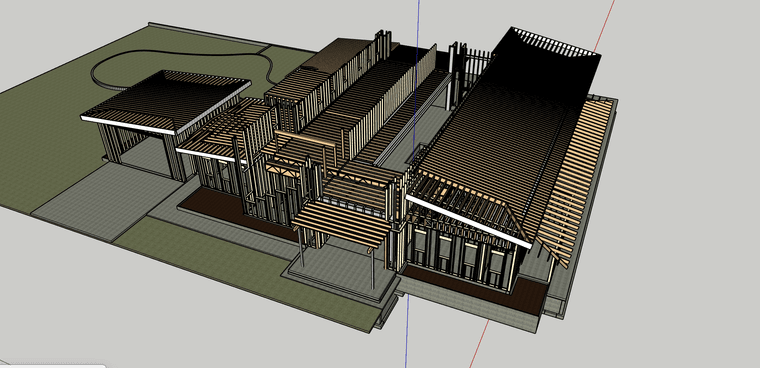
Once all of the issues are flushed out I move to structural connections. Different projects require different levels of detail.. This was all stick framed on site so the blocking, corners and plate connections weren't very important. The main purpose of framing out this model was the lumber order. In this case it was quicker and cheaper to digitally build it and simply count the studs.
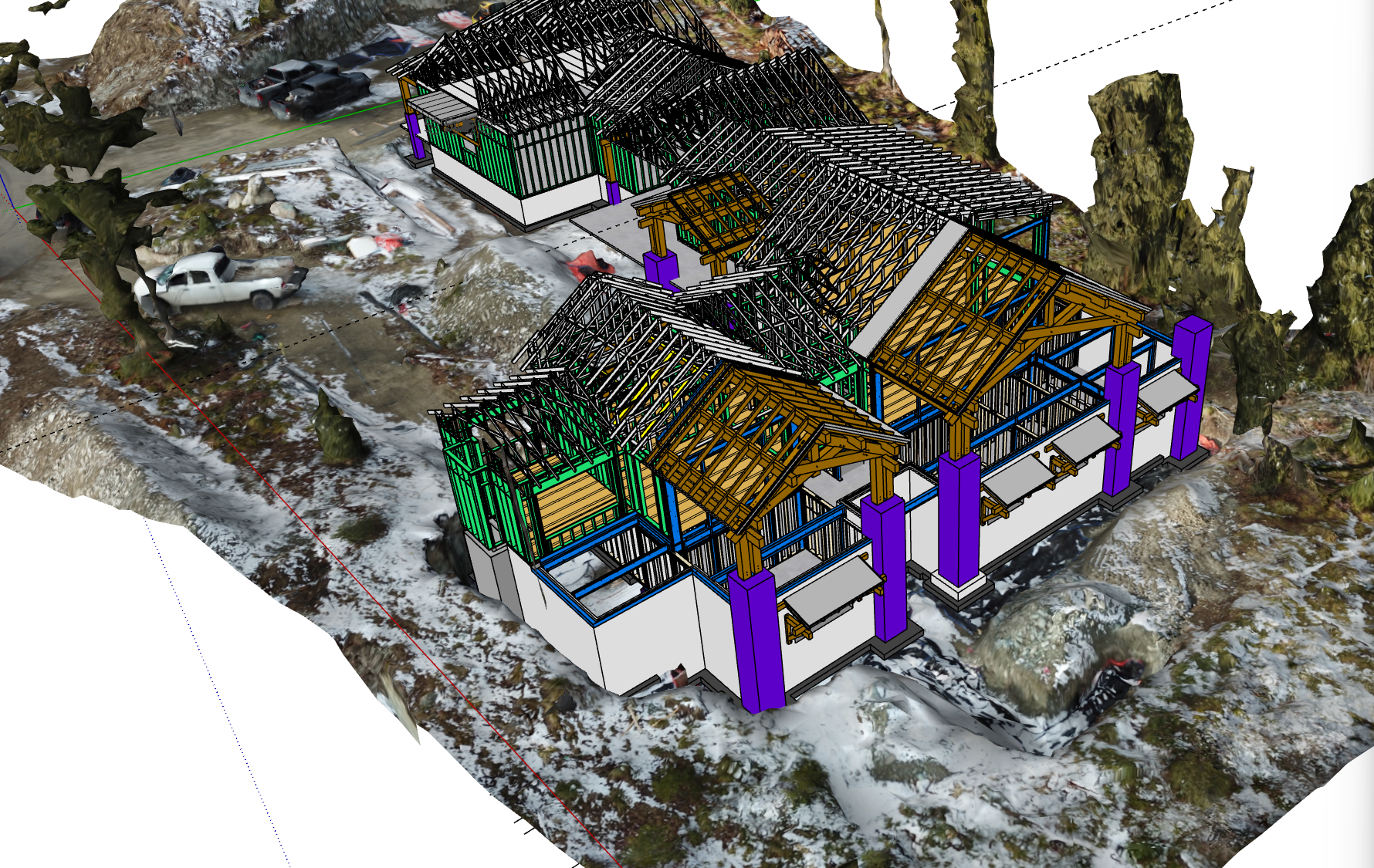
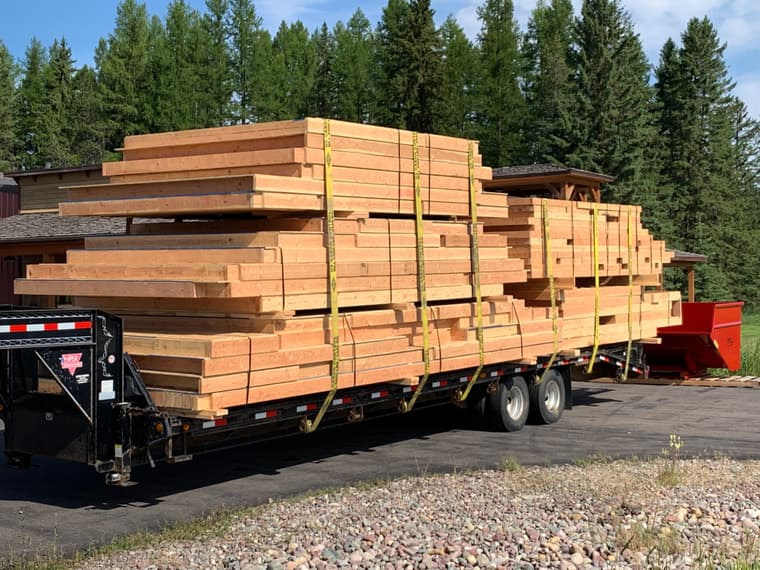
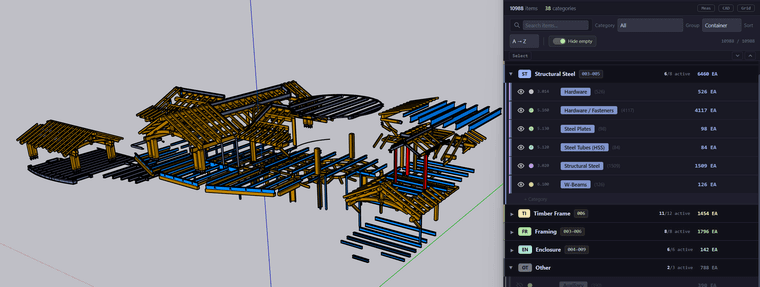
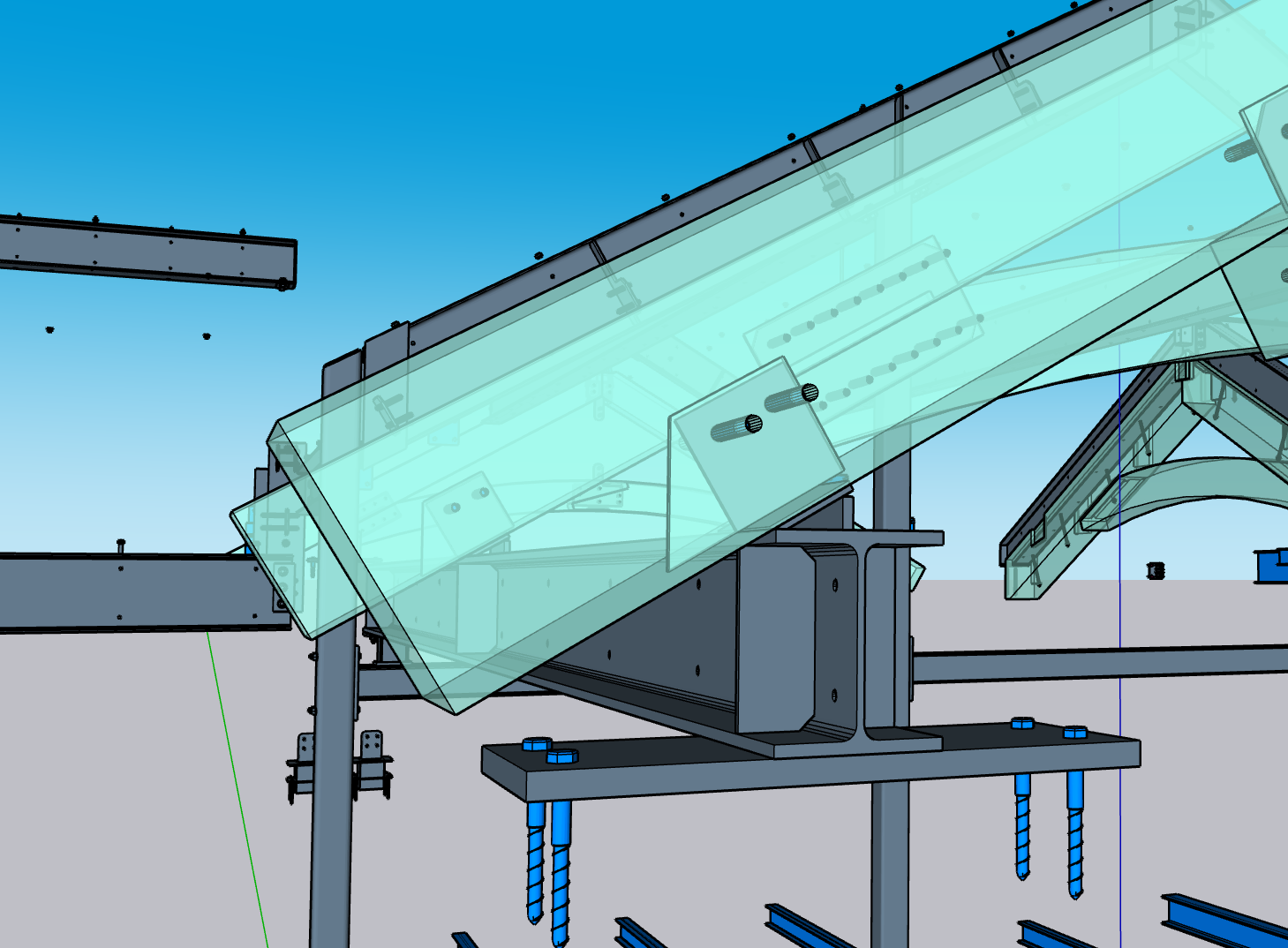
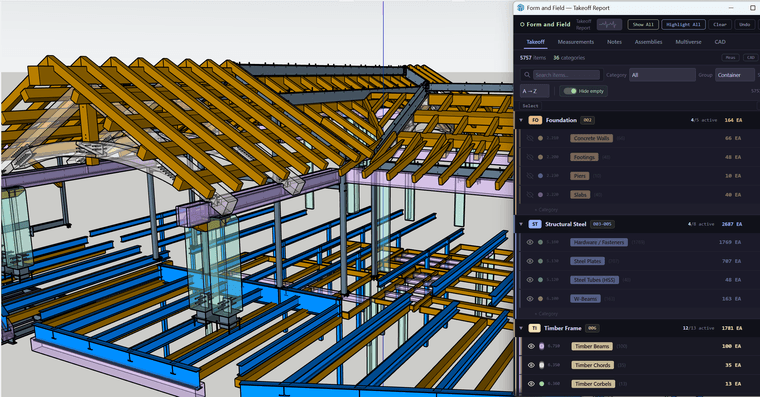
This job was a little different.. All the walls were prefabricated and all of the timbers were done in house.. This level of detail means everything needs to be flushed out in the model. The steel needs to be modeled to the fasteners and the need to be perfect down to the blocking for toilet paper holders.
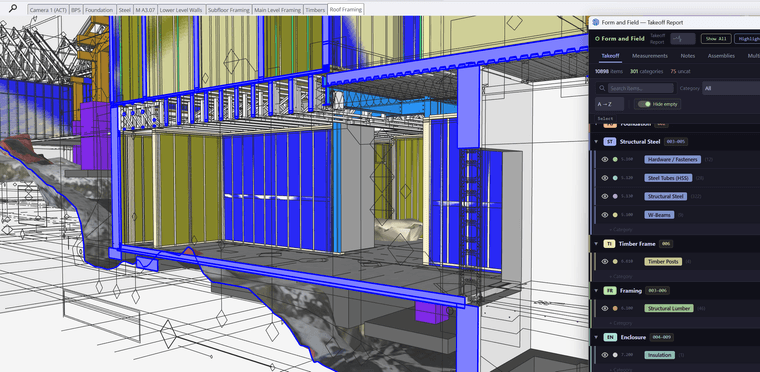
This house was designed in auto cad so there wasn't any outside geometry to start with. I lined up all the sections and details in place and modeled the foundation. The truss company did produce 3d shop drawing for this project that I was able to import and review.
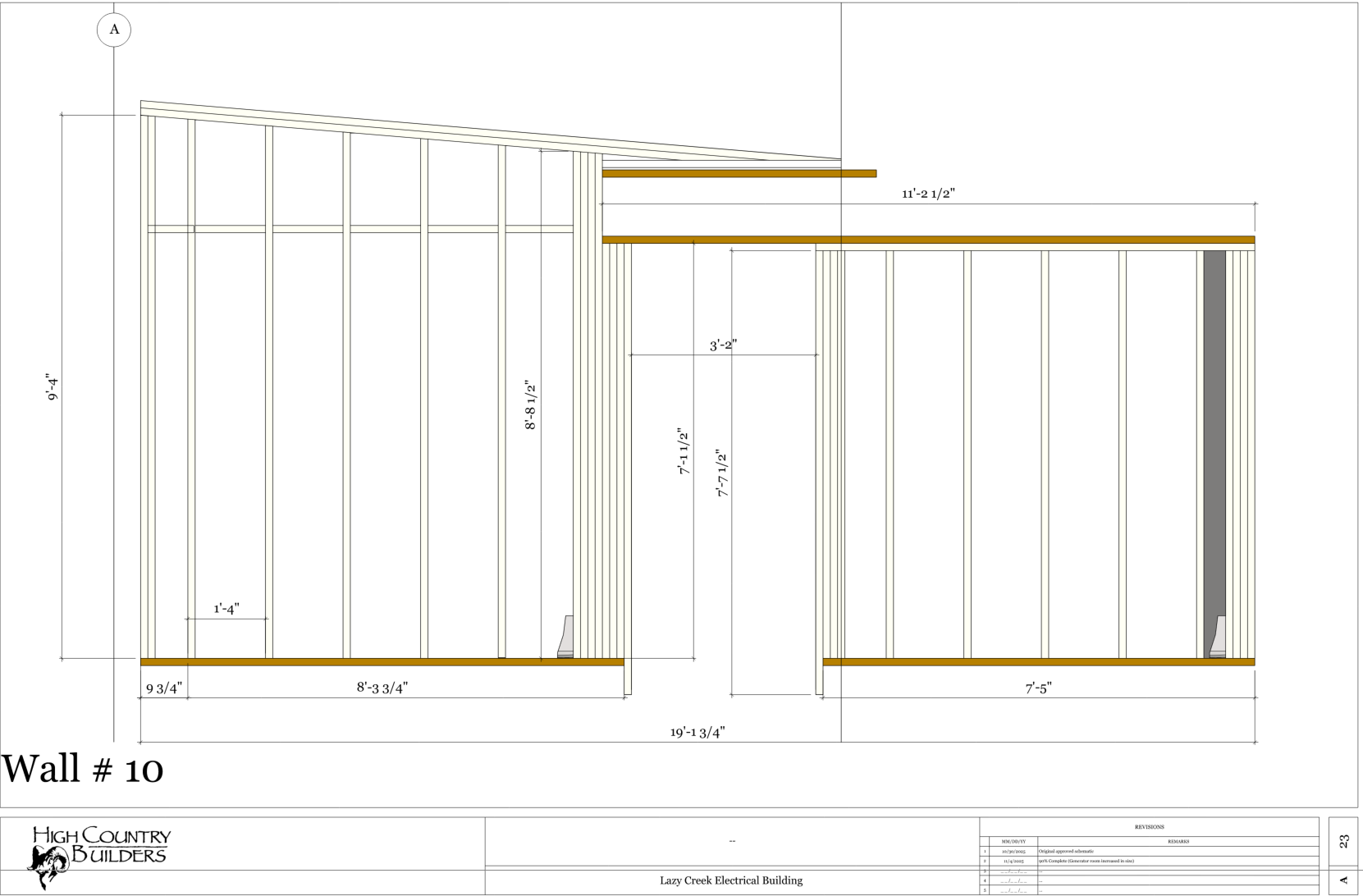
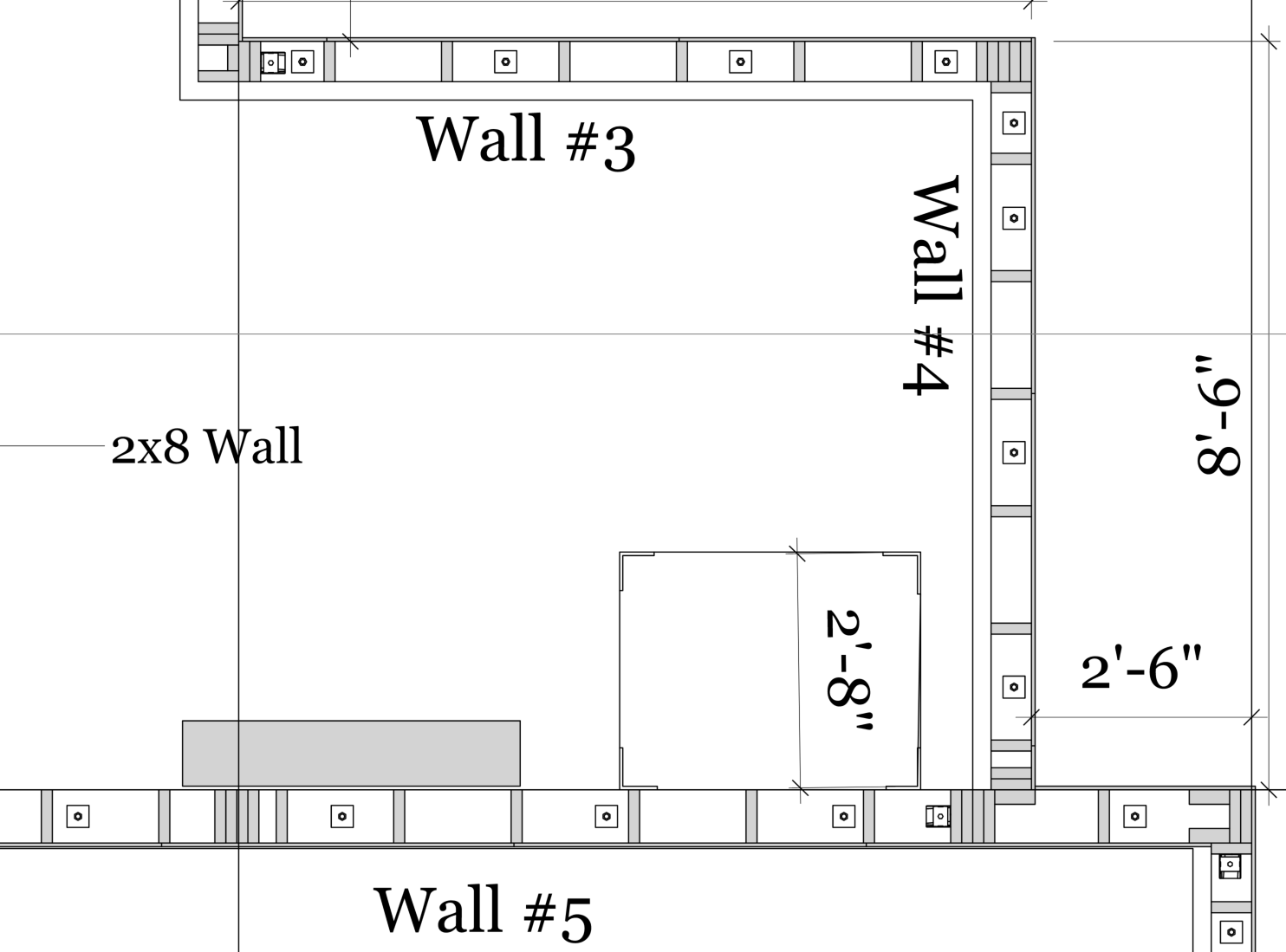
To build the walls I produce a section cut of the walls to show stud orientation and interior partitions( they can be hard to see in an elevation). The shops for the walls can be a bit tedious but for the most part are produced in layout.
Let me know if you have any questions or suggestions.. I've been using this system for about 7 years now.. I've got what architects call a raised in a barn methodology for the way I do things but it seems to work.