You can also find TIG's update of the Delaunay ruby here -- though I don't think the changes have anything to do with the math:
http://forums.sketchucation.com/viewtopic.php?f=323&t=34232
Best,
Jason.
 Offline
You can also find TIG's update of the Delaunay ruby here -- though I don't think the changes have anything to do with the math:
http://forums.sketchucation.com/viewtopic.php?f=323&t=34232
Best,
Jason.
Your newest one doesn't work quite the way I though it should on my machine but if it's what you wanted then I'm very happy for you 
Best,
Jason.
In my industry the internal NPR render engine of Sketchup and the fact that it is free and easy to use has made it ubiquitous for generating perspective backgrounds for illustration purposes.
I've taken that much further than most of my peers, and also if someone were in need of complex animation capabilities and could tolerate the learning curve then certainly Blender would be the next logical choice.
Best,
Jason.
I've got extensive Layout tutorials in my Sketchup Pro 8 training series here:

The VTC course is designed to highlight the new features in Google SketchUp Pro 8. The easy-to-follow course will help you to maximize SketchUp Pro's Potential & work files are also included.
vtc (www.vtc.com)
You'll find the beginning at the section titled "Layout Introduction" and running all the way to the end... I teach it going from the assumption the user has little to no familiarity with a page layout software and work my way up from there.
I see you are still on V.6 so this may not fit your needs -- for older versions of Layout (which has changed quite a bit) these may help too:
http://sites.google.com/site/3dbasecamp2008/all-sessions-2008/sketchup-and-layout-tips--tricks
Best,
Jason.
Rich, yep that is the default Maxwell "Physical Sky" straight out of the plugin -- you can customize that to achieve many differnt atmospheric effects but I'm not to the point yet where I am ready to worry about that... I'm getting close though
Liam, I'm sure with your texturing skills you will achieve fantastic results very quickly. The key with Maxwell is the materials and on that front you can watch a bunch of my Maxwell videos for free either on the VTC site linked above or on the Maxwell THINK! site (which is a tutorial repository) here:
http://think.maxwellrender.com/first10steps.php?categoryFS=21
I also did a very quick(about an hour) intro to the Sketchup Plugin here:
http://think.maxwellrender.com/first10steps.php?categoryFS=15
They should help you get up and running very quickly.
Best,
Jason.
Thank-you, but don't feel bad -- this is what I do... if I had to do any real architectural work I would be exposed as a fraud very quickly 
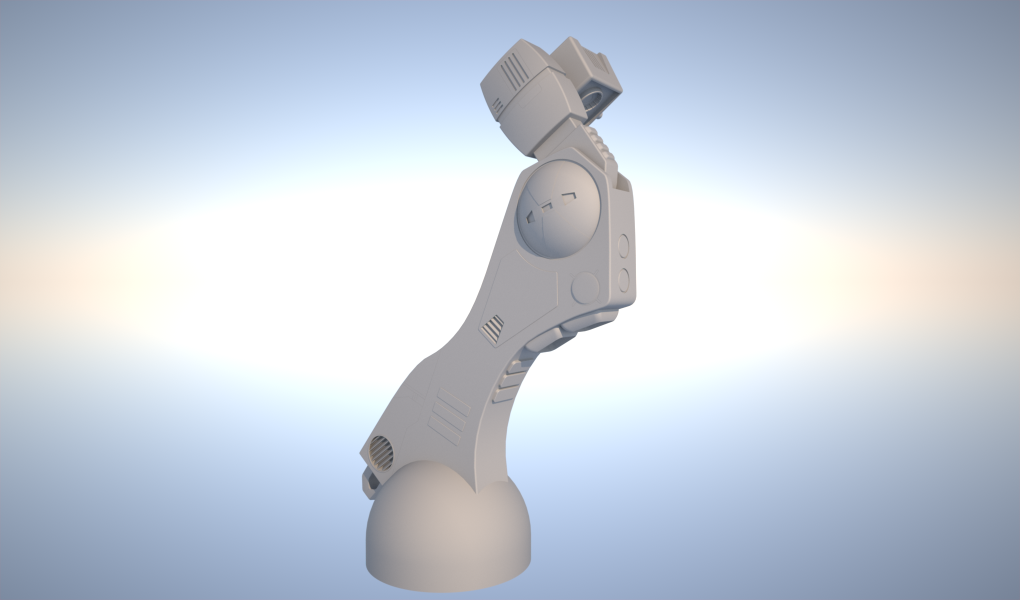
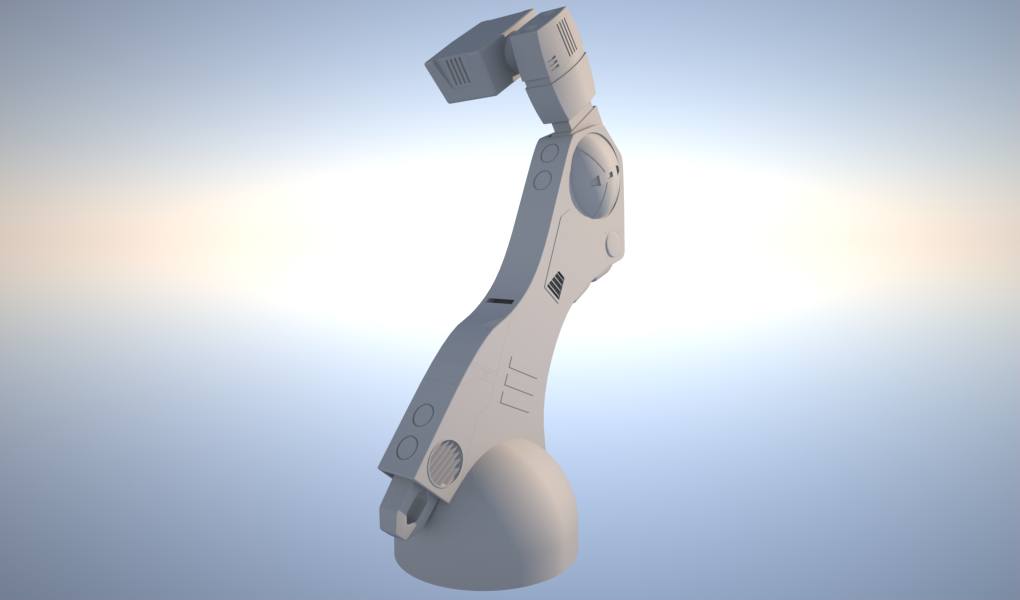
Here's the leg components more or less done -- the dome shape at the bottom is the beginning of the feet assembly which is next.
Best,
Jason.
I never said it wasn't better -- I said it was only logical that it would be substantially more capable considering the substantial cost difference... if it wasn't then there is a value problem.
3D Studio Max can do many things that Sketchup can not (and should not) -- if a user is wanting Max like functionality out of Sketchup they are being unrealistic... this falls squarely into the category of "you get what you pay for" and "use the right tool for the job".
It's not really a matter of apples to oranges -- it more akin to the difference between a Toaster Oven vs. a Car Baking Oven... if you want a small snack the Car Bake Oven is overkill and if you want to dry an automotive paint finish then a Toaster Oven is all but useless.
Best,
Jason.
Of course, but it does not allow for orbiting freely to get the composition you might prefer (a major strength of 3D).
There is a difference between bit-depth and resolution -- for rendering you need high bit-depth (High Dynamic Range) which results in huge files, but for on-screen styles a simple 8-bit jpeg representation will work fine and would allow for much smaller images (file size).
I don't think anybody is pretending you would use these while modelling -- this would be a presentation/render (layout or otherwise) only feature.
Best,
Jason.
I'd like this too -- and not just for rendering engine use but also I think it could be very powerful as part of styles... I'm thinking of starry skies or city backdrops as being very nice touches that could be put to great use in both Sketchup and Layout.
Best,
Jason.
Here's a version that works (I think) the way you want it -- I had to stick a few logic functions in there and a maximum value the user can input (just like the minimum value)... which was an attempt to keep the weirdness at bay when you get down to 1 or 2 chairs (to that end it was only partially successful).
But it does scale nicely with the arms spaced evenly and if you change the minimum value is adjusts accordingly.
I also spread out some of the equations to make it easier to read and change (if need be).
I'm sure it could be made better, if somebody else wants to jump in as well.
Hopefully this helps.
Best,
Jason.
I think I understand better what you are aiming for now -- you want to take the "extra" space the user has defined and use it to "fill-in" an equal amount of spacing between each chair... and that could be any number and the user defined amount is simply a minimum?
If that the case an extra custom attribute called "extra_spacing" could be an equation that looked like this:
= ((Total width-(copies* initial_spacing))/copies)+initial_spacing
take that number and use it for the actual spacing of the copies.
Would that work for your needs? I'll try it when I get to the studio.
I'll say right up front you might find it better to set up the total length as a numerical value input via the user (via component options) rather than trying to use the scale tool.
Best,
Jason.
3D Studio Max costs US$3,495 -- Sketchup Pro costs $495.
If it isn't $3,000 better than Sketchup then they are being ripped off.
Best,
Jason.
Or you could just use the "outer shell" command from the solid tools in Sketchup 8.
Best,
Jason.
I had to clean this up a bit, hopefully it is what you were looking for... I tried to make the naming make sense so you could follow the logic of the changes -- this was done through a combination of changing the axes position for each component and placing the grey arms within the repeated seat as a child.
Everything is based on the placement aid component so if you do not want to see it you should hide it, but not delete it.
Best,
Jason.
Is there a reason you want the seats to be separate from the arms? The reason I ask is this would be much more straight forward if they were all one component and under one set of calculations.
Best,
Jason.
Before I get too much into the DC functions I will say you can save quite alot of files size here by going to the components dialog and using the fly-out menu command "purge unused" and then do the same in the material dialog... this will drop the file size considerably and save alot of bandwidth.
Best,
Jason.
I just wanted to say this is the best plugin ever -- I find myself using some plugins every once in a while and a few very frequently, but this plugin instantly became something I used 20-30 times a session.
Thank-you sooooo much for making this -- I didn't think I needed it but it has saved me dozens of hours already in just a few weeks... why they would include the solids tools in 8 without including this function I don't know but for me it is now an essential tool.
Best,
Jason.
It would be easier to help if we could see where you are with the actual DC.
Best,
Jason.
Here's a video showing the issue:
Took down the link to conserve bandwidth
Best,
Jason.