@pilou said:
Why i have not more this lovely interface ?
I have now only this small one! (4 icons) against 5 & PopUp...It's yet fabulous!

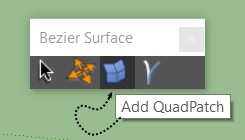
I'm getting the same but then again it's a 14 year old plugin. Works nice.
 Offline
@pilou said:
Why i have not more this lovely interface ?
I have now only this small one! (4 icons) against 5 & PopUp...It's yet fabulous!
I'm getting the same but then again it's a 14 year old plugin. Works nice.
Thanks Bryan. Trying to expand my horizon beyond my work in regular architecture that never makes it to ARCHITECTURAL RECORD. 
14 years later I discover Bezier Surface. What a great plugin. Working in SU 2022 Pro.
That's unfortunate. Twilight was my second start with rendering after Kerkythea. It was an affordable option. Rendering software today is very competitive.
Thanks Bryan.
I started roughing in some lobby interior furniture.
The wavy wall treatment is done with nz_Ripple and Slicer.
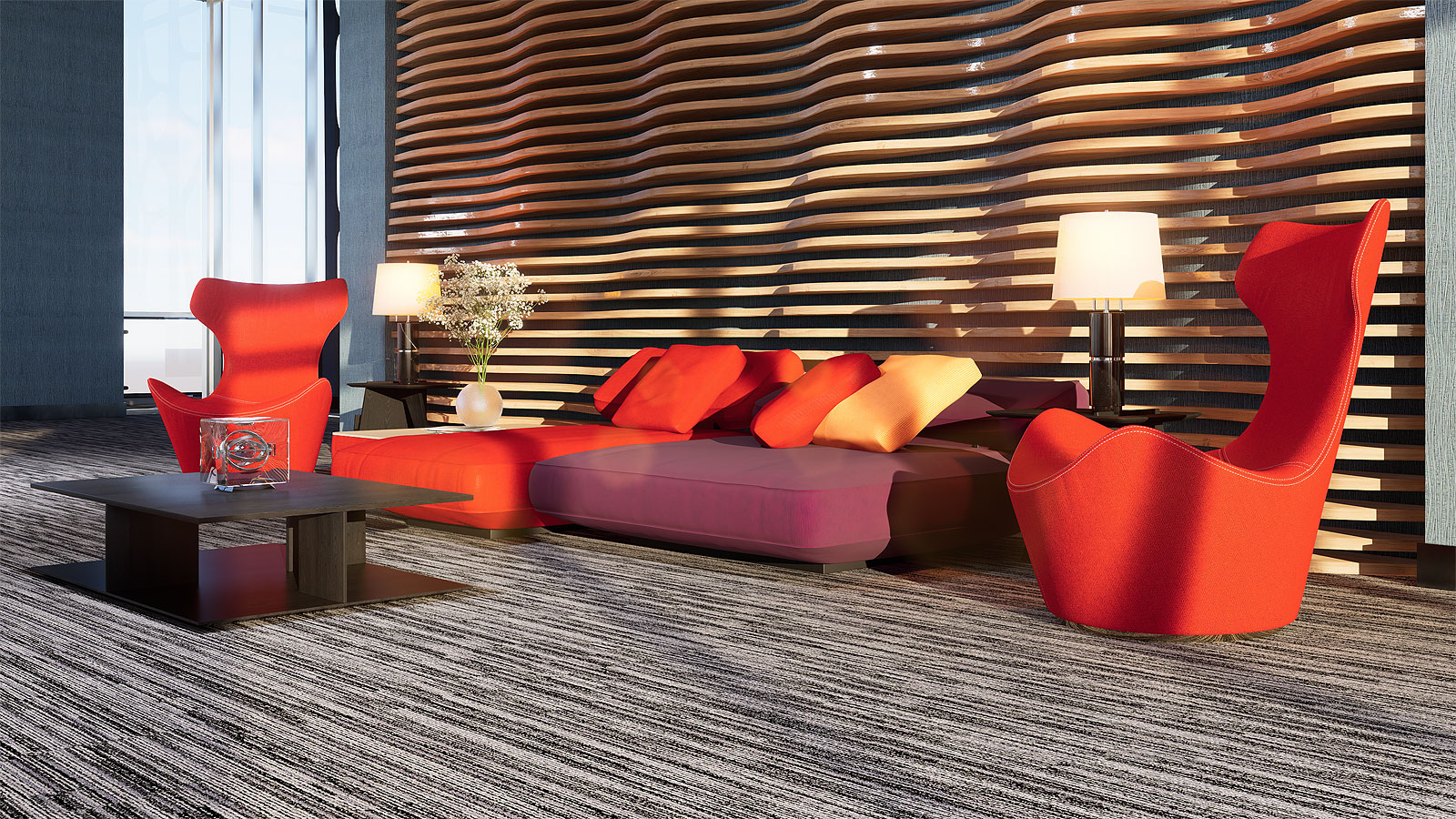
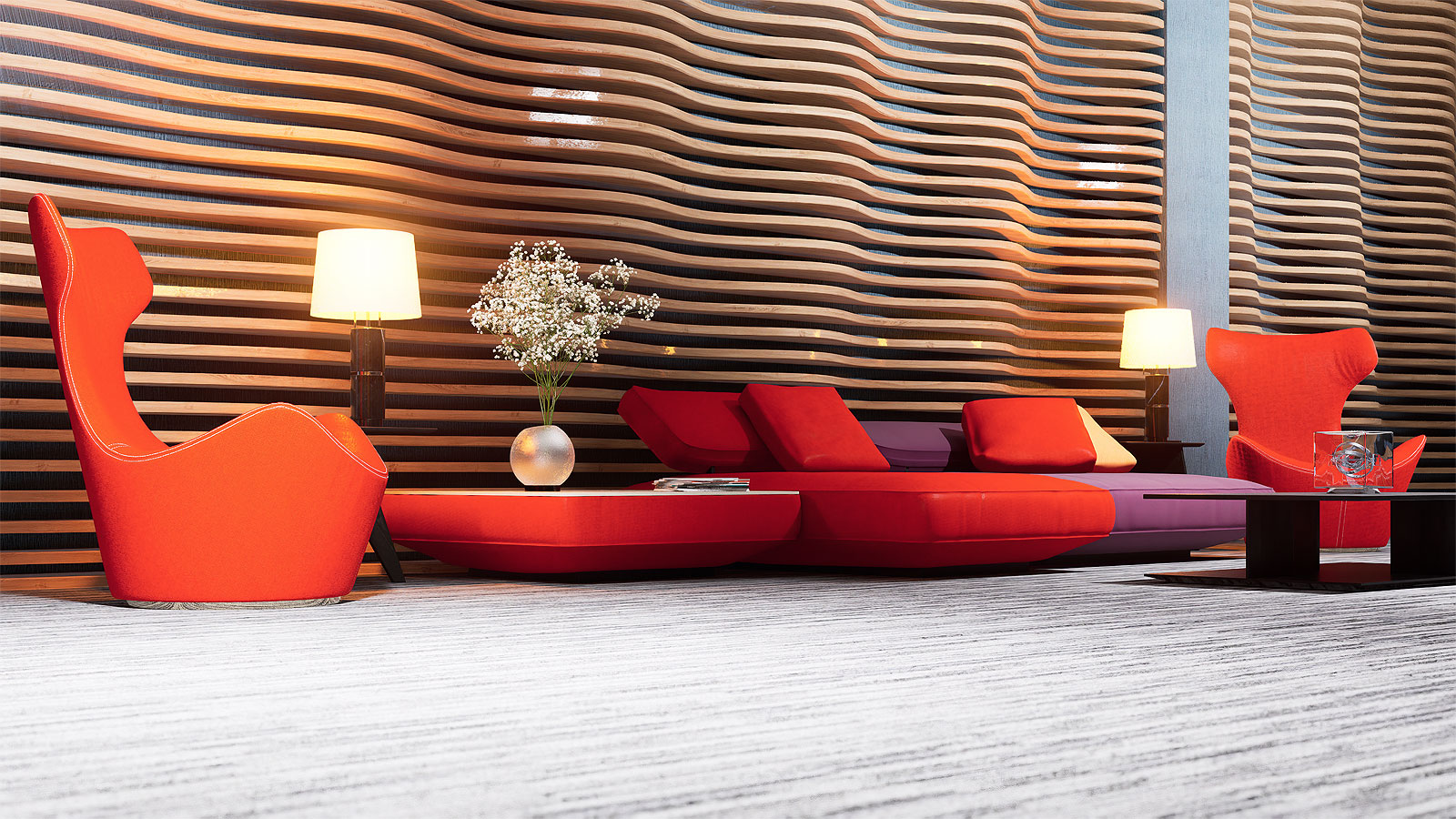
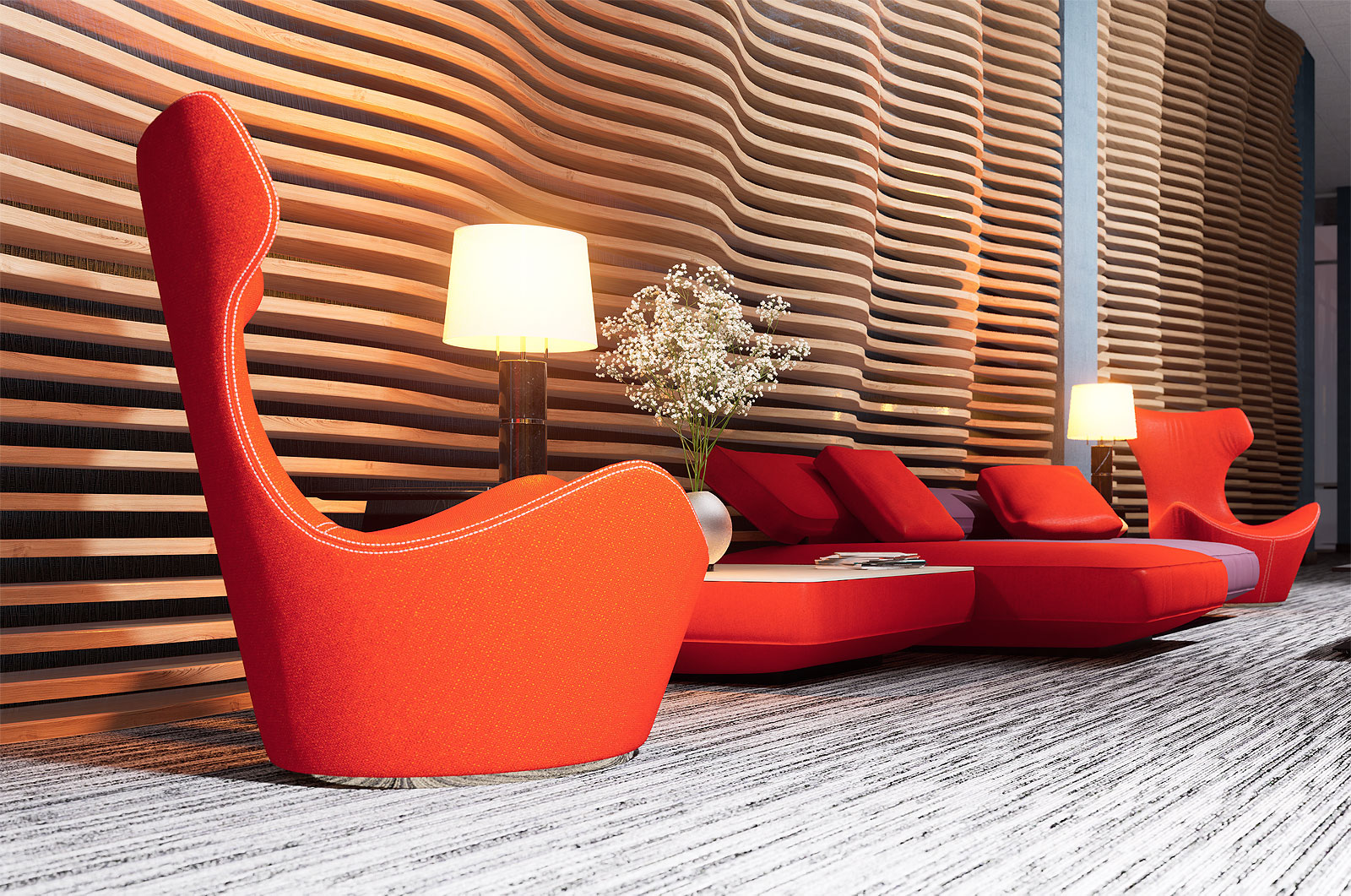
TIG's obj importer was importing but it has over 3.6 million lines. Taking a while and when I change tasks it locks up. Easier to use Transmutr. The importer I mentioned before was the Quadface tools importer which doesn't work.
Mike,
The obj file import into SU 2022 locks up SU. Both work using Transmutr.
Mike,
Are you able to reinstall Windows? Start fresh. Format all drives then reinstall. If that doesn't work there has to be some kind of hardware glitch. You could try re-seating the CPU with new thermal paste and/or re-seating your RAM.
Chilblast can deny all they want but that's common practice with service these days including some software. They always blame the user. Even the best manufacturer or software developer can make mistakes or put out a lemon.
I had an over-sized CPU fan (Dark Rock Pro 4) that I installed which was too big and I mistakenly put in the RAM (got additional RAM at the time) in one slot tilted sideways. That ended up completely messing up my OS and I had to re-install Windows again. Got a new fan (Noctua NH-U12A) and did it right the second time.
Thanks L i am, axeonalias. I was just looking at some renderings done with 3DS Max and Corona Render and now I feel like I have to either up my game or take a nap.
Also check performance for your CPU and Memory in Task Manager. Right click "Start" then "Task Manager" and you'll see the options on top. Make sure everything matches your hardware.
Then check for problem devices in Device Manager.
Mike,
Something is seriously wrong. Your rig and Windows 11 should work. I can't think of much but try:
Windows update if you haven't already. I'm sure you did that.
Get the latest Microsoft Framework. Stab in the dark.
https://dotnet.microsoft.com/en-us/download/dotnet-framework/thank-you/net48-web-installer
Update your BIOS to the latest.
Run MEM Check. That will take a long time.
Disable "Turbo Mode" in BIOS.
Run Chkdsk.
Get the latest firmware for any SSD's you may have.
Mike,
Unrelated but I was getting constant crash to desktop with D5 Render 2.6 and it ended up being caused by "Turbo Mode" in BIOS. Once I disabled that the CTD's stopped.
What's your anti-aliasing setting in SU preferences? I set mine to 2X. It doesn't look good but it speeds up SU.
Mike,
Did you try un-installing and re-installing SU 2023?
Are you still running 2022 and how's that working?
Is this happening with a specific model or even with a template?
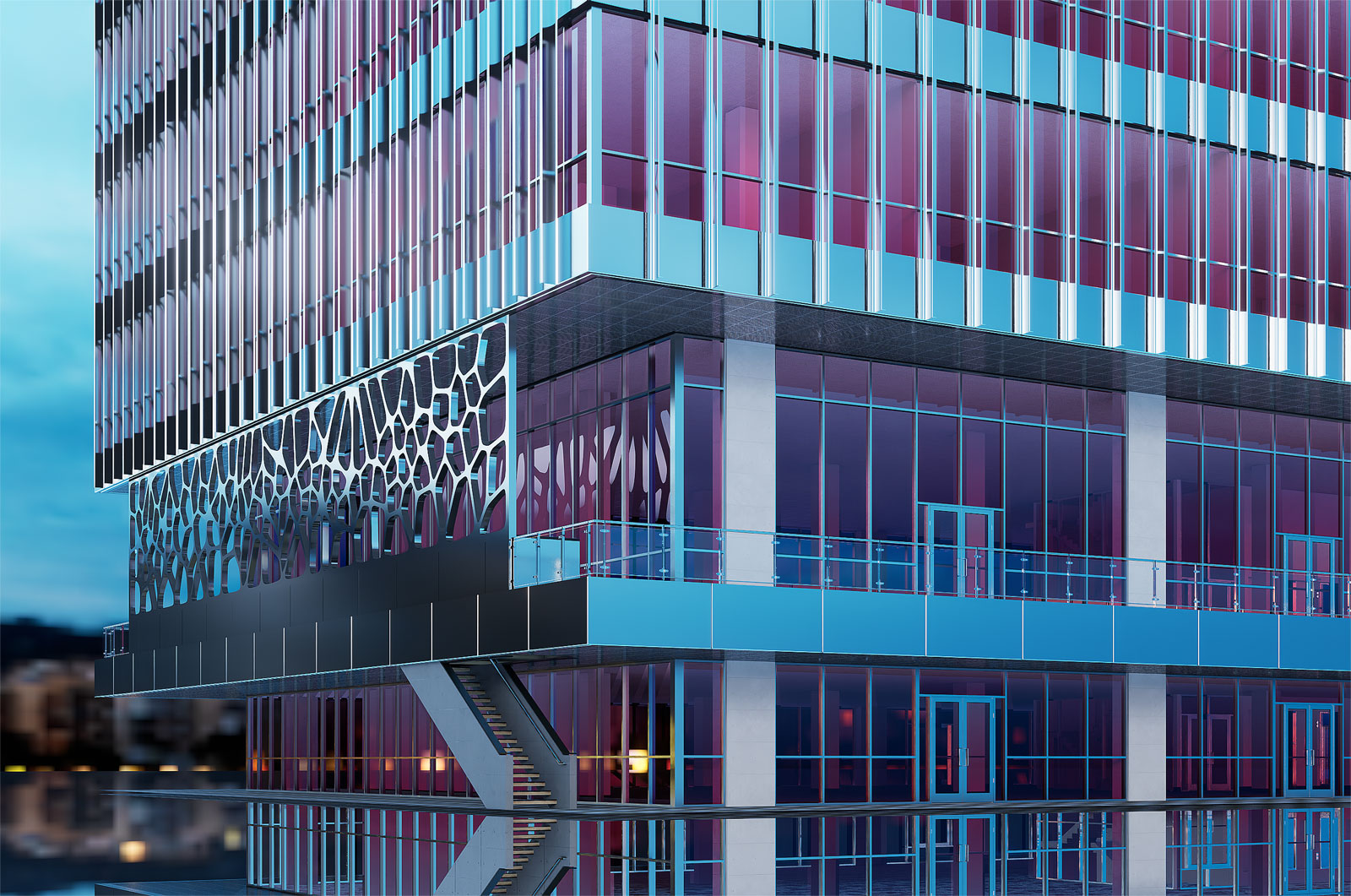
High rise I designed and modeled in SU and render in D5. Typical floors are components so it can be a low rise. I need to come up with some site features and landscaping. I also have a locomotive and Telecaster I've been neglecting. D5 2.6 got a little wonky with me because of Turbo Mode in BIOS.

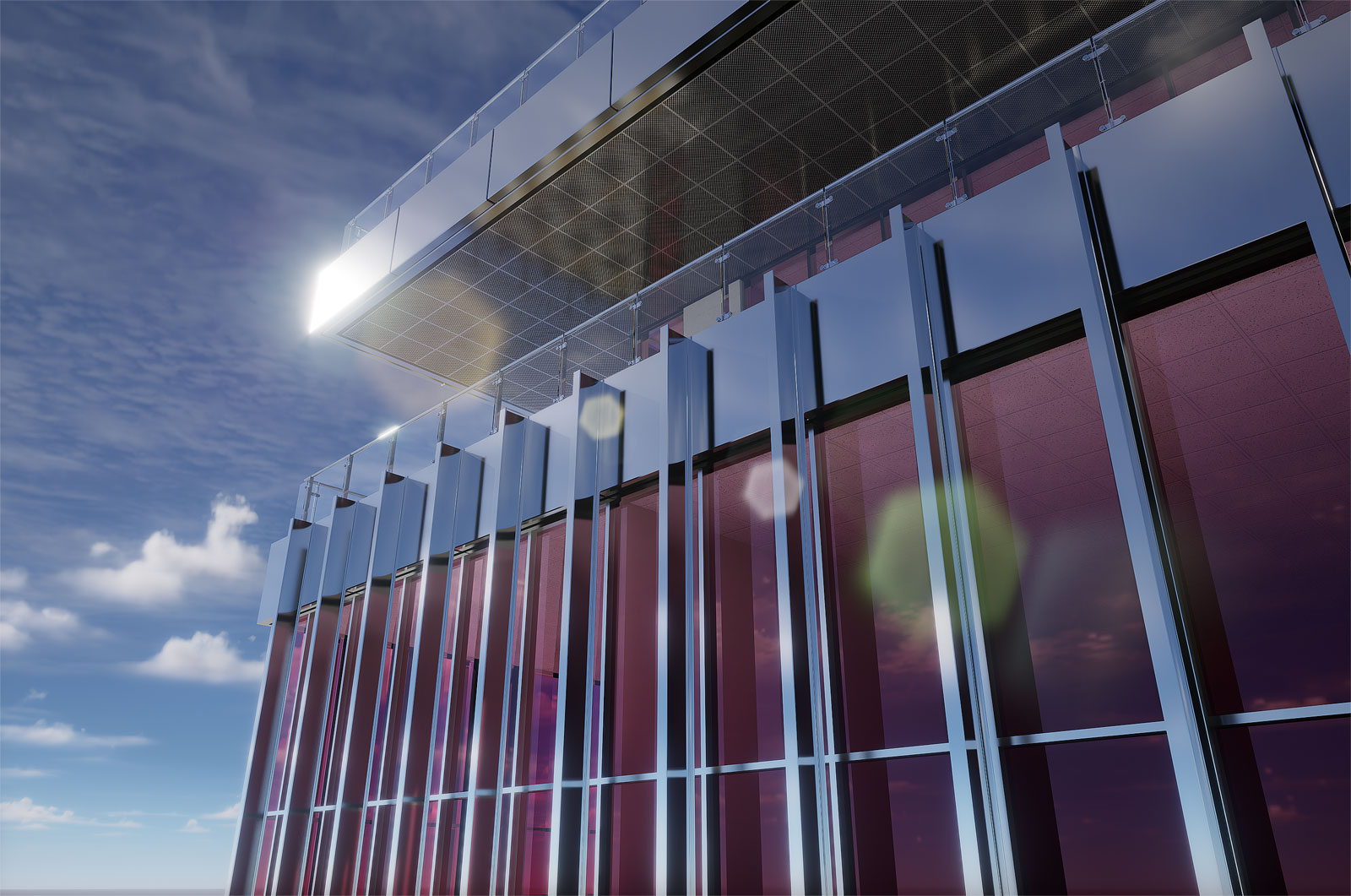
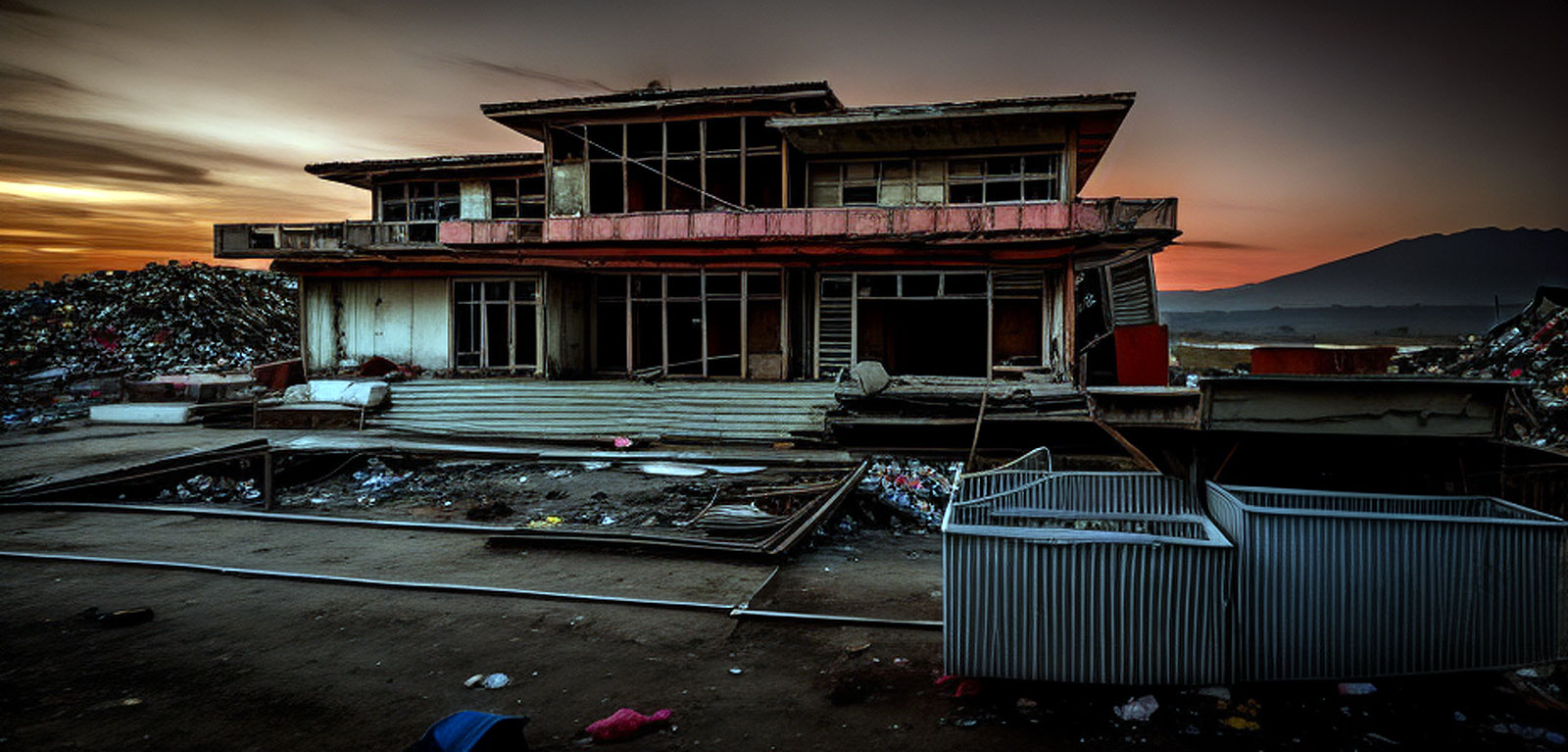
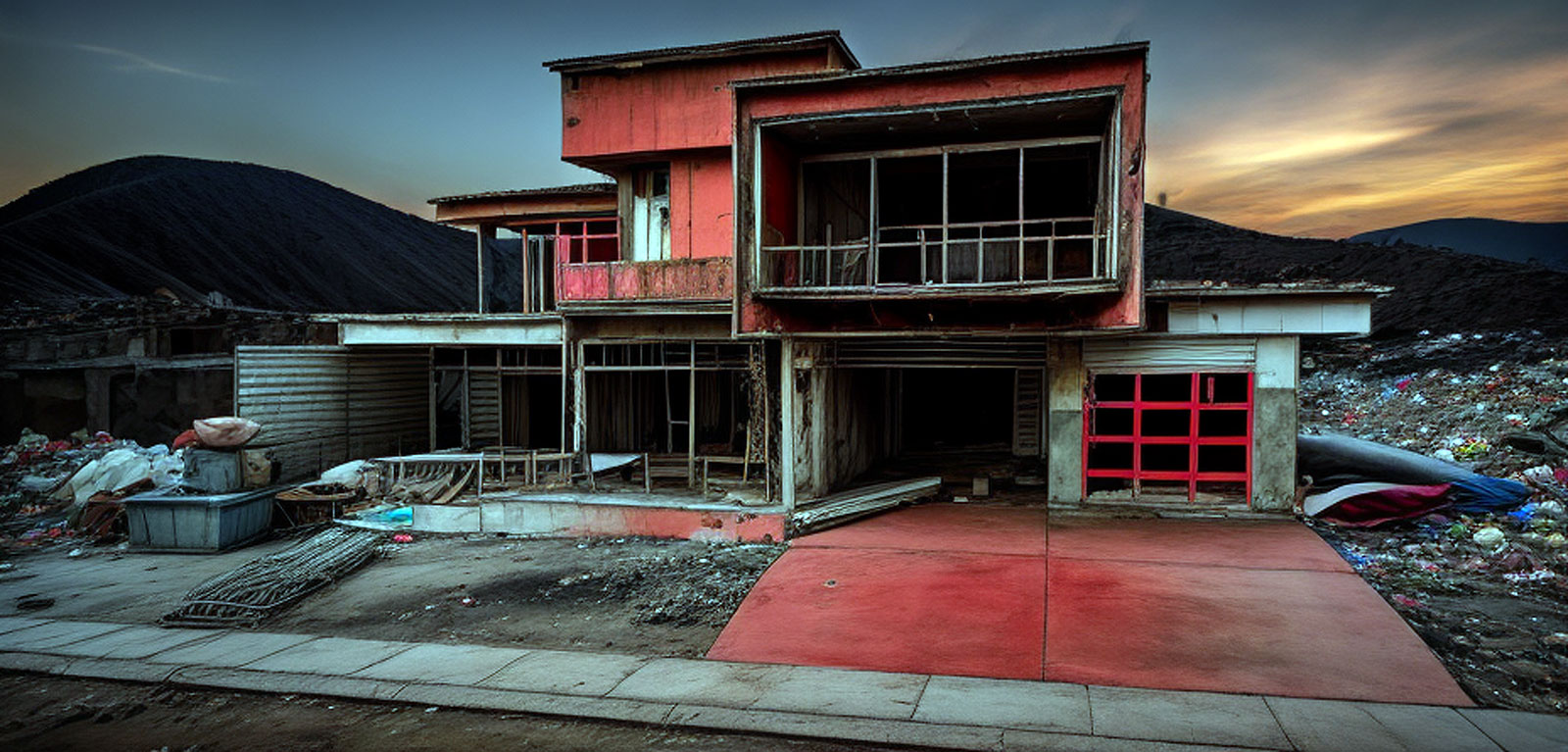
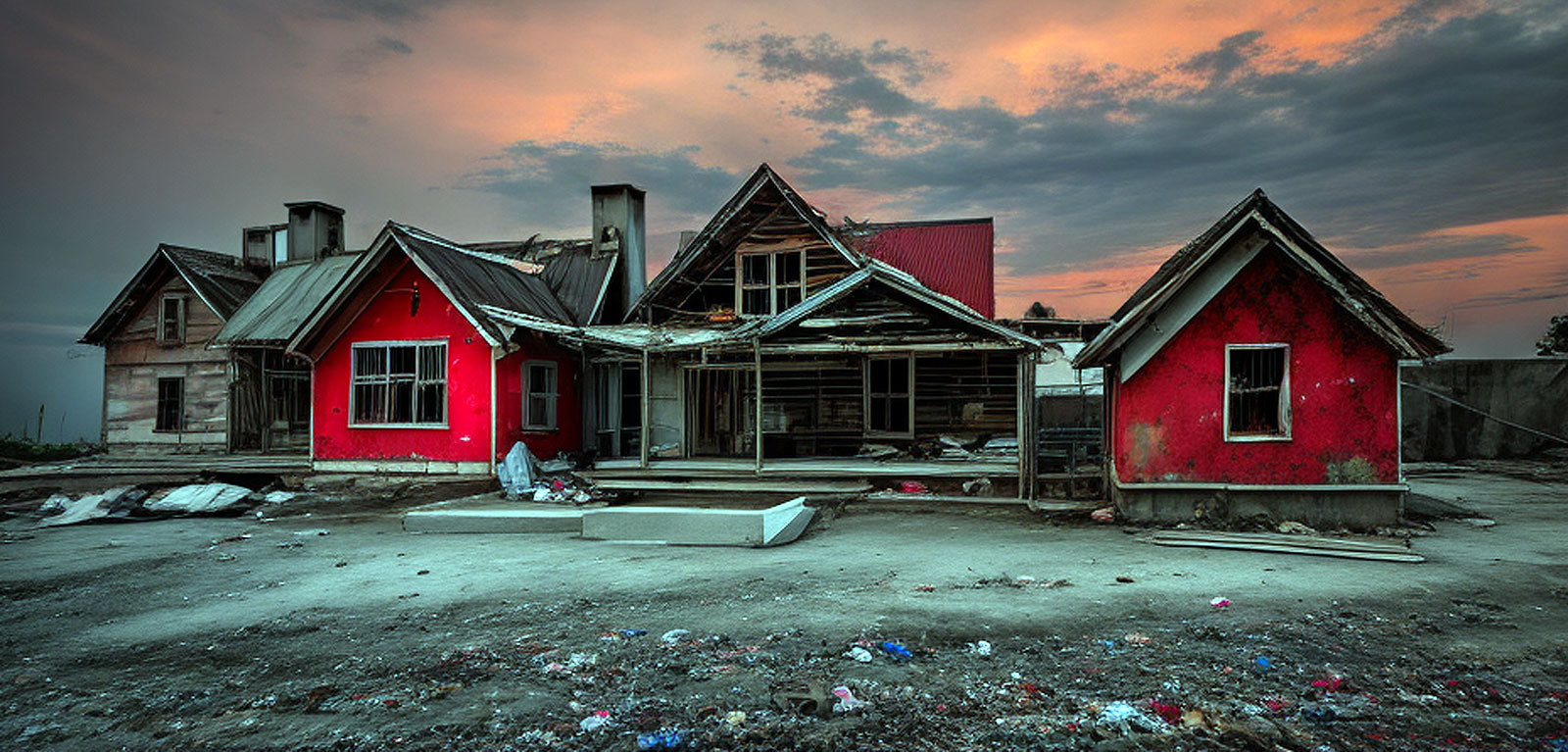
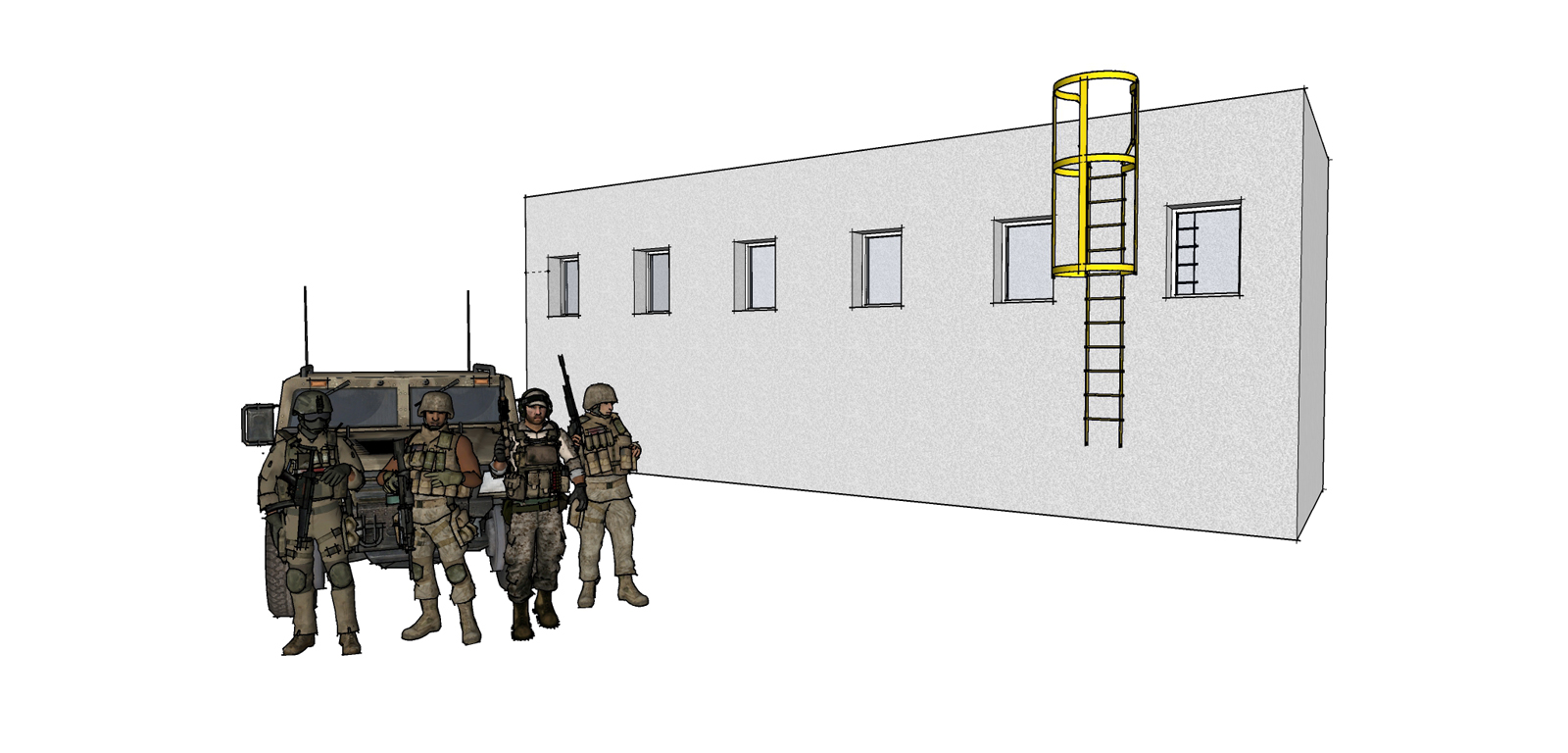
The first image is just a basic rectangle and ladder with some soldiers I grabbed from 3d warehouse. The other two are just the base models for some recent rendering I posted on here. The wording is important too as noted above. You can either sketch up a box with some windows, use your models or grab something from 3D Warehouse.
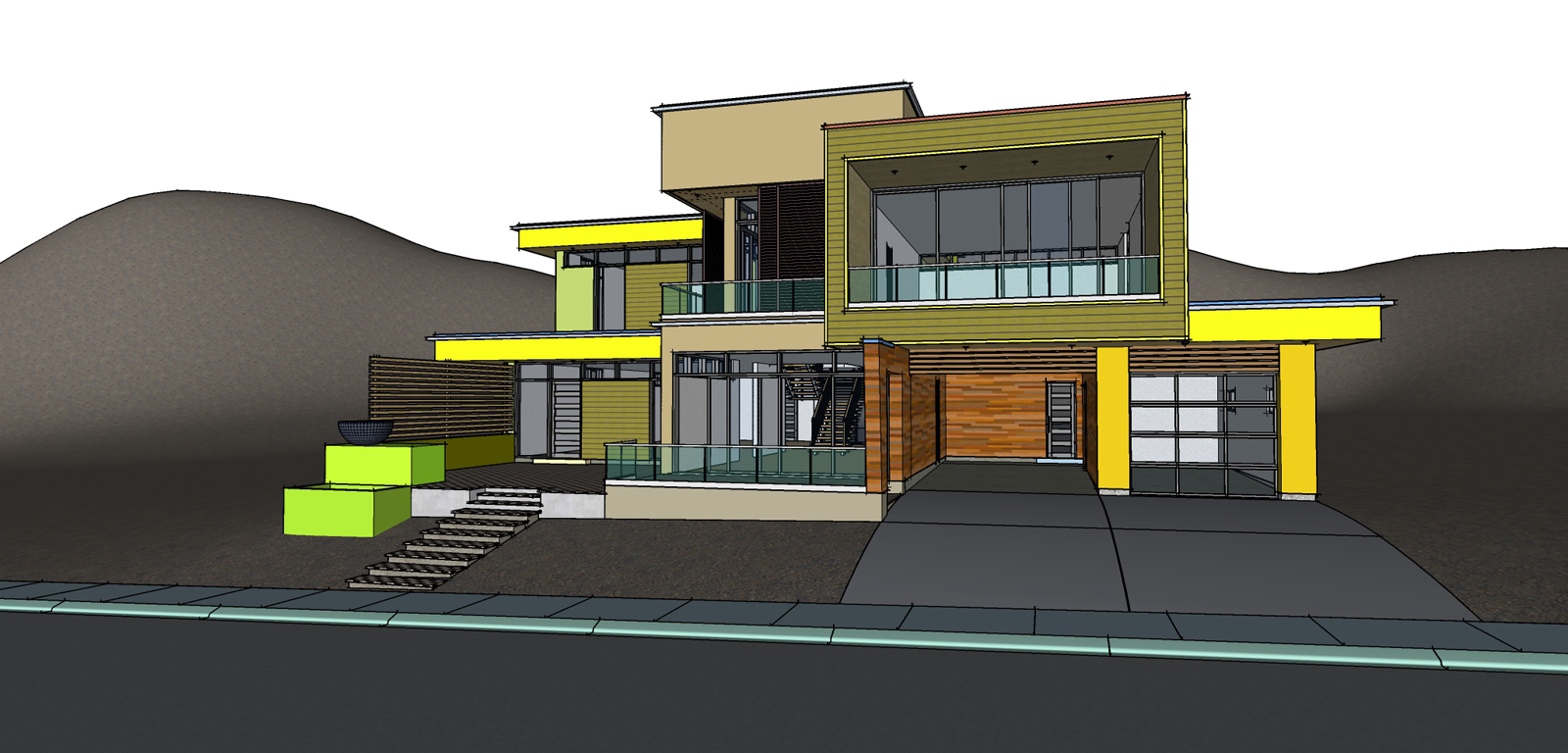
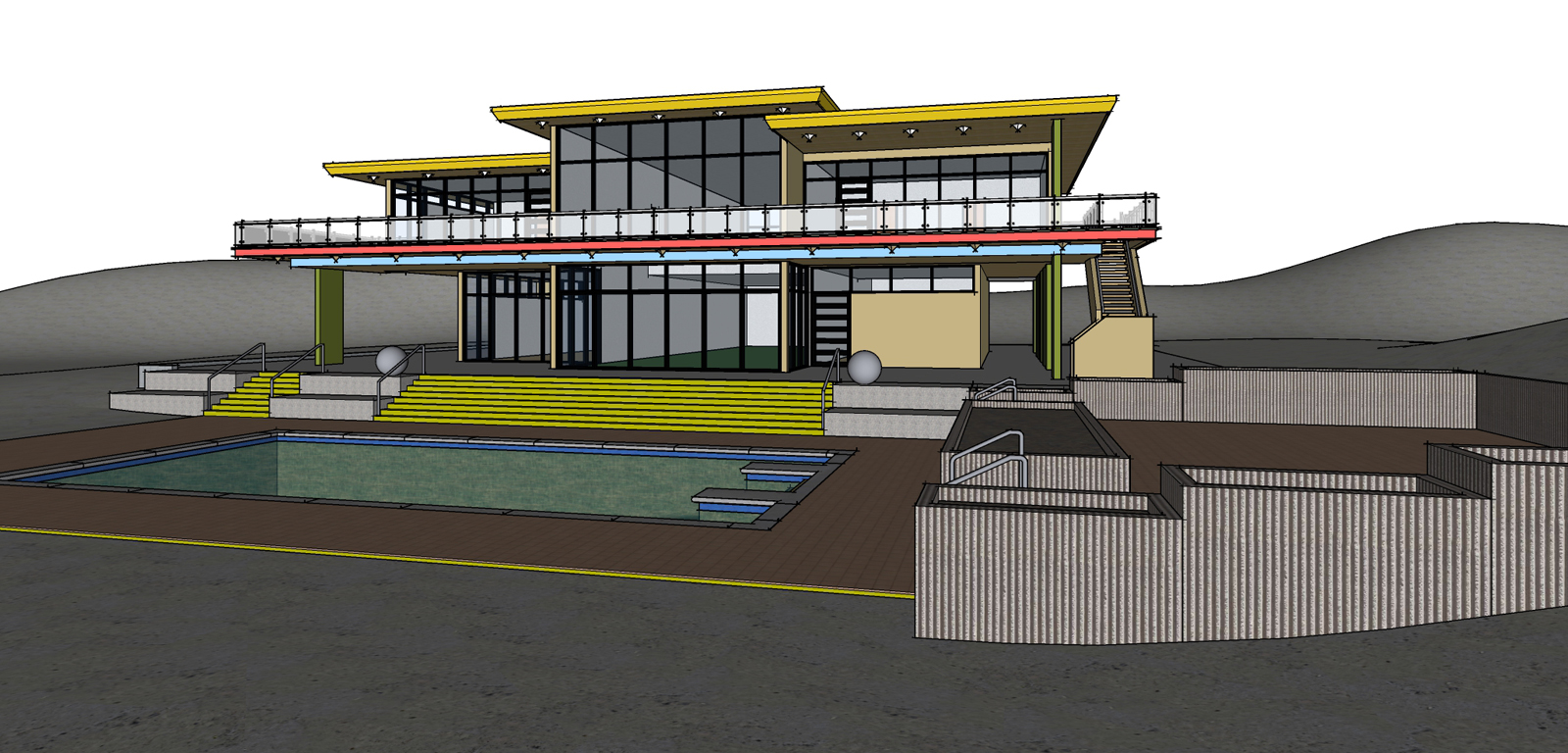
@marked001 said:
Gus...would definitely be cool to see the source model, as well. I just installed this too but haven't played with it.
I'll look later. You can just do a simple box or rectangular building with a few windows and use that. Under parameters I generally entered:
Red sky. Dilapidated concrete building in garbage dump.
Try scaling up by 10X or 100X. Adjust radius as required. Then scale back down or continue working at 10X or 100X.
Have you tried anything like "DISM /Online /Cleanup-Image /RestoreHealth" from the command prompt? Windows has a tendency to self destruct from time to time. Your rig should handle SU and Artisan 2 even with Windows 11.