SketchUp Diffusion
-
Messing around with Sketchup's AI plugin, Diffusion.

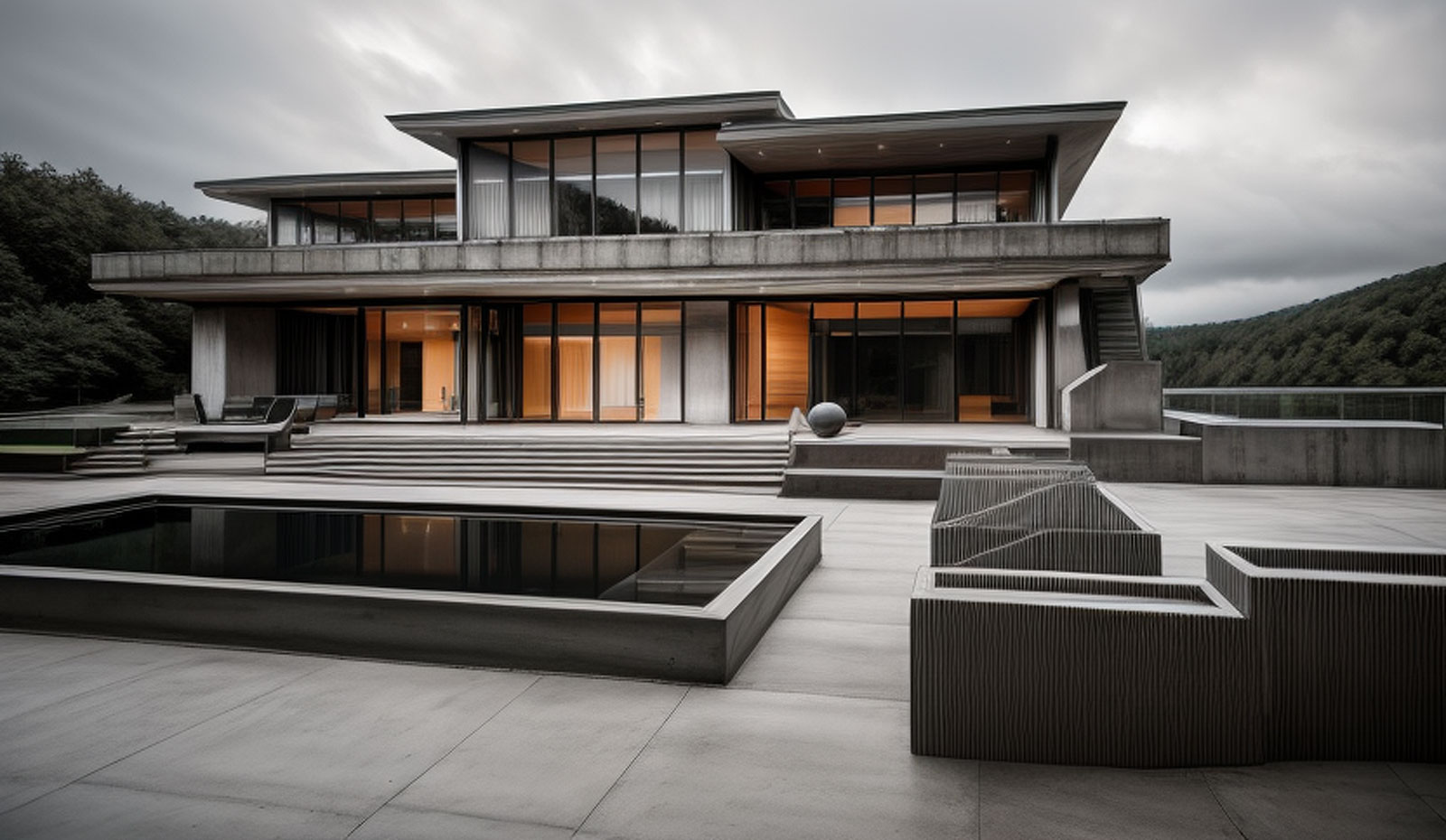
Video explanation here:
-
-
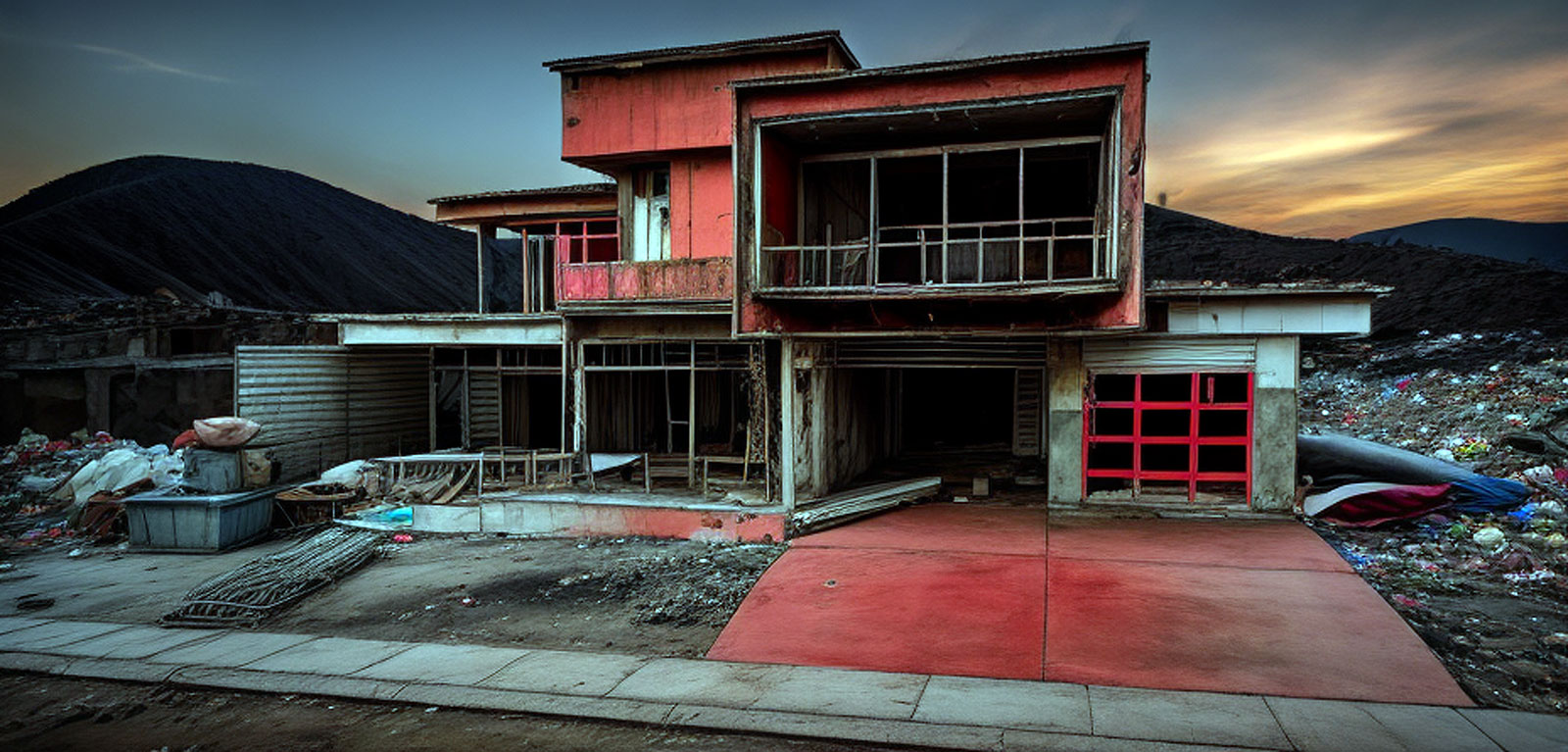
After the walls fell.


-
Gus...would definitely be cool to see the source model, as well. I just installed this too but haven't played with it.
-
@marked001 said:
Gus...would definitely be cool to see the source model, as well. I just installed this too but haven't played with it.
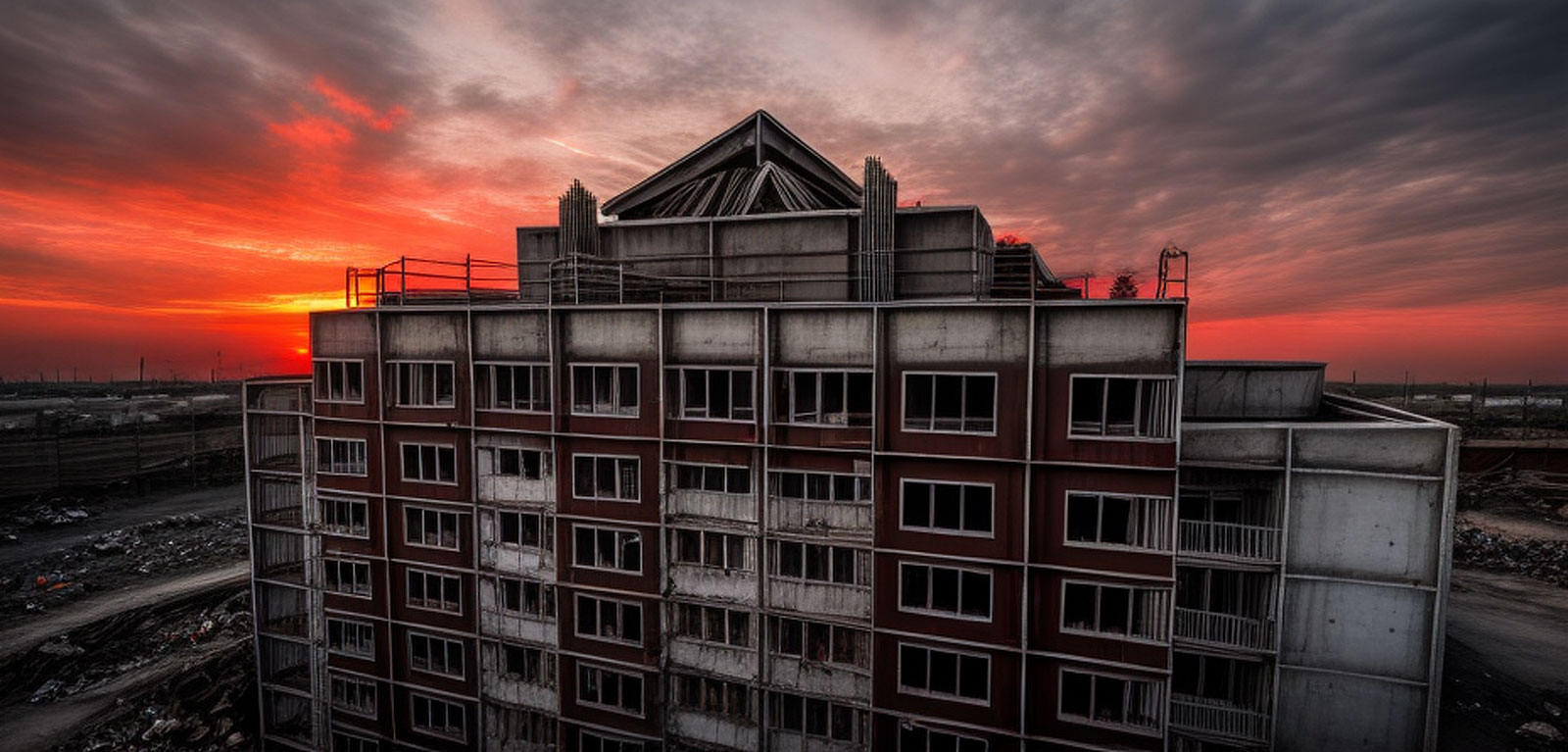
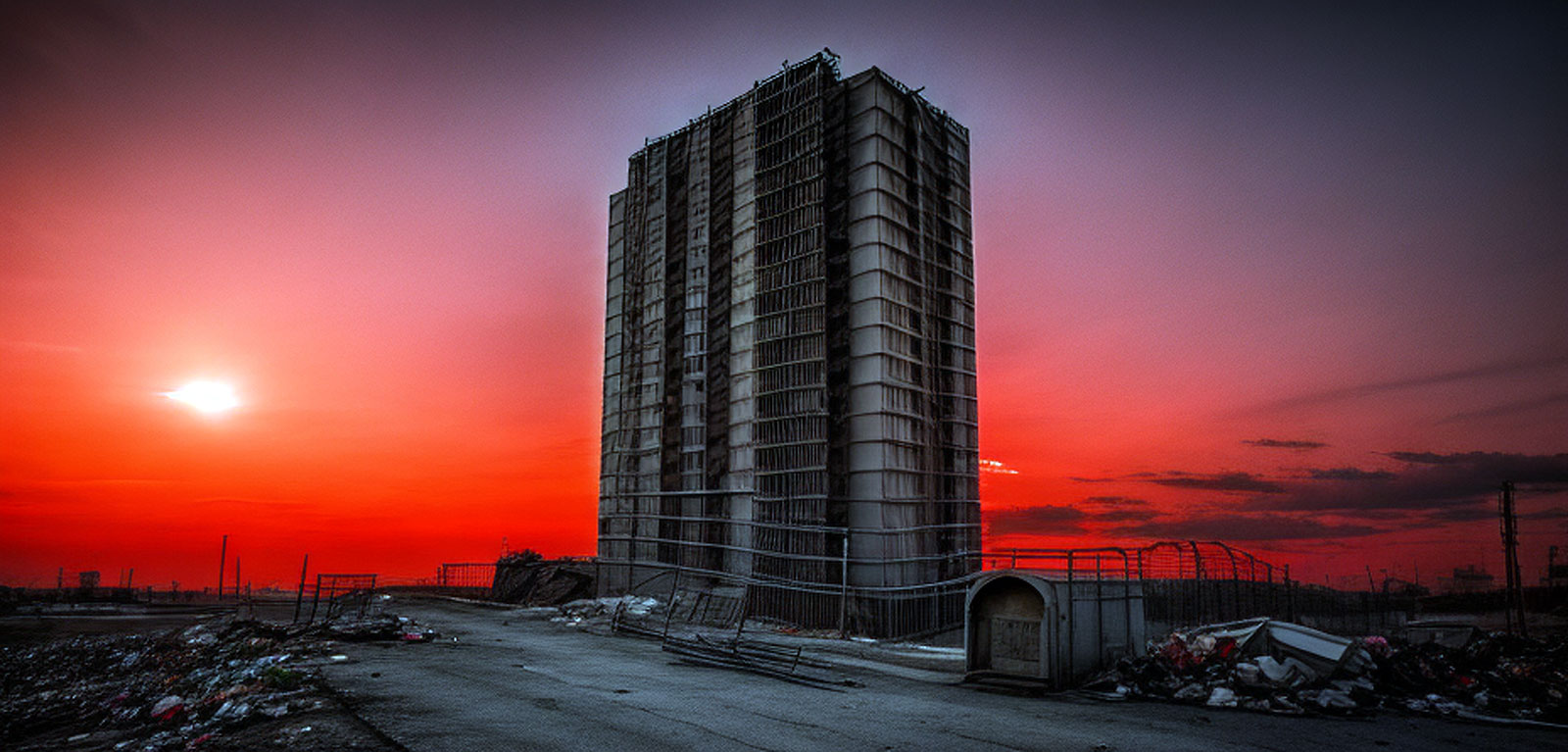
I'll look later. You can just do a simple box or rectangular building with a few windows and use that. Under parameters I generally entered:
Red sky. Dilapidated concrete building in garbage dump.
-
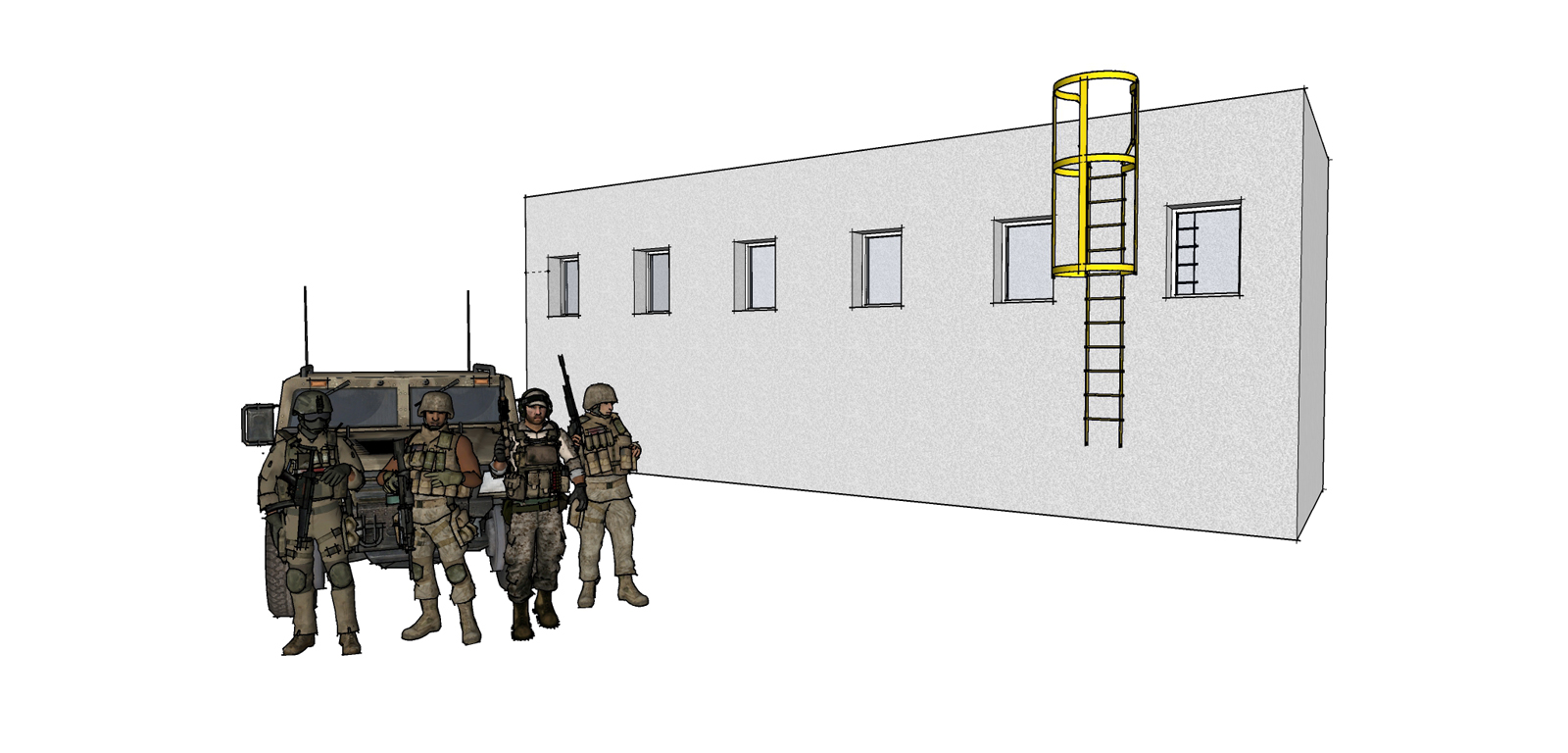
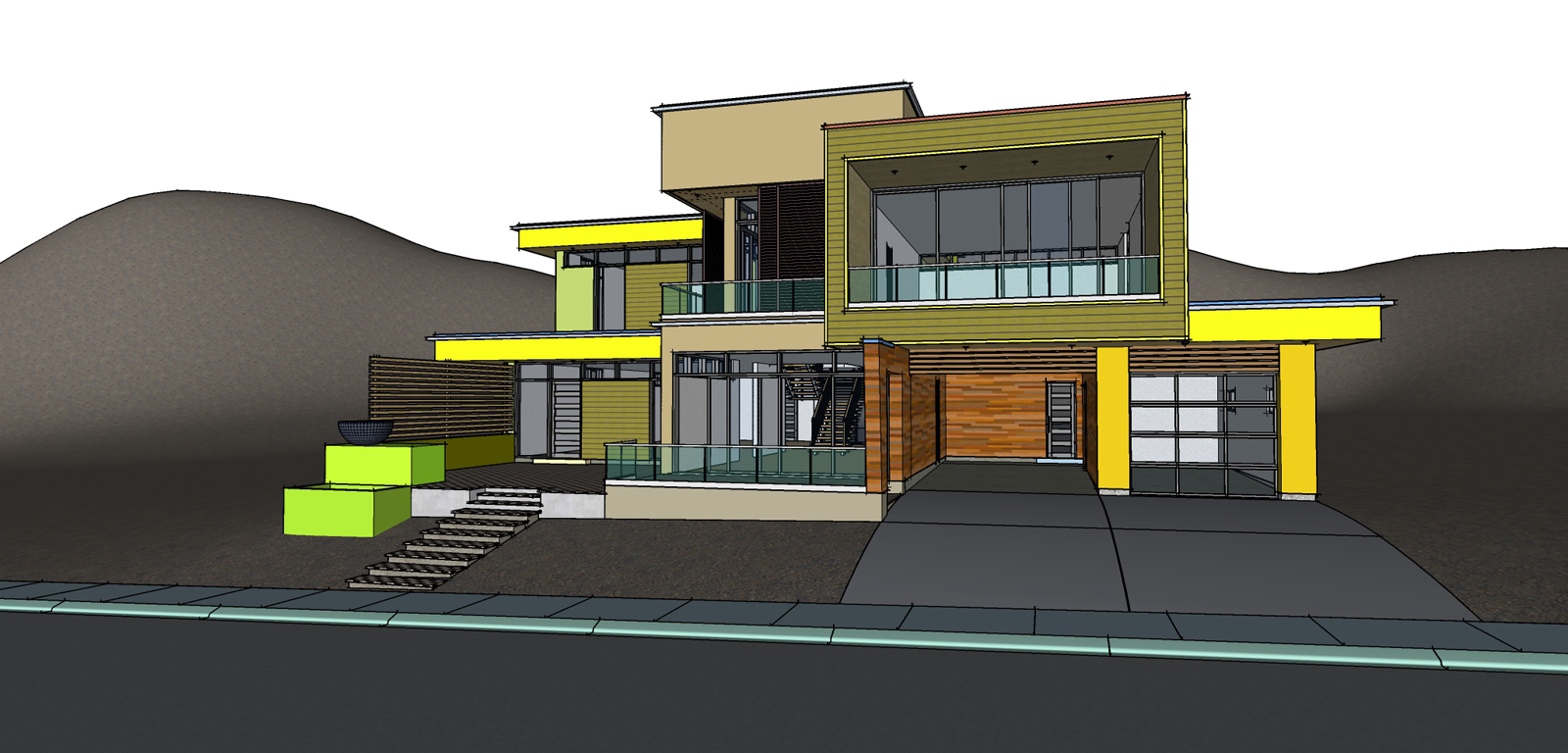
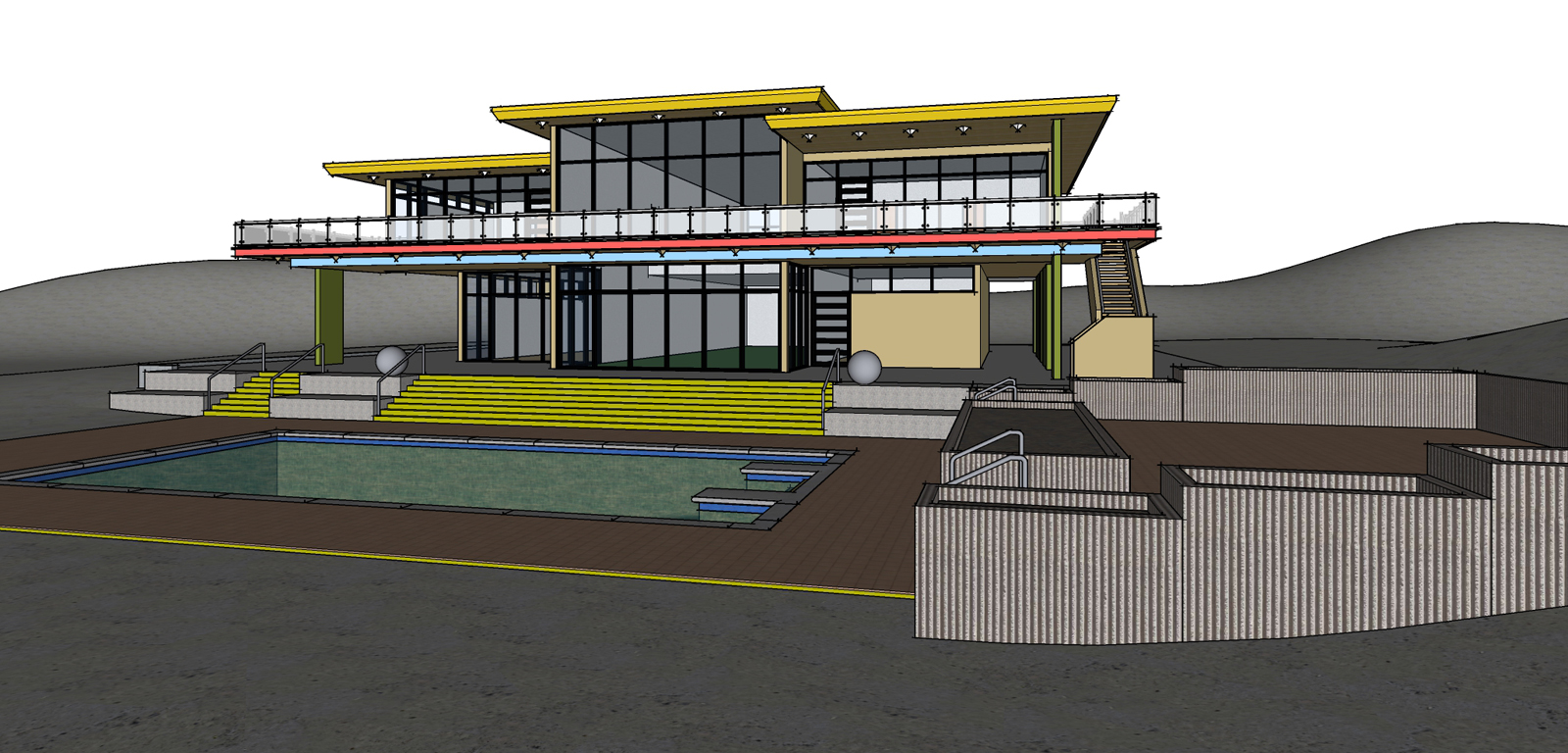
The first image is just a basic rectangle and ladder with some soldiers I grabbed from 3d warehouse. The other two are just the base models for some recent rendering I posted on here. The wording is important too as noted above. You can either sketch up a box with some windows, use your models or grab something from 3D Warehouse.
-
It is early doors yet, respecting geometry is low on the agenda but obviously can be improved.
I had a model rendered where a barbecue was turned into a window/door and another where it was turned into a light source. Early doors though and it does have promise. Question I have is where it leaves dedicated render programs.
For me, I would rather have full control over atributes and light elements but I can see it (Diffusion) being very popular.



Hello! It looks like you're interested in this conversation, but you don't have an account yet.
Getting fed up of having to scroll through the same posts each visit? When you register for an account, you'll always come back to exactly where you were before, and choose to be notified of new replies (either via email, or push notification). You'll also be able to save bookmarks and upvote posts to show your appreciation to other community members.
With your input, this post could be even better 💗
Register Login


Advertisement