sketchucation logo sketchucation
    • Login
    1. Home
    2. Gus R
    3. Best
    Oops, your profile's looking a bit empty! To help us tailor your experience, please fill in key details like your SketchUp version, skill level, operating system, and more. Update and save your info on your profile page today!
    Urasik Extensions | Lots of new extensions to check out Learn More
    Offline
    • Profile
    • Following 1
    • Followers 2
    • Topics 150
    • Posts 1,098
    • Groups 2

    Posts

    Recent Best Controversial
    • RE: Silly/Dumb Question about Guidelines

      Make your guideline.

      Select the guideline.

      Copy guideline.

      Enter 1/2.

      Then enter X10.

      posted in SketchUcation Community Forums
      Gus RG
      Gus R
    • RE: EMD SD-45 Union Pacific Update

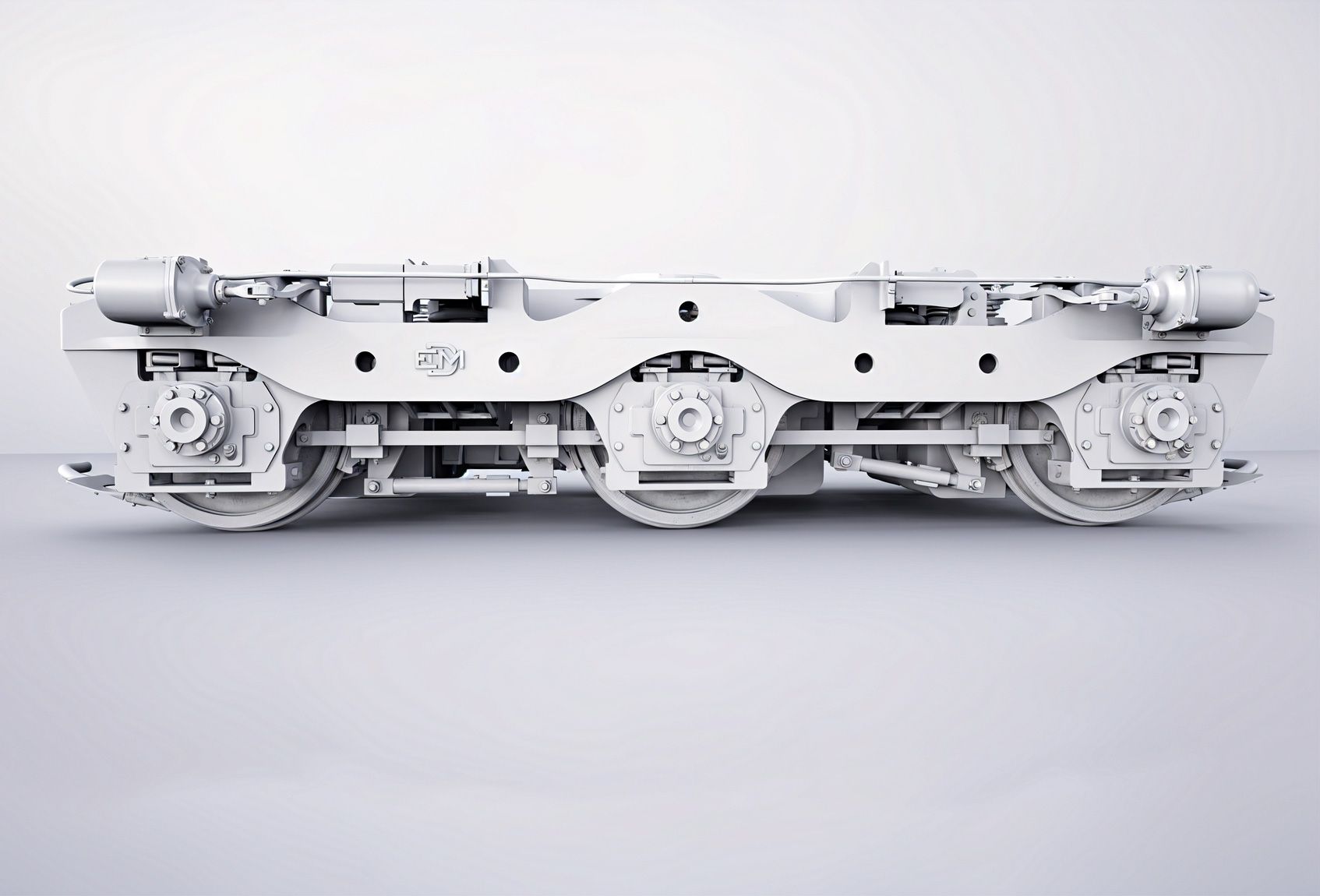
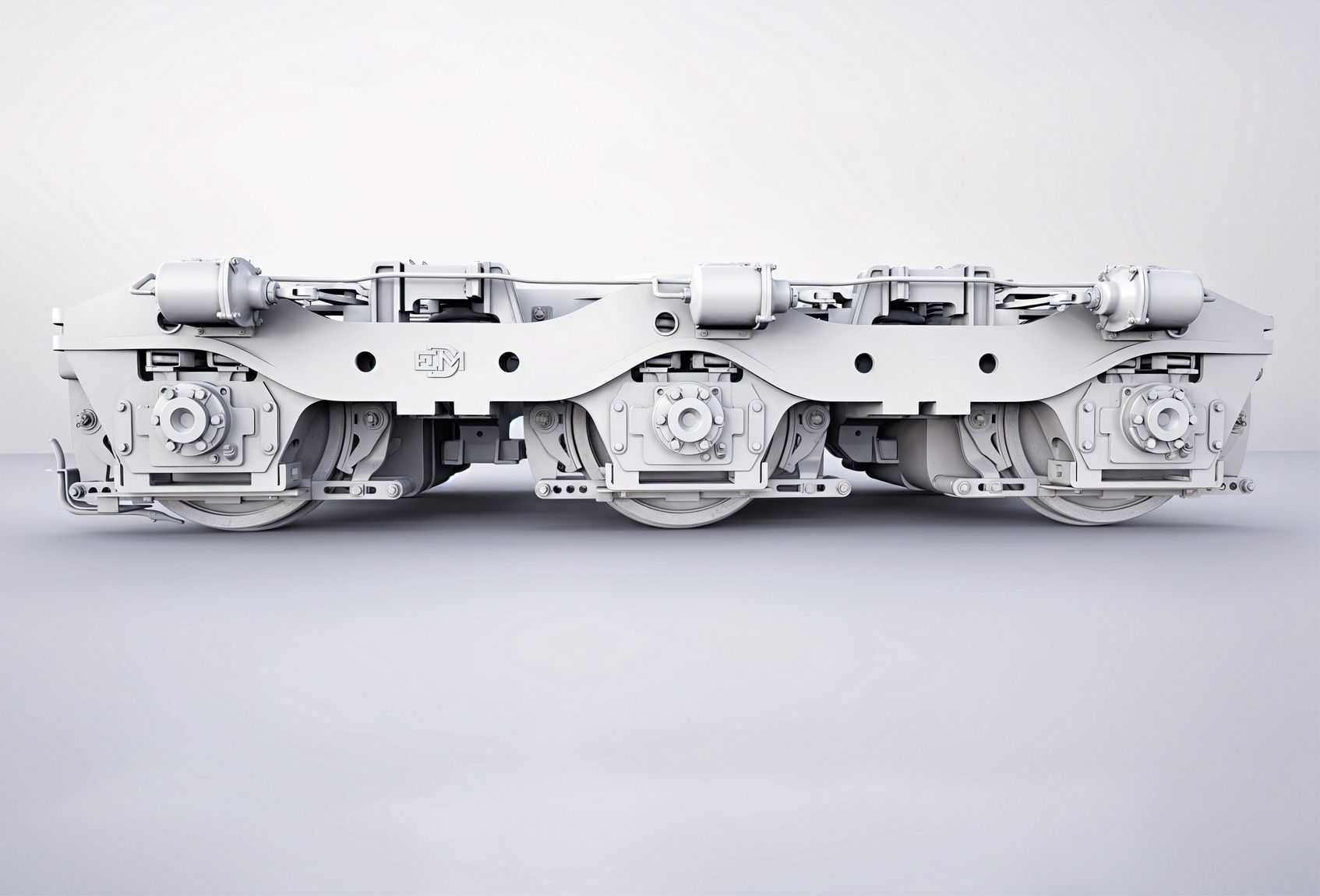
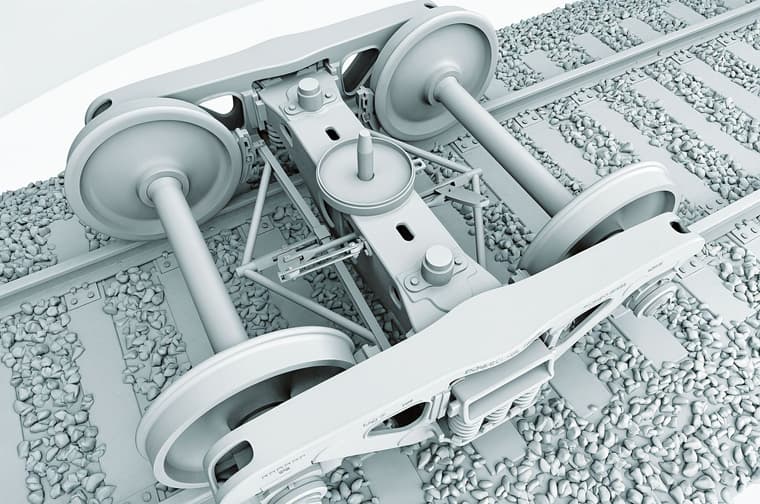
      @Gus-R Couple of clay models of the Flexicoil trucks. Older one is on top.

      Gus-Robatto-Flexicoil-1.jpg

      Gus-Robatto-Flexicoil-2.jpg

      posted in WIP
      Gus RG
      Gus R
    • RE: The Larner

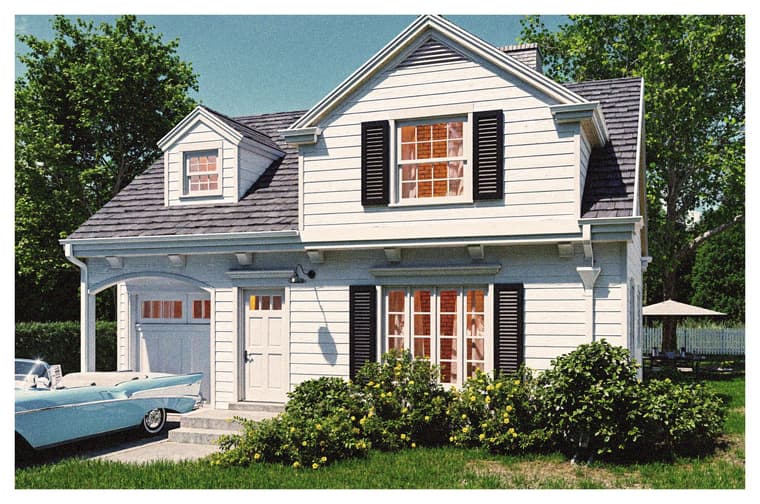
      @Rich-O-Brien How about... this one?

      The 57 Chevy is from 3D Warehouse. Modeler unknown.

      Gus-Robatto-Larner-6.jpg

      posted in Gallery
      Gus RG
      Gus R
    • RE: How to grab 18,000+ Quixel Assets while they are free

      @Gus-R Worked the second time. Thanks!

      q.JPG

      posted in Hardware
      Gus RG
      Gus R
    • RE: EMD SD-45 Union Pacific Update

      @L-i-am I thought about that but so far it would have to be a skp file. I've tried exporting obj and dae but it crashes Blender. Same with an fbx export from SU to Blender. The SimLab fbx exporter worked but it imports the model as an object in Blender with no edit options as well as having these random dashed projected lines ending with a target at the end. I suppose that could work but it would require troubleshooting the object and projecting lines issue. I say this because I would assume that selling the model on say CGTrader would require at least having an fbx and blend file available alongside the skp.

      posted in WIP
      Gus RG
      Gus R
    • RE: SketchUp native graphic style

      It was created by Justin Horstmann. It's native Sketchup but I don't know about the shadows. You could try shooting him an email. Lots of neat stuff at his website.

      If you're wondering about how I found that I just did a screenshot of one of your screenshots and did a reverse image search in Google Images.

      posted in SketchUp Discussions
      Gus RG
      Gus R
    • RE: The Watier

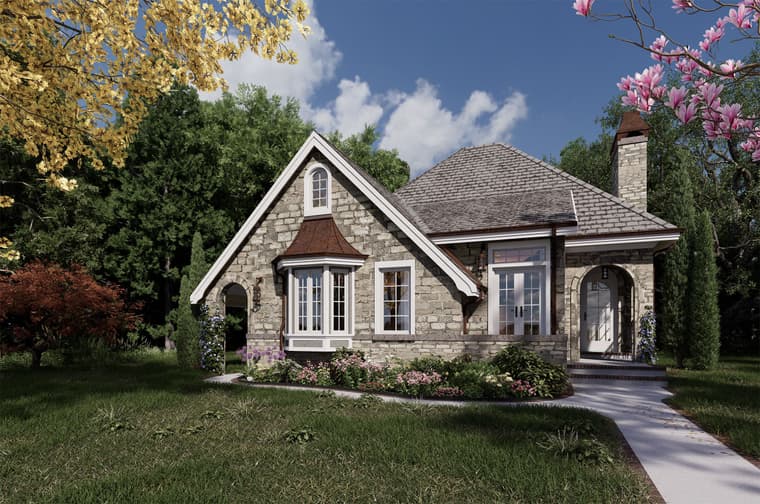
      Some different materials, grass, brick edging on sidewalk. Rendered in 18K and sized down. No AI Enhancer. Materials are from Megascans and put together with Quixel Mixer which is pretty easy. D5 Render has PBR importing.

      Gus-Robatto---Watier-100124.jpg

      posted in Gallery
      Gus RG
      Gus R
    • RE: 70 ton Freight Truck/Bogie

      @Rich-O-Brien Thanks rich. It started when I was a kid. The detailing that is. There's a sort of brutalism to heavy freight components. There's also a lot of engineering and physics involved although not in drawing this up. Including a lot of metal levers and chains and early computers for the operating system, remote locomotives, radios, etc.

      posted in WIP
      Gus RG
      Gus R
    • RE: On " How to Round Complex Corners in SketchUp"

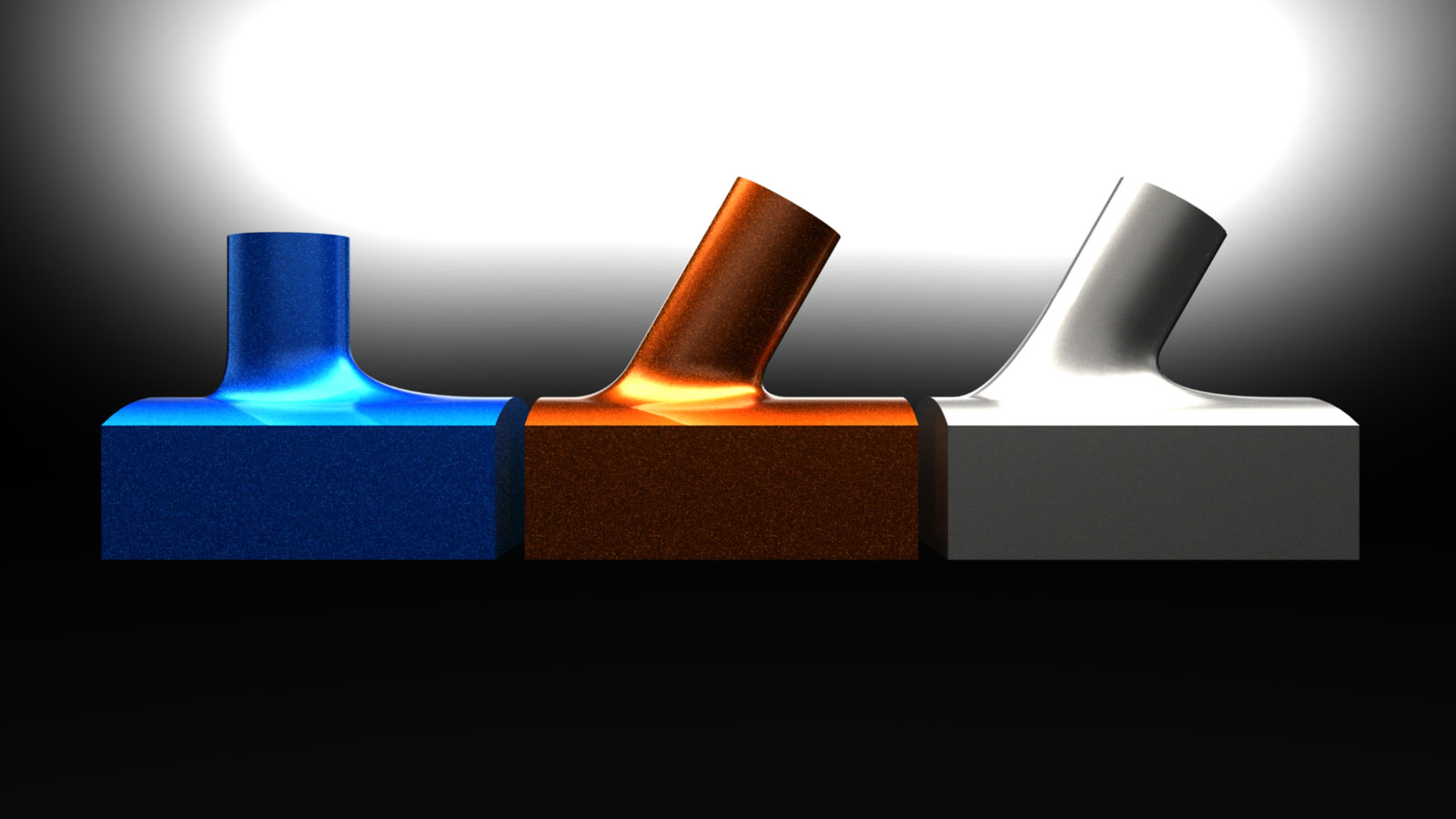
      I think I found a solution with the original process. I just copied the loop at the end of the spoke to the top position of that center loop replacing that center loop. I was able to make it a solid with solid inspector and it needed some very minor clean-up.

      Turlles-Scene-1.jpg

      posted in SketchUp Discussions
      Gus RG
      Gus R
    • RE: Fender Stratocaster Rendered in D5 Render

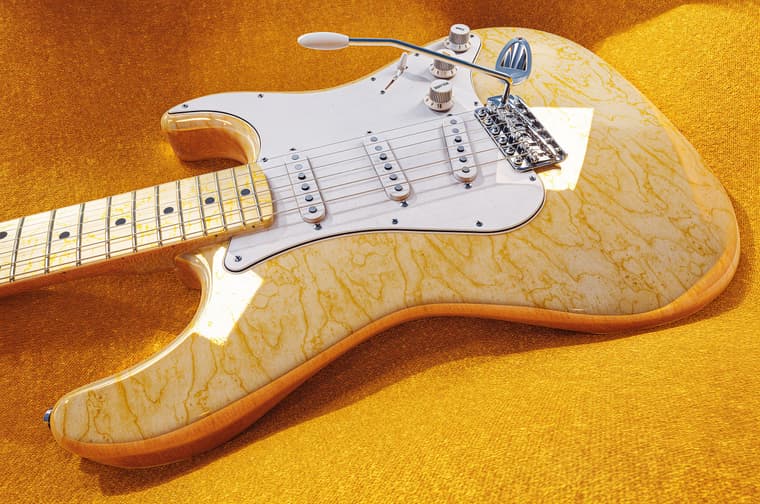
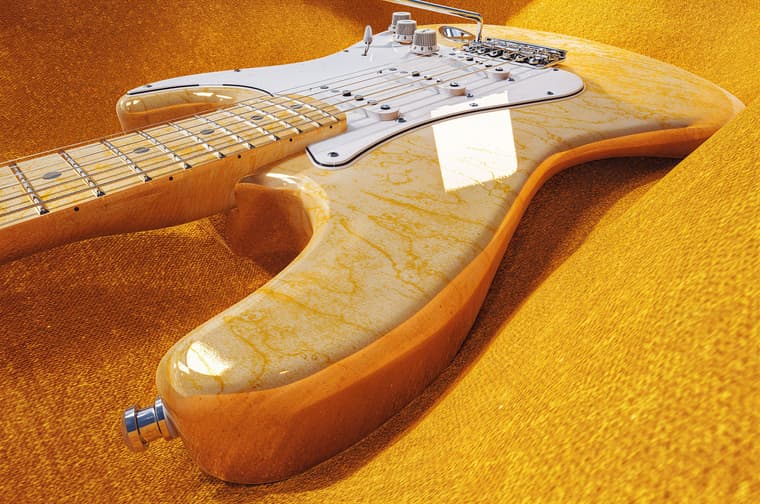
      @Rich-O-Brien Thanks, Rich. I don't know if you remember but this was my first post on it back in 2009, "1962 Fender Stratocaster Body". Then I went dormant for several years. All of those were rendered in Kerkythea.

      posted in Gallery
      Gus RG
      Gus R
    • RE: 70 ton Freight Truck/Bogie

      @Bryan-K Thanks Bryan.

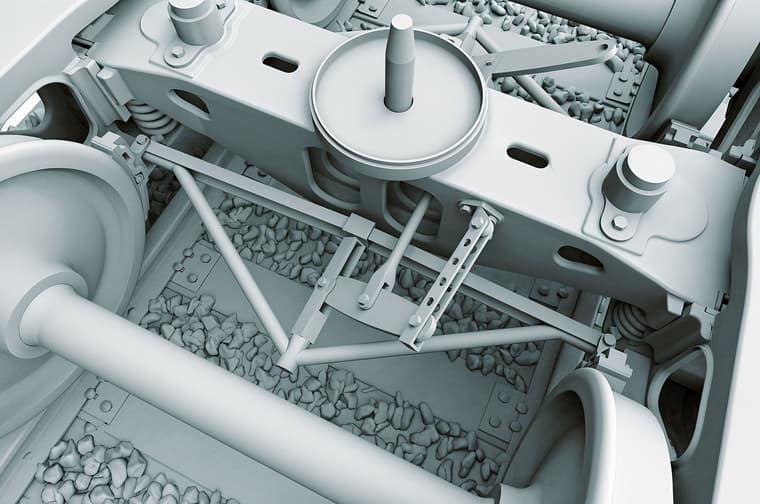
      Exciting new update. These are the mechanical bones of the braking system. Of course I had to be off by 10 degrees with the fulcrum bracket. Supposed to be 40 degrees and not 50 degrees but since the number "4" is right next to "5" I entered "50" instead of "40." This is all over detailed for a boxcar model anyway but I'll change it next.

      Gus-Robatto-Scene-12_upscal.jpg

      Gus-Robatto-Image_upscale_1.jpg

      posted in WIP
      Gus RG
      Gus R
    • RE: On " How to Round Complex Corners in SketchUp"

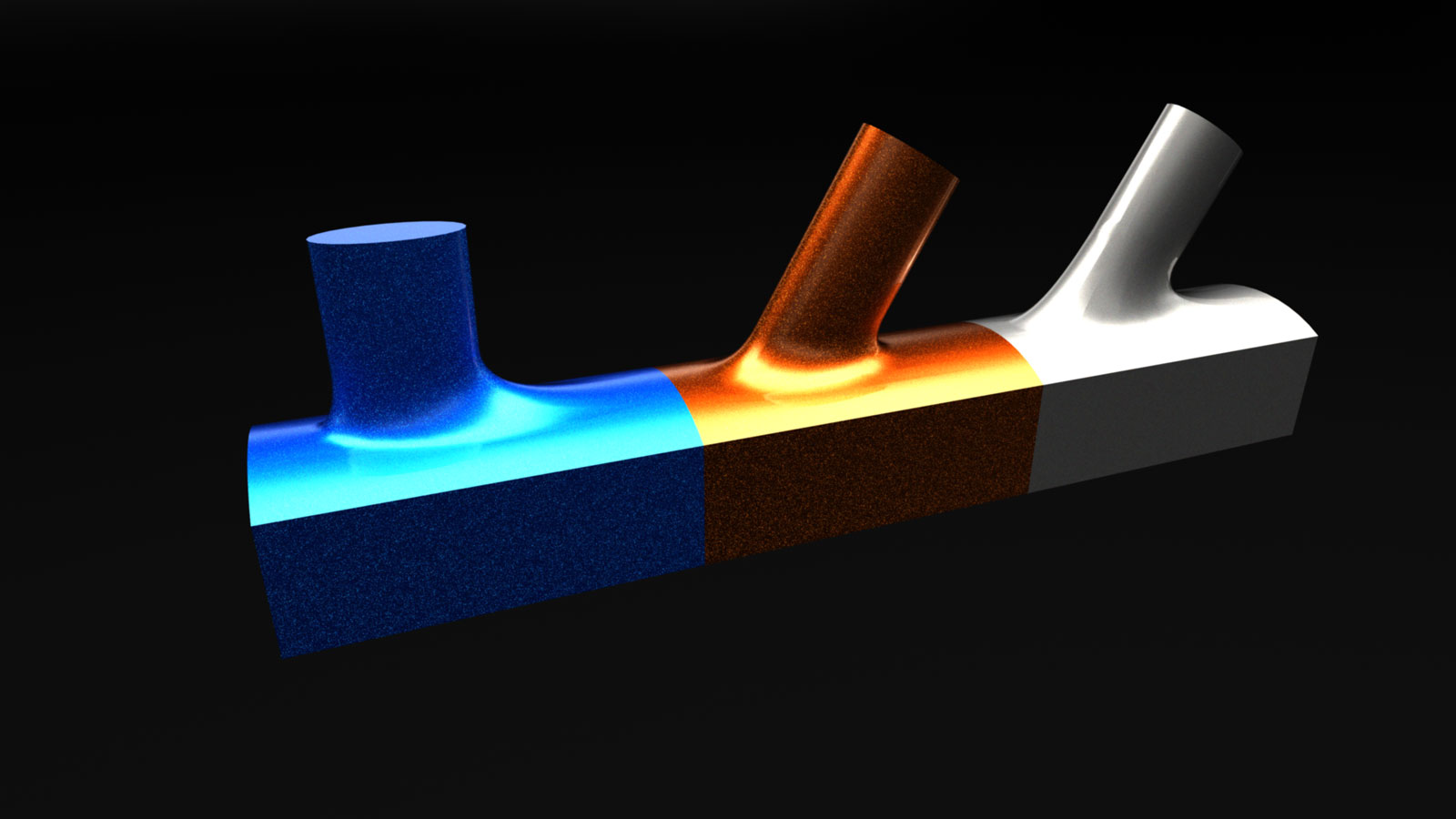
      You can do some pretty cool things with this.

      Turlles-Scene-3.jpg

      Turlles-Scene-2.jpg

      posted in SketchUp Discussions
      Gus RG
      Gus R
    • RE: New House Finished

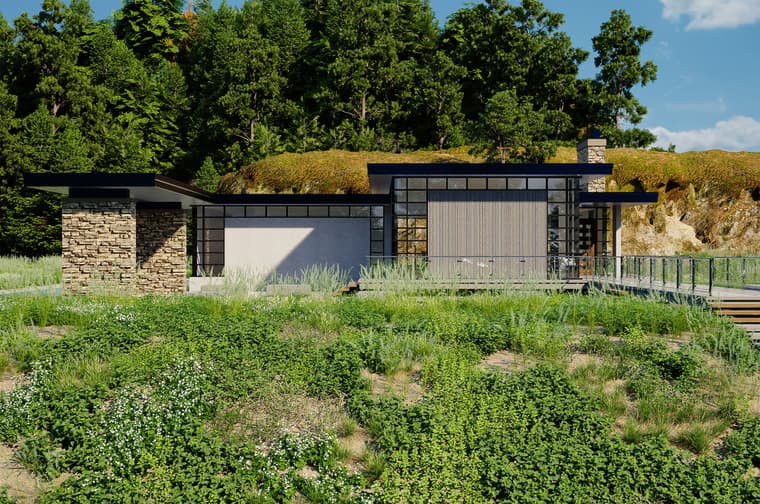
      Here's a bunch of variations.

      Gus-Robatto-Scene-42.jpg

      Gus-Robatto-Scene-37.jpg

      Gus-Robatto-Scene-39.jpg

      Gus-Robatto-Scene-26.jpg

      Gus-Robatto-Scene-29.jpg

      Gus-Robatto-Scene-8.jpg

      Gus-Robatto-Scene-26(1).jpg

      Gus-Robatto-Scene-29(1).jpg

      Gus-Robatto-Scene-8(1).jpg

      Gus-Robatto-Scene-8(2).jpg

      Gus-Robatto-Scene-8(3).jpg

      posted in Gallery
      Gus RG
      Gus R
    • RE: Automotive. 11' X 5.5'

      @Mike-Amos Nice. What's the renderer?

      posted in WIP
      Gus RG
      Gus R
    • RE: On " How to Round Complex Corners in SketchUp"

      @box said:

      If you are wanting to do a lot of that sort of thing you may find SUbD works for you.

      That's funny because I'm working on a re-render of a Ferrari GTO wheel where I used exactly that. I was thinking about SubD for this too. Thanks.

      posted in SketchUp Discussions
      Gus RG
      Gus R
    • RE: Fender Stratocaster Rendered in D5 Render

      Couple more.

      Gus-Robatto-Strat-D5-06.jpg

      Gus-Robatto-Strat-D5-05.jpg

      posted in Gallery
      Gus RG
      Gus R
    • RE: Old Florida

      Thanks guys.

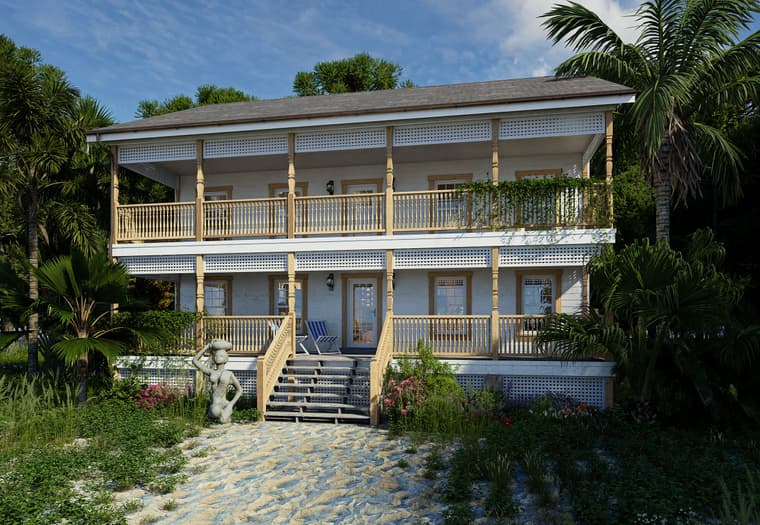
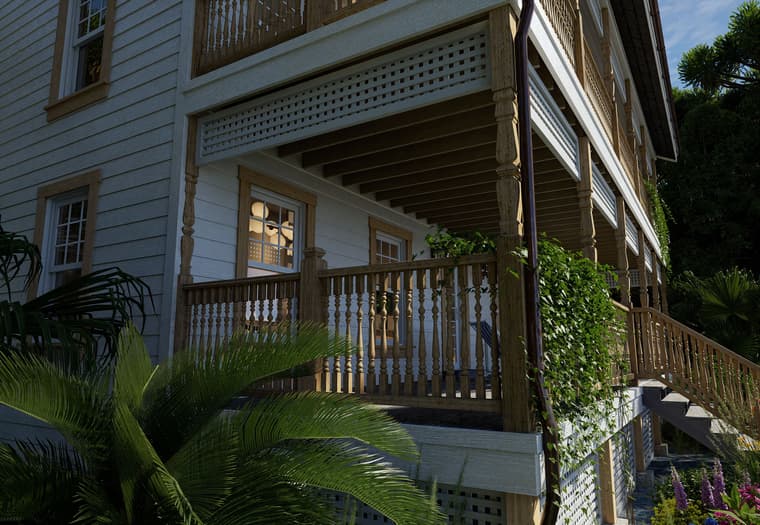
      The pen sketch is from D5 Render post effect "Pen Sketch." The house is Sketchup. Landscaping is D5 assets. The house design is something I came up with straight in Sketchup.

      Pen sketch is generated from an ambient occlusion render. All black, white and grey pre effect.

      More stuff:

      Gus Robatto Florida 3.jpg

      Gus Robatto Florida 4.jpg

      posted in WIP
      Gus RG
      Gus R
    • RE: On " How to Round Complex Corners in SketchUp"

      @rv1974 said:

      @gus r said:

      Making things more difficult is that I can't find any other instructions on this technique anywhere on the internet. I'm sure Blender could do this in seconds. Just a matter of learning Blender.

      Learning chamfering in proper program would take a fraction of time you spent messing in vain in SU and discussing it here.

      True and my intent is to learn Blender but it's about the challenge and this is after all a Sketchup forum and not a Blender forum and it's good for those that want to continue to use Sketchup to learn from these things so I don't see it as being in vain.

      posted in SketchUp Discussions
      Gus RG
      Gus R
    • RE: Interior

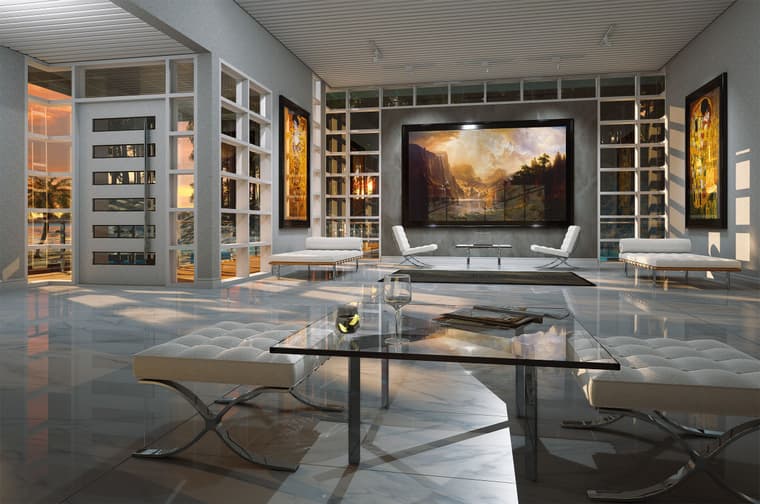
      Another variation.

      Gus-Robatto-NH-Interior-B.jpg

      posted in Gallery
      Gus RG
      Gus R
    • RE: Old Florida

      Windows and Doors: Flex Tools
      Siding: Instant Architect
      Stairs: Medeek Stairs
      Guardrails: Profile Builder 3 with baluster from 3 DWarehouse
      Lattice: 3D Warehouse dynamic component
      Gutter and Downspouts: Me and Profile Builder 3
      Sculpture: Blenderkit
      Chairs: Blenderkit
      Light Fixtures: Me
      Trim and Lumber: Profile Builder 3
      Sand Texture: Vizpark
      Roof Texture: Quixel
      Landscaping: D5 Render
      Toil and Trouble: Me

      posted in WIP
      Gus RG
      Gus R
    • 1 / 1