feel free to poke around
Hi Rich! Thanks, my friend.
 F
Offline
F
Offline
feel free to poke around
Hi Rich! Thanks, my friend.
I haven't posted here in a while - hey everyone!
I have developed a few tools for SU and wanted to share them for free.
What is the protocol these days for sharing plugins here?
My favorite is a very powerful array tool - create circular and offset-tile arrays.
Another is a plugin for inserting a lot of different primitives similar to Blender's primitives.
So basic SketchUp animation and some plugins do work with Hobby, like the standard SketchUp animation, but Animator requires something we call "external control". It allows Animator to actually execute Twilight Render calls. And that is limited to Twilight Render Pro.
I just downloaded latest available versions for LibFredo6 and Animator and Twilight Render is appearing for me as an option using Twilight Render V2 Pro.
This machine is using Windows 10/(actually 11), SketchUp Pro 2022
I had to restart SU a couple times during install of "LibFredo6_v13.6a.rbz" and Animator_v3.8a.rbz but they eventually worked properly.
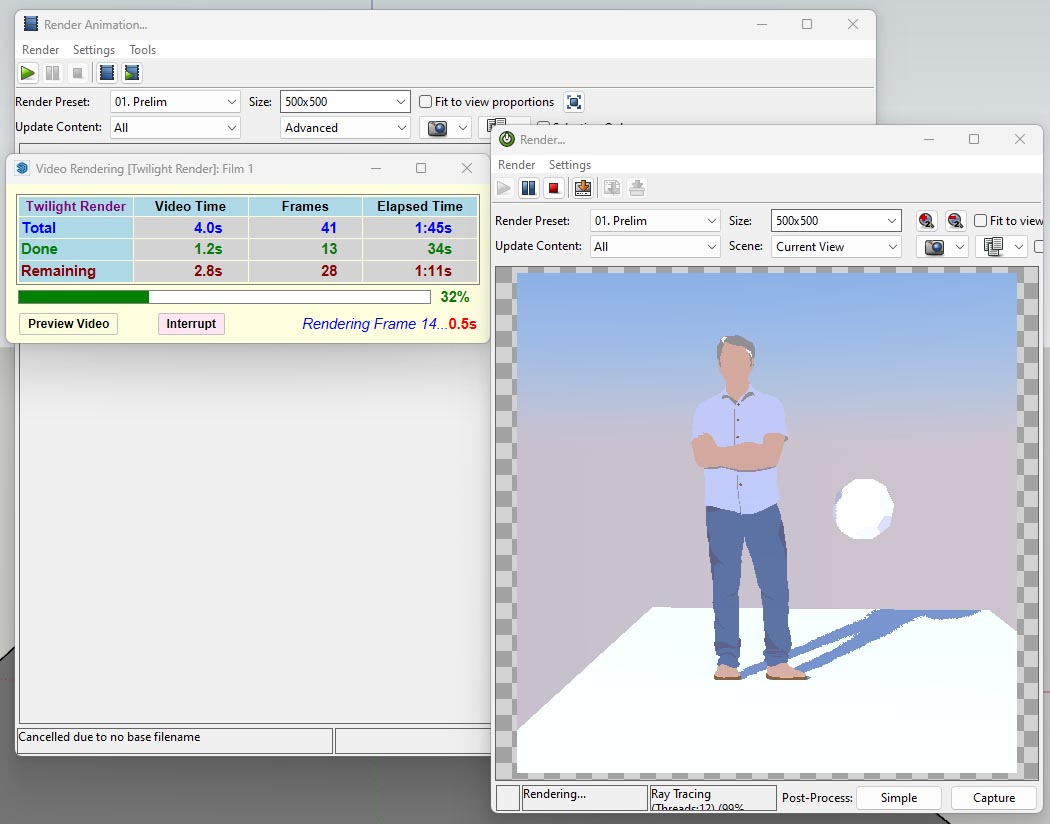
Step 1 set up the animation with Animator
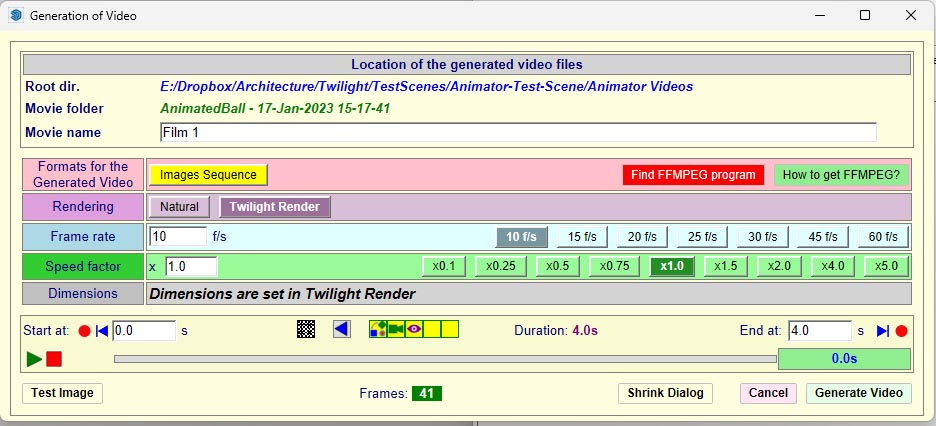
Step 2 Set up frame rate and other settings in Animator>Generate Animation dialog
-choose Images Sequence
-Twilight Render
-set F/s
Step 3 Open Twilight Render animation dialog (Extensions>Twilight V2>Animation Editor), set resolution and render settings to use for Twilight to render animation
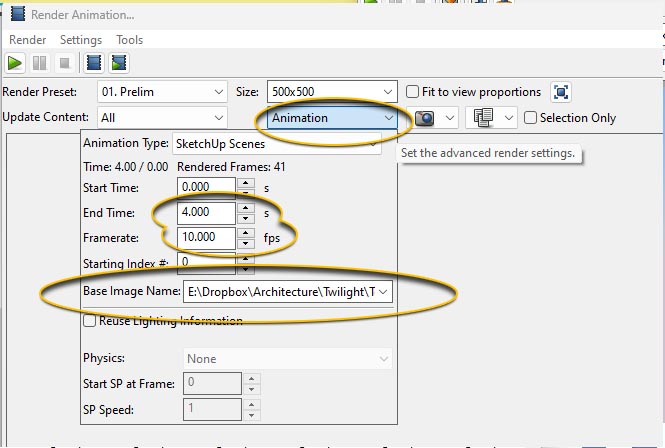
Step 4 Inside Twilight Render animation dialog, open the "Advanced" pulldown menu and set up your animation FPS to match that of your settings for the Generate Animation dialog in Animator.
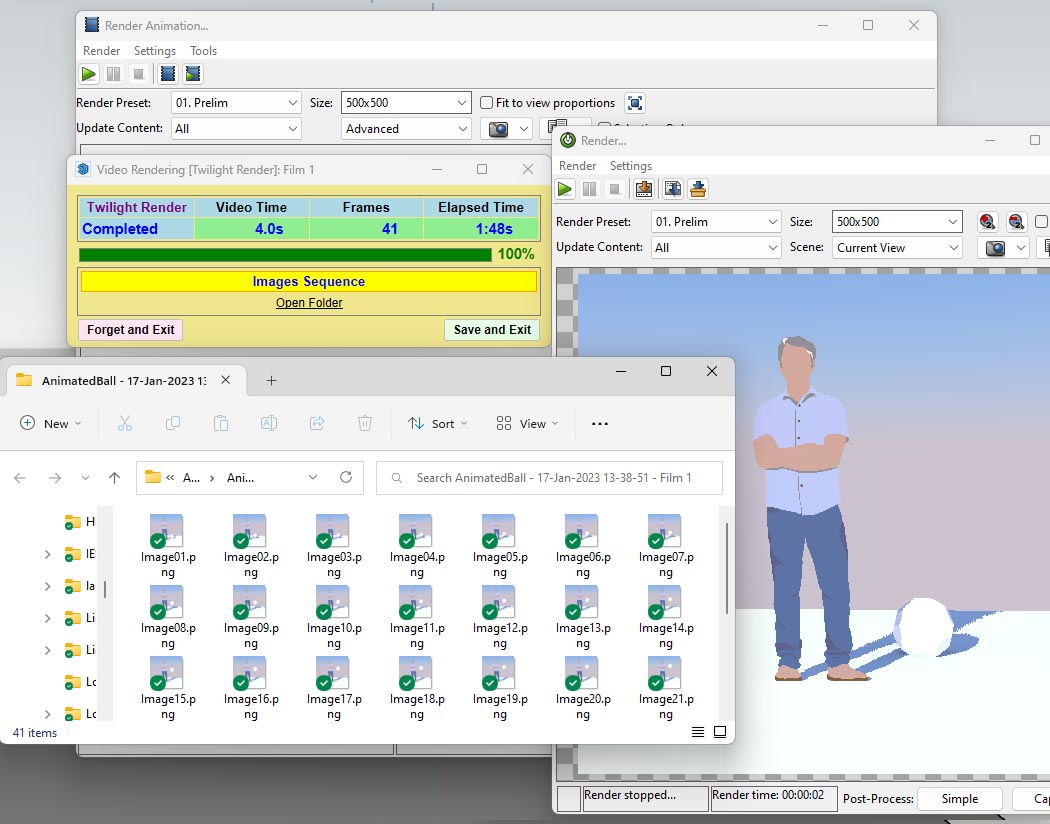
Step 5 In "Generation of Video for Animator click the "Generate Video" button. It should start rendering using Twilight Render and placing the sequence of animated images in the "base image" folder you specified in Step 4.
We will see about creating a tutorial for this powerful animation plugin.
With Environment set to "Background Image" it will not contribute to light or reflections, so your metal is not reflecting anything but black.
See the rest of my advice in my post on Twilight's forum.
@leggie said:
Hi I loved using F360 and adding radius’s and chamfers , is there any talk of SU doing this?
Bevels and chamfers are extremely useful in any modeling program! I would argue it is a critical tool for any good modeling package.
Unfortunately it appears this is not a priority for SU developers and they rely on outside developers to fill the gap.
Fredo has done so very well, but this latest version of round corner I can not get working in SU 2021 for some reason. I keep getting errors with Fredo's round corner plugin. It has something to do with the Fredo libraries not installing properly on my machine. 
Hi ThomThom, your website says to post here, so... please forgive me if this is not the right place.
I purchased VT in Jan 2020.
The version I had downloaded in Jan 2020 throws an error when I try to install.
Must I now buy a whole new version just so that it will work in SU2021? Or do you have a version I can continue to use even in SU2021?
Twilight Render does texture baking for SketchUp.
@rmsnmz said:
@dave r said:
Unfortunately you failed to answer my question about how you are attempting to install it. Please tell us HOW you are installing them. And give us the exact text of the error message you are getting. Help us help you.
Trying to install through the sketchucation extension store 3.0... See the warning popup... Each time I try to install the extension this error message pops up. I tried installing through using the *.rbz file as well (with the skecthucation archive installer) but the same result. This same error message pops up when i try to install Fredo's Visu hole, toposhaper and animator extensions as well. Any more information?
I got this same error message. (Win10/SU2017)
The problem was solved after I opened (using Windows File Explorer) both possible installation locations for SketchUp plugins and manually deleted all files/folders with the name "fredo". C:/Users/Username/AppData/Roaming/SketchUp/SketchUp2017/SketchUp/Plugins (Place ALL FREDO TOOLS/plugins/extesions IN THIS FOLDER LOCATION!)
C:/ProgramData/SketchUp/SketchUp2017/SketchUp/Plugins (PLACE NO FREDO Plugins/extensions/tools HERE!)
Then, using the SketchUcation Extension store 3.0.8 tool I re-installed all of fredo's plugins ONE-AT-A-TIME, carefully starting with "LibFredo6" and being sure to restart Sketchup after installing each and every plugin to make sure they were installing without errors.
The other thing I was careful to do is to choose the same plugin folder every time (C:/Users/Username/AppData...). I think what happened to get the error the first time is that I somehow chose the wrong plugin installation location for Libfredo6.
good tip, Dave 

however, it did solve the problem.
I think the answer is that the Fredo collection must all be placed in the same folder, not split up among the two folders.
I'll modify my post above to match your suggestion.
They're so sweet...
Interviewer: "If the Americans did move here what would you say?"...
Irish local: "I'd welcome them with open arms of course."

From the discussion above this sounds like a fantastic product - can't wait to try it. I am absolutely in support of anything notRevit or ACAD. I've wanted BIM strength and SketchUp agility for a very long time.
I built a tiny little clubhouse kitchen in SketchUp a few months ago, but in order to get it to be BIM-like so that I could do all the accurate take-offs there was a lot of extra effort involved in the modeling side that I would never normally do in SU. Getting it to play nice in Layout was also a big challenge. I was well reminded why I only use SU for design and presentations and never for documentation. I hope you've solved that problem.

Hapke is best read at aboooout 3 in the morning
He did have some pretty cool models buried in his images.
@unknownuser said:
"Give me the idol, I'll give you the Nintendo Cord..."

Anybody up for a stroll down memory lane? 
Feeling nostalgic for the old SketchUp forum days... take a hit on this.
http://sketchucation.com/forums/viewtopic.php?f=81%26amp;t=6786%26amp;start=60
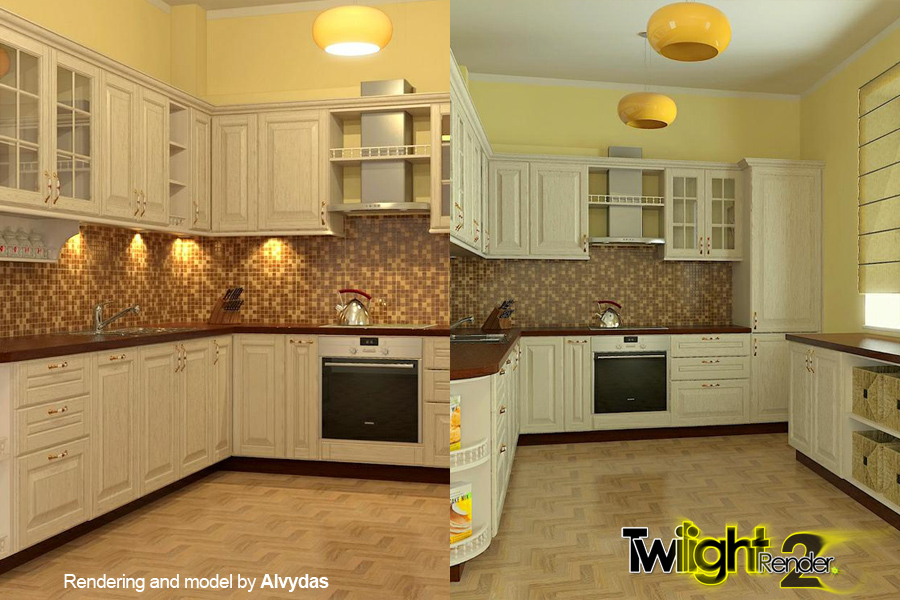
Announcing our first ever Render Challenge for Twilight Render V2! 
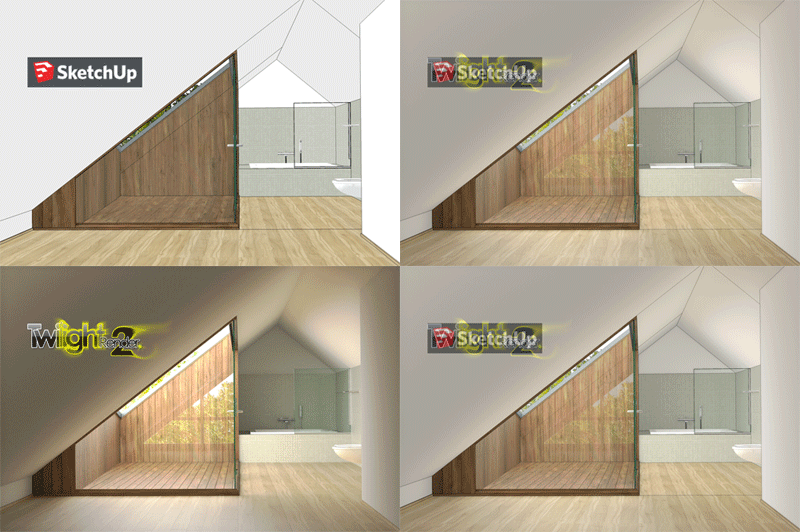
Posting rules: Renderings must be created with Twilight Render V2 Free Hobby or Pro version and SketchUp, post-processing in external editor is allowed.
Render and Share your version of this model in the Twilight Render WIP forum with the subject "Render Challenge No1"
See original post for further details and model download.
The model is provided for licensed users with high resolution textures and ready to render.
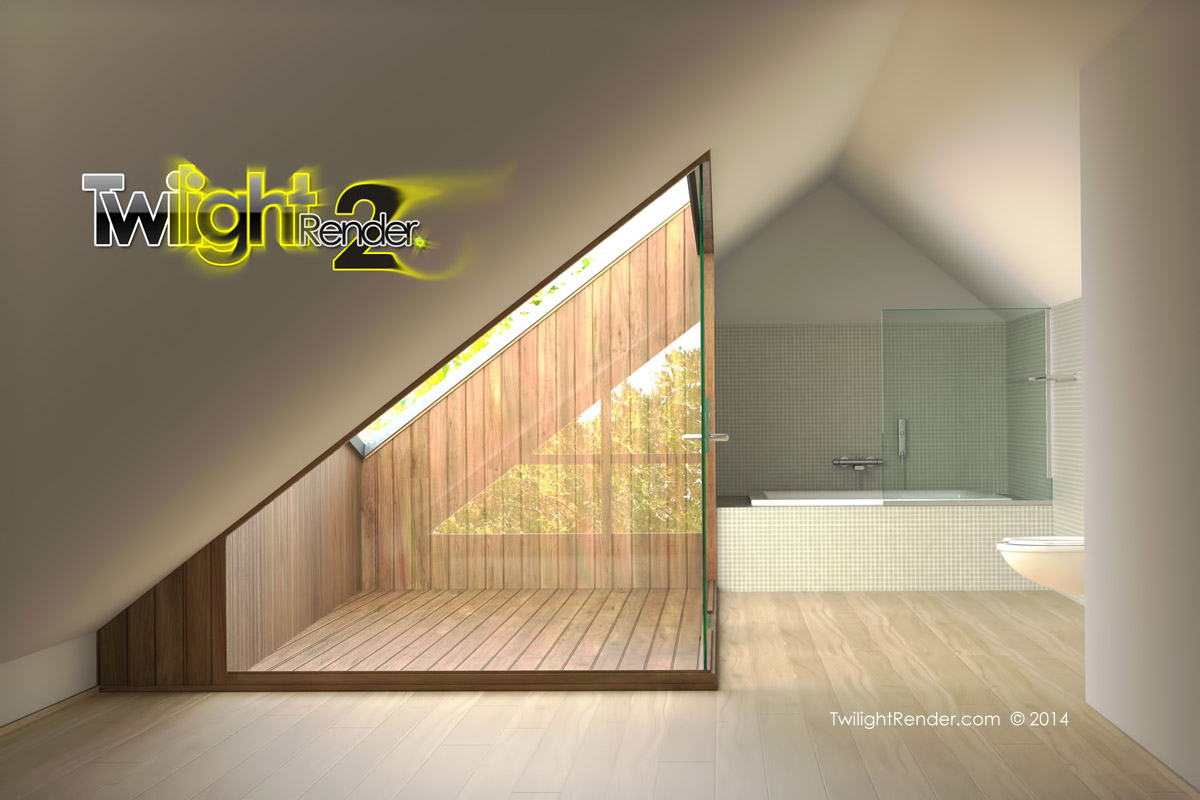
Twilight Render V2 Pro and FreeHobby versions now available!
We have a lot of new features, while still keeping everything from Version 1. We redesigned the look and feel to fit in better with SketchUp and to keep the workspace clean. You can read all about the new Twilight Render from our website, featuring all new content targeting Twilight Render V2.
We are still committed to our goal of making Twilight Render affordable for everyone so we are releasing it at the same $99 price tag. HOWEVER we've also added a new Hobby version with almost all the features of Twilight Render V1, and it's absolutely free!
And for those of you who have bought Twilight Render V1 in August or September (2014), we are going to give you a free upgrade!
Check out http://www.TwilightRender.com for all the details.
After installing, be sure to check out the fantastic new animated tutorial snippets on our website!
And the all new Video Tutorial Series in HD on Youtube.
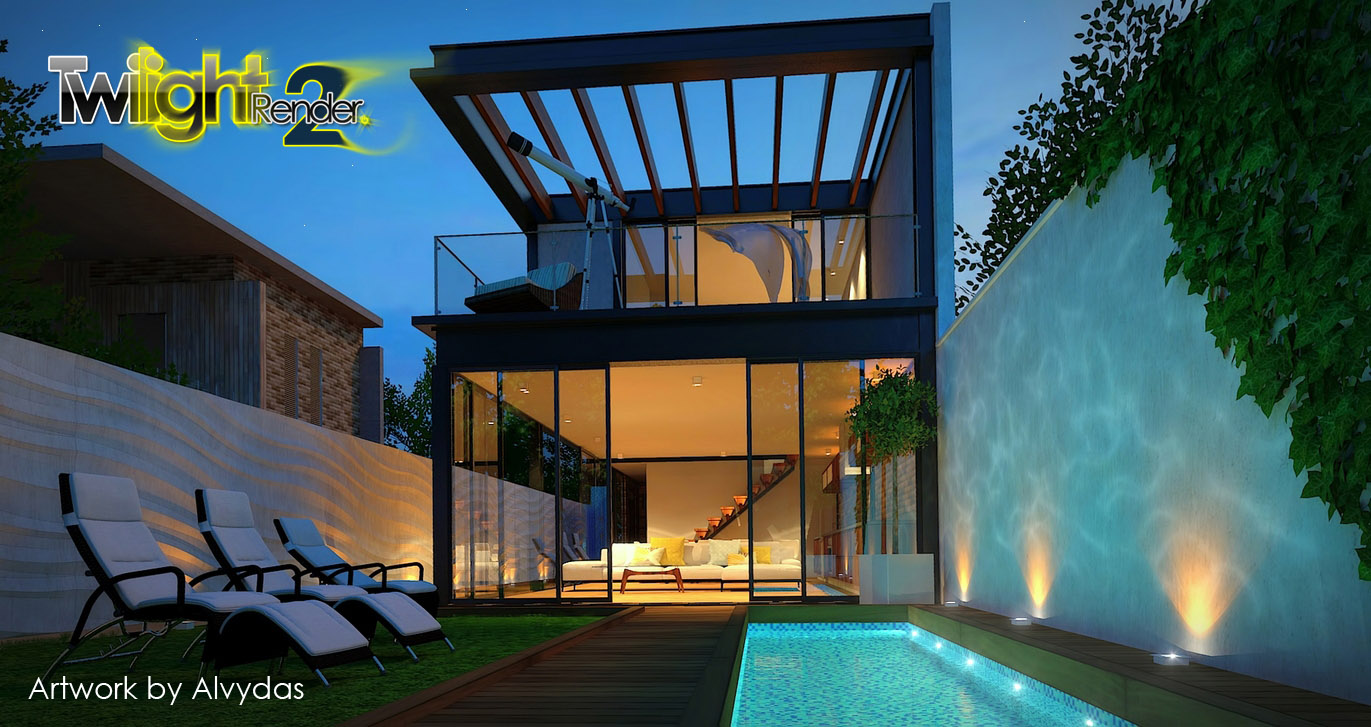
Hi Pixero, this version is not based on the same version as in Twilight V1, it has a 25-50% speed boost, depending on render settings and the scene. But in general people will find it definitely faster.
We are putting on some finishing touches, but release will be very soon. Stay tuned.
All the best,
Release is planned to be very soon, so check into Twilight Render's website daily! 
We are happy to announce the upcoming release of Twilight Render V2! for PC and Mac
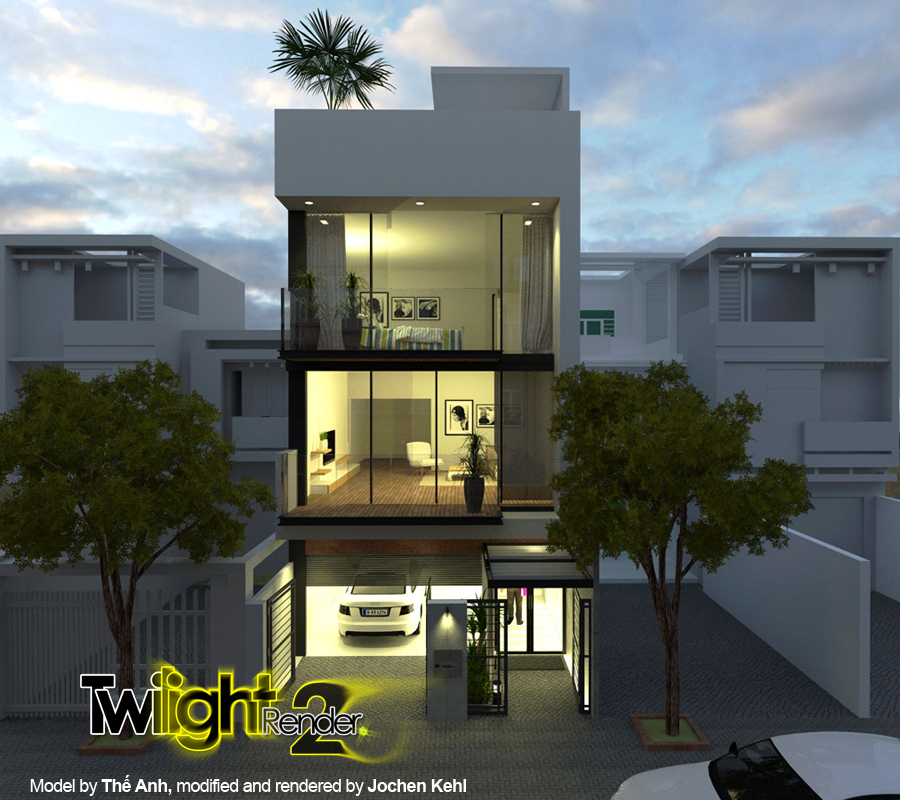
Redesigned from the ground up, it's our most innovative product yet.
So what does Twilight Render V2 have in store for you?
See our website for a full feature preview.


Photoshop later versions running on Windows 7 will somehow disable or break the ESC key.
This means for SketchUP users that they can not use the ESC key to escape out of editing a group or component.
Three solutions:
1> close Photoshop or Photoshop Elements, and it will work just fine again. (not a practical solution)
2> Using Shift+ESC will work instead. Simple enough, but not as handy.
3> The best solution  appears to be to run a tiny script provided here to fix the problem.
http://www.howtogeek.com/howto/20226/how-to-fix-photoshop-breaking-the-escape-key-in-windows/
