Oops, your profile's looking a bit empty! To help us tailor your experience, please fill in key details like your SketchUp version, skill level, operating system, and more. Update and save your info on your profile page today!
Urasik Extensions | Lots of new extensions to check out Learn More
 Offline
Posts
-
RE: [Plugin] Eneroth Railroad System (v 0.1.21)
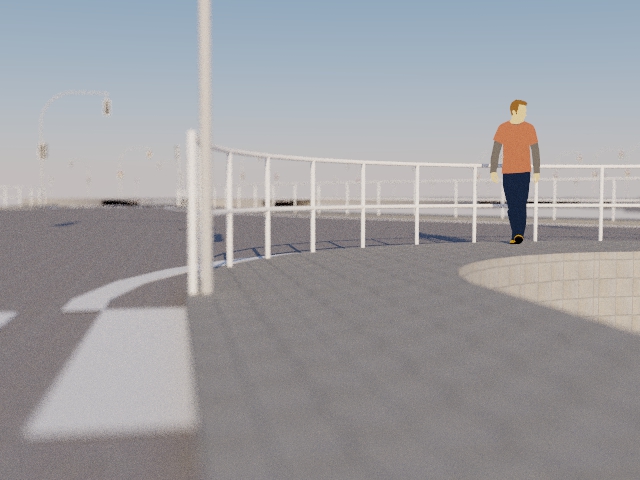
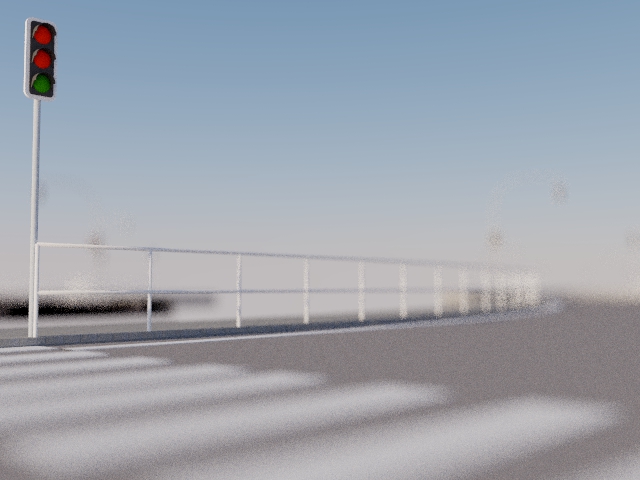
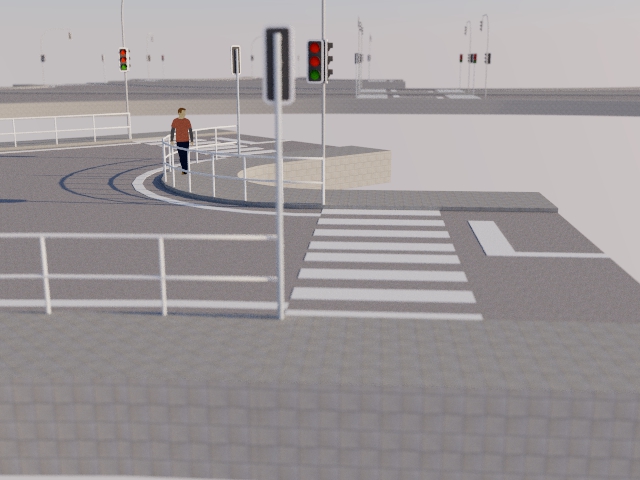
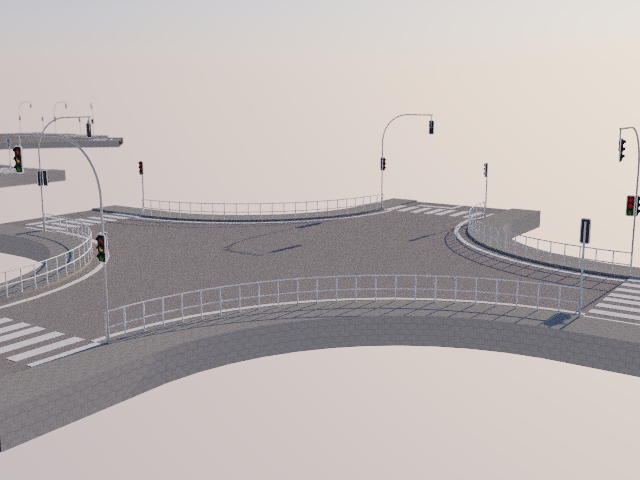
Here a a version with Fences.
i will upload the ready version. the fences have 12 sites (more high poly) tell me when you need lowpoly (5S or 6S),too. than i upload both versions. the fence is without textures, so you can texuring by your self.
-
RE: [Plugin] Eneroth Railroad System (v 0.1.21)
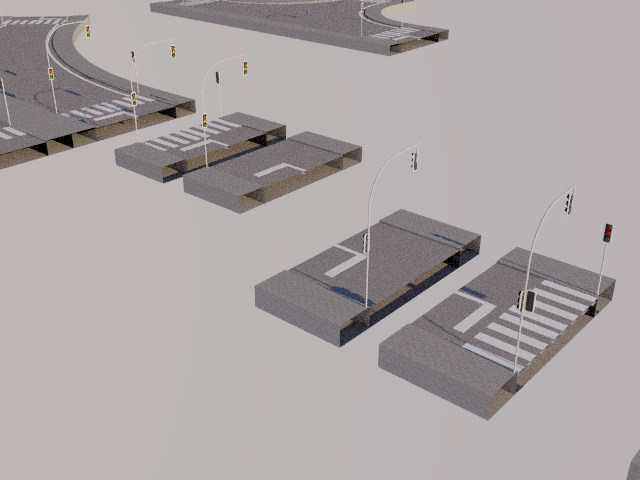
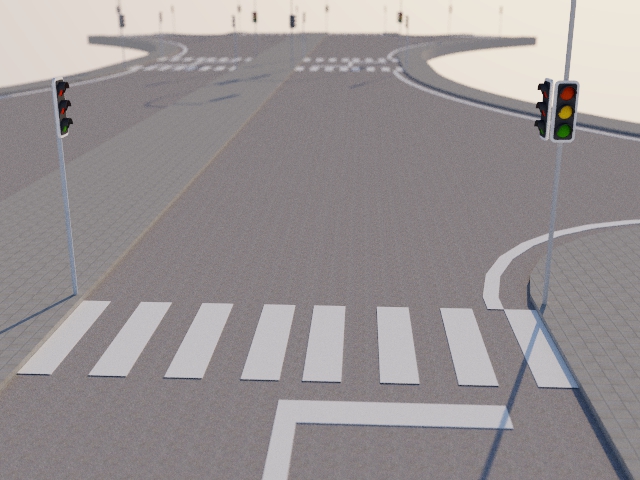
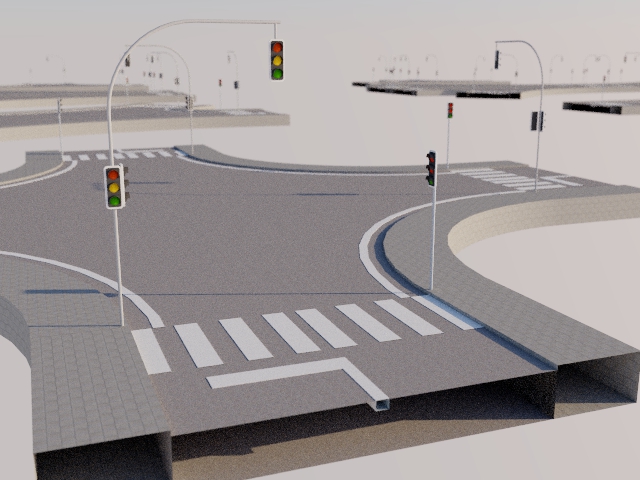
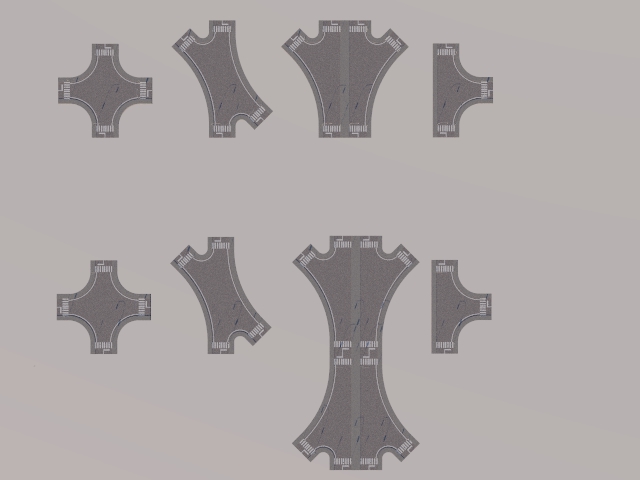
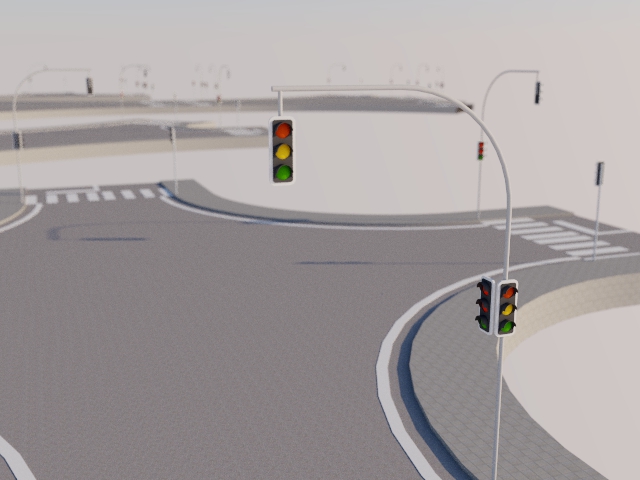
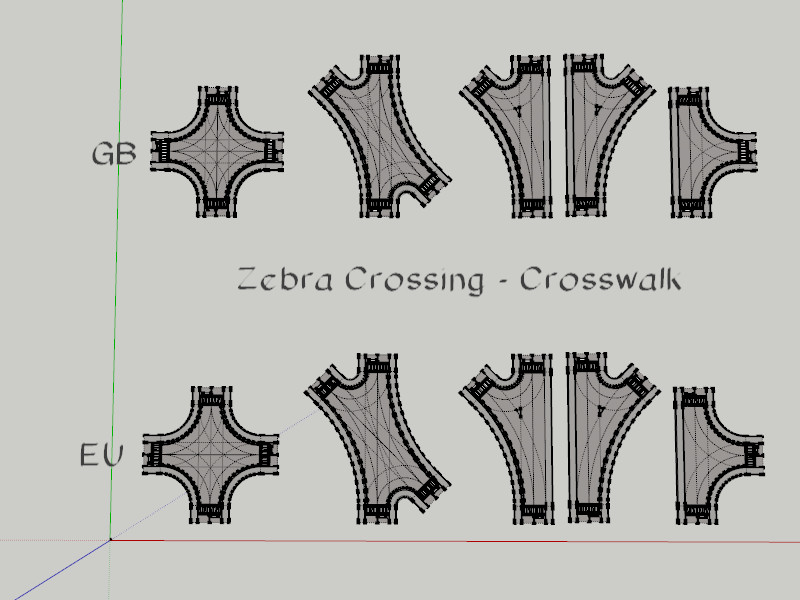
Here some parts for intersections. based on eneroth intersections
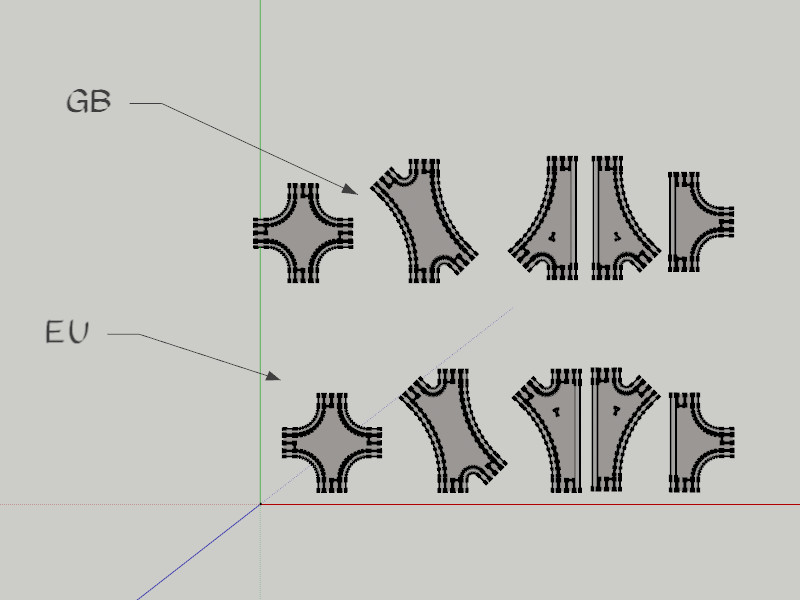 INTERSECTION GB_EU.skp for all friends from GB, too
and here variations with CrossWalk
-
RE: [Plugin] Eneroth Railroad System (v 0.1.21)
@unknownuser said:
I am not sure that only this placement resolve my little problem

As I want input any volume as Loco I had believed that the 7 clicks inputs on this volume were sufficient!
As I had the message "Give a name" (I gave "Bull" I had supposed that all works fine!
But no trace of this file nowhere!
Move it on the good altitude of rail don't change nothing!i havn´t try rolling stock. this answer could give the good manual or Eneroth.
i dont know, do you have download the big movie.. Eneroth have build a loco, could be you find the answer there ,too.
-
RE: [Plugin] Eneroth Railroad System (v 0.1.21)
@unknownuser said:
See the bottom of the previous page!

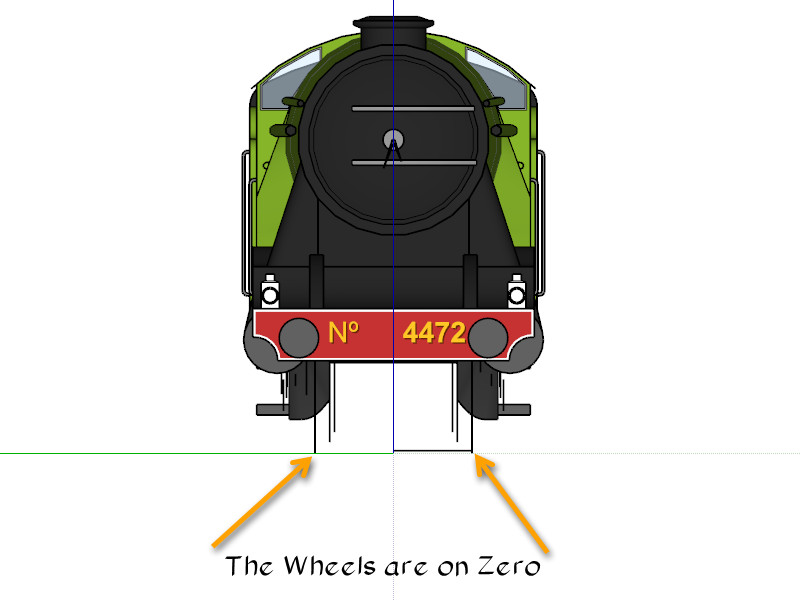
my suggestion copy a loco in a separate folder and open this in sketchup and look where the wheels must be.
-
RE: [Plugin] Eneroth Railroad System (v 0.1.21)
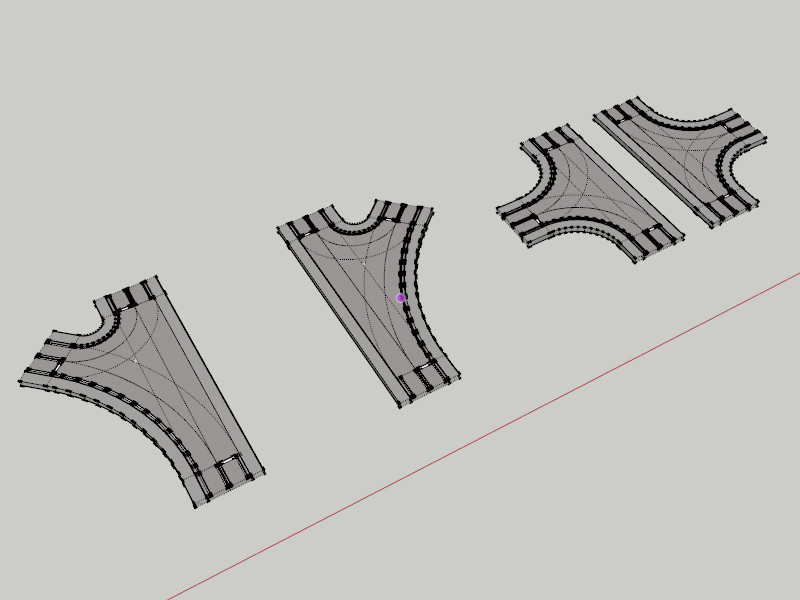
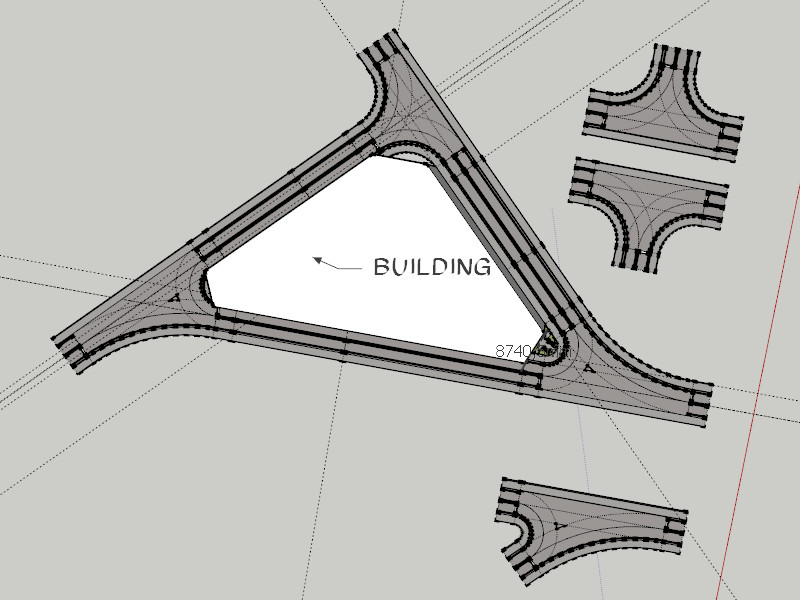
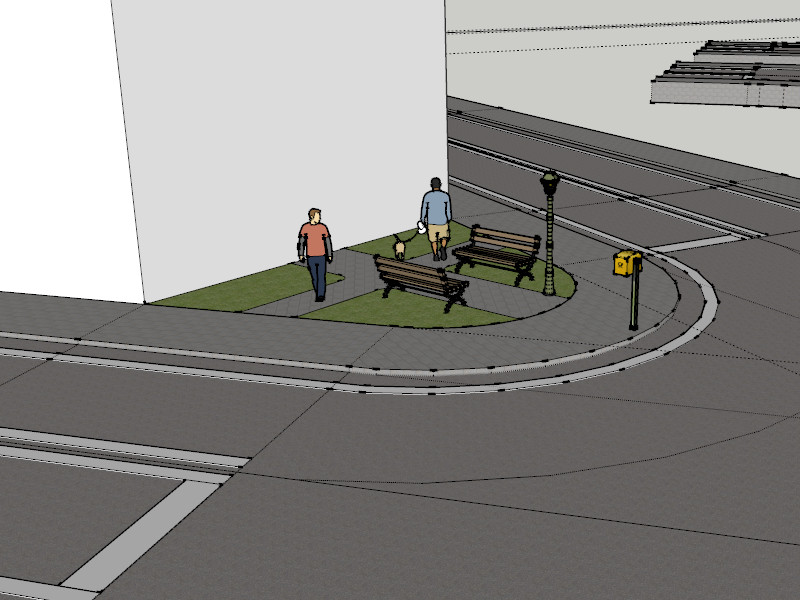
Here some parts based on the intersections
-
RE: [Plugin] Eneroth Railroad System (v 0.1.21)
@unknownuser said:
Thx
My problem is now how make a new thing for go to the rail !what do you mean with new things? locos, cars or what?
-
RE: [Plugin] Eneroth Railroad System (v 0.1.21)
@unknownuser said:
Thanks for the info!

You have made a true gem!
Will try the Streets maker as soon as possible!
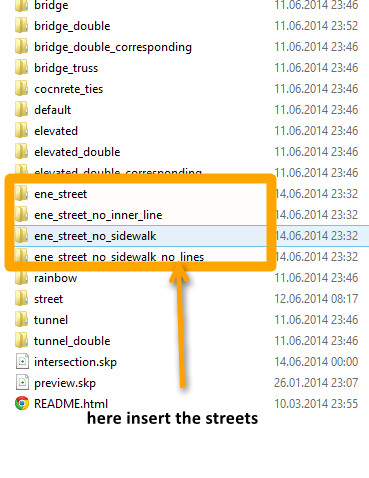
Can you show the image of the arborescence of the new Files Folders Streets supposed to be ?
Because beside or inside nothing appears!
pilou look here
-
RE: [Plugin] Eneroth Railroad System (v 0.1.21)
@eneroth3 said:
Hi all.
I've made a street version of the track now....
many thanks thats looks good.
you have pm about streets in berlin
regards dean
-
RE: [Plugin] Eneroth Railroad System (v 0.1.21)
@unknownuser said:
Generally crossroad are some dangerous for rails' train!
Yes i know. I was an enginedriver Student.
I think the crossroads must be a separate objects or a group with street objects and a crossroad object.
Il try to experiment with some objects.This plugin is marvelous. Some times will crash in 2013 however this will inspire me to experimentalize.
If anybody will have streets...it's possible. Look in the documentation and look in all parts (sketchup files) how do you make an object. It's easy. Ok a car or loko isn't easy. A steam loko is difficult I think.
Regards Dean
-
RE: [Plugin] Eneroth Railroad System (v 0.1.21)
@unknownuser said:
Or coupled with City Street generator by Thomthom?
Hello Pilou,
i have experimented with Railroad as "Street Designer".
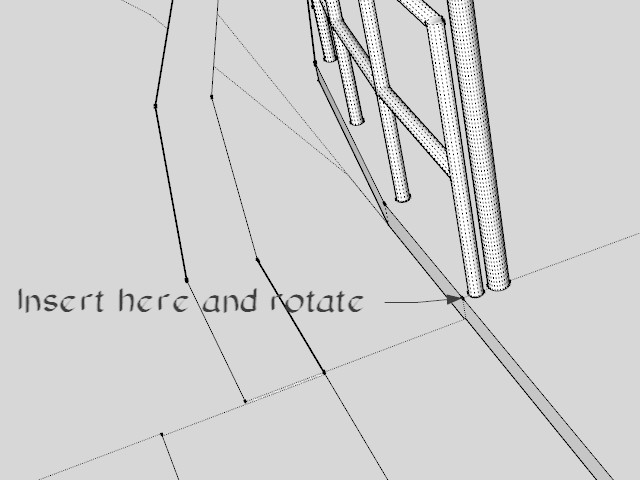
my problem will be crossroads (X 90°,45° etc. and Y like a switch in railroad.look here
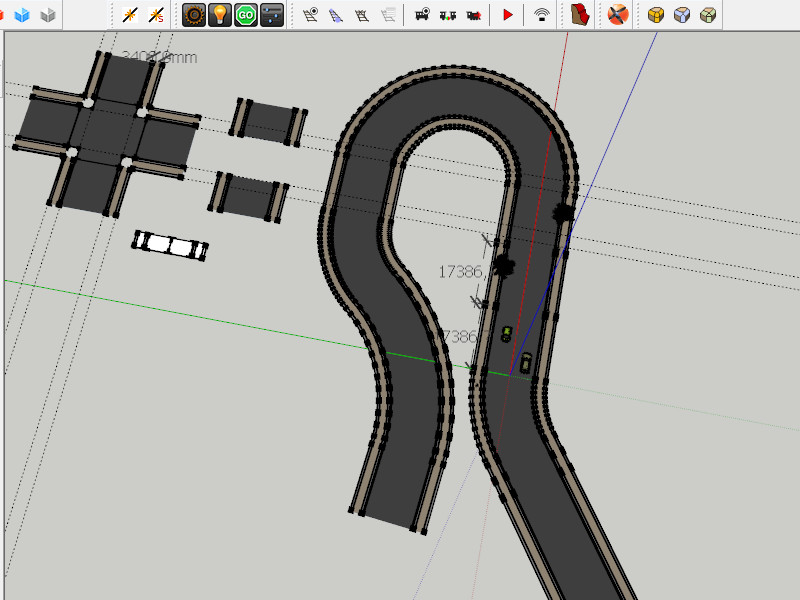
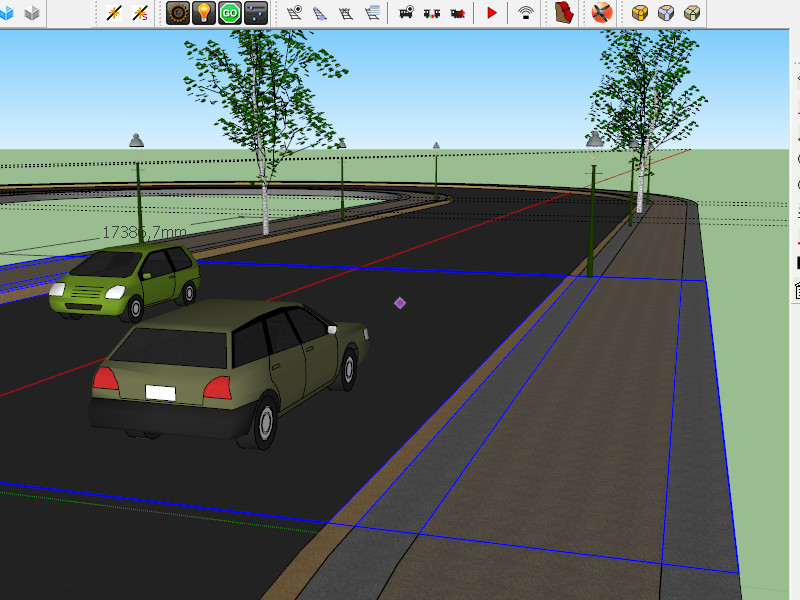
Regards Dean
-
RE: [Plugin] Eneroth Railroad System (v 0.1.21)
Hello,
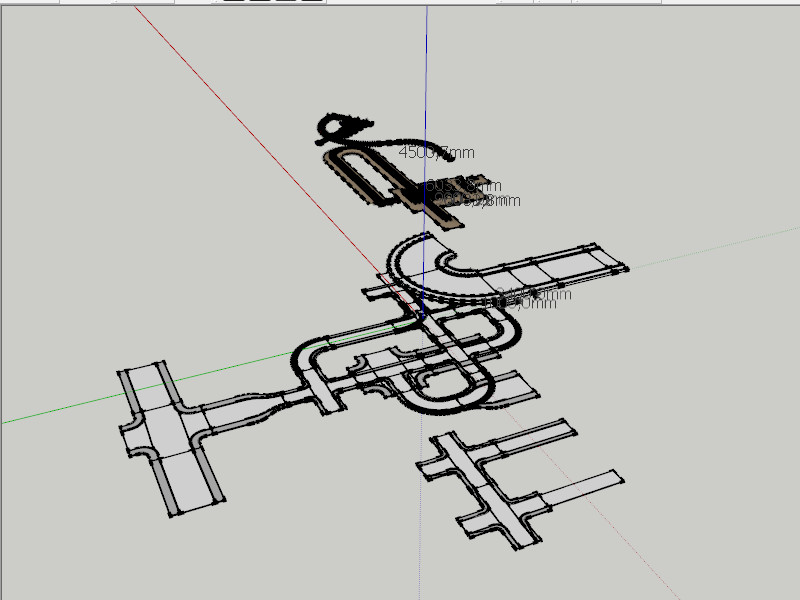
what do you think about to have a streetsystem, based on your railroad plugin?regards dean
-
RE: Sketchup 8 faster than sketchup 13?
@adamb said:
SU8 and SU2013 were much of a muchness on speed. SU2014 is much faster.
But Aerilius is correct that you need to compare apples to apples; check you have identical Observers attached in both versions before testing.
however some plugins will crash SU2014 in SU2013 all be good.
-
RE: BuildEdge PLAN 3.0 Now Available!
Hello Aaron,
at first i love the Plugin.. in 2013 work fine however at 2014 ...
Hello,
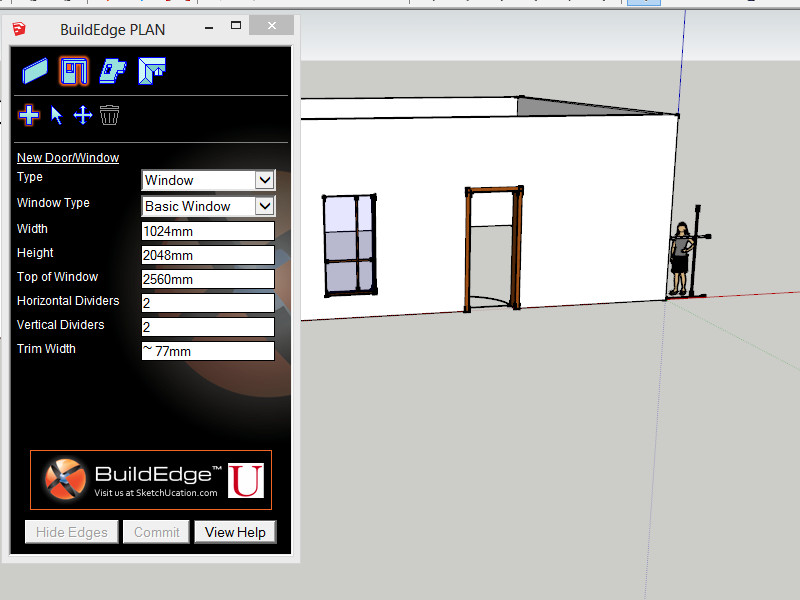
BuilEdgePlane have a big BUG in 2014. If I insert a windows some dividers will place in the windows and the other dividers will place near on the zero point. so i can not work with this plugin.
other problem. the BEP-Windows will be ever active than non active etc. sometimes the value will accepted and somtimes not.
please fix this i use 2014 make at home.reagards
Dean
p.s. look at Sophie some of the dividers will stay there.
-
Color Systems and Standards World Wide
Hello i will try to start a Thread about Colorsystems and Standards concentraded in on Thread.
Its difficult to find informations:
the focus is not only for Architectures.
AU:
Australian Standard Colour Chart
GB:
BS4800 : 2011 Colour Chart
BS4800 : 1989 Colour Chart

BS4800 COLOUR CHART: 1989
British Standard 4800:1989 colour chart. RAL, BS4800 and BS381C colour charts, swatches, cards, fans and books. RAL and BS colours for paints and coatings.
(www.e-paint.co.uk)
BS 381C Colour Chart
http://www.e-paint.co.uk/BS381%20Colourchart.asp
BS2660 Colour Chart
Other British Standard Colour Chart
Other British Standard Colour Chart
Other British Standard colours. These colours are obsolete from British Standards but most are included in the e-paint.co.uk full British Standard colour fan
(www.e-paint.co.uk)
DE EU?
RAL Classic Colour Chart
RAL Design Range Colour Chart
RAL "Effect" Range Colour Chart
DIN 6164 Range Colour Chart
??:
NCS 1950 Range Colour Chart
[url]US:[/url]
Federal Standard 595 Range Colour Chart
Pantone Coated (C) Range Colour Chart
Pantone Uncoated (U) Range Colour Chart
Pantone U (Uncoated) Colour chart
Pantone Uncoated (U) colours. Pantone (PMS) colours for inks and coatings .
(www.e-paint.co.uk)
JP:
to be continued with all your helps
Dean
-
RE: RAL colors
@Dave R
thank you Dave its the German Version
all Beginner (not you Dave) in Sketchup must remember, that RAL is a subtractive color system
and what you see, is an aditive color in sketchup
important is the RAL No.
here the german Page with more infos
(with a link to the english version)here a Page to RAL and other Colorsystems (British and Australian Color System is include) however not for sketchup
RAL Effect E3 colour fans and swatches
RAL Effect E3 colour fans and swatches - RAL, BS4800 and BS381C colour charts, swatches, cards, fans and books. Order online
(www.e-paint.co.uk)
thanks again Dave
Dean
p.s. My idea: a thread for all Colorsystems wordwide and possible downloads concentraded in on thread.
-
RE: RAL colors
I don´t know why the zip is damage or in a wrong format. i use windows8
could you try RAR? normally WIN RAR can zip files open, too
thank you Dean
p.s. color and "farben" is the same, only the file is different
greets from berlin
-
RE: RAL colors
hello RAL Color doesn´t work in 2013/2014
i see only an empty list. the file size is 9k
have anybody a link to a working version?
thank you
dean