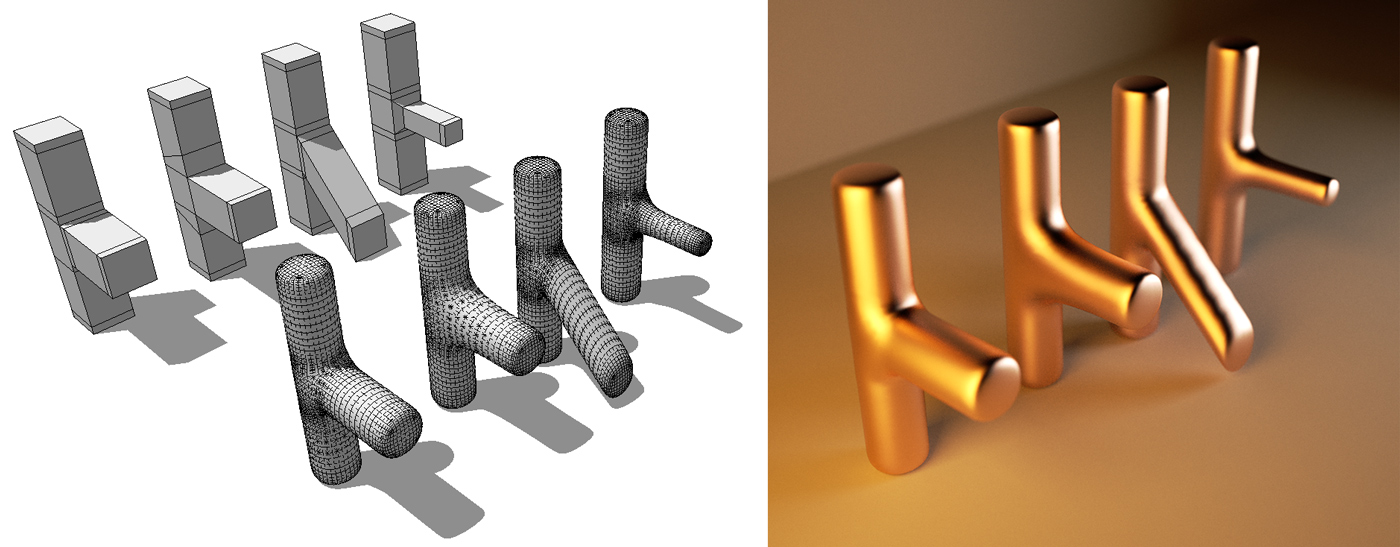
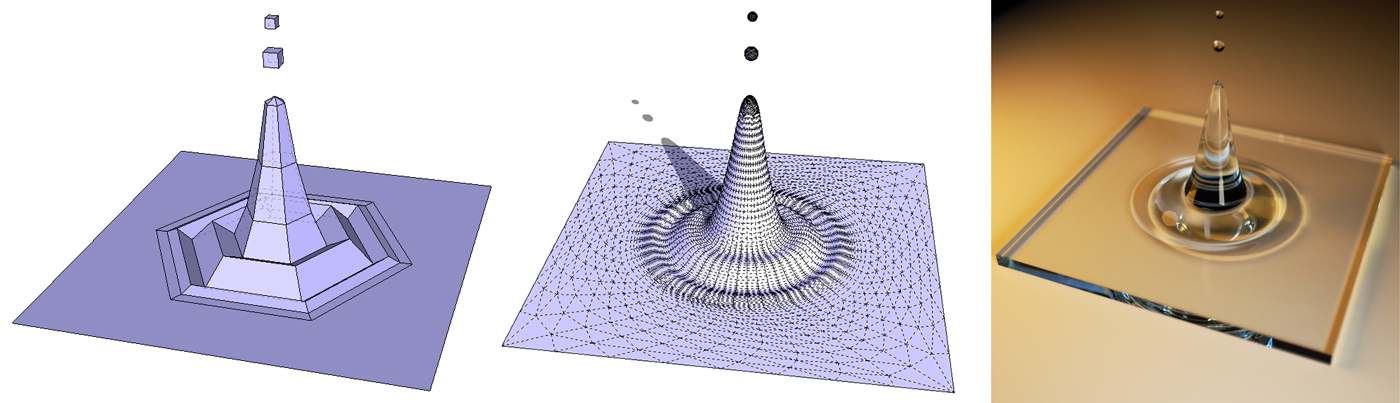
proxy tip from alvis (dresden chair model):
http://forums.sketchucation.com/viewtopic.php?f=81&t=42738#p383049
 Offline
proxy tip from alvis (dresden chair model):
http://forums.sketchucation.com/viewtopic.php?f=81&t=42738#p383049
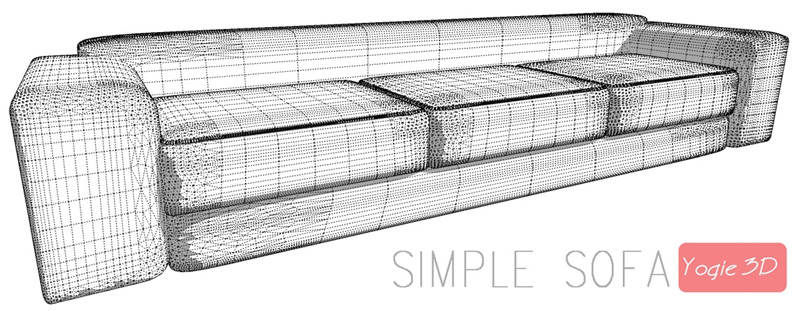
Sofa and pillow example proxies:
http://forums.sketchucation.com/viewtopic.php?f=18&t=42740&#p380228
Some hints about his artisan workflow from the "proxy professional" solo:
http://forums.sketchucation.com/viewtopic.php?f=335&t=37485&start=0
[url=http://youtu.be/FIz0NKNVgDo:2pir042f]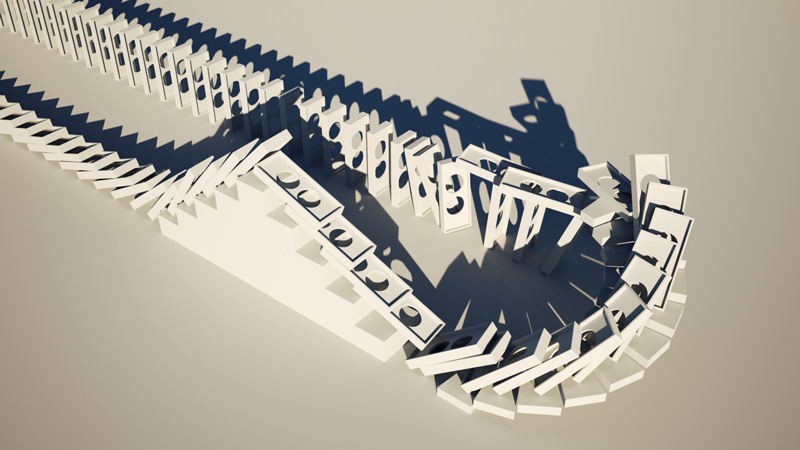 [/url:2pir042f]
Thank you, very helpful tutorial.
Something like this?
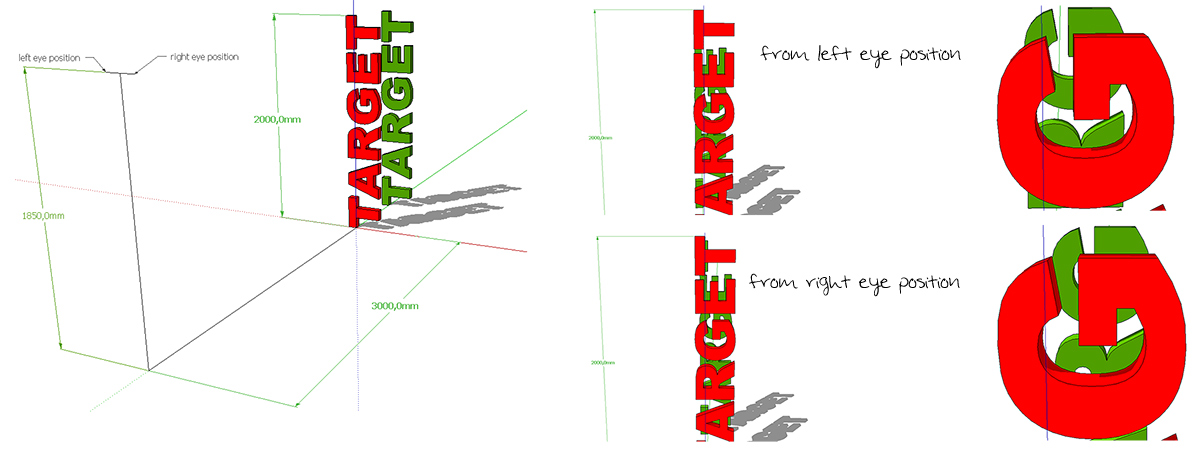
Which software do you use for creating the stereo image?
I can change the shadow time from 00:00 to 23:59 on my windows 7 computer...
You can create a Quicktime (.mov) video with this software, so you only need quicktime installed to view the panorama. There is a free version (non-commercial use) and a newer PRO version...
according to this thread: http://forums.sketchucation.com/viewtopic.php?f=81&t=35043&p=309143&hilit=+sds2+available#p309143
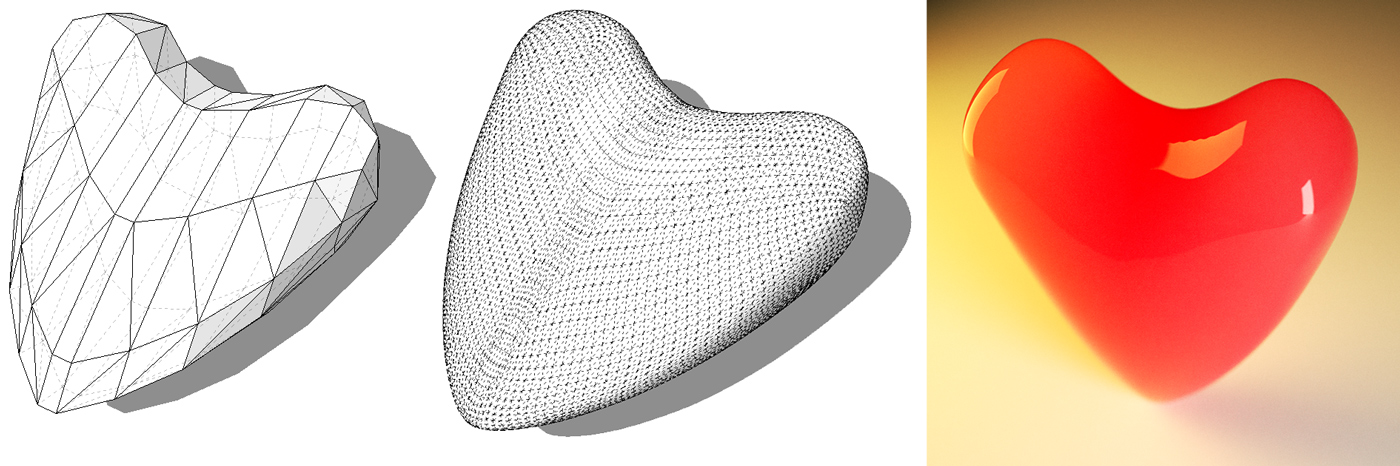
a (little unshaped) heart...
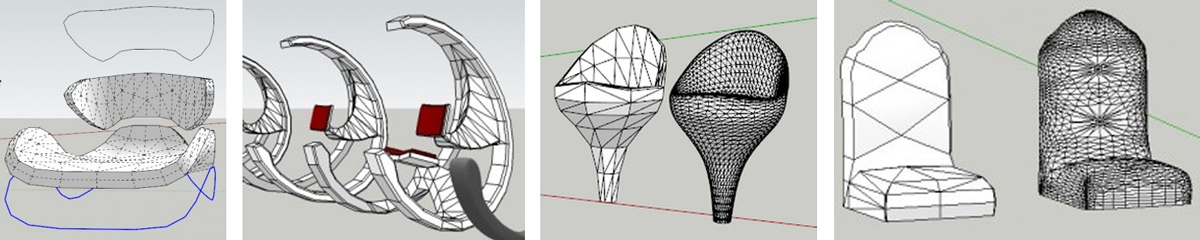
Two short videos about chairs from alvis:
http://www.youtube.com/watch?v=WtNw7pUim3Q
http://www.youtube.com/watch?v=TaUnXE47lwA
The use of the artisan plugin from Whaat requires some experience. Because there are only few tutorials, I want to begin a thread to collect more or less simple examples to illustrate the elementary workflow. Hyperlinks and SketchUp models are welcome!
I start with some hyperlinks which shows what I am thinking about and a first model ...
bar chair and other (one of my favourite threads):
http://forums.sketchucation.com/viewtopic.php?f=81&t=40151&start=0
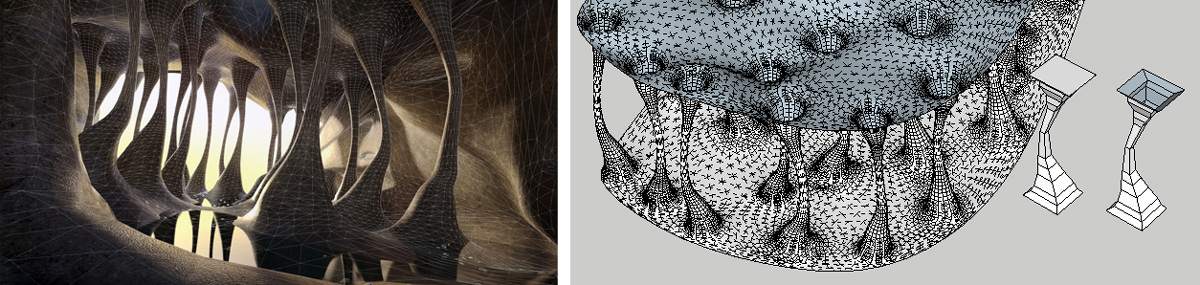
cave:
http://forums.sketchucation.com/viewtopic.php?f=81&t=34872&start=0
http://forums.sketchucation.com/viewtopic.php?f=81&t=34872&start=15#p308587
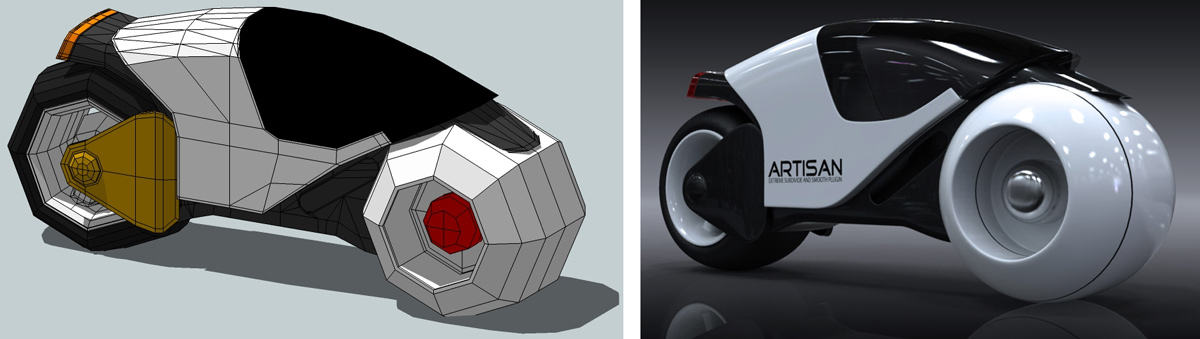
TRON lightcycle:
http://forums.sketchucation.com/viewtopic.php?f=335&t=35730&start=0#p315032
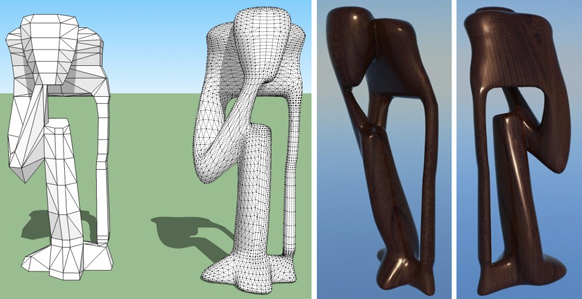
African sculptures:
http://forums.sketchucation.com/viewtopic.php?f=335&t=35472&p=347977#p312800
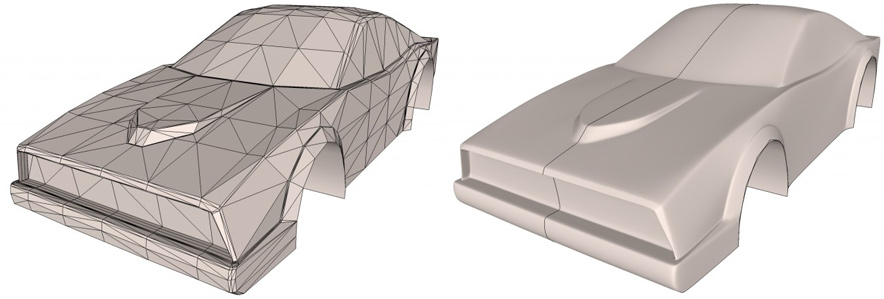
car:
http://forums.sketchucation.com/viewtopic.php?f=335&t=37611&p=351287#p356750
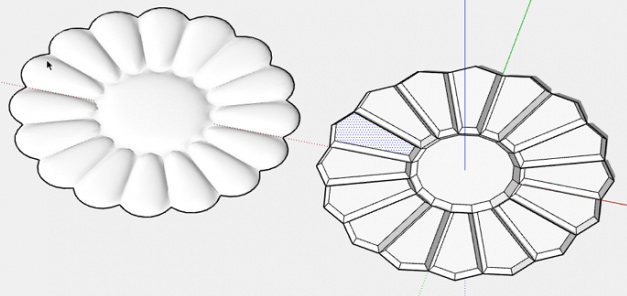
organic ottoman:
http://forums.sketchucation.com/viewtopic.php?f=335&t=41362&p=366616#p366616
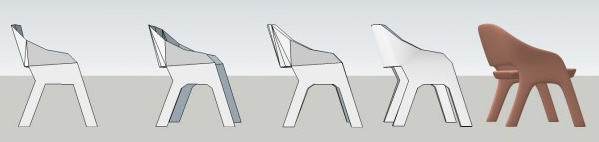
chair:
http://forums.sketchucation.com/viewtopic.php?f=15&t=41101&p=365795#p364235
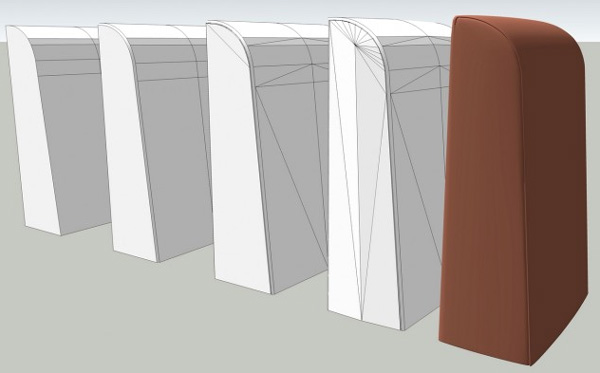
My first example model:
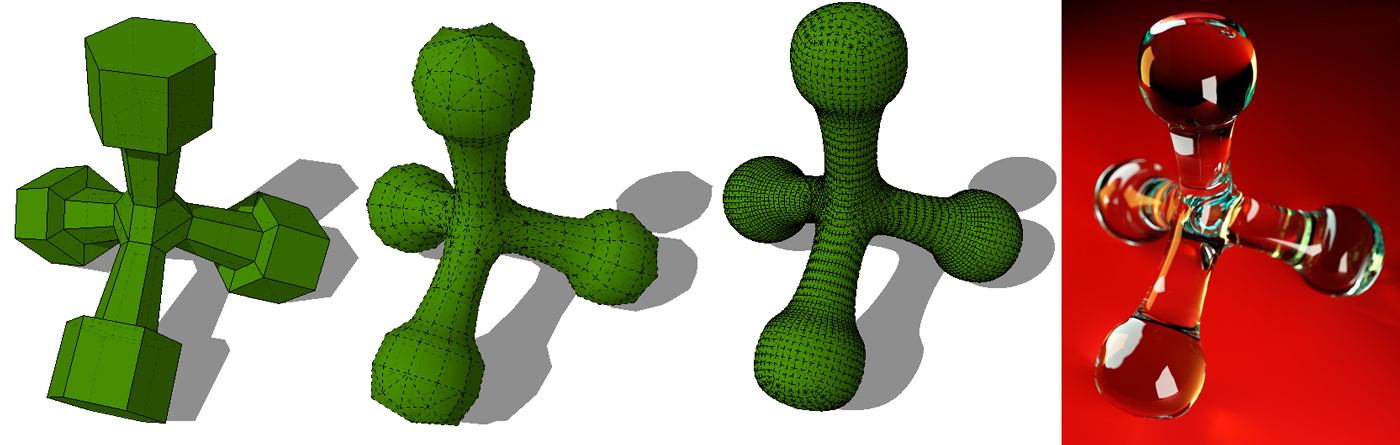
You can use the Plugin "arc centerpoint finder" from Chris Fullmer (http://forums.sketchucation.com/viewtopic.php?t=18963) to reconstruct the center of the sphere.

Yes, and the line is correct: <unit meter="0.02539999969303608" name="inch" />
but I tried some more exports and moved around the geometry to see which entries in the collada-file changed. One line (perhaps something like the origin of the group?) had very small values in the original file:
<matrix>2.775557561562893e-015 -1 0 2.314960629921188 1 2.775557561562893e-015 0 -7.105427357595022e-015 -0 0 1 -2.775557561561001e-017 0 0 0 1</matrix>
and changed to:
<matrix>1 0 0 0 0 1 0 0 0 0 1 0 0 0 0 1</matrix>
after moving the group around and back to the origin. So I think the problem was not the geometry itself but the position of the group relative to the origin?!
I found this helpful: http://youtu.be/2sTyJki96Ec
I have exported some models for 3d-printing, some of them worked fine and some models have a wrong size. Is there a possibility to check or better define the size of a exported collada-file? An export as STL worked well in all cases without any changes of the model.
Thank you for any helpful hints!
@unknownuser said:
... I then delete the rectangles and when I rotate the model the inside face of the external walls has been deleted but the window reveals remain...
Do you have one-face-walls? I think there was never an inside wall and you only opened the hull by deleting the windows rectangles? If not, you have to show some details of the problem...
 ] ...
] ...