sketchucation logo sketchucation
    • Login
    1. Home
    2. cmeed
    3. Posts
    Oops, your profile's looking a bit empty! To help us tailor your experience, please fill in key details like your SketchUp version, skill level, operating system, and more. Update and save your info on your profile page today!
    🚨 Skimp | 25% Off until March 30 Buy Now
    Offline
    • Profile
    • Following 0
    • Followers 0
    • Topics 58
    • Posts 300
    • Groups 1

    Posts

    Recent Best Controversial
    • RE: STAIRS HEADACHE

      😒 😳 it took me about 2 hours today just get it wrong.
      thank you
      btw
      i watched your vids on modelling cars the other day. pretty damn good i have to say. did you learn all that on sketchup or learn the pinciples on other software? i'm keen to learn Artisan (and vertex tool etc - I love a plugin) but so far is tiny steps

      cheers again

      c

      posted in SketchUp Discussions
      cmeedC
      cmeed
    • RE: STAIRS HEADACHE

      so - that last final stairs you created - is the bottom of the stairs wider than the top? your original post looks as though it is but last one it don't so much?

      posted in SketchUp Discussions
      cmeedC
      cmeed
    • RE: STAIRS HEADACHE

      Fantastic! looked easy !
      don't leave me in suspense ..... how did you get the step dropping evenly and stay on the curve down? ???
      c

      posted in SketchUp Discussions
      cmeedC
      cmeed
    • STAIRS HEADACHE

      Hello all,
      I have a stair case for a TV set that i can't get right.
      (bear with the explanation.....)
      stair case height 3300mm
      stair riser 150mm
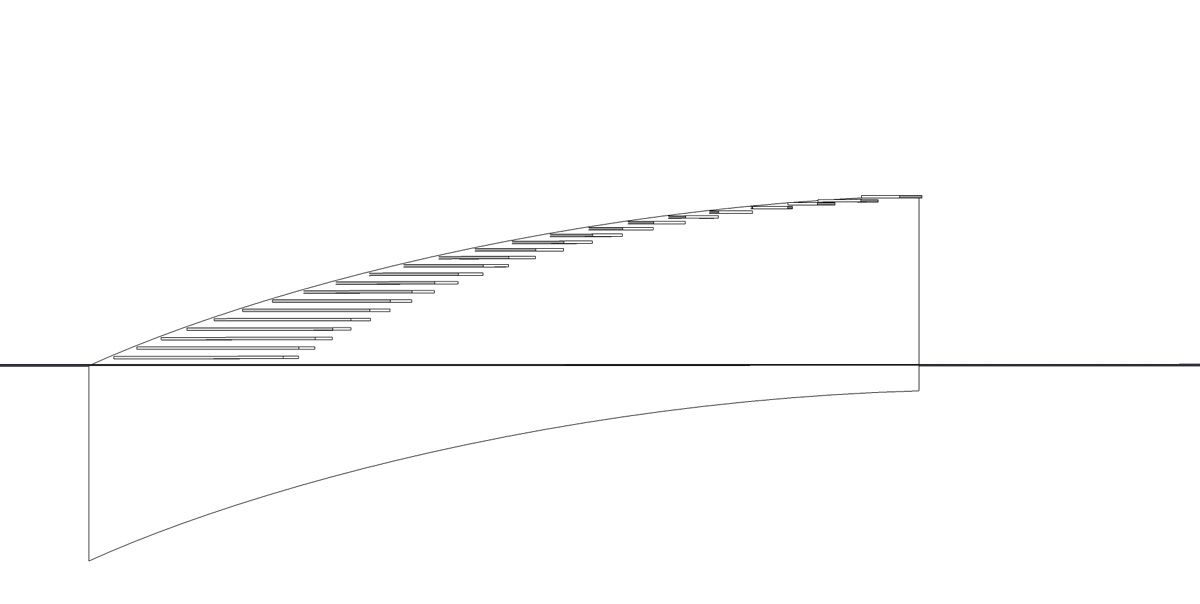
      actual step height 50mm then gap of 100mm 50+100=150mm(lets imagine its a clear perspex step - see image & .skp)
      there should be 22steps Or 24 if you count the top and floor step

      there are two different curves that become the sides of the stairs - id like the steps to meet each side

      the bit im finding really impossible is, i want to follow the curve down AND maintain the riser height of 150 - THE DEPTH of each step can be big getting smaller stopping with a minimum depth of 300mm

      In the pictures attached you can see it looks good but I can get the steps to descend in 150mm increments along AND curve round
      I think the top steps will be long my drawing here isn't right

      Any Help much appreciated


      AutoSave_STAIRS HEADACHE.skp
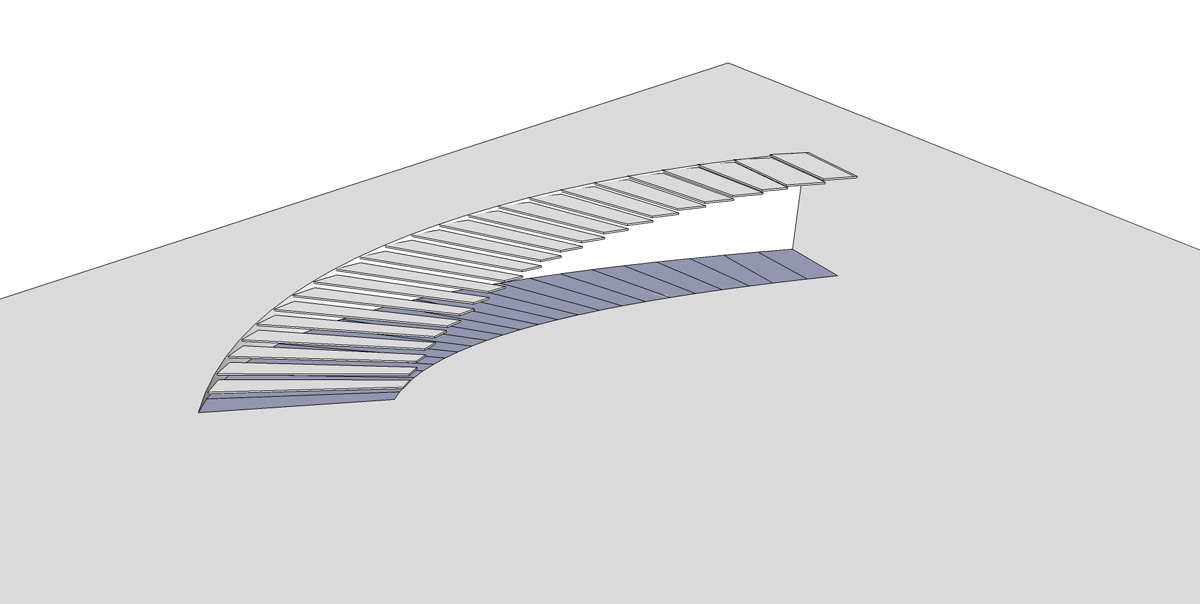

      STAIRS HEADACHE.jpg


      STAIRS HEADACHE2.jpg

      posted in SketchUp Discussions sketchup
      cmeedC
      cmeed
    • RE: [Plugin] ToolbarEditor (1.1.2) – updated 08.06.2014

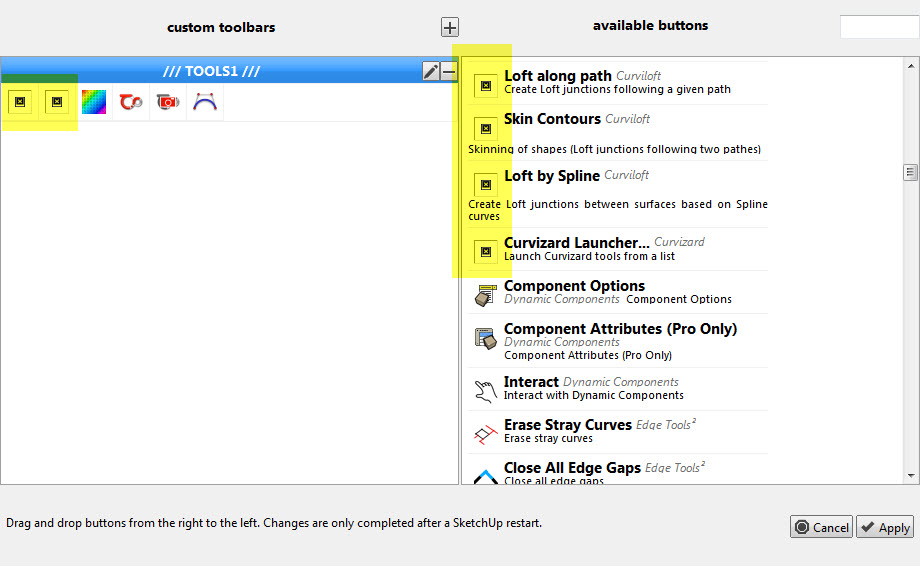
      im not sure how to do what you asked. right clicking the icons - in the toolbar? (nothing)
      right clicking in toolbarEditor? (nothing in the menu that come up that looked familiar)

      some of fredos icons work. is it possible to compare and find the answer?


      MISSING ICONS2.jpg

      posted in Plugins
      cmeedC
      cmeed
    • RE: [Plugin] ToolbarEditor (1.1.2) – updated 08.06.2014

      Yes I do, they are all there.

      posted in Plugins
      cmeedC
      cmeed
    • RE: [Plugin] ToolbarEditor (1.1.2) – updated 08.06.2014

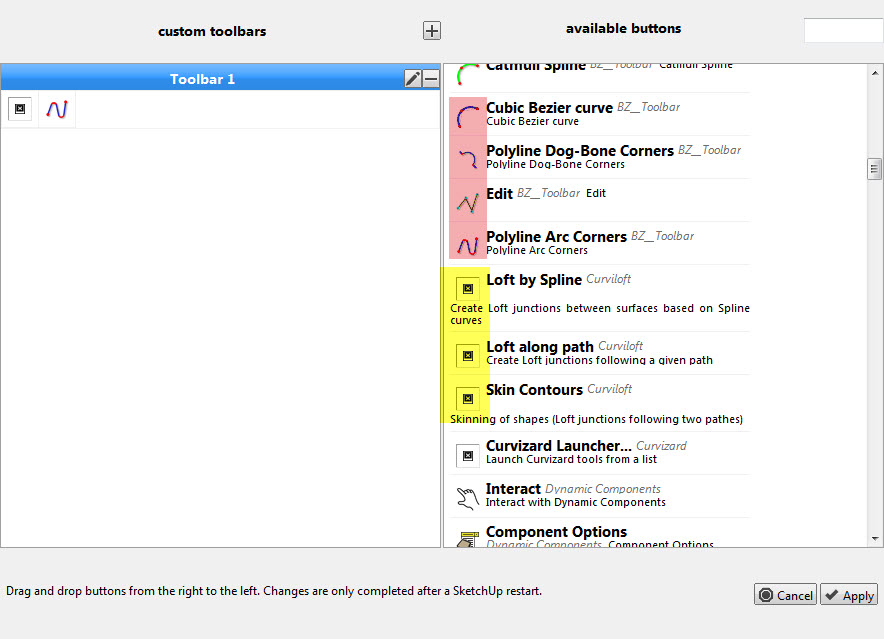
      This looks great but I'm missing icons? any ideas.....

      @rickw said:

      Has anyone else had problems with not all commands being available? I'm also missing a lot of icons that exist on other toolbars.

      cheers
      c


      MISSING ICONS.jpg

      posted in Plugins
      cmeedC
      cmeed
    • RE: Using blueprints - greying out issue

      That's another way of doing it. I'd not thought if that way. The outliner is a very useful tool in many situations.

      posted in SketchUp Discussions
      cmeedC
      cmeed
    • RE: [Plugin] FullScreen v5.1.3 (25 April 2024)

      I didn't know about richs' I'll take a look.
      cheers
      c

      posted in Plugins
      cmeedC
      cmeed
    • RE: [Plugin] FullScreen v5.1.3 (25 April 2024)

      This looks like a great help - An idea struck me - there is only so much screen space, Su is very plugin dependent and su is so versatile, it got me thinking - does su let you extend this plugin so you could customise your work area by displaying certain tool pallettes/windows for certain jobs....much like photoshop does
      example
      custom arrangement1 - Job:organic modelling - vertex tools, artisan- are open
      custom arrangement 2 - Job:working in 2d - 2d tools- are open
      just a thought...
      c

      posted in Plugins
      cmeedC
      cmeed
    • RE: Using blueprints - greying out issue

      Great.
      I'd initially exploded them so i could use the plane they where on to draw upon. this then proved difficult when it came to moving verts around, I've now moved the blueprints back from the modelling area and working is easier

      BTW: ThomThom the gizmo you've conjured in vertex tools is great! soo helpful with this kind of modelling. Great job.

      posted in SketchUp Discussions
      cmeedC
      cmeed
    • Using blueprints - greying out issue

      Hello all,
      I've just begun modelling a chair using 3 blueprints. front side and a back. Its my first attempt using this method. Its quite an organic chair so i'm using various plugins
      I'm hoping you can help me in where i put my front side and back with regard to the models groups hierarchy . Say i make a group of the arm rest, when i go into it and go to model it the reference blueprint, being outside the group, naturally greys out and unhelpful.
      what a good method? or is the a way to tweak su so i can see them - have had a quick shuffle of styles but nothing seemed to be right.
      Thanks in advance
      c

      posted in SketchUp Discussions sketchup
      cmeedC
      cmeed
    • RE: ACT- advanced camera techniques - the FOV volume layers

      Also my method, to only help ease the problem and retain the ACT scenes (for tweaking), is to use ThomThom selection toys. Use select all on selected layer and you can delete all the frustums in one go.
      C

      posted in Plugins
      cmeedC
      cmeed
    • RE: ACT- advanced camera techniques - the FOV volume layers

      Thats a very good idea! thank you.

      posted in Plugins
      cmeedC
      cmeed
    • ACT- advanced camera techniques - the FOV volume layers

      Hello All,
      This plugin is ultimately very frustrating and I'm looking for help. Those of you who have used ACT may have come across the 2 layers that are added called Cameras_FOV_lines and Camera_FOV_volumes when you place a camera.
      After sometime, and with the addition of more cameras, Crazy clipping occurs.
      You can help yourself by deleting these and the clipping stops
      ..... but
      Although I Knew this what i didn't realise is that they reappear. Deleting them dosen't delete them.

      delete the layers - they return
      as you view through each camera each volume / lines return returns too.

      Anyway to stop this behaviour ?

      c

      posted in Plugins
      cmeedC
      cmeed
    • RE: How do you detail a bezier curve?

      It's basically 'back to basics'. Thank you guys this has been most informative. I understand then there is no set way to do this but it is do-able.
      Cheers.

      posted in SketchUp Discussions
      cmeedC
      cmeed
    • How do you detail a bezier curve?

      Hello all, can you help me...
      I have used a bezier curve in my drawing and need to put some kind of dimension onto it to tell construction how to make it.
      SU curves i use chris fullmer's arc to centre point to find the radius. with bezier curves this can't be done. theres lots of radii.....
      what do you guys do in this situation?
      how can i draw it so they can understand the curve .......is there some architectural way....

      cheers in advance
      chris

      posted in SketchUp Discussions sketchup
      cmeedC
      cmeed
    • RE: Saving files - dropbox..... 1.skb, 2.skb, 3skb.......etc

      Thanks TIG,
      that explains it very well.
      One point would be that at the end of the day i always wait till dropbox is completed it transfer before shutting down. by doing this shouldn't it remove the 1.skb or the 2.skb that has been created - they still remain and are always the most up to date.

      i take your workflow 'publishing' point onboard.

      c

      posted in SketchUp Discussions
      cmeedC
      cmeed
    • Saving files - dropbox..... 1.skb, 2.skb, 3skb.......etc

      Hello All

      I have a shared DropBox folder that I share with one other person. A querky thing happens when I save a .skp file, usually happens after saving a few times - most of the time i save using the same file name. Thankfully i've never lost anywork but i'm confused. (SEE ATTACHED PIC OF FOLDER) The most uptodate file is named 5.skb not CR_2_13.12.12.skp which is the file name i gave at the start of the day.

      I'm fairly new to PC (having switched fairly recently from a MAC) Mac's file names for autosaved work are 'autosave_projectname.skp' and I presume PC uses a file called a .skb
      which are the same sort of thing as a .skp?

      Can anyone help me understand whats happeing to my file names, if theres a cure and tell me a little more about .skb files?

      cheers
      chris


      dropbox.jpg

      posted in SketchUp Discussions sketchup
      cmeedC
      cmeed
    • Best Renderer for renders with NO natural light

      Hello all,
      What would be the best renderer to buy that's good for 'inside' rendering. I want to use it for visualisation of tv sets. So obviously no natural light, studio space is rough 40m sq, tv shows have a massive amount of spot lights although podium my render of choice at the moment I use far less than would be used in real life, LEMs are easier to handle personally.
      unfortunately the world I live in requires fast turn around, and that's needed in the renderer I'm looking for more than quality (which is strange to say). I'm showing off the set as opposed to real life.
      At the moment I' m using podium it's good and fast but maybe there's something out there that maybe I'm missing - any ideas?
      Cheers in advance
      Chris

      posted in Extensions & Applications Discussions extensions
      cmeedC
      cmeed
    • 1 / 1