"Lunux" 
Oops, your profile's looking a bit empty! To help us tailor your experience, please fill in key details like your SketchUp version, skill level, operating system, and more. Update and save your info on your profile page today!
Urasik Extensions | Lots of new extensions to check out Learn More
B
Offline
Posts
-
RE: [Plugin] Shape Bender Beta
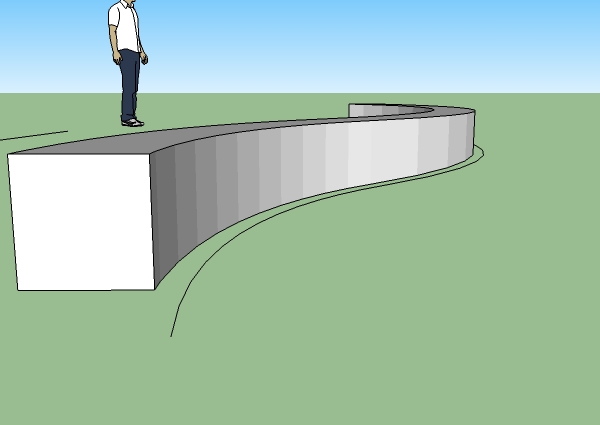
Even with the new one, the up arrow NEVER does anything. I've been doing it properly, but nothing happens. Could another script have broken it? Also, I'm now having trouble with the smoothing. When the shape is first created, I have to open it again, because it doesn't appear smooth until I do.
-
RE: Overly dark renders, and etcetera
Thanks for the advice

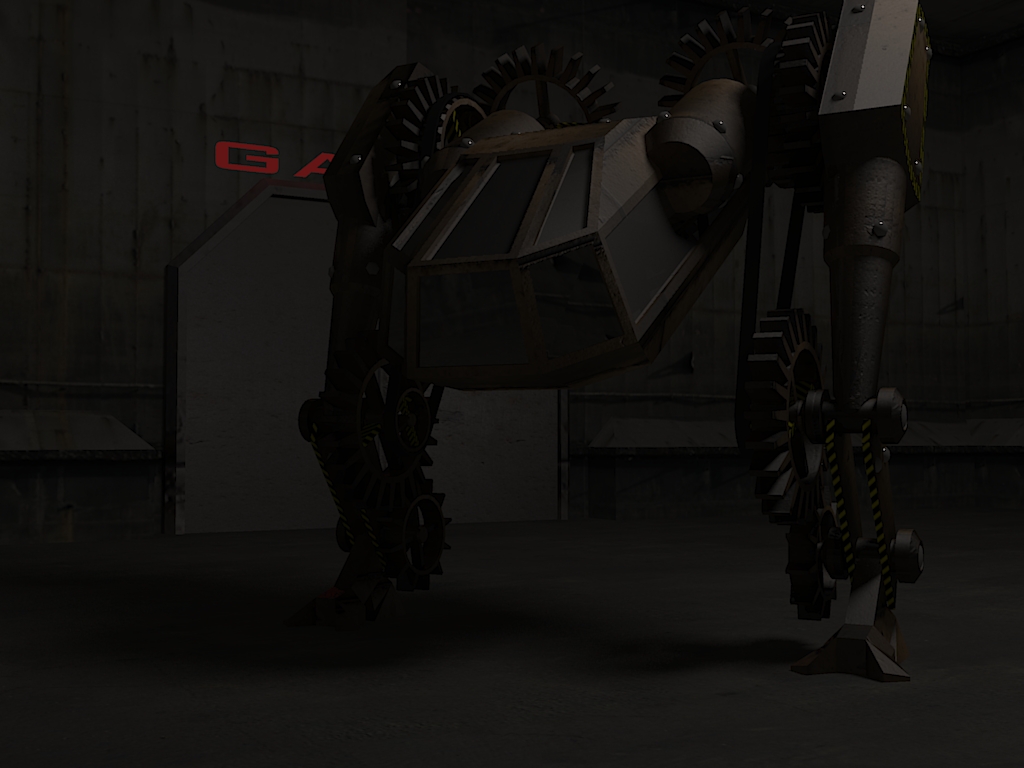
I was going for a bit of a nighttime look in the first 2 renders, and although they aren't too dark for me, I did intend them to be a bit dark. My 3rd one looks more like someone just turned the lights on.Frederick:
. Also, how do I use volume lighting to create god's fingers without slowing my render down to 1% for 10 minutes?
(I use KT) -
RE: [Plugin] Shape Bender Beta
Actually, I tried it with a simple rectangle as well. It give no errors in the console, nothing happens at all.
 With the console opened, I selected the (rectangle) group, then shape bend, then the straight line, then curved. after I selected the curved line, I pressed the up arrow. Nothing happens at all. Am I doing something wrong?
 -
RE: [Plugin] Shape Bender Beta
Great!! 2 things: 1, why do a few random lines appear when I use it?
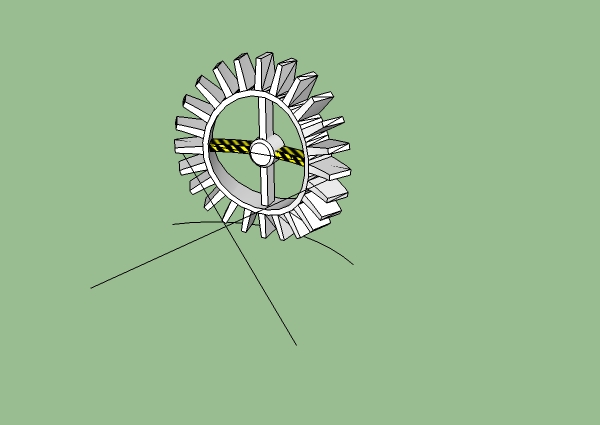
also, sketchup said that there were problems, and when I agreed to let it fix them, this was the message:Results of Validity Check. CLoop (39755) for CFace (39754) has zero area Loop 0 of CFace (39754) is an invalid outer loop Entity CFace (39754) should be erased - done CLoop (39760) for CFace (39759) has zero area Loop 0 of CFace (39759) is an invalid outer loop Entity CFace (39759) should be erased - done CLoop (40274) for CFace (40273) has zero area Loop 0 of CFace (40273) is an invalid outer loop Entity CFace (40273) should be erased - done CLoop (40279) for CFace (40278) has zero area Loop 0 of CFace (40278) is an invalid outer loop Entity CFace (40278) should be erased - done CLoop (43115) for CFace (43114) has zero area Loop 0 of CFace (43114) is an invalid outer loop Entity CFace (43114) should be erased - done CLoop (43500) for CFace (43499) has zero area Loop 0 of CFace (43499) is an invalid outer loop Entity CFace (43499) should be erased - done -
RE: Overly dark renders, and etcetera
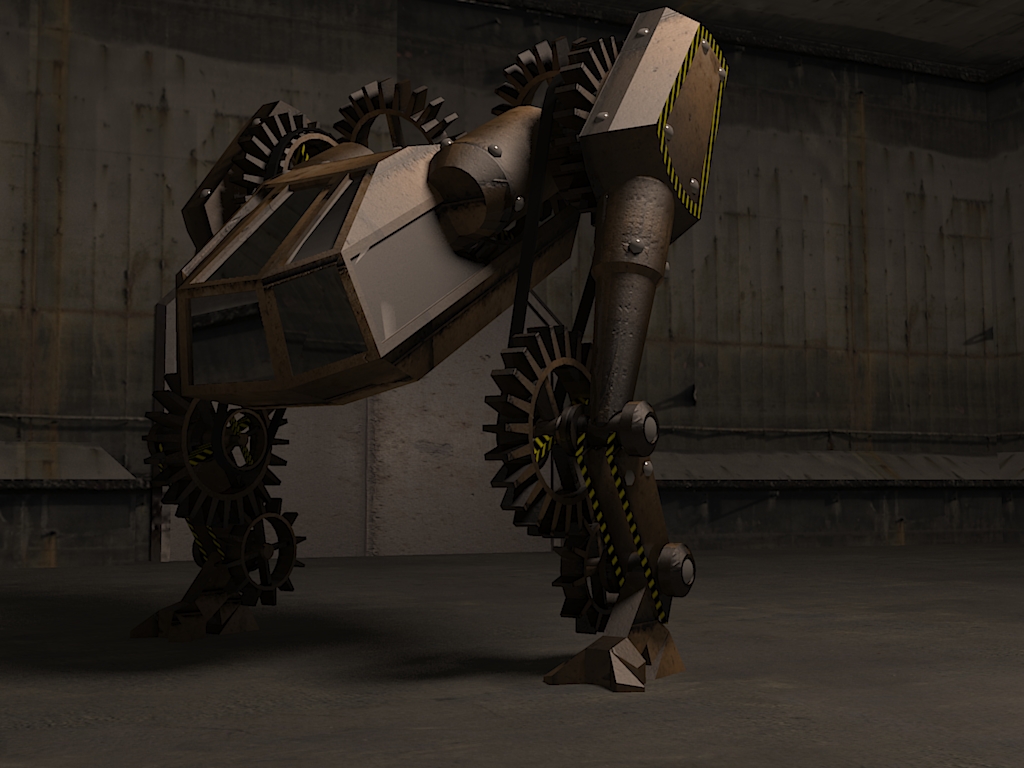
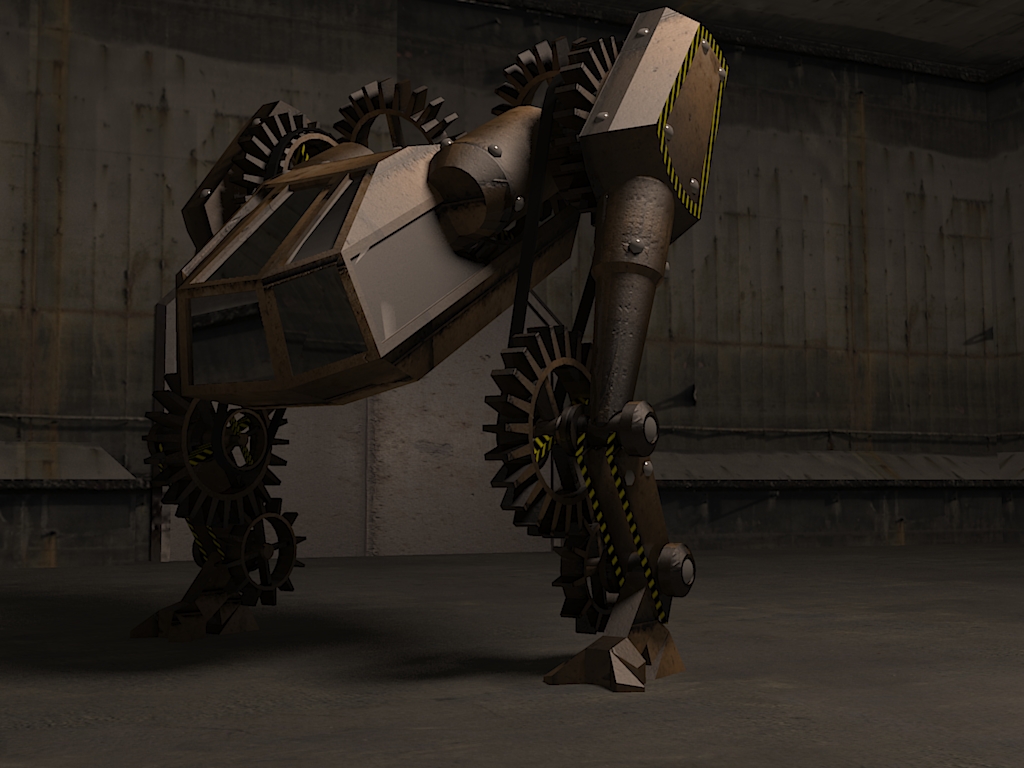
I tried to make a non-dark render. Any better/worse? (also updated last post to tell difference)
-
Designate center of gravity?
I've noticed that with some shapes, the center of gravity won't be where it should be; instead, it seems to be in the center of the bounding box. C.Phillips, can you create a feature which allows us to set the center of gravity?
-
RE: Overly dark renders, and etcetera
Renders of speed-modeling entry:
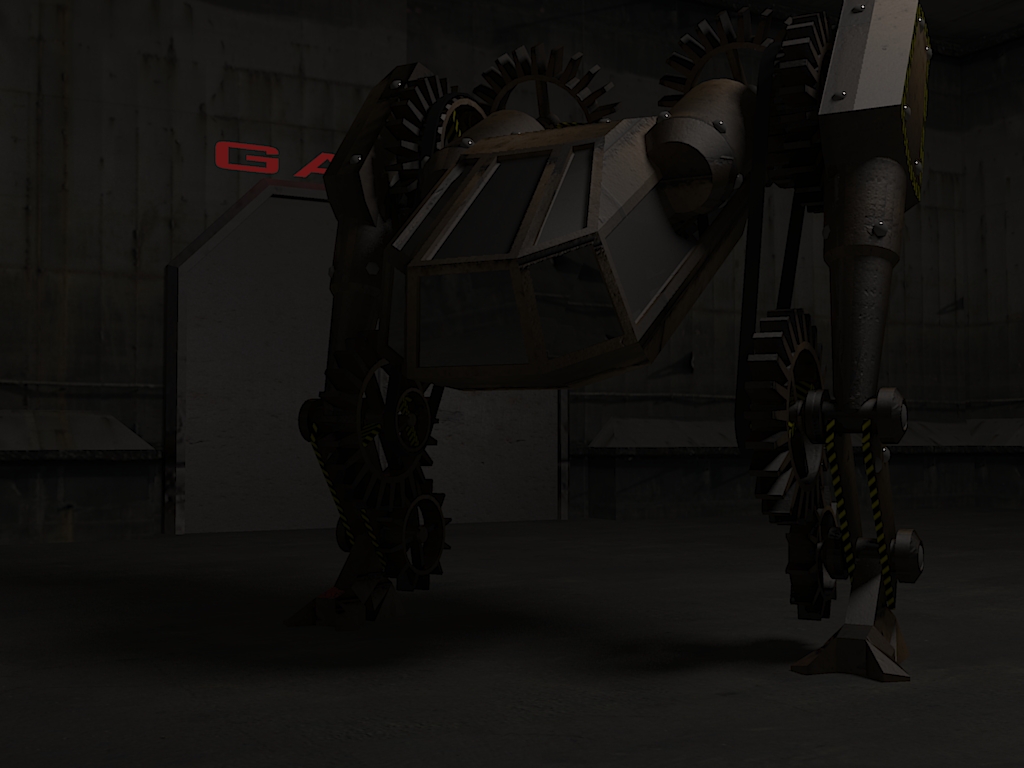
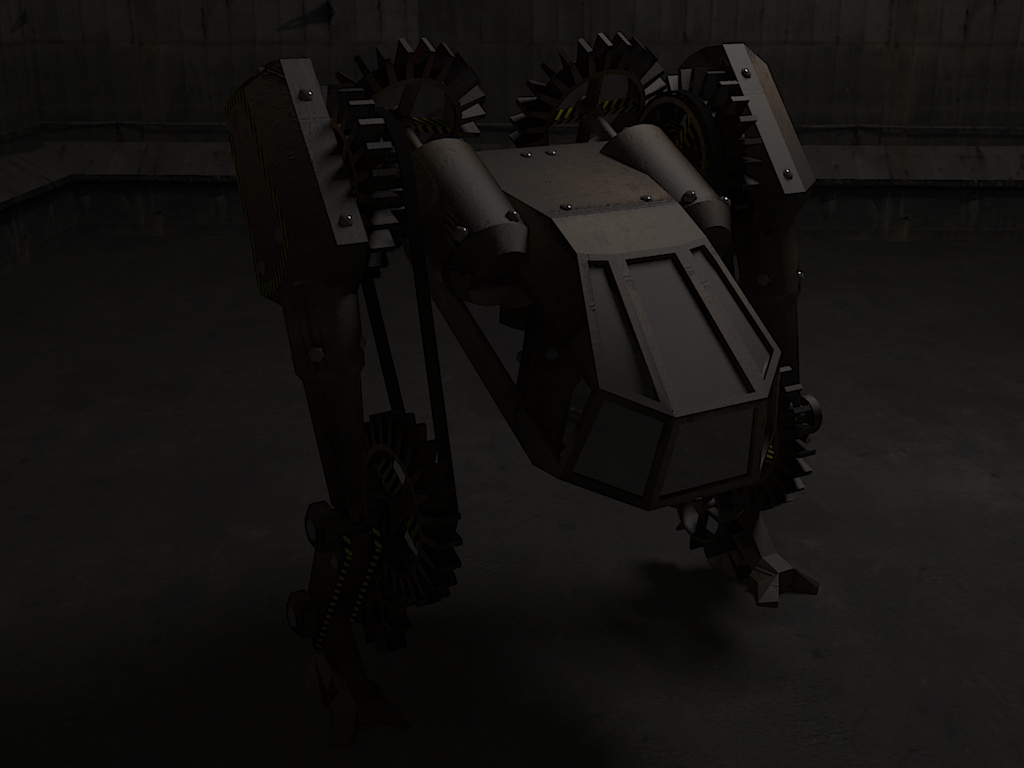
... Probably too dark again. I've gotta turn down my monitor's brightness for renders or something.
Also: How is this thread still only on one page? Look at the scroll bar!Here's a less dark render. Any better/worse?
-
RE: [req]Model Scrambler
I'd say password protection would be best. I know that there are ways to fix "messed up" models, but a password would be foolproof.
-
RE: CB Help
You could use a pic if there were no copyright complications, just drag and drop one into your sketchup model from another window, or import one.
-
RE: [req]Model Scrambler
Don't forget to lock the compnents, and to have a component in a component in a component, etc.

And best of all, make a hidden line 1000 to 10000km away. No one will notice it, and guess what'll happen 
-
RE: Robotic car
It uses onTouch no-collision objects spread out that change a global variable for steering, and if they don't collide with anything there's a box touching the ground that sets the variable back to zero.
Quite a nice idea, hobbnob!
I'd been trying to do something similar, to keep something flying, but to no avail (yet) -
RE: I just threw up in my mouth!!
I didn't do anything special, but only the toolbars I have running already stay running. Maybe it's because I never close/open certain ones, or maybe I just don't have any plugins that do that, but I've never had a problem.
~Actually, right now, I just tested it. CD Archiland, Skin, and SU2kerk close again after restarting sketchup. I guess because I don't usually have these open I've just never noticed.
~And now i've tested it the other way. about half the toolbars I usually have open stay open if I close them and start back up. So, in conclusion, Apparently I do have problems, I'm just lucky
-
RE: Oalexis' WIPs
How did you get the god's fingers in the first KT render
 post processing?
 -
RE: 2009 Wilson Livestock
move tool + hold CTL. Much easier. also, you can make hole components, it's not too hard.
-
RE: I just threw up in my mouth!!
Ha, I have no problems with tollbars moving around/ re-apearing
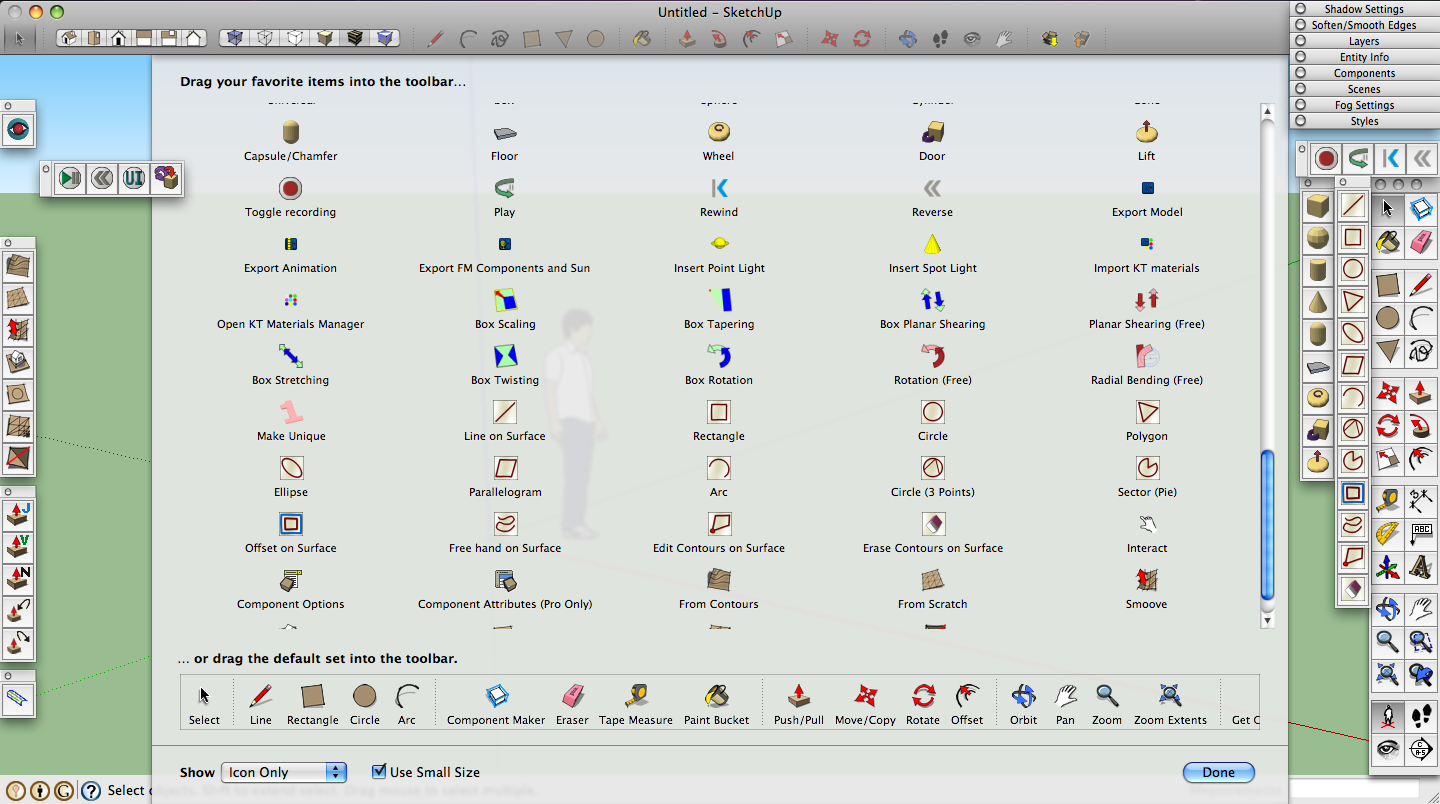
 Macs can add individual tools to the toolbar aswell, but for some reason we aren't allowed multiple rows
-
RE: .Fantasy Spaces.
Nice! The jet and symbol Remind me of X-men for some reason.

-
RE: Augmented Reality Plug-in for MAC OSX - BETA version
Nice, but wouldn't it be easier for the program to tell how the symbol is facing if the symbol was darker/less complex?
