sketchucation logo sketchucation
    • Login
    1. Home
    2. BTM
    3. Posts
    Oops, your profile's looking a bit empty! To help us tailor your experience, please fill in key details like your SketchUp version, skill level, operating system, and more. Update and save your info on your profile page today!
    ⚠️ Important | Libfredo 15.6b introduces important bugfixes for Fredo's Extensions Update
    B
    Offline
    • Profile
    • Following 0
    • Followers 0
    • Topics 26
    • Posts 676
    • Groups 2

    Posts

    Recent Best Controversial
    • RE: [Plugin] Select by Z

      @earthmover said:

      Thanks BTM - that makes sense and I follow the logic behind the code. Perhaps I will try and find time to learn the language. I am good at obsessing and not so good at multi-tasking, so it may have to wait till the snow is falling and my work slows down.

      Regarding the script, it indeed is working. However, it is not properly defining the edges end bounds. The script is selecting any edge which has one of the their bounds (verticies) corresponding with the selection, so it is thus selecting also vertical lines and diagonal lines who's start bounds is on the Z in relevance to the selection. Any suggestions for further defining the end bounds so that the script will only select lines only completely on the same XY plane as the selection?

      Ah, here:

      def selectedgesbyz()
        model=Sketchup.active_model
        ss=model.selection; edge=ss[0]; ss.clear
        model.active_entities.each{|e|ss.add(e)if e.class==Sketchup;;Edge and (edge.start.position.z)== (edge.end.position.z) and (e.bounds.min.z)==(edge.start.position.z) and (e.bounds.max.z)==(edge.start.position.z)}
      end#if
      UI.menu("Plugins").add_item("Select Edges by Z"){selectedgesbyz} if not file_loaded?(File.basename(__FILE__))
      file_loaded(File.basename(__FILE__))
      
      posted in Plugins
      B
      BTM
    • RE: .comic stuff.

      Fantastic! 😮
      Are you going to render it? 😲

      posted in Gallery
      B
      BTM
    • RE: [Plugin] Select by Z

      @earthmover said:

      def selectedgesbyz()
      >   model=Sketchup.active_model
      >   ss=model.selection; Edge=ss[0]; ss.clear
      >   model.active_entities.each{|e|ss.add(e)if e.class==Sketchup;;Edge and e.bounds.min.z==edge.start.position.z==edge.end.position.z}
      > end#if
      > UI.menu("Plugins").add_item("Select Edges by Z"){selectedgesbyz} if not file_loaded?(File.basename(__FILE__))
      > file_loaded(File.basename(__FILE__))
      

      Got this so far. Something is wrong in the syntax. Can you show me the error to my ways. I have no idea how the language works, but it's been a good mental exercise and I'd love to learn more. Thanks for your help.

      Well, first problem is that you capitalized edge in edge=ss[0]. Second, you can't have something like 'if a==b==c'. You have to seperate it into 'if a==b and a==c'. Here's a working example.

      def selectedgesbyz()
        model=Sketchup.active_model
        ss=model.selection; edge=ss[0]; ss.clear
        model.active_entities.each{|e|ss.add(e)if e.class==Sketchup;;Edge and (e.bounds.min.z)==(edge.start.position.z) and (e.bounds.min.z)==(edge.end.position.z)}
      end#if
      UI.menu("Plugins").add_item("Select Edges by Z"){selectedgesbyz} if not file_loaded?(File.basename(__FILE__))
      file_loaded(File.basename(__FILE__))
      
      posted in Plugins
      B
      BTM
    • RE: Overly dark renders, and etcetera

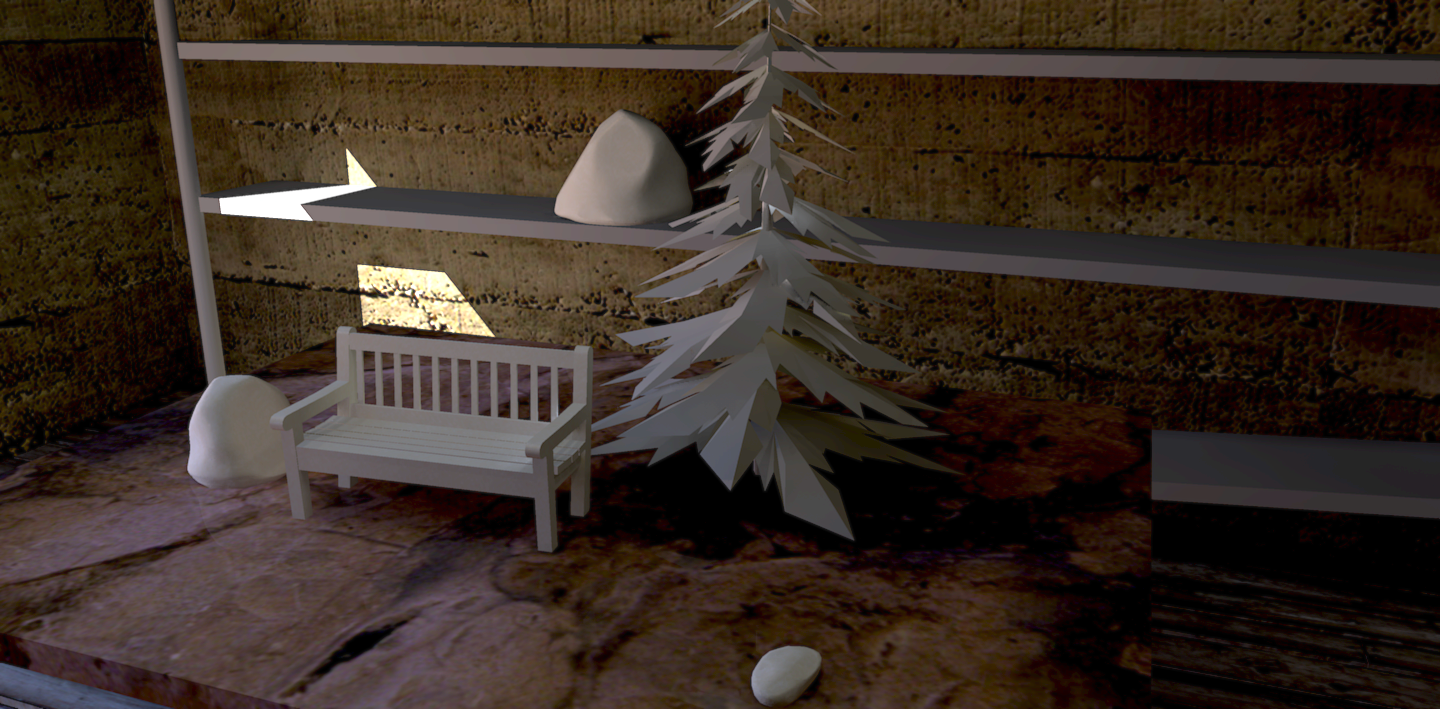
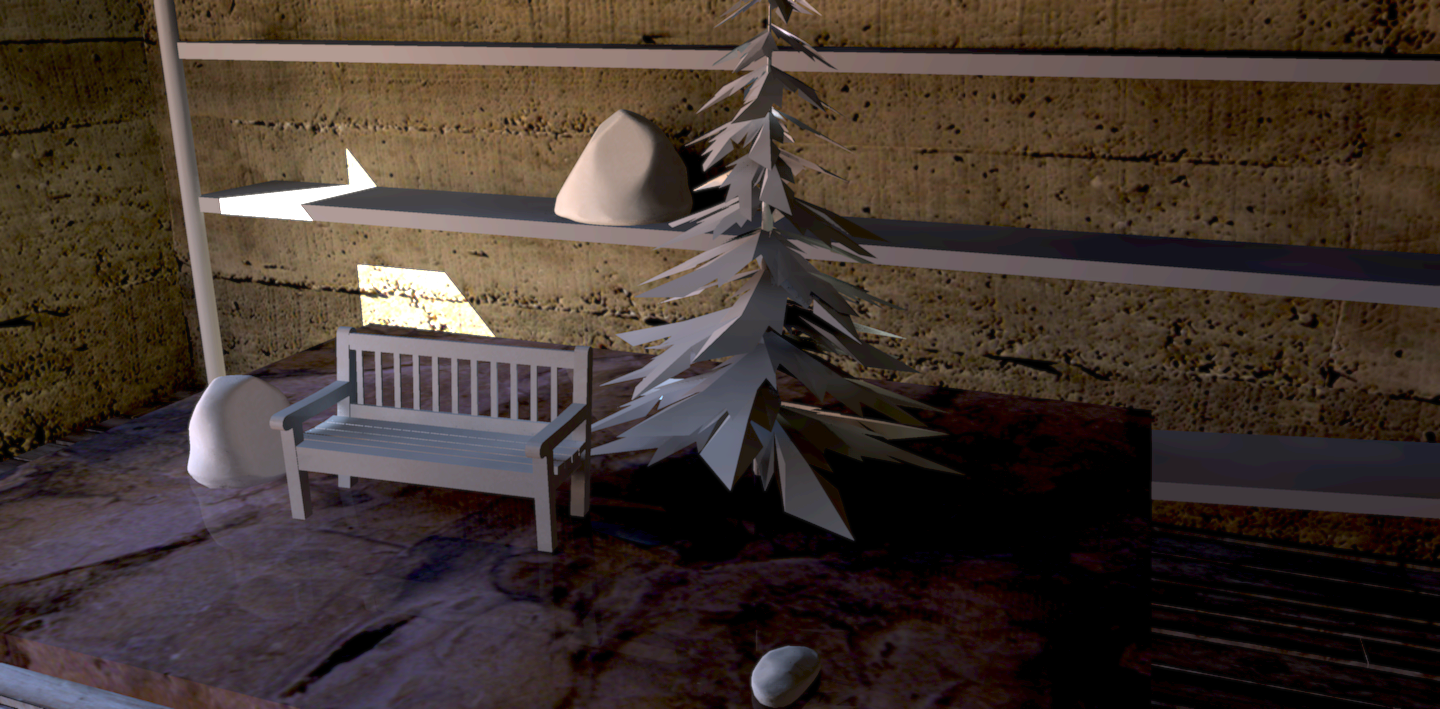
      'Clay' renders. Well, sorta. Going for a more realistic look than usually.
      clay setup finnished 6.png
      clay setup finnished 5.png

      posted in Gallery
      B
      BTM
    • RE: [req] Control over sketchy replay frame rate

      @remus said:

      Sorry, from the animations id done already sr=sp*10 worked so i assumed (classic mistake) after reading your post that it was always like that.

      Its making more sense now, though. Thanks for the explanation 👍

      Actually, the amount of frames in sr and sp are the same. The fps will vary though. For sr, it will be faster, because your computer has to think more during the sp animation. For more complex models, the sp animation fps will be even slower.

      posted in SketchyPhysics
      B
      BTM
    • RE: [req] Control over sketchy replay frame rate

      @remus said:

      So sketchy replay frame rate = 10*SP frame rate? seems simple enough.

      no, that was an example. 😕

      I don't think there is any specific frame rate. SR frame rate = the frame rate the SP animation was recorded at.

      Normally, SP frame rate is at 3. if it's at 6, everything will happen in half as many frames. If it's at 12, it will happen in 1/4 the frames it would if it was at 3. So, if your animation was 300 frames long with the SP framerate at 3, and you want it to be 150 frames long, then change it to 6. if you want it to be 100 frames long, change it to 9. NOTE: you'd have to re-record the animation with the new frame rate.

      Also: the SP frame rate changes the speed at which the animation runs. It plays back the same fps whether it be at 3 or 6. The difference is that, since the speed is faster, with the same frame rate, it runs with less frames.

      EXAMPLE:

      If a sphere is dropped on the ground with frame rate set to 3, and hits the ground in 1 second, and after x amount of frames, then if the frame rate was 6, it would hit the ground it 0.5 seconds, and after 1/2 the frames. The fps would stay the same. That's why, if you want 1/2 the frames, with the same amount of time, you'd have to change the fps in the renderer.

      posted in SketchyPhysics
      B
      BTM
    • RE: [req] Control over sketchy replay frame rate

      Raise the frame rate in sketchyphysics > physics settings, before recording.

      It's normally at 3. If its at 30, the playback will be 10 times faster, with the same fps, so just as much movement happens in 1/10 the number of frames, and in 1/10 of the time.

      If there's then some way to slow down the frames per second in the renderer (as I assume that's what you want to change the frame rate for), you could theoretically get it to work.

      so:
      if you change the frame rate from 3 to 6 in SP, and then slow down the fps to 1/2 what it was in SP in the renderer (if possible), you would have half as many frames as normally.

      posted in SketchyPhysics
      B
      BTM
    • RE: What's your beginners tip?

      • If you ever want to select an object enclosed in faces, instead of zooming into it, delete an enclosing face, select the object, then undo. The object will stay selected.

      • If you ever wish you had a tool for doing something specific, such as push/pull on curved surfaces, making tapers, creating bezier curves, sculpting, flattening geometry, painting materials randomly on faces, rounding corners, or something else, you might find what you're looking for in the plugins forum.

      • Look for free textures on the internet. The ones that come with sketchup aren't usually that good.

      • Figure out the keyboard shortcuts for all the tools. If you don't know one, just guess. ( L = line, R = rectangle, C = circle, O = orbit, etc.)

      posted in Newbie Forum
      B
      BTM
    • RE: SP animations

      nice!
      Too bad I don't have Indigo 😆
      This was a short (somewhat violent) animation in sketchup I made a while ago, smoke would be too slow for rendering though (but could be deleted. still, 176 frames, with several objects.).
      hit play on SketchyReplay.

      posted in Gallery
      B
      BTM
    • RE: [Plugin] Sculpt Tools v 1.0...

      ok, I'm starting work on sculpt tools again; a new tool I'm probably going to add in the next release is flatten. I've got it working, but It's not finished yet.

      It flattens nearby points to the plane they best fit. If you hold shift, it will keep the previous plane, so you can create a flat surface. It has a setting which allows it to not affect points on the other side of the plane, so you can sculpt somewhat hard surfaces in the model, like in this image.
      ( though, with sketchup, it's admittedly not very useful)
      an 'icosphere', with flatten used in different places.

      I'll see if I can get an inflate/ deflate tool in the next release alswell.

      posted in Plugins
      B
      BTM
    • RE: Astonished Zbrush videos

      The planar/ flatten sculpting feature looks cool. hmm... 😎

      posted in Corner Bar
      B
      BTM
    • RE: SketchUp RUBY API Wishlist [way of coding wishes, please]

      • to have the 5th (optional) argument for write_image as 'Transparent Background' if the file type is .png

      posted in Developers' Forum
      B
      BTM
    • RE: Sine Wave Around a Cylinder?

      ... it's not a real sine function, just showing the groups in groups of what to do. take 1.25 cycles, use shape bender with the line just as long as them, on a half circle, then use this 1.25 cycles 4 times to get 5 cycles, in 2 turns.

      posted in SketchUp Discussions
      B
      BTM
    • RE: Sine Wave Around a Cylinder?

      ...or use shapebender.
      sine.skp

      posted in SketchUp Discussions
      B
      BTM
    • RE: How to use sketch up to design 3d game?

      Well, there are a lot of different ways to do that. If you want to work with free software, you might want to start by downloading Blender, learning to use it, and then learning to script in python.

      SketchUp, though very useful, is not the best thing for making games. You need a program like Blender to be able to create skeletons for characters, and texture things properly. I personally don't use blender much, so I'm not that knowledgeable on it's features, but I DO know that it has a game engine to allow you to make 3D games, though it would require you learn python scripting.

      You can export SketchUp models into blender, but I've never tried it with textures, and the scale will be way off. If you don't have SU pro, just export your model as a Google Earth file, compress it, decompress it, then import the .dae file with blender.

      note: Blender is very intimidating, especially when you first use it. The interface isn't as easy to use as SketchUp's, so you'll probably have to use tutorials first.

      posted in Newbie Forum
      B
      BTM
    • RE: [Plugin] Sculpt Tools v 1.0...

      @mitcorb said:

      I would like to repeat an earlier post:
      [Question-- Is the "lagline" setting in the dialog a selection of a visual cue? If it is, I have not seen it.] Meaning I could not get it to work.
      mitcorb

      It's not a visual cue. It's a feature to allow sculpting even if there's a lot of lag; when you sculpt, it will affect not only the vertices around the cursor, but also around the line between the cursor and the last cursor position:
      You can draw fast with lagline on.

      posted in Plugins
      B
      BTM
    • RE: [Plugin] Sculpt Tools v 1.0...

      @majid said:

      @unknownuser said:

      does anyone know how to make the "planar lock work"?
      Thanks

      David

      me 2 😄

      It should work by clicking 3 times to make the face which defines the plane (an infinite face), and then when you use a sculpt tool, any vertices on that plane are 'locked' to it, and cannot move from it.

      posted in Plugins
      B
      BTM
    • RE: [Plugin] Sculpt Tools v 1.0...

      @mrwip said:

      Thanks BTM, that's seems very promissing !

      But, I'm a bit sad, because I get the same problem than Kwistenbiebel. The beta version whas working really fine on my sketchup 6.4 Pro, but now, with the latest one, nothing happened.

      I can see the icons, adjust the settings, but when it comes to use a tool, I can't see the blue radius, and my clics does not creates any movements on my triangulated shape...

      I've check the Ruby console, and It give me this :
      C:/Program Files/Google/Google SketchUp 6/Plugins/btm_Sculpt_Tools/btm_Sculpt2_Bulge.rb:86
      Error: #<NoMethodError: undefined method `pick' for nil:NilClass>

      ... I guess that the !NilClass! is not something good... do anyone have any idea what's wrong there ?

      I think it involves the first @model.start_operation line of the scripts; in SU6, the second param is different from SU7.

      Try This: when it says @model.start_operation "Sculpt Bulge", false, true
      set it to: @model.start_operation "Sculpt Bulge", true
      if that doesn't work, then get rid of the , true part altogether.
      http://code.google.com/apis/sketchup/docs/ourdoc/model.html#start_operation

      posted in Plugins
      B
      BTM
    • RE: [Plugin] Sculpt Tools v 1.0...

      @kwistenbiebel said:

      Thank you BTM 👍

      I can't get it to work properly though...
      After triangulating a cube 4 times (SDS) and selecting the geometry, the tools remain unresponsive. I tried to adjust the radius but that didn't solve it.
      Any chance of giving us a little walkthrough on how to use it?

      Cheers,

      Kwistenbiebel

      Most tools should work by left-clicking, hold, and dragging across the surface. As to a walkthrough, I'll have no time in the near future 😳 . Also, by unresponsive, do you mean waiting-time, or no effect at all? Do you see the radius circle (blue)? Also, open up the ruby console, to see if there are any errors.

      posted in Plugins
      B
      BTM
    • [Plugin] Sculpt Tools v 1.0...

      Please get the latest version from the PluginStore http://sketchucation.com/pluginstore?pln=btm_Sculpt_Tools_Files
      It should now be = >= v2014 compatible too...

      These are v 1.0 of sculpt tools, including:
      •bulge and push (shift to reverse both)
      •smooth
      •smudge
      •grab (works like a soft move at 100%)
      •…and a planar lock feature.
      (Tool settings accessible in the dialog tool.)
      … Although I was planning on adding an inflate feature, it was too unreliable to post yet. It may be included in a later release though, eventually.

      Features include different 'brush styles', gravity effect, planar lock, and more.

      http://forums.sketchucation.com/download/file.php?id=30348&t=1

      NOTES:
      •I will be unable to update the plugin for some time, so if a bug is found, or someone feels to fix anything, an 'unofficial version' section of this post may be added by a moderator, if a 'better' version is submitted by another ruby coder.

      •…Also, planar locks can't be moved, as they will function as though they weren't. The DO however stop working when their group is deleted. I unfortunately couldn't use the set_attribute function as I had hoped, but it should do for now.

      posted in Plugins
      B
      BTM
    • 1
    • 2
    • 3
    • 4
    • 5
    • 33
    • 34
    • 2 / 34