@pbacot said:
What did you use? Merge vertices?
Yes
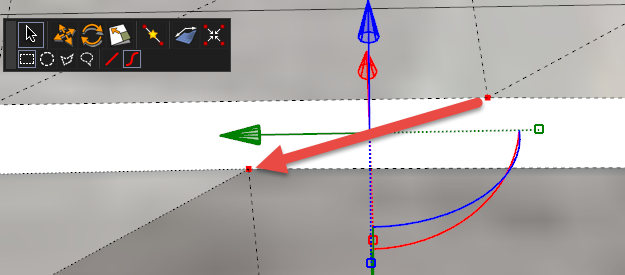
There used to be a special selection cursor to quickly select specific points, but I can no longer remember how to activate it. I used that quite often also.
 Offline
@pbacot said:
What did you use? Merge vertices?
Yes
There used to be a special selection cursor to quickly select specific points, but I can no longer remember how to activate it. I used that quite often also.
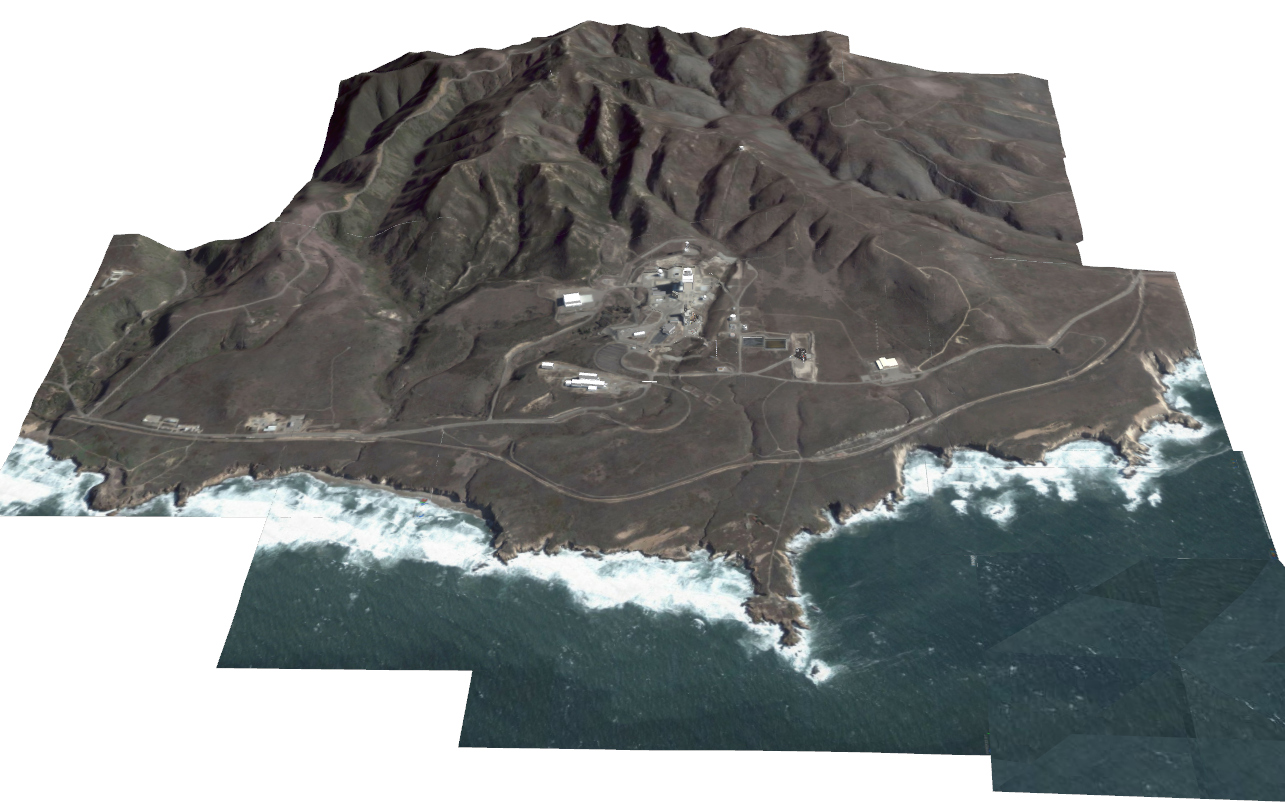
In the past I had to construct a 3-mile by 3-mile mountainous section of the central California coast by "stitching" together sections of 3D Google Earth. I had to use small sections in order to preserve the resolution. Since it was impossible to get exactly the same height above each section, the edges of the sections did not match. I made extensive use of Vertex Tools to "stitch" the sections together.
In addition, when I started modifying the terrain to add the various facilities and roads, I again used Vertex Tools to add and match unique new sections of terrain.
The project took many weeks to finish, but would have been impossible without Vertex Tools.
This is the whole scene made from about 20 separate sections stitched together with Vertex Tools
An example of what was done with Vertex Tools
@rich o brien said:
we hope to open doors to beta testing in May.
May! MAY!!! Looks good enough now!
Forgive me, my eager anticipation got the best of me. I'll try to keep it under control 
@solo said:
http (remove the 's')
When I copy the URL from the embedded videos you fixed for me I get
What does the string look like that you put in to make it work?
Thank you, by the way 
https://youtu.be/ctkvSMAuCrI
https://youtu.be/xQOgv2OedJM
Question
How do you imbed a YouTube video?
I tried:
But neither worked.
@cmeed said:
So this unwrapping is one step further to texturing a model or asset that fredo paint for example, can do?
Fredo's extension is a great tool, but the Substance programs (Designer, Painter and BTM) along with SubstanceTheaConverter gives you much more power to add things like worn edges and other "realistic defects".
However, to do that you need an unwrapped version of your model. That's why Wrap-R is so critically important.
I hope to use it to unwrap models to use in Substance Painter.
In case you need to download it again:
@tig said:
Over the last several months there has been considerable confusion about 'House-Builder' versions metric/imperial...
Here are the [current] definitive links...
Metric:
http://sketchucation.com/forums/viewtopic.php?p=519210#p519210
Imperial:
http://sketchucation.com/forums/viewtopic.php?p=556663#p556663
And it works
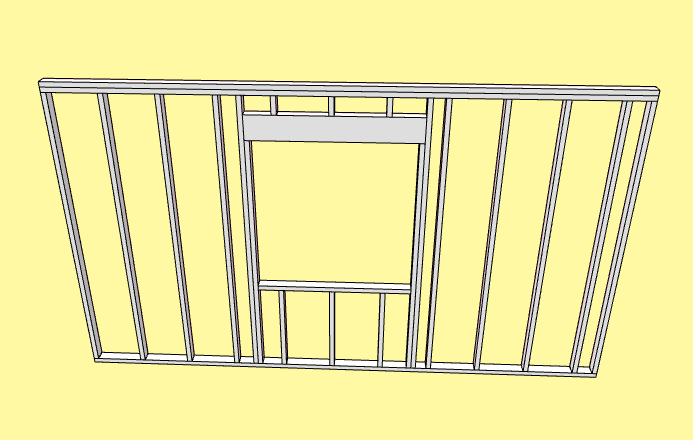
My apologies, denali.  Since I use face-to-frame for my house building, I jumped in before I thought about it. Sorry.
sdmitch, I am using the version Updated: 2013-04-29 14:45:00 downloaded from SketchUcation. I'll get the latest from your blog.
Amazing that it is now FREE! Really powerful: especially with its direct PhotoShop interface.
Thanks for the heads-up 
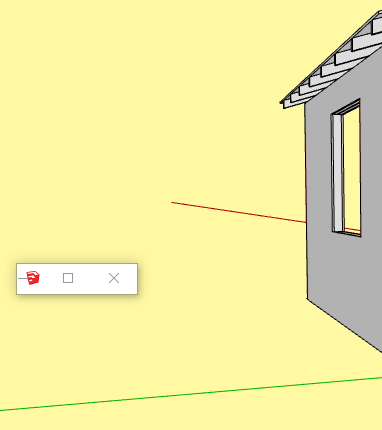
Works fine for me in SU16 except for:
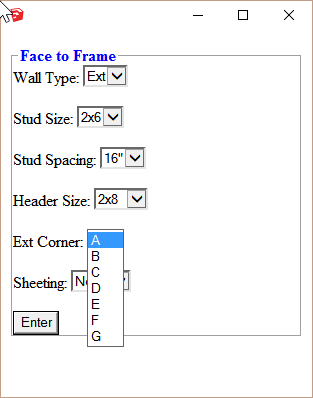
@unknownuser said:
Substance Painter interface...? Cool, I never heard of that. Any links or idea where I can find info on that? Thanks in advance if you do.
I apologize for misleading you: Because of my normal workflow, I think of SU, Solid Iris Technologies' Thea Render and Allegorithmic's Substance Painter as being one entity.
"Substance Painter interface" is really referring to Substance-to-Thea converter which allows easy use of Substance materials on an SU model when rendering in Thea.
@jason_maranto said:
no reason to "throw good money after bad" into this sinkhole of a software.
I respect your right to have an opinion, but I really disagree with this one. The recent and soon to be released extensions (Skatter, subD (combined with Quadface Tools and Vertex Tools), Wrap-R, Viz, Substance Painter interface, Thea interface...) provide the opportunity for powerful individual user tailoring of tools without the main program becoming an expensive monster with a major portion that is never used. From this point of view SU is itself a dynamically growing package and definitely not a sinkhole 
@jason_maranto said:
Combined with the easy availability of much better and much more dynamically growing packages
Such as...?
@macker said:
See, I'm not going mad. This behavior happens.
Just in case you are going mad, I join you.
Nevertheless, no amount of "you must be doing..." or "it can't happen" is going to change the fact that Yes it does happen.
Thanks, Box, I imagine much of your best work is done at your work place despite the distractions.
OFF TOPIC
@box said:
I often use an onscreen keyboard for this as I'm regularly drawing with a stylus on a tablet resting in the crook of my arm.
Thank you for the link to the onscreen keyboard. I have a Wacom Intuos Pro Medium tablet that, in the past, I've tried (unsuccessfully) to use with SU.
It seems like having the onscreen keyboard might help.
Do you have any tips on how to use the tablet with SU? Do you use it all the time or just for special tasks?
@tig said:
Sorry @Bob I can't access that forum.
Can you précis it ?Did it work ?
My post from Thea forum:
Today I bought FluidImporter Pro and used it on a model from TurboSquid. As TIG suggested, once I put all of the files in one folder (obj, mtl and tif), FluidImporter did a very fast job of importing the model into SU. I'm in the process of rendering each variation of the model in Presto AO. Then I'll convert them to Thea models and make SU proxies to use with Skatter.
The TurboSquid model also came in fbx so I gave that a try: MUCH faster import with FluidImporter Pro.
However, I've not been able to successfully import XFrog files in obj: just doesn't work. A real frustration since I have so many XFrog plant and tree models.
Of course the best of all worlds, IMO, would be an easy, efficient way to import fbx models directly into Thea and make proxies for SU. I don't think XFrog provides fbx (I may be wrong) but they're not the only makers of good plants and trees.
Richard your original is Great! Did you make composite color/grey in PhotoShop?
