sketchucation logo sketchucation
    • 登入
    Oops, your profile's looking a bit empty! To help us tailor your experience, please fill in key details like your SketchUp version, skill level, operating system, and more. Update and save your info on your profile page today!
    ⚠️ Important | Libfredo 15.6b introduces important bugfixes for Fredo's Extensions Update

    SCFLicense: Extension Licensing on Sketchucation

    已排程 已置頂 已鎖定 已移動 Plugins
    2.2k 貼文 480 Posters 833.8k 瀏覽 485 Watching
    正在載入更多貼文
    • 從舊到新
    • 從新到舊
    • 最多點贊
    回覆
    • 在新貼文中回覆
    登入後回覆
    此主題已被刪除。只有擁有主題管理權限的使用者可以查看。
    • Dave RD 離線
      Dave R @rendyinterior
      最後由 編輯

      @rendyinterior said in SCFLicense: Extension Licensing on Sketchucation:

      I'm installing my sketchup 2022 in drive D:. can that cause the error?

      That could cause other errors with running SketchUp.

      Etaoin Shrdlu

      %

      (THERE'S NO PLACE LIKE)

      G28 X0.0 Y0.0 Z0.0

      M30

      %

      1 條回覆 最後回覆 回覆 引用 0
      • R 離線
        rendyinterior Newcomers @Rich O Brien
        最後由 編輯

        @Rich-O-Brien

        I browse through the shop. the duration show unlimited is it means the licenses don't expire? if I get bundle of 8, I will be receiving 8 licenses and can use it on 3 devices?

        Rich O BrienR 1 條回覆 最後回覆 回覆 引用 0
        • Rich O BrienR 離線
          Rich O Brien Moderator @rendyinterior
          最後由 編輯

          @rendyinterior

          duration show unlimited is it means the licenses don't expire?

          Yes

          if I get bundle of 8, I will be receiving 8 licenses and can use it on 3 devices?

          Yes

          Download the free D'oh Book for SketchUp 📖

          1 條回覆 最後回覆 回覆 引用 0
          • L 離線
            LukasP
            最後由 編輯

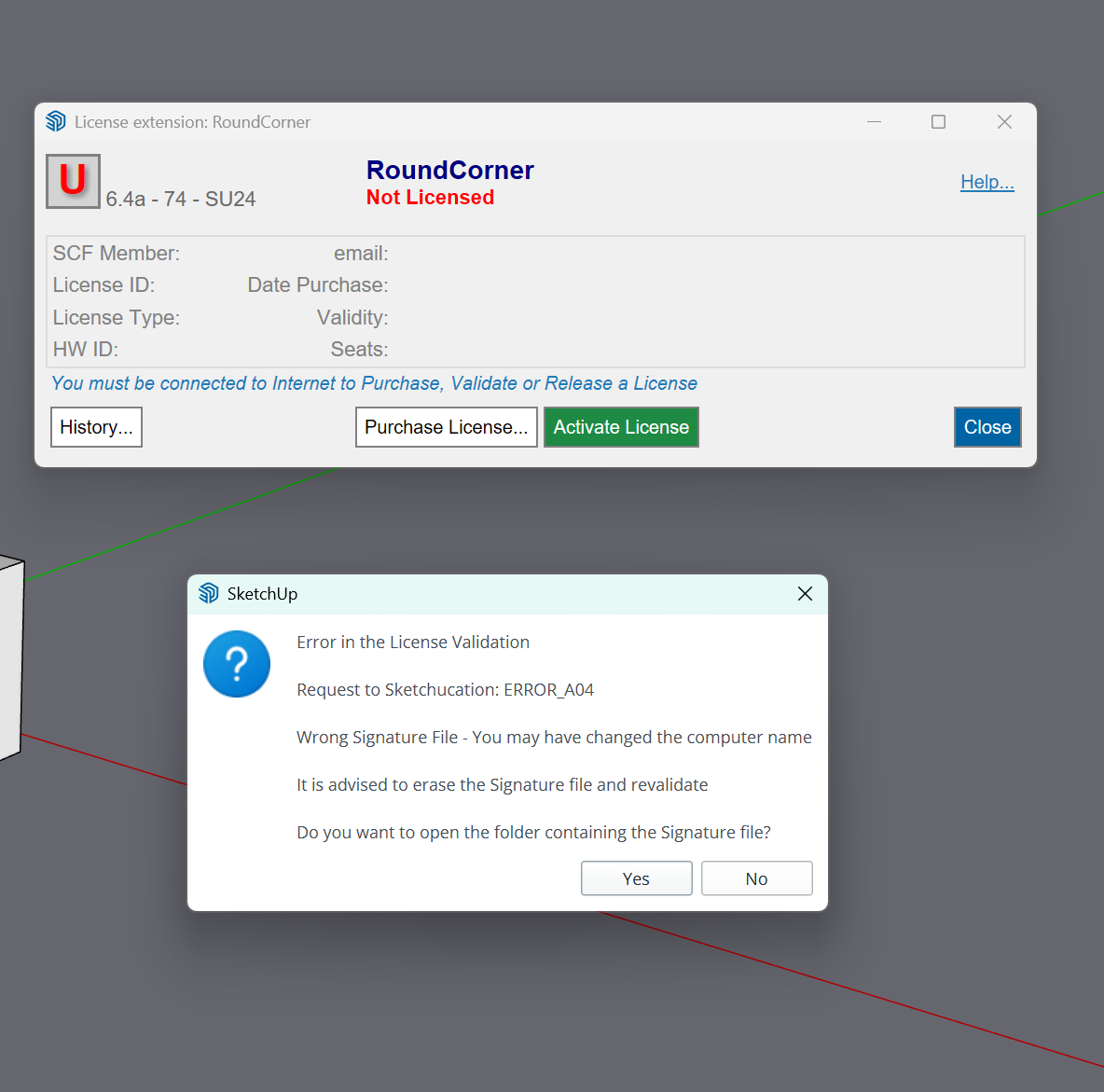
            Hello, I would like to ask for advice on how to activate the license for the purchased RoundCorner Perpetual License plugin. Unfortunately, I had to reinstall Windows, and when I tried to activate the purchased plugin again, I received the following error message (see screenshot).
            Thank you very much for your help.
            Snímek obrazovky 2025-08-14 215816.png

            1 條回覆 最後回覆 回覆 引用 0
            • L 離線
              LukasP
              最後由 編輯

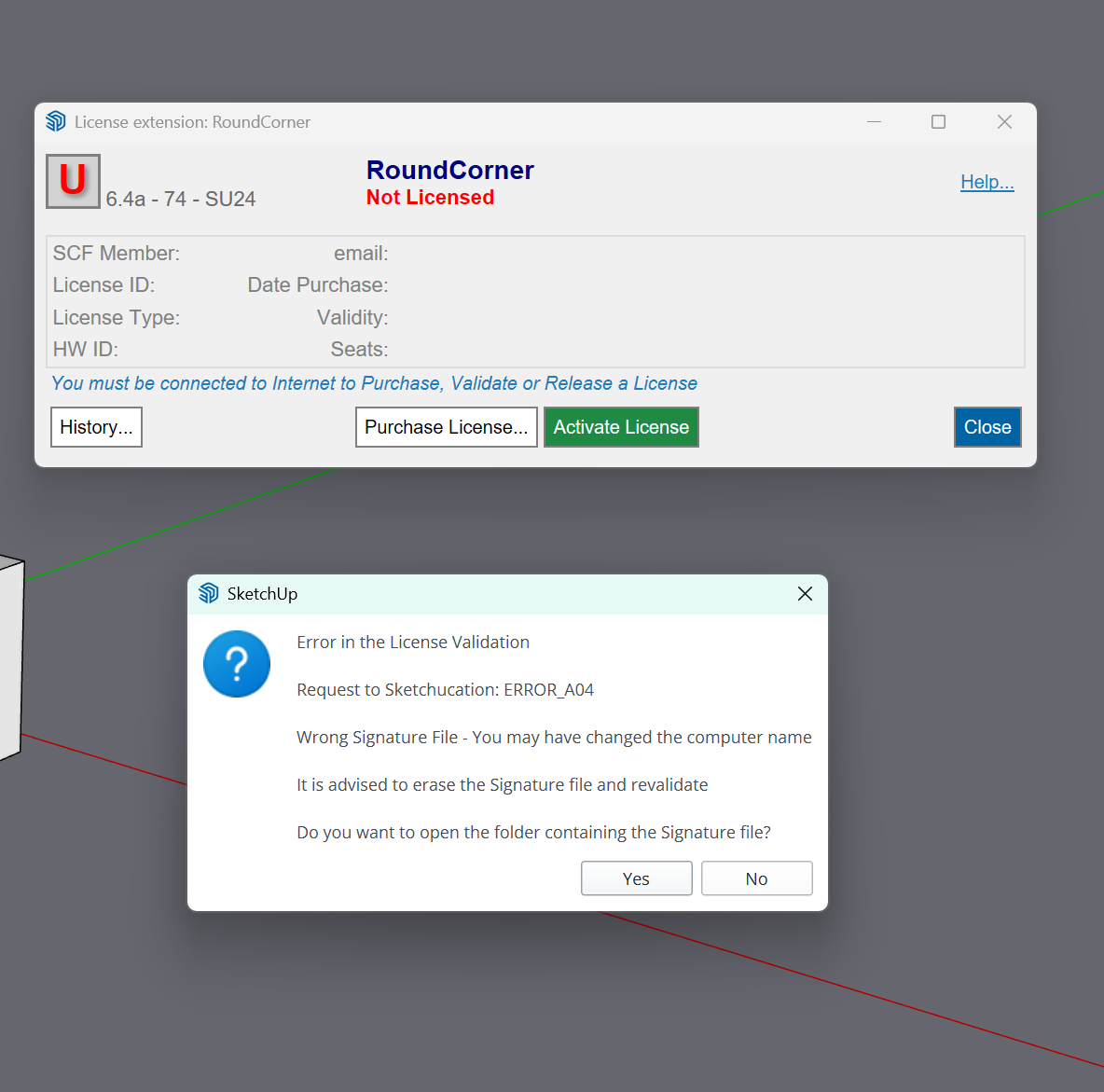
              Hello, I would like to ask for advice on how to activate the license for the purchased RoundCorner Perpetual License plugin. Unfortunately, I had to reinstall Windows, and when I tried to activate the purchased plugin again, I received the following error message (see screenshot).
              Thank you very much for your help.
              Snímek obrazovky 2025-08-14 215816.png

              1 條回覆 最後回覆 回覆 引用 1
              • Rich O BrienR 離線
                Rich O Brien Moderator
                最後由 編輯

                Does your device name use non-alphanumeric characters like é áó ú ?

                If so rename your device using only alphanumeric characters.

                Go to C:\Users\SomeName\AppData\Local\SCF Licenses and delete the signature file

                Open SketchUp and activate license.

                Download the free D'oh Book for SketchUp 📖

                L 1 條回覆 最後回覆 回覆 引用 0
                • L 離線
                  LukasP @Rich O Brien
                  最後由 編輯

                  @Rich-O-Brien

                  Thank you very much for your quick reply. The advice was helpful. Thank you very much and have a nice day

                  1 條回覆 最後回覆 回覆 引用 0
                  • J 離線
                    jameskorten @fredo6
                    最後由 編輯

                    @fredo6 I have a license for the following Lib Fredo plug-ins: RoundCorner, JointPushPull, Curviloft, FredoScale, TopoShaper, Curvizard, VisuHole & ToolsOnSurface, however having recently got a new machine, it won't allow me to validate RoundCorner in SketchUp 2025 on my new machine. I get a message saying Error in the License Validation Response from SketchUcation: License seats exceeded. I have deactivated the plug-ins on my old machine and deleted some of the older versions of SketchUp on my home machine yet I still get the same message. I have re-started bot machines but still no luck. How do I sort this issue so I can use the plug-ins on my new machine please?

                    1 條回覆 最後回覆 回覆 引用 0
                    • Rich O BrienR 離線
                      Rich O Brien Moderator
                      最後由 編輯

                      You can release seats at https://sketchucation.com/webshop/my-licences.php if your old device was using updated extensions.

                      For more info: https://downloads.sketchucation.com/licensing/SCFLicense-Instructions_to_Users.pdf

                      Download the free D'oh Book for SketchUp 📖

                      1 條回覆 最後回覆 回覆 引用 0
                      • M 離線
                        MARTIN Michel
                        最後由 編輯

                        Bonjour,
                        comment faire pour télécharger la dernière version de Extension de la boutique Sketchucation , v4.3.0 ou ultérieure. ?

                        1 條回覆 最後回覆 回覆 引用 1
                        • Rich O BrienR 離線
                          Rich O Brien Moderator
                          最後由 編輯

                          Here: https://sketchucation.com/plugin/696-sketchucationtools

                          Download the free D'oh Book for SketchUp 📖

                          1 條回覆 最後回覆 回覆 引用 0
                          • N 離線
                            Noddi17
                            最後由 編輯

                            Hello,

                            I'm experiencing an issue when trying to validate the license for the RoundCorner plugin in SketchUp.

                            Each time I try to activate the license, I receive the following error:

                            "Error in the License Validation
                            Request to Sketchucation: ERROR_A04
                            Wrong Signature File - You may have changed the computer name
                            It is advised to erase the Signature file and revalidate"

                            To resolve this, I have already tried the following:

                            • Deleted the signature file from the SCFlicensing folder
                            • Changed my computer name to English and restarted
                            • Reinstalled SketchUp
                            • Made sure my internet connection is stable

                            Despite all these attempts, I still receive the same error, and the plugin does not activate.

                            Could you please help me fix this issue?
                            Thank you in advance for your support.

                            TIGT 1 條回覆 最後回覆 回覆 引用 1
                            • Rich O BrienR 離線
                              Rich O Brien Moderator
                              最後由 編輯

                              Please run the Window > Libfredo Settings > Fredo6 Plugins Information for Sketchucation Support menu command in SketchUp and copy/paste the output into your reply.

                              Download the free D'oh Book for SketchUp 📖

                              1 條回覆 最後回覆 回覆 引用 0
                              • TIGT 離線
                                TIG Moderator @Noddi17
                                最後由 TIG 編輯

                                Please note that Fredo's 'RoundCorner' is a different extension to 'FredoCorner'.
                                They have their own licenses.
                                You cannot license one of them with a license file that is for the other one...

                                TIG

                                1 條回覆 最後回覆 回覆 引用 0
                                • A 離線
                                  Arq Lindoro @unterluggauer
                                  最後由 編輯

                                  @unterluggauer said in SCFLicense: Extension Licensing on Sketchucation:

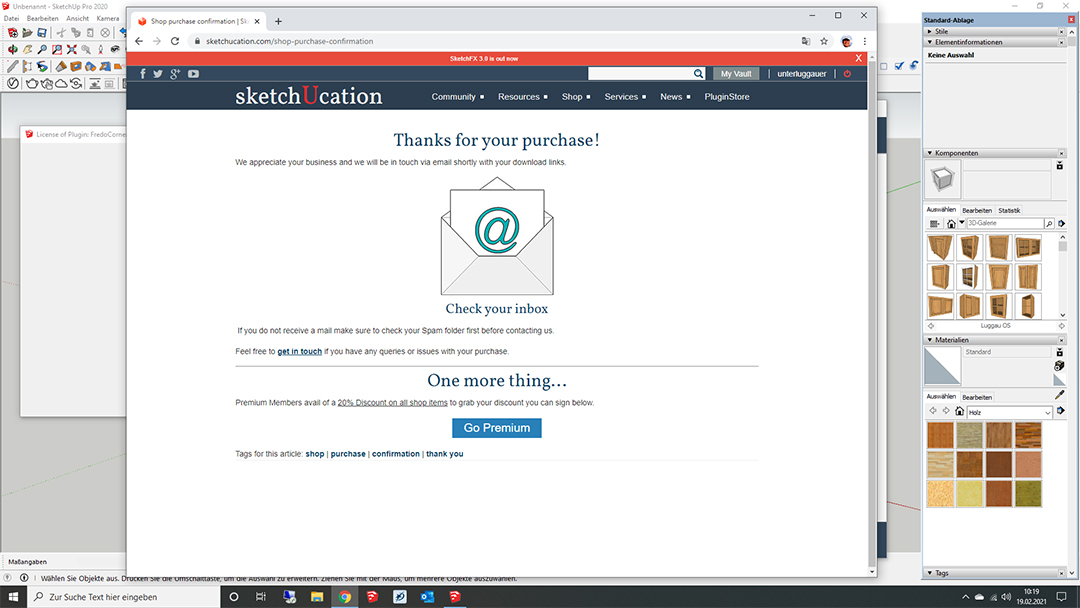
                                  Hi Fredo, I upgrade to 4.0.0. The aktiveprocedure was a little different. OK, over again, I bought a full License. I got a new scflicense. But it doesn´t work again. My computer was always connencted to internet and I´m a skechtuo pro.
                                  I pay yesterday 8,61 EUR and today 16,24 EUR without succses. Im a little bit frustrated. Usually i love your extensions 😕

                                  SketchUcation Receipt.jpg


                                  SketchUcation Error 3.jpg

                                  1 條回覆 最後回覆 回覆 引用 0
                                  • TIGT 離線
                                    TIG Moderator
                                    最後由 編輯

                                    @fredo6 might be able to comment more helpfully on that error code, but one thing springs to mind - to communicate with SketchUcation.com your firewall settings should 'whitelist' the site - otherwise the licensing falls at the first hurdle...

                                    TIG

                                    1 條回覆 最後回覆 回覆 引用 0
                                    • G 離線
                                      Gábor
                                      最後由 編輯

                                      @unterluggauer Have you recently changed your computer name? If yes, there are 2 possible solutions:

                                      1. Change it back to the previous one or
                                      2. Erase your signature file at C:\Users\username\AppData\Local\SCF Licenses\SCFLicenseSignature - DO NOT MODIFY OR DELETE.txt
                                      1 條回覆 最後回覆 回覆 引用 0
                                      • M 離線
                                        Mesak4719
                                        最後由 編輯

                                        3d6d1a6e-21cb-4744-bf29-cd63c3ba7f1b-image.png

                                        It appears error_a04

                                        1 條回覆 最後回覆 回覆 引用 0
                                        • G 離線
                                          Gábor
                                          最後由 編輯

                                          @Mesak4719 Have you recently changed your computer name? If yes, there are 2 possible solutions:

                                          Change it back to the previous one or
                                          Erase your signature file at C:\Users\username\AppData\Local\SCF Licenses\SCFLicenseSignature - DO NOT MODIFY OR DELETE.txt

                                          1 條回覆 最後回覆 回覆 引用 0
                                          • TIGT 離線
                                            TIG Moderator
                                            最後由 編輯

                                            And if you erase that file you will need to re-validate the licenses...

                                            TIG

                                            1 條回覆 最後回覆 回覆 引用 1
                                            • 1
                                            • 2
                                            • 104
                                            • 105
                                            • 106
                                            • 107
                                            • 108
                                            • 109
                                            • 106 / 109
                                            • 第一個貼文
                                              最後的貼文
                                            Buy SketchPlus
                                            Buy SUbD
                                            Buy WrapR
                                            Buy eBook
                                            Buy Modelur
                                            Buy Vertex Tools
                                            Buy SketchCuisine
                                            Buy FormFonts

                                            Advertisement