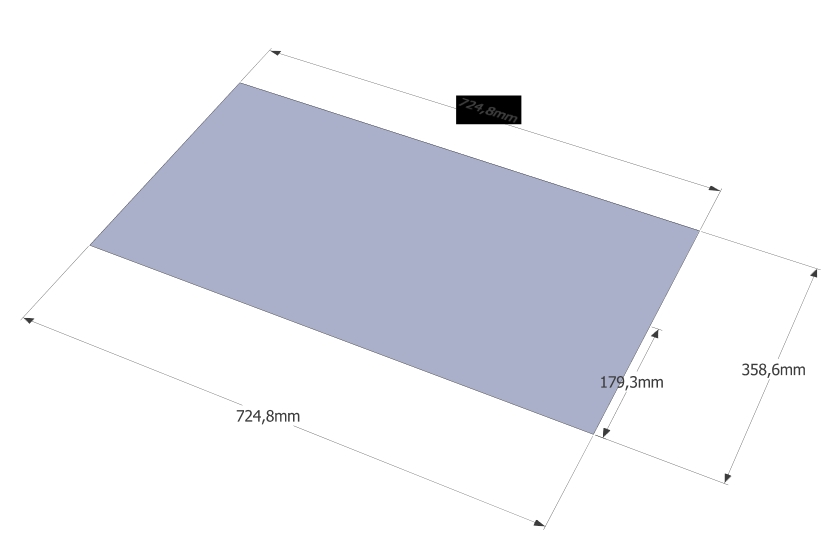
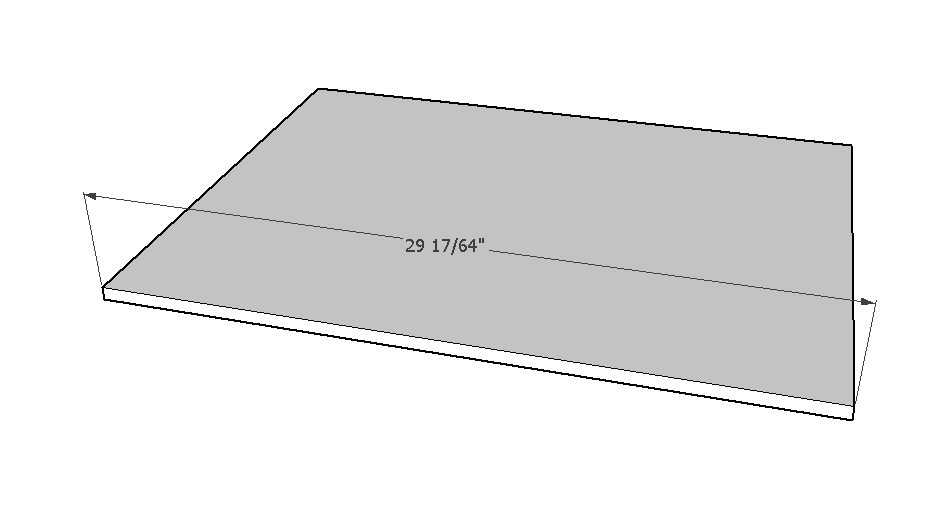
Measurment text in black area
-
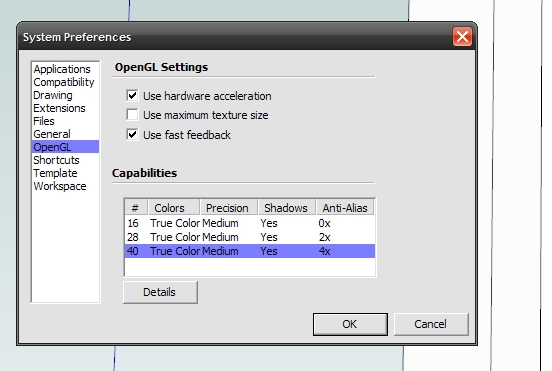
You might try changing OpenGL settings but at this point you can pretty much assume SU8 isn't going to get any changes. Does it happen for you with SU2015?
-
But it happens only when printing. It is visible only on the print.
Su2015 doesn`t work with WinXP.Robert
-
Did you try changing the OpenGL settings anyway?
-
Yes, I've tried any possible OpenGL settings, which are in System preferences window.
Robert
-
Sketchup menu > Window > Preferences > OpenGL ...
-
Of course, I changed OpenGL in SU. No effects.
Robert
-
Did you try turning off Hardware Acceleration?
-
Yes. All combinations.
Robert
-
just for testing: have you tried a different pdf-printer like bullzip? Also, the object behind the text wouldn't have opacity applied to it? If so, did you try different opacity settings in the style?
-
I can print HLR PDFs using PDF995, without any graphic glitches...
So it is probably either an issue with your PDF-maker or a Graphics Card issue ? -
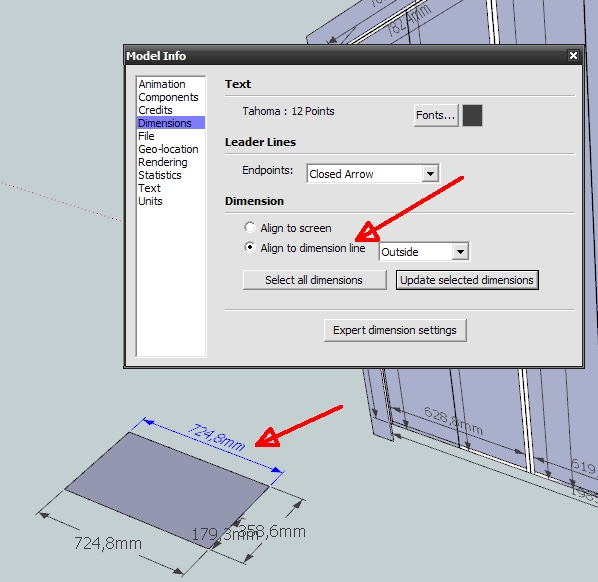
I've noticed that it only happens with measurements which are aligned to dimension line.
Robert
-
Yes !
A break through...
I too confirm that only if the dim-text is 'aligned', then the HLR PDF shows a black rectangle.
Without the HLR setting they all print OK ! -
So it is a bug? In SU2014 same.
How is it in SU2015?Robert
-
I don't see it in 2015.
-
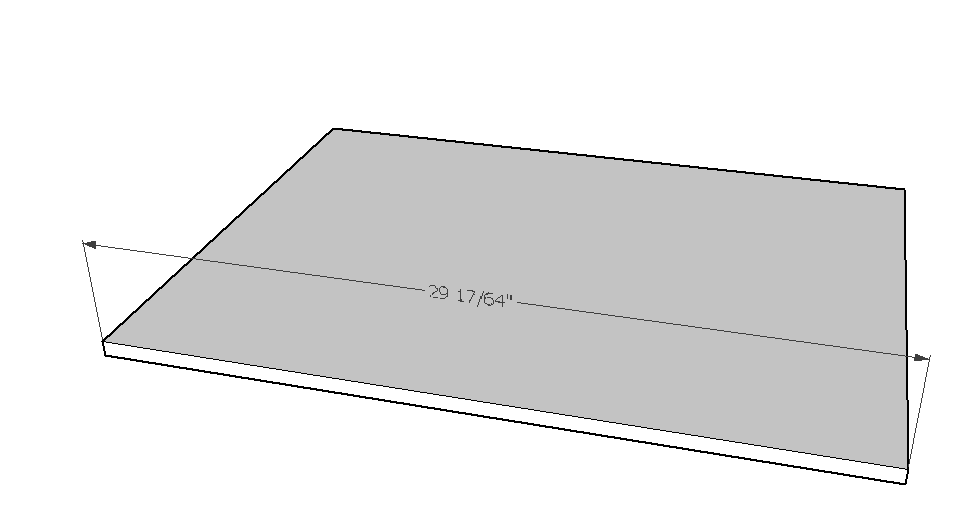
I see it in v2015.
-
I wonder why I don't have any issue on my machine with this.
-
@tig said:
I see it in v2015.
+1
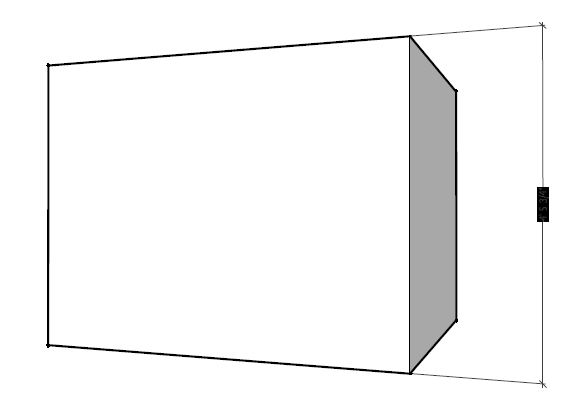
Camera set to Parallel Projection....default views (top/front/right..etc) gives expected results.
Perspective views not so much.Charlie
SUv15
MS Win7 64 Bit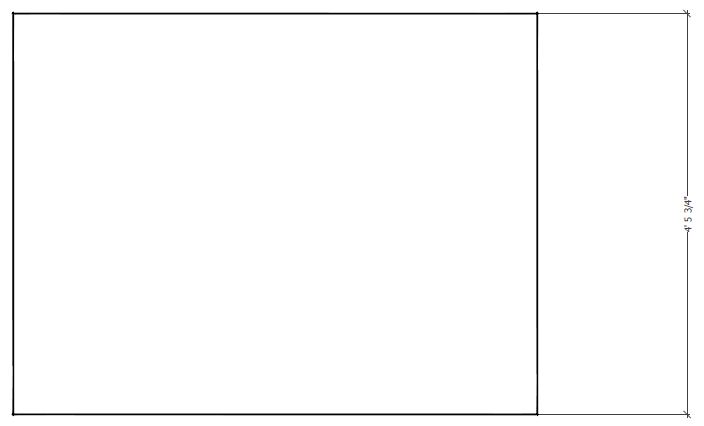
-
@dave r said:
I wonder why I don't have any issue on my machine with this.
maybe its due to different gfx cards / gfx card settings / OS versions / ...?
-
@dave r said:
I wonder why I don't have any issue on my machine with this.
Could still be Print Driver........I am using Adobe Acrobat ProXI.
Charlie
-
@unknownuser said:
@dave r said:
I wonder why I don't have any issue on my machine with this.
Could still be Print Driver........I am using Adobe Acrobat ProXI.
Charlie
So maybe the issue is more with print drivers? I don't have a printer connected to my PC and the default "printer" is set as One Note.



Hello! It looks like you're interested in this conversation, but you don't have an account yet.
Getting fed up of having to scroll through the same posts each visit? When you register for an account, you'll always come back to exactly where you were before, and choose to be notified of new replies (either via email, or push notification). You'll also be able to save bookmarks and upvote posts to show your appreciation to other community members.
With your input, this post could be even better 💗
Register Login


Advertisement